

Listen To The Podcast Now!
Understanding Your Security Needs:
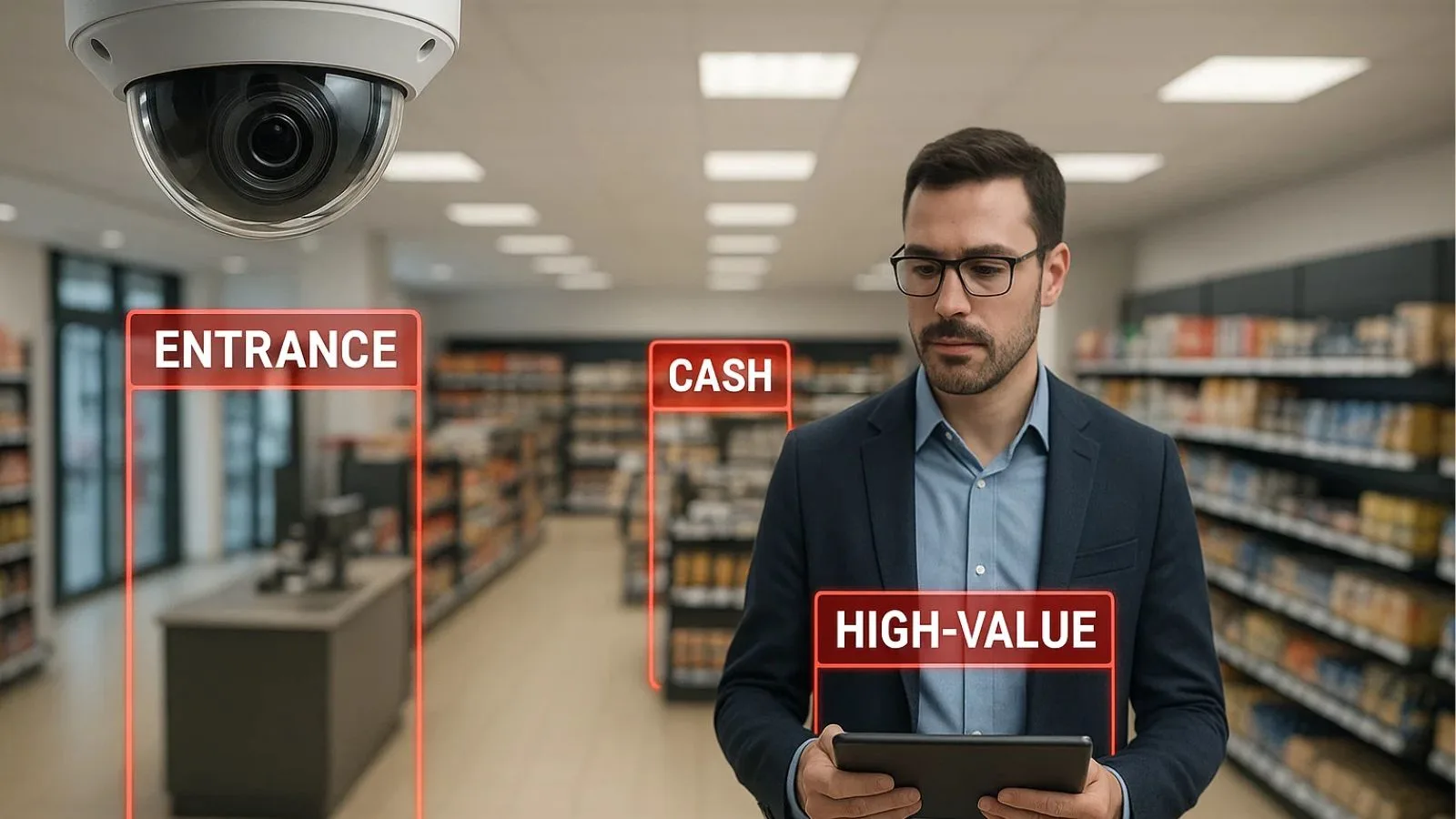
Before you start comparing cameras and systems, assess your specific security challenges. Every retail environment is different, and what works for a small boutique won’t necessarily suit a large department store.
Start by identifying your vulnerable areas. These typically include entrances and exits, cash registers, high-value merchandise displays, stockrooms, and blind spots where shoplifters might hide. Walk through your store and make note of areas where theft has occurred in the past or where you feel visibility is limited. Consider your budget realistically.
While retail store security is an investment that pays for itself through loss prevention, you need to balance comprehensive coverage with financial constraints. It’s also important to consider how the cameras will be used—whether someone will be monitoring them live or if they’ll primarily serve as a means to review incidents after they’ve already occurred.
Key Features to Look for in Security Cameras:
Not all security cameras are created equal, and understanding the core features will help you make an informed decision about your retail store security setup.
- Resolution quality sits at the top of the priority list. High-definition cameras (1080p or higher) capture clear images that can identify faces and provide useful evidence. A video surveillance system with poor image quality is essentially useless when you’re trying to identify a shoplifter or resolve a dispute.
- Night vision and low-light performance matter significantly for retail environments. Many theft incidents occur during early morning or evening hours when lighting conditions are less than ideal. Infrared or starlight cameras ensure you maintain visibility around the clock, giving you complete coverage regardless of time.
- The field of view determines how much area each camera covers. Wide-angle lenses capture more space with fewer cameras, but they may sacrifice detail. Pan-tilt-zoom (PTZ) cameras offer flexibility by allowing you to adjust the viewing angle remotely and zoom in on specific areas when needed.
- Storage capacity and recording options affect how long you can retain footage. Cloud-based storage offers convenience and off-site backup, while local storage through DVR or NVR systems gives you complete control over your data. Consider how long you need to keep recordings based on your business operations and local regulations.
Types of Cameras for Different Applications:
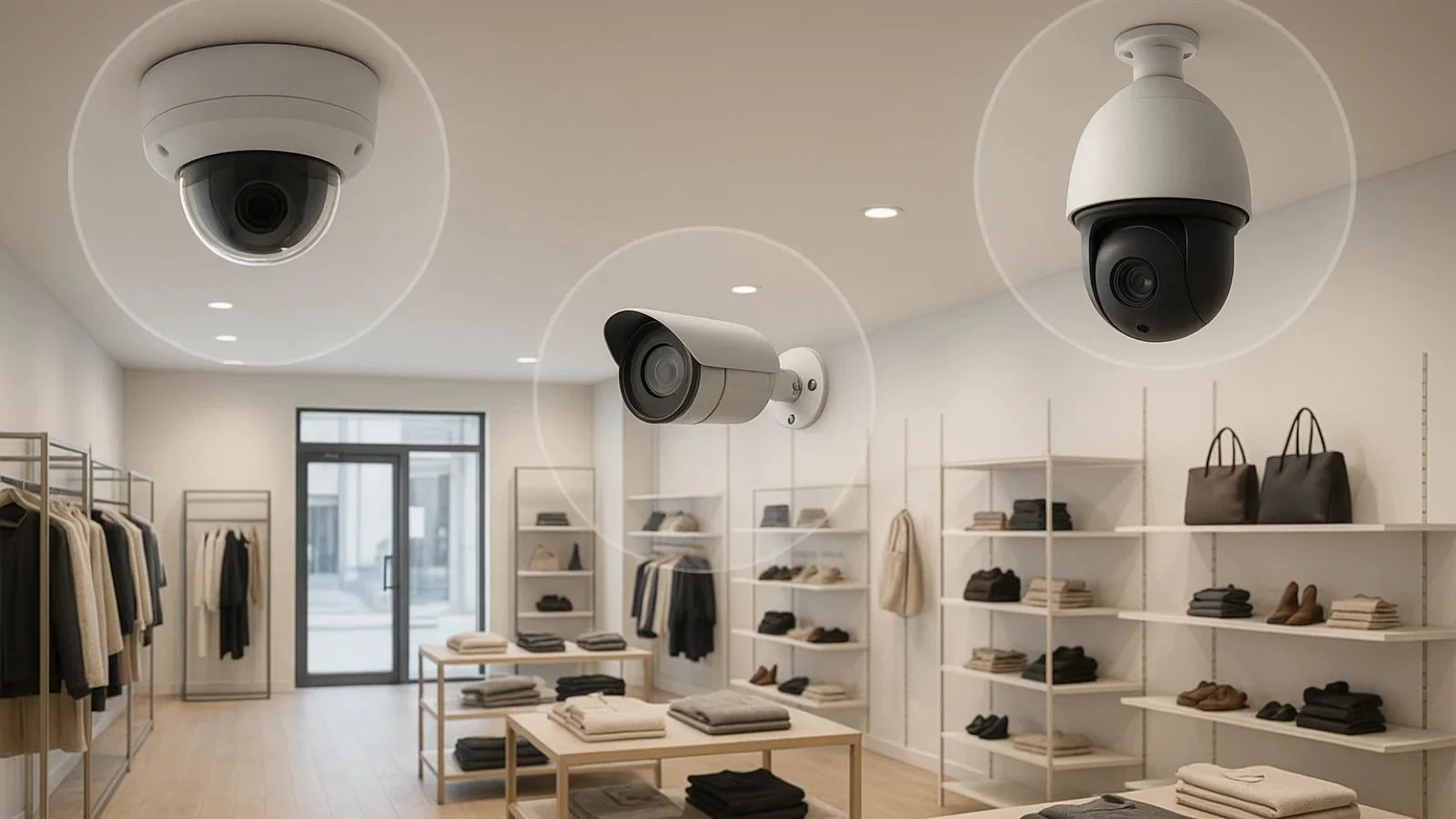
Understanding the various camera types helps you match the right technology to each location in your store and maximize your retail store security investment.
- Dome cameras are popular for indoor retail use because they’re discreet and it’s harder for potential thieves to determine which direction they’re pointing. Their vandal-resistant design makes them suitable for areas where tampering is a concern. These work exceptionally well above cash registers and in customer service areas where you need constant monitoring.
- Bullet cameras feature a more visible, cylindrical design that serves as an obvious deterrent. They’re excellent for monitoring entrances, exits, and parking lots. Their weatherproof housing makes them ideal for outdoor applications where environmental protection is crucial.
- PTZ cameras provide the most flexibility for monitoring large spaces. They can rotate 360 degrees, tilt up and down, and zoom in on suspicious activity. While more expensive, a single PTZ camera can replace multiple fixed cameras in certain applications, making them cost-effective for covering expansive sales floors.
For specialized needs, industrial surveillance cameras provide ruggedized construction and advanced features suited for warehouses, loading docks, or harsh environments where standard cameras might fail.
Integration with Your Security System:
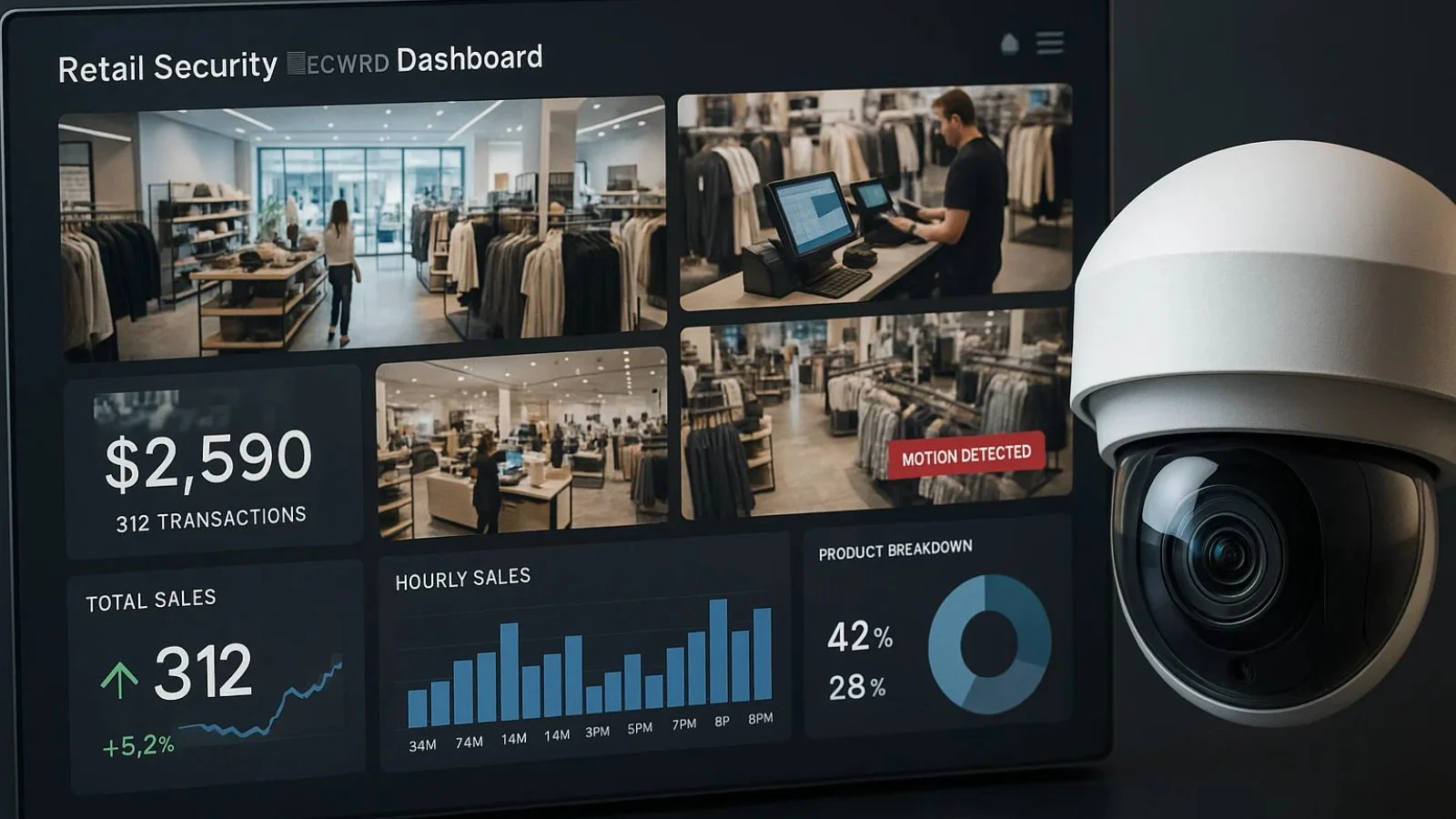
Your cameras shouldn’t operate in isolation. Integration with other security components creates a comprehensive retail store security system that’s greater than the sum of its parts.
Modern systems can connect cameras with alarm systems, access control, and point-of-sale (POS) terminals. When integrated with POS, you can match transaction data with video footage, making it easier to investigate employee theft or fraudulent returns. This integration proves invaluable for loss prevention and helps you identify patterns that might otherwise go unnoticed.
Motion detection and analytics add intelligence to your store security camera setup. Advanced systems can send alerts when someone enters restricted areas, loiters in specific zones, or when unusual activity patterns emerge. Some systems even count customers and analyse traffic flow, providing valuable business intelligence alongside security functions.
Also Read:
How VideoraIQ Elevates Your Retail Security?
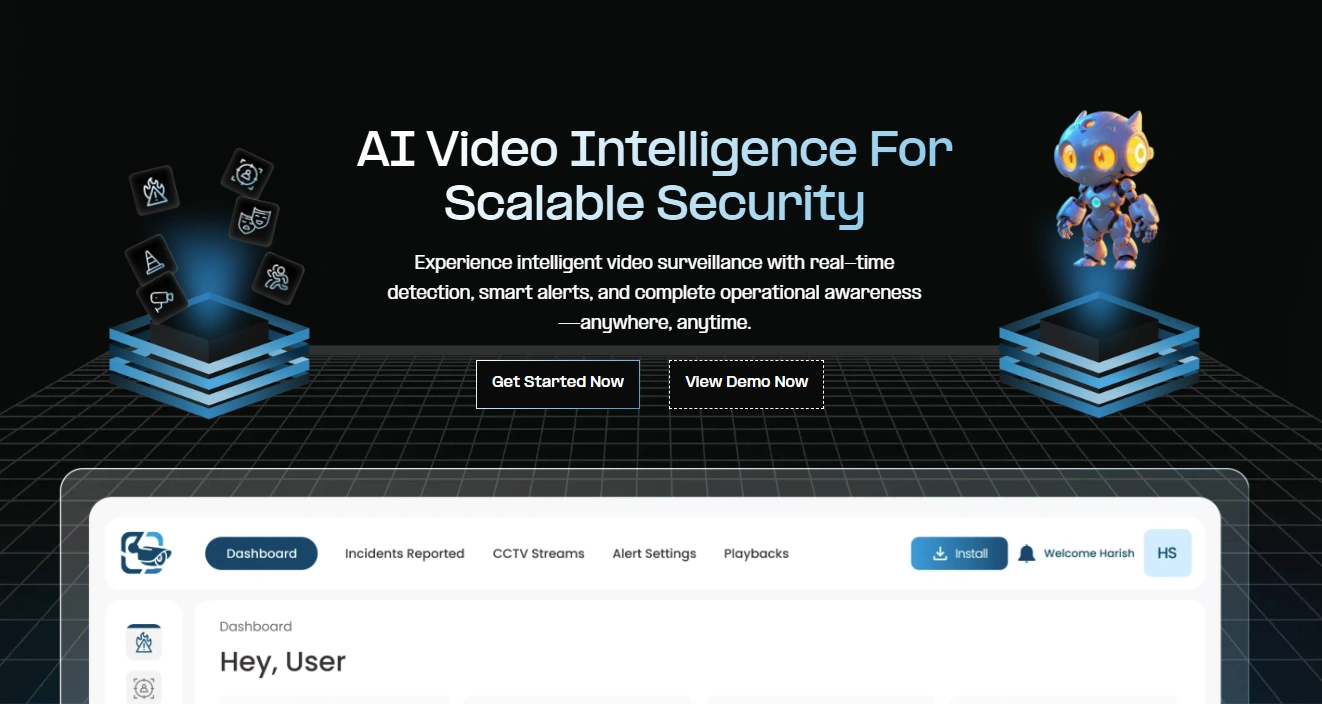
When it comes to intelligent retail security camera systems, VideoraIQ stands out by combining cutting-edge artificial intelligence with user-friendly functionality. This advanced platform transforms traditional surveillance into a proactive security and business intelligence tool that addresses modern retail store security challenges.
1. Intelligent Behaviour Detection:
VideoraIQ identifies unusual activities and rule violations—for example, it can detect when an unauthorized person enters a restricted or staff-only area.
2. Proactive Loss & Safety Prevention:
The system helps prevent incidents before they escalate, for instance, it can detect fire or smoke emissions within the premises and trigger an alert immediately.
3. Seamless CCTV Integration:
VideoraIQ integrates smoothly with your existing retail CCTV setup, allowing you to add AI-powered analytics without replacing your current cameras.
4. Cost-Effective Security Modernization:
Since there’s no need for major hardware upgrades, businesses can modernize their security approach while keeping costs under control.
5. Real-Time Alerts & Notifications:
Critical events are flagged instantly for example, you’ll receive immediate alerts for after-hours movement or a perimeter breach, enabling quick action.
6. Reduced False Alarms:
VideoraIQ filters out unnecessary alerts by understanding normal activity patterns, for example, regular customer movement near entrances or routine cleaning activities won’t trigger alarms, while genuinely unusual behaviour will be flagged for attention.
VideoraIQ turns traditional surveillance into an intelligent, responsive system that supports both security and business operations. By combining real-time awareness, meaningful alerts, and practical insights, it helps organizations stay prepared, reduce risks, and make smarter decisions—without overcomplicating their existing setup.
Installation Best Practices:
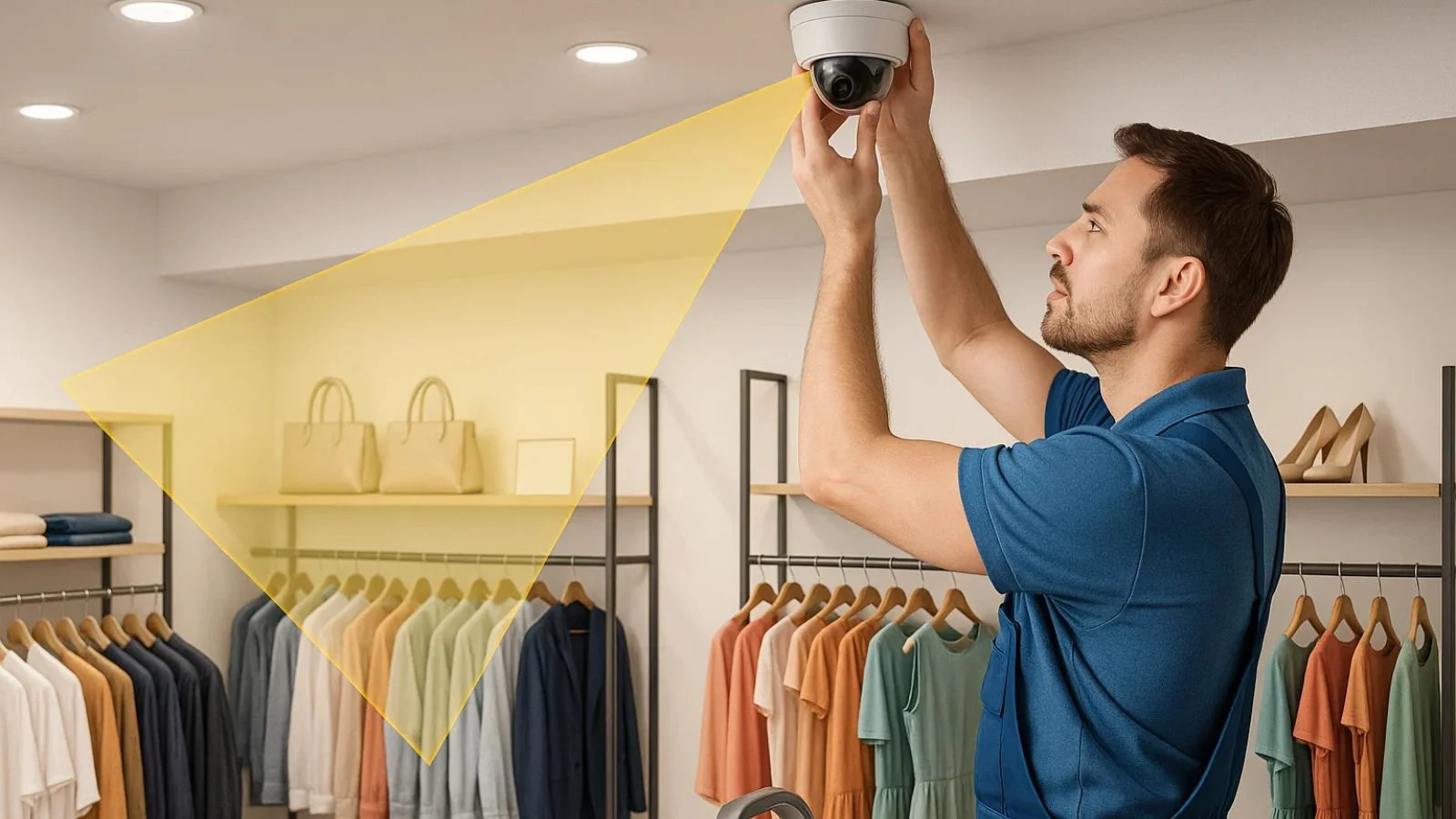
Proper installation determines whether your retail store security cameras deliver their full potential or become a wasted investment. Camera placement requires strategic thinking. Position cameras to cover all entry and exit points, with overlapping coverage that eliminates blind spots.
Mount cameras high enough to prevent tampering but low enough to capture useful facial details. Angle cameras to avoid backlighting from windows or bright lights that can wash out images.
Consider professional installation for complex systems. While DIY installation saves money initially, professionals ensure optimal camera angles, proper wiring, weatherproofing, and system configuration.
They can also navigate building codes and compliance requirements that vary by location. Lighting matters tremendously. Even the best cameras struggle in poorly lit areas. Ensure adequate lighting in critical zones, or invest in cameras with superior low-light performance.
Maintenance and Budget Considerations:
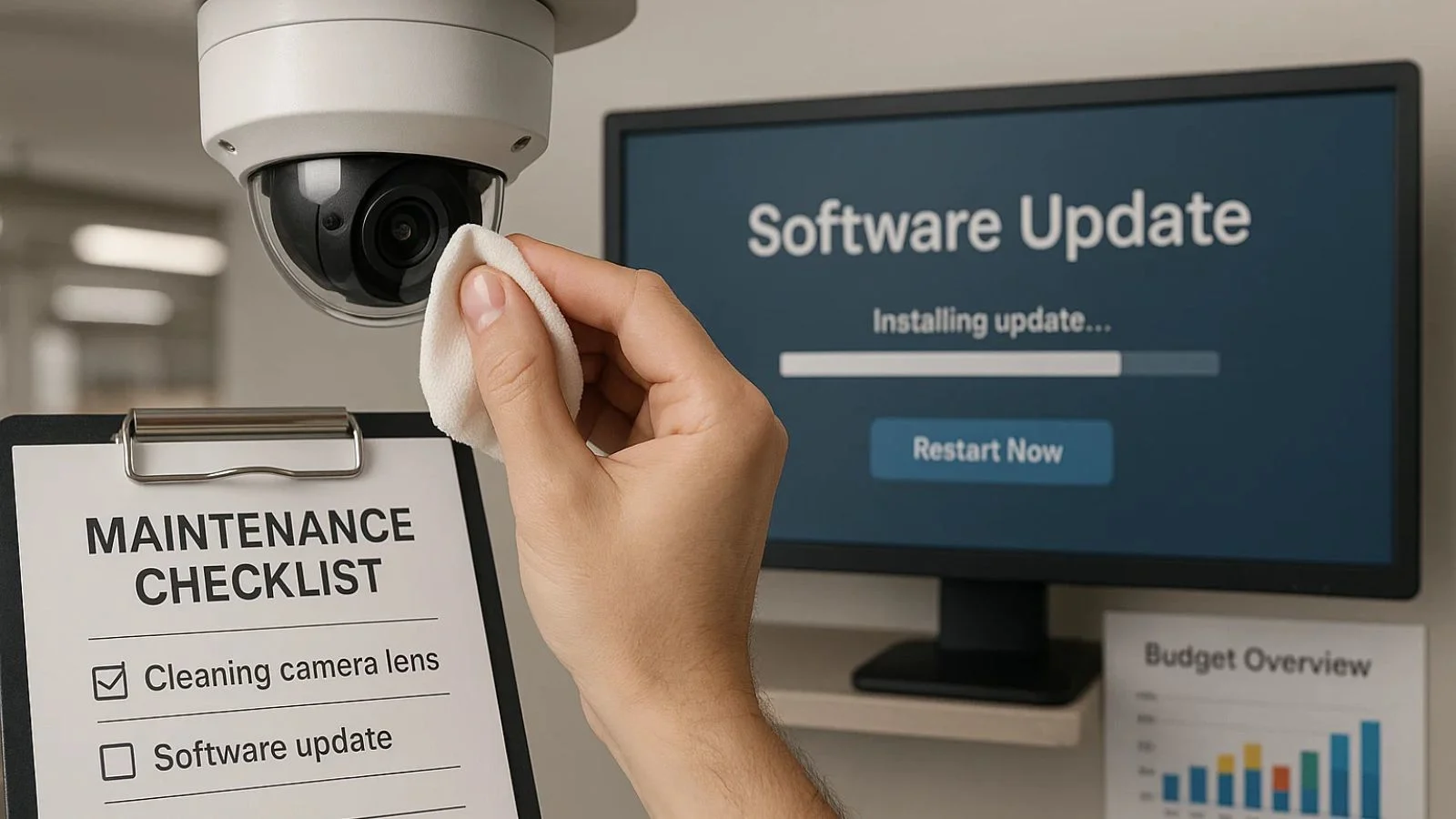
Installing cameras is just the beginning. Proper maintenance ensures your retail store security system continues performing reliably year after year.
Regular cleaning keeps lenses clear of dust, dirt, and debris that can degrade image quality. Outdoor cameras especially need periodic attention to remove spider webs, bird droppings, and environmental build-up that accumulates over time.
Software updates patch security vulnerabilities and add new features. Many breaches occur through outdated firmware, making regular updates a critical security practice. Enable automatic updates when possible, or schedule regular manual checks to ensure your system stays current.
Test your system regularly by reviewing footage quality, checking recording schedules, and verifying that motion detection and alerts function correctly. Don’t wait for an incident to discover your cameras weren’t recording properly.
Understanding the true cost of retail store security cameras helps you plan appropriately. Initial costs include cameras, recording equipment, storage, installation, and any necessary infrastructure. Basic systems for small stores might start around $1,000-$3,000, while comprehensive installations for larger retailers can reach $10,000 or more depending on coverage needs.
Conclusion:
Investing in the right retail store security cameras protects your business, employees, and customers while providing valuable operational insights. By understanding your specific needs, choosing appropriate camera types and features, and ensuring proper installation and maintenance, you create a security foundation that serves your business for years.
The key is selecting a solution that grows with your business. Modern retail store security technology offers scalability and integration options that allow you to expand coverage and add advanced features as your needs evolve.
FAQ’s:
Q1: How many cameras do I need for my retail store?
Ans: This depends on your store size and layout, but a general guideline is one camera for every 500-750 square feet of sales floor, plus dedicated cameras for entrances, exits, and cash registers.
Q2: Can I use security cameras to monitor employee performance?
Ans: Yes, but you must comply with local labour laws and privacy regulations. Always inform employees that surveillance is in use.
Q3: What resolution should I choose?
Ans: Minimum 1080p for basic needs, but 4MP or 4K cameras provide better detail for identifying individuals.
Q4: How long should I retain security footage?
Ans: Most retailers keep footage for 30-90 days. Check local regulations for specific requirements.

