

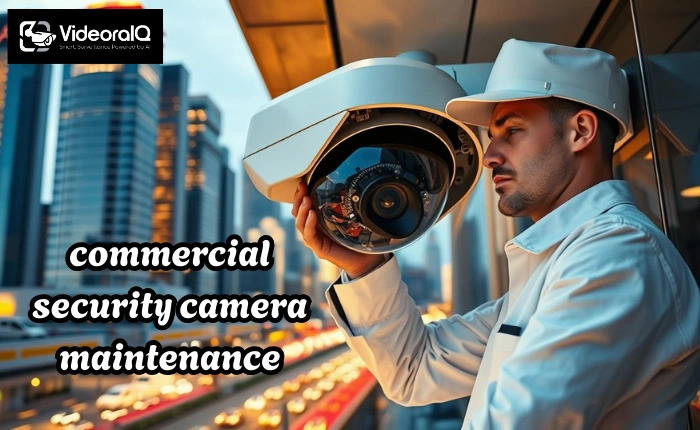
Businesses today rely heavily on surveillance systems to protect assets, employees, and customers. Simply installing cameras is not enough. Without proper maintenance, even the most advanced systems fail to perform as expected. Functional cameras provide real-time monitoring, evidence collection, and early warnings for security breaches. Commercial security camera maintenance ensures each camera operates efficiently, minimizing downtime, preventing blind spots, and improving overall safety.
Companies that neglect this crucial aspect of surveillance risk reduced security performance and higher operational costs. Maintaining cameras regularly keeps the system reliable, extends equipment lifespan, and strengthens protection across all business environments.
In a hurry? Listen to the blog instead!
What Is Commercial Security Camera Maintenance?
Commercial security camera maintenance refers to the ongoing care, inspection, and servicing of surveillance systems in business environments. This includes cleaning camera lenses, checking wiring and connections, updating software, and verifying that all cameras capture clear footage. The process also involves testing camera angles, monitoring recording devices, and ensuring proper network functionality. Unlike residential camera maintenance, commercial systems require a structured approach due to the higher number of cameras, wider coverage areas, and the critical nature of business operations. Companies use maintenance programs to detect issues early, reduce the risk of failure, and maintain uninterrupted security monitoring.
Benefits of Regular Security Camera Maintenance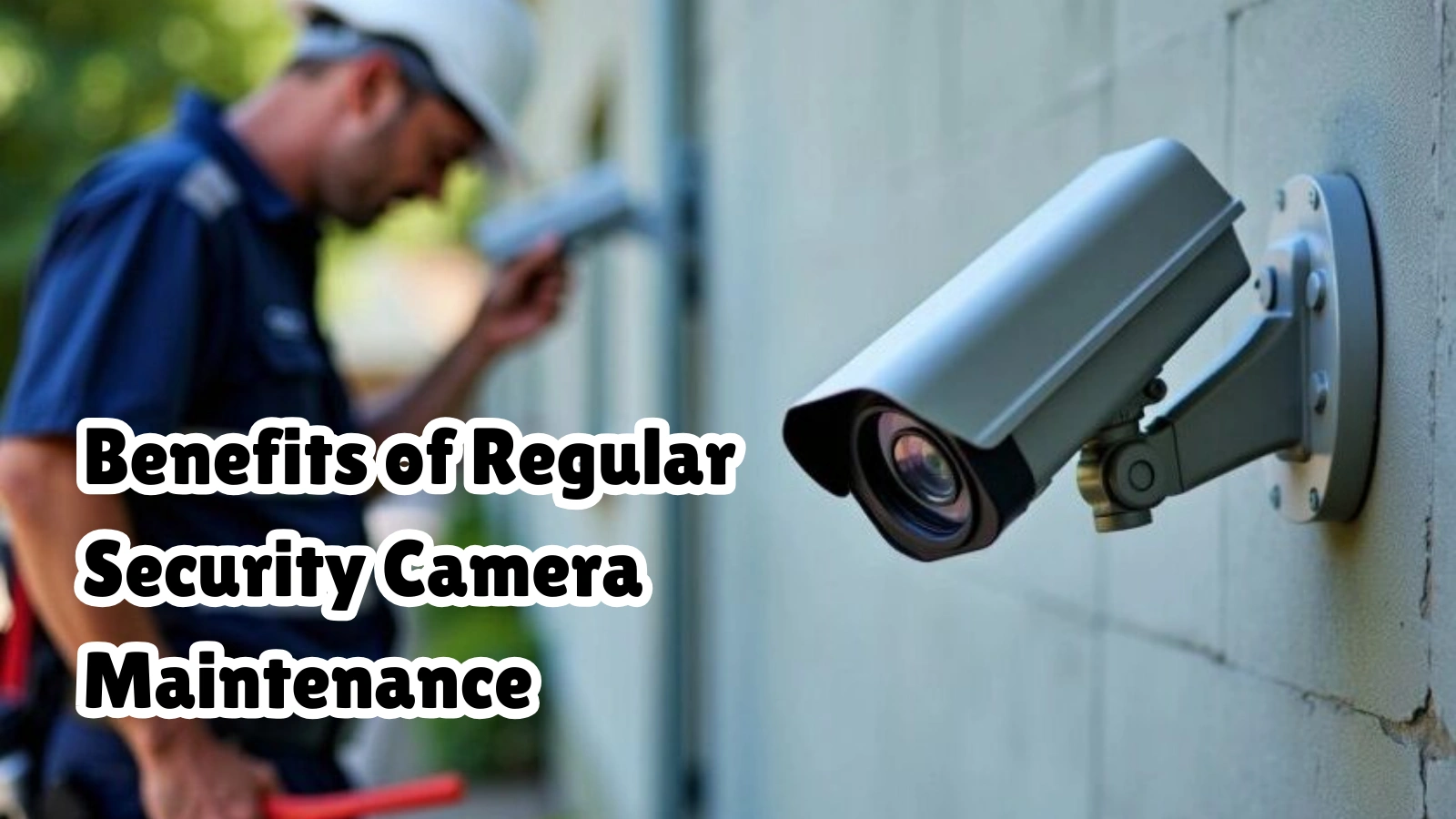
Regular maintenance of CCTV cameras and commercial surveillance systems brings multiple benefits.
- Faster threat detection: Well-maintained cameras deliver clear, uninterrupted footage, allowing security teams to identify incidents quickly and respond before damage escalates.
- Reduced downtime: Routine inspections prevent unexpected failures, ensuring continuous monitoring across all business areas without interruptions that compromise safety and security.
- Cost savings: Proactive maintenance addresses minor issues early, reducing expensive repairs and equipment replacements, saving money while preserving system reliability.
- Improved footage quality: Clean lenses, correct camera angles, and functioning hardware produce sharp, detailed video essential for investigations and real-time monitoring.
- Enhanced safety: Fully operational cameras protect employees, customers, and assets by detecting threats early, preventing accidents, thefts, or other security incidents.
- Regulatory compliance: Functional cameras ensure adherence to safety regulations and security standards, helping businesses avoid penalties and meet legal requirements.
- Better decision-making: Reliable, real-time footage supports informed security decisions, enabling managers to respond effectively and plan preventive measures efficiently.
Regular security camera maintenance improves overall operational efficiency and creates a safer environment for everyone.
Common Issues Found In CCTV Cameras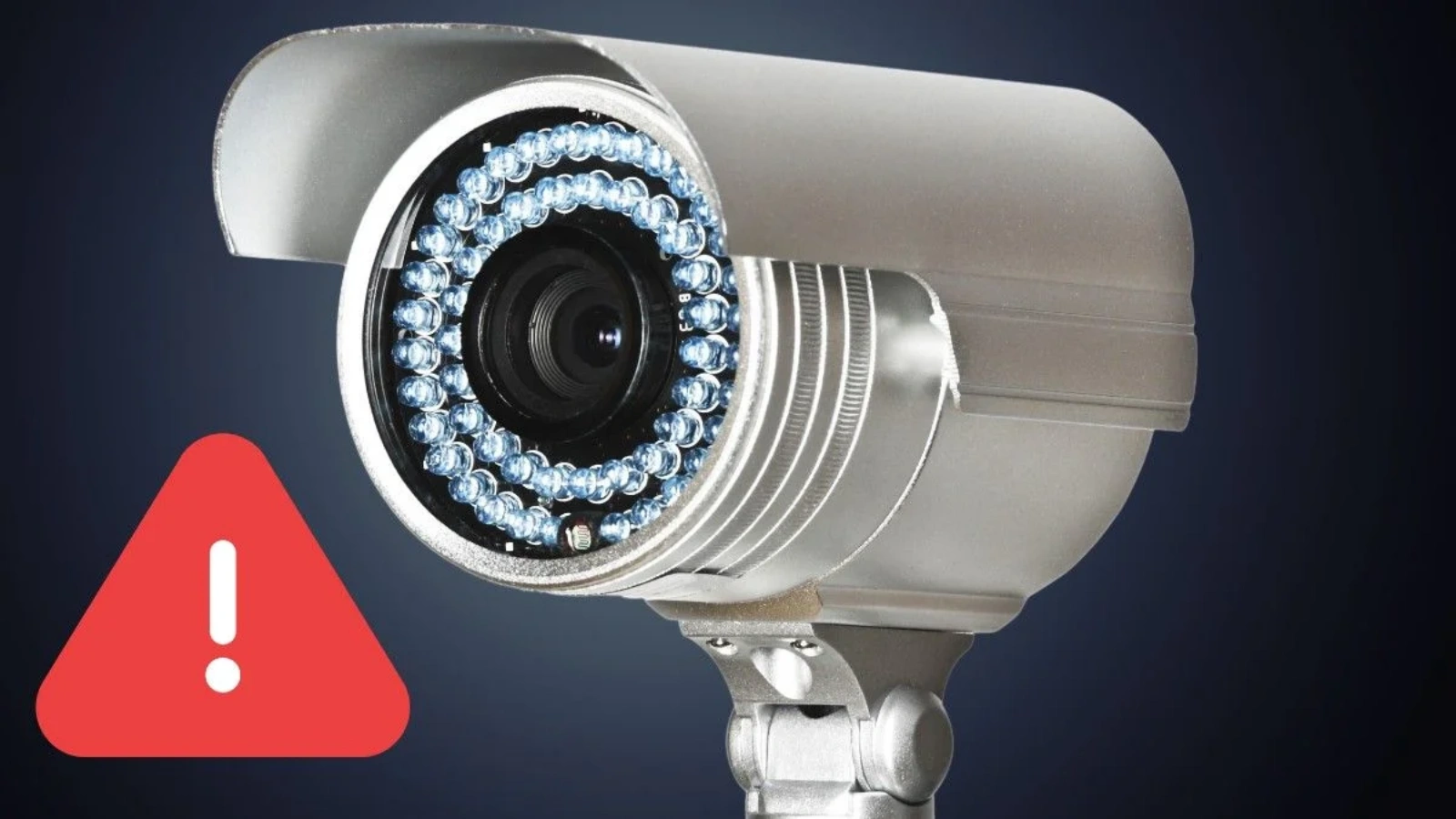
CCTV cameras can encounter multiple issues that compromise security performance if not addressed.
- Dirty or obstructed lenses: Dust, debris, or spider webs on camera lenses reduce visibility, distort footage, and compromise security monitoring accuracy if not cleaned regularly.
- Loose connections or damaged cables: Faulty wiring, disconnected cables, or worn connectors can cause intermittent power loss, recording failures, and reduce overall CCTV system reliability.
- Software and firmware issues: Outdated software or firmware limit camera functionality, prevent integration with AI systems, and reduce the effectiveness of modern surveillance operations.
- Incorrect camera angles: Misaligned or improperly positioned cameras create blind spots, reducing coverage, missing critical activity, and weakening overall security protection.
- Environmental interference: Rain, fog, glare, or strong sunlight can obscure camera images, making monitoring difficult if protective measures are not in place.
- Hardware failure: Aging components or sudden malfunctions disrupt continuous monitoring, leaving critical areas unprotected and increasing security risks significantly.
Identifying these issues early through commercial security camera maintenance prevents disruptions and ensures that security teams can rely on accurate and continuous monitoring.
Step-By-Step Guide To Security Camera Maintenance
Maintaining security cameras systematically ensures every device operates efficiently and provides reliable protection. Follow these steps for comprehensive coverage:
- Inspect Cameras Regularly: Check lenses for dust, dirt, or obstructions. Clean them carefully to maintain clear, high-quality video footage.
- Check Power and Connectivity: Ensure all cameras and recording devices receive consistent power. Verify network connections are stable to prevent interruptions.
- Update Software and Firmware: Keep surveillance software, AI analytics, and firmware current. Updates improve performance, add features, and fix vulnerabilities.
- Verify Camera Angles and Coverage: Confirm each camera covers the intended area with no blind spots. Adjust angles if necessary for full visibility.
- Test Recording and Playback: Ensure video captures clearly, and recordings are stored properly. Verify playback works for review and investigative purposes.
- Examine Housing and Mounting: Inspect brackets, casings, and enclosures for wear or damage. Proper housing protects cameras from environmental hazards.
- Review Alerts and Notifications: Test motion detection, intrusion alerts, and fire or smoke detection systems. Ensure notifications reach security teams promptly.
- Document Maintenance Activity: Keep a detailed log of inspections, repairs, and updates. This helps track performance and supports compliance requirements.
Following this step-by-step guide ensures commercial security camera maintenance remains consistent, reduces downtime, and keeps surveillance systems fully operational.
Business Security Camera Maintenance Checklist
A structured checklist ensures every aspect of security camera maintenance is covered, reducing risks and maintaining reliable surveillance. Follow this schedule:
- Daily Checks: Confirm cameras are powered on, record correctly, and capture clear, uninterrupted footage. Immediate action prevents missed events.
- Weekly Checks: Inspect lenses for dust or smudges, adjust angles if necessary, and clean visible debris to maintain optimal image quality.
- Monthly Checks: Test alerts, review network connections, and ensure recording devices store footage properly for seamless monitoring and retrieval.
- Quarterly Checks: Update software and firmware, inspect wiring, and evaluate AI analytics performance to maintain system accuracy.
- Annual Checks: Conduct a complete system evaluation, replace aging equipment, and assess coverage needs to accommodate business growth.
Using this checklist makes commercial security camera maintenance easier and ensures continuous protection across all business areas.
How VideoraIQ Helps in Commercial Security Camera Maintenance?
VideoraIQ transforms traditional cameras into smart, AI-powered security solutions that simplify commercial security camera maintenance. Its platform offers automated monitoring, predictive alerts, and centralized control, reducing the workload for security teams. Key features include:
Face Recognition:
VideoraIQ identifies individuals in real time, enhancing access control, improving security audits, and allowing security teams to respond quickly to unauthorized personnel or unusual activities across business premises.
Intrusion Detection:
Restricted zones remain fully protected as VideoraIQ instantly alerts security teams about unauthorized entry, helping prevent theft, trespassing, or other security breaches with immediate, actionable notifications.
Object Detection:
VideoraIQ detects suspicious items or unattended baggage instantly, allowing staff to intervene proactively, preventing potential threats, and ensuring that public spaces or workplaces remain safe and secure.
Unauthorized Access Alerts:
Any attempt to enter restricted areas triggers instant notifications, enabling rapid response, reducing security risks, and ensuring sensitive areas are continuously monitored without relying solely on human observation.
Line-Cross Detection:
Virtual boundaries remain under constant surveillance. VideoraIQ generates alerts when someone crosses a set perimeter, preventing breaches, enforcing restricted access, and supporting comprehensive business security protocols.
Fire and Smoke Detection:
VideoraIQ identifies early signs of fire or smoke using AI video analytics, enabling rapid emergency response, minimizing damage, and ensuring both personnel and property remain protected at all times.
Cashier Absence Detection:
Retail counters and points of service receive real-time monitoring to ensure staff presence, maintain operational efficiency, improve customer service, and prevent unmonitored periods that may lead to security gaps.
Number Plate Recognition:
Vehicle tracking becomes automated and accurate. VideoraIQ captures and logs number plates, allowing precise access control, monitoring parking areas, and enhancing overall traffic and security management within business premises.
By integrating AI-powered monitoring, VideoraIQ supports commercial security camera maintenance proactively, reducing failures, predicting issues, and improving operational efficiency.
The Role of CCTV Camera Maintenance in Preventing Security Breaches
Regular CCTV camera maintenance strengthens security measures. Well-maintained cameras detect intrusions, theft, and suspicious behavior effectively. Continuous monitoring ensures quick responses to breaches, while neglected systems create blind spots and vulnerabilities. Maintaining software, firmware, and hardware reduces the risk of system tampering. Commercial security camera maintenance also improves integration with advanced analytics, such as fire detection or behavioral analysis, allowing teams to prevent incidents before they escalate. Businesses that prioritize camera upkeep experience fewer security breaches, protect employees and assets, and maintain high operational confidence across all locations.
Common Mistakes In Security Camera Maintenance And How To Avoid Them
Businesses often make maintenance mistakes that reduce system effectiveness:
- Ignoring Minor Alerts: Small notifications may indicate larger issues. Investigate every alert promptly to prevent minor problems from escalating into major security risks.
- Skipping Cleaning Routines: Dust, dirt, and debris on lenses reduce visibility and video quality. Regular cleaning ensures clear, actionable footage for security monitoring.
- Neglecting Software Updates: Outdated firmware and software limit camera functionality and leave systems vulnerable to security breaches or reduced performance.
- Overlooking Angles and Coverage: Misaligned cameras create blind spots, leaving critical areas unmonitored. Regular checks maintain full coverage and effective surveillance.
- Failing to Document Maintenance: Without detailed records, recurring issues may go unnoticed, and regulatory compliance suffers. Maintain logs for inspections, repairs, and updates.
Avoiding these mistakes ensures commercial security camera maintenance delivers maximum protection.
Conclusion
Commercial security camera maintenance is essential for businesses seeking reliable safety and operational efficiency. Proper upkeep prevents failures, improves threat detection, and ensures uninterrupted protection. Platforms like VideoraIQ enhance maintenance by providing AI-powered monitoring, predictive alerts, and centralized control. Organizations that adopt systematic maintenance strategies, supported by modern AI systems, enjoy stronger security, reduced costs, and a safer environment for employees, customers, and assets. Businesses can no longer treat surveillance cameras as passive tools. Effective commercial security camera maintenance turns cameras into proactive guardians that protect against fire, intrusion, and other security risks.
FAQs
- How often should commercial security cameras be maintained?
Businesses should perform daily, weekly, monthly, and annual checks to ensure continuous functionality. - Can AI systems like VideoraIQ predict camera failures?
Yes, AI-powered monitoring identifies early signs of malfunction and alerts teams before issues escalate. - What are the most common CCTV maintenance mistakes?
Neglecting lens cleaning, skipping firmware updates, ignoring alerts, and failing to check camera angles. - Does maintenance reduce false alarms?
Yes, regular inspection and software updates improve detection accuracy and reduce false alerts. - Can maintenance extend camera lifespan?
Proper upkeep, including cleaning, hardware checks, and predictive AI monitoring, significantly extends camera longevity.

