

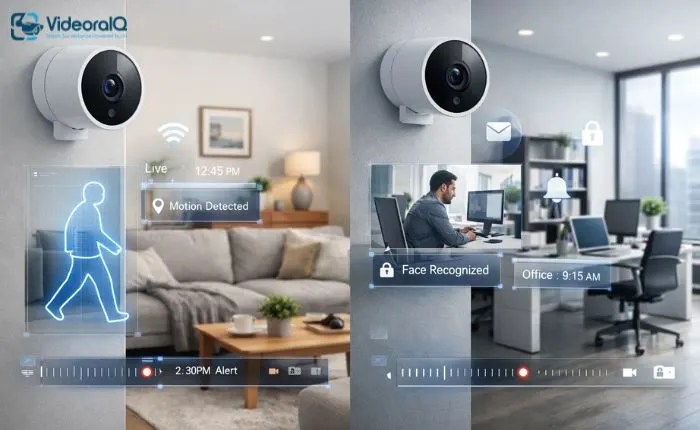
Ensuring the safety of your home or office is a top priority for many people. Protecting your family, employees, or valuable assets requires reliable security measures, and one of the most effective solutions is the indoor security camera.
Indoor security cameras allow you to monitor activities inside your property in real time, offering peace of mind whether you are at home, at work, or on the go. They are versatile tools that help prevent theft, monitor children and pets, and keep an eye on employees or visitors.
This blog will explore the world of indoor video surveillance cameras, their key benefits, essential features, installation tips, and how modern tools like VideoraIQ.com can make managing indoor security simple and efficient. Whether for a home or business, understanding indoor security cameras helps you make informed decisions to protect what matters most.
You can listen to this Blog here.
What is an Indoor Security Camera?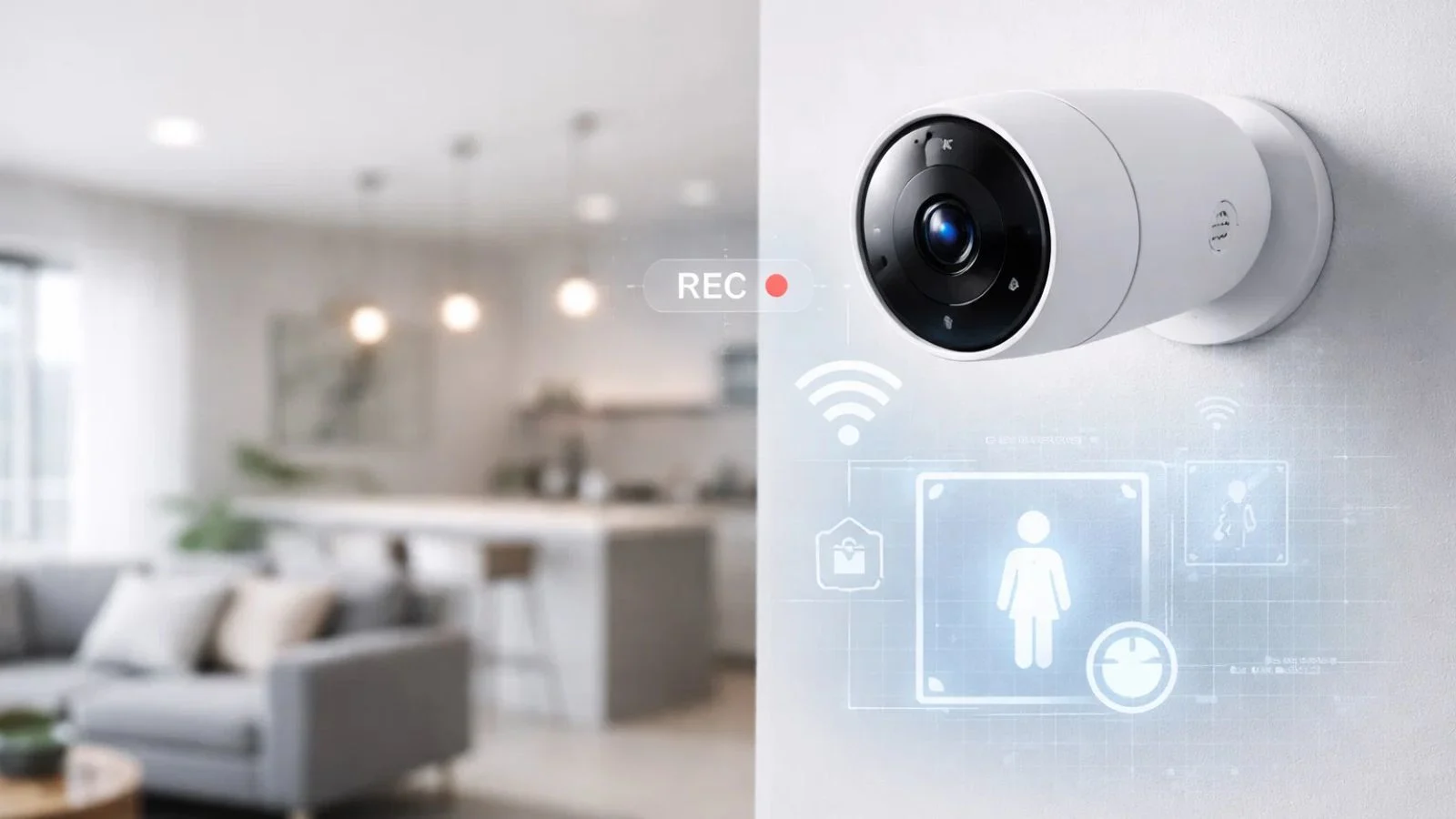
An indoor security camera is a device designed to monitor activities within enclosed spaces such as homes, offices, or retail stores. Unlike outdoor cameras that focus on external threats, indoor cameras provide real-time surveillance inside your property, helping you keep track of everything that happens indoors.
These cameras work by capturing video footage, which can be viewed live or recorded for later access. Many indoor video surveillance cameras come with features like motion detection, night vision, two-way audio, and remote access through mobile apps, making it easy to monitor your space from anywhere.
Types of Indoor Security Cameras:
- Wired Cameras: Connected via cables, offering stable power and data transmission.
- Wireless Cameras: Easy to install and flexible, often using Wi-Fi to transmit video.
- Smart Cameras: Integrated with AI and smart home systems for advanced monitoring, alerts, and automation.
Whether you’re looking for an indoor security camera for business or home use, understanding the types and functionality helps you choose the right solution for your needs.
Key Benefits of Indoor Security Cameras
Using indoor security cameras offers multiple benefits for both homes and offices. From protecting property to providing peace of mind, these devices are essential tools in modern security systems.
1. Safety and Security
Indoor cameras act as a first line of defense against theft, vandalism, and unauthorized access. By monitoring your space continuously, they help prevent incidents before they escalate.
2. Monitoring Activity
Whether you want to keep an eye on children, pets, or employees, indoor video surveillance cameras allow you to monitor daily activities remotely. This ensures safety and accountability in real time.
3. Crime Deterrence
The presence of visible cameras can discourage potential intruders from targeting your property. Even subtle signs of surveillance can significantly reduce the risk of theft or misconduct.
4. Peace of Mind
One of the most significant advantages is knowing you can check your property anytime. With mobile app integration, indoor cameras let you watch live feeds, receive alerts, and review footage, giving you confidence and control over your environment.
5. Evidence Collection
In case of incidents, recorded footage from indoor security cameras can serve as crucial evidence for law enforcement or insurance claims.
While going through the above benefits, you might have understood why indoor security cameras are a must-have for modern homes and offices.
Indoor Security Camera for Business
For businesses, security is more than just a precaution—it’s a necessity. Installing an indoor security camera for business helps protect assets, monitor employees, and maintain a safe working environment.
1. Protecting Assets and Property
Retail stores, offices, and warehouses often contain valuable equipment, inventory, and confidential information. Indoor surveillance cameras help deter theft and provide real-time monitoring to ensure your assets remain secure.
2. Employee Monitoring and Productivity
Indoor security cameras allow managers to keep an eye on operations and employee activity. While respecting privacy, these cameras help ensure workplace rules are followed, and employees remain accountable.
3. Compliance and Insurance Benefits
Certain industries require surveillance to comply with safety regulations. Recorded footage can also support insurance claims in the event of accidents, theft, or disputes.
4. Peace of Mind for Owners and Managers
With remote access through apps and cloud storage options, business owners can monitor their space from anywhere. This constant connectivity provides reassurance and the ability to respond quickly to any incidents.
By investing in indoor video surveillance cameras, businesses can enhance security, streamline operations, and build a safer environment for both employees and clients.
Features to Look for in Indoor Video Surveillance Cameras
Choosing the right indoor security camera involves understanding the features that enhance safety, usability, and monitoring efficiency. Here are the key features to consider:
1. High-Resolution Video
Look for cameras that provide clear HD or 4K video. High-resolution footage ensures you can identify faces, objects, and details even in low-light conditions.
2. Night Vision and Low-Light Performance
Indoor security cameras with infrared or low-light capabilities allow for monitoring even in dark rooms, ensuring 24/7 surveillance.
3. Motion Detection and Alerts
Advanced motion sensors trigger instant alerts to your phone or email, so you’re notified immediately if any unusual activity occurs.
4. Two-Way Audio
Some cameras come with built-in microphones and speakers, enabling you to communicate with family members, employees, or visitors remotely.
5. Cloud Storage and Remote Access
Cloud storage ensures that your footage is safely saved and accessible from anywhere. Mobile apps allow live streaming and easy review of recorded videos.
6. Integration with Smart Systems
For homes and offices with smart devices, cameras that integrate with alarms, lighting, and other systems provide seamless security automation.
Selecting a camera with these features ensures you get the most out of your indoor video surveillance cameras, whether for home protection or business security.
Installation and Placement Tips
Proper installation and placement of indoor security cameras are crucial for effective surveillance. Whether for home or business, thoughtful positioning ensures you capture key areas without blind spots.
Optimal Placement in Homes
- Entrances and Hallways: Monitor main entry points to detect any unauthorized access.
- Living Rooms and Common Areas: Keep an eye on activity in frequently used spaces.
- Nurseries or Children’s Rooms: Ensure the safety of children and monitor caregivers.
- Pet Areas: Track pets’ activities and prevent accidents.
Optimal Placement in Offices and Businesses
- Reception and Lobby: Monitor visitors and deliveries.
- Server Rooms and Storage Areas: Protect sensitive data and inventory.
- Workspaces and Hallways: Maintain visibility of employee activity while respecting privacy.
- Exit Points: Ensure all exits are monitored for security and safety compliance.
Tips for Effective Installation
- Avoid placing cameras in direct sunlight or near bright lights to prevent glare.
- Mount cameras at an angle that captures a wide field of view.
- Hide cables when possible to prevent tampering.
- Test camera feeds after installation to ensure all areas are covered.
Proper placement maximizes the effectiveness of indoor video surveillance cameras and ensures you get reliable monitoring for both homes and offices.
Modern Tools for Indoor Security
Keeping up with modern technology can make managing indoor security cameras easier and more effective. One standout solution is VideoraIQ.com, a platform designed to simplify indoor surveillance for both homes and businesses.
Key Features of VideoraIQ.com
- Live Monitoring: Watch your indoor cameras in real time from any device.
- AI-Powered Alerts: Get instant notifications for unusual activity, reducing false alarms.
- Multi-Device Access: Share access securely with family members or trusted staff.
- Analytics and Reports: Gain insights into patterns, peak activity times, and security events.
- Cloud Storage: Store footage safely without worrying about local storage limitations.
Using a tool like VideoraIQ.com not only enhances the functionality of your indoor security camera but also makes managing multiple cameras seamless. Whether you are a homeowner wanting peace of mind or a business owner needing comprehensive surveillance, VideoraIQ.com provides an efficient, user-friendly solution.
Choosing the Right Indoor Security Camera
Selecting the right indoor security camera depends on your specific needs, whether for home protection or business surveillance. Here are key factors to consider:
1. Purpose and Location
Decide whether the camera is for monitoring children, pets, employees, or valuables. Placement will influence the type and features you need.
2. Budget
Indoor security cameras are available in a range of prices. Basic models provide essential monitoring, while advanced cameras offer high-resolution video, AI alerts, and cloud storage.
3. Features
Prioritize features that align with your goals, such as night vision, motion detection, two-way audio, or integration with smart home/business systems.
4. Connectivity and Compatibility
Ensure the camera works with your Wi-Fi network, mobile devices, and other smart systems you may have. Compatibility enhances convenience and usability.
5. Home vs. Business Needs
For homes, it’s best to go for cameras that are simple to install, blend in with the surroundings, and offer easy remote access so you can check in anytime. For businesses, the requirements are a bit more advanced. Look for cameras that offer smart analytics, support multiple devices or users, and come with strong security features to monitor employee activity and safeguard valuable assets.
When you keep these factors in mind, it becomes much easier to choose the right indoor video surveillance camera that matches your security needs and fits perfectly with your space.
Also Read,
Conclusion
Investing in indoor security cameras is one of the most effective ways to protect your home, office, or business space. From enhancing safety and monitoring daily activities to deterring theft and providing peace of mind, these cameras are an essential part of modern security solutions.
Choosing the right indoor video surveillance cameras involves understanding your needs, evaluating key features, and ensuring proper installation and placement. Whether it’s for a home, office, or retail environment, a well-chosen camera system helps you stay connected and in control.
For those looking to simplify and enhance their indoor security, VideoraIQ.com offers a comprehensive platform with live monitoring, AI alerts, cloud storage, and multi-device access. By integrating such tools with your indoor security setup, you can manage surveillance efficiently and stay proactive in protecting what matters most.
Take the step toward safer homes and smarter offices with the right indoor security camera and modern tools like VideoraIQ.com.
FAQs
- Can indoor security cameras work without Wi-Fi?
Yes, some indoor cameras offer local storage options via SD cards or offline recording. However, Wi-Fi-enabled cameras provide remote access and alerts, enhancing monitoring convenience. - Are indoor video surveillance cameras legal in offices?
Yes, but laws vary by region. Generally, it’s legal to monitor public areas in a workplace, but recording private spaces like restrooms is prohibited. Always inform employees about surveillance policies. - How much does a good indoor security camera cost?
Indoor security cameras range from budget-friendly options around $50 to advanced models costing $300 or more. Features like AI alerts, night vision, and cloud storage influence the price.

