

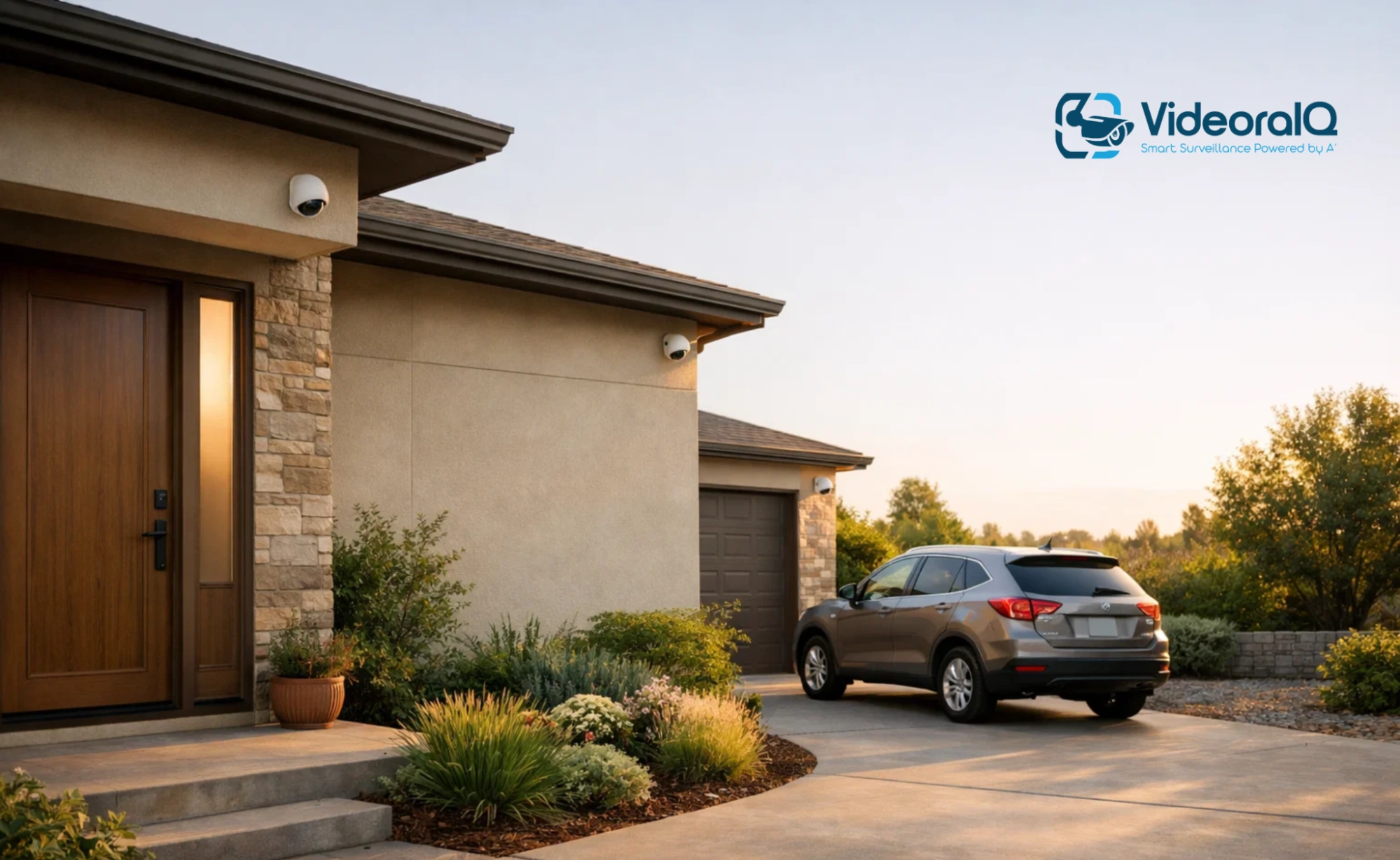
Outdoor security cameras are used to protect homes or properties. They help you keep an eye on what is happening outdoors, even when you are not there. From watching your front door to monitoring your backyard or driveway, these cameras add an extra layer of safety and peace of mind to your home.
Outdoor security cameras are available in many types, including wired, wireless, and smart surveillance camera systems. Some send alerts to your phone, some record videos day and night, and others help deter unwanted visitors just by being visible. With so many options available, choosing the right outdoor security camera can be confusing.
In this guide, we cover the basics of outdoor security cameras. You will learn about the different types, common uses, and practical tips to obtain the best results.
What Is An Outdoor Security Camera And How Does It Work?
An outdoor security camera is used to monitor and record circumstances outside your property. It can handle rain, dust, heat, and cold. These cameras are typically placed near doors, gates, driveways, gardens, or parking areas to improve safety.
Outdoor security cameras capture videos whenever they detect movement on schedule. Modern outdoor security cameras use motion sensors to detect motion. When motion is detected, the camera starts recording and can send an alert to the phone. It allows the user to know what is happening in real time.
Most outdoor security cameras are connected to a mobile app on the phone. You can watch live videos, check past recordings, or talk through the camera if it has two-way audio. Some cameras store videos on a memory card or recording device, whereas others save footage to the cloud.
The main difference between indoor security cameras and outdoor cameras is their durability. Outdoor security cameras are weatherproof and built to function day and night. They often include night vision, wide viewing angles, and a stronger casing to handle outdoor conditions.
Types of Outdoor Security Cameras Explained
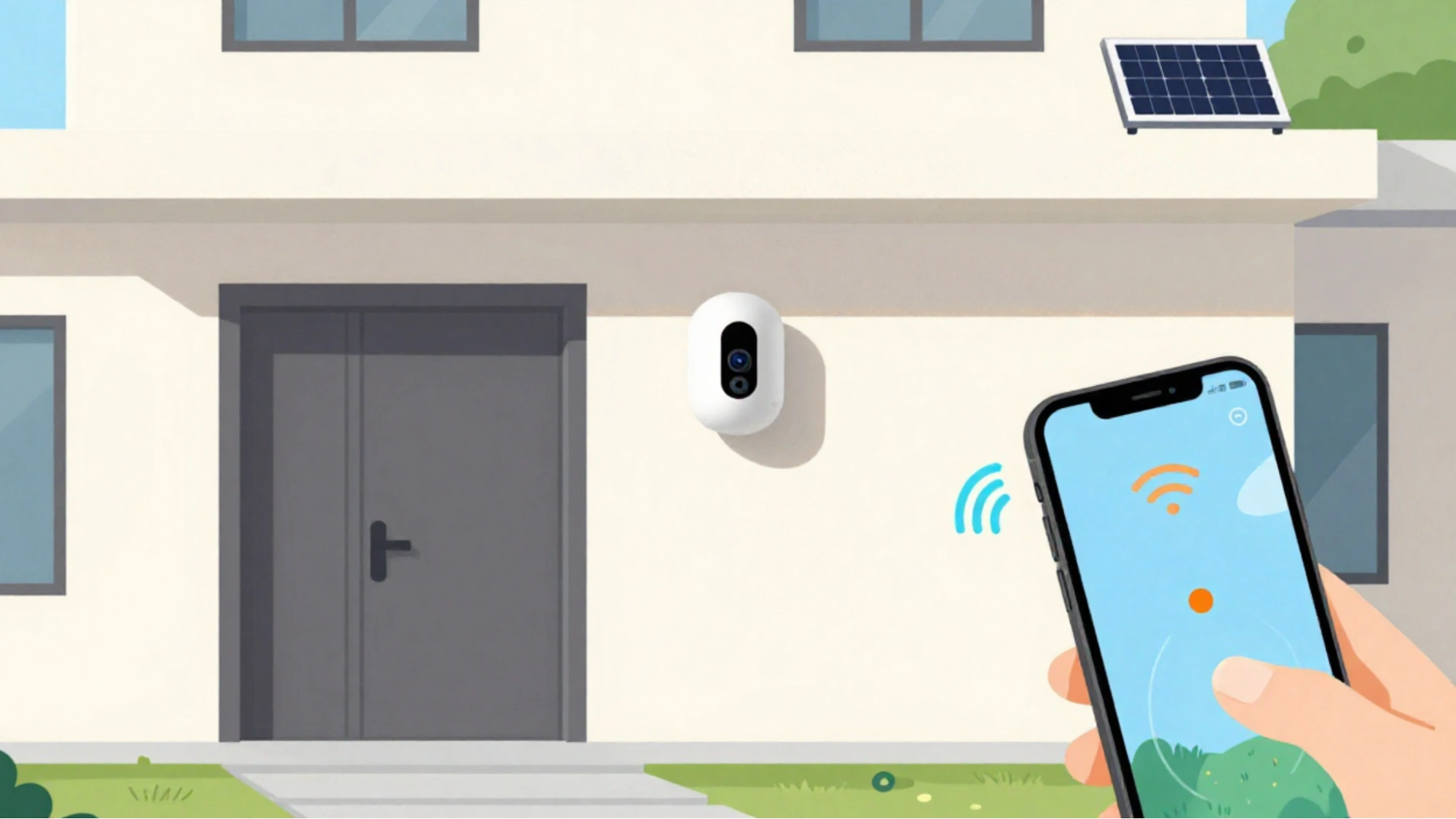
Outdoor security cameras are available in different types to suit different needs and locations. Knowing these types makes it easier to choose the right camera for your home and property.
Wired vs Wireless Outdoor Security Camera
A wired outdoor security camera connects directly to the power supply and often to a recording system using cables. These cameras provide stable connections and are suitable for long-term use. They are best suited for locations where wiring is already available.
On the other hand, a wireless outdoor security camera connects to Wi-Fi and is easier to install than wired cameras. Many wireless cameras operate on batteries or solar power. They are a good choice for renters or in areas where running cables is difficult. However, they depend on a strong Internet connection.
Bullet, Dome, and PTZ Outdoor Security Cameras
Bullet cameras are long and visible. They are easy to point in one direction and work well for monitoring driveways and entrances.
Dome cameras are compact and difficult to notice. They are often used under roofs or ceilings and can cover large areas.
PTZ (Pan-Tilt-Zoom) cameras can move left, right, up, and down. They allow users to zoom in and control the camera from their phones, making them useful for large outdoor areas.
Battery, Solar, and Plug-In Outdoor Security Cameras
Battery-powered cameras are flexible and easy to use. They require regular charging.
Solar outdoor security cameras use sunlight to remain powered and reduce their charging needs.
Plug-in cameras are always connected to the power supply, which is helpful for continuous recording.
Each type of outdoor security camera has its own advantages. The right choice depends on the location, power access, and intended use of the camera.
Outdoor Security Camera System Basics
An outdoor security camera system usually includes two or more outdoor security cameras, a way to store video, and a mobile app or monitor to view footage. These systems cover all important outdoor areas and give better overall protection.
A basic outdoor security camera system may use one camera for the front door, while larger homes or properties may need cameras for the driveway, backyard, and side areas. Using multiple cameras helps reduce blind spots and gives a full view of what’s happening outside.
Outdoor security camera systems store video in different ways. Some systems save footage on a memory card or a recording device inside your home. Others use cloud storage, which lets you access videos from anywhere using your phone. Cloud storage may need a monthly subscription, while local storage usually does not.
Many modern outdoor security camera systems work together through one app. This makes it easy to check live video, review recordings, and manage alerts in one place. Choosing the right outdoor security camera system depends on how much area you want to cover and how you prefer to store your videos.
Common Uses Of Outdoor Security Cameras
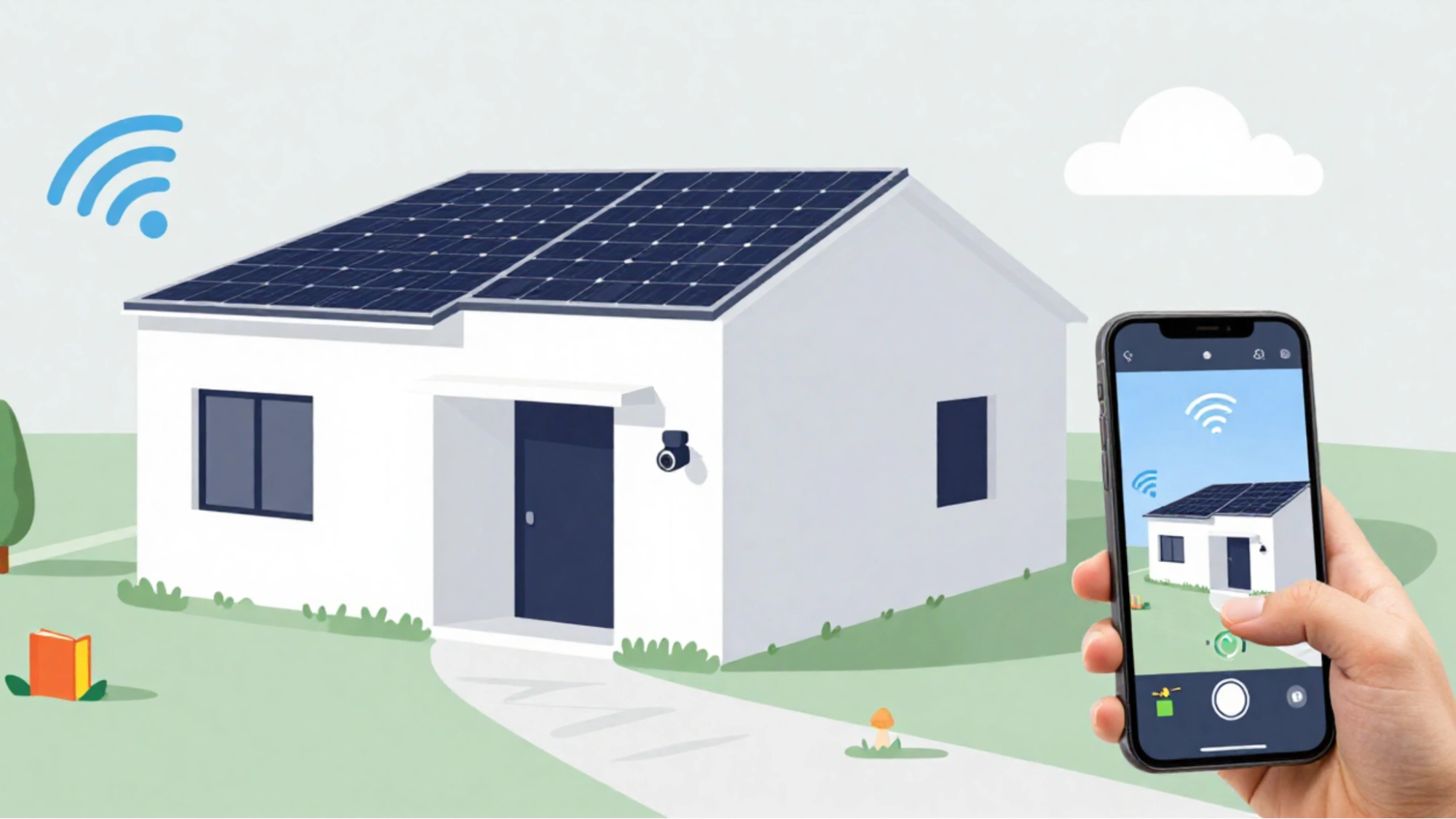
Outdoor security cameras are used for more than just video recording. They help improve safety, monitor daily activities, and provide peace of mind.
Outdoor Security Cameras for Home Safety
One of the main uses of outdoor security cameras is to protect the home. Cameras placed near doors, gates, and windows help to deter unwanted visitors. If someone approaches your property, the camera can record the activity and send an alert to your phone. This helps you stay aware even when you are not at home.
Outdoor Security Cameras for Business and Property Monitoring
Outdoor security cameras are also useful for shops, offices, and other properties. They help to monitor parking areas, entrances, and outdoor spaces. Business owners use these cameras to prevent theft, track activities, and improve overall security.
Using Outdoor Security Cameras for Packages, Pets, and Visitors
Many people use outdoor security cameras to monitor package deliveries and avoid theft. They are also helpful for checking on pets in the yard or seeing who is at the door of the house. Outdoor security cameras make everyday monitoring simple and convenient with live view and alerts.
Where To Install Outdoor Security Cameras For Safety
Placing outdoor security cameras in the right spots is important for obtaining good results. Proper placement helps cover key areas and reduces blind spots.
The best places to install outdoor security cameras are near the main entry points. This includes the front door, back door, side gates, and garage. These areas are common access points and should be monitored.
Driveways and parking areas are also suitable locations for outdoor security cameras. A camera can capture vehicle movement and help identify visitors or suspicious activities. Backyards and open spaces should be covered if they are easily accessible from the outside.
Outdoor security cameras are usually installed at a height of approximately 8–10 ft. This height helps keep the camera out of reach while still capturing clear images of faces and movements. Ensure that the camera is angled slightly downward and avoid pointing it directly at bright lights or the sun. Proper placement helps outdoor security cameras work better and last longer.
Key Features To Look For In An Outdoor Security Camera
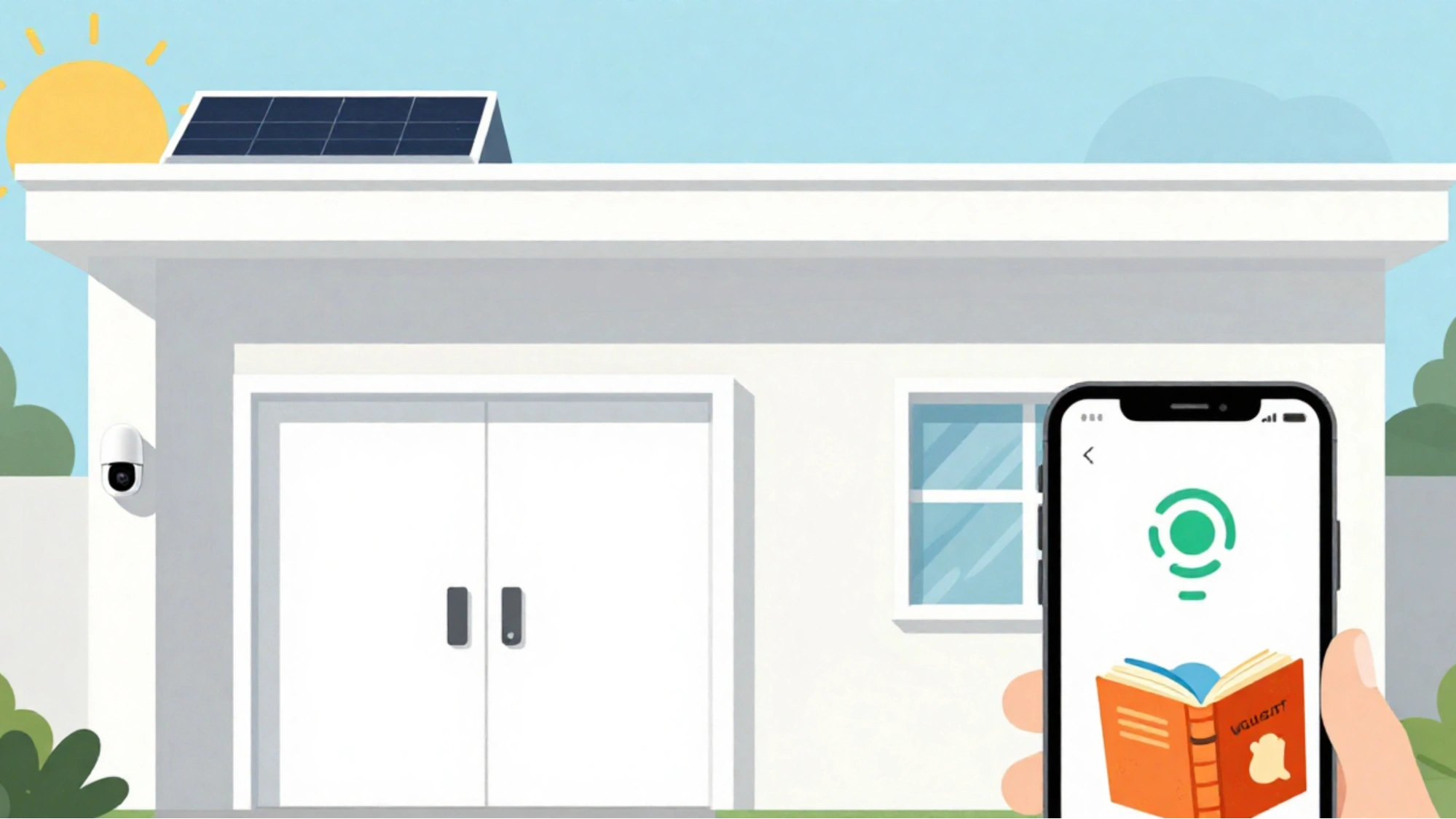
Not all outdoor security cameras are identical. Some have additional features that make them more useful and reliable. Knowing what to look for can help you choose the right camera for your requirements.
One important feature is its weather resistance. Outdoor security cameras should be able to handle rain, dust, heat, and cold. Look for cameras with a good weatherproof rating so that they work well outdoors.
Video quality is another important feature. A clear image helps you see faces, vehicles, and movements. Most outdoor security cameras today offer HD video, which is suitable for everyday use. A wide viewing angle is also helpful because it allows the coverage of a larger area with a single camera.
Night vision is essential for outdoor security applications. This feature allows the camera to record clear videos even in low light or complete darkness. Some cameras offer color night vision for better detail capture.
Motion detection and alerts help you remain informed. When movement is detected, the camera sends a notification to the phone. This allows you to act quickly if something unusual occurs.
Other useful features include two-way audio, mobile application access, and smart alerts that reduce false alarms. Choosing the right features will help outdoor security cameras provide better safety and convenience.
Wireless Outdoor Security Camera Setup Tips
A wireless outdoor security camera is easy to install, but a few setup tips can help it function better and more reliably.
First, ensure that the Wi-Fi signal is strong where you plan to install the camera. Weak Wi-Fi can cause video delays or missed alerts due to poor connectivity. If the camera is far from the router, using a Wi-Fi extender can improve the connection.
Next, we consider the power. Battery-powered wireless outdoor security cameras should be placed in locations that are easily accessible for charging. If a solar camera is used, it should be installed in a location that receives sufficient sunlight during the day.
The camera settings should be adjusted after installation. Set motion zones to focus on important areas, such as doors or pathways. This helps reduce alerts from passing vehicles, animals, or trees moving in the wind.
Finally, the camera was tested using the mobile app. Check live video, alerts, and night vision to ensure that everything is working properly. A well-set wireless outdoor security camera provides better coverage and fewer problems over time.
Also Read!
What Is Video Intelligence Software? Epic Benefits & Features
Outdoor Security Camera Tips For Better Performance
To obtain the best results from an outdoor security camera, regular care and small adjustments can make a significant difference.
Start by setting the appropriate motion sensitivity. If the sensitivity is too high, alerts may be triggered for small movements, such as leaves or shadows. Slightly lowering it and using activity zones can help reduce false alerts.
The camera lens should be kept clean. Dust, rain spots, and spider webs can blur videos. The lens is wiped gently every few weeks to maintain clear footage, especially during the rainy season.
Night vision performance was assessed after dark. Ensure that the camera is not facing reflective surfaces, such as walls or metal objects, as these can affect night vision quality. The angle was adjusted if necessary.
It is also a good idea to update the camera software when updates are available. Updates improve the performance and security. With simple maintenance and proper settings, outdoor security cameras work more effectively and last longer.
Privacy And Legal Considerations For Outdoor Security Cameras
While outdoor security cameras improve safety, it’s also important to respect privacy. Your camera should focus on your own property, such as doors, driveways, and yards. Avoid pointing cameras directly at your neighbor’s home or private areas.
Some outdoor security cameras include audio recording. In many places, recording audio may be subject to legal rules. It’s safer to turn off audio recording unless you clearly understand the local laws.
Let visitors know that cameras are in use. A small sign near the entrance can help maintain transparency and build trust. This also acts as an extra deterrent.
Always secure your outdoor security camera system with strong passwords and app security settings. Protecting both privacy and data helps ensure your cameras are used responsibly and safely.
How Many Outdoor Security Cameras Are Needed?
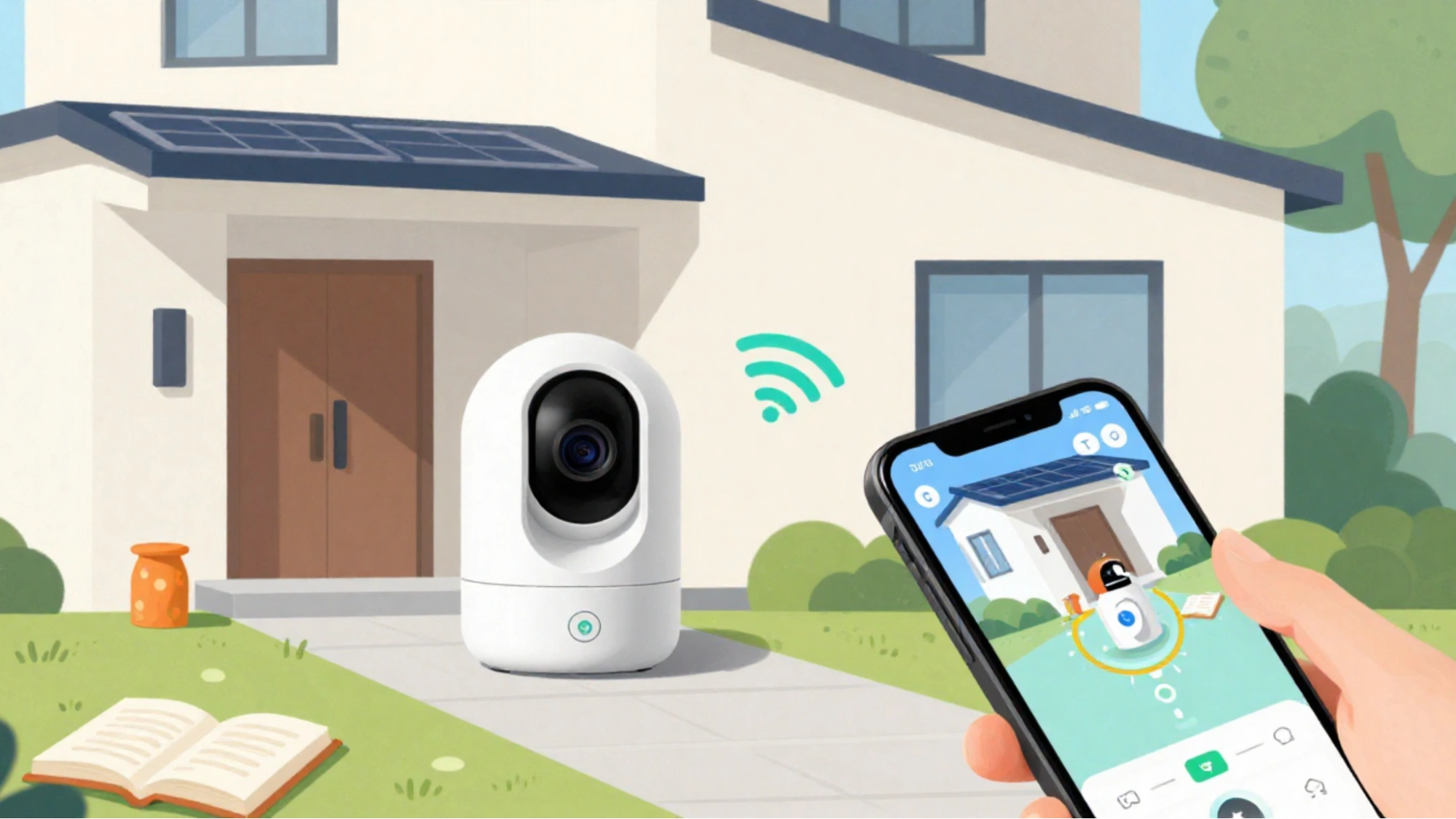
The number of outdoor security cameras required depends on the size of the property and the areas to be monitored. Small homes or apartments may require only one or two cameras to cover the main entrance and nearby outdoor areas.
Larger homes typically require more cameras. Common spots include the front door, back door, driveway, backyard, and side entrance. Each camera should cover a key access point to reduce the number of blind spots.
A simple way to plan is to walk around the property and note where someone could easily enter. These areas should be your priority. You do not need to cover every corner, just the most important locations.
Choosing the appropriate number of outdoor security cameras helps balance safety, cost, and coverage. A well-planned setup provides better protection without unnecessary cameras.
Smart Video Analytics for Outdoor Security Cameras
Outdoor security cameras are even more useful when they do more than just record videos. This is where smart video analytics tools, such as VideoraIQ, can be useful for any situation.
VideoraIQ works with your outdoor security cameras to analyze live and recorded footage and automatically detect important events.
Instead of watching hours of video, VideoraIQ helps identify real security risks in real time. It is useful for homes, businesses, parking areas, and large outdoor properties, where constant monitoring is difficult.
By using AI-based detection, VideoraIQ transforms an outdoor security camera system into a smarter and more proactive safety solution.
Key Features of VideoraIQ for Outdoor Security Cameras
VideoraIQ supports several advanced detection features that improve outdoor security and safety.
- Face Recognition – Helps identify known or unknown individuals entering your property
- Intrusion Detection – Detects unauthorized entry into restricted outdoor areas
- Object Detection – Identifies objects left or moved in monitored zones
- Unauthorized Access Alerts – Sends alerts when restricted areas are accessed
- Fire and Smoke Detection – Detects early signs of fire or smoke outdoors
- Line Cross Detection – Alerts when someone crosses a virtual boundary
- Unattended Baggage Detection – Identifies unattended objects in public or outdoor spaces
- Cashier Absence Detection – Useful for business environments with outdoor counters
- Number Plate Detection – Captures and identifies vehicle number plates in driveways or parking areas
These features help outdoor security cameras focus on real threats rather than unnecessary motion alerts. With VideoraIQ, outdoor security cameras for safety are more accurate, efficient, and reliable.
Conclusion
Outdoor security cameras are a simple and effective way to protect homes and properties. They help monitor outdoor areas, deter unwanted activity, and keep you informed about what is happening, even when you are away. With options like wired, wireless, and complete outdoor security camera systems, there is a solution for every type of need and property.
Choosing the right outdoor security camera depends on factors such as camera type, placement, features, and how much area you want to cover. When installed and set up correctly, outdoor security cameras for safety provide clear video, timely alerts, and reliable performance in all weather conditions.
For those who want more advanced protection, adding smart video analytics tools can make an outdoor security camera system even more powerful. By combining the right cameras with smart features and regular maintenance, you can build a security setup that offers better safety, control, and peace of mind.
Frequently Asked Questions About Outdoor Security Cameras
Can outdoor security cameras function during power cuts?
Some outdoor security cameras can continue to work during power cuts if they use batteries or have backup power. Wired cameras usually stop working unless a backup power source is provided.
Do outdoor security cameras require professional installation?
No, many outdoor security cameras are designed for easy self-installation and use. However, large outdoor security camera systems or wired setups may benefit from a professional installation.
Can outdoor security cameras be shared with family members
Yes, most outdoor security camera apps allow you to share access with family members and trusted users. This allows multiple people to view live videos and receive alerts.
How often should outdoor security cameras be checked?
It is a good idea to check outdoor security cameras once a month. This helps ensure that the video, alerts, night vision, and connectivity are all working properly.

