

Video surveillance has evolved beyond simple cameras and outdated cassette footage. Today, technology delivers clearer visuals, smarter monitoring, and safer storage solutions. Among all such advancements, the digital video recorder stands out as one of the most powerful innovations in security. It changed how homes, offices, retail stores, and industries operate surveillance systems.
If you are planning to upgrade your existing camera network or explore modern security technology, this detailed guide will help you understand why the digital video recorder is vital and how it integrates into today’s surveillance ecosystem.
In a hurry? Listen to the blog instead!
What Is A Digital Video Recorder?
A digital video recorder is a device designed to record and store video footage in digital format. It connects to cameras and stores data on internal hard drives, external storage, or network devices. Before this technology existed, security teams depended on analog tapes that were slow, bulky, and unreliable.
The arrival of modern recording technology brought clean, high-quality, and easily managed video footage. Now, users can instantly replay events, zoom into frames, and access older recordings without dealing with physical tapes.
This technology helped businesses and homeowners monitor property professionally and respond faster to security concerns.
Why The Digital Video Recorder Changed Modern Surveillance?
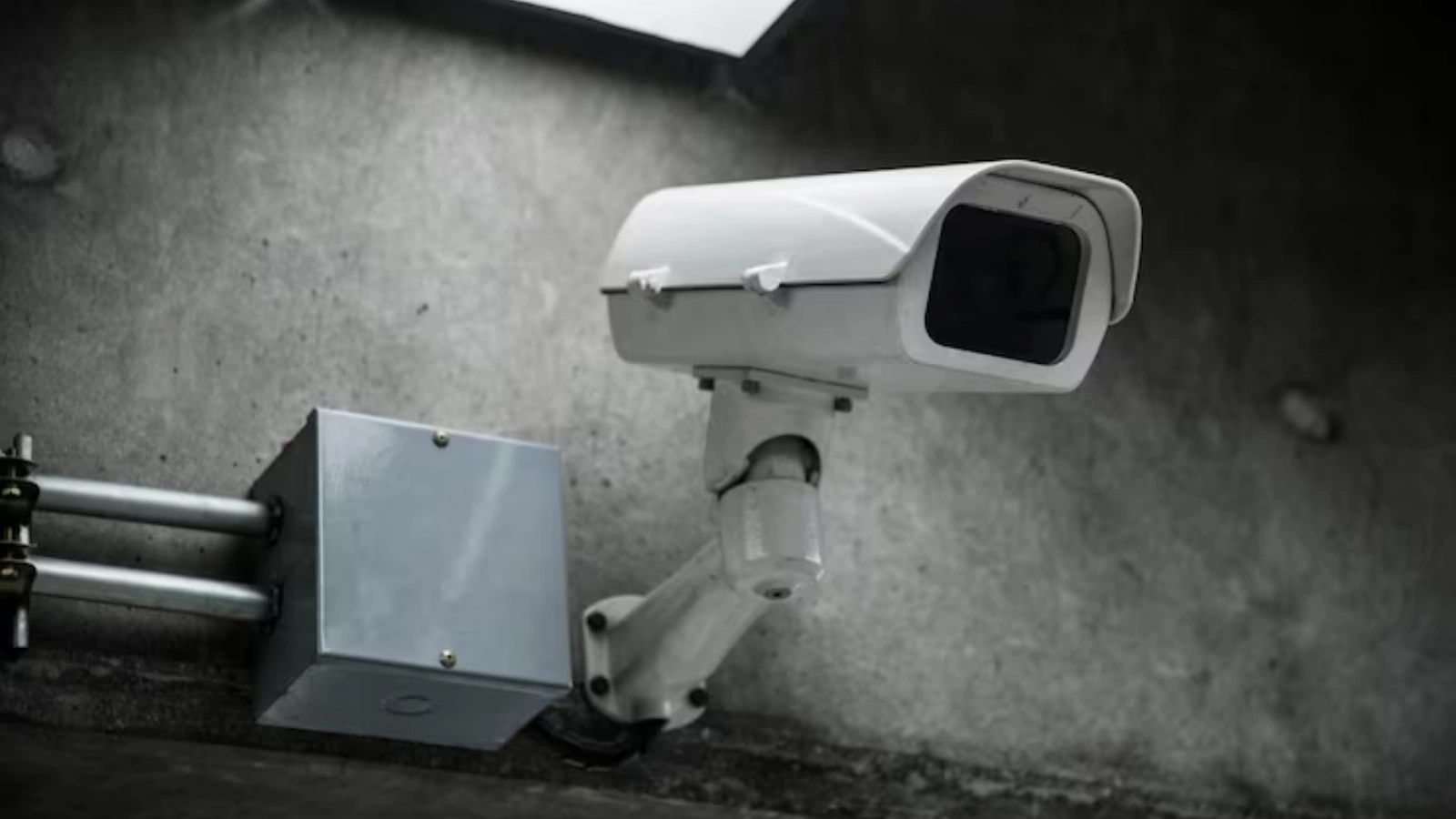
The digital video recorder revolutionized the industry because it solved multiple problems faced by older video systems and highlighted the key benefits of DVR system technology in real-world security environments.
It Increased Storage Power:
Analog tapes offered very limited recording duration and required frequent replacements. A digital video recorder, however, can store weeks or even months of continuous footage based on hard drive size, recording frame rate, and compression type.
This allows businesses and homeowners to maintain long-term security evidence without worrying about storage shortage.
It Improved Recording Quality:
Old tape-based systems captured low-resolution visuals, making it difficult to identify faces, objects, or movements.
It delivers HD and Full HD clarity, allowing users to zoom in on details, review footage frame by frame, and extract valuable visual information that older recording methods could not provide.
It Simplified Retrieval:
Traditional tapes forced users to manually rewind and fast-forward through hours of video. With digital recording, users can instantly search footage using timestamps, date filters, or event markers.
Investigations become faster, evidence becomes easier to locate, and video review time drops dramatically.
These upgrades helped the digital video recorder become a global standard in surveillance environments.
How A Digital Video Recorder Functions?

A digital video recorder receives live camera signals, compresses the video, converts it into digital data, and stores it safely. This conversion happens instantly with the help of inbuilt processors.
Below is the basic workflow:
- Cameras capture live visuals.
- Video feeds are transferred to the device.
- The digital video recorder compresses and processes footage.
- Files become viewable through connected screens or software.
- Users replay, export, and manage footage whenever needed.
This core mechanism makes surveillance simpler for every environment.
Also Read:
How AI Video Surveillance Is Transforming Modern Security Systems
What Types Of Digital Video Recorder Devices Are Available?
Choosing the right recording system depends on monitoring requirements and system size. Each type offers different features and helps users create an effective and reliable security setup.
Standalone DVR:
An independently working unit is best for homes and small stores. It offers basic recording, simple plug-and-play installation, motion detection support, and reliable day-to-day surveillance with minimal maintenance.
PC-Based DVR:
Operates through computer software and suits large environments that need stronger processing, remote access, multi-camera management, and better customization options for professional monitoring.
Hybrid DVR:
Supports both analog and IP cameras, giving users flexibility when upgrading. It allows mixing old cameras with new network models, making system expansion easier and more cost-efficient.
These categories help people select a recorder that fits their environment, security goals, and long-term scalability.
Top Digital Video Recorder Features
A digital video recorder provides much more than simple storage. It adds functionality that strengthens security, improves user control, and enhances monitoring accuracy across modern video surveillance systems.
Motion-Based Recording:
The system captures footage only when movement is detected, reducing unnecessary storage use and making event review faster and more efficient.
Remote Access:
Users can watch live or recorded footage from phones, tablets, or computers, allowing 24/7 monitoring even when away from the property.
Real-Time Playback:
Multiple camera views can be checked instantly, helping users verify suspicious activity and avoid time-consuming manual review.
Flexible Storage Programming:
Users decide how long recordings stay saved, choose overwrite schedules, and manage storage capacity according to camera count or quality settings.
High-Speed Searching:
Built-in filters like timestamps, motion alerts, and camera labels help locate specific events within seconds, saving search time during incidents.
These features make DVR technology a dependable and cost-efficient choice for modern security setups. However, today’s cctv monitoring is evolving beyond basic recording toward intelligent, real-time analysis.
This is where VideoraIQ adds value. VideoraIQ is an AI-driven video intelligence software designed to integrate effortlessly with your existing CCTV and DVR systems, no hardware overhaul required.
Powered by advanced computer vision and real-time analytics, it continuously processes video feeds to detect security threats, safety hazards, suspicious movement, and unauthorized access with high accuracy.
The system automatically identifies critical events and sends instant alerts, transforming standard surveillance into an intelligent, proactive security layer. With VideoraIQ, monitoring becomes faster, response times improve, and your entire security ecosystem operates smarter and more efficiently.
Understanding DVR Technology And Comparisons
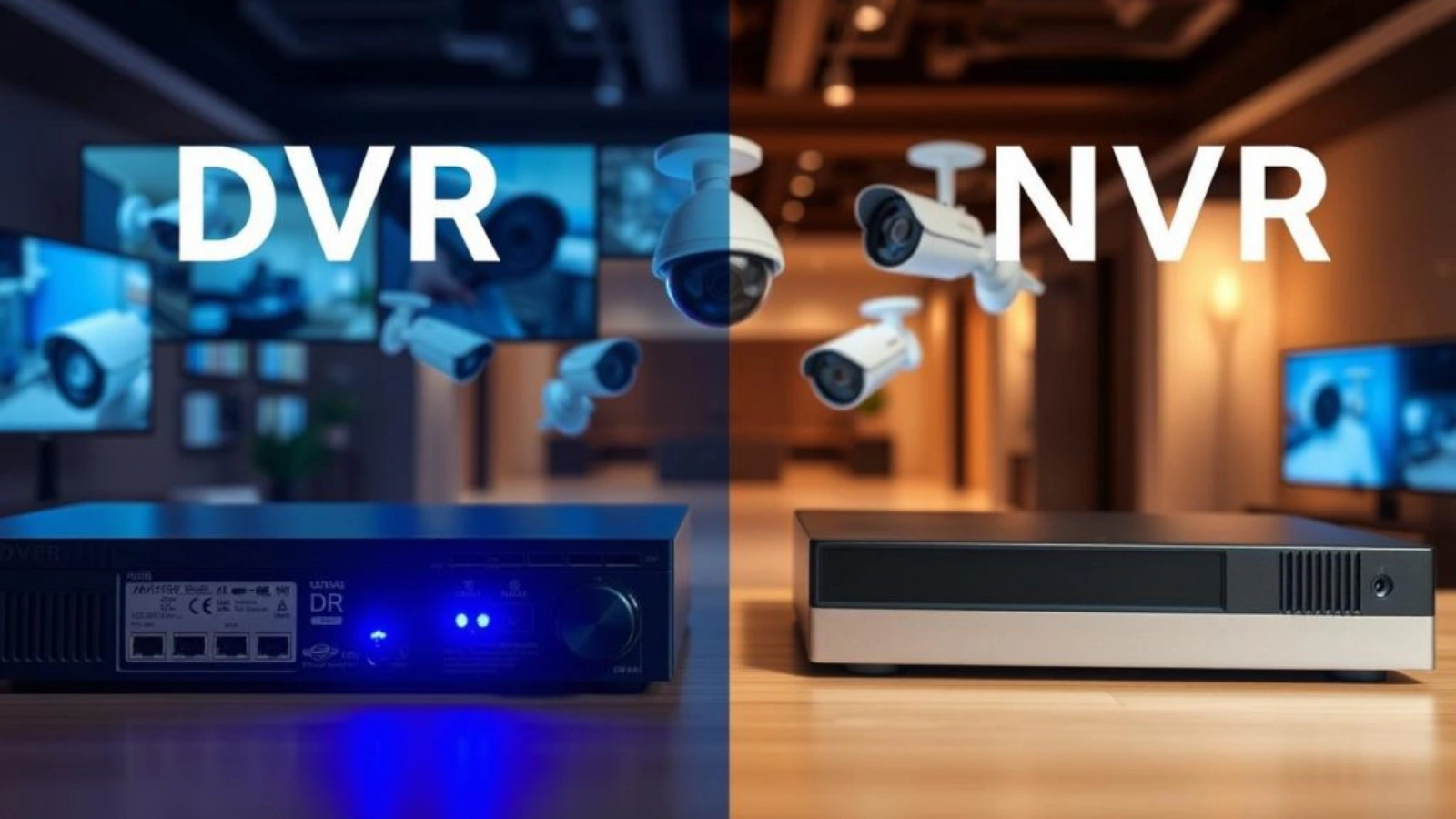
The term DVR describes a reliable video recording unit developed for long-term storage and playback. It is budget-friendly and suits small businesses and homes.
Meanwhile, the comparison between nvr vs DVR shows their key difference. An NVR works with network-based IP cameras, while a DVR uses coaxial wiring and analogue sources. The decision depends on camera type, infrastructure, and surveillance scale.
A DVR is preferred where existing analogue wiring is already installed, making upgrades affordable and fast. It offers steady recording quality for fixed camera locations and is easy to maintain, which is ideal for first-time security users.
Additionally, many users choose a DVR because it integrates smoothly with motion alerts, remote viewing, and software enhancements without major rewiring. This blend of flexibility, cost control, and simplicity makes DVR technology a dependable option for modern monitoring needs.
Installation Tips For Better Performance
A digital video recorder works best when installed properly. Keep the following points in mind:
- Select the Right Storage Capacity: Ensure your DVR has enough storage to accommodate all cameras and desired retention periods.
- Avoid Heat Exposure: Place the DVR in a cool, ventilated area to prevent overheating and ensure long-term reliability.
- Use High-Quality Cabling: Invest in good cables and connectors to reduce signal loss, interference, and video degradation.
- Adjust Camera Angles Carefully: Properly position cameras to capture key areas while minimizing blind spots.
- Secure and Protect Wiring: Keep cables organized, protected from physical damage, and away from power sources to prevent disruptions.
Following these steps ensures consistent recording quality, longer device lifespan, and reliable surveillance.
Why Businesses Choose A DVR Surveillance System?
Many modern companies prefer using a DVR surveillance system to protect property, employees, and sensitive data. This setup offers reliable monitoring, long-term storage, and clear visual proof during incidents. Here are key reasons businesses choose it:
Prevents Theft and Misconduct:
Continuous recording helps deter internal and external theft, reducing retail losses and workplace damage.
Improves Workplace Transparency:
Managers can review footage to verify activities, inspect workflow, and maintain fair employee evaluation.
Supports Legal and Insurance Claims:
Recorded evidence strengthens investigations and protects businesses during disputes or false accusations.
Cost-Effective for Large Areas:
DVR setups support multiple analogue cameras, allowing companies to cover wide zones without expensive upgrades.
Remote Monitoring for Security Teams:
Staff can view live cameras from different locations, ensuring quicker response during emergencies.
Overall, businesses rely on DVR surveillance because it boosts safety, builds accountability, and supports smarter decision-making.
Also Read:
CCTV Monitoring Vs. Traditional Security: Which Is Right For You?
How Does VideoraIQ Improve Digital Video Recorder Surveillance Performance?
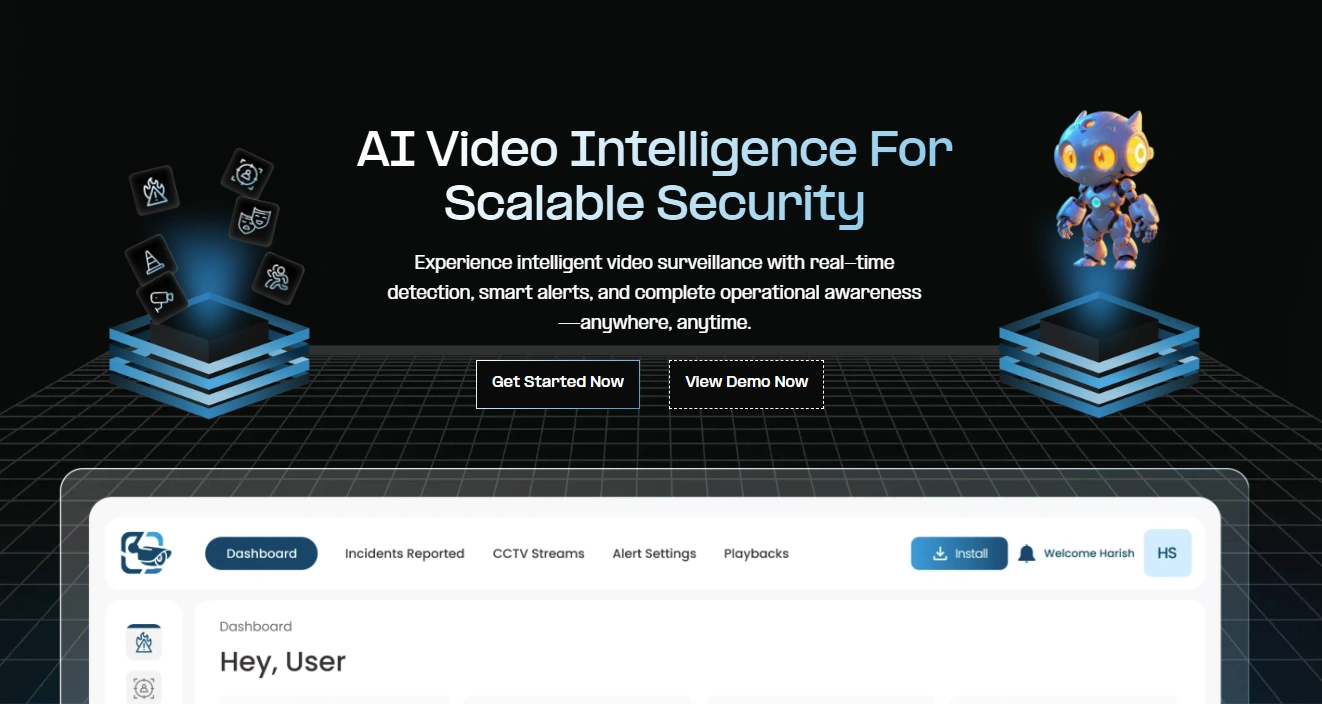
Traditional DVR-based surveillance records everything, but reviewing footage and spotting critical events still takes time and manual effort. VideoraIQ adds an intelligent AI layer to your DVR system, transforming passive video recording into real-time video intelligence.
By continuously analyzing live and recorded footage, it automatically detects high-risk events, prioritizes what matters, and delivers actionable alerts, helping security teams respond faster, reduce blind spots, and operate with greater accuracy.
Key AI-Powered Features of VideoraIQ
1. Face Recognition
VideoraIQ automatically detects and matches human faces from video feeds to verify identities, monitor access points, and track repeat or unknown visitors. This helps strengthen access control while reducing dependency on manual identity checks.
2. Intrusion Detection
The system continuously monitors restricted or sensitive zones and instantly flags unauthorized movement. Instead of watching screens around the clock, teams receive real-time alerts the moment an intrusion occurs.
3. Object Identification & Tracking
VideoraIQ intelligently identifies and tracks critical objects such as bags, vehicles, or equipment within the frame. This makes investigations faster, improves incident accuracy, and minimizes the risk of overlooked security threats.
4. Fire & Smoke Detection
Using visual pattern recognition, the software detects early signs of smoke or fire and triggers immediate alerts. This enables faster intervention, helping prevent property damage, operational downtime, and safety risks.
5. Line Crossing Alerts₹
Define virtual boundaries across entrances, exits, or perimeters. When a person or vehicle crosses these predefined lines, VideoraIQ generates instant alerts—strengthening perimeter security without additional hardware.
6. Number Plate Recognition (ANPR)₹
VideoraIQ automatically captures and reads vehicle number plates to support gate automation, parking control, and vehicle movement tracking. This improves surveillance accuracy and simplifies access monitoring in high-traffic areas.
Adding VideoraIQ to any digital video recorder setup turns traditional video backup storage into a proactive, intelligent surveillance environment designed for better safety, faster decisions, and stronger operational awareness.
Digital Video Recorder Maintenance Tips
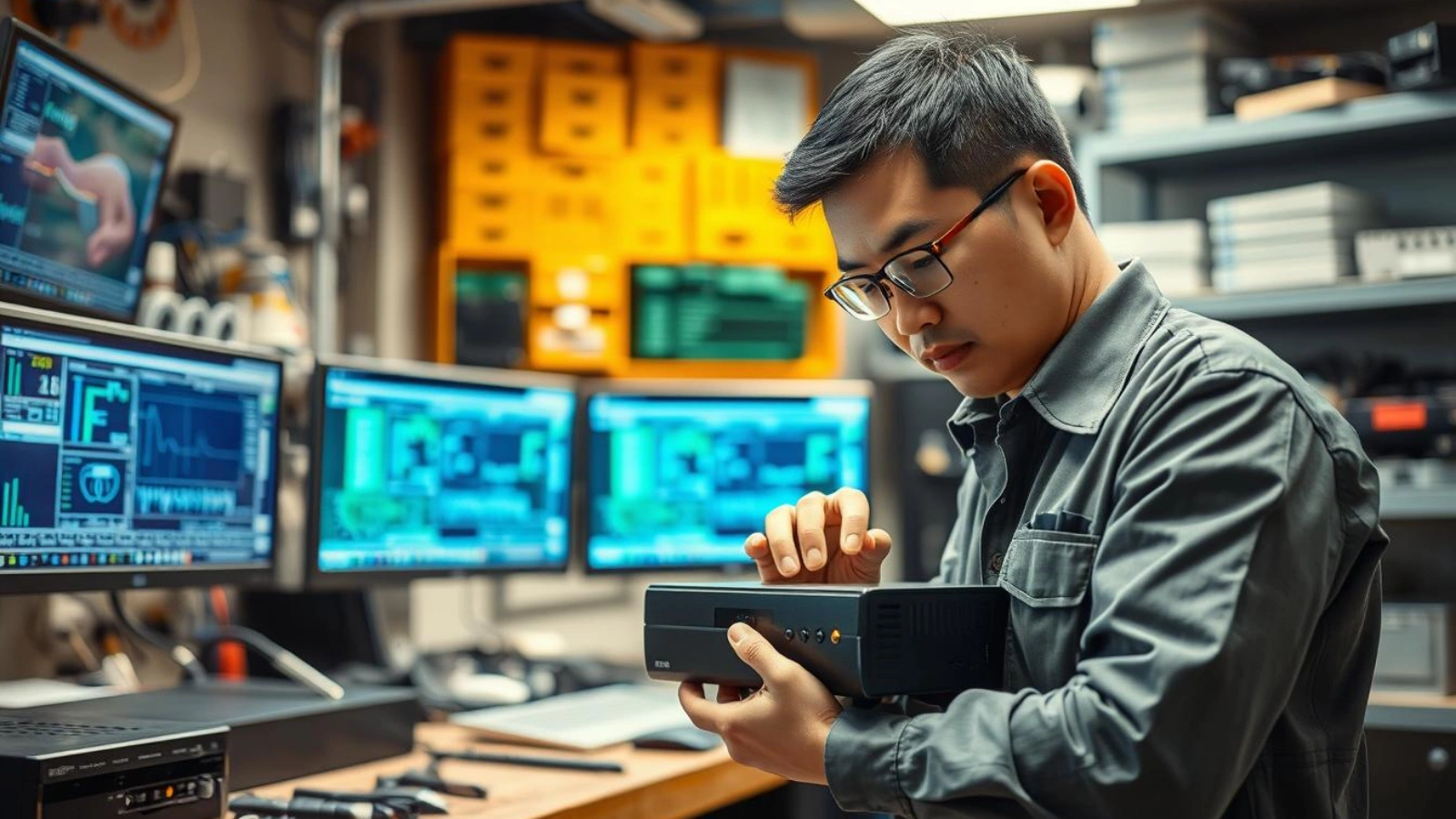
To maintain a digital video recorder, follow these steps:
Update Firmware:
Install the latest firmware to improve recording accuracy, boost security protection, and maintain compatibility with new cameras or software.
Clean Cooling Vents:
Remove dust from vents and fans to control internal temperature, prevent lag, and protect components from heat damage.
Backup Data Regularly:
Schedule backups on cloud or external drives to safeguard critical footage in case of hardware failure or accidental deletion.
Secure Wiring:
Inspect cables and connectors to avoid loose links, video noise, and camera disconnection issues.
Check Storage Health:
Monitor hard drive status and replace weak drives early to maintain uninterrupted recording and long-term reliability.
These habits enhance device lifespan and ensure stable, high-quality DVR performance.
What Should First-Time Buyers Look For In A Digital Video Recorder?
Consider the following factors before selecting a DVR:
- Capacity: Start with 1 TB or higher for multi-camera setups.
- Frame Rate: Higher frame rate ensures smooth movement.
- Camera Compatibility: Pick a device that suits your camera category.
- Remote Support: Remote login boosts mobility and convenience.
- Compression Method: Advanced compression saves space without losing quality.
These points guide the purchasing decision confidently.
Conclusion
The digital video recorder continues to lead modern surveillance by giving users full control over video storage and monitoring. Businesses, homes, and industries rely on it because it offers clearer visuals, smarter management, and dependable backup.
With VideoraIQ integration, the traditional DVR becomes a powerful intelligent surveillance ecosystem capable of detecting faces, objects, movement, unauthorized entry, and safety risks. This combination offers long-term value and future-ready protection for every security environment.
FAQs
1. Can a surveillance system run without an internet connection?
Yes, most CCTV setups can function completely offline for recording and playback. The Internet is only required if you want remote monitoring or cloud backup access.
2. How long can video recordings be stored on average?
This depends entirely on storage size, recording resolution, and the number of connected cameras. A large business device may store weeks or even months of footage, while smaller home setups might store several days.
3. Do modern recorders support audio recording as well?
Many models support audio, but it depends on the camera and channel configuration. Some regions also have legal restrictions regarding audio surveillance, so it is important to review local laws before activation.

