

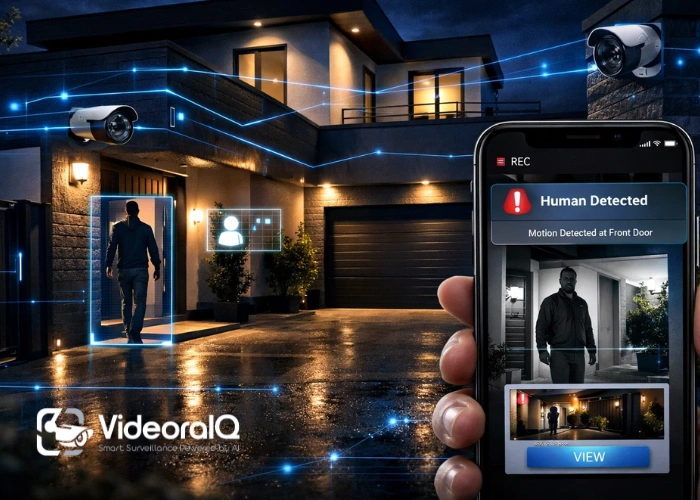
An Internet Protocol (IP) camera is a digital security camera that sends and receives video over a network or the Internet. Traditional analog cameras or IP cameras are devices on your network with their own unique IP addresses, making them more comfortable to access and manage remotely.
The advantages of using an IP camera for surveillance are that it usually offers a higher video resolution, remote viewing through mobile applications, and smart features such as motion detection and alerts. IP cameras can connect to Wi-Fi or Ethernet (LAN/PoE) and provide flexible installation options for both indoor and outdoor security.
Whether you are securing a home, office, or business space, IP cameras can work as part of a complete IP security camera system with a Network Video Recorder (NVR) for 24/7 recording, or they can also operate independently, depending on the model and storage option.
In a hurry? Listen to the blog instead!
What To Check Before Buying An IP Camera
Not every IP camera is built the same, and choosing the right one depends on your space, security needs, and how you want to monitor your home environment. Before purchasing, it is important to check a few key features that directly affect the video quality, coverage, and reliability.
Start with video resolution, because clearer footage makes it easier to identify faces, license plates, and small details. Most people choose 1080p, but 2 K or 4 K IP cameras are better if you want a sharper quality or need to cover a wider area.
Next, we consider the lens and field of view. A wide-angle lens covers a larger area, making it ideal for living rooms, entrances, and parking areas. If you need to monitor longer distances, such as a driveway or gate, a camera with optical zoom or a narrow lens may work better.
In addition, the night vision performance should be checked, as most incidents occur in low light. A good IP camera for surveillance should have a strong infrared night vision range, clear visibility in the dark, and minimal glare from light.
Finally, consider how the camera records footage and connects to the network. Some cameras support SD cards, whereas others work best as part of an IP security camera system using an NVR for continuous recording. The connection type also matters because Wi-Fi IP cameras are easier to install, but Ethernet/PoE IP cameras are usually more stable for 24/7 security.
Choose The Right IP Camera Resolution (1080p vs 2K vs 4K)
When selecting an IP camera, resolution is one of the most important factors to consider because it determines the clarity of the footage. A higher resolution helps capture sharper details, such as faces, vehicle numbers, and small movements, which makes a significant difference during playback.
1080p (Full HD)
A 1080p IP camera is a good choice for most home settings. It provides a clear video for common areas such as:
- main door
- living room
- hallway
- Balcony
It also uses less storage and bandwidth than higher resolutions; therefore, it is easier to manage if Wi-Fi or cloud recording is used.
2K (1440p)
A 2 K IP camera for surveillance is a great upgrade if you want better clarity without going all the way to 4 K. It is ideal for:
- wider areas like parking
- front yard/backyard
- entrances with more distance
2 K cameras usually provide noticeably sharper footage when they are zoomed in.
4K (Ultra HD)
A 4 K IP camera provides the greatest detail and is best for areas where maximum clarity is required, such as:
- large homes
- long driveways
- gates and outdoor boundaries
However, 4 K requires more storage space and a stronger network connection, especially if multiple cameras are used in an IP security camera system.
Quick Tip
If you want the best balance for most home setups, 1080p or 2 K resolution is usually sufficient. Use 4 K only if you need high-detail monitoring and have the storage and network to support it.
Lens And Field Of View (Wide Angle Vs Zoom IP Camera)
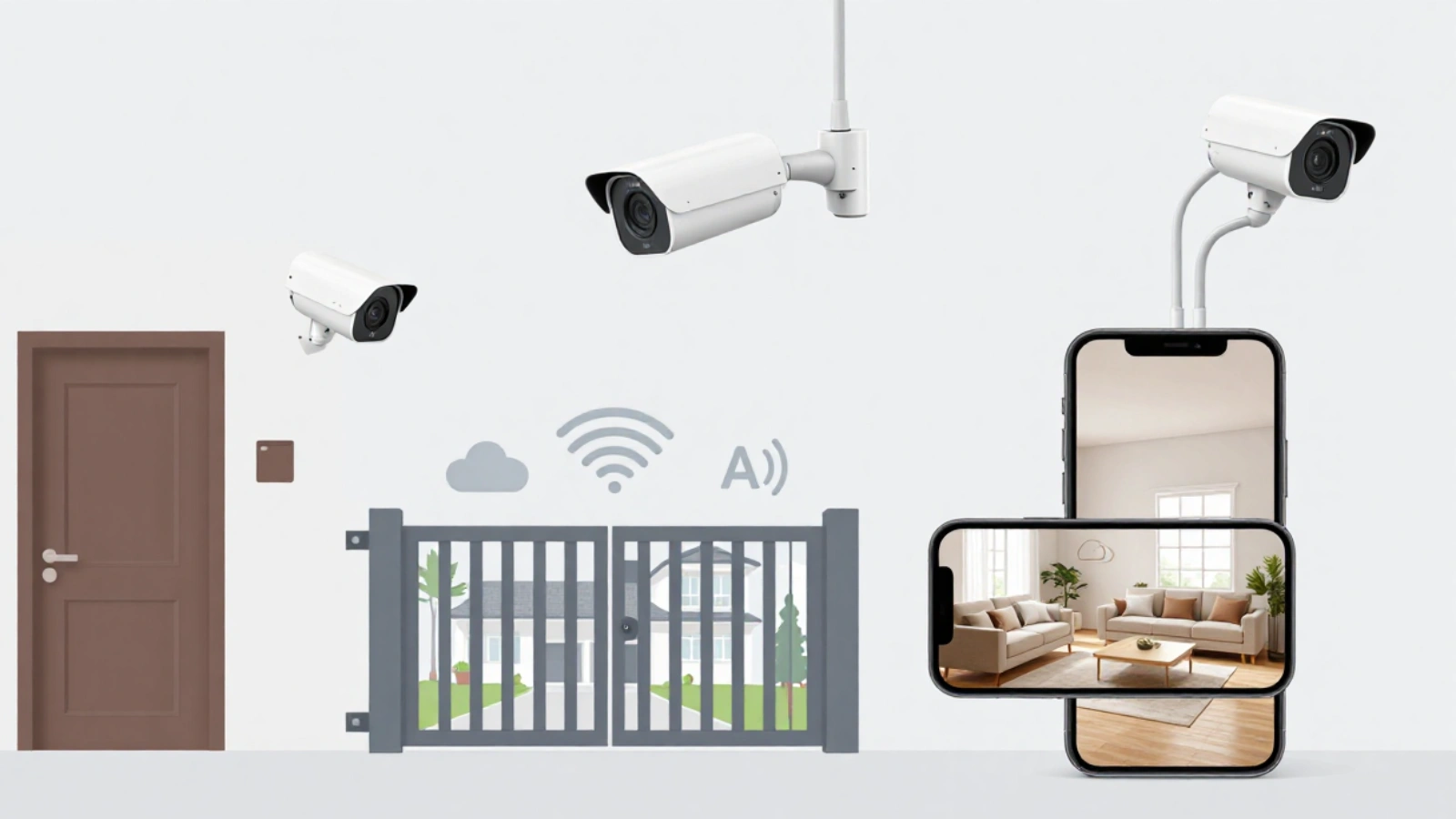
Resolution provides clarity, but the lens and field of view (FOV) determine the area that the IP camera can cover. Even a 4 K camera will not help if it is pointed in the wrong direction or the lens does not match the space being monitored.
Wide-Angle IP Camera (Best for Coverage)
A wide-angle IP camera for surveillance captures a large area in a single frame. This is ideal when monitoring open spaces, such as
- living rooms
- main entrances
- hallways
- parking areas (short distance)
Wide-angle cameras reduce blind spots; however, the trade-off is that distant objects may appear smaller.
Zoom IP Camera (Best for Distance Details)
If a longer area, such as a driveway, gate, or boundary wall, needs to be monitored, a zoom camera can help capture details from a distance.
There are two types of Zoom:
1) Optical Zoom (Recommended)
Optical zoom uses a lens to zoom in without losing quality. This is the best choice if you want clear details, such as the following:
- faces at a distance
- vehicle number plates
- gate activity
2) Digital Zoom (Not Ideal for Security)
Digital video zoom enlarges the image on the screen, which often makes the footage look blurry or pixelated. It is acceptable for basic viewing but not reliable when evidence-quality videos are required.
How to Choose the Right Lens
- For small rooms and indoor areas, use a wide-angle lens.
- For outdoor entry points and longer distances, an IP camera with optical zoom or a lens designed for distance should be selected.
Once the right lens and viewing angle are chosen, the next important feature to check is night vision, because good security cameras must perform well even in complete darkness.
Night Vision For IP Camera For Surveillance (IR Range + Clarity)
A good IP camera should protect your home day and night, but the real test is how well it performs in low-light conditions. Many break-ins and suspicious activities occur after dark; therefore, choosing an IP camera for surveillance with strong night vision is essential.
Infrared (IR) Night Vision: How It Works
Most IP cameras use infrared (IR) LEDs to capture black-and-white videos in the dark. The camera automatically switches to night mode when light levels drop, helping you see movement and people even when it is completely dark.
Check the IR Range (How Far the Camera Can See)
The night vision range is usually mentioned in meters (for example: 10m, 20m, 30m).
- For indoor areas, a shorter range is enough
- For outdoor spaces like gates, parking, or backyards, you’ll need a longer IR range
A simple rule: choose a camera with night vision range slightly higher than your actual distance, so you still get clear footage.
Clarity Matters More Than Range
Some cameras showed “night vision supported” but still produced unclear footage. For better results, consider the following:
- Sharp image quality in night mode
- less noise/grain in low light
- clear face visibility at the required distance
Avoid Common Night Vision Problems
Night footage can be ruined due to:
- glare from lights (streetlights, porch lights)
- reflection on glass (if placed behind windows)
- overexposure when someone comes too close to the camera
If you are installing near lights or reflective surfaces, choose an IP camera with better low-light handling and proper positioning.
Motion Detection and Smart Alerts (AI Human Detection)
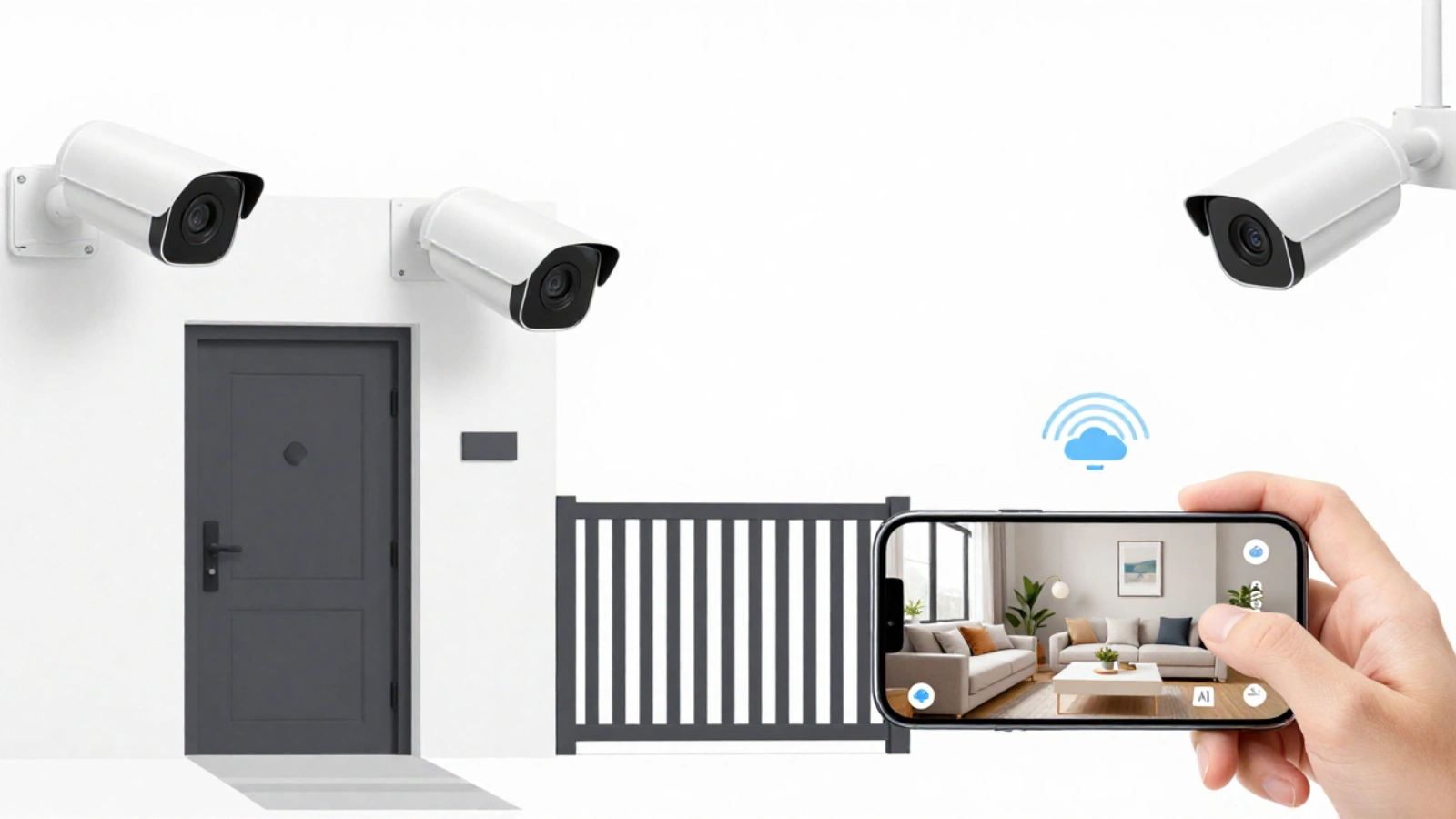
One of the biggest reasons people choose IP cameras for home security is to receive instant alerts when something suspicious occurs. However, basic motion detection can sometimes be annoying because it may trigger alerts for anything, such as pets, moving trees, or passing vehicles.
Therefore, smart detection features are important.
Basic Motion Detection
Most IP cameras can detect movement and send notifications to the phone. This works well for simple setups, but it may create excessive false alerts, particularly in outdoor areas.
AI Human Detection (Recommended)
Modern IP cameras for surveillance often include AI-based human detection, which helps the camera differentiate between a person and normal motion. This makes the security system more accurate and useful because alerts are received only when necessary.
AI detection is especially helpful for the following:
- main door and entry points
- parking areas
- balconies and terraces
- backyards and side gates
Custom Alert Settings (To Reduce Noise)
Before purchasing an IP camera, check whether it supports the following:
- motion zones (choose where the camera should detect motion)
- alert schedules (alerts only at night or specific hours)
- sensitivity control (reduce unnecessary triggers)
Why This Feature Is Important
A good alert system saves time and improves safety. Instead of checking footage all day, your IP camera notifies you only when there is real activity, making it a smarter and more reliable home security setup.
Indoor Vs Outdoor IP Camera For Home Security
After selecting the appropriate features, the next step is to choose the correct IP camera type based on the installation location. Indoor cameras and outdoor cameras may appear similar; however, they are built for different conditions, and using the wrong one can reduce performance and durability.
Indoor IP Camera (Best for Inside Monitoring)
An indoor IP camera for surveillance is designed for clean and controlled environments. It is perfect for monitoring.
- living room
- main door (from inside)
- hallway and staircase
- kids’ room or elderly care areas
Indoor cameras are usually smaller, easier to install, and often come with smart features, such as two-way audio and mobile alerts.
Best indoor placement tips:
The camera was installed at a corner or high wall angle to cover the maximum area without blind spots.
Outdoor IP Camera (Best for Full Home Protection)
Outdoor cameras are designed to handle dust, rain, heat, and changes in light conditions. If you want real home security coverage, outdoor cameras are important for areas such as:
- gate and entrance
- parking area
- backyard and terrace
- side passage and boundary wall
When choosing an outdoor IP camera, consider the following:
- Weatherproof rating (IP65 / IP66)
- strong night vision range
- durable body and stable mounting
- wide viewing angle for open areas
Outdoor placement tip:
Avoid placing the camera directly facing strong light, as it can reduce night clarity.
Which One Should You Choose
For most homes, the best setup is a combination of both.
- Indoor IP camera for inside activity monitoring
- Outdoor IP camera for entry points and open spaces
This combination provides complete coverage and helps build a stronger home security system.
Read More!
How AI Video Surveillance Is Transforming Modern Security Systems
PoE Vs Wi-Fi IP Cameras: Which One Should You Choose?
When purchasing an IP camera, the connection type is a significant decision. Most cameras connect either through Wi-Fi or through a wired setup, such as Power over Ethernet (PoE). Both work well, but the best choice depends on your home layout, Internet stability, and how reliable you want your surveillance to be.
PoE IP Camera (Best for Stability + 24/7 Recording)
A PoE IP camera uses a single Ethernet cable for both power and Internet connections. This makes it one of the most reliable options for home security systems.
Best for:
- outdoor areas like the gate, parking, and the backyard
- homes that need 24/7 recording
- people who want a strong, stable connection
Key benefits:
- stable video feed (no Wi-Fi drops)
- better for high-resolution cameras (2K/4K)
- clean and professional setup
The only downside is that PoE installation may require wiring, especially in larger homes.
Wi-Fi IP Camera (Best for Easy Installation)
A Wi-Fi IP camera connects wirelessly to the home network, making it easier to install and move.
Best for:
- indoor rooms and apartments
- rented homes (no drilling or wiring)
- quick setup and basic monitoring
Key benefits:
- simple installation
- flexible placement
- Works well for light indoor use
The downside is that Wi-Fi cameras can face issues such as weak signals, network interference, or lag if the Internet connection is unstable.
Quick Recommendation
- Choose PoE IP cameras if you want strong reliability and smooth 24/7 surveillance.
- Choose Wi-Fi IP cameras if you want a quick setup and flexible placement.
Storage And Recording Options (SD Card vs Cloud vs NVR)
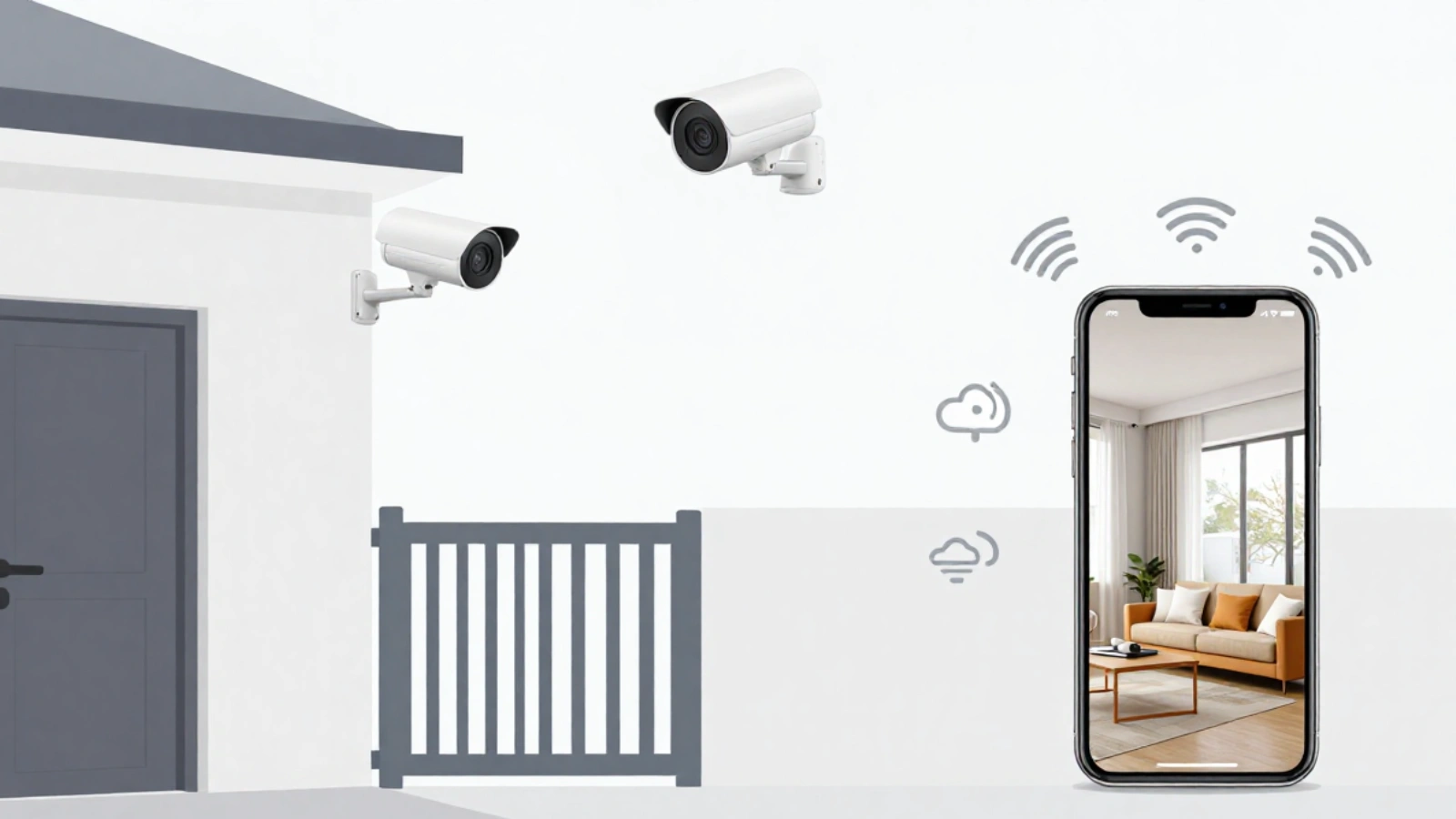
Choosing the best IP camera is not only about video quality and features. You also need to decide how your camera will record and store footage because that affects how long videos are saved and how easily you can access recordings when needed.
Most IP cameras for home security support one (or more) of these recording options:
SD Card Storage (Simple and Budget-Friendly)
Many IP cameras support micro SD cards for local recording. This is a good option if you want a simple setup without any extra devices.
Best for:
- single camera setups
- indoor monitoring
- basic home surveillance
Pros:
- no monthly fees
- easy to set up
- recordings stay inside the camera
Cons:
- limited storage capacity
- If the camera is damaged or stolen, footage may be lost
- Not ideal for long-term 24/7 recording
Cloud Storage (Remote Access + Backup)
Cloud recording saves footage online, allowing access control from anywhere using an app. It is a popular option for users who want easy access and backup.
Best for:
- users who want recordings to be safe, even if the camera is stolen
- remote monitoring while traveling
- quick playback on mobile
Pros:
- footage stays safe online
- easy access anytime
- no need for extra hardware
Cons:
- usually requires a subscription
- depends on the internet speed
- may have storage limits based on the plan
NVR Recording (Best for Full IP Security Camera System)
A network video recorder (NVR) is the best choice if you want a complete IP security camera system with 24/7 recording and multiple cameras.
Best for:
- outdoor + indoor full home coverage
- multi-camera setups
- high-resolution surveillance (2K/4K)
Pros:
- supports multiple cameras in one system
- reliable 24/7 recording
- larger storage capacity with hard drives
Cons:
- A higher upfront cost
- requires installation and setup
- needs space for the recorder unit
Quick Recommendation
- For basic use, an SD card is enough
- For easy remote backup, Cloud storage works well
- For serious security, choose an IP security camera system with NVR
How Many IP Cameras Are Needed for Home Security?
The number of IP cameras required depends on the size of the home, entry points, and areas to be monitored. The goal is not to cover every corner but to cover the most important zones where security matters most.
Start With the Key Entry Points
For most homes, the first cameras should cover the following:
- main door/entrance
- gate or parking area
- backdoor or backyard access
- staircase or hallway (indoor movement area)
These are the most common places where unwanted activities occur.
Simple Camera Count Guide (Quick Idea)
- 1–2 IP cameras: small apartment (main door + living area)
- 3–4 IP cameras: average home (entrance, parking, hallway, backyard)
- 5+ IP cameras: large homes or villas (multiple gates + full outdoor coverage)
Focus on Coverage, Not Just Quantity
A wide-angle IP camera for surveillance can cover a large area, which may reduce the total number of cameras required. However, for long-distance areas, such as driveways or gates, you may need a dedicated camera with a better range and clarity.
Avoid Blind Spots With Smart Placement
To obtain the best results:
- Place cameras higher for a wider view
- cover entry points from a clear angle
- avoid pointing directly at bright lights
- don’t install behind glass (night reflection issues)
A well-planned setup with fewer cameras is often better than installing many cameras with poor quality angles.
Smart AI Surveillance with VideoraIQ
If you are exploring ways to make your IP camera setup even smarter, platforms such as VideoraIQ bring advanced video intelligence to traditional video surveillance systems. VideoraIQ is a cloud-based AI video analytics platform that goes beyond simply recording footage; it analyzes video in real time and turns cameras into proactive security tools.
Key Features of VideoraIQ
VideoraIQ offers a range of intelligent features that help improve detection and reduce manual monitoring.
- AI-powered threat detection: Instantly detects unauthorized access, intrusions, and suspicious behavior.
- Face Recognition: Identifies and tracks individuals for access control or security audits.
- Object and line-cross detection: Unattended objects and boundary breaches are spotted with real-time alerts.
- Fire and Smoke Detection: Alerts you to the early signs of fire hazards using video analysis.
- License Plate Recognition: Logs vehicle plates for access and monitoring purposes.
- Cloud Monitoring: A secure, cloud-based system that lets you view alerts and footage from anywhere.
VideoraIQ enhances traditional IP camera systems by adding real-time analysis, smart alerts, and automated surveillance capabilities, helping you stay ahead of threats rather than simply recording them.
Common Mistakes To Avoid When Choosing An IP Camera
Buying an IP camera is a smart move for home security, but many people end up disappointed because they choose the wrong model or ignore important details of the camera. Avoiding these common mistakes will help you obtain better footage, fewer issues, and a more reliable setup.
1) Choosing High Resolution but Ignoring Lens and Sensor Quality
Many buyers focus only on “4K” or “2K” labels, but the lens and image sensor are equally important. A low-quality sensor can still produce blurry or noisy footage even at a high resolution. Always check real footage samples, if possible.
2) Buying a Wide-Angle Camera for Long-Distance Areas
Wide-angle cameras are great for coverage, but they make distant objects appear smaller. If you want to monitor a gate or driveway from a distance, you may need a camera with the appropriate lens or optical zoom.
3) Relying Only on Wi-Fi in Weak Signal Areas
A Wi-Fi IP camera is easy to install; however, if the network is unstable, the camera may lag, disconnect, or miss recordings. For outdoor areas or 24/7 recordings, PoE IP cameras usually perform better.
4) Not Checking Night Vision Range Properly
Many people assume that all cameras work well at night, but the night vision quality varies significantly. Always confirm the IR night vision range and ensure that it matches the distance you need to cover.
5) Choosing the Wrong Storage Option
Some cameras only record on an SD card, which can be risky if the camera is stolen or damaged. For stronger protection, choose a cloud backup or a full IP security camera system with NVR recording.
6) Installing Cameras Without Planning Angles
Even the best IP camera for surveillance will not help if it is poorly placed. Poor angles can create blind spots, glare, and unclear facial visibility. Planning the camera positions before installation makes a significant difference.
Quick Checklist To Choose The Best IP Camera For Home Security
Before finalizing your purchase, use this quick checklist to ensure that you choose the right IP camera for your home. These are the key points that determine the clarity, reliability, and usefulness of the surveillance setup.
IP Camera Buying Checklist
✅ Resolution: 1080p for basic use, 2K/4K for sharper details
✅ Lens + Field of View: wide-angle for rooms, zoom/long-range for gates and driveways
✅ Night Vision: strong IR range with clear low-light footage
✅ Motion Alerts: smart detection + fewer false notifications
✅ Audio: two-way talk if you want communication and warnings
✅ Connection Type: Wi-Fi for easy setup, PoE for stable 24/7 security
✅ Storage: SD card for basic use, cloud for backup, NVR for full recording
✅ Indoor/Outdoor Rating: weatherproof (IP65/IP66) for outdoor cameras
✅ App & Security: remote access, user control, and secure login options
✅ Placement Plan: cover entry points and avoid blind spots
If your selected camera checks most of these boxes, you have already chosen a strong and reliable option.
FAQs: IP Cameras For Home Security
1) Can I use an IP camera without an NVR?
Yes. Many IP cameras can operate independently using SD card recording or cloud storage. An NVR is mainly useful when a complete IP security camera system with multiple cameras and 24/7 recording is required.
2) Do IP cameras require a static IP address?
Not always. Most home setups work well with dynamic IP using routers. A static IP is mainly helpful for advanced networking or business setups, where stable remote access is required.
3) Can multiple people access the same IP camera
Yes. Most IP camera apps allow multi-user access, enabling family members to view live footage. Some cameras also support admin controls, such as user permissions and view-only access.
4) What happens if the power is turned off?
If the camera lost power, the recording stopped. To avoid this, a UPS backup can be used for the router and NVR (if using one). Some setups also support backup recording when the power is restored.
5) Can IP cameras record continuously for 24/7?
Yes, but this depends on the camera and storage setup. Continuous recording is most reliable using an NVR-based IP security camera system. Some Wi-Fi cameras only support motion-based recording.

