

Security is no longer something businesses think about only after an incident happens. Today, it’s part of everyday operations. Whether you manage a small office, a growing enterprise, or a multi-tenant building, having the right office security systems in place is essential.
Installing video surveillance and locking doors is only part of the equation. The goal of workplace safety is to build a secure environment for employees to perform their duties, properly manage visitors, protect company property, and safeguard sensitive data. Office Security integrates the use of traditional physical security measures with contemporary electronic/virtual security and automated monitoring systems into one all-inclusive approach.
We will explore “what is office security,” which components are important for the overall safety and security of your business, and how to select the best system for your needs.
Listen To The Podcast Now!
What Are Office Security Systems?
Systems for protecting the business are methods, devices, and procedures used to prevent threats to the workplace. Types of threats may include (but are not limited to) theft and vandalism, unauthorized access and workplace violence, and cybercrime.
The complete system of physical and information security involves:
Controlling access to the workplace (i.e., Who can be in the workplace? Where can they go? What can they do?)
- Camera systems at the workplace are commonly called CCTV.
- Alarm systems and smart sensors are connected to the alarm.
- Cybersecurity measures to ensure the company’s data is protected from unauthorized access.
- Tools for managing visitors in the workplace.
Integrating these different security components provides a secure environment that does not complicate or intrude upon the day-to-day operation of the business.
Why Office Security Systems Are So Important
Many businesses assume security is only necessary for high-risk industries. In reality, every workplace faces risks.
Here’s why investing in proper office security systems matters:
1. Protecting People
Your employees and visitors should feel safe the moment they enter the building. A visible surveillance camera system for business entrances and access control at key points sends a clear message: safety is a priority.
2. Preventing Unauthorized Access
Not everyone should have access to server rooms, storage areas, or executive offices. Office building security solutions allow you to control who enters specific spaces and when.
3. Safeguarding Assets and Information
From laptops and equipment to confidential client data, businesses hold valuable assets. Commercial security solutions help reduce theft, data leaks, and internal misuse.
4. Supporting Compliance
Many industries must meet safety and data protection regulations. Proper office security systems help businesses stay compliant and avoid penalties.
Core Components of Modern Office Security Systems
Let’s look at the building blocks of an effective security setup.
Access Control Systems
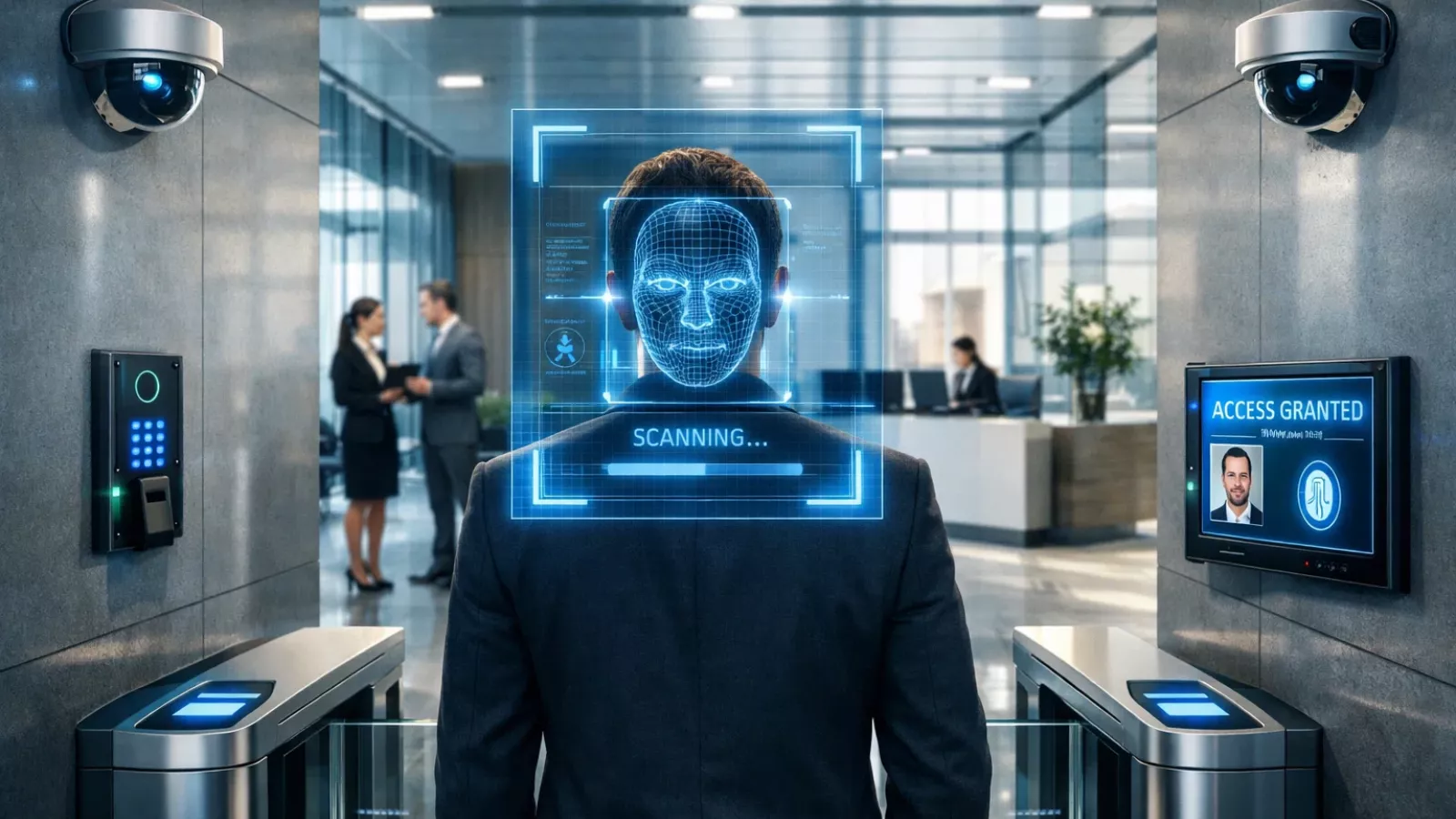
Access control is the foundation of most office building security solutions. Instead of traditional keys, businesses now use:
- Keycards or fobs
- Mobile credentials
- Biometric systems (fingerprint or facial recognition)
- PIN-based entry systems
Access control systems allow administrators to assign different permissions based on roles. For example, IT staff may access server rooms, while general employees cannot.
These systems also create digital logs, so if something unusual happens—like after-hours entry—you can quickly review who accessed the area.
Alarms and Smart Sensors
Alarms are designed to get attention quickly. They can be loud and visible to deter intruders or silent to alert security teams discreetly.
Sensors enhance security by detecting:
- Motion in restricted areas
- Forced door entry
- Broken glass
- Smoke or fire
- Unusual environmental conditions
When connected to your broader office security systems, sensors can trigger cameras, send notifications, and even lock down certain areas automatically.
Cybersecurity Integration
Physical security and digital security are now closely linked. A secure building is only as strong as its digital infrastructure.
Strong commercial security solutions include:
- Firewalls
- Endpoint protection
- Encrypted data transmission
- Multi-factor authentication (MFA)
For example, if your surveillance system is cloud-based, encrypted data storage ensures that footage cannot be intercepted or accessed by unauthorized parties.
Video Surveillance Systems
A strong video surveillance system does more than just record footage.
Modern systems allow businesses to:
- Monitor live video feeds
- Store recorded footage securely
- Access cameras remotely
- Receive real-time alerts
- Integrate cameras with access control
A business surveillance system is especially effective when connected with door access logs. For example, when a door is opened, the camera nearby can automatically tag and record that event. That way, you don’t just know a door was unlocked—you know who unlocked it and can see exactly what happened.
Today’s surveillance camera system for business environments also includes features like night vision, wide-angle coverage, tamper resistance, and cloud storage options.
Here’s a deeper, more strategic version of the section with stronger explanations and practical clarity:
On-Premise vs Cloud-Based Office Security Systems
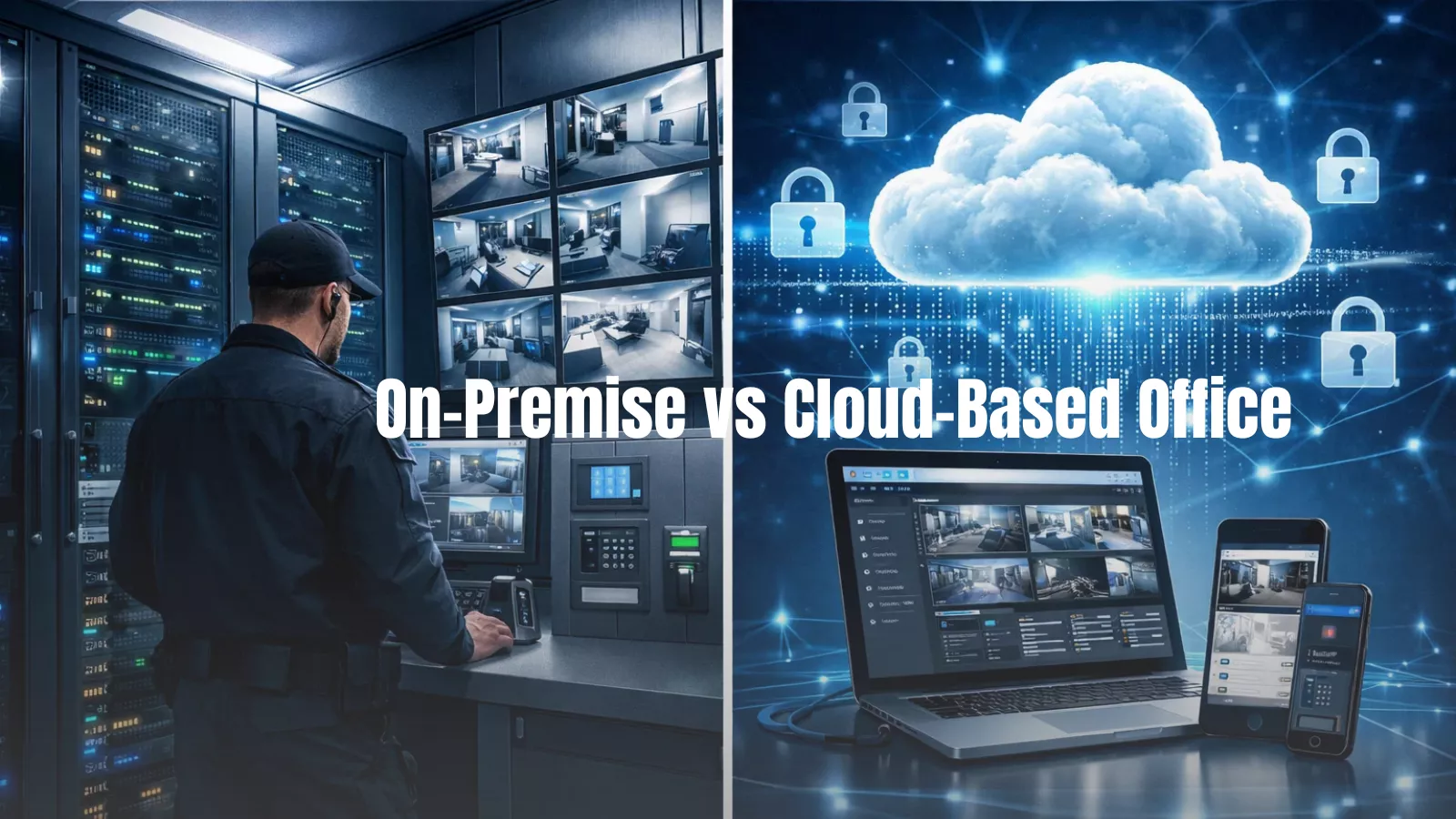
Businesses must make a major decision regarding office security systems. They are faced with the choice of storing their data, CCTV footage, access logs, visitor records, and alert reports, all of which contain vital information, ‘on-premise’ or ‘in the cloud’. This decision will not just impact the cost, but will also affect the potential for control, scalability, and long-term flexibility.
On-Premise Systems
On-premise systems store all video footage, access logs, and reports on-site using physical servers located on the premises of the building/campus.
Organizations seeking maximum control over their entire infrastructure often prefer to store their data using an ‘on-premise’ approach.
Advantages—
- You will have greater control over your data.
- Your information will never leave your physically secure premises and allows you to completely eliminate third-party providers as a risk of loss of control.
- Especially in industries with high levels of regulations/controls over them (i.e., finance, health care, and government), where data must remain on the premises due to legal/compliance issues.
- Even if your internet connection stops working, your video surveillance footage/x-access logs will continue operating normally.
Challenges—
- You have a greater initial capital outlay for hardware
- Physical servers, storage devices, and connection points require a substantial initial capital investment.
- You have a continued responsibility to maintain the infrastructure once it is set-up
- Your own IT department will be required to manage and maintain all hardware along with software updates, internet security, and physical server management.
- You may have limited options for scalable growth of your business since adding storage will require additional expense.
Cloud-Based Systems
Providers manage remotely secured servers, called cloud-based office security systems (assumes video footage, logs, and reports), to consolidate data off-site. Unlike housing data within your physical boundaries, data stored remotely is encrypted.
This approach has grown rapidly due to its ability to grow and expand easily.
There are several advantages to the use of this business model:
Scalability—need more space? Adding locations? Cloud-based systems provide scalability without requiring new physical infrastructure.
Lower initial investments—Businesses normally spend less at start-up compared to investing in hardware servers (furnishing facilities)—businesses will typically pay a monthly or annual subscription fee as part of their overall cost.
Remote accessibility from anywhere—authorized individuals will be able to view recorded footage, manage live video feeds, and receive alerts from any location—this provides for multi-location businesses with multiple access points.
Automatic updates and upgrades—The provider is responsible for installing necessary updates and providing them to its users to reduce workload on internal information technology (IT) departments.
Disadvantages to using a cloud-based system:
- A significant amount of attention must be placed on data privacy, because data is exchanged over the Internet; secure access to all data, including users, procedures, encryption, and multi-factor authentication (MFA), becomes less susceptible to cybercriminals.
- Ongoing cost to maintain subscriptions—while initially lower than traditional server usage costs, the long-term cost should be considered when conducting total cost planning.
- Overall, cloud systems are more flexible and convenient; however, careful consideration must occur through planning for cybersecurity.
The Hybrid Approach: Best of Both Worlds
Many modern office building security solutions now use a hybrid model.
In a hybrid setup:
- Critical footage may be stored locally for compliance.
- Backup copies are securely uploaded to the cloud.
- Live monitoring can occur both on-site and remotely.
This approach improves resilience. If local hardware fails, cloud backups remain accessible. If internet connectivity drops, local storage continues recording.
For growing businesses, hybrid office security systems offer flexibility without sacrificing reliability.
How Integration Makes Security Stronger
Technology alone does not create strong security. Integration does.
The real power of modern office security systems comes from connecting different components into one intelligent ecosystem. When systems operate independently, gaps appear. When they communicate, awareness increases dramatically.
Instead of functioning separately, your:
- Access control system
- Video surveillance system
- Alarm system
- Smart sensors
- Business surveillance system
- Visitor management software
should work together as one coordinated network.
What Integration Actually Looks Like
Let’s look at practical scenarios:
Scenario 1: Forced Entry Detection
A door sensor detects forced entry after business hours.
Immediately:
- The nearest surveillance camera zooms in automatically.
- Recording is prioritized and tagged.
- An alert is sent to security personnel.
- The incident is logged with time and location details.
Instead of reviewing hours of footage later, your team responds in real time.
Scenario 2: Access Card Activity
An employee swipes an access card at a restricted lab.
The system:
- Logs the cardholder’s identity.
- Tags the associated video clip.
- Confirms access authorization.
If something goes wrong later, reviewing synchronized access and video data becomes simple and precise.
Scenario 3: Motion After Hours
Motion sensors detect movement in a zone that should be empty.
The system:
- Activates relevant cameras.
- Cross-checks recent access logs.
- Sends instant mobile alerts to security managers.
This layered response reduces blind spots.
Why Integration Matters for Response Time
Disconnected systems create delays:
- Security staff must manually search through footage.
- Access logs need to be cross-referenced separately.
- Alerts may not provide full context.
Integrated office building security solutions reduce these inefficiencies by:
- Centralizing dashboards
- Automating incident tagging
- Linking events across systems
- Providing real-time notifications
This improves situational awareness and shortens response times—two critical factors in preventing loss or damage.
Operational Benefits Beyond Safety
Integration does more than stop threats.
It also improves:
Operational efficiency
Facility managers can monitor occupancy levels, visitor flow, and space utilization.
Compliance documentation
Incident reports are automatically documented with synchronized logs and footage.
Scalability
New branches or additional floors can be added to the same centralized system.
Data-driven insights
Patterns in entry, movement, and behavior help identify potential vulnerabilities before they escalate.
A connected surveillance camera system for business becomes not just a recording tool but a strategic management asset.
The Bigger Picture
Strong commercial security solutions are not defined by the number of cameras installed. They are defined by how intelligently those systems work together.
When your access control, alarms, and video surveillance system communicate seamlessly, your office security system shifts from passive monitoring to active protection.
Instead of simply capturing what happened, it helps you prevent what could happen next.
And that shift—from reactive to proactive—is what defines modern business security.
Also Read
Indoor Security Camera Solutions for Modern Homes and Offices
Introducing Smarter Monitoring with VideoraIQ
 As businesses grow, traditional monitoring methods often become overwhelming. Security teams may struggle to review hours of footage manually or detect subtle threats in real time.
This is where intelligent platforms like VideoraIQ fit naturally into modern office security systems.
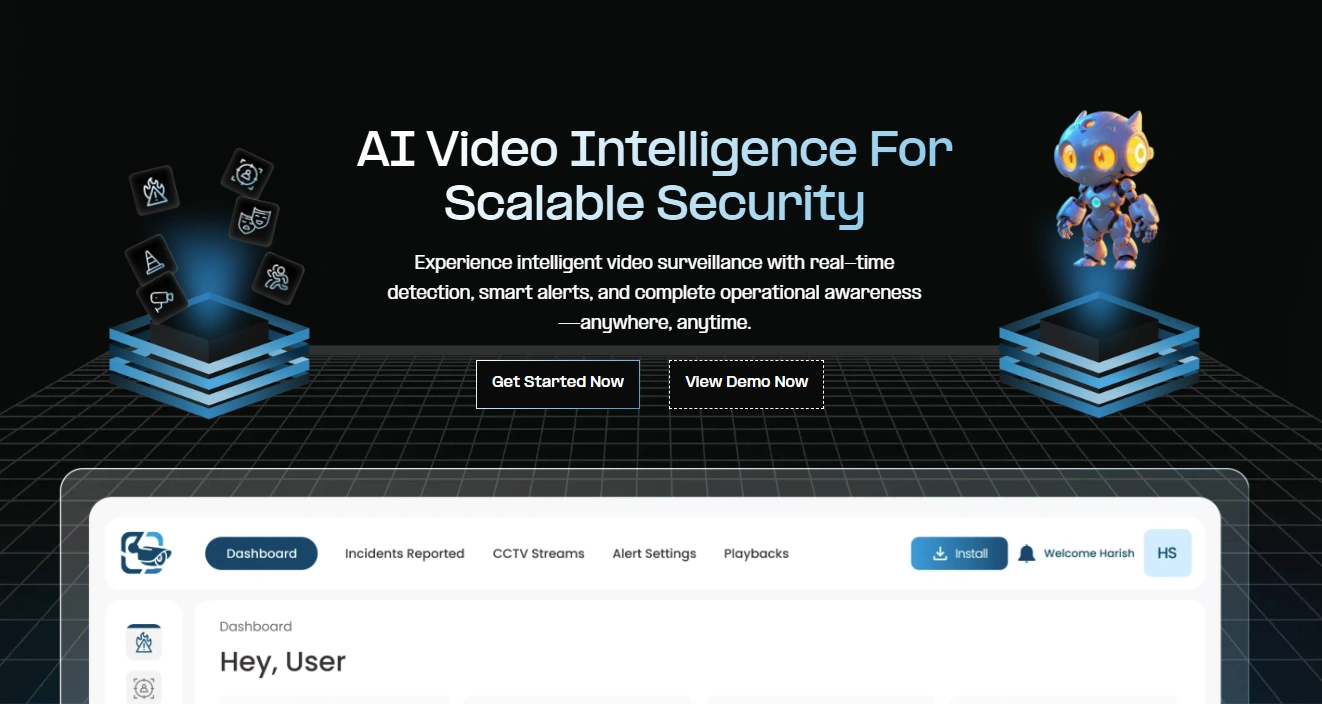
VideoraIQ enhances your existing video surveillance system by applying advanced analytics to live and recorded footage. Instead of simply storing video data, it helps identify patterns, unusual behavior, and potential risks automatically.
For example, VideoraIQ can:
- Face Recognition—Identifies authorized personnel and flags unknown individuals entering the premises.
- Intrusion Detection—Detects unauthorized entry into restricted areas instantly.
- Object Detection—Recognizes specific objects and unusual placements that may indicate a threat.
- Unauthorized Access Alerts—Sends real-time notifications when someone attempts to enter secured zones without permission.
- Fire and Smoke Detection—Detects early signs of fire or smoke through intelligent video analysis.
- Line Cross Detection – Triggers alerts when predefined virtual boundaries are crossed.
- Unattended Baggage Detection – Identifies unattended items that may pose safety risks.
- Cashier Absence Detection – Alerts management if a counter or service desk is left unattended for extended periods.
- Number Plate Detection – Automatically captures and logs vehicle license plate information at entry and exit points.
This transforms a traditional business surveillance system into a proactive security solution. Instead of reacting after something happens, security teams can respond faster and more accurately.
Because VideoraIQ integrates seamlessly with office building security solutions, it strengthens your setup without requiring a complete infrastructure overhaul.
How To Choose The Right Office Security Systems for Your Business
There is no one-size-fits-all solution. The best system depends on several factors:
Size of the Office
A small office may need:
- Basic access control
- A few surveillance cameras
- Entry-point alarms
A large enterprise building may require:
- Multi-floor access control
- Dozens of cameras
- Integrated commercial security solutions
- Centralized monitoring
Industry Requirements
Healthcare, finance, retail, and government offices all have different compliance and security needs.
Scalability
As your company grows, your office security systems should grow with you. Choose systems that allow easy expansion, whether adding more cameras, users, or locations.
Ease of Use
Security systems should be powerful but simple to manage. Complicated dashboards or difficult configuration processes can slow down response times and create confusion.
Best Practices for Maintaining Office Security
Installing a surveillance camera system for business use is just the beginning. Ongoing management matters just as much.
Here are some practical steps:
- Conduct regular security audits
- Update software consistently
- Review access permissions frequently
- Train employees on security awareness
- Test alarms and emergency systems periodically
- Back up critical data securely
Security is not a one-time setup. It’s an ongoing process that evolves with your business.
Industries That Benefit Most from Office Security Systems
While every business needs protection, some industries particularly benefit from robust office building security solutions:
Retail
Prevents theft, monitors inventory areas, and protects staff.
Healthcare
Safeguards patient data and controls access to restricted zones.
Enterprise Corporations
Manages complex access across multiple departments and locations.
Industrial Facilities
Protects equipment, materials, and hazardous areas.
Government Offices
Requires advanced commercial security solutions to prevent unauthorized access and cyber threats.
The Future Of Office Security Systems
Security technology is becoming smarter, not just stronger.
We’re seeing growth in:
- AI-powered video analytics
- Cloud-managed business surveillance systems
- Integrated cybersecurity and physical security platforms
- Automated threat detection
- Real-time remote monitoring
The goal is no longer just recording incidents but preventing them.
Businesses that invest in intelligent systems today will be better prepared for tomorrow’s risks.
Final Thoughts
Office security systems are no longer optional—they are foundational to running a modern workplace.
From access control and alarms to advanced video surveillance systems and intelligent analytics, every component plays a role in protecting your people, assets, and information.
The key is integration. When commercial security solutions work together seamlessly, they create a secure environment that feels natural rather than restrictive.
And as threats become more sophisticated, adding intelligent layers like VideoraIQ ensures your business surveillance system moves beyond passive monitoring and toward proactive protection.
The right indoor security camera solution doesn’t just guard your building. It strengthens your entire organization.

