


When people think about security cameras, they usually focus on image quality. But the real backbone of any system is CCTV storage. If your footage is not stored properly, it does not matter how sharp your cameras are. When something happens, you either have the footage, or you do not.
Storage decisions affect how long you can keep recordings, how quickly you can find them, and whether they are protected from damage or cyber threats. Let’s break this down in a practical way so you can make smart, confident decisions without overcomplicating things.
1. Start With a Clear Storage Calculation
Before you buy drives or subscribe to a cloud plan, pause and answer one simple question: how much storage is needed for CCTV footage in your setup?
When comparing CCTV video surveillance vs. smart security cameras, this is where many people go wrong. They guess.
Storage depends on more than just how many cameras you have. It depends on:
- Resolution such as 1080p or 4MP
- Frame rate
- Compression type
- Whether you record 24 hours a day or only on motion
- How busy the scene is
A quiet office hallway does not generate the same amount of data as a busy store entrance. Motion-heavy environments create larger files.
Instead of relying on generic estimates like “1TB lasts a week,” look at your camera bitrate and multiply it by your daily recording hours. This gives you a much more realistic number.
Getting this right saves money and prevents the frustration of discovering your footage only lasts five days when you expected thirty.
2. Use the Right HDD for CCTV Storage
Not all hard drives are built for surveillance systems. A standard desktop drive may work at first, but it is not designed for constant recording.
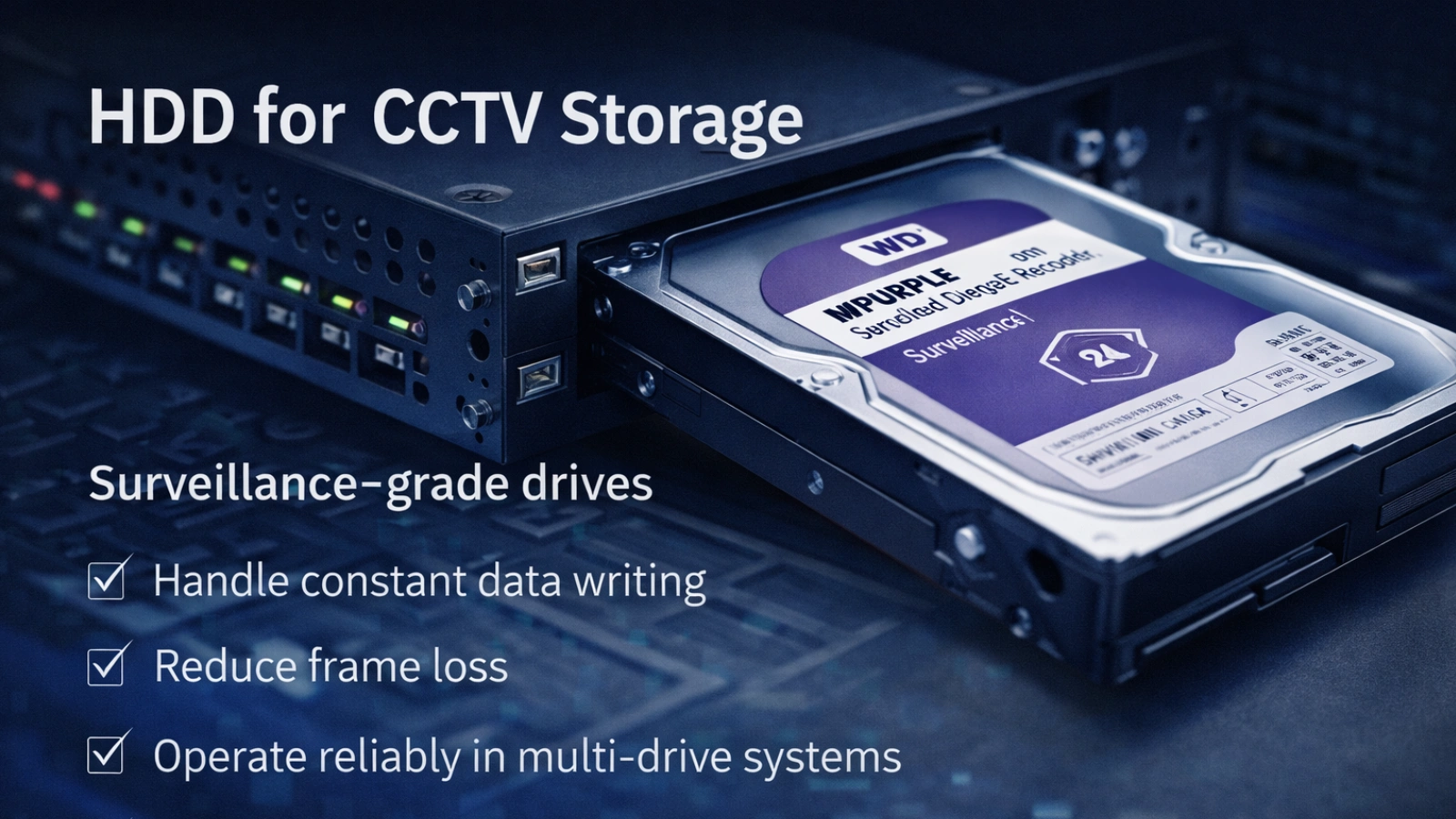
A proper HDD for CCTV storage is built to handle 24-hour write cycles. That matters because security systems record continuously or near continuously, especially in setups designed for real-time video surveillance. Regular drives wear out faster under that kind of stress.
Surveillance-grade drives are designed to:
- Handle constant data writing
- Reduce frame loss
- Operate reliably in multi-drive environments
- Maintain performance over time
If you are protecting a business, using the wrong drive is a hidden risk. You may not notice a problem until you need footage and discover corruption or missing files.
Also, think about redundancy. If everything runs on a single drive and it fails, your data disappears. Businesses often use multiple drives or RAID configurations for that reason.
3. Understand HDD vs Cloud Storage for CCTV
The discussion around HDD vs. cloud storage for CCTV often turns into a simple either-or debate. In reality, both have strengths and weaknesses.
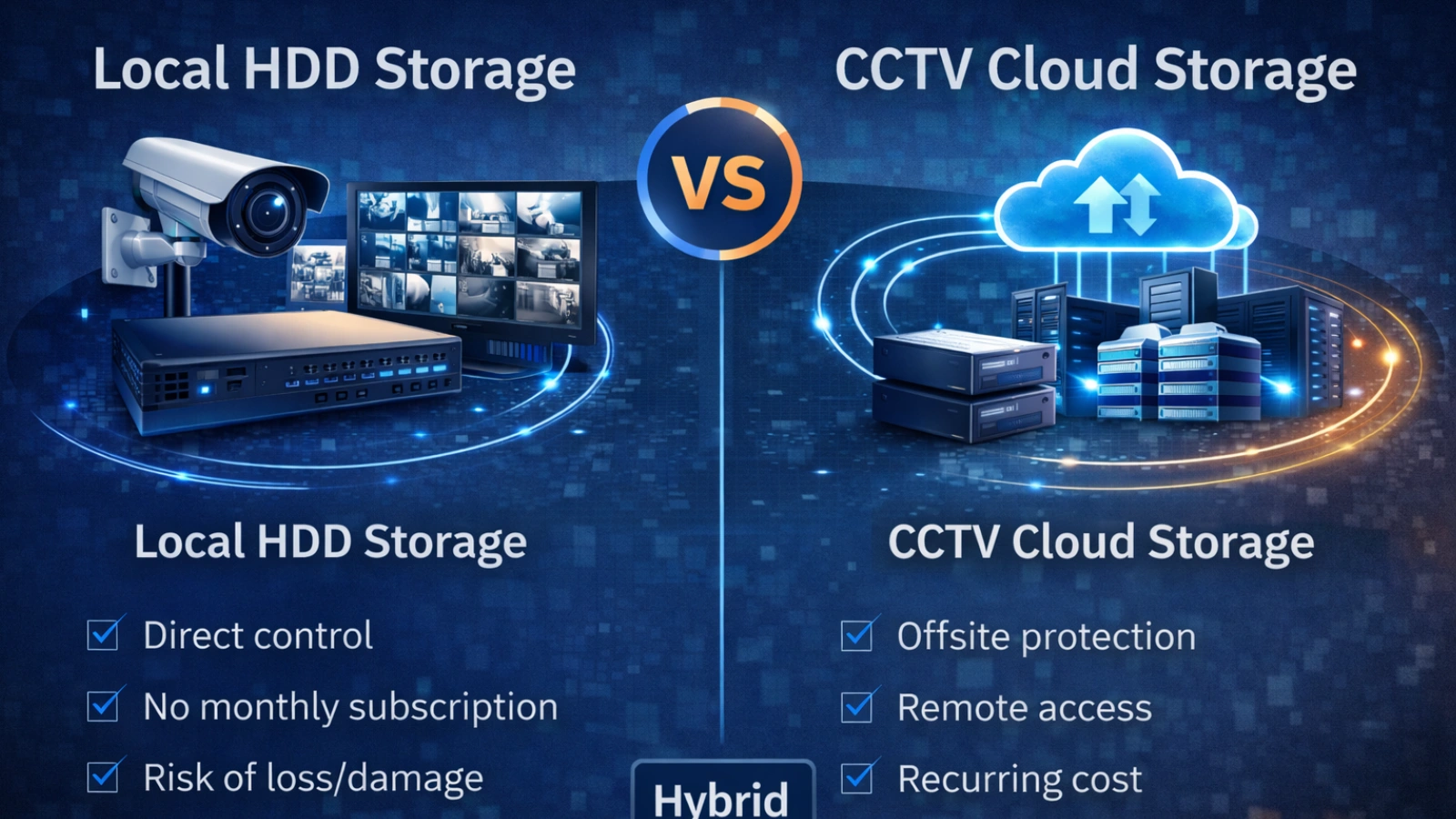
Local HDD Storage
Local storage gives you direct control. You do not depend on internet speed, and you avoid monthly subscription costs. For many small setups, this is cost-effective and simple.
However, local storage has risks. If someone damages or steals the recorder, your footage goes with it. There is also no automatic off-site backup.
CCTV Cloud Storage
CCTV cloud storage protects your footage off-site. Even if your hardware is damaged, your recordings remain accessible. It also allows remote viewing from anywhere.
The trade-off is recurring cost and internet dependency. Uploading high-resolution footage requires strong upload speeds. Without that, performance suffers.
For many businesses, the smartest solution is hybrid. Record locally for speed and backup critical footage to the cloud for protection. That balance reduces risk without driving costs too high.
The key is aligning storage with your real-world risk profile, not just choosing what sounds modern.
4. Optimize Settings Before Buying More Storage
People often try to solve storage problems by buying bigger drives. Sometimes that works, but often the real solution is configuration.
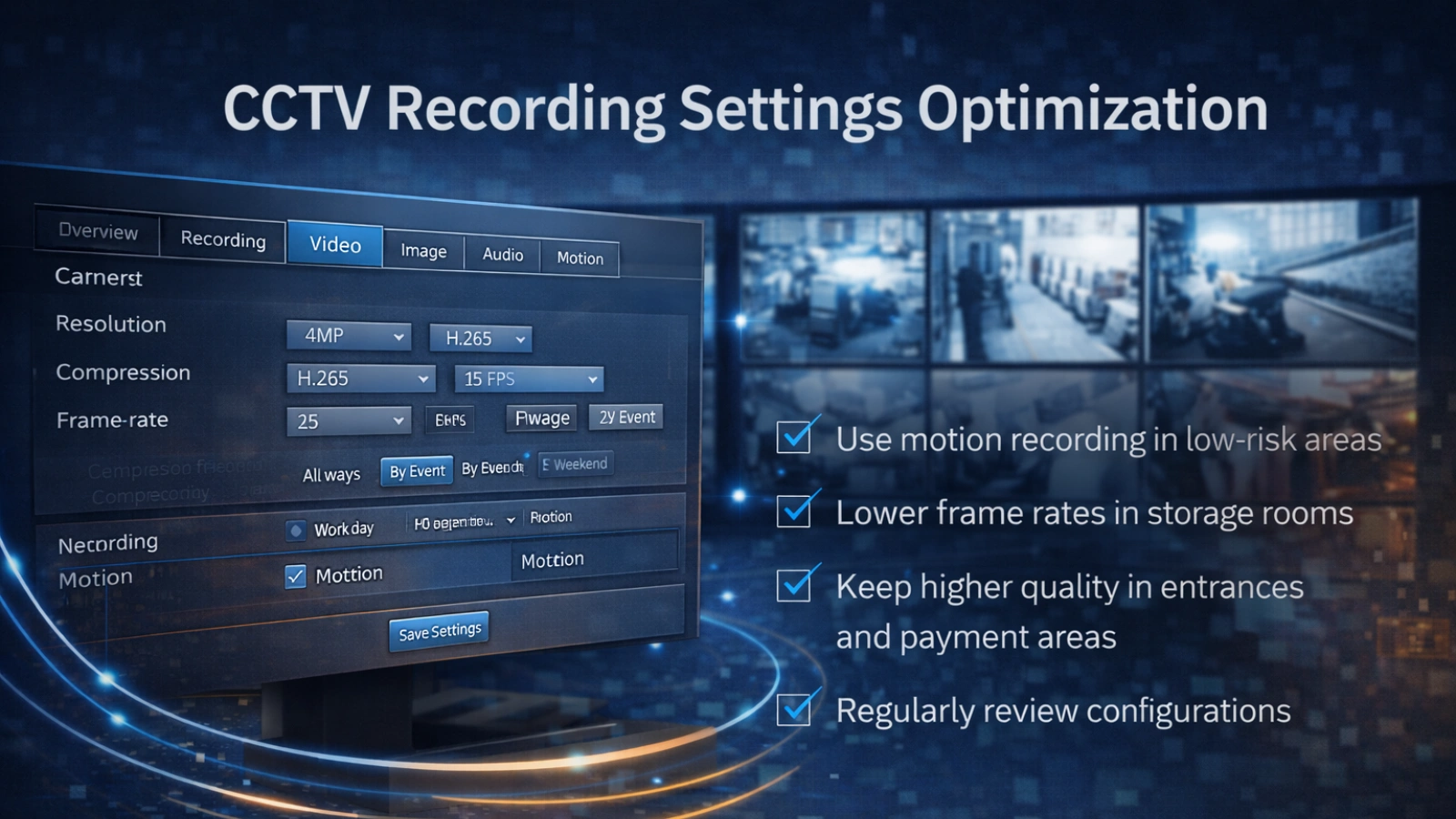
Compression plays a major role. Newer codecs such as H.265 can reduce file size significantly compared to older formats. But compression should not be pushed too far. If image quality drops too much, you lose important details.
Also consider these adjustments:
- Use motion recording in low-risk areas
- Lower frame rates in storage rooms
- Keep a higher quality in entrances and payment areas
- Review your recording settings quarterly
Many systems run on factory defaults, which are rarely optimized for your specific space. Small adjustments can dramatically extend your CCTV storage capacity without sacrificing important footage.
5. Define a Retention Policy That Makes Sense
How long should you keep footage?
There is no universal answer. It depends on your industry, risk level, and legal requirements.
Retail businesses often keep 30 days. Some industries require longer retention for compliance reasons. If you operate in a regulated sector, make sure you understand the rules.
Beyond compliance, think practically. How long after an incident do issues usually surface in your business? If customers report disputes two weeks later, keeping only seven days of footage creates unnecessary risk.
Clear retention planning prevents both overspending on excess storage and under-protecting your operation.
6. Protect Your Storage From Physical and Cyber Risks
Storage security is often overlooked. Yet it is one of the most critical parts of your system.
If you use local storage, secure the recorder physically. Do not place it in obvious, accessible locations. Limit who has administrative access.
If you use CCTV cloud storage, secure accounts properly. Use strong passwords and enable multi-factor authentication. Keep firmware updated.
Security cameras are meant to reduce risk. Poorly protected storage can create new risks instead.
Strong protection makes your CCTV storage resilient, not vulnerable.
7. Plan for Growth
Many people design systems only for today’s needs. But security setups rarely stay static.
You might add cameras. You might upgrade the resolution. You might extend retention periods.
If your storage system is already maxed out, expansion becomes expensive and disruptive.
When planning capacity, build in breathing room. Choose scalable recorders or flexible cloud plans. Future-proofing your setup avoids unnecessary replacements and protects your investment.
Tools That Help Manage CCTV Storage
Managing storage effectively requires more than just hardware. Software plays an important role in visibility, optimization, and overall system efficiency.
1. VideoraIQ
VideoraIQ is a smart video management system that enhances your existing CCTV setup with AI-powered surveillance capabilities. While it is not a direct storage management tool, it helps optimize how video data is captured and used—indirectly improving storage efficiency.
Key features include:
- Face Recognition – Identify and track individuals for access control and security audits.
- Intrusion Detection – Detect unauthorized movements in restricted zones with real-time alerts.
- Object Detection – Spot suspicious or unattended objects in live footage.
- Unauthorized Access Alerts – Get instant notifications for restricted access attempts.
- Line-Cross Detection – Monitor virtual boundaries and receive alerts when breached.
- Fire and Smoke Detection – Detect early signs of fire hazards for quick response.
- Cashier Absence Detection – Ensure staff presence in retail environments.
- Unattended Baggage Detection – Identify abandoned items in public or sensitive areas.
- Number Plate Recognition – Automate vehicle tracking and access control.
By focusing on intelligent monitoring and event-based insights, VideoraIQ helps reduce unnecessary recording and ensures storage is used more efficiently, especially in growing surveillance environments.
2. Storage Health Monitoring Tools
These tools track drive temperature, performance, and failure warnings. Early alerts help prevent unexpected data loss and downtime.
3. Bandwidth Monitoring Solutions
For systems relying on cloud storage, bandwidth tools help analyze how video uploads impact network performance and costs.
4. RAID Management Utilities
RAID tools ensure redundancy in multi-drive setups, helping maintain data integrity and enabling smooth recovery when drives fail.
5. Firmware Update Platforms
Keeping firmware up to date improves system compatibility, performance, and security. Ignoring updates can lead to avoidable issues over time.
How to Add Cloud Storage to CCTV Security System
If you currently use only local recording, you might wonder how to add cloud storage to cctv security system setups.
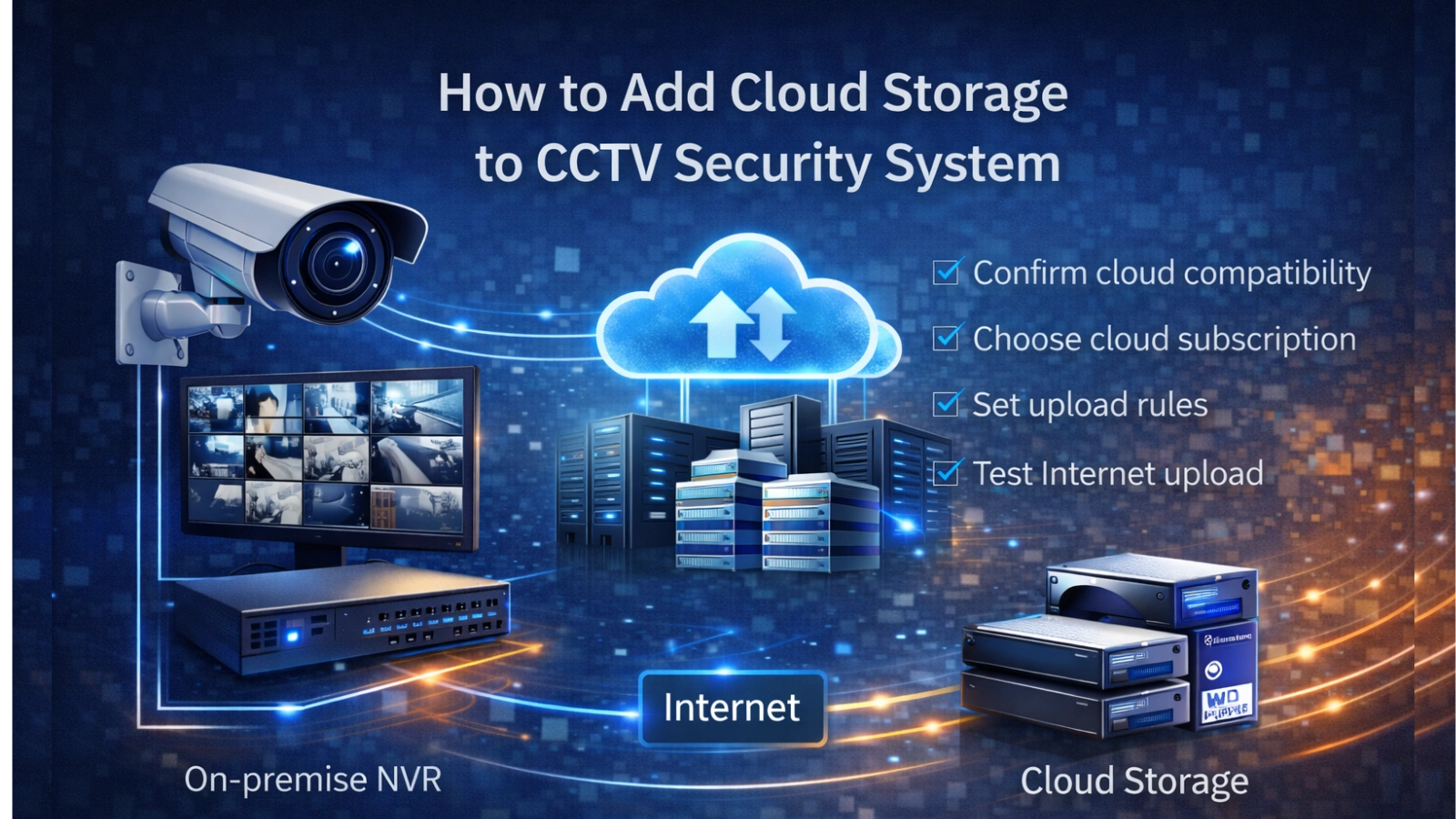
The process usually involves:
- Confirming your recorder supports cloud integration
- Choosing a compatible cloud subscription
- Configuring upload rules
- Testing internet upload speed
- Verifying remote access
Not all systems support direct cloud integration. Older systems may require firmware updates or additional hardware.
Before switching, check your internet upload capacity. High-resolution multi-camera systems require stable bandwidth. Without it, uploads may fail or lag.
A well-configured hybrid system gives you the speed of local recording and the safety of offsite backup.
Real Example: Small Business Scenario
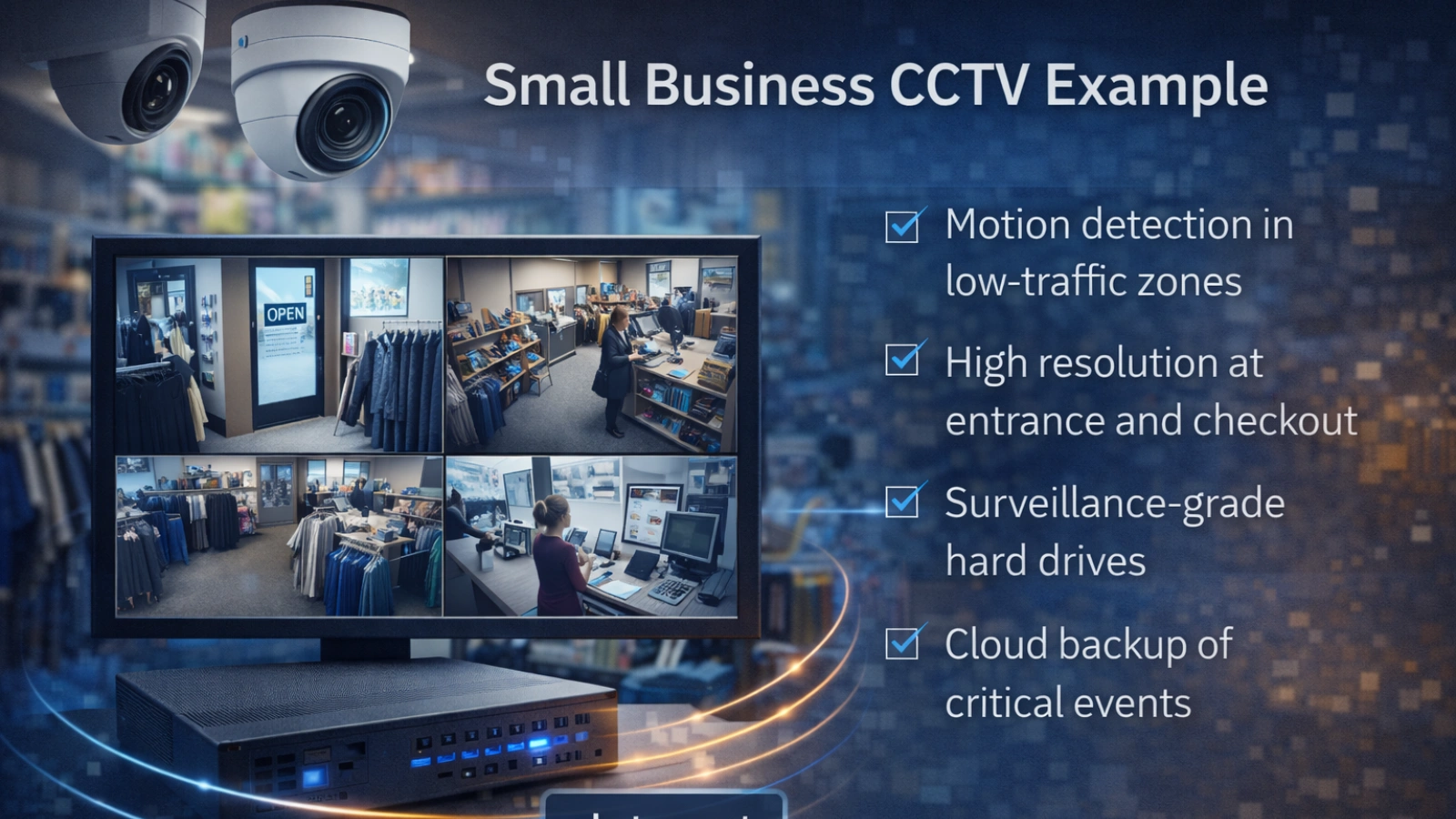
Imagine a small retail store with eight cameras operating during business hours and partial overnight recording.
Rather than recording everything continuously in high resolution, the owner could:
- Use motion detection in low-traffic zones
- Keep high resolution at entrances and checkout areas
- Install surveillance-grade drives locally
- Back up critical events to the cloud
This approach balances cost, protection, and performance. It reflects a practical cctv storage strategy built around real risks rather than assumptions.
Read More!
5 Mistakes To Avoid When Installing Retail CCTV Security Systems – VideoraIQ
CCTV Monitoring Vs. Traditional Security: Which Is Right For You? – VideoraIQ
Common Mistakes to Avoid
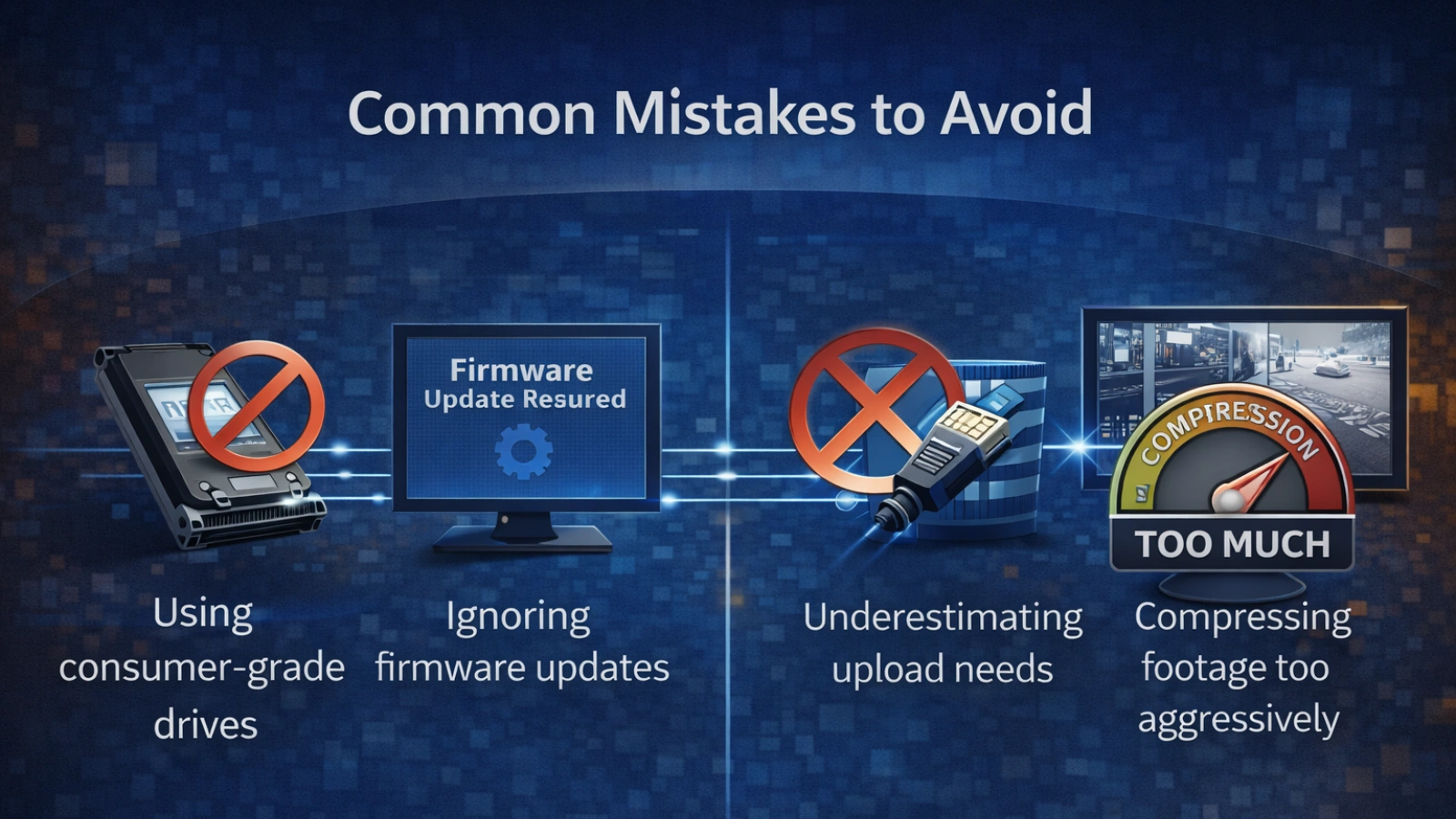
Even well-designed systems fail because of small oversights:
- Using consumer-grade drives
- Ignoring firmware updates
- Underestimating internet upload needs
- Compressing footage too aggressively
- Failing to test playback speed
Avoiding these mistakes keeps your storage reliable when you need it most.
Final Thoughts
Strong cctv storage planning turns your camera system into a dependable security tool rather than a passive recorder.
When you calculate properly, choose the right drives, configure intelligently, and protect your data, your system works quietly in the background without surprises.
Storage may not be the most visible part of your setup. But it is the part that determines whether your footage is there when it matters most.
FAQs
How long does 1TB last for CCTV recording?
It depends on resolution, frame rate, and recording style. One camera may last days or weeks. Multiple high-resolution cameras reduce that time significantly.
Is CCTV cloud storage reliable?
Yes, when configured properly with strong security settings and adequate internet bandwidth.
Which is better, HDD or cloud?
The choice between hdd vs cloud storage for cctv depends on your priorities. Many businesses use both for balance and redundancy.
Can I expand storage without replacing cameras?
Yes. Storage upgrades usually involve replacing or adding drives in your recorder.
What factor most affects how much storage is needed for CCTV footage?
Bitrate, resolution, frame rate, daily recording hours, and motion settings have the greatest impact.

