

Security has evolved rapidly over the past decade. Businesses, residential complexes, public institutions, and even small retail stores now rely heavily on CCTV footage to protect assets, monitor behavior, and resolve disputes. Video evidence plays a crucial role in investigations, insurance claims, and compliance processes.
Yet many people still feel confused about accessing recordings, managing storage, or understanding their legal rights. This guide explains how camera recordings work, how you can access them responsibly, and how modern AI tools are transforming video monitoring into a smarter system.
Let’s break it down step by step.
In a hurry? Listen to the blog instead!
What Makes CCTV Footage More Important Than Ever Today?
Surveillance cameras act as silent witnesses. They record incidents objectively, without emotion or bias. When theft, vandalism, or workplace conflict occurs, CCTV footage often provides the clarity needed to make informed decisions.
Businesses rely on recordings to:
- Prevent internal theft
- Monitor operational efficiency
- Protect employees and customers
- Support legal claims
- Strengthen compliance protocols
- Manage and organize footage efficiently through a video management system
Homeowners use cameras for perimeter security, package monitoring, and visitor tracking. Public institutions depend on video systems for crowd control and incident response.
Clear, well-maintained Camera Recordings can reduce liability risks and speed up investigations dramatically.
How CCTV Systems Store Manage Recordings?
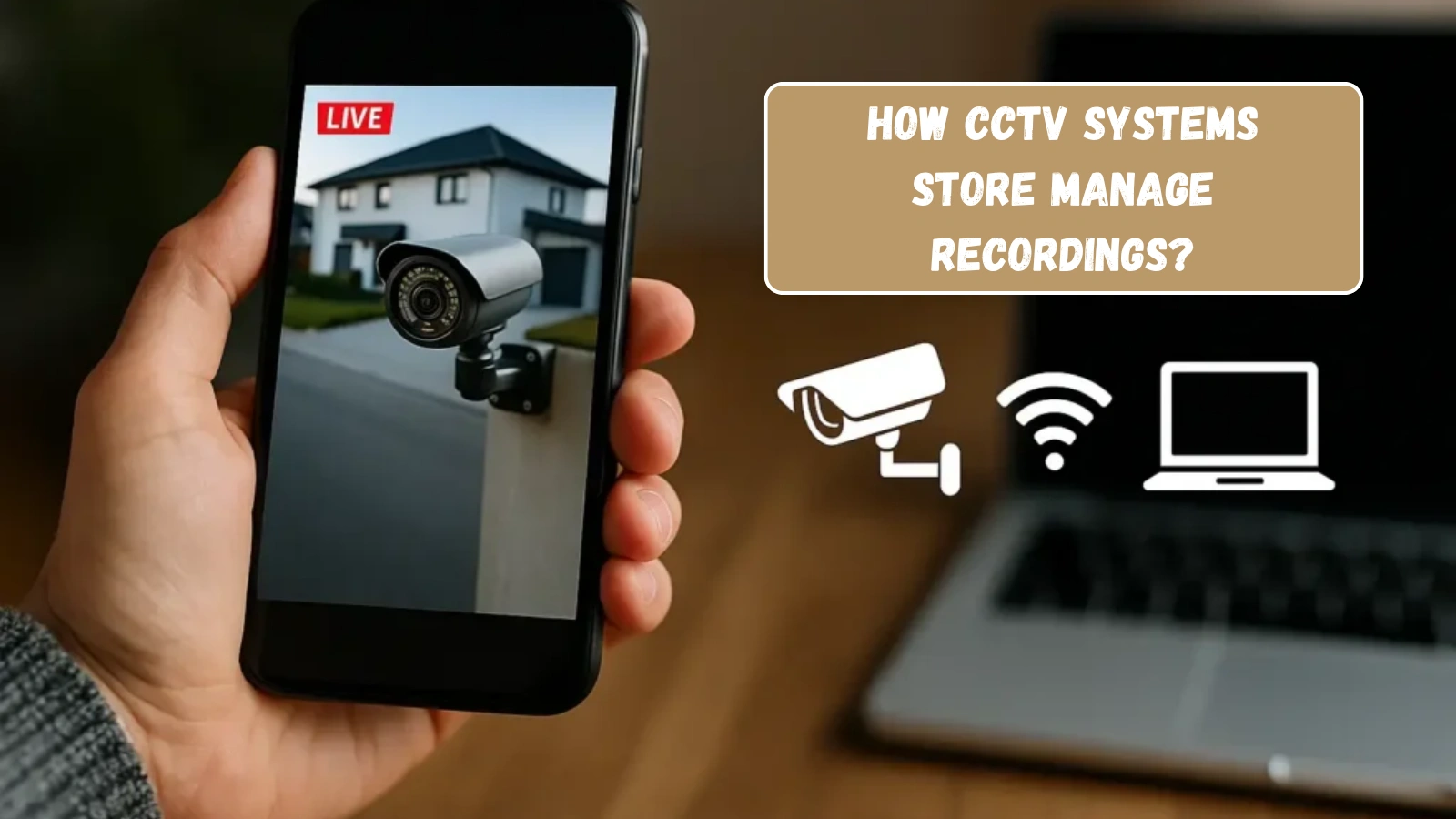
Understanding storage helps you avoid losing important recordings. Most surveillance systems store camera recordings in one of the following ways:
1. Local DVR/NVR Systems:
Traditional setups store recordings on a hard drive on the premises. Storage capacity depends on disk size and recording quality.
2. Cloud-Based Storage:
Cloud systems upload camera recordings to secure servers. This option offers remote access and protection against physical damage.
3. Hybrid Systems:
Many businesses combine on-site and cloud storage for redundancy.
Retention policies vary. Some systems overwrite camera recordings after 7 to 30 days unless users manually archive specific clips. Knowing your system’s retention period helps prevent data loss.
Legal Considerations Before Accessing CCTV Footage
Accessing recordings involves privacy laws and company policies. Before retrieving camera recordings, always confirm:
- Who owns the camera system
- Whether you have authorized access
- What data protection laws apply in your region
- Whether consent is required
Businesses must balance surveillance with privacy rights. Unauthorized sharing of camera recordings can result in legal penalties.
Clear policies reduce misuse and protect all parties involved.
How To Get CCTV Footage?
Many people ask how to get CCTV footage after an incident occurs. The answer depends on ownership and jurisdiction.
If the cameras belong to your business or home, you can retrieve recordings directly from the DVR, NVR, or cloud dashboard. Most systems allow you to search by date and time, then export specific clips.
If the cameras belong to another organization, you must follow a formal process. This often involves submitting a written request, providing identification, and explaining the reason for access.
Speed matters because systems may overwrite recordings automatically. Act quickly to secure the needed camera recordings before deletion.
Also Read:
How Video Management Systems Improve CCTV Security and Monitoring?
CCTV Monitoring Vs. Traditional Security: Which Is Right For You?
How To Access CCTV Footage Remotely?
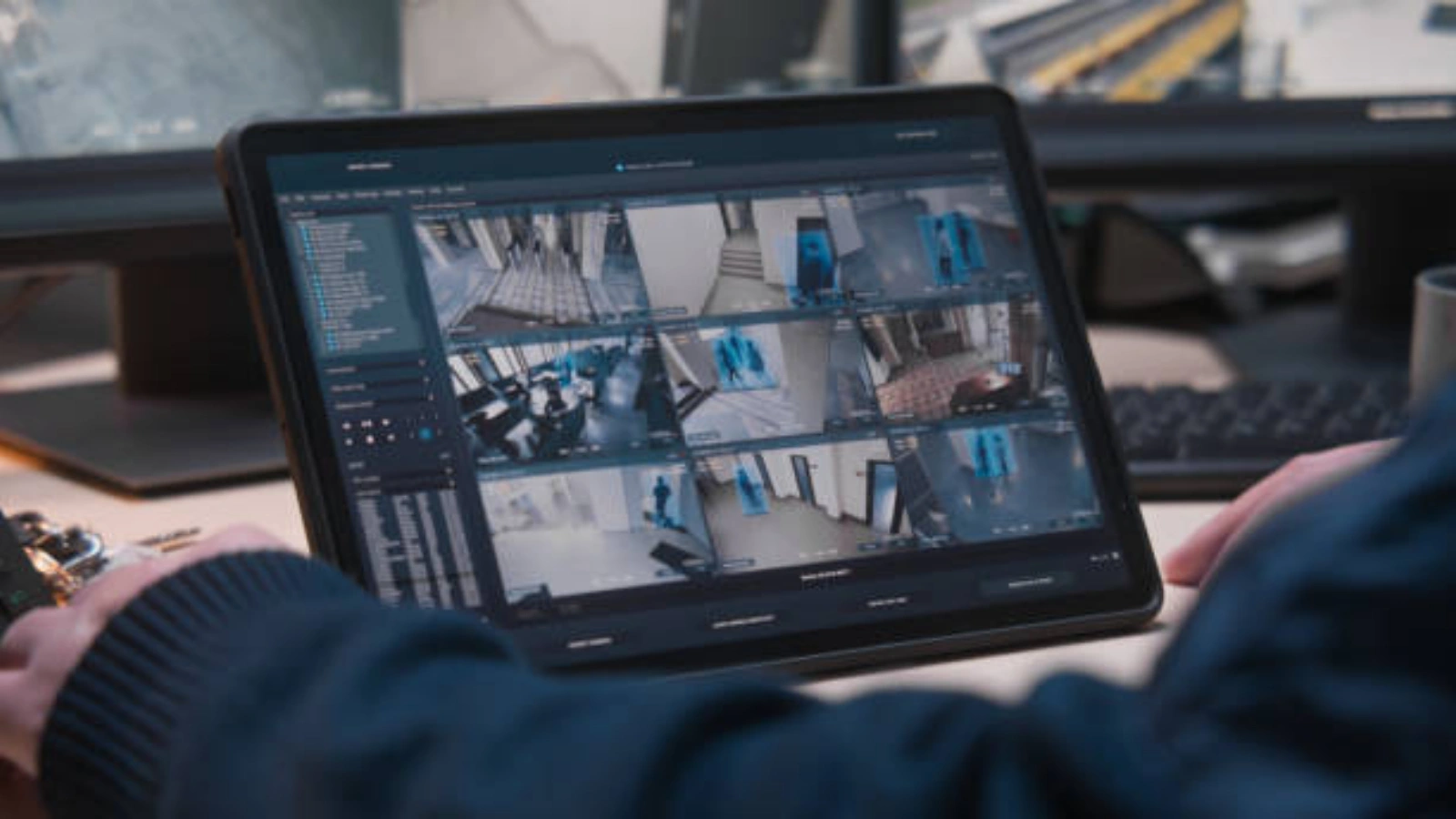
Modern cloud platforms allow users to check recordings anytime. Many business owners wonder how to access camera recordings while traveling.
Remote access typically requires:
- Secure login credentials
- Multi-factor authentication
- Mobile or web application access
Once logged in, users can view live feeds, replay archived camera recordings, and download clips. Secure passwords and access control remain essential to prevent breaches.
How To Request Video Footage From A Business?
Sometimes incidents occur in public areas, shopping centers, or offices you do not control. In such cases, understanding how to request video footage from a business becomes essential.
Follow these steps:
- Identify the property owner.
- Submit a written request immediately.
- Provide details such as date, time, and location.
- Attach identification and relevant case information.
- Ask for confirmation before data retention expires.
Businesses may refuse requests if privacy laws restrict sharing. Law enforcement often handles formal retrieval in sensitive cases.
Common Challenges With CCTV Footage Management
Despite its benefits, managing surveillance recordings presents challenges.
- Storage Overload: High-resolution camera recordings consume large amounts of space. Without proper planning, systems overwrite important clips.
- Manual Searching: Reviewing hours of video manually wastes time. Employees may struggle to locate specific events.
- Security Risks: Poor password practices expose camera recordings to cyber threats.
- Compliance Pressure: Organizations must comply with data protection regulations while retaining evidence.
These challenges highlight the need for smarter video management solutions.
The Role Of AI In CCTV Footage Analysis
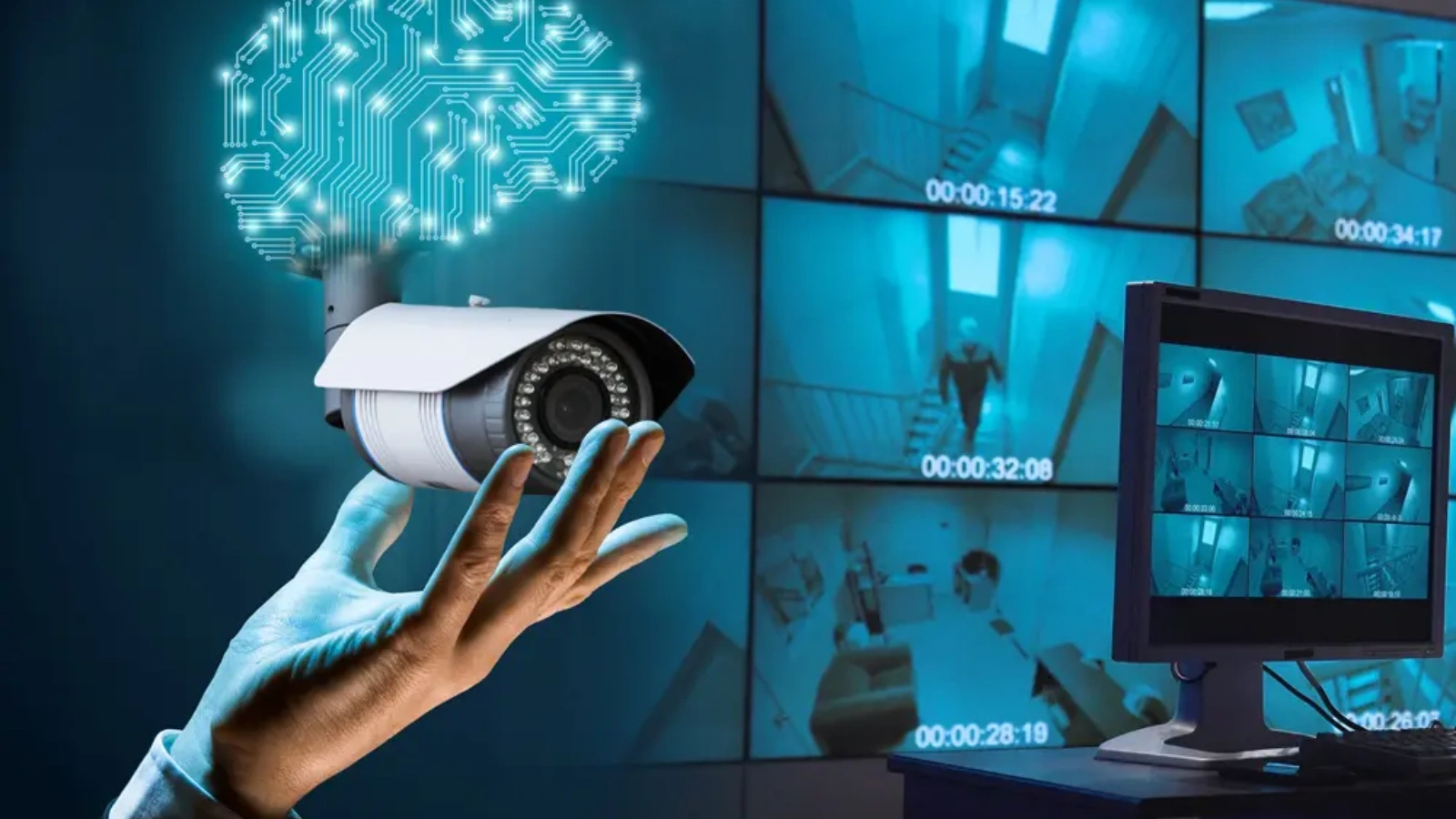
Artificial intelligence is changing how organizations review and manage surveillance systems. Instead of manually watching hours of recordings, AI tools can scan camera recordings quickly and highlight important moments.
Traditional monitoring depends on human observation, which can lead to missed details. AI reduces this risk by continuously analyzing video feeds without fatigue. It identifies patterns, movements, and unusual behavior in real time.
AI tools can:
- Detect unusual activity
- Identify motion patterns
- Flag suspicious behavior
- Categorize events automatically
- Send real-time alerts
In addition, AI can tag specific objects, recognize restricted zones, and filter recordings by event type. This makes searching and retrieving important clips much faster.
This technology improves response time, increases accuracy, and reduces human error. One strong example of this innovation is VideoraIQ, which uses intelligent analytics to turn surveillance recordings into actionable insights.
What Makes VideoraIQ A Smart Video Intelligence Solution?
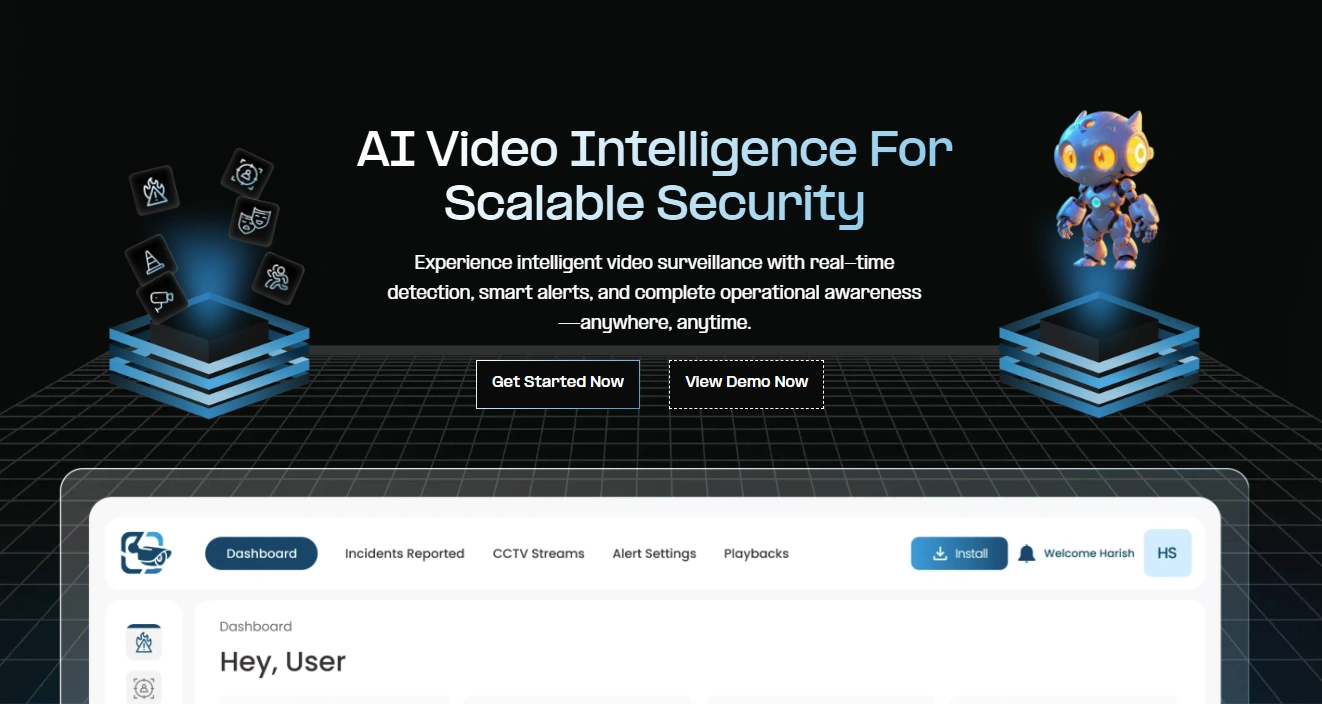
Managing hours of camera recordings manually drains time and resources. VideoraIQ offers a smarter approach by combining AI analytics with intuitive dashboards.
VideoraIQ helps businesses transform traditional surveillance into intelligent monitoring systems. Instead of reviewing raw recordings, users gain searchable insights and automated event detection.
This approach reduces workload and improves decision-making speed.
What Features Make VideoraIQ A Powerful Video Intelligence Tool?
VideoraIQ delivers advanced capabilities designed to enhance the value of camera recordings and transform standard surveillance into intelligent monitoring.
1. AI-Powered Video Search:
VideoraIQ allows users to search recordings using keywords, timestamps, object tags, or specific event types. Instead of manually reviewing hours of video, users can instantly locate relevant clips, saving significant time and operational effort.
2. Intelligent Event Detection:
The platform uses AI algorithms to automatically detect unusual behavior, movement anomalies, unauthorized access, or predefined risk patterns. This proactive detection helps security teams respond before incidents escalate.
3. Real-Time Alerts:
VideoraIQ sends instant notifications via dashboard or integrated communication channels when suspicious activity occurs. Immediate alerts enable faster decision-making and reduce potential damage or loss.
4. Cloud Integration:
Its secure cloud infrastructure ensures encrypted storage and seamless remote access to camera recordings from any location. This feature protects data from physical damage while allowing centralized monitoring across sites.
5. Smart Categorization:
The system automatically organizes recordings into structured, searchable categories based on activity, time, or detected objects. This improves retrieval speed and simplifies evidence management.
6. User-Friendly Dashboard
The platform features a clean, intuitive interface that displays video insights, alerts, and analytics in an easy-to-understand format. Decision-makers can quickly interpret data without technical expertise.
By integrating VideoraIQ, organizations move beyond basic recording and turn surveillance into proactive, data-driven security intelligence.
What Are The Best Practices For Managing CCTV Footage?
Strong management ensures that camera recordings stay secure, accessible, and legally compliant. Clear policies help organizations avoid data loss and reduce security risks.
Establish Clear Retention Policies:
Define how long recordings remain stored based on legal and business requirements. Set automatic deletion timelines and archive important clips related to incidents or investigations.
Restrict and Monitor Access:
Allow only authorized personnel to view or download recordings. Use role-based permissions and maintain activity logs to prevent misuse.
Secure Storage Systems:
Protect servers and cloud platforms with encryption and strong passwords. Secure networks reduce the risk of unauthorized access to camera recordings.
Conduct Regular System Checks:
Review storage capacity, camera functionality, and backup systems periodically to ensure smooth performance.
Train Staff on Proper Handling:
Educate employees about compliance rules and responsible video-sharing practices to avoid legal issues.
Well-defined processes improve security control and protect valuable surveillance data.
How CCTV Footage Supports Investigations

Law enforcement agencies rely heavily on camera ecordings during investigations. Video evidence helps reconstruct timelines, verify witness statements, and identify suspects.
In workplace disputes, recordings clarify misunderstandings quickly. In retail theft cases, footage confirms events objectively.
Insurance companies also use surveillance data to validate claims and prevent fraud.
When properly maintained, camera ecordings strengthens accountability and transparency.
Future Trends In CCTV Footage Technology
Technology continues to evolve rapidly.
Upcoming advancements include:
- Facial recognition integration
- Behavior prediction models
- Edge computing for faster processing
- AI-driven anomaly forecasting
- Automated compliance reporting
AI tools like VideoraIQ already move surveillance systems toward intelligent automation. Future solutions will further enhance how organizations interpret and utilize camera recordings.
Final Thoughts
Surveillance systems have become essential in modern security strategies. Proper management of CCTV footage ensures faster investigations, better operational oversight, and stronger compliance.
Understanding access procedures, legal boundaries, and storage limitations prevents costly mistakes. Meanwhile, AI-powered platforms such as VideoraIQ help businesses unlock deeper value from their recordings.
Instead of viewing surveillance as simple video storage, organizations should treat it as a strategic intelligence asset. With the right tools and policies, camera recordings transform from passive recording into proactive protection.
Smart monitoring begins with clarity, continues with responsible management, and evolves through innovation.
FAQs
1. How long do businesses usually keep CCTV footage?
Retention periods vary depending on storage capacity and company policy. Most businesses keep camera recordings between 7 and 90 days. High-security facilities may store recordings for several months, while smaller businesses often overwrite data automatically after a few weeks.
2. Can camera recordings be used in court as legal evidence?
Yes, courts often accept camera recordings as valid evidence if it meets authenticity and integrity standards. The video must remain unaltered, and the source must verify its accuracy. Maintaining proper storage and access logs strengthens its credibility.
3. What should I do if camera recordings get deleted?
If important camera recordings get deleted, act immediately. Contact the system administrator or IT team to check for backups. In some cases, forensic recovery tools can retrieve overwritten data, but recovery success depends on how quickly you respond.
4. Can individuals request camera recordings under data protection laws?
In many regions, individuals can submit a subject access request to obtain camera recordings that include them. However, businesses may blur or redact other people in the recording to comply with privacy laws before sharing the clip.

