

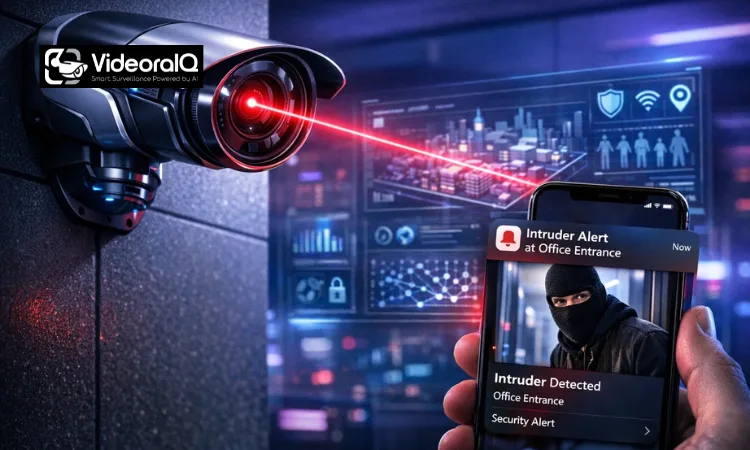
Traditional CCTV cameras do one thing well: they record. That’s it. Everything else, figuring out what happened, when, and who was involved, falls entirely on you. You end up scrubbing through hours of footage hoping to catch the five seconds that actually matter.
An AI security camera flips that equation entirely.
Instead of storing everything and explaining nothing, it actively watches, analyzes, and alerts. It knows the difference between a person walking toward your gate and a tree branch swaying in the wind. It sends you a notification when something genuinely warrants your attention, not every time a car passes on the street outside.
The problem for most buyers in India isn’t awareness. It’s confusion. Which features are genuinely useful?
You’ll understand exactly how these cameras work, what features matter for your specific situation, and which models make sense across different needs from basic home setups to advanced multi-camera systems.
Listen to the podcast.
What Is an AI Security Camera?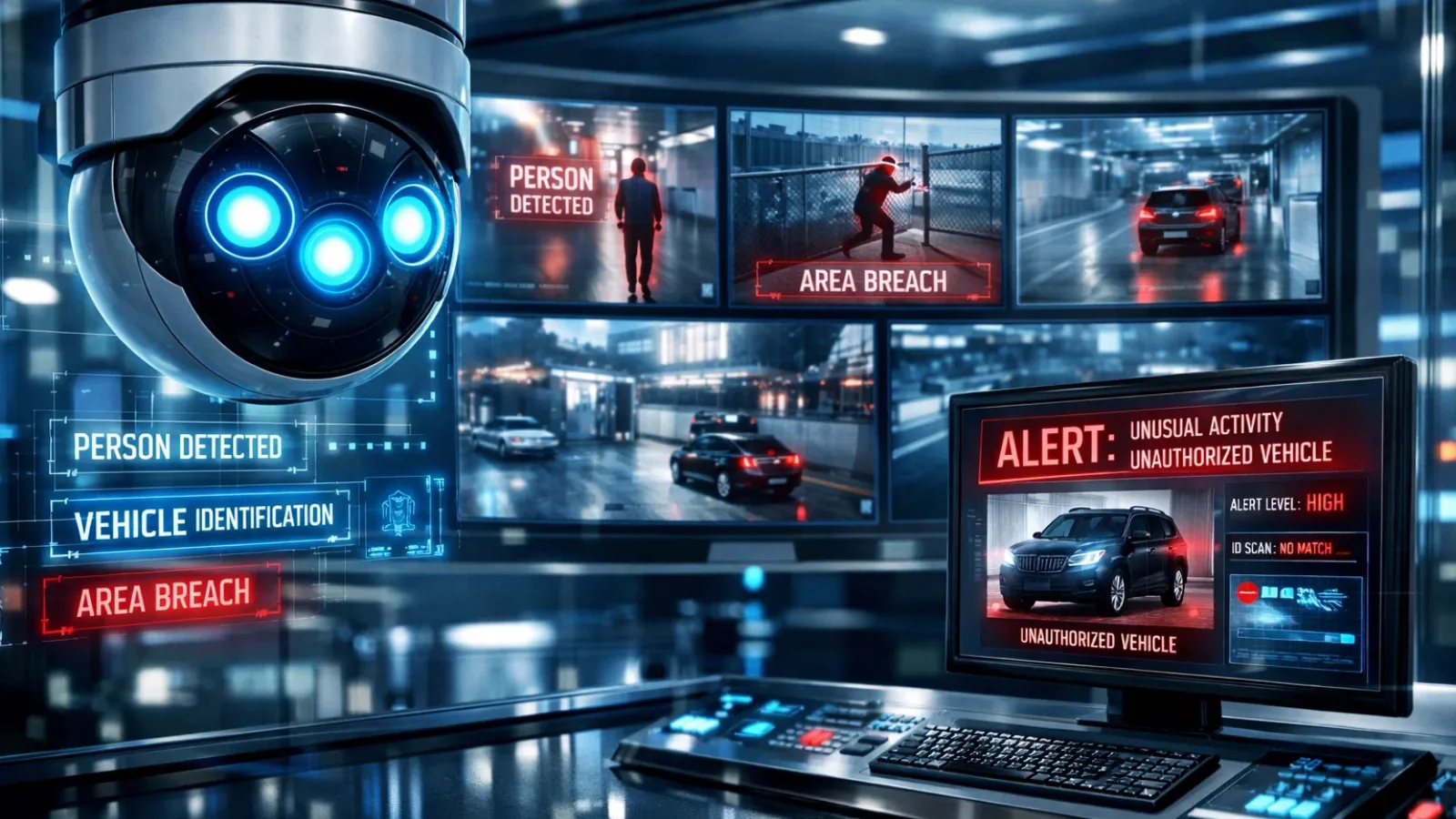
At its core, an AI security camera is a surveillance device that does far more than capture video. It uses computer vision and machine learning algorithms to interpret what it sees in real time, without you having to watch a screen.
Traditional cameras are passive. They record motion and store the clip. What triggered that motion? Could be a person, a stray dog, a shadow, or a plastic bag blowing across your driveway.
An AI security camera classifies what it detects. It distinguishes between a human silhouette and a random object, identifies vehicles, flags unfamiliar faces, and even recognizes specific behaviors like someone loitering near your entrance longer than expected. That’s a fundamentally different kind of surveillance.
Why AI Cameras Matter Today
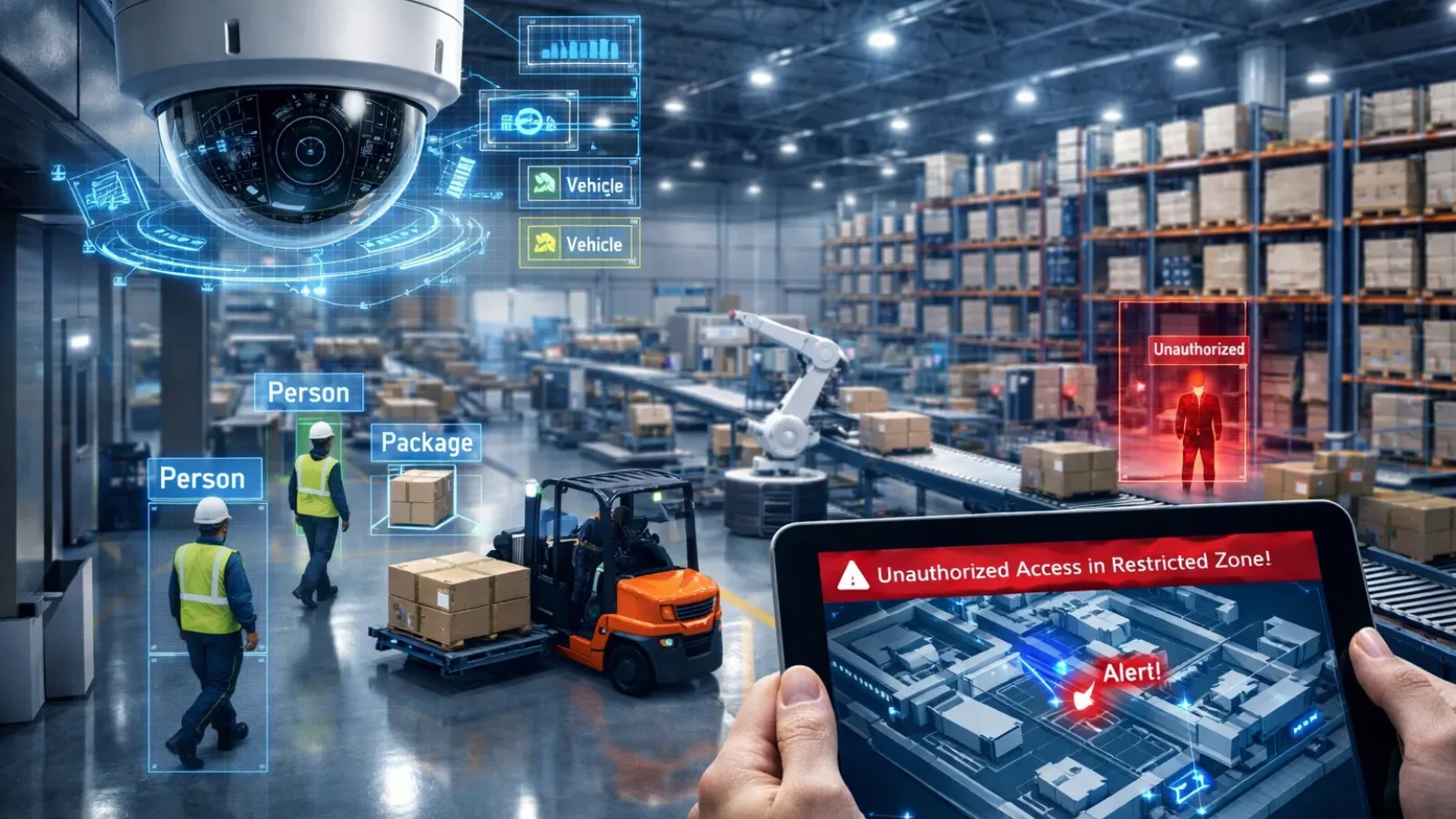
A traditional camera detects movement at 2 AM and fires an alert. You wake up, open the app, and see a cat walking across your parking area. You go back to sleep. Then it happens again at 3 AM. And 4 AM.
After a week of this, you stop checking alerts altogether.
An AI security camera handles that same scenario differently. It detects the movement, identifies it as an animal rather than a human, and stays quiet. Thirty minutes later, when an actual person approaches your gate, it sends a notification: “Person detected at front entrance.” You check. You act.
That shift from passive recording to active, selective alerting is precisely what separates a useful security system from an expensive one you’ve learned to ignore.
AI Security Camera vs Traditional CCTV
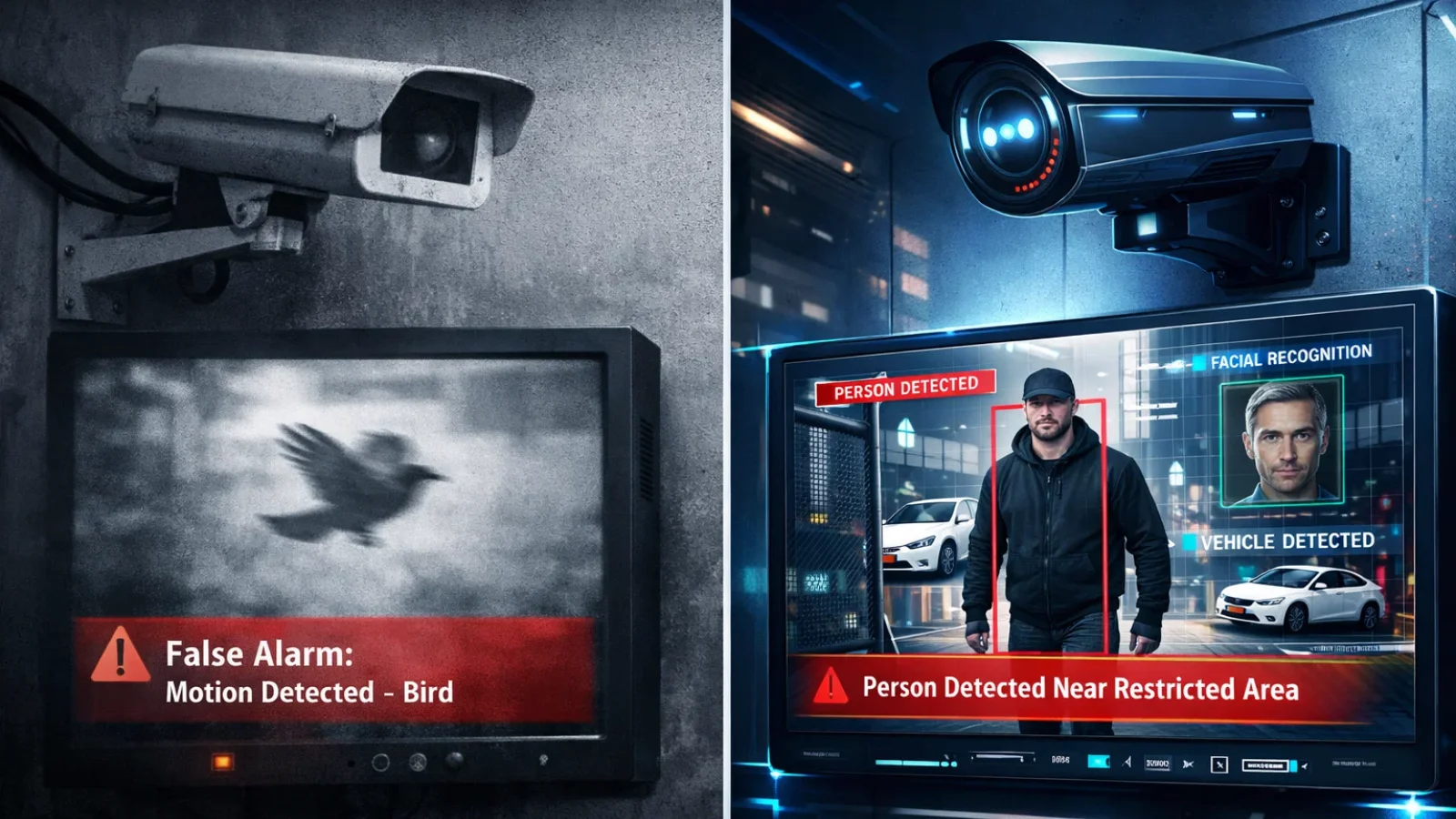
This is the comparison most buyers need before making a decision.
| Feature | Traditional CCTV | AI Security Camera |
|---|---|---|
| Motion detection | Any movement triggers an alert | Distinguishes person, vehicle, animal, object |
| Alert accuracy | High false alarm rate | Significantly reduced false positives |
| Footage search | Manual scrubbing | Smart search by person, vehicle, or time |
| Monitoring style | Passive — records everything | Active — flags what matters |
| Night performance | Basic IR, often grainy | Enhanced with color night vision options |
| Remote access | Basic live view | AI-powered alerts + live view + playback |
| Storage efficiency | Continuous recording wastes space | Event-based clips save storage |
The gap is largest in day-to-day usability. Traditional systems work fine when someone reviews footage after an incident has already occurred. A proper AI security camera is built for prevention and real-time response, which is what most buyers actually want, even if they don’t frame it that way.
How AI Security Cameras Work
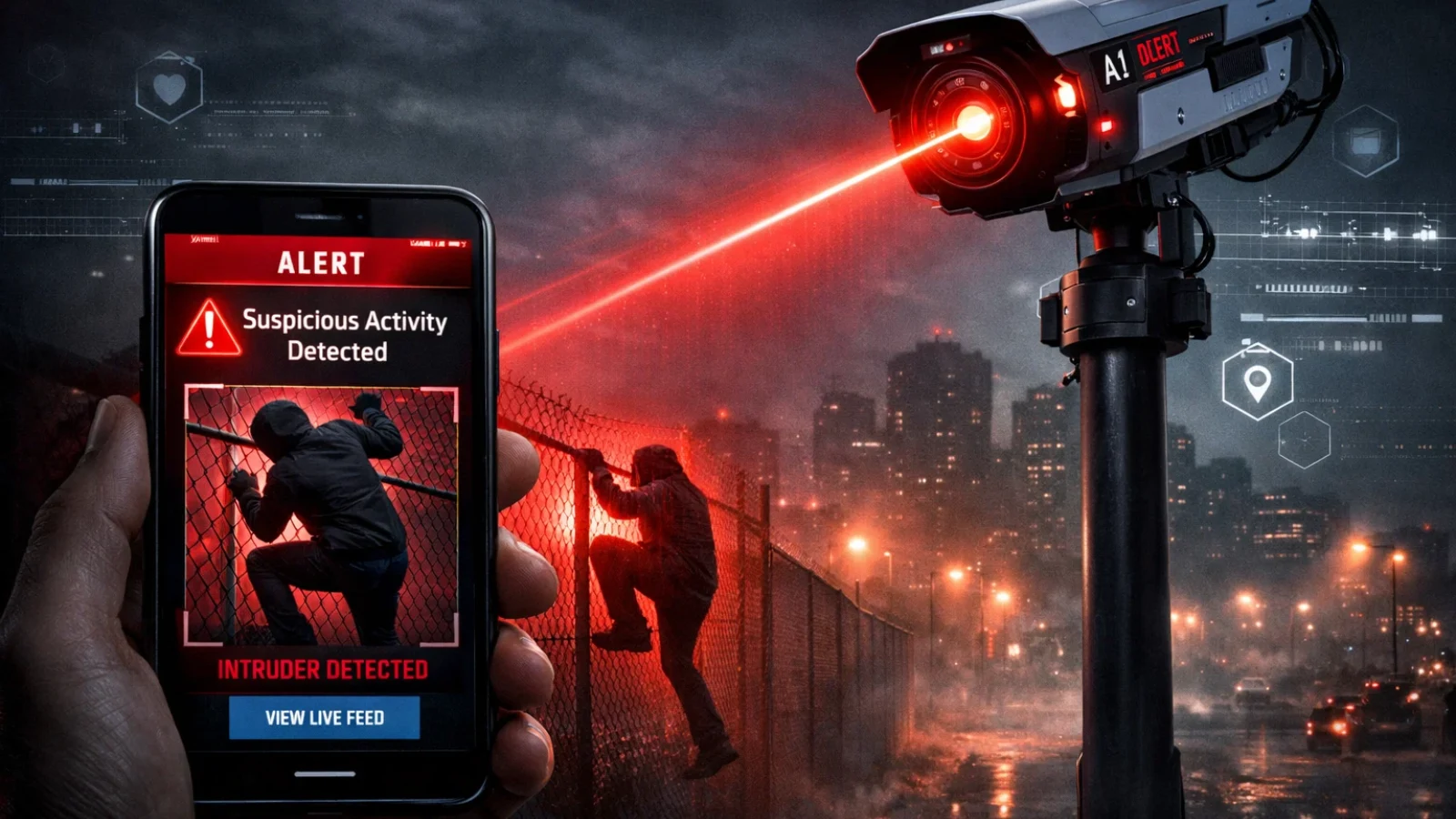
The technology sounds complex, but the underlying process is straightforward once you break it down step by step.
Step-by-Step: From Lens to Alert
Camera lens → Image sensor → AI processor → Detection engine → Alert to your phone
Here’s what happens at each stage:
- The lens captures continuous video usually at 2K or 4K resolution, depending on the model.
- Frame after frame, the image sensor transforms information into digital data.
- An AI processor analyzes each frame either on the device itself (edge AI) or on a remote server (cloud AI).
- The detection engine applies rules: “Is this a person? Is this behavior unusual? Has this face been seen before?”
- When a trigger condition is met, an alert fires, usually a push notification with a clip or snapshot attached.
The whole process takes a matter of seconds. On better cameras, under two seconds from detection to notification.
Key Features You Should Actually Care About
One of the biggest mistakes buyers make is getting distracted by a long feature list. Cameras are marketed with dozens of capabilities, most of which you’ll never use. Here’s what genuinely changes your day-to-day experience with an AI security camera.
Person, Vehicle, and Object Detection
This is the foundation on which everything else is built. If an AI security camera can’t reliably tell a person from a shadow, no other feature compensates for that fundamental weakness.
Solid person detection means you get an alert when a human enters your coverage area, not when the neighbor’s dog trots past, not when headlights sweep across your wall. For home security, this single feature reduces alert fatigue more than anything else.
Vehicle detection adds useful context for driveways, parking areas, and shop entrances. Some cameras can distinguish car types and flag unknown vehicles that don’t belong.
Facial Recognition
Useful in specific contexts: office buildings, gated communities, high-security residential properties. The AI security camera learns familiar faces over time and distinguishes them from strangers automatically.
One significant limitation accuracy drops at night, at unusual angles, or when someone wears a cap or mask. Don’t treat it as foolproof identification. Think of it as an additional layer of awareness, not a replacement for judgment.
There’s also a privacy dimension worth considering. Installing cameras in shared spaces, such as an apartment lobby, for instance, and capturing biometric data raises questions that India’s evolving data protection laws are beginning to address directly.
False Alarm Reduction
Underrated and genuinely transformative in practice. A well-tuned AI security camera filters out rain streaks, insects flying close to the lens, swaying trees, passing headlights, and shadow movement. What remains are alerts that actually deserve your attention.
In Indian conditions, specifically dust storms, monsoon rain, and extreme heat causing visible heat shimmer, this filtering capability matters considerably more than it does in other markets.
Storage Options
Three main options, each with genuine trade-offs:
Local storage (SD card or NVR/DVR): Lower ongoing cost, fast access, no subscription required. The risk: if the camera is stolen or physically damaged, you lose the footage along with it.
Cloud storage: Footage is off-site and secure even if the camera is destroyed. The downside is recurring costs and full dependency on internet connectivity. Most providers offer 7 to 30 days of retention; longer periods typically require a paid plan.
Hybrid systems: Store critical clips in the cloud while keeping continuous recording locally. Best of both worlds, though slightly more involved to configure correctly.
For most home buyers in India, a camera with local SD card storage and optional cloud backup strikes the right balance between cost, security, and reliability.
Two-Way Audio and Remote Access
Practical and more useful than it might initially sound. Speaking through your AI security camera in real time to a delivery person, a domestic worker arriving early, or someone acting suspiciously near your property fundamentally changes how you interact with your security setup. It’s not a gimmick; it’s one of those features people consistently say they use more than expected.
Remote access via mobile app is now standard across most models. What varies is the quality and responsiveness of that app, which is worth checking through recent user reviews before committing to a purchase.
How to Choose the Best AI Security Camera: A Practical Buyer’s Framework
Don’t start with the product. Start with your situation.
Step 1: Identify Your Use Case
A home setup has entirely different requirements from a shop, an office, or a parking area. Home buyers typically prioritize remote access and accurate person alerts. Businesses often need continuous recording, access control integration, and the ability to manage multiple cameras from one interface.
Step 2: Decide How Many Cameras You Need
Map your space before anything else. Identify entry points, blind spots, and high-value areas. A typical 2BHK apartment usually needs two cameras — one covering the main entrance, one for a balcony or interior room. A shop requires coverage of the entrance, billing counter, and storage area at a minimum.
Buying extra cameras you don’t need wastes money. Missing critical angles defeats the entire purpose of having a security camera system.
Step 3: Choose Your Camera Type
| Situation | Recommended Type |
|---|---|
| Apartment / small home | Wireless Wi-Fi camera |
| Office / commercial space | Wired PoE camera |
| Outdoor/remote property | Solar + 4G camera |
| Areas with power cuts | Solar + 4G camera |
| Large home needing multiple cameras | Wired NVR system |
Step 4: Choose Features Based on Actual Need
Not every AI security camera needs facial recognition. If you’re monitoring a shop entrance, person and vehicle detection with accurate night vision handles the job well. Facial recognition adds genuine value in access-controlled environments; it’s far less necessary for general surveillance.
List what you’ll actually use. Pay for those features. Ignore everything else.
VideoraIQ: Smart AI Surveillance for Advanced Security Needs
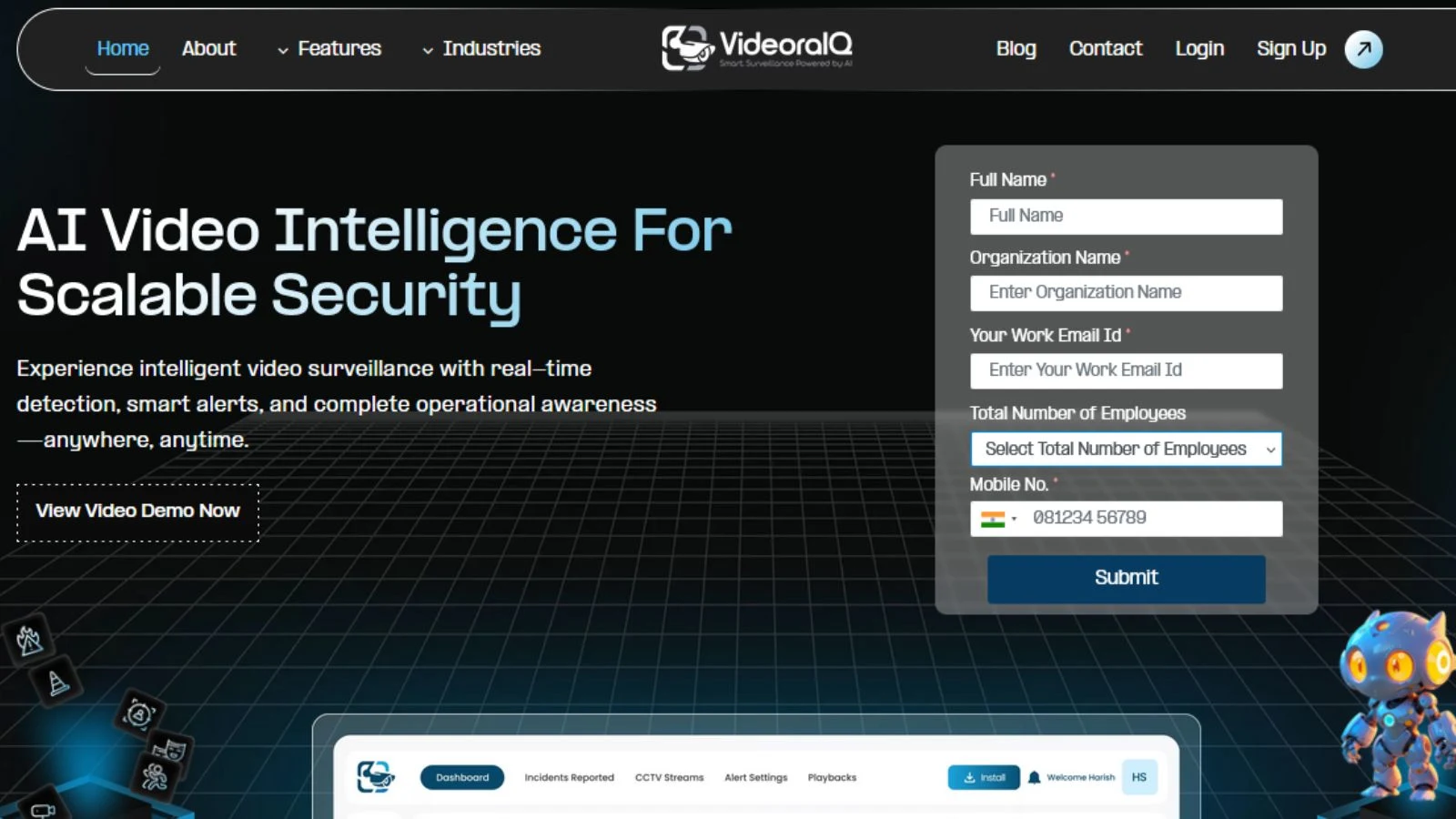
VideoraIQ is not a typical AI security camera. It is a full AI surveillance solution that adds intelligence on top of existing camera systems.
Instead of just recording footage, it analyzes video in real time and turns it into actionable alerts. This makes it useful for both businesses and individuals who need more than basic monitoring.
Key Capabilities
- Face recognition
Identifies and tracks individuals across different areas. Useful for access control and monitoring restricted zones. - Intrusion detection
Detects unauthorized movement in sensitive areas and sends instant alerts for quick response. - Object detection
Spot unattended or suspicious items, helping prevent theft or security risks. - Unauthorized access alerts
Notifies you immediately when someone tries to enter a restricted space. - Unattended baggage detection
Useful in public or high-traffic areas to identify potential safety risks. - Cashier absence detection
Monitors retail counters to ensure staff presence and reduce operational gaps.
Common Mistakes Buyers Make
Choosing based on megapixels alone. Resolution matters, but a 5MP camera with poor AI processing will deliver worse useful footage than a well-engineered 2K AI security camera. The quality of the detection algorithm matters more than the raw pixel count on the spec sheet.
Ignoring storage costs. Cloud storage sounds convenient right up until the subscription adds a recurring monthly charge per camera. Calculate the total cost of ownership before buying, not just the upfront figure.
Buying cloud-dependent cameras without reliable internet. If your Wi-Fi drops regularly or your area has frequent outages, an AI security camera that relies entirely on cloud connectivity for its smart features becomes an expensive basic recorder very quickly.
Underestimating the installation angle. A camera placed too high, too low, or pointed in the wrong direction dramatically reduces detection accuracy. The AI performs best when subjects are within a clear, unobstructed field of view. Read the placement guidelines before you start drilling.
Expecting perfect accuracy. AI cameras are genuinely impressive, but they’re not infallible. Heavy rain, fog, extreme heat shimmer, and unusual camera angles can all reduce detection reliability. An AI security camera is a highly capable filter treat it as such, not as a guarantee.
Also Read,
Why Intelligent Video Analytics Matter More Than Ever?
Security Camera Video Analytics: Making Every Pixel Count
Advanced Insights: What Most Buyers Don’t Know
When AI Cameras Fail
AI cameras work well, but real-world conditions in India can affect performance more than expected.
Extreme heat can create visual distortion that confuses detection. Heavy rain adds noise to the image, and dust buildup on the lens slowly reduces clarity over time. Regular cleaning makes a noticeable difference.
Lighting also matters. Cameras pointed directly at streetlights or bright sources at night struggle with glare, which reduces detection accuracy. A small angle adjustment often fixes this.
Privacy and Data Security: The DPDP Act
India’s Digital Personal Data Protection Act affects how CCTV footage is collected and used, especially in shared or commercial spaces.
Recording faces in places like apartment lobbies, offices, or shops can create responsibilities around consent and data storage. Cloud storage adds another layer since footage may be processed on external servers.
For home use, the risk is low. For businesses using facial recognition or analytics, staying compliant is becoming important.
AI Video Analytics: The Enterprise Side
For larger setups, the real value often comes from software, not just cameras.
Platforms like Genetec, Avigilon, Verkada, and Videonetics connect multiple cameras and add advanced analytics.
These systems are used for:
- Foot traffic analysis in retail
- Smart city surveillance
- Factory safety monitoring
- Warehouse operations
If you are managing multiple sites or need deeper insights, the right software platform matters more than upgrading to a better camera.
Final Thoughts
An AI security camera is not just about recording footage. It helps you respond in real time with alerts that actually matter.
For most homes, a simple camera with reliable person detection and stable connectivity is enough. What matters is consistency and ease of use, not the number of features.
For larger setups like offices or multi-location businesses, the need goes beyond basic cameras. This is where platforms like VideoraIQ add value by analyzing activity across cameras and providing actionable insights.
In the end, the best system is the one you trust. If it sends alerts you pay attention to and helps you act when it matters, it’s doing its job.
Frequently Asked Questions
What is the best AI security camera in India?
It depends on your needs. For home use, Qubo and CP Plus are reliable. For advanced setups, Hikvision AcuSense and Dahua WizSense offer better accuracy and scalability.
Are AI security cameras worth it?
Yes, if detection is accurate. The value comes from getting useful alerts, not just having “AI” features.
Do AI cameras work without internet?
They can record offline, but features like remote access and cloud alerts need internet. Edge AI cameras still work better without connectivity.
What is the price range in India?
Basic models start around ₹2,500. Mid-range options cost ₹5,000 to ₹12,000. Advanced systems start from ₹15,000 and go higher.
Is facial recognition legal in India?
It’s allowed but regulated under the Digital Personal Data Protection Act. For home use, the risk is low. Businesses need to be more careful.

