

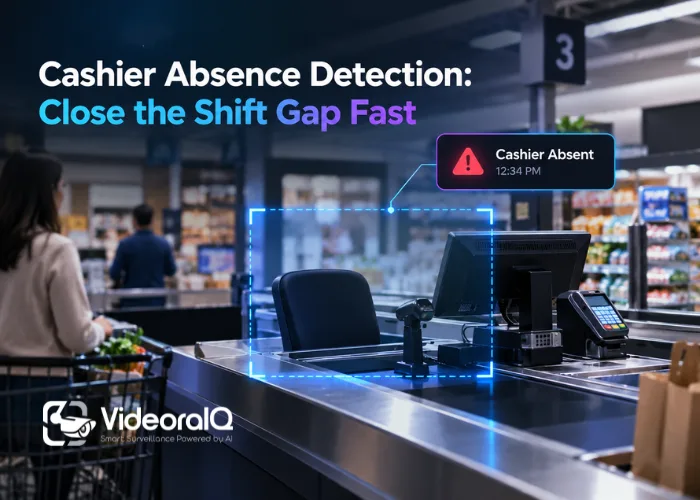
Most retailers deploying video analytics are solving the wrong problem. They buy a platform, point cameras at entry doors and car parks, and call it done. Meanwhile, cashier stations sit empty during peak hours and nobody notices for 12–20 minutes — or longer. That gap is operational, not criminal, and your security system almost certainly isn’t designed to catch it. It should be.
Listen to this podcast!
The Schedule and the Camera Feed Are Two Separate Systems
Here’s the uncomfortable starting point: in most retail operations, nothing reconciles your shift schedule against what the cameras actually see. A schedule says Station 4 is covered from 14:00. The camera disagrees. But without a system that bridges those two facts, a floor manager won’t know until a queue builds, a customer complains, or they do a manual walk of the floor.
That walk, in a busy superstore, takes 12–20 minutes to complete a full circuit. In a 200-till environment, undetected vacancy exposure compounds every time a shift change is mislogged, a colleague is pulled elsewhere without a schedule update, or a no-show simply isn’t caught at the camera level. The cost isn’t theoretical. It shows up in queue length, transaction throughput, and — in regulated environments — headcount compliance.
What AI Cashier Absence Detection Actually Does

VideoraIQ‘s cashier absence detection does something deceptively simple: it compares what the camera sees against what the shift schedule says should be there. When a station vacancy is detected during a scheduled staffed period, the floor manager receives a live alert. Not a raw motion flag, not a generic “zone empty” notification — a structured, rule-matched alert tied to the configured schedule. The system knows the difference between a station legitimately unoccupied at 09:00 because no shift starts until 10:00, and one that goes dark at 15:30 on a Friday when it absolutely should not.
That distinction matters enormously. Without it, you are back to the alert-fatigue trap: operators receive constant notifications, most of them contextually meaningless, and they stop acting on any of them. VideoraIQ reports 99.4% detection accuracy for cashier vacancy detection, across a deployment spanning more than 10,000 cameras in seven countries. When accuracy is that high and the alert is anchored to a real operational rule — “this station is scheduled to be staffed right now” — the notification carries weight. A manager acts on it.
The Three-Second Window
Speed is where operational monitoring separates from passive recording. VideoraIQ publishes an alert latency of under 3 seconds from camera to operator. In security contexts, that figure is about stopping a threat. In an operational context, it limits revenue exposure.
Three seconds versus twelve minutes is not a marginal difference. A sub-three-second alert lets the floor manager redirect a colleague before a queue forms. Consider what the alternative looks like: from a colleague spotting an empty station to coverage arriving takes 4–7 minutes in a busy checkout environment — and queues form in under two minutes. That gap is entirely avoidable with the right alert pipeline in place.
See how VideoraIQ’s alert pipeline works on your own camera estate — start a free trial here.
Why Procurement Teams Score Perimeter Security and Ignore Shift Compliance
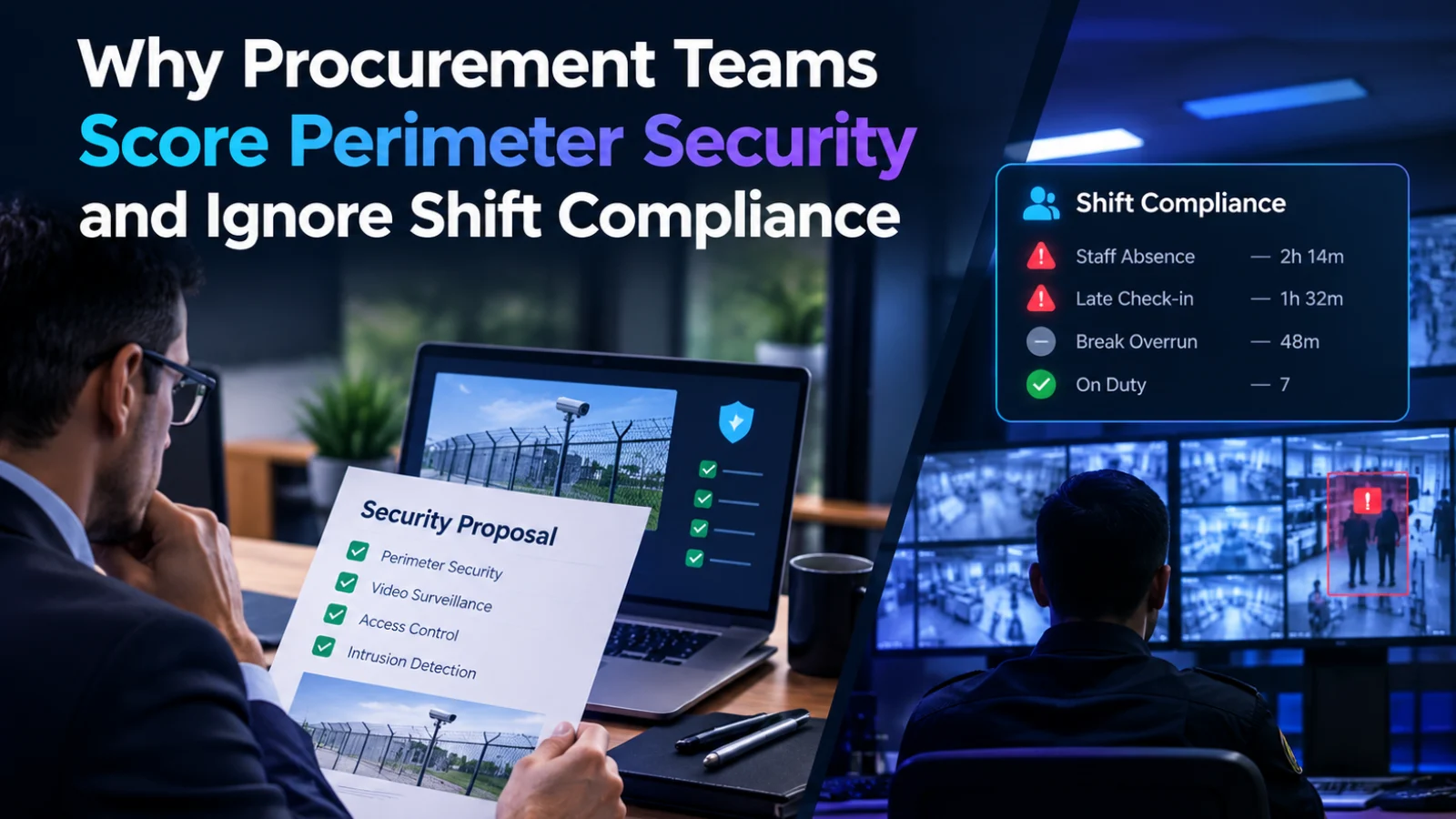
When procurement teams evaluate video analytics platforms, they focus almost entirely on perimeter security: intrusion detection, number plate recognition, face matching against watchlists. Those are legitimate requirements. But they leave the shift compliance layer — the part of the platform that monitors what staff are actually doing against what the schedule says they should be doing — completely unscored.
The result is that organisations end up running two separate systems: a security platform and a workforce monitoring tool, neither of which talks to the other. That split stack costs more to operate, introduces more failure points, and creates the scheduling blind spot described above. The three named failure modes — radio lag, schedule blind spot, and pattern invisibility — all compound when the operational monitoring layer is absent entirely.
Cashier absence detection is the clearest example of why unified video intelligence beats bolted-together point solutions. The same camera infrastructure that monitors your entry points, tracks number plates in your car park, and matches faces against a watchlist can also flag a station vacancy during peak hour on a Saturday. Same platform, same alert pipeline. That is not a minor add-on feature. That is the difference between a camera estate that passively records and one that actively manages your operation.
Why This Isn’t Just a Retail Problem
VideoraIQ supports manufacturing as a primary use case, and the same principle applies on a factory floor. Workstation coverage, safety-zone staffing, compliance with assembly-line headcount requirements — these are all forms of absence detection, just in a different physical context. A station vacancy at a quality-control checkpoint has consequences that go well beyond a missed sale. In regulated manufacturing environments, unmonitored gaps in station coverage create audit exposure.
The mechanism is identical: camera feed against a configured rule, alert delivered to the responsible manager in real time. The rule changes. The workflow doesn’t. For more on how the same camera infrastructure handles both operational and security use cases simultaneously, see how AI intrusion detection integrates with broader site monitoring.
What to Look For Before You Buy
If you are evaluating platforms that claim operational monitoring capabilities, push on three specific questions before you sign anything.
Is the alert rule-matched or motion-triggered?
A motion-based station vacancy alert fires every time someone steps away from a till to help a customer. A rule-matched alert fires only when a vacancy exceeds the parameters you define, anchored to the shift schedule you upload. These are completely different products with very different false-positive rates. VideoraIQ’s own guidance recommends a grace-period threshold of 60 to 90 seconds before an alert fires, specifically to avoid flagging routine movements. Alert fatigue is already the biggest vulnerability in most security operations — operational monitoring that isn’t rule-matched makes it worse, not better.
What is the alert latency, and how is it measured?
Any number above five seconds for an operational use case should prompt a follow-up question. Under three seconds is achievable — it is the figure that makes real-time floor management possible rather than theoretical. Ask vendors for median, 95th-percentile, and worst-case figures, not just the headline number. A headline of three seconds with a 95th percentile of forty is not a real-time system.
Does the scheduling integration work with your existing shift data?
The value of absence detection collapses if configuring it requires manual re-entry of shift data that already lives somewhere else. The platform should consume the schedule you already run, match it against live camera feeds, and fire alerts against that baseline — not create a parallel data entry burden. Push on the integration story before you sign anything.
Operational ROI: Why Absence Detection Pays Back Faster Than Perimeter Security
Video analytics platforms are routinely sold on their security credentials. That is the right first question. But the operational return is often the faster payback. Shift compliance monitoring, station vacancy rates, floor-level staffing against a live schedule — all of it runs on the same camera infrastructure you were already deploying.
The mismatch between what a schedule says and what cameras actually see is not a problem that resolves itself. But the gap between those two data sources does not have to cost you a peak-hour queue or a compliance audit finding. That is exactly what AI-anchored absence detection is built to close. For teams evaluating the full operational picture, the detailed configuration workflow — zone definition, shift schedule upload, and alert routing by section — is documented here.

