

Yes, security cameras work without Wi‑Fi by recording locally (NVR/DVR or microSD) or sending alerts over 4G/LTE, often with solar power. Use wired PoE/coax for buildings and cellular for remote gates or fields, and plan power and storage so footage stays reliable and searchable. In 2026, security cameras without wifi make sense for cabins, barns, job sites, and any place you want fewer internet risks.
According to the BKO stat, 85% of CCTV footage is never reviewed. That means the right setup is not only about wiring or power. It’s about smart alerts, storage you can search, and video you can act on fast.
This guide walks you through why offline cameras are useful, the five main types, mistakes to avoid, tools that add intelligence, and a clear plan to set yours up. The tone is practical and brand-neutral. You’ll get clear answers and real next steps, even if you’ve never installed a camera before.
**Schedule a free security consult →
Why Would You Want a Security Camera Without WiFi?
No internet, no problem. If your site has spotty service or strict IT rules, going offline keeps your system steady and simple. Security cameras without wifi record locally, use wired links, or hop onto cellular, so your video keeps rolling even when a router crashes.
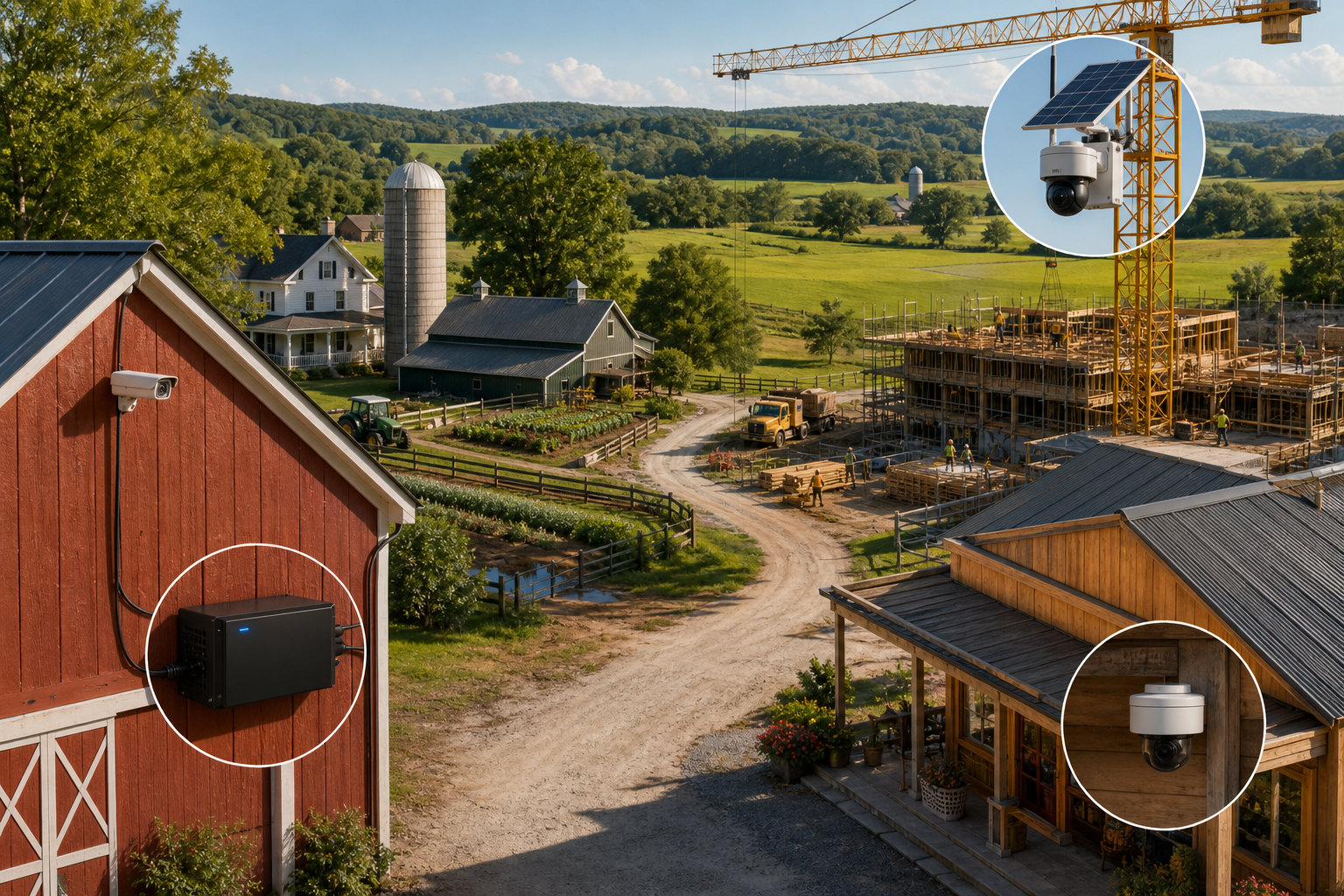
For rural land, barns, and cabins, broadband can be pricey or unavailable. A wired NVR in the house or an SD-card camera in a shed can cover gates and paths without a monthly internet plan. At a new build or renovation, power tools and trucks move all day. A solar cellular unit can watch gear and copper without tapping the site Wi‑Fi you don’t have yet.
Hacking worries push some folks offline too. If you never expose cameras to the home network, you reduce attack paths. You still need basic hygiene (strong passwords, safe storage, locked enclosures). But a closed system shrinks the risk window.
Bandwidth limits also matter. High‑res streams chew through data caps fast. Local recording avoids that burn. You can still pull clips later with a cable or a short cell session, saving your data plan for the moments that count.
- No internet at the site (cabins, barns, remote gates)
- Temporary setups (construction, pop‑up events)
- Lower cyber risk (no camera on home Wi‑Fi)
- Avoid data caps (local record, export only what you need)
For a quick primer on how closed systems evolved, see the background on Closed‑circuit television. It frames why private, local video networks still have a place in 2026.
5 Types of Non-WiFi Security Cameras and How Each Works
Security cameras without wifi fall into five clear buckets. Each one solves a different job. Pick the one that matches your power, distance, and access needs.
1) Wired PoE (IP) Cameras To An NVR
These run a single Ethernet cable per camera for power and data. A PoE switch feeds the cameras, and an NVR records 24/7. You get crisp video and stable links.
Pros: Strong image quality, clean cable runs, central storage. Cons: Pulling cable takes time and planning. Best for: Homes, small shops, offices where you can run Cat6.
For standards and power concepts, the Wikipedia page on Power over Ethernet lays out how one cable can carry both data and power.
2) Coax (Analog/HD‑Over‑Coax) Cameras To A DVR
Older sites may have existing coax lines. HD‑over‑coax cameras breathe new life into those runs. A DVR handles recording without touching Wi‑Fi.
Pros: Reuse wiring, stable and mature. Cons: Less flexible than IP for future upgrades. Best for: Retrofits where the coax is already in place.
3) 4G/LTE Cellular Cameras
These cameras or gateways push video over a SIM card, not your router. You can get alerts off‑grid.
Pros: Works where there’s cell coverage, fast to deploy. Cons: Data plans add cost; mount for signal. Best for: Driveways, gates, remote fields, or job sites. For a refresher on radio tech, here’s Long‑Term Evolution (LTE).
4) Local SD‑Card Cameras (No Network)
Some cameras record to a microSD and never touch a network. You pop the card, copy clips, and you’re done.
Pros: Cheapest way to record, zero network risk. Cons: Cards fill up; if a thief grabs the camera, you lose footage. Best for: Enclosed spaces you can lock, or as a backup to an NVR.
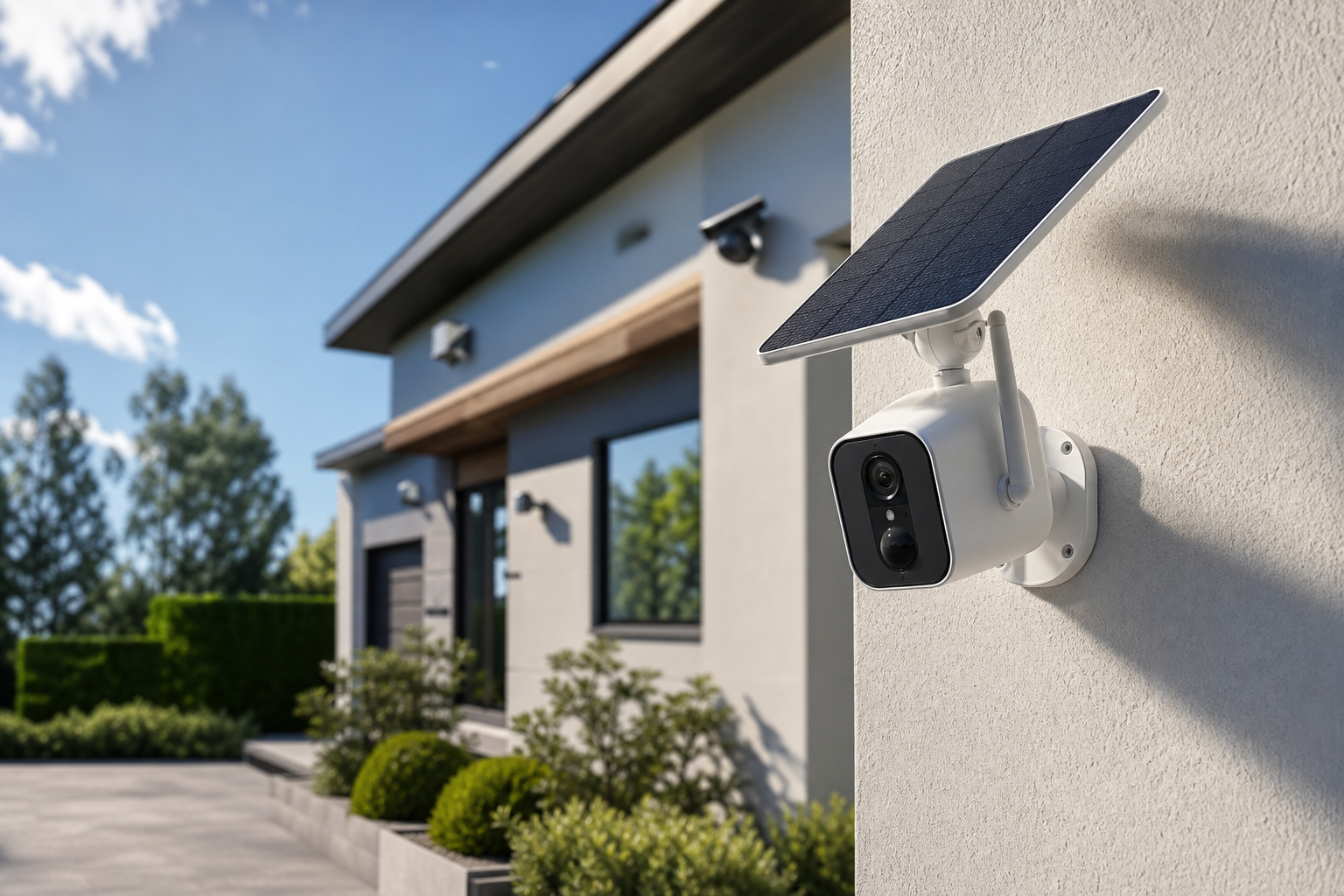
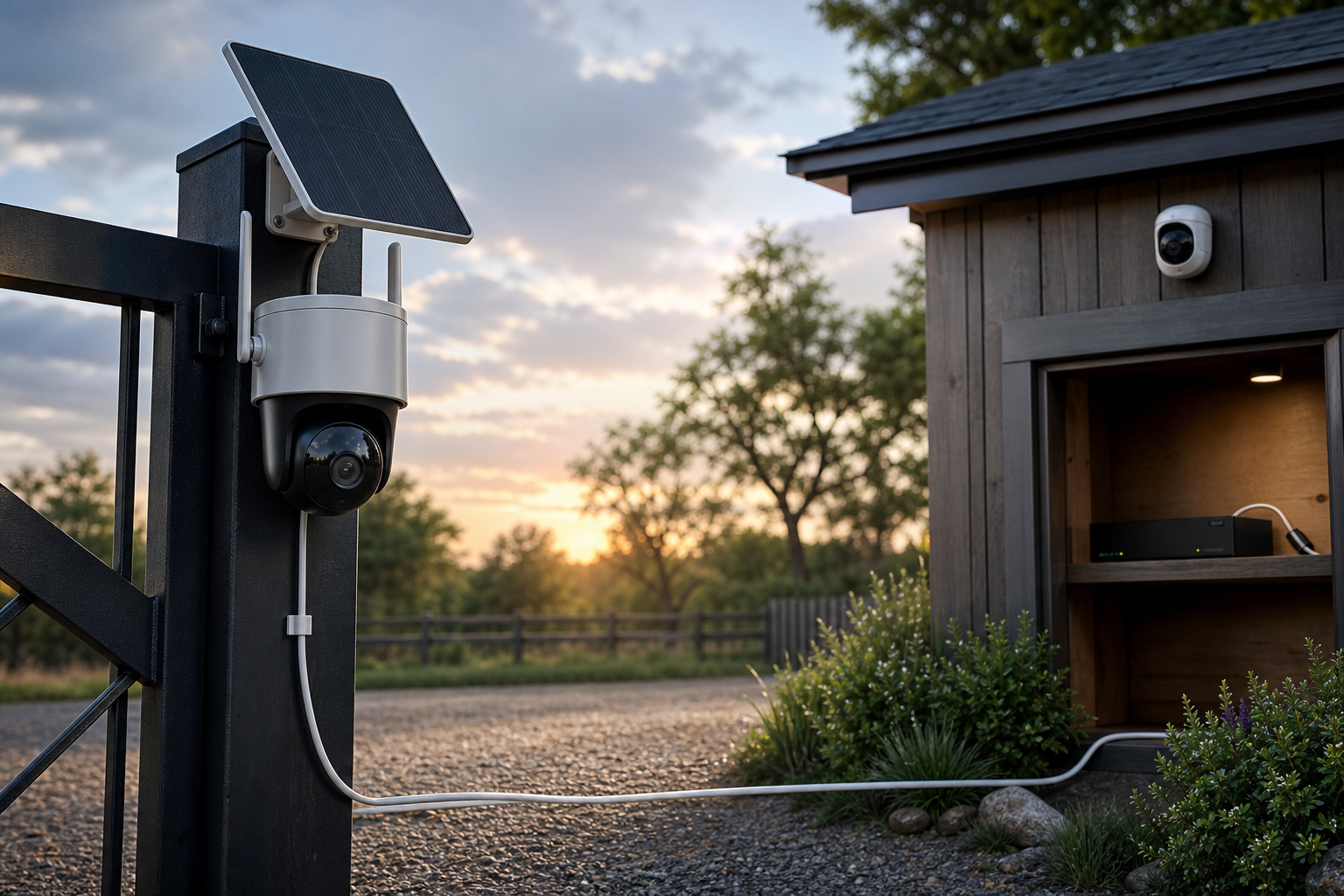
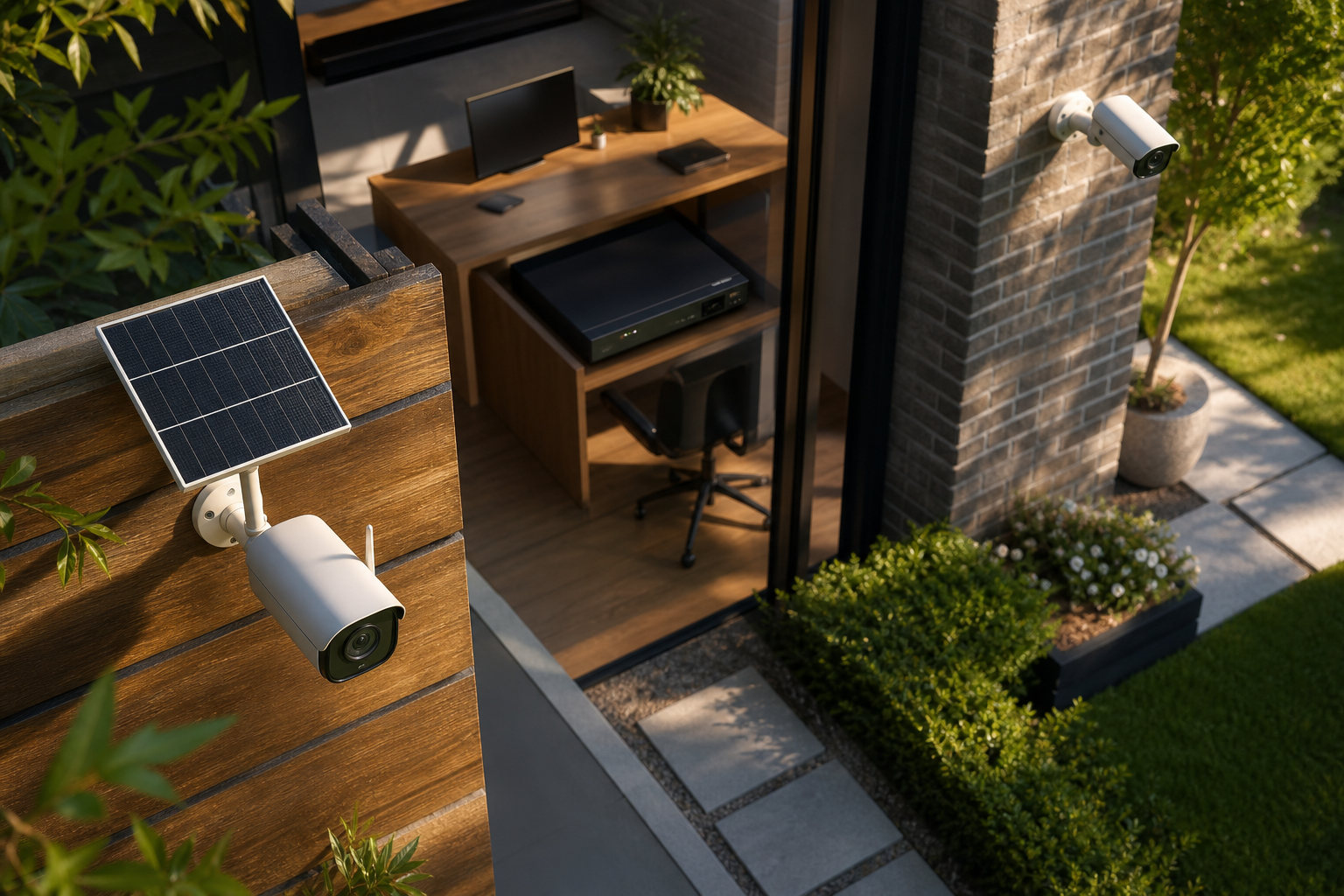
5) Solar‑Powered Cellular Cameras
A small panel keeps a battery topped up, and a SIM handles alerts and clip uploads. No wires. No Wi‑Fi. Fully self‑sustained.
Pros: True off‑grid, rapid install. Cons: Sun exposure and winter temps matter; plan your panel angle. Best for: Construction perimeters, rural gates, livestock areas, or temporary events.
Also Read!
The Complete Guide to Corporate Security in 2026
How to Add AI to Existing Security Cameras for Corporate Offices and Campuses
Common Mistakes When Choosing Offline Security Cameras
First, people assume “no Wi‑Fi” equals “no remote access.” That is not always true. With a cellular gateway, you can still get alerts and clips. With a wired NVR, you can plug in on‑site or allow short, controlled remote sessions when needed.
Second, storage is not a guess. If you record 24/7 in high resolution, cards or drives will recycle. If you need to keep incidents for weeks, plan a larger NVR/DVR. Or set motion‑based recording with smart detection to stretch storage.
Third, night vision gets skipped. A camera without Infrared (IR) or low‑light support is a daytime doorstop. Check for IR LEDs or color‑at‑night features so people and plates are visible after dusk.
Fourth, power planning gets ignored. PoE is simple if you can pull cable. For solar, map shade and tilt. For battery‑only, set realistic alert and clip settings to preserve charge.
Plan Storage, Power, and Smarts
Fifth, AI detection is dismissed because the system is “offline.” That’s a missed win.
The BKO notes that 85% of CCTV footage is never reviewed.
Smart detection reduces noise and flags the moments that matter. Moreover, AI‑powered detection can work with existing IP‑based systems. You can run analytics locally or send event clips through a narrow pipe, rather than streaming 24/7.
“If your storage fills too fast or you can’t find clips, the camera didn’t fail — the plan did.”
Therefore, think through access, storage duration, night performance, power, and smart alerts before you buy. A bit of planning saves truck rolls, charge time, and lost footage.
**Get a free setup check today →
Tools and Platforms That Enhance Non-WiFi Camera Setups
NVRs and DVRs do the heavy lifting for local record. Popular NVR/DVR brands include Lorex, Swann, Amcrest, and Uniview. Network storage boxes like Synology (with NVR software) are also common. None of these require your home Wi‑Fi to function; they can run on a closed LAN or straight from coax.
For cellular, look at 4G/LTE models such as Arlo Go, Reolink Go, and Eufy’s battery cell units. Each one handles a SIM for alerts and clips without touching your router. Data plans and coverage maps matter more than model names here.
Add AI and Compliance Without Internet
AI analytics platforms can upgrade existing cameras. Tools like VideoraIQ work with existing cameras across 200+ brands and integrate with existing IP‑based CCTV systems without additional hardware. You get 9 AI detection engines including intrusion detection, fire & smoke detection, and object detection, with <3 seconds latency for alert delivery. The platform provides real‑time alerts with video proof, location tag, and timestamp, which helps you act fast instead of scrubbing hours of video later.
Security and scale also count. VideoraIQ is GDPR compliant and HIPAA compliant, and it already monitors 10,000+ cameras deployed in 7+ countries. Plans match different fleets: a Starter tier for small businesses with up to 20 cameras and 7‑day cloud retention, a Professional tier for up to 200 cameras with all AI engines and 30‑day retention, and an Enterprise tier with unlimited cameras and 90‑day retention. In 2026, that flexibility means you can start with one site and expand without ripping out what you have.
As a result, the edge-based processing keeps your AI detection and recording functional locally during an internet outage, automatically queuing and syncing data to the cloud so you receive instant alerts and off-site evidence the moment connectivity is restored.
Also Read!
How to Add AI to Existing Security Cameras in Manufacturing Plants and Warehouses
Best AI Add-On for Existing Security Cameras for Corporate Offices and Campuses in 2026
What to Do Next: Setting Up Your Offline Camera System
Start with a plan, not a box. Decide what you must see, how long to keep clips, and how you’ll power each device. Then pick the non‑Wi‑Fi path that fits best.
Your Practical Checklist
- Map power first: PoE switch for wired runs, or solar/battery for remote spots.
- Choose storage: NVR/DVR for multi‑cam sites; SD cards for single enclosed areas.
- Pick transport: wired for buildings, 4G/LTE for gates and fields.
- Test coverage: stand where the lens will sit, take phone photos, and check angles.
- Plan for night: confirm IR range or low‑light specs match your distances.
- Add smart detection: schedule zones and rules you can maintain over time.
- Secure the gear: lock boxes, tamper screws, and password policies.
- Validate with a walk test: trigger alerts and confirm they arrive in under 3 seconds if your tool supports it.
- Document: label cables, note SIM details, and record NVR/DVR settings.
- Rehearse an incident: export a clip, share it, and time the steps end‑to‑end.
Finally, budget for growth. If you may add analytics later, choose IP cameras and an NVR that can work with external AI tools. That way, security cameras without wifi today can gain smart alerts tomorrow with minimal change.
Key Takeaways
-
Go offline for stability, reach, and less risk. Wired NVR/DVR systems thrive in buildings with power and cable paths, while solar cellular shines at gates and job sites. You avoid router crashes and data caps by keeping storage local and exporting only the clips you need.
-
Match the type to the job. PoE to an NVR offers strong image quality and central storage.
HD‑over‑coax lets you reuse old cable with a DVR. Cellular handles remote areas.
SD‑cards keep it ultra‑simple. Solar cellular gives you true off‑grid installs with smart alerts.
-
Avoid the common traps. Don’t assume “no Wi‑Fi” means “no remote access.” Size storage for your keep‑time, confirm night vision, plan power, and add AI alerts. The BKO stat that 85% of CCTV footage is never reviewed is your clue to invest in smarter detection.
-
Add intelligence without ripping and replacing. AI tools can integrate with existing IP‑based CCTV systems without additional hardware and can work across 200+ camera brands. Real‑time alerts with video proof and timestamps help you act fast and reduce review time.
-
Build for 2026 and beyond. If you expect to grow, pick gear that can scale from a few to hundreds of cameras, and confirm compliance needs (e.g., GDPR or HIPAA) upfront. That future‑proofs your non‑Wi‑Fi base while leaving the door open for cloud‑assisted features.
What to Do This Week
Walk your site and mark three must‑cover zones: entry, assets, and approach. If you have power indoors, shortlist a PoE NVR kit and measure cable runs with a tape measure. If your risk lives outside the fence, shortlist a solar LTE unit and check cell signal with your phone over a few days and times. Bring a notepad or your phone notes and write down where the sun hits, where shade falls, and where you can mount at 8–12 feet for both view and security. Next, decide how long you need to keep video.
If you only care about the last week, a small NVR or large SD card might be fine. If you run a store or site with incidents, plan longer retention and motion‑based rules. Then, run a one‑hour test: install one camera, trigger a person detection, and see how fast you can find and export the clip. If that flow takes too long, consider adding AI analytics that work with your current cameras to send clear, timestamped alerts. Finally, document your plan, label your cables, and schedule time to mount the rest.