

To choose a doorbell camera for your home in 2026, pick a power type that fits your door, match video and view to your porch, confirm Wi‑Fi strength, and budget for storage and subscriptions. This simple plan cuts false alerts, saves you time, and helps you catch what counts.
85% of CCTV footage is never reviewed. That’s why learning how to pick the right doorbell camera in 2026 matters.
You don’t need to be a tech pro. Think of a doorbell camera like a reliable porch light with a memory and a voice. It helps you see who’s there, speak without opening the door, and keep a short highlight reel of events you care about.
In this guide, you’ll learn the core features in plain words, the exact steps to compare models, and the money traps to avoid. You’ll also see a few tools worth exploring if you want smarter alerts than basic motion pings. By the end, you’ll be set to pick the right fit for your place and your budget in 2026.
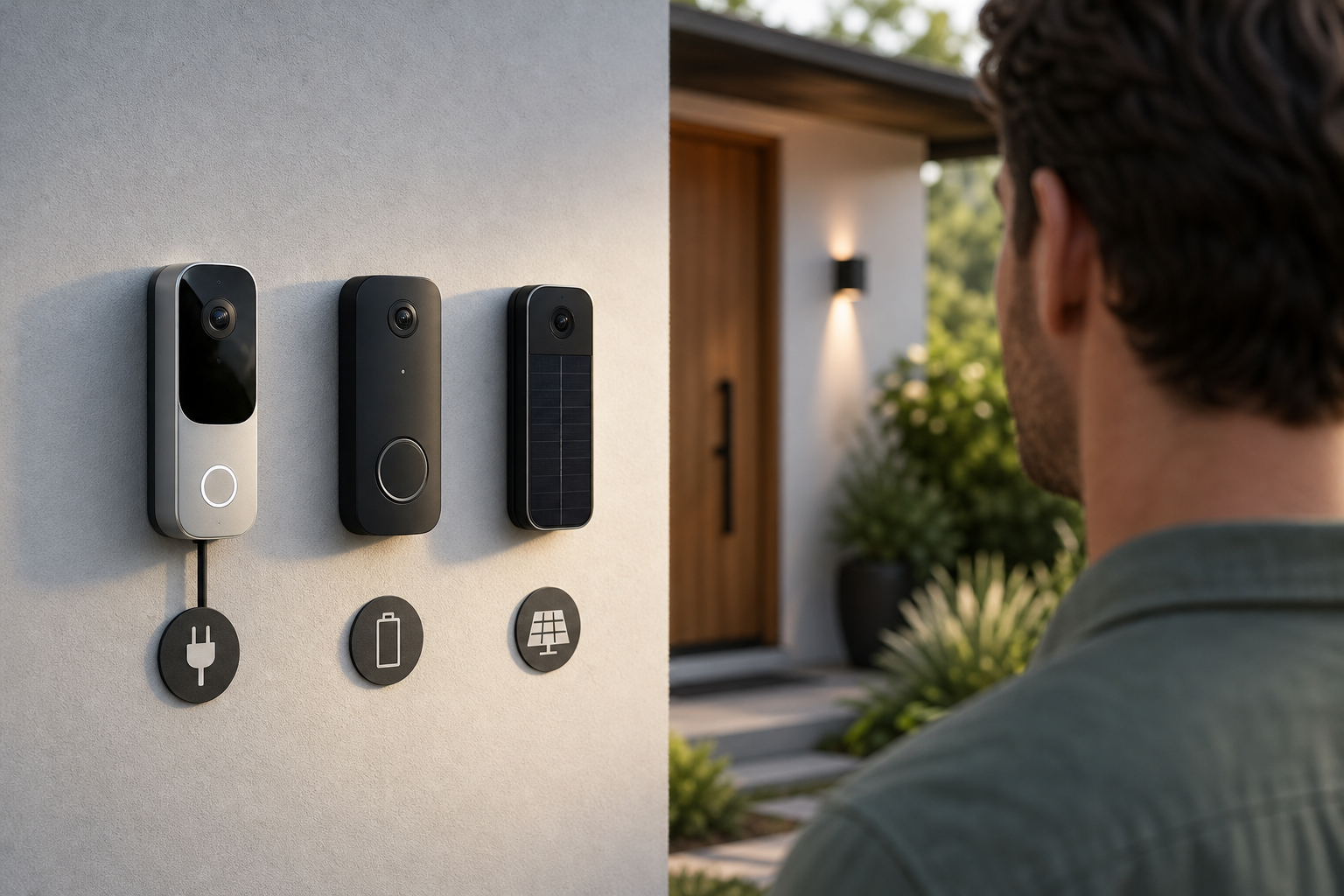 , resolution (1080p/2K/4K), field of view angles, storage (local/cloud), and subscription costs; bright, friendly style suitable for a consumer tech blog)
What Does a Doorbell Camera Actually Do (and Who Needs One)?
A doorbell camera is a video doorbell that replaces (or sits next to) your standard chime. It lets you see a live view, get motion alerts, talk to visitors, and record short clips. For a neutral overview, see the Wikipedia entry on video doorbells. If you want to pick one for your home with confidence, start by mapping each feature to a real-life need.
Core features in plain language
Live view: You can open an app and see your porch in real time. It’s like peeking through a peephole, but from your couch, desk, or while away.
Motion alerts: The camera pings your phone when it sees movement. Good systems reduce “leaf-in-the-wind” alerts and focus on people, packages, or cars.
Two-way talk: Speak through your phone, and the visitor hears you at the door. It’s handy for telling a courier where to leave a box, or asking a stranger, “Can I help you?
Recording: Short clips save when motion or a ring happens. That replay helps you check what you missed, like a 2-minute highlight of your day.
Who benefits most
- Homeowners: You gain a door-side view and a record of visitors, from friends to service staff. It also adds peace of mind at night.
- Renters: A battery doorbell avoids wiring changes. It’s easy to install and take with you when you move.
- Families: You can see when kids get home and screen late-night knocks. Two-way talk adds a layer of safety.
- Frequent travelers: You still “answer” the door from far away. That helps protect packages and manage deliveries.
As you decide, picture your front entry like a small stage. The camera is your front-row seat with a mic. Pick features that fit your scenes: school drop-offs, weekly deliveries, or a quiet porch that needs fewer alerts.
Step-by-Step: How to Choose the Right Doorbell Camera
The fastest way to a great pick is to match your home and habits to eight clear choices. Use this as your checklist to decide without guesswork.
Step 1: Pick your power (wired, battery, or solar)
If you have an existing doorbell chime and low-voltage wiring, a wired model gives nonstop power and fewer battery swaps. It’s set-and-forget.
If you don’t have wiring, go battery. It installs with a bracket and screws. Plan for recharges, which can be every few weeks to every few months based on traffic and settings.
If your porch gets steady sun, a solar plate can top up a battery doorbell so you recharge far less.
Step 2: Choose resolution (1080p vs 2K vs 4K)
1080p is clear enough to recognize faces at the door. 2K adds crisper details for reading badges or logos at a short range. 4K can reveal more fine detail but needs stronger Wi‑Fi and more storage. If your porch is well lit and close to the street, 2K often hits the sweet spot. Match resolution to lighting and distance, not just the biggest number.
Step 3: Match the field of view (FOV) to your porch
A wide FOV (head-to-toe view) helps if you want to see packages on the ground and tall visitors. If your walkway comes from the side, look for a broader horizontal FOV to catch folks as they approach. Narrow spaces near a wall might need a wedge mount to angle the camera for the best coverage.
Step 4: Decide on storage — local, cloud, or both
Local storage saves clips to a microSD card or a home hub. It avoids monthly fees and keeps files in your home. Cloud storage saves clips online so you can watch from anywhere, even if the doorbell is damaged. Some people choose both for redundancy. List the clips you actually want to keep (deliveries, visitors, late-night motion). That guides how much storage you need.
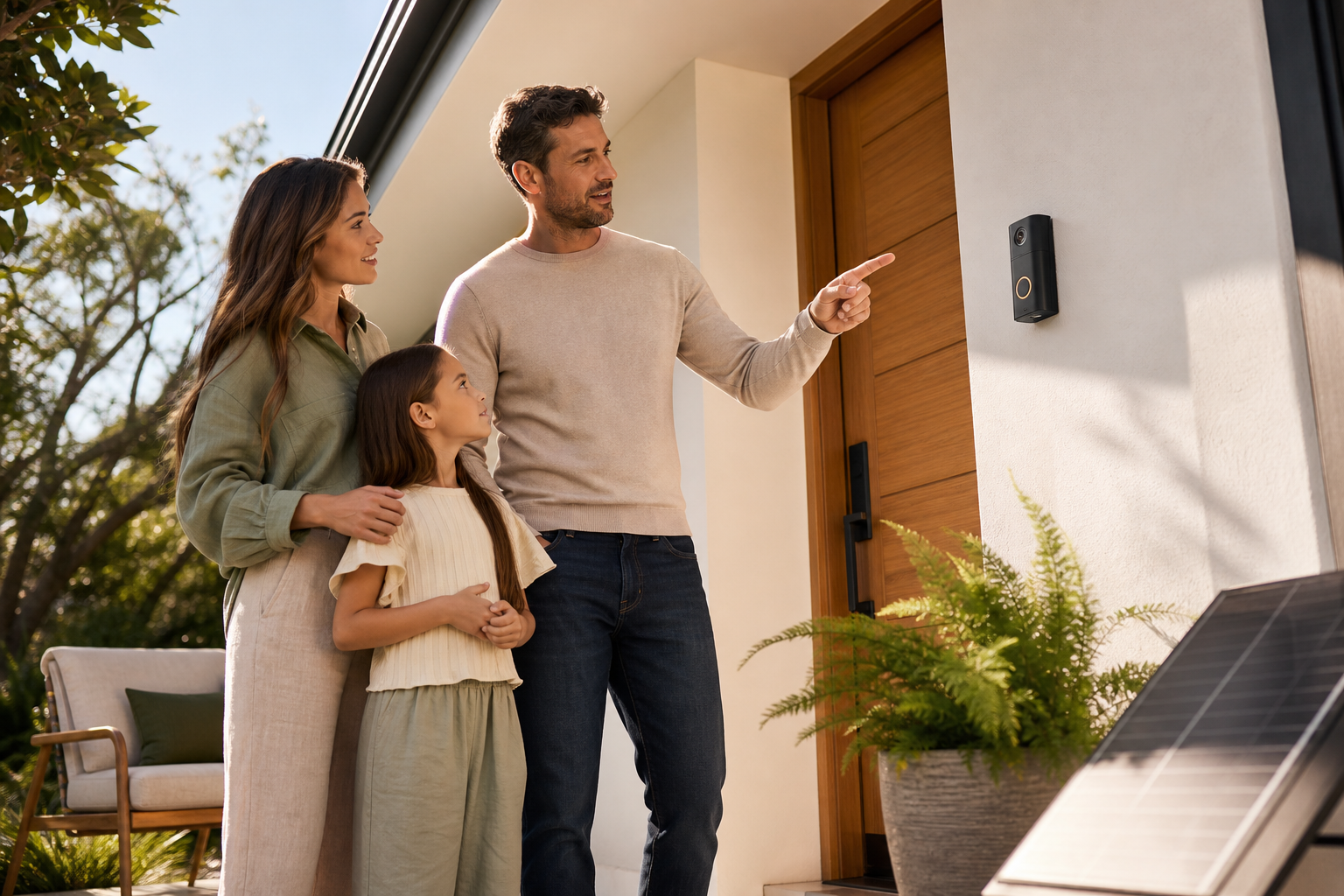 , testing Wi‑Fi at the door with a phone, picking FOV with simple diagrams, and toggling privacy zones in an app; friendly icons, clear labels)
Step 5: Look for smart detection that cuts noise
Person, package, and vehicle detection reduce false alerts. If you live on a busy street, this matters a lot. Smarter filters help you focus on real events, not wind and shadows. Some systems also let you set “activity zones” to watch only the walkway, not the street.
Step 6: Check smart home integration
If you use Alexa, Google Home, or Apple Home, look for a doorbell that works with your setup so you can view feeds on a smart display or trigger routines. For example, you might flash a porch light when the doorbell rings. Integration can save steps each day.
Step 7: Confirm weather rating and build
Front doors see rain, dust, and heat. Check the weather rating so it matches your climate. A solid faceplate, good seals, and clear night vision are just as important as pixels on the box. If you live near the coast, corrosion-resistant parts are a plus.
Step 8: Know the subscription costs and features
Some brands charge for cloud storage, smart detection, or longer clip history. Add two years of subscription to your total cost. Make sure the “monthly” you see today still fits your budget in 2026.
Also Read!
How to Choose the Right Video Camera for Your Needs
How to Choose a Smoke Detector Camera for Your Home or Business
5 Common Doorbell Camera Mistakes That Cost You Money
Small misses at setup turn into daily annoyances. Here’s how to avoid the most common ones.
Mistake 1: Ignoring subscription fees
The sticker price can look low, but cloud storage and smart alerts may sit behind a plan. Over two years, that fee can exceed the device cost. Price the full package before you buy.
Mistake 2: Choosing battery without planning recharges
Battery models are great for renters and no-wiring doors. But high-traffic porches drain faster. If you can’t reach the unit easily, you’ll dread every swap. Consider a solar trickle charge or keep a spare battery charged.
Mistake 3: Overlooking Wi‑Fi range
Your router might be fine in the living room yet weak at the door. Video needs a solid signal. Test the spot with your phone’s video call or speed test. If it stutters, consider a mesh node near the entry.
Mistake 4: Buying 4K without enough bandwidth
Higher resolution means larger clips and a heavier live feed. If your network is busy with streaming and consoles, 4K may not help. A clean 1080p or 2K feed you can watch anytime beats a choppy 4K.
Mistake 5: Skipping privacy zones and audio controls
Most apps let you mask areas like a neighbor’s window and dial down audio recording. Use those tools. You’ll reduce noise, protect privacy, and build trust with neighbors and guests.
Tools and Platforms Worth Exploring
You’ll find strong consumer picks from big names: Ring, Google Nest, Arlo, Eufy, and Reolink. They cover the basics well, live view, smart alerts, and cloud options, and many have battery and wired versions. Try one of these if you want an all-in-one doorbell with a polished app.
If you want advanced AI beyond basic motion, say object recognition or alerts for unattended items, look at platforms that add an AI layer over existing cameras. For example, tools like VideoraIQ work with existing cameras across 200+ brands, offer 9 AI detection engines, send real-time alerts with video proof plus location tag and timestamp, and are cloud-based with no need for on-premise servers. That can upgrade a front-door camera and the rest of your home or small business system in one move.
"We went from finding out about incidents in the morning briefing to being notified in real time. VideoraIQ caught an intruder at 2AM that our overnight guard missed. That one event alone justified the entire platform cost." — Ananya Mehta, Head of Facilities, 200-Camera Corporate Campus
Moreover, platforms like this report 99.4% detection accuracy, <3 seconds alert latency, and 10,000+ cameras monitored. In addition, they are GDPR compliant and HIPAA compliant, which can matter if you manage cameras at a home clinic or a rental with guest consent needs. Consider whether a stand-alone doorbell app is enough, or whether you want smarter cross-camera alerts across your property.
What to Do This Week: Your Doorbell Camera Action Plan
A short, focused plan beats weeks of browsing. Use these steps to choose without second-guessing.
Step 1: Audit your front door
Check for existing doorbell wires and chime. Stand where the unit will go and test your phone’s Wi‑Fi signal there. Note porch light angles and if a wedge mount might help the view.
Step 2: Set a full budget (device + two years)
Write down the device price, plus two years of subscription if you’ll use cloud or smart detection. Add an optional wedge or corner mount, and a spare battery if you choose a battery model.
Step 3: Shortlist 2–3 models that fit your setup
Pick the power type that fits your door. Match resolution and FOV to your porch. Confirm smart home support for the system you already use. Aim for two solid options and one stretch pick.
Step 4: Check return and privacy policies
Look for at least a 30-day return window and clear terms on data storage. Make sure the app has privacy zones and adjustable audio/video settings so you can fine-tune alerts and masking.
Key Takeaways
- Start with fit: power (wired/battery/solar), Wi‑Fi strength, and your porch view drive the right pick.
- Choose clarity you can stream: 2K is a sweet spot; 4K needs stronger signal and more storage.
- Pay the real price: include two years of cloud and AI features in your budget.
- Cut noise fast: use person/package alerts and privacy zones to reduce pointless pings.
- If you need advanced AI, consider a platform layer that works with 200+ camera brands.
As you wrap up, remember this: the best choice is the one you can install, view, and trust every day. With a clear plan, you’ll avoid overpaying, get fewer false alerts, and see what matters at your door in 2026.
Ask our team today →