

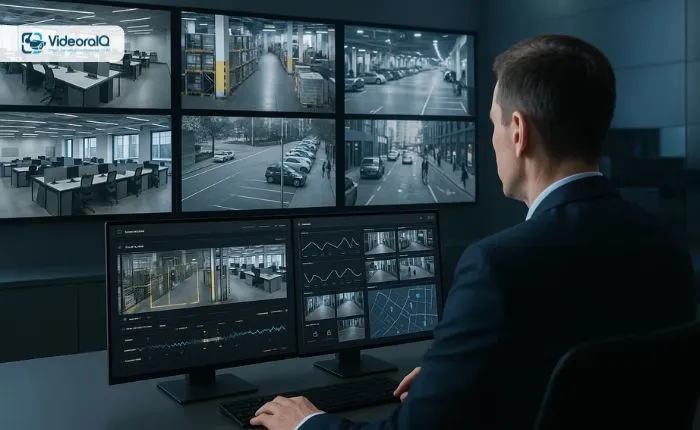
Choosing the right VMS software (Video Management System) can feel overwhelming, especially with so many options flooding the market today. Whether you’re upgrading an outdated system or implementing a new security infrastructure from scratch, the decisions you make now will impact your organization’s safety, operational efficiency, and budget for years to come. This guide will walk you through everything you need to know to make an informed choice that aligns perfectly with your security requirements.
Listen To The Podcast Instead!
Understanding What VMS Software Really Does:
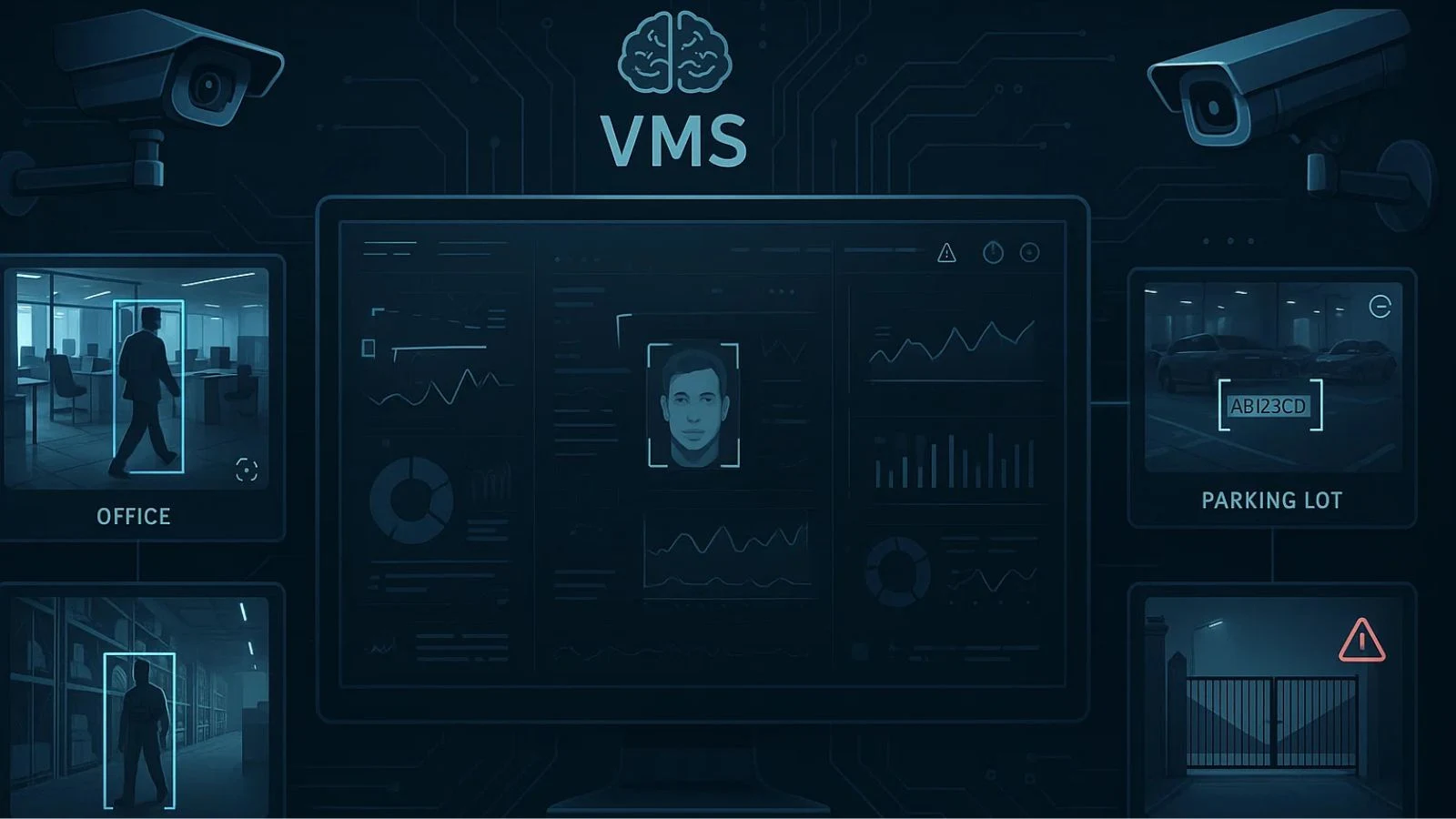
Before diving into selection criteria, let’s establish what we’re actually talking about. A video management system serves as the central hub for your entire surveillance operation. It’s the software that allows you to record, store, manage, and analyse footage from multiple cameras across various locations, all from a single interface, an essential foundation if you want to Protect Your Dealership Using AI VMS Software.
Think of video management system software as the brain of your security setup. Your cameras capture the footage, but the VMS processes it, organizes it, and makes it accessible when you need it most.
Modern systems go far beyond simple recording, offering features like motion detection, facial recognition, license plate reading, and real-time alerts that can prevent incidents before they escalate.
Key Factors to Consider When Evaluating VMS Software:
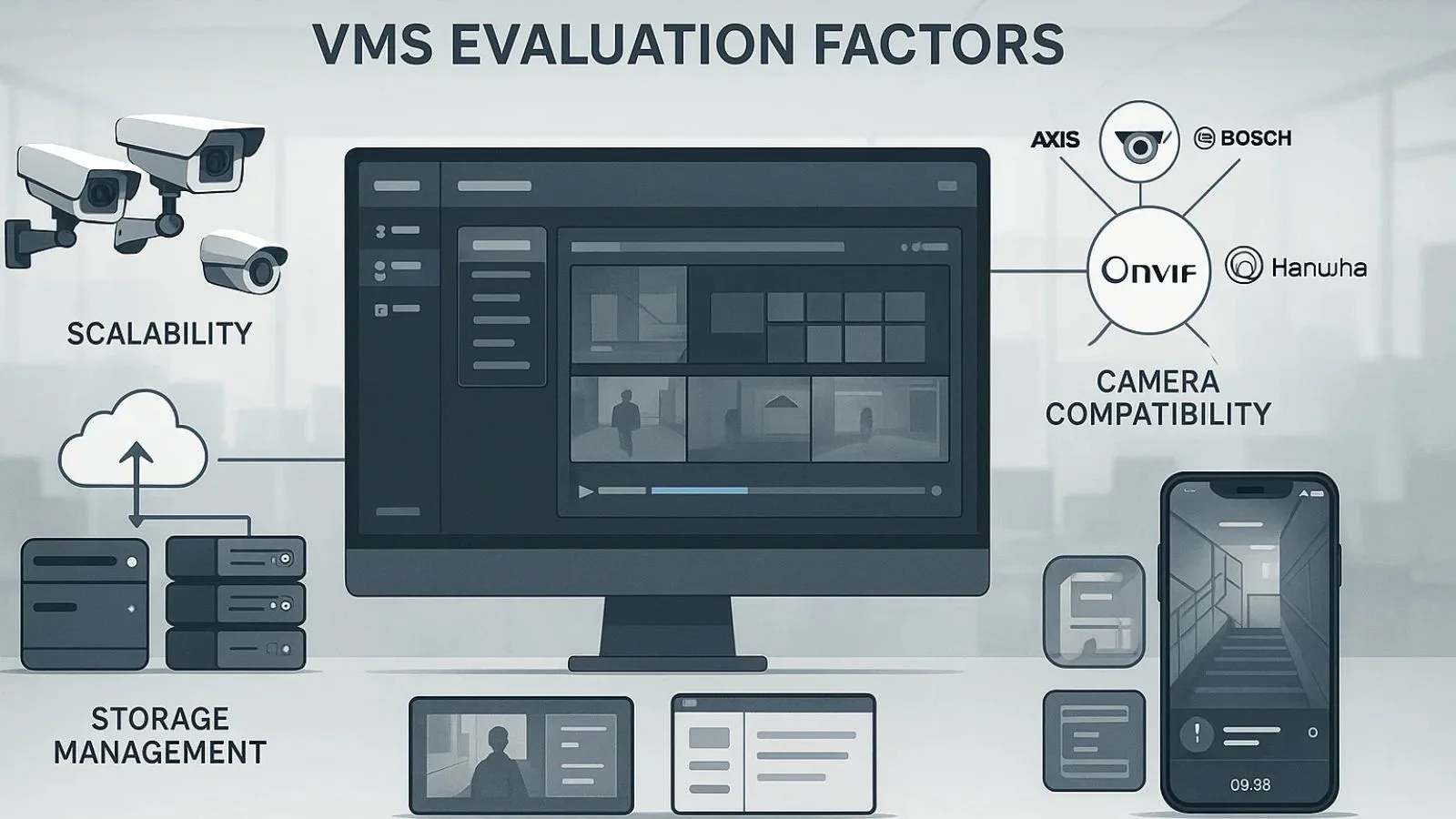
1. Scalability and Future Growth:
Your security needs today might be completely different from what you’ll require in three years. The VMS software you choose should grow with your business without requiring a complete overhaul.
Ask yourself: Can this system handle 10 cameras today and 100 cameras tomorrow? Does it support multiple sites? What happens when you need to add new camera brands or upgrade to higher resolution? A truly scalable solution adapts to your changing requirements without forcing you into expensive migrations or compromises.
2. Camera Compatibility and Integration:
Here’s a reality check: not all VMS software plays nicely with every camera brand. Some systems are designed to work exclusively with proprietary hardware, while others embrace open standards like ONVIF that allow you to mix and match equipment.
If you already have cameras installed, verify compatibility before committing to any platform. If you’re starting fresh, consider whether you want the flexibility to choose best-of-breed cameras or prefer the simplicity of a single-vendor ecosystem. Video management software that supports diverse hardware gives you more options and better negotiating power with suppliers.
3. Storage Management and Retention Policies:
Video files are massive, and they accumulate quickly. Your VMS software needs intelligent storage management to balance video quality with practical limitations.
Look for features like adaptive bitrate recording, which captures high-quality footage only when motion is detected while using lower quality during quiet periods.
Cloud storage options provide off-site backup and disaster recovery, though they come with ongoing costs. Understand your industry’s retention requirements; financial institutions might need to keep footage for years, while retail stores might only need a few weeks.
4. User Interface and Ease of Use:
The most powerful VMS software in the world is useless if your security team can’t figure out how to use it. During your evaluation, actually test the interface. Can you quickly pull up footage from a specific camera? Is the search function intuitive? Can multiple operators use the system simultaneously without confusion?
Training time matters too. Some systems require extensive certification programs, while others can be learned in an afternoon. Consider your team’s technical expertise and the time you can realistically dedicate to training.
5. Mobile Access and Remote Monitoring:
Security doesn’t stop when you leave the office. Modern VMS software should offer robust mobile applications that let you view live feeds, receive alerts, and review recorded footage from anywhere in the world.
This capability is especially valuable for video monitoring services where real-time response can prevent losses. Test the mobile experience during your evaluation; some apps are clunky afterthoughts, while others provide genuinely useful functionality that extends your security team’s reach.
Advanced Features That Add Real Value:
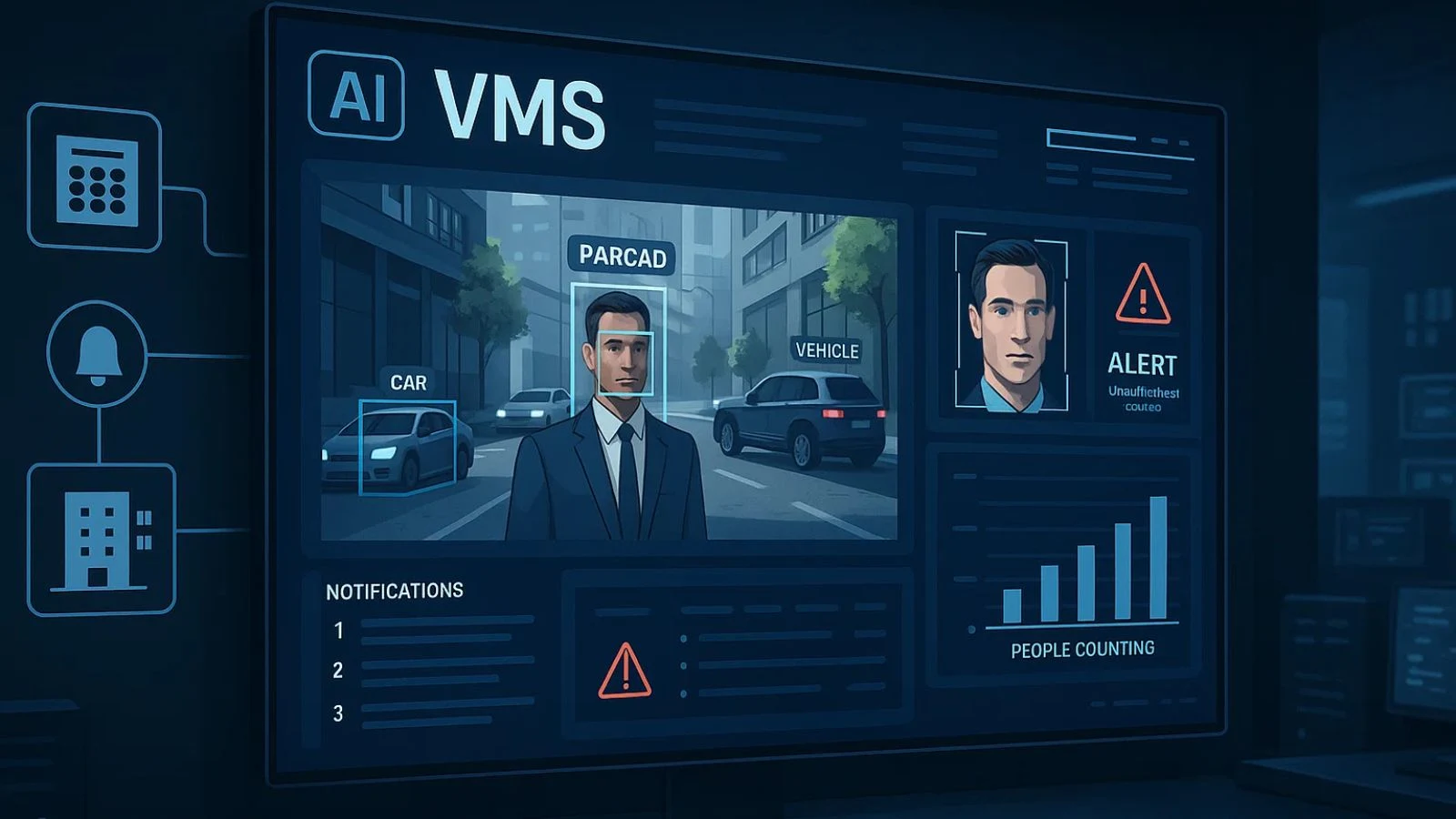
1. Artificial Intelligence and Analytics:
Basic motion detection is table stakes now. Leading VMS software incorporates AI-powered analytics that can distinguish between a person, vehicle, and animal. They can detect unusual behaviour patterns, count people entering a space, identify abandoned objects, and even recognize faces.
These features transform your system from passive recording to active threat prevention. Instead of reviewing hours of footage after an incident, you receive intelligent alerts that let you respond in real-time.
2. Integration with Other Security Systems:
Your surveillance doesn’t exist in isolation. The best VMS software integrates seamlessly with access control systems, alarm panels, and building management platforms. When someone badges into a restricted area, your VMS can automatically start recording. When an alarm triggers, cameras can immediately focus on the relevant zone.
This interconnected approach creates a comprehensive security ecosystem that’s more powerful than the sum of its parts, which is particularly important for business video surveillance operations that need multiple layers of protection.
Budget Considerations and Total Cost of Ownership:
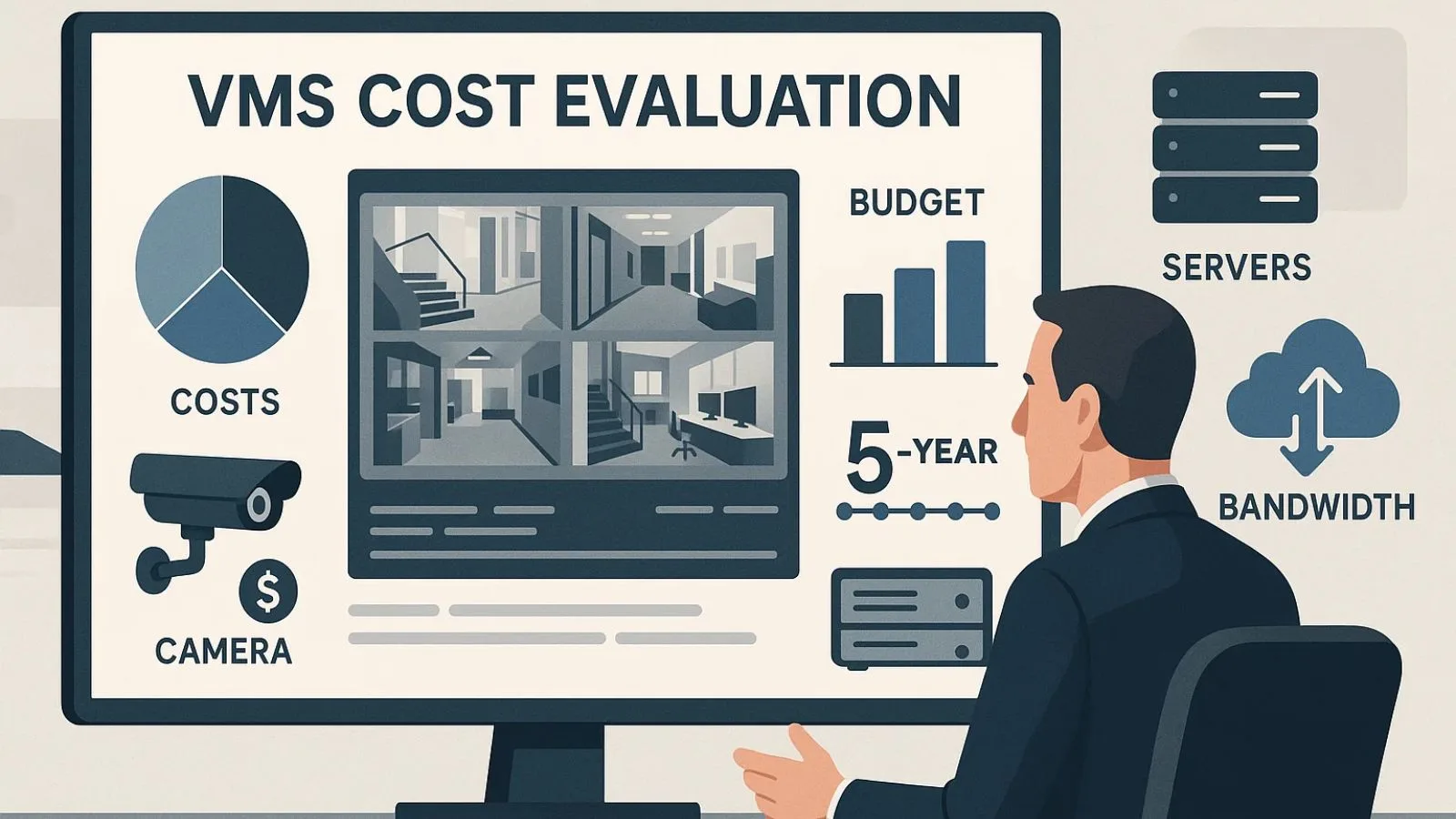
Price tags can be deceptive when evaluating VMS software. A system with a low upfront cost might carry expensive licensing fees per camera, while a pricier option might include unlimited camera support.
Consider the total cost of ownership over five years, including:
- Initial software licensing or subscription fees
- Hardware requirements (servers, storage, networking equipment)
- Camera compatibility and potential replacement costs
- Ongoing maintenance and support contracts
- Training and implementation services
- Bandwidth and cloud storage costs
Sometimes paying more initially for robust VMS software saves money in the long run through reduced maintenance, better reliability, and a longer useful life before requiring replacement.
Also Read:
Why Choose VideoraIQ?
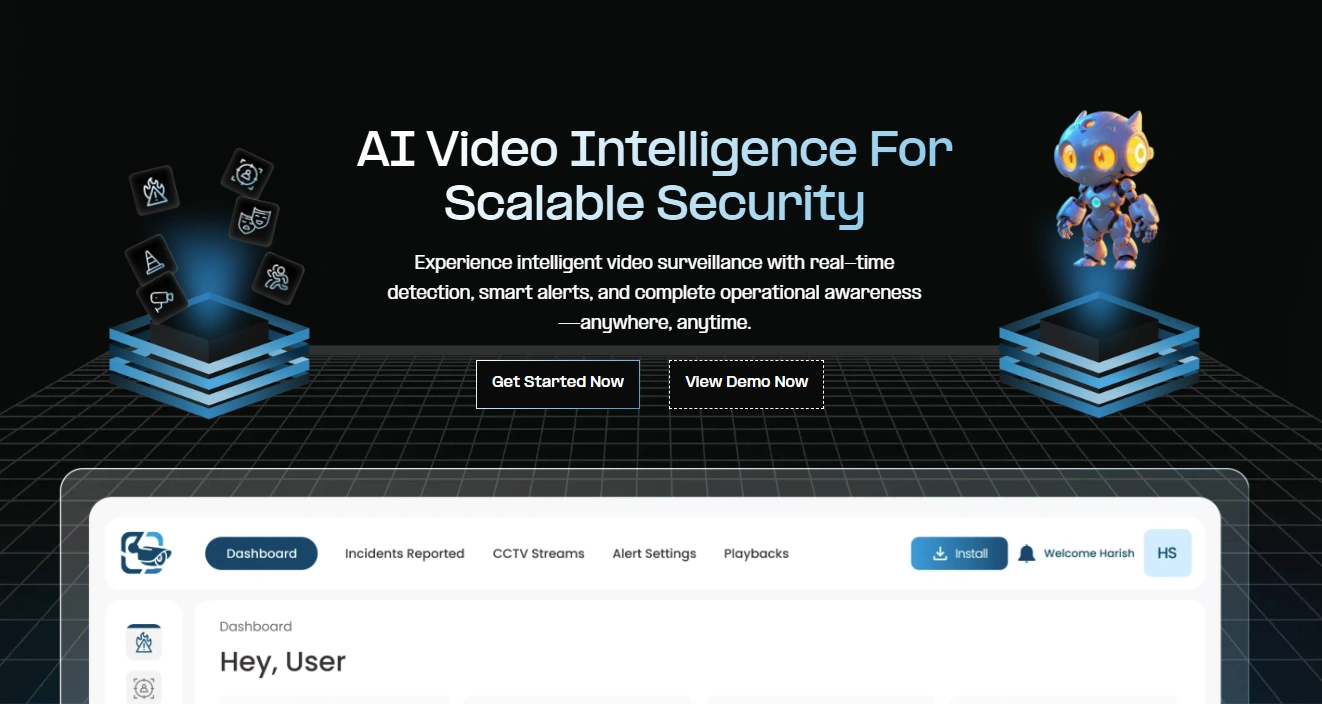
While evaluating different platforms, you’ll likely come across VideoraIQ — and for good reason. This AI-powered video management platform transforms traditional CCTV systems into intelligent, cloud-ready security solutions, addressing many of the pain points that plague conventional VMS implementations.
VideoRaiQ combines advanced analytics, real-time alerts, and flexible storage options to go far beyond what traditional VMS software offers. Its cloud-native architecture eliminates the need for expensive on-premise servers while delivering enterprise-grade reliability.
What truly sets VideoeaIQ apart is its versatility: it supports hundreds of camera brands right out of the box, ensuring you’re never locked into a single manufacturer and giving your security infrastructure unmatched flexibility.
Key Benefits of Using VideoRaiQ Over Traditional VMS:
- Scalable for Any Environment: Whether managing a single retail store or multiple campuses, VideoRaiQ adapts seamlessly to your setup, handling complex surveillance networks without extra complexity.
- AI-Powered Smart Analytics: Unlike basic motion detection, VideoRaiQ learns normal activity patterns and detects genuine anomalies while ignoring false triggers like moving branches or changing light, allowing your security team to focus on real threats.
- Intuitive User Experience: Its web-based interface works across devices, and the mobile app offers full functionality, reducing training time and boosting adoption across teams.
- Operational Efficiency for Multi-Site Management: For organizations managing video monitoring services or multiple client locations, VideoRaiQ’s ease of use translates into measurable cost savings and more efficient operations.
- Flexible, Secure Storage: Balance local recording for immediate access with cloud backup for long-term retention and disaster recovery. Retention policies remain fully under your control, while cloud infrastructure ensures scalability and redundancy.
- Future-Ready Security Platform: By integrating AI intelligence and cloud capabilities, VideoRaiQ not only handles surveillance but also provides actionable insights, giving organizations an edge over traditional VMS solutions.
Making Your Final Decision:
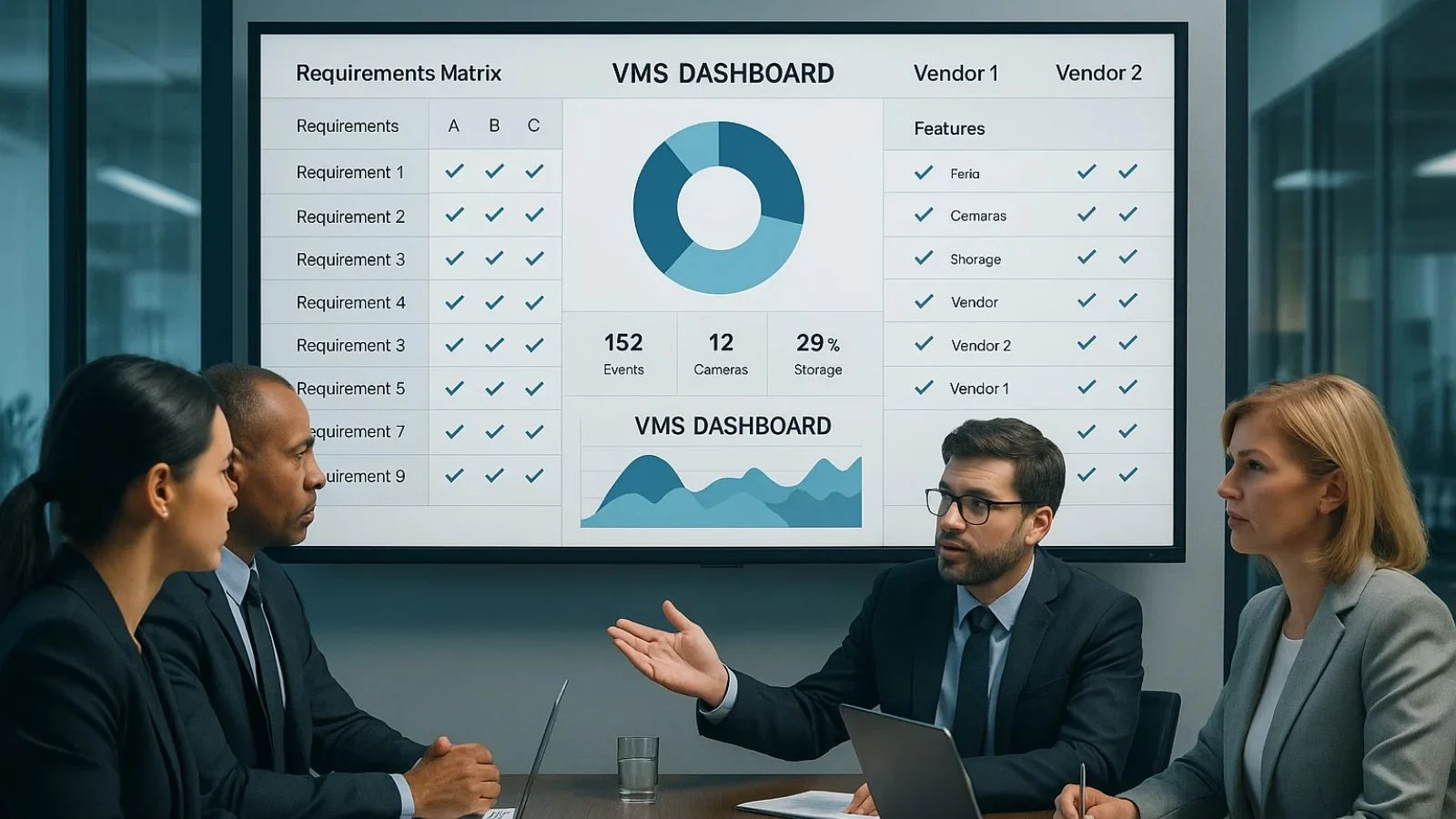
Choosing the right VMS software means matching features to your organization’s unique needs. A small retail chain will have very different requirements compared to a multi-campus university or a large manufacturing facility. Start by creating a requirements matrix that prioritizes the features most critical to your operations. Involve stakeholders from IT, security, operations, and finance to ensure all perspectives are considered — this helps uncover factors you might otherwise overlook.
Beyond features, your choice of VMS is a long-term partnership. Evaluate vendors based on customer support, product roadmap, and financial stability. VideoraIQ stands out as a modern solution, combining traditional video management with AI-powered analytics, real-time alerts, and cloud accessibility, making it an ideal choice for organizations seeking a future-ready VMS that enhances security and operational efficiency.
Conclusion:
The right VMS software becomes an invisible asset, reliable, intuitive, and powerful enough to handle whatever security challenges come your way. The wrong choice becomes a constant source of frustration, workarounds, and eventually, a costly replacement project.
Take the time to thoroughly evaluate your options, test real-world performance, and consider both current needs and future growth. Whether you choose VideoraIQ or another platform, ensure it checks all your critical boxes while leaving room for expansion and enhancement.
Your security infrastructure is too important to leave to chance. Make an informed decision, and you’ll build a surveillance system that protects your assets, supports your team, and scales with your success.
FAQ’s:
Q1: What is the most important factor when choosing VMS software?
Ans: The most important factor is alignment with your security needs. Scalability, camera compatibility, system reliability, and ease of use matter more than extra features. A VMS should grow with your organization and be simple enough for your team to operate efficiently.
Q2: Is cloud-based VMS better than on-premise systems?
Ans: Cloud-based VMS offers better scalability, remote access, and lower maintenance, making it ideal for multi-location operations. On-premise systems may suit organizations needing strict data control.
Q3: How many cameras can a VMS system support?
Ans: Camera capacity depends on the VMS platform and licensing model. Modern systems can support anything from a few cameras to thousands. Always ensure the VMS can scale without performance issues or high costs as your security needs grow.

