

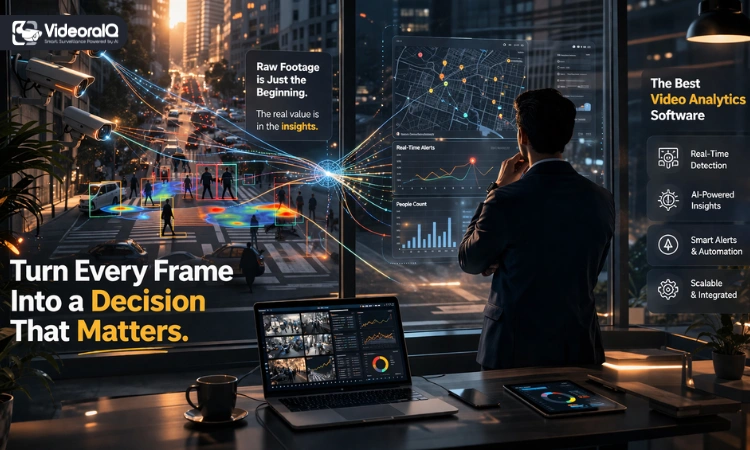
Choosing the best video analytics software starts with a simple realization. Most organizations already have cameras, but very few use them in a meaningful way. Footage gets stored, rarely reviewed, and only checked after something goes wrong.
That approach creates blind spots. Security teams miss early signals, and operations teams overlook patterns that could improve performance. Watching screens manually takes time, yet delivers very little insight.
This is where video analytics changes things. Instead of just recording activity, it helps you understand what is happening as it unfolds.
Still, finding the right solution is not easy. Options look similar, features sound impressive, and not every platform fits every environment. In the sections ahead, you will learn how to evaluate video analytics software, what features matter most, and how to make a confident decision without overcomplicating the process.
Quick Answer
The best video analytics software uses AI to analyze video in real time, helping businesses detect events, improve security, and uncover useful insights. The right choice depends on your use case, system compatibility, scalability needs, and whether you prefer cloud, edge, or hybrid deployment.
Read Aloud!
What is Video Analytics?
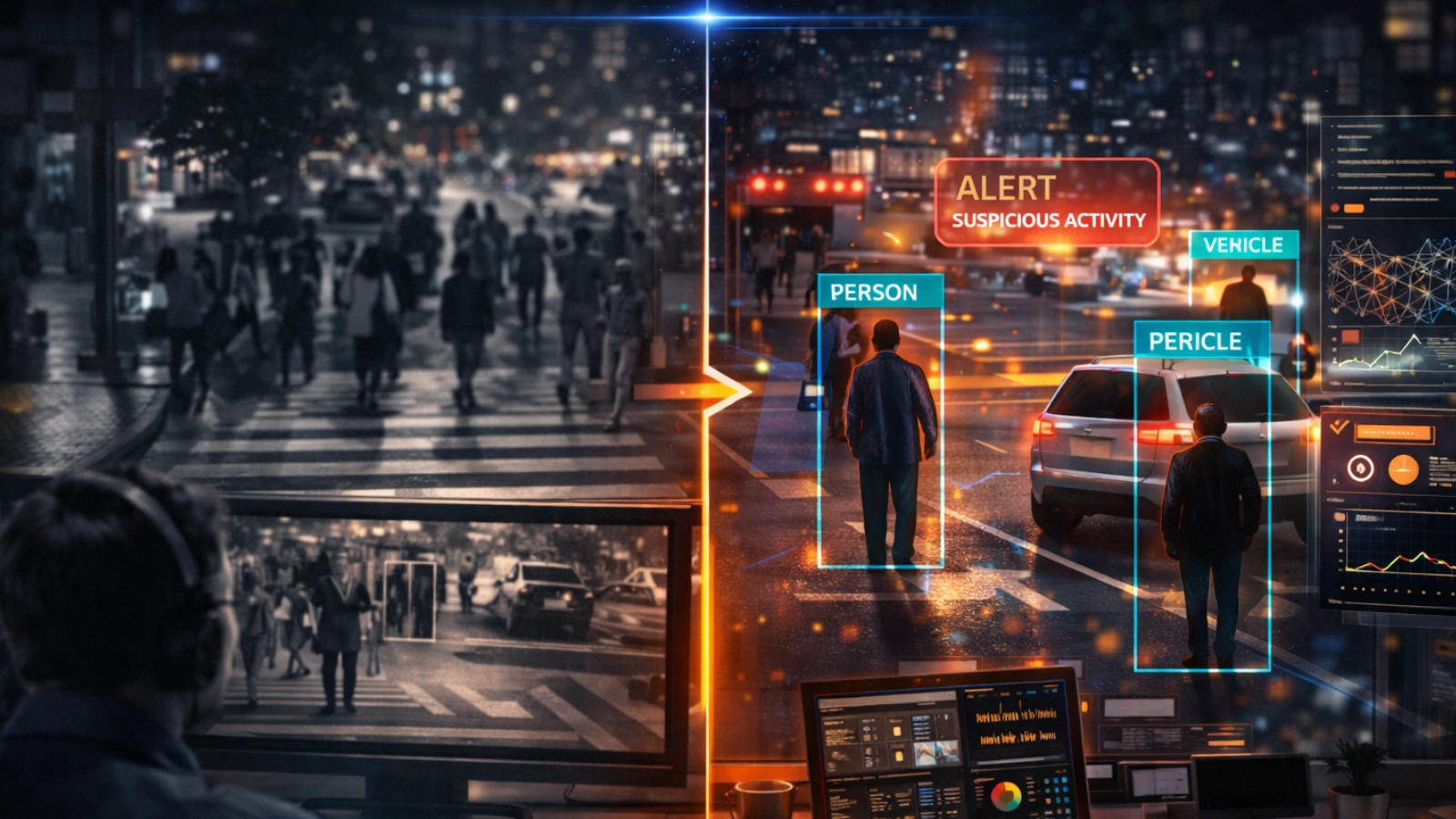
Video analytics is software that interprets video footage using artificial intelligence. Instead of simply recording what happens, it automatically identifies objects, tracks movement, and highlights patterns.
Think of it as adding a layer of intelligence to your cameras. The system processes visual data and turns it into useful information.
Traditional CCTV systems only capture footage. Someone has to watch and interpret it later, which is slow and often ineffective. With video analytics, that interpretation happens instantly.
This is why industries like retail, transportation, and enterprise security rely on it. The ability to act in real time changes how decisions are made.
Why Video Analytics Matters Today
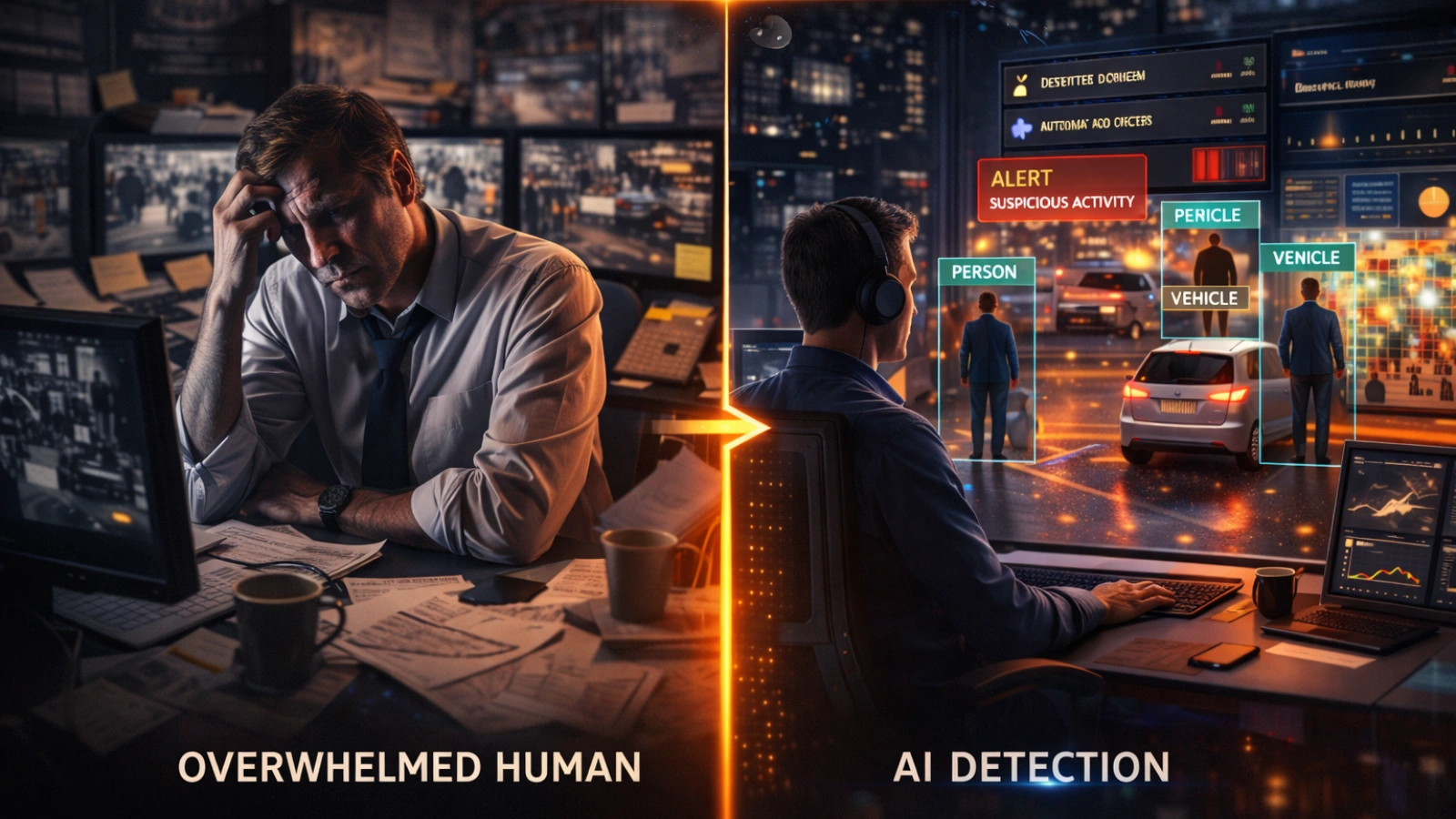
Organizations are collecting more video than ever before. Cameras are everywhere, but raw footage alone does not solve problems.
Manual monitoring does not scale well. No team can effectively watch hundreds of live feeds without missing something important.
At the same time, businesses expect faster decisions. Waiting hours to review footage simply does not work anymore.
This is where the best video analytics software becomes essential. It transforms video into immediate insights that teams can actually use.
Key Features That Define the Best Video Analytics Software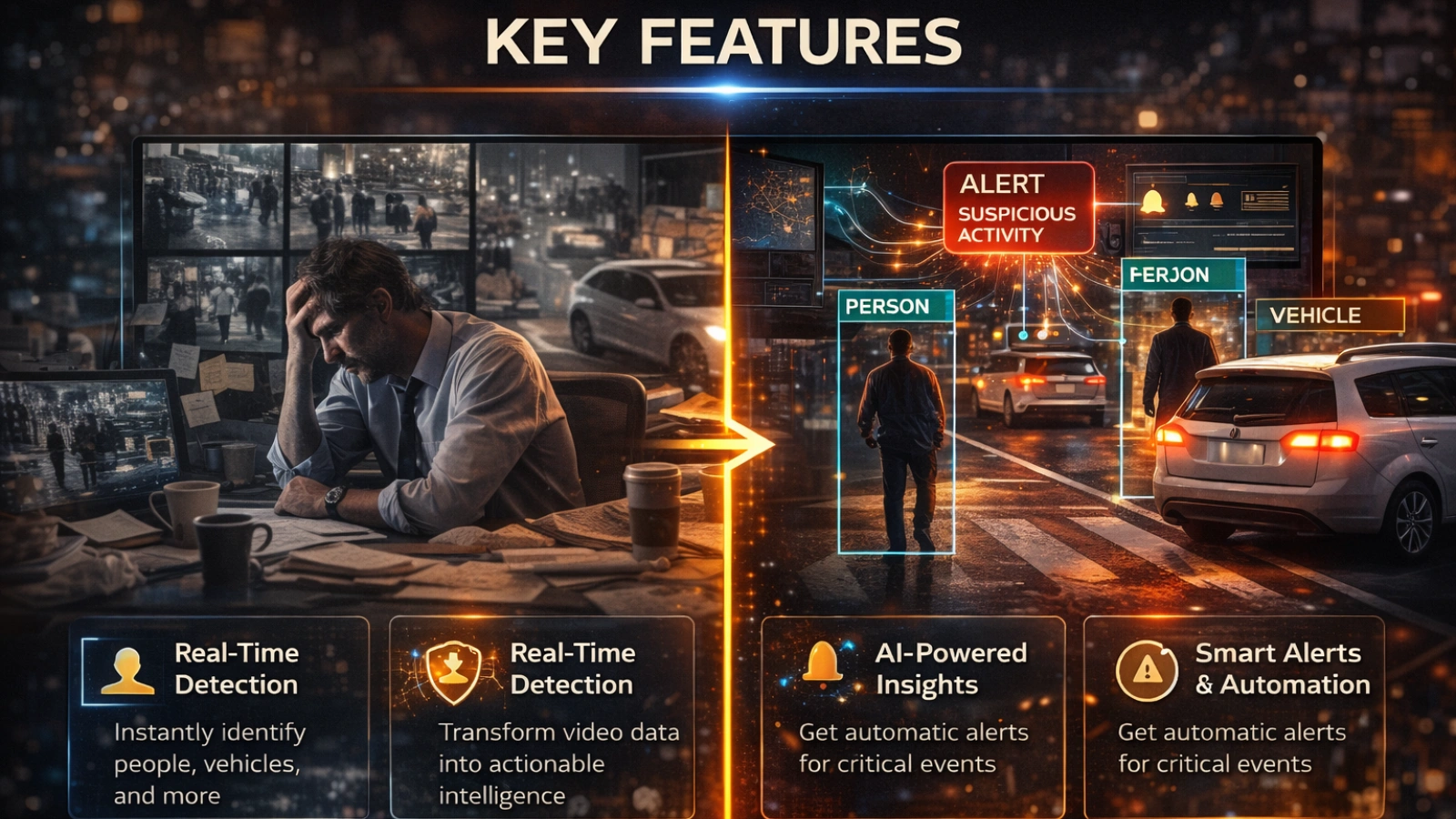
Not every platform delivers the same level of value. Many tools list similar features, but real performance depends on how those features work in practice.
Real-Time Object and Event Detection
A reliable system should detect people, vehicles, and behaviors as they happen. This includes identifying unusual movement or access to restricted areas.
For instance, in a warehouse, the system can flag someone entering a restricted zone. In retail, it can highlight suspicious activity near high-value items.
Accuracy is critical. Too many false alerts can quickly reduce trust in the system.
AI-Powered Insights and Pattern Recognition
The best video analytics tools do more than detect events. They analyze patterns over time and reveal trends that are easy to miss.
Examples include:
- Busy hours in a store
- Repeated incidents in specific locations
- Inefficient movement within a facility
These insights help teams move from reacting to problems to preventing them.
Scalability and Deployment Flexibility
As operations grow, your system should grow with them. This means supporting more cameras, more data, and more complex analysis.
Deployment options also matter. Some teams prefer the cloud for flexibility, while others need edge processing for speed.
In many cases, a hybrid approach offers the right balance.
Integration with Existing Systems
Video analytics works best when it connects with what you already use. This includes CCTV systems, access control, and security platforms.
Without integration, even the best AI video analytics software can create unnecessary friction.
Alerts and Automation
Timely action is what makes analytics valuable. The system should send alerts when specific conditions are met.
For example, if someone enters a restricted area after hours, the system can notify the security team instantly. It can also trigger automated responses, such as locking doors or sending alerts.
This reduces response time and limits the need for constant monitoring.
Video Analytics Software vs Cameras – What You Actually Need
Many people ask, ” What is the best video analytics camera? It sounds like the right question, but it often leads to confusion.
Cameras capture video. Software analyzes it.
Some cameras include built-in analytics, but they are usually limited. They work for simple detection but struggle with more advanced use cases.
Software-based solutions offer more flexibility. They can process multiple video feeds, apply advanced AI models, and improve over time.
If your goal is long-term scalability and deeper insights, the best video analytics software matters more than the camera itself. In most cases, combining standard cameras with strong analytics delivers better results.
Use Cases Across Industries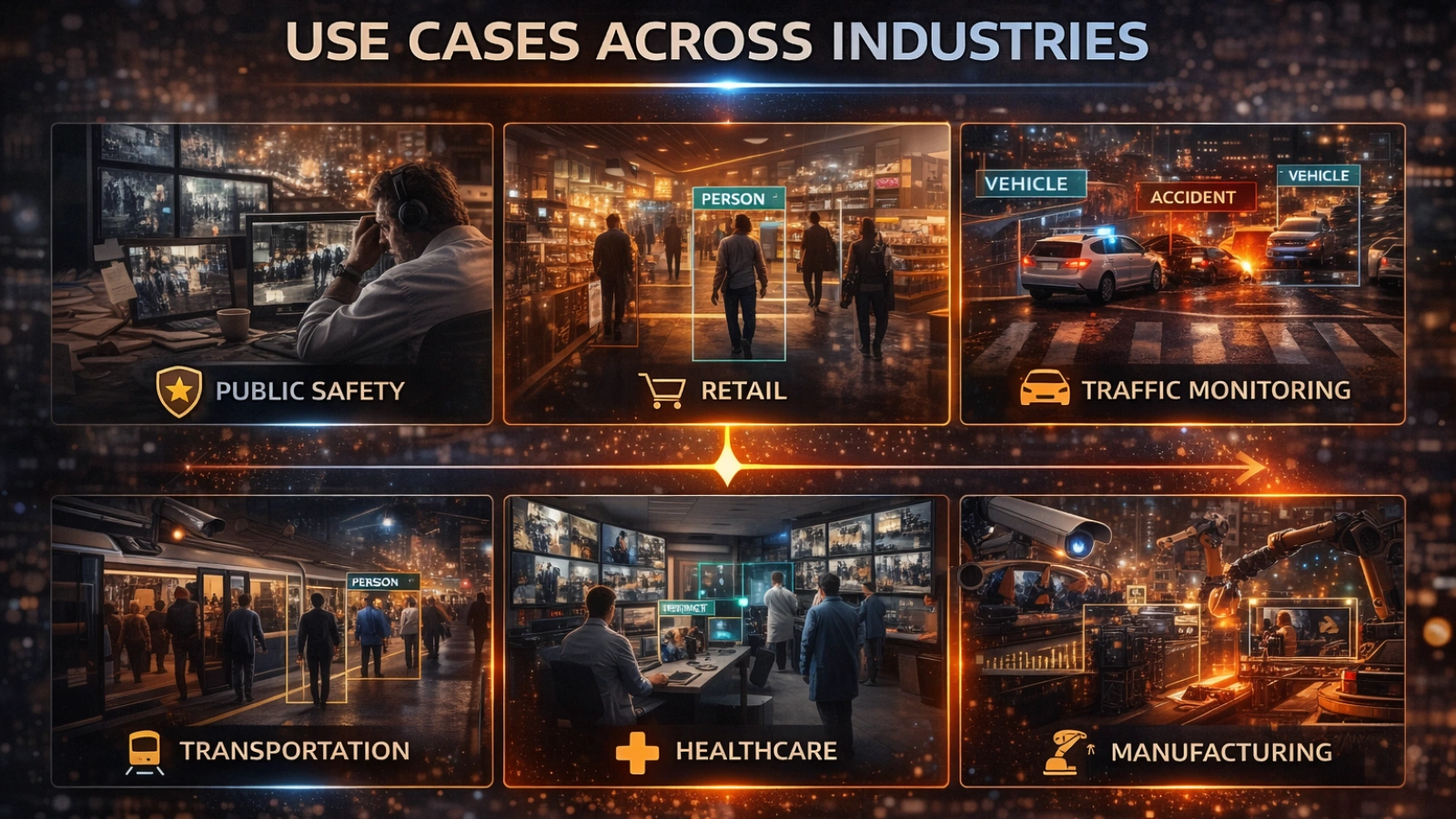
Understanding how video analytics works becomes easier when you see it applied in real situations.
Retail
Retailers use analytics to detect theft and understand customer behavior. It can show how people move through a store or highlight unusual activity.
This helps improve both security and store layout.
Smart Cities
Cities use video analytics to manage traffic and improve safety. Systems can detect congestion, monitor intersections, and respond to incidents quickly.
This leads to smoother traffic flow and better public safety.
Transportation and Logistics
Efficiency matters in logistics. Video analytics tracks vehicle movement, monitors loading zones, and identifies delays.
Warehouses use it to improve workflows and reduce bottlenecks.
Enterprise Security
Organizations rely on analytics for intrusion detection and compliance monitoring. The system can flag unauthorized access or ensure safety procedures are followed.
This reduces risk and strengthens security operations.
How VideoraIQ Delivers Advanced Video Analytics
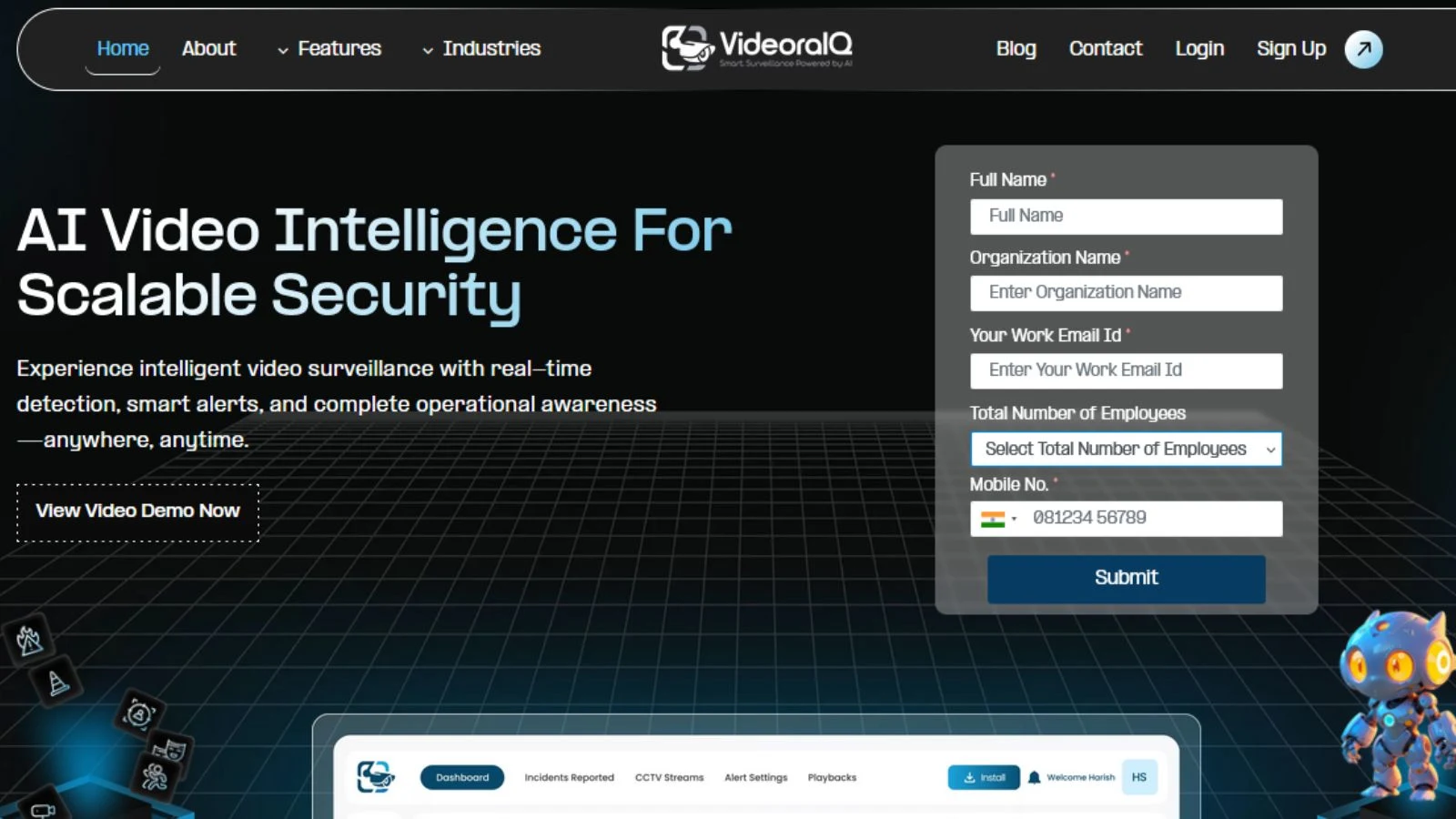
VideoraIQ helps organizations get more value from their video data without adding unnecessary complexity.
Key capabilities include:
- AI-powered real-time video analysis for faster decision-making.
- Advanced object detection and behavior tracking.
- Seamless integration with existing camera systems.
- Flexible deployment across cloud, edge, or hybrid environments.
- Custom alerts and automated workflows.
- Centralized dashboards for clear operational insights.
- Built for enterprise-level performance and reliability.
How to Choose the Best Video Analytics Software (Step-by-Step Framework)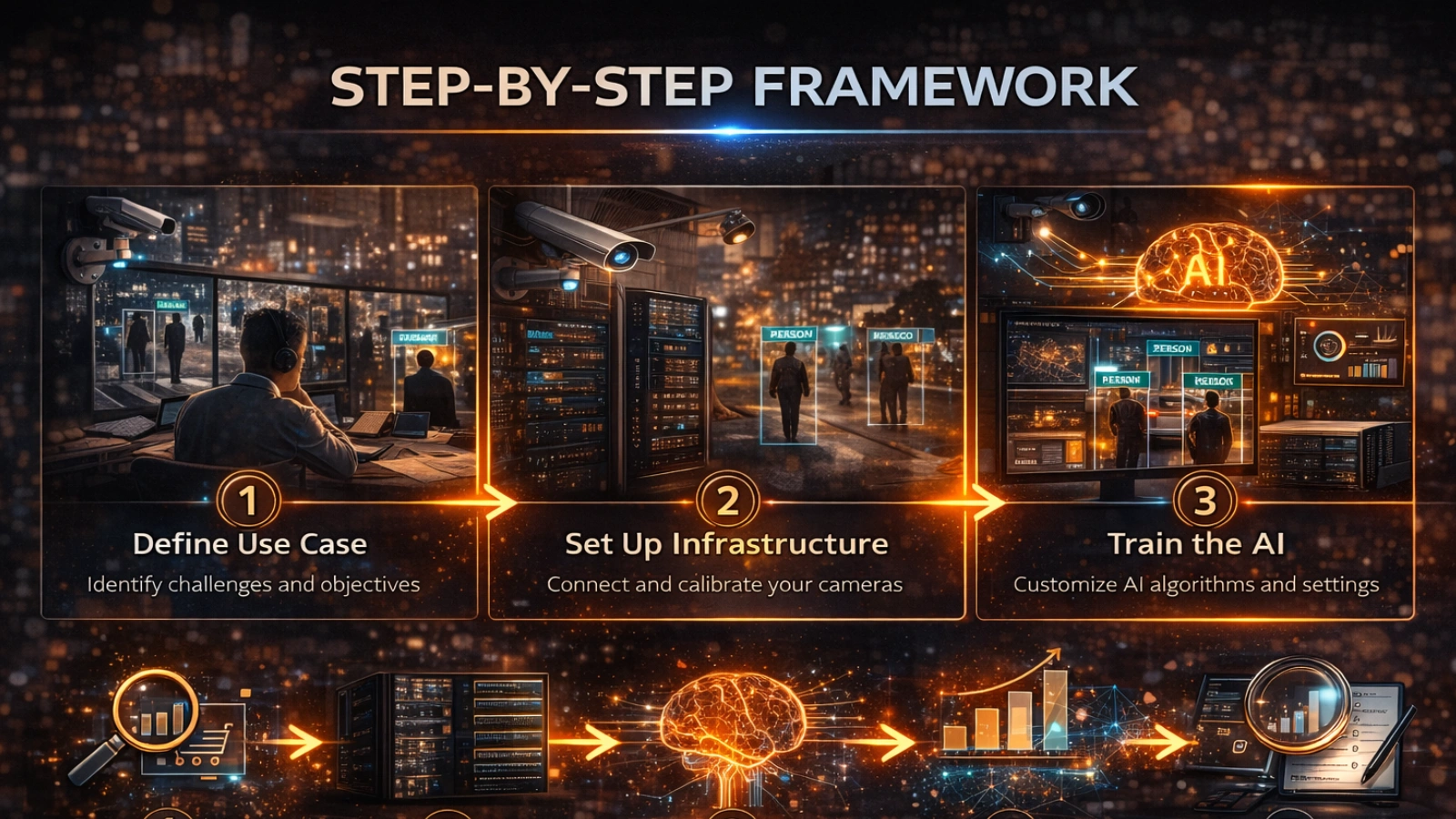
Selecting the best video analytics software becomes much simpler when you follow a structured approach.
Step 1: Define Your Primary Use Case
Start by identifying your goal. Are you focused on security, operational efficiency, or data insights?
A retail business may focus on theft detection, while a city may prioritize traffic management.
Step 2: Assess Your Existing Infrastructure
Review your current setup. This includes cameras, storage systems, and network capacity.
The right solution should fit into your existing environment without major disruption.
Step 3: Evaluate AI Capabilities
Not all AI performs the same. When selecting the best video analytics software, focus on accuracy, reliability, and real-time performance.
Ask yourself:
- Does it detect events instantly?
- Can it handle complex scenarios?
- Does it improve over time?
Step 4: Choose Deployment Model
Decide where your data will be processed.
Cloud offers flexibility and easier scaling. Edge provides faster response times and lower latency. Many organizations use a mix of both to balance performance and control.
Step 5: Consider Scalability and Cost
When choosing the best video analytics software, it helps to think beyond your current setup. Will the system still perform well as your operations grow and more cameras are added?
Focus on overall value rather than just the initial price. A cheaper solution that struggles with performance or scaling can quickly become more expensive over time.
Step 6: Test Integration and Usability
Ease of use often determines whether a system succeeds or fails in practice. If it feels complicated, teams are less likely to use it consistently.
Look for a solution that integrates smoothly with your existing setup and delivers clear, actionable insights without adding extra complexity.
Also Read!
Common Mistakes When Choosing Video Analytics Solutions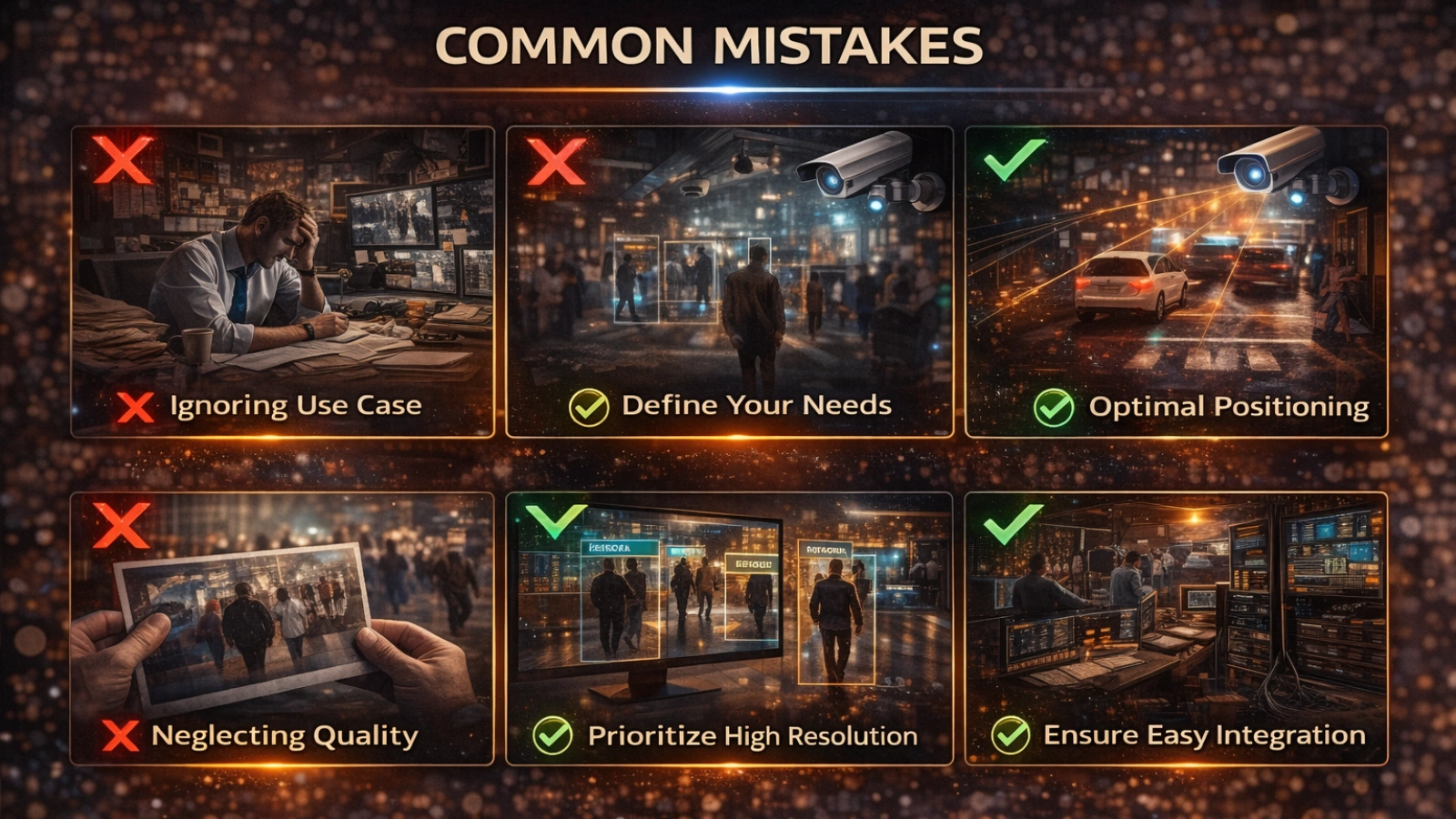
Many decisions around choosing the best video analytics software go wrong because of incomplete evaluation. It often starts with focusing too much on price. Lower-cost options may seem appealing at first, but they usually come with limited performance or scalability.
Integration is another common challenge. If the system does not align with your existing setup, it can create more friction than value. Teams also tend to confuse cameras with analytics, even though the real intelligence comes from the software layer.
Another issue is the lack of a clearly defined use case. Without specific goals, it becomes difficult to measure results or justify the investment. Privacy and compliance are often overlooked as well, even though they are essential in many industries.
Advanced Insights: Where Video Analytics is Heading
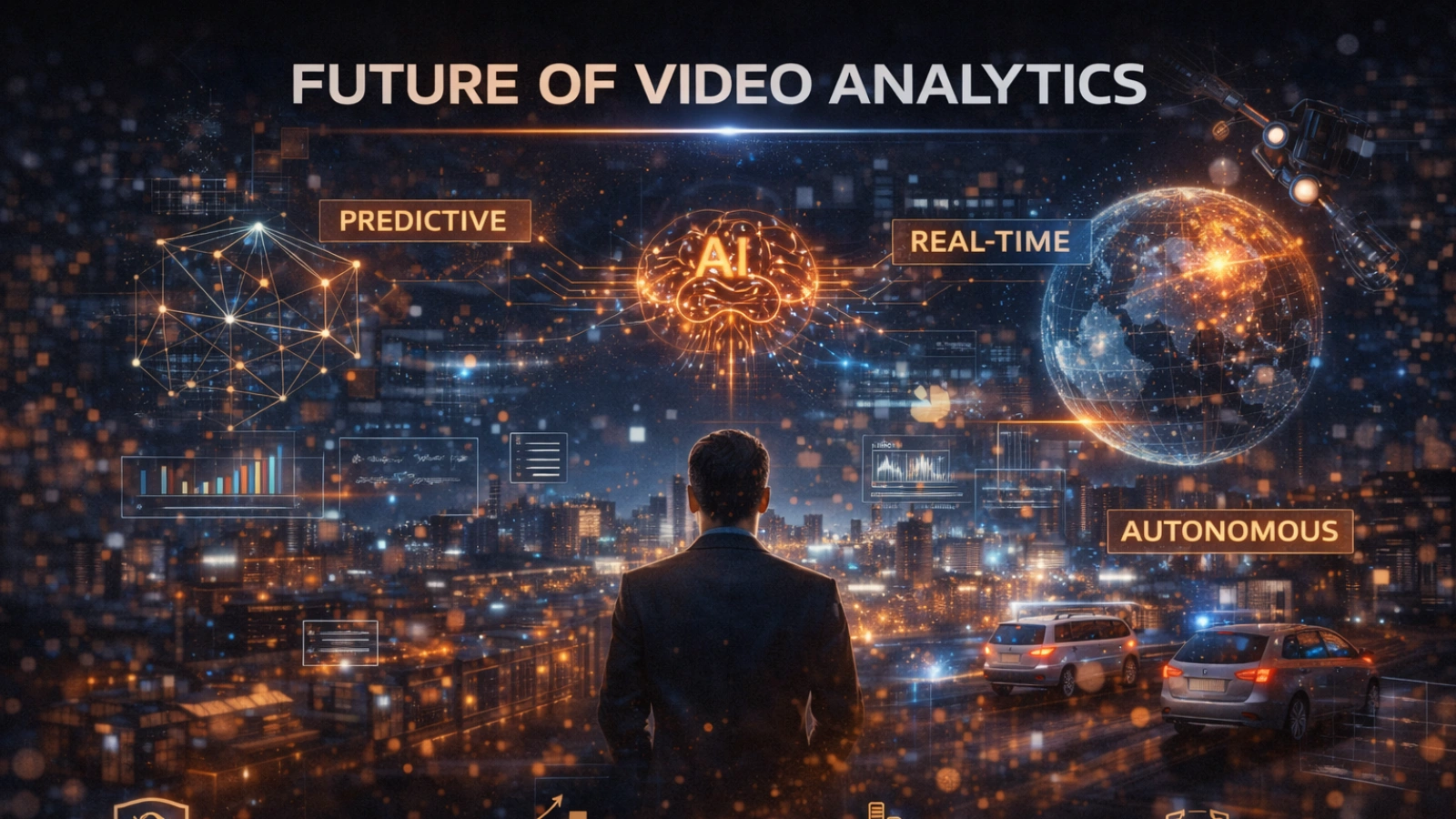
The space is evolving quickly, and the best video analytics software is no longer limited to simple detection. Systems are now moving toward prediction, helping teams anticipate events instead of reacting after they happen.
This shift allows organizations to act earlier and reduce risk. At the same time, edge computing is becoming more common, as it improves speed and minimizes delays in processing.
Privacy is also getting more attention. Modern solutions are designed to analyze data while protecting identities, which is especially important in regulated environments. Video analytics is also expanding beyond standalone systems, connecting with IoT devices and other technologies.
The Shift Toward Intelligent Operations
The role of video analytics is clearly changing. It is no longer just about monitoring activity on screens.
Organizations are now using it to improve operations, streamline workflows, and support smarter decisions. The focus has moved from simply watching footage to understanding behavior and taking meaningful action.
Conclusion
Choosing the best video analytics software comes down to finding the right fit for your environment.
Start with a clear use case, then focus on scalability, integration, and performance. These factors matter more than a long list of features.
The real advantage is not in collecting more video. It is in understanding what that video reveals and using those insights to make better decisions.
Frequently Asked Questions
What is video analytics?
Video analytics uses AI to process video footage in real time, detecting objects, behaviors, and events to generate actionable insights.
What is the best video analytics software?
The right solution depends on your use case, but leading platforms offer real-time detection, strong accuracy, and seamless integration with existing systems.
How does AI video analytics work?
It uses computer vision and machine learning to analyze video streams, identify patterns, and trigger alerts without manual monitoring.
What is the best video analytics camera?
The ideal setup often combines standard cameras with advanced analytics software, allowing more flexibility and better long-term scalability.
What features should I look for in video analytics software?
Focus on detection accuracy, scalability, integration capabilities, deployment flexibility, and real-time alerting for effective performance.
What makes Videoraiq different from other solutions?
Videoraiq stands out with real-time AI analysis, flexible deployment options, seamless integration, and actionable dashboards designed for enterprise-level insights and efficiency.

