

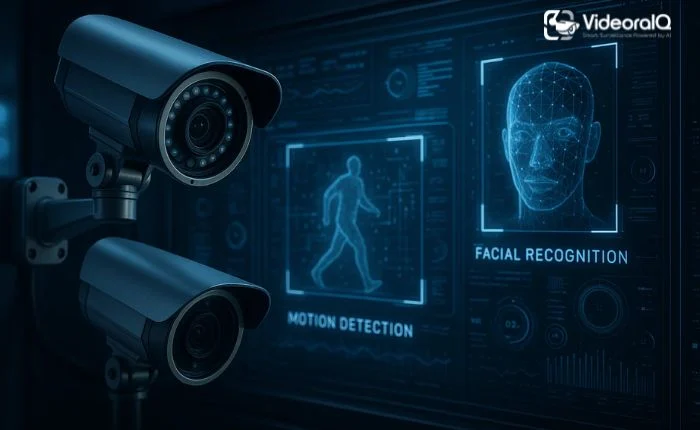
Protecting business assets and ensuring employee safety is a top priority for every organization. Security cameras for business play a crucial role in monitoring operations, preventing theft, and maintaining a safe work environment. From retail stores to corporate offices, surveillance systems help businesses stay secure and accountable.
Modern security cameras offer more than simple video recording—they include features like motion detection, night vision, remote access, and real-time alerts. This allows managers and owners to keep an eye on their property anytime, even when they are away, ensuring peace of mind and operational control.
Whether upgrading an older system or installing cameras for the first time, understanding how these systems work and what features to look for is essential. This guide will walk you through everything you need to know to choose and implement the right security cameras for your business.
You Can Listen to this Blog here.
Why Businesses Need Security Cameras?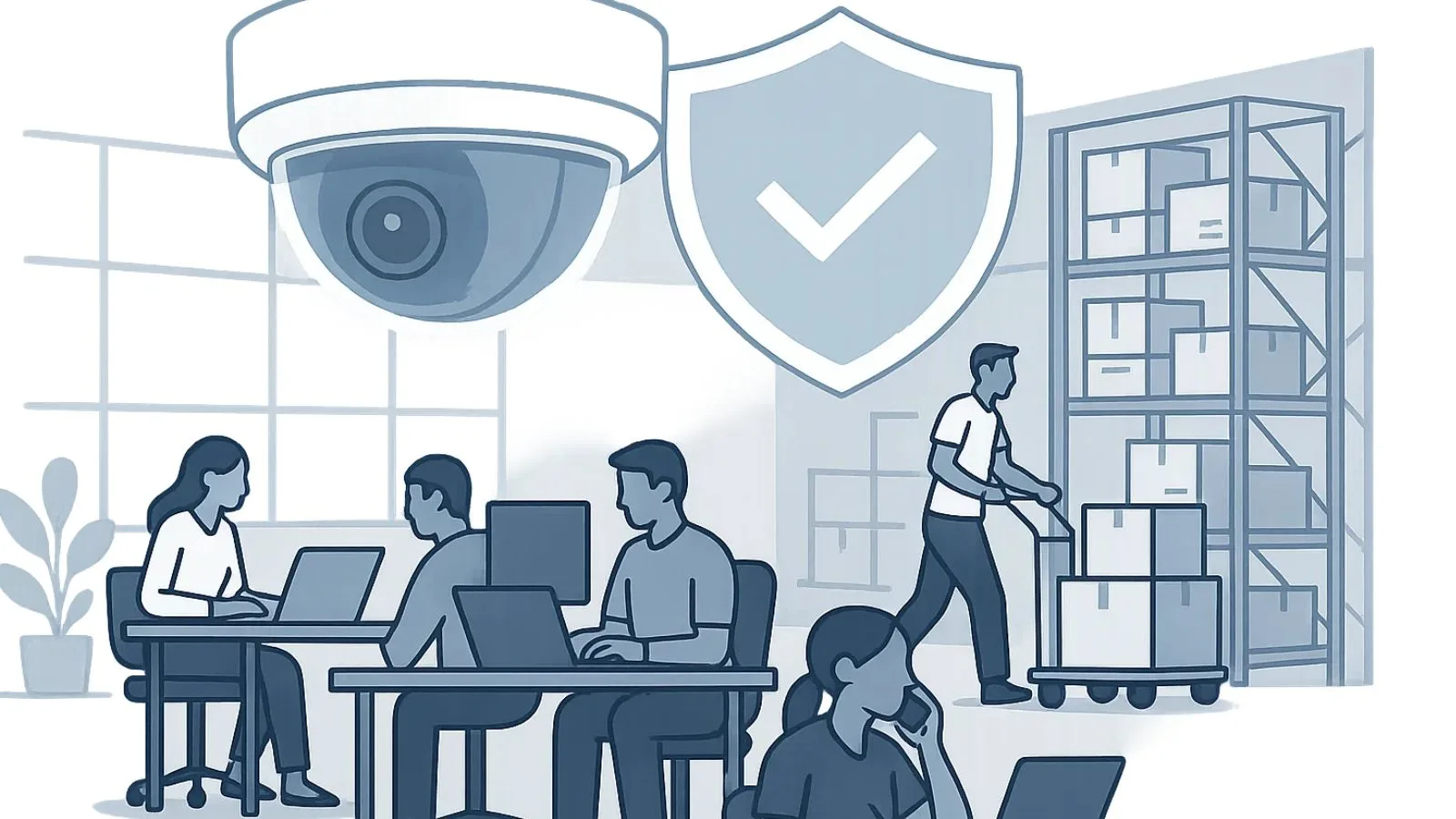
Security is more than just a precaution—it’s a strategic investment for any business. Security cameras for business provide a reliable way to protect valuable assets, monitor employee activity, and maintain a safe environment for customers and staff.
One of the primary reasons businesses install surveillance systems is theft prevention. Visible cameras act as a deterrent to burglars and shoplifters, while recorded footage can help identify perpetrators if an incident occurs. Beyond security, cameras support employee accountability by tracking attendance, productivity, and adherence to safety protocols.
Commercial spaces also benefit from having commercial security camera systems for monitoring operations. Retail stores, offices, warehouses, and manufacturing facilities use cameras to ensure smooth workflow, detect unusual activity, and even improve customer service. Insurance companies often offer incentives or lower premiums to businesses that invest in professional surveillance, further highlighting its importance.
By combining prevention, monitoring, and operational insights, security cameras become an indispensable part of modern business management.
Types of Security Cameras for Business
Choosing the right security cameras for business starts with understanding the types of cameras available. Each type has unique advantages depending on your business size, location, and security goals.
1. Wired Security Cameras
Wired cameras offer reliable connections and consistent video quality. They are ideal for businesses that need long-term, high-performance monitoring. While installation may require professional help, these cameras are durable and less prone to interference.
2. Wireless Security Cameras
Wireless security cameras for business are flexible and easier to install. They transmit video over Wi-Fi, making them perfect for businesses that need mobility or want to avoid extensive wiring. These cameras often include cloud storage and mobile access, allowing managers to monitor operations remotely.
3. Indoor vs. Outdoor Cameras
Indoor cameras monitor areas like offices, retail floors, or storage rooms, focusing on employee activity and internal security. Outdoor cameras are weather-resistant and designed to cover entrances, parking lots, and perimeters, providing protection against break-ins or vandalism.
4. Specialized Professional Cameras
Some businesses invest in professional security cameras with advanced features like pan-tilt-zoom (PTZ), facial recognition, or license plate capture. These systems are particularly useful for high-risk areas, large facilities, or industries that require detailed monitoring.
Selecting the right combination ensures comprehensive coverage. Many businesses use a mix of wired, wireless, indoor, and outdoor cameras to create a robust security network.
Features to Look for in Professional Security Cameras
When choosing professional security cameras for your business, certain features are essential to ensure reliable monitoring and effective protection. Focusing on these key aspects helps you invest in a system that meets your security needs.
1. High-Definition Resolution
Cameras with HD or higher resolution capture clear, detailed footage. This makes it easier to identify people, objects, and incidents, providing evidence when needed.
2. Night Vision and Low-Light Performance
Many business activities occur outside standard hours. Cameras with infrared or low-light capabilities ensure that surveillance continues effectively at night or in dimly lit areas.
3. Motion Detection and Alerts
Modern cameras can detect movement and trigger real-time alerts to your phone or monitoring system. This allows you to respond quickly to unusual activity and enhances security efficiency.
4. Remote Access and Mobile Monitoring
Being able to view camera feeds remotely gives business owners and managers peace of mind. With mobile apps or cloud access, you can monitor your property from anywhere, at any time.
5. Durability and Weather Resistance
For outdoor cameras, ensure they are weatherproof and built to withstand harsh conditions. Longevity and reliability are crucial for consistent protection.
By prioritizing these features, businesses can create a secure environment that goes beyond basic surveillance, offering both protection and operational insight.
Choosing the Best Security Cameras for Business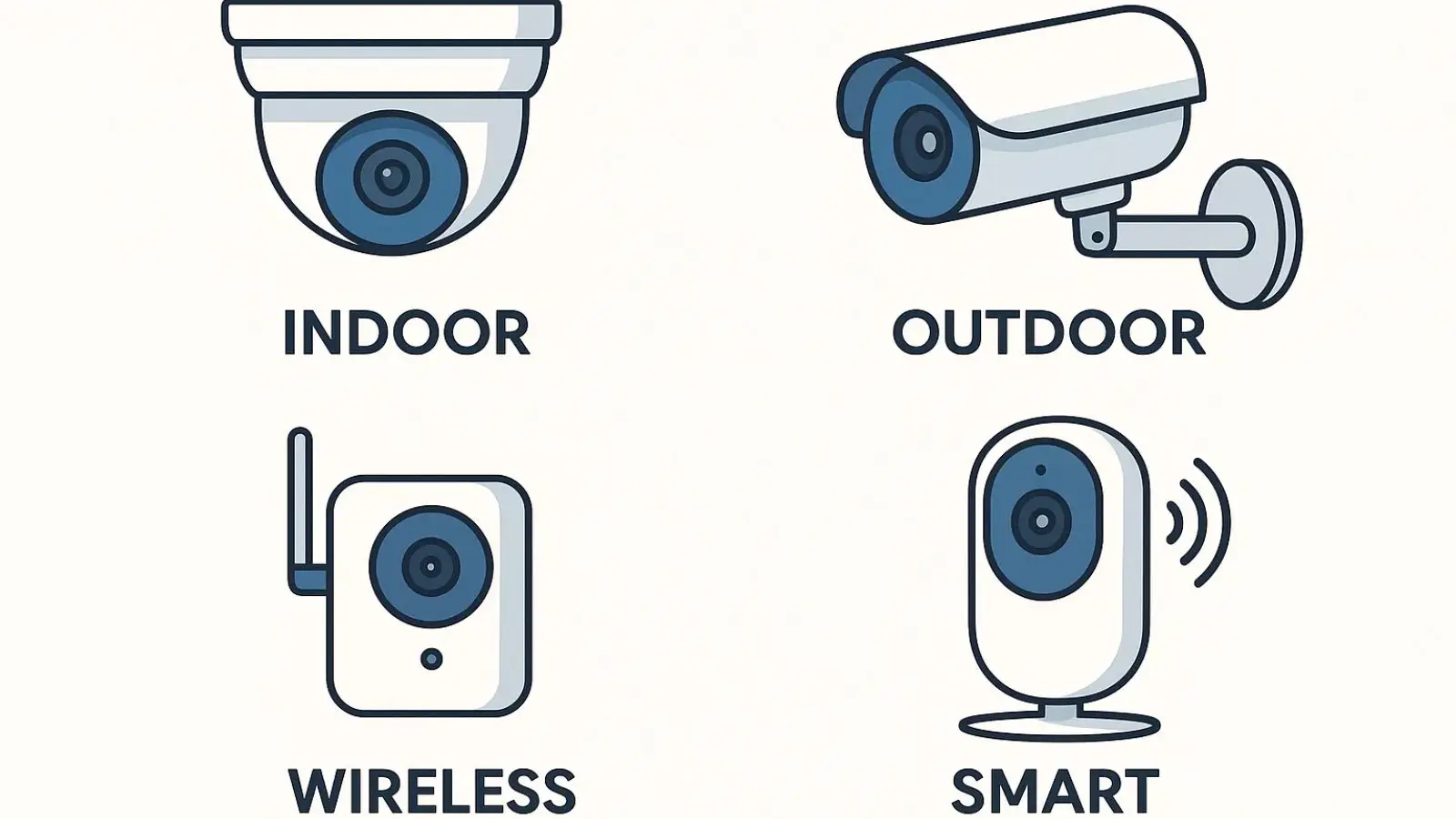
Selecting the best security cameras for business requires a careful balance between functionality, coverage, and budget. Not all cameras are suitable for every workplace, so considering your specific needs is essential.
1. Assess Your Business Size and Layout
Large facilities may require multiple cameras with wide coverage, while smaller offices or shops might need just a few strategically placed units. Mapping out entrances, exits, and critical areas ensures no blind spots.
2. Determine Your Monitoring Needs
Do you need real-time monitoring, or is recorded footage sufficient? Some businesses benefit from 24/7 surveillance with remote access, while others may only require periodic checks.
3. Indoor vs. Outdoor Placement
Different environments demand different cameras. Outdoor areas require weatherproof, durable cameras with long-range visibility, while indoor cameras focus on detail and discreet coverage.
4. Budget and Quality Balance
While cost is important, don’t compromise essential features. Investing in cameras with HD resolution, night vision, and motion alerts pays off in long-term security.
5. Consider Wireless and Smart Options
Wireless security cameras for business offer easy installation and flexibility, while smart features like AI detection, alerts, and cloud storage enhance monitoring capabilities.
By evaluating these factors, you can select a system that fits your business environment and provides reliable protection, ensuring peace of mind and operational efficiency.
How to Integrate Security Cameras into Your Business?
Installing security cameras for business is just the first step. Proper integration ensures they provide maximum protection and operational value.
1. Strategic Camera Placement
Position cameras to cover entrances, exits, high-traffic areas, and vulnerable spots. Overlapping fields of view can eliminate blind spots, ensuring every critical area is monitored.
2. Centralized Monitoring Systems
Connect your cameras to a centralized system or a cloud platform. This allows managers to view multiple feeds in one place, set up alerts, and store footage securely for future reference.
3. Employee Awareness and Privacy
Inform employees about camera locations and usage policies. Transparency helps maintain trust while ensuring privacy standards are respected, especially in sensitive areas like break rooms.
4. Integration with Existing Security Measures
Combine cameras with alarms, access controls, and lighting systems for a comprehensive security network. Integration allows automated responses, such as triggering lights or notifications when motion is detected.
5. Mobile Access and Remote Monitoring
Modern systems often support mobile apps, giving business owners and managers the ability to monitor activity in real time, even when off-site. This enhances convenience and responsiveness.
By thoughtfully integrating cameras into your security strategy, you can create a safer environment while also improving operational oversight and efficiency.
Modern Security Camera Solutions:
For businesses looking to simplify and enhance their surveillance systems, VideoraIQ.com offers an all-in-one solution. Designed for modern workplaces, it combines advanced technology with user-friendly features to help businesses monitor operations efficiently.
Key Features of videoraIQ
- Real-Time Monitoring: Keep an eye on your property anytime, anywhere with live camera feeds accessible through desktop or mobile devices.
- AI-Powered Alerts: Receive instant notifications for unusual activity, helping you respond quickly and prevent potential issues.
- Easy Installation: Compatible with both wired and wireless setups, making it flexible for any business environment.
- Cloud Storage: Securely store recorded footage online, ensuring access to important evidence without worrying about hardware failure.
- Comprehensive Dashboard: Manage multiple cameras, view analytics, and track security events in one centralized interface.
Using videoraIQ allows businesses to leverage professional security cameras without complex setups or ongoing technical headaches. Its combination of AI technology, remote access, and cloud storage ensures that security is both proactive and manageable.
With tools like videoraIQ, protecting your business and staying aware of operations becomes seamless, allowing you to focus on growth and productivity rather than security concerns alone.
Maintenance and Best Practices
Keeping your security cameras for business in top condition ensures reliable performance.
- Regular Checks: Inspect cameras for dust, damage, or loose connections.
- Software Updates: Keep firmware and apps updated to avoid vulnerabilities.
- Proper Cleaning: Clean lenses periodically to maintain clear video quality.
- Cybersecurity: Use strong passwords and secure networks for connected cameras.
- Test Alerts: Ensure motion detection and notifications are working correctly.
Following these simple steps helps your system stay effective and extend its lifespan.
Also Read,
How To Improve Safety With Commercial Security Camera Maintenance?
Retail Store Security Cameras: What You Need To Know Before Buying
Conclusion
Investing in security cameras for business is essential for protecting assets, monitoring operations, and ensuring employee safety. From choosing the right type of cameras to integrating advanced features and leveraging solutions like videoraIQ.com, businesses can create a secure and efficient environment.
By selecting the right system, maintaining it properly, and using modern tools for monitoring, you gain peace of mind and operational control. Professional surveillance is no longer just a precaution—it’s a strategic advantage for any business.
FAQs
1. What are the best security cameras for business?
The best cameras depend on your business size, location, and monitoring needs. Look for features like HD resolution, night vision, motion detection, and remote access.
2. How do wireless security cameras for business work?
Wireless cameras transmit video over Wi-Fi, making installation flexible and providing remote access via apps or cloud platforms.
3. What are commercial security camera systems?
These are complete setups designed for businesses, including multiple cameras, recording devices, and monitoring software to ensure comprehensive security.

