

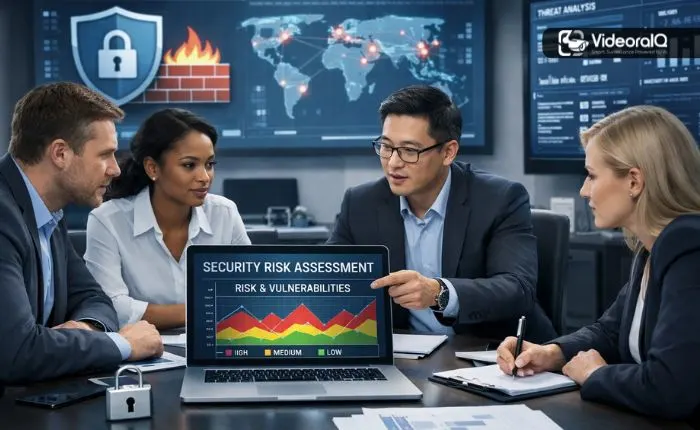
Protecting your organization from security threats isn’t something you can put off anymore. A security Risk Assessment is your roadmap to understanding where you’re vulnerable before something goes wrong. It doesn’t matter if you’re running a small business or managing a large company; knowing how to spot and fix security gaps can save you from serious headaches down the road.
Listen To The Podcast Now!
Getting Clear on the Basics:
What is security risk assessment?
It’s basically a structured way to find and evaluate potential dangers to your business, everything from your computer systems to your building’s security. Think of it like taking your car for a service. You want to catch problems early before they leave you stranded on the highway.
Hackers are trying to break into your systems, employees accidentally clicking on malicious links, physical break-ins are occurring, and even natural disasters. Without a clear process for identifying these risks, you’re just hoping for the best, and that’s not a strategy.
The point here isn’t to protect against every single thing that could go wrong. That’s impossible. Instead, you need to understand what threats you’re facing, figure out which ones are most likely to hurt you, and spend your time and money where it matters most.
Why This Actually Matters for Your Business?
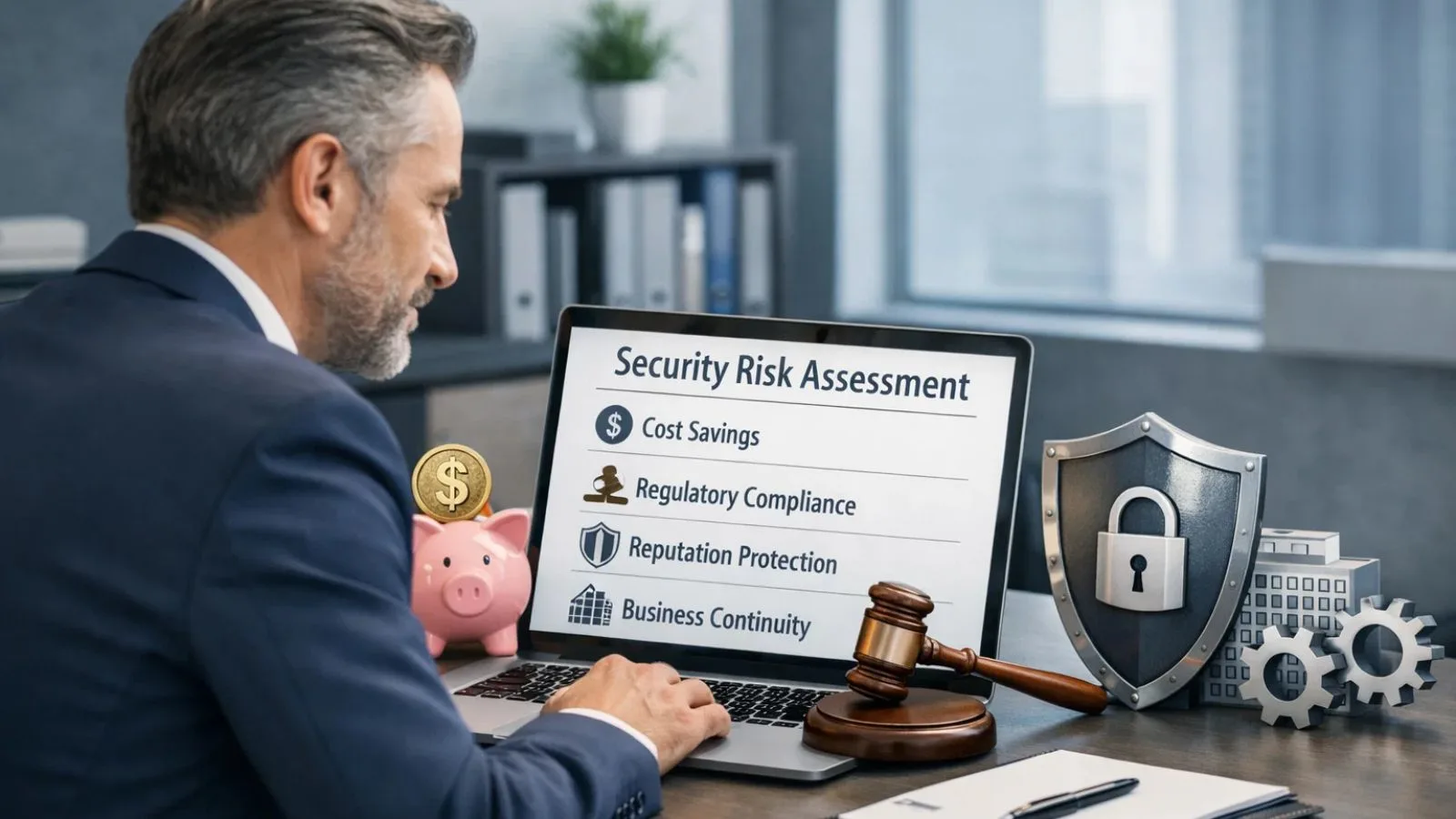
Too many business owners think security assessments are just paperwork to keep regulators happy. That’s a mistake. Here’s what a proper security risk assessment actually gives you:
- It Saves You Money: When companies get hacked, they can lose millions in recovery costs, legal fees, and lost customers. Finding problems early costs way less than cleaning up after a disaster.
- It Keeps You Legal: If you’re in healthcare, finance, or retail, you’ve got regulations to follow. Regular assessments help you stay compliant and avoid painful fines.
- It Protects Your Reputation: Customers stop trusting you fast when your security fails. Showing that you take security seriously builds confidence with everyone you work with.
- It Keeps Your Doors Open: When you understand your weak spots, you can plan for what happens if things go south. Your business keeps running even when problems pop up.
What Goes Into a Real Assessment:
A thorough security risk assessment has several parts that work together to show you the complete picture.
1. Figure Out What You’re Protecting:
You can’t secure what you don’t know about. Start by making a list of everything your organization has: computers, servers, customer data, trade secrets, and even your physical equipment. Then rank everything by how valuable it is.
2. Spot the Threats and Weak Points:
Next, identify what could actually go wrong based on your industry and location. For tech systems, you’re looking at things like ransomware attacks and phishing scams. For physical security, think unauthorized access, theft, or weather damage. For everything you own, figure out what weaknesses exist that bad actors could exploit.
3. Rank Your Risks:
Not everything deserves your immediate attention. Look at each risk through two lenses: how likely is it to happen, and how bad would it be if it did? This helps you create a priority list, so you’re not wasting resources on unlikely scenarios while ignoring real dangers.
How to Conduct Security Risk Assessment: Your Action Plan?
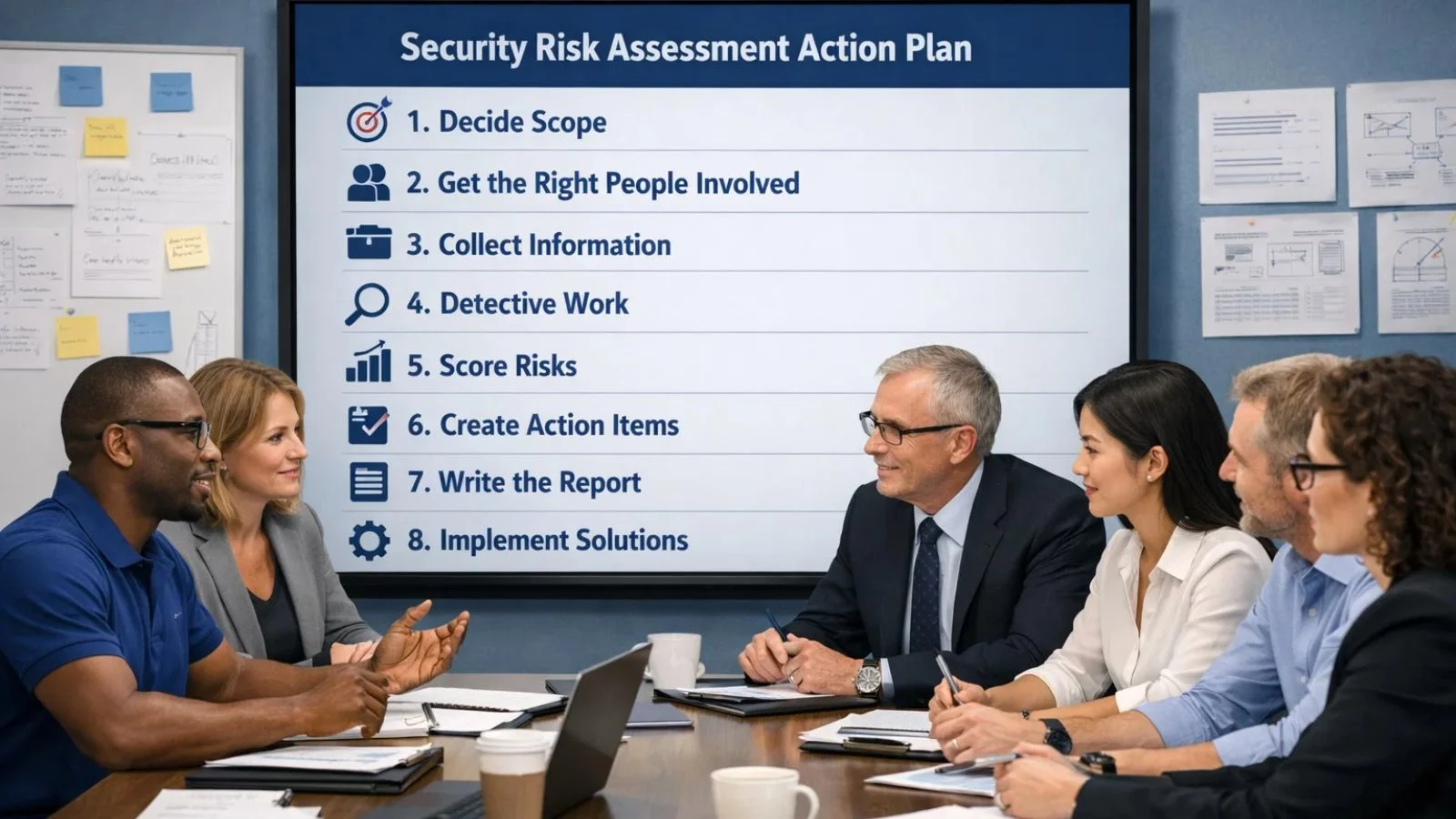
Ready to actually do this? Here’s how to run your first assessment:
Step 1: Decide What You’re Covering:
Are you looking at your whole company or just specific areas? Setting clear limits keeps the project manageable.
Step 2: Get the Right People Involved:
Pull in folks from IT, operations, HR, legal, and management. Different people see different problems.
Step 3: Collect Your Information:
Dig up your existing security policies, any incident reports from the past, and notes about your physical security. Talk to employees about what they do daily and what security issues worry them.
Step 4: Do the Detective Work:
Go through each asset systematically. What could threaten it? Where are the weak spots? What protection already exists? Write everything down; you’ll thank yourself later.
Step 5: Score Your Risks:
Use your likelihood-and-impact approach to figure out which vulnerabilities are your biggest problems. Think about both the money you could lose and the reputation damage that might follow.
Step 6: Create Action Items:
Make specific plans for fixing each risk. Who’s responsible? When will it be done? How will you know it worked?
Step 7: Write It All Down:
Put together a report that your leadership team can actually use. Include a summary up front, all the details, and clear recommendations with rough costs.
Step 8: Actually Fix Things:
Your assessment means nothing if you don’t follow through. Execute your plans, track your progress, and keep watching for new threats.
Don’t Forget About Physical Security:
Everyone talks about cyber threats these days, but physical security problems can be just as damaging. Your security risk assessment needs to cover both your digital world and your real-world facilities.
cctv risk accessment is a big part of evaluating your physical security. You might think your cameras are doing their job, but without a proper check, you could have blind spots everywhere, outdated equipment that dies when you need it most, or cameras pointed at the wrong places.
When you’re looking at your CCTV setup, check where cameras can actually see, whether the image quality is good enough to identify people, how long recordings are kept, who can access the footage, and whether your cameras work with your other security systems. Weak surveillance leaves you exposed to theft, vandalism, workplace violence, and lawsuits.
Also Read:
How Risk Assessment Enhances Modern Security Systems?
How Many Security Cameras Do I Need For An Office Security Setup?
How VideoraIQ Makes Your Security Assessment Smarter?
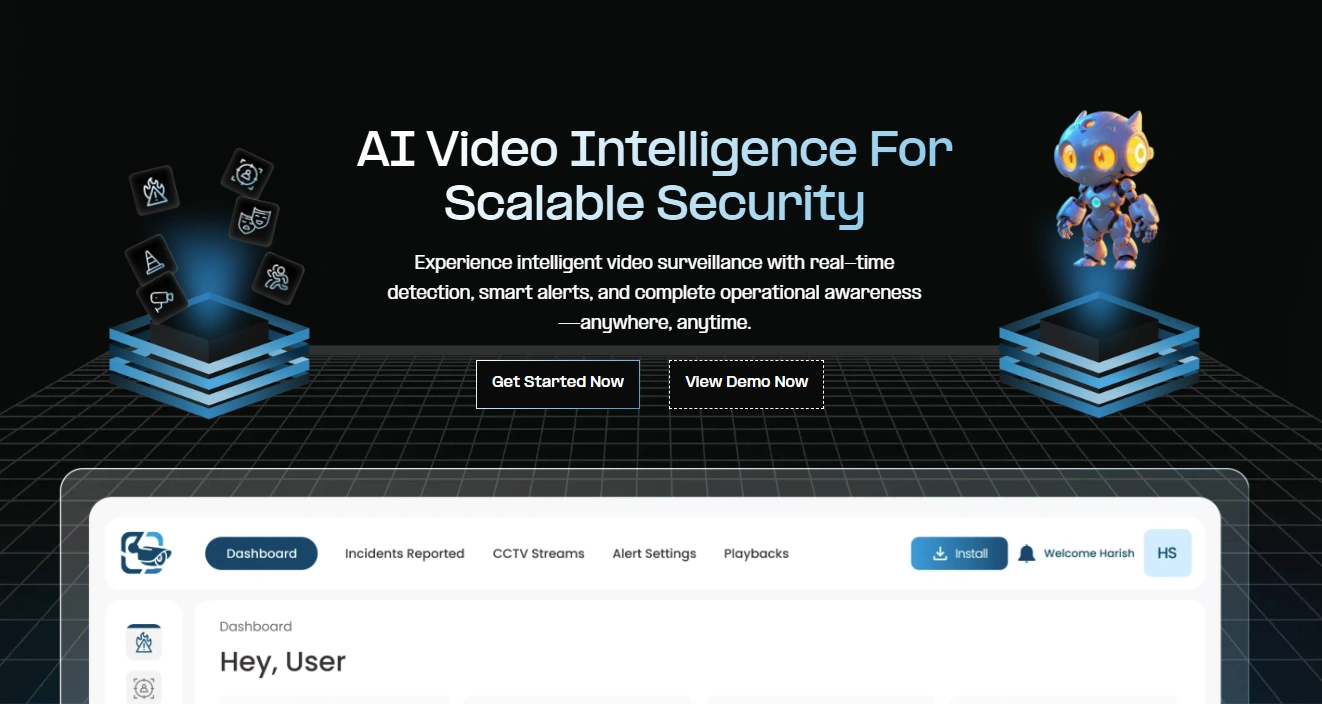
Here’s a problem most security teams deal with: you’ve got hours of camera footage, but who has time to watch it all? That’s exactly what makes VideoraIQ so valuable for organizations doing serious security risk assessments.
VideoraIQ uses smart AI technology to watch your CCTV cameras for you. It spots security incidents, unusual behavior, and potential problems that a human reviewer might miss or just not have time to catch. Instead of your team spending days reviewing footage during your security risk assessment, VideoraIQ handles the heavy work automatically.
Here’s what makes it particularly useful:
- It Catches Things Automatically: The system watches your video feeds constantly, flagging suspicious activity, unauthorized access attempts, and safety problems as they happen. Your assessment gets real data about actual incidents instead of just guessing at what might go wrong.
- It Sees Patterns You’d Miss: VideoraIQ picks up on behavioral trends across your entire property. Maybe there’s one entrance where people constantly try to sneak in, or certain areas where your camera coverage has gaps you didn’t realize existed.
- It Makes Reporting Easy: When you’re putting together your security risk assessment, VideoraIQ gives you detailed analytics and visual reports that clearly show where problems exist. This makes it much easier to convince decision-makers that security improvements are worth the investment.
- It Never Stops Working: Traditional assessments happen once or twice a year. VideoraIQ evaluates your security continuously. You get alerts whenever new risks show up, not months later during your next scheduled review.
For any organization that’s serious about understanding its security posture, VideoraIQ turns ordinary security cameras into powerful assessment tools. It doesn’t just tell you where you’re vulnerable; it gives you the proof and insights you need to actually fix the problems.
Getting Your Team On Board:
All the technology and procedures in the world won’t help if your people aren’t paying attention. Your employees are either your best defense or your biggest weakness. A mature security risk assessment process looks at whether your team actually understands and cares about security.
Run training that people actually remember, not just boring compliance videos. Your staff should understand why security policies exist, not just what they say. When people understand how their actions affect security, they start being part of the solution instead of accidentally causing problems.
Test how aware your team really is with simulated phishing emails or by checking if people let strangers into secure areas. These tests show you real vulnerabilities while reminding everyone to stay alert.
Mistakes That’ll Come Back to Bite You:
Even companies that take security seriously make some common errors:
- Treating It Like a One-Time Thing: Threats change constantly, and your assessment process needs to keep up.
- Forgetting About Your Vendors: The companies you work with can create security holes in your defenses.
- Getting Stuck in Planning Mode: Done is better than perfect when it comes to security.
- Ignoring Unlikely but Devastating Events: Just because something probably won’t happen doesn’t mean you should ignore it if it would destroy your business.
Conclusion:
A solid security risk assessment isn’t just about checking boxes; it’s about protecting what you’ve built. When you systematically find vulnerabilities, prioritize threats, and actually fix the important stuff, you’re protecting your business while showing customers and partners that you take security seriously. Just remember that a security assessment never really ends. It’s an ongoing cycle of checking, improving, and adapting. The best time to start was yesterday. The second-best time is right now.
FAQ’s:
Q1: How often should we do a risk assessment?
Ans: Run a full assessment at least once a year. But also do one anytime something major changes, new technology, new locations, new regulations, or after any security incident.
Q2: Do small businesses really need formal assessments?
Ans: Definitely. Small businesses actually have more to lose from security breaches because they’ve got less money to bounce back. Even a scaled-down assessment gives you serious protection.
Q3: What’s the difference between risk assessment and vulnerability scanning?
Ans: Vulnerability scanning is a technical tool that finds weaknesses in your systems. Risk assessment is the bigger picture; it looks at business impact and likelihood to figure out which vulnerabilities actually matter most to your specific business.

