


“What if you could turn every hour of video footage into valuable insights without lifting a finger?”
In today’s fast-paced business environment, companies are recording more video than ever before, yet much of it goes unnoticed. The best video analytics software is changing that by using AI to automatically process and analyze footage in real-time. It detects potential security threats, tracks customer behavior, and even predicts issues before they occur, empowering businesses to act faster and more effectively.
In 2026, this technology is not just an indulgence; it’s a game-changer. Whether you’re aiming to enhance security, streamline operations, or make data-driven decisions, choosing the best video analytics software is the key to unlocking new opportunities hidden in your video data.
Listen To The Podcast Now!
What Is Video Analytics Software?
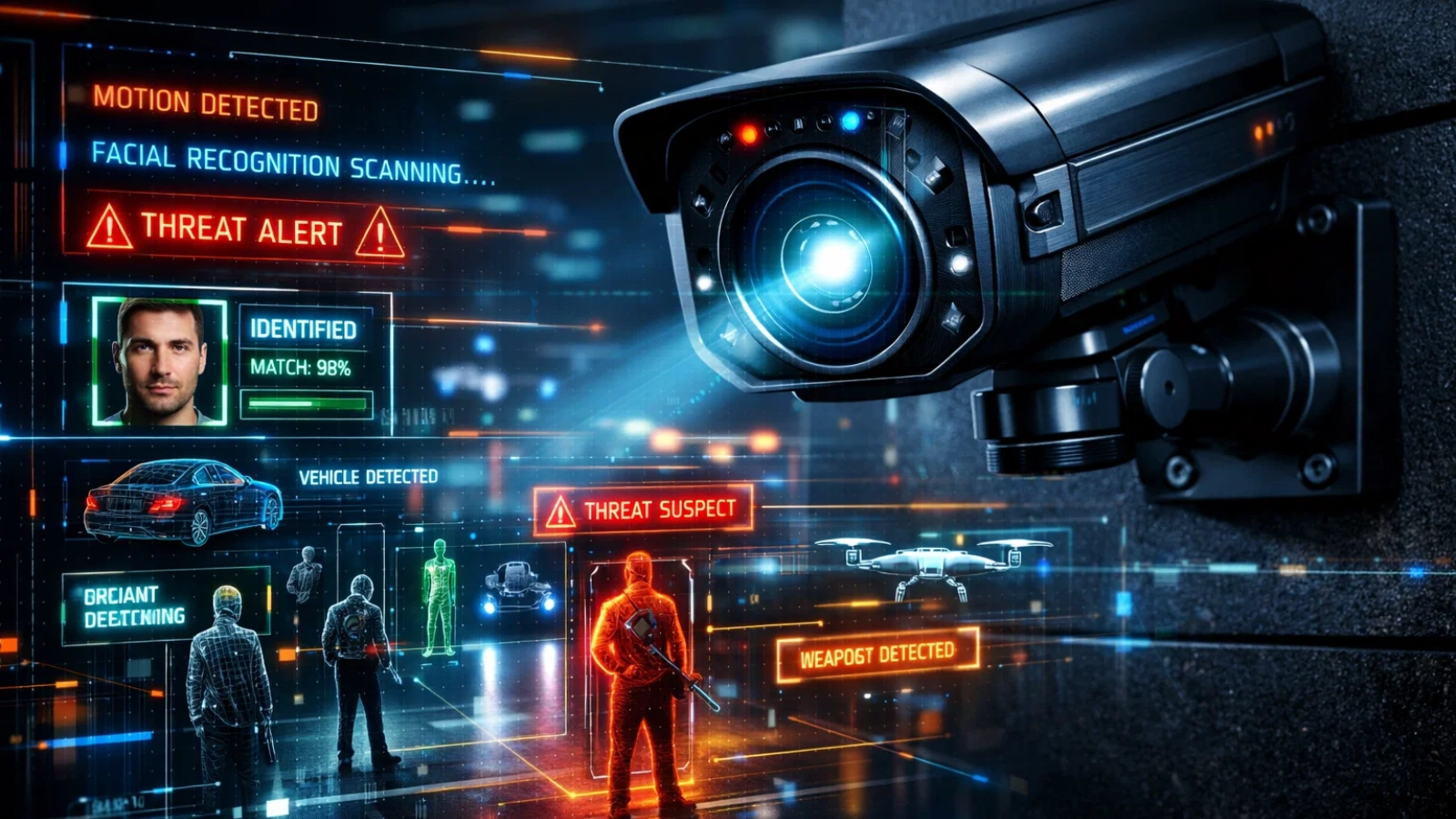
Video analytics software utilizes artificial intelligence (AI) to analyze video in real-time. Unlike traditional CCTV systems that merely record footage for later, this software analyzes the video as it’s happening and can identify specific events or behaviors immediately.
This tool is essential for businesses that want to do more than just watch footage. It helps them monitor certain areas, track people or objects, and get instant alerts on important activities. Whether it’s spotting security issues, improving store layouts, or enhancing customer experiences, the best video analytics software turns raw footage into useful, actionable information.
Businesses in all kinds of industries, like retail, logistics, safety, and healthcare, use this software. By using AI to process video, companies can transform basic surveillance into smart, real-time insights that improve security, boost operations, and help make better decisions.
How Does Video Analytics Software Work?
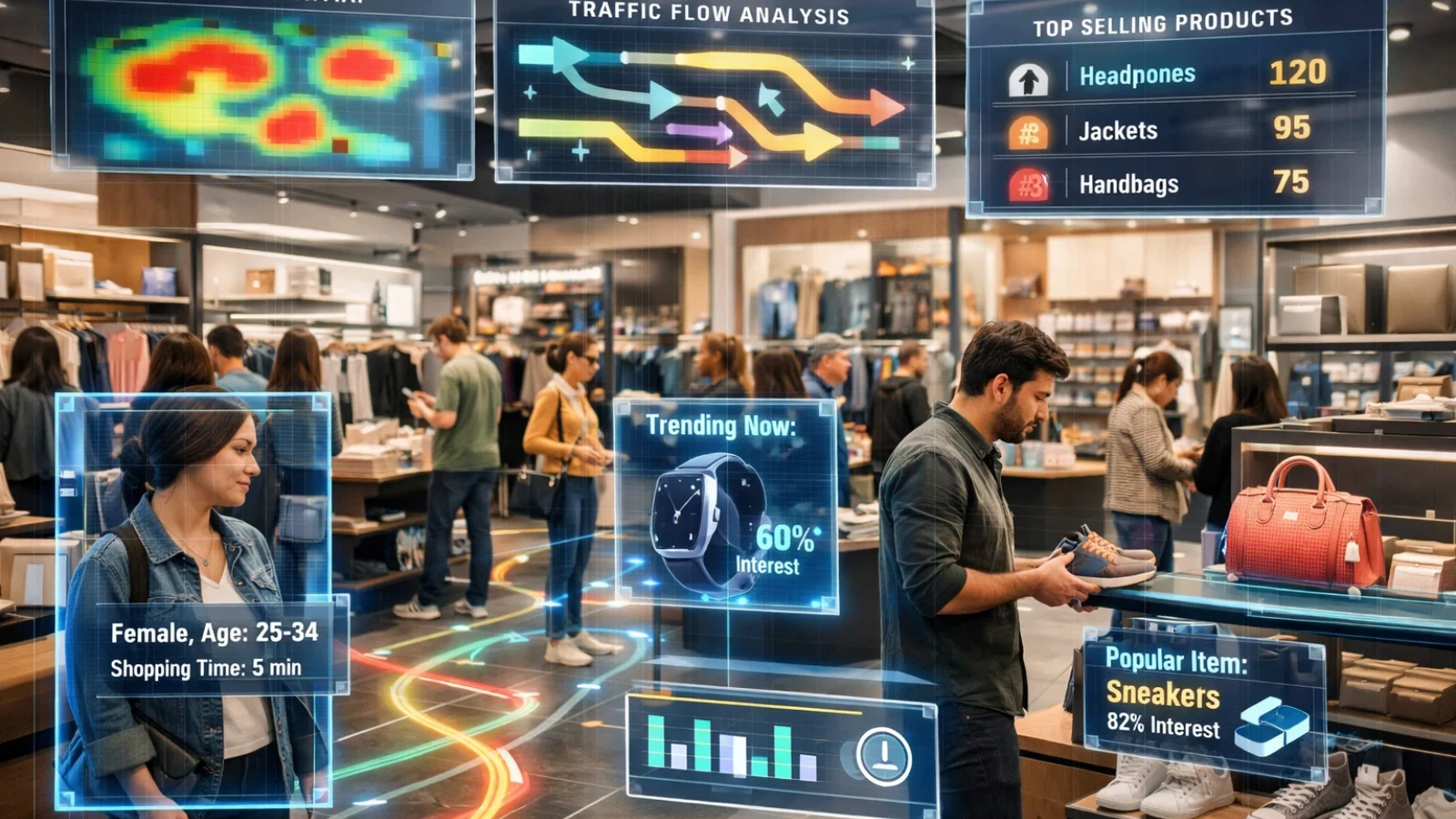
The best video analytics software uses AI and machine learning to turn raw video footage into valuable insights. Here’s how it works:
- Video Capture: Cameras capture footage of the monitored area. This can range from traditional CCTV to high-definition cameras, depending on the business needs. The footage is either stored locally or uploaded to the cloud for processing.
- AI Processing: AI algorithms analyze the footage in real time to identify objects, movements, or events. They can differentiate between normal activities and suspicious behavior, like flagging a person lingering in a store for too long.
- Alerts & Insights: The software provides real-time alerts for activities like security breaches or suspicious movements. It can also generate reports, helping businesses make quicker decisions based on the analysis.
Key Capabilities of Video Analytics Software

The best video analytics software can be configured to offer a wide range of features, depending on the business’s needs. Some of the most important capabilities include:
- Motion Detection: This basic feature detects movement within defined zones. It’s ideal for triggering alerts when someone enters a secured area or for monitoring unattended zones.
- Object Recognition: Object recognition can identify various objects, such as bags, packages, or even specific types of vehicles. It is commonly used in environments where you need to track inventory or identify abandoned objects.
- People Counting: This feature counts the number of people in a defined area, such as a store, event space, or busy intersection. It’s particularly useful in retail to gauge traffic and optimize store layouts.
- Anomaly Detection: AI-based anomaly detection recognizes out-of-the-ordinary patterns, such as an employee not following safety protocols or a person acting erratically in a public space. This is particularly valuable in preventing incidents before they escalate.
- License Plate Recognition (LPR): LPR reads vehicle license plates in real-time, providing valuable insights into traffic flow and vehicle access control in locations like parking garages, toll booths, and secure facilities.
What Are the Key Benefits of Video Analytics Software?
The advantages of the best video analytics software extend far beyond simply increasing security. By integrating this technology, businesses can unlock operational efficiencies, improve customer experience, and save on costs. Here are the primary benefits:
- Proactive Security
Traditional video surveillance systems are reactive; they record footage, but it’s up to human operators to review and act upon it. The best video analytics software, on the other hand, is proactive. It provides real-time alerts based on footage analysis, allowing security personnel to respond instantly to potential threats, such as unauthorized access or suspicious behavior. For example, in a retail environment, it can automatically detect shoplifting behaviors and immediately alert security staff.
- Operational Efficiency
The best video analytics software isn’t just about security; it also helps businesses optimize their operations. In retail, the software can analyze customer behavior, including where customers are spending the most time, which products are getting the most attention, and where bottlenecks occur. This data can then be used to optimize store layouts and improve staffing efficiency.
- Cost Savings
Deploying the best video analytics software reduces the need for manual surveillance, which means businesses can lower labor costs. Moreover, by preventing issues like theft or fraud before they escalate, companies can save on potential losses. For instance, a warehouse might use it to track inventory movement, reducing theft and waste.
- Data-Driven Decision Making
This technology provides businesses with actionable insights into their operations. This data can be used for strategic decision-making, whether it’s identifying high-traffic areas in a store to optimize product placement or monitoring supply chain efficiency to prevent delays.
- Remote Monitoring
Cloud-based solutions enable business owners and managers to monitor their premises from anywhere in the world. This means they can quickly respond to potential threats, manage staff remotely, and ensure that operations run smoothly, even if they are not physically present.
- Improved Customer Experience
Advanced video analytics can be used to enhance customer experiences by tracking customer flow, predicting busy times, and improving wait times. In restaurants, it can even track how customers are interacting with staff to optimize service speed and efficiency.
How to Choose the Best Video Analytics Software for Your Needs
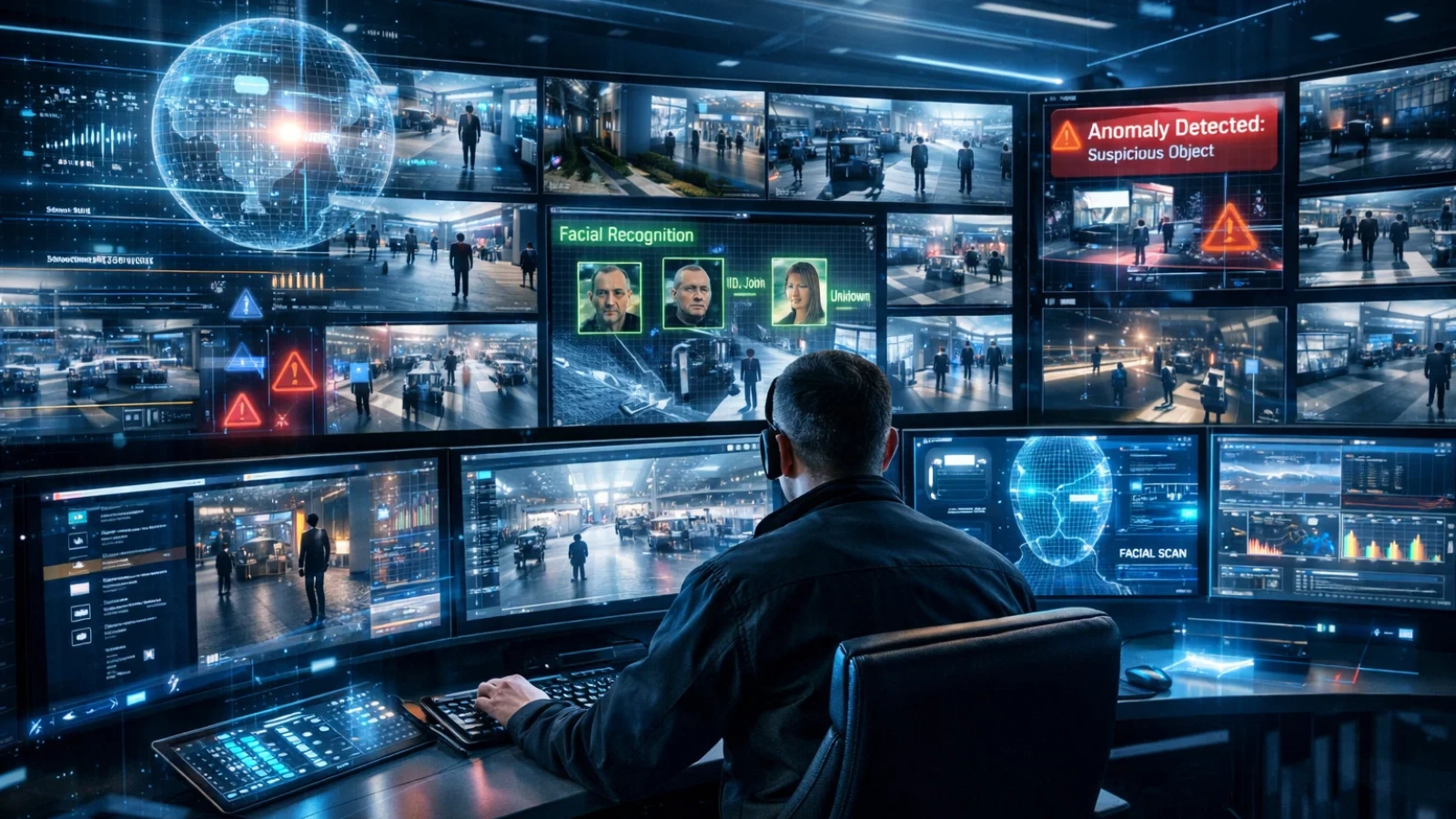
When it comes to selecting the best video analytics software for your business, several factors need to be considered. Here’s a step-by-step guide to making an informed decision:
- Define Your Use Case
The first step is to clearly define your business goals. Are you primarily interested in improving security, optimizing customer experience, or enhancing operational efficiency? Each use case may require different features, so having a clear goal will guide your decision-making process.
- Assess Your Camera Infrastructure
Not all cameras are created equal. High-definition cameras often deliver better results, so it’s essential to ensure your current infrastructure can support the software’s capabilities. In some cases, you may need to upgrade your cameras to get the most out of the best video analytics software.
- Evaluate AI Accuracy & False-Positive Rates
One of the biggest concerns with AI-driven software is the potential for false positives. Look for software that uses advanced machine learning models to improve accuracy and reduce the likelihood of triggering false alarms. Ensure that the best video analytics software you choose can be customized to your environment to optimize its performance.
- Check Integration Options
Make sure the software you choose can integrate with other systems, such as access control systems, alarm systems, or cloud storage. The ability to integrate with other tools is key to streamlining your overall security infrastructure.
- Consider Deployment Models (Cloud vs. On-Premise)
Some businesses may prefer cloud-based systems for their flexibility and scalability, while others may opt for on-premise solutions for greater control over their data. Consider your business’s needs, including data privacy concerns, and choose a deployment model that aligns with your goals.
- Review Pricing & Scalability
Pricing is always an important consideration, but so is scalability. The best video analytics software will grow with your business as your needs change. Look for pricing models that allow you to scale up as your business expands, rather than locking you into a rigid plan.
Common Mistakes When Buying Video Analytics Software
When purchasing the best video analytics software, businesses often make a few common mistakes. Avoiding these pitfalls can help ensure you make the right choice:
- Prioritizing Camera Count Over AI Accuracy
Having more cameras doesn’t automatically make your system better. Focus on the accuracy of the AI system, which leads to better results and fewer false positives.
- Ignoring Integration Requirements
Choose software that integrates smoothly with your existing infrastructure, such as access control systems or security alarms. Failing to consider integration needs can lead to compatibility issues down the road.
- Confusing Storage Capacity with Analytics Capability
More storage doesn’t equate to better analytics. The key is in the software’s ability to analyze footage in real time, so prioritize AI capabilities over storage size.
- Overlooking False-Positive Rates
False positives can create a significant burden on security teams. Make sure to choose the best video analytics software that minimizes false alerts and improves detection accuracy.
- Not Planning for Scalability
Your video analytics needs may grow over time. Choose software that can scale with your business, ensuring it remains relevant as your requirements evolve.
Also Read:
Why Intelligent Video Analytics Matter More Than Ever?
How AI Video Surveillance Is Transforming Modern Security Systems
From Passive Footage to Smart Decisions: VideoraIQ
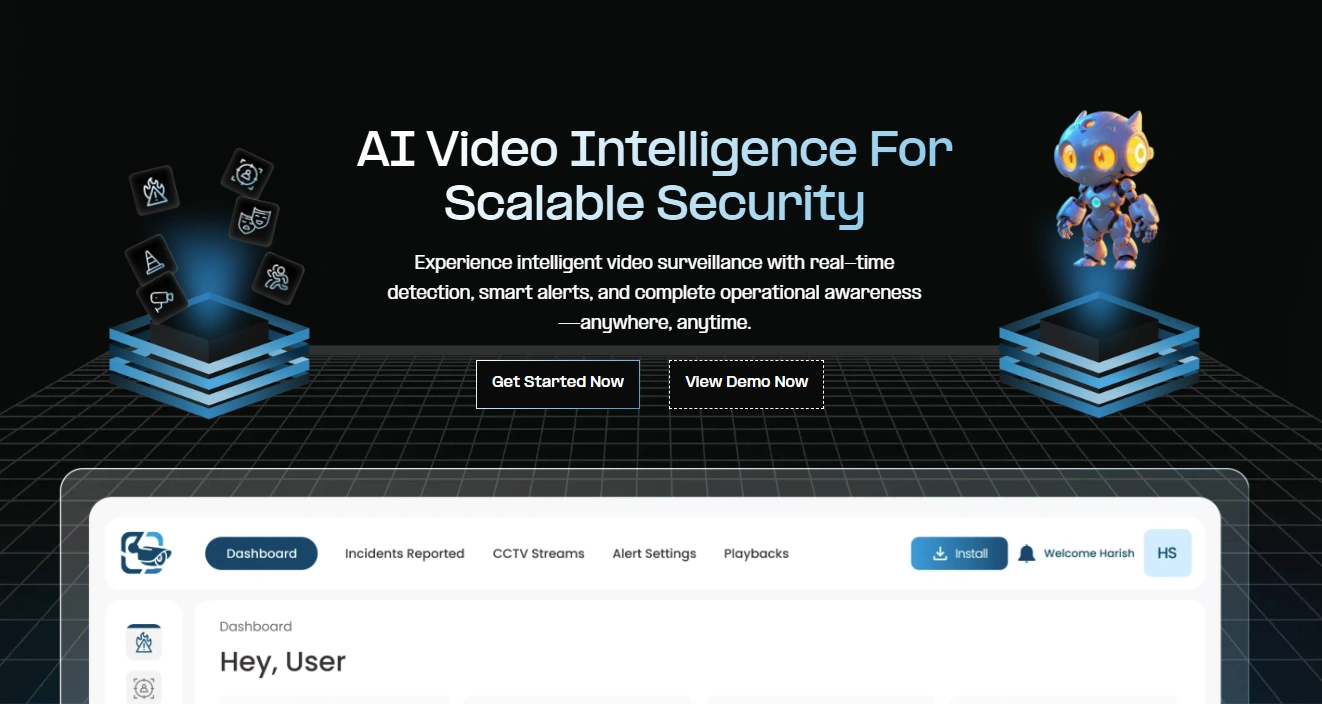
Among the growing ecosystem of platforms competing to be the best video analytics software, VideoraIQ stands out as a practical, enterprise-ready solution that bridges the gap between traditional surveillance and intelligent monitoring.
VideoraIQ is an AI-driven platform designed to transform standard CCTV infrastructure into a real-time decision-making system. Instead of requiring businesses to overhaul their existing hardware, it integrates directly with current camera networks, making adoption faster, more cost-efficient, and operationally seamless.
Core Capabilities
- Real-Time Behavioral Analysis — Detects unusual patterns instantly, enabling faster response without manual monitoring.
- Advanced Recognition — Tracks objects, identifies faces, reads license plates, and flags anomalies, turning passive footage into active surveillance.
- Fewer False Alerts — Smarter AI reduces noise, so teams focus only on what actually matters.
- Easy Integration — Works with existing cameras — no costly infrastructure overhaul required.
- Privacy-First Controls — Built-in safeguards ensure responsible, compliant monitoring.
The Future of Video Analytics: AI, Edge Computing, and Beyond
The future of the best video analytics software is bright, with technological advancements poised to take these solutions to new heights. Some trends to watch for include:
- AI and Deep Learning: Video analytics software will continue to improve through deep learning, enabling it to recognize even more complex patterns and behaviors with higher accuracy.
- Edge Computing: Edge AI allows data processing to happen directly on the camera or device, reducing latency and bandwidth consumption.
- Integration with IoT and Smart Systems: Leading platforms will increasingly work with IoT systems and smart building technologies to create more seamless, efficient environments.
- Privacy-First Analytics: As regulations like GDPR continue to shape the landscape, privacy-first solutions will prioritize data anonymization and compliance.
- Predictive Analytics: In the future, video analytics will move beyond reactive monitoring to predictive analytics, where software anticipates threats before they happen, providing businesses with even more proactive security capabilities.
Conclusion
The best video analytics software represents the future of surveillance, offering businesses a proactive, data-driven approach to security and operations. It’s an essential tool for those looking to streamline operations, improve safety, and make smarter decisions based on real-time insights. By understanding your unique needs and selecting the right solution, you can unlock the full potential of video analytics. Start by defining your use case, and explore the best video analytics software options available to find the perfect fit for your business.
FAQ
- What Are Video Surveillance Solutions?
Video surveillance solutions are systems that monitor and record video footage to enhance security. They use cameras and software to detect threats, provide real-time alerts, and offer evidence in case of incidents.
- What Is Security Camera Software?
Security camera software helps manage and analyze video feeds from cameras. It allows remote access, motion detection, and AI-driven analytics to improve security and response time.
- What Is the Best AI Video Analytics Software?
The best AI video analytics software uses AI to automatically detect threats and analyze footage in real time. It includes features like facial recognition, object tracking, and alerts, providing proactive security solutions.
- How Does AI Improve Video Surveillance Systems?
AI enhances video surveillance systems by automating the analysis of video footage in real time. It can detect unusual behavior, track objects, recognize faces, and send instant alerts, improving response times and reducing false alarms. AI-powered systems offer smarter, more efficient monitoring, making security more proactive.

