

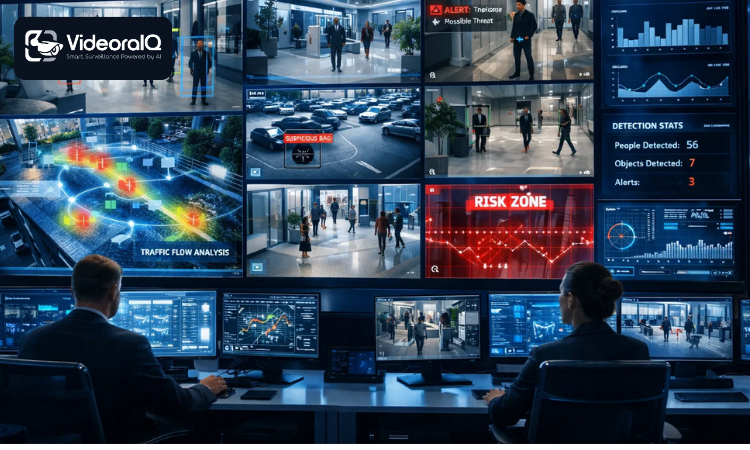
Every business owner believes their security setup works until the moment it does not. Cameras sit in corners. Footage piles up on servers nobody checks. Alerts fire for irrelevant motion events until security teams stop taking them seriously. The system looks active. But underneath, real threats walk right through it. AI video management systems promise to fix all of that. But do they actually deliver? This blog breaks down what separates a system that truly protects from one that just looks good on a spec sheet.
Listen To The Podcast Now!
What Is An AI Video Management System And Why Does It Matter?
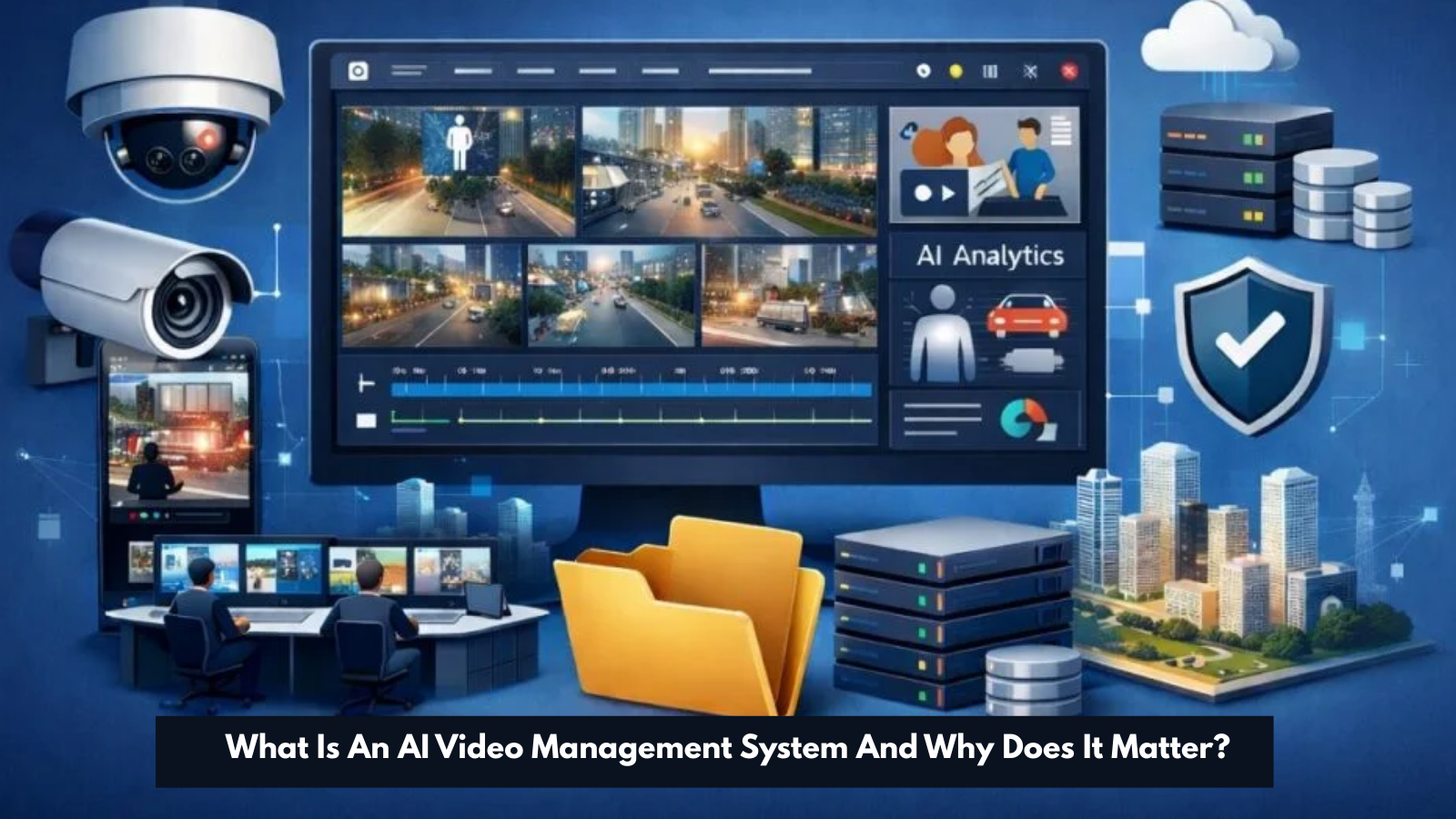 A standard video management system records footage and stores it. That is its entire job. An AI video management system does something fundamentally different it understands what it sees. It analyzes every frame of every feed in real time, identifies people, objects, and behaviors, and acts on that information instantly without waiting for a human to review anything.
This distinction matters enormously. A passive recorder gives you evidence after an incident. An AI video management system gives you prevention before one. For any business that handles valuable assets, sensitive data, or high foot traffic, that difference determines whether security actually works or simply exists on paper.
The shift from passive recording to active intelligence defines the entire value of AI video management systems. Businesses that understand this shift build security operations that catch threats early. Businesses that do not keep paying for systems that document disasters instead of preventing them.
What Makes an AI Video Management System Different From a VMS System?
A VMS system manages video. It organizes feeds, stores recordings, and lets authorized users access footage. That functionality serves a purpose, but it stops far short of what modern security demands.
An AI video management system builds on everything a VMS system offers and adds a layer of machine intelligence on top. Where a VMS system stores what happened, an AI video management system understands what is happening right now and responds to it automatically.
The operational gap between the two grows wider every year. A VMS system requires human operators to watch feeds and make decisions. AI video management systems remove that dependency entirely. They monitor every camera simultaneously without fatigue, distraction, or shift changes. No human team can match that coverage.
Where a Traditional VMS System Stops and AI Takes Over
A VMS system reaches its limit the moment something requires interpretation rather than storage. It records a person walking into a restricted area. It does not know that the person should not be there. It stores the footage. It does not send an alert.
AI video management systems cross that line automatically. They know what authorized access looks like. They recognize faces, track movement patterns, and identify behavioral anomalies without any human involvement. That gap between storing and understanding is where AI video management systems deliver their greatest value.
Are AI Video Management Systems Living Up To Their Promises?
Not all of them. The market for AI video management systems has expanded rapidly, and with that expansion came a wave of products that label themselves AI without delivering genuine intelligence. Motion detection that triggers on shadows. Face recognition that fails in low light. Alert systems that flood security teams with irrelevant notifications until they turn off notifications entirely.
The businesses that feel let down by AI video management systems almost always bought into marketing claims without testing actual performance. Resolution matters. Training data quality matters. Alert accuracy matters. A system that cries wolf on every passing car destroys the trust of the security team it was meant to support.
Key Capabilities Every AI Video Management System Must Have
Not every AI video management system earns that label. The ones that do share a specific set of non-negotiable capabilities that separate genuine intelligence from marketing language.
- Real-time detection across all feeds simultaneously — The system must analyze every camera at once, not in rotation. Threats do not wait for the system to cycle through feeds.
- Multi-person face recognition — Identifying individuals in crowded areas with accuracy, even when subjects wear hats, glasses, or face coverings.
- Behavioral analysis — Recognizing suspicious patterns like loitering, running in restricted zones, or repeated entry attempts.
- Instant alert delivery with full context — Every alert must include a timestamped snapshot, camera location, and event classification so security teams act immediately rather than searching for relevant footage.
- Cross-location management — A single dashboard that covers every site, every camera, and every alert across an entire organization.
- Scalable storage — Cloud, edge, and hybrid options that grow with the organization without requiring infrastructure rebuilds.
Real-Time Detection That a Weak VMS System Can Never Deliver
A weak VMS system processes footage after the fact. By the time a human reviews the relevant clip, the threat has already escalated. Real-time detection in a true AI video management system closes that response window to seconds. The moment a camera detects something that matches a threat pattern, the system acts. No delay. No human bottleneck. No missed window.
Smart Alerts, Deep Analytics, and Zero Blind Spots
Smart alert systems in AI video management systems filter out irrelevant events automatically. Wind-blown trees, passing vehicles in non-sensitive zones, lighting changes all ignored. Only genuine threat events trigger notifications. This keeps security teams focused, responsive, and confident in every alert they receive.
Best Practices For AI Video Content Management Systems
Deploying AI video management systems correctly determines whether they deliver full value or fall short of expectations. These best practices separate high-performing deployments from underperforming ones.
- Define detection zones with precision — Broad detection zones generate broad alerts. Map your facility carefully and create specific zones for each risk area. Server rooms, loading docks, executive floors, and storage areas all need dedicated detection parameters.
- Keep watchlists current — Face recognition only works as well as the database behind it. Update employee rosters, contractor lists, and watchlists regularly. Outdated databases create false positives and miss genuine threats.
- Set alert thresholds per zone — A busy lobby needs different sensitivity settings than a restricted storage area. Configure AI video management systems to match the actual risk level of each zone rather than applying blanket settings across the entire facility.
- Review and refine regularly — AI video management systems improve through feedback. When alerts prove inaccurate, log that feedback. The system learns from corrections and delivers better accuracy over time.
- Test remote access and failover — Verify that your team can access live feeds and alerts from mobile devices before an incident requires it. Test failover protocols for network outages to confirm edge-based processing keeps cameras active during connectivity drops.
How To Configure Your AI Video Management System for Maximum Protection
Maximum protection comes from layered detection. Do not rely on a single detection type for critical zones. Combine face recognition with intrusion detection and line-cross alerts for entry points. Add unattended object detection for public spaces. Stack number plate recognition on top of camera coverage for parking and vehicle access zones. Each layer closes a gap that a single detection type might miss.
Is VideoraIQ The AI Video Management System Your Business Deserves?
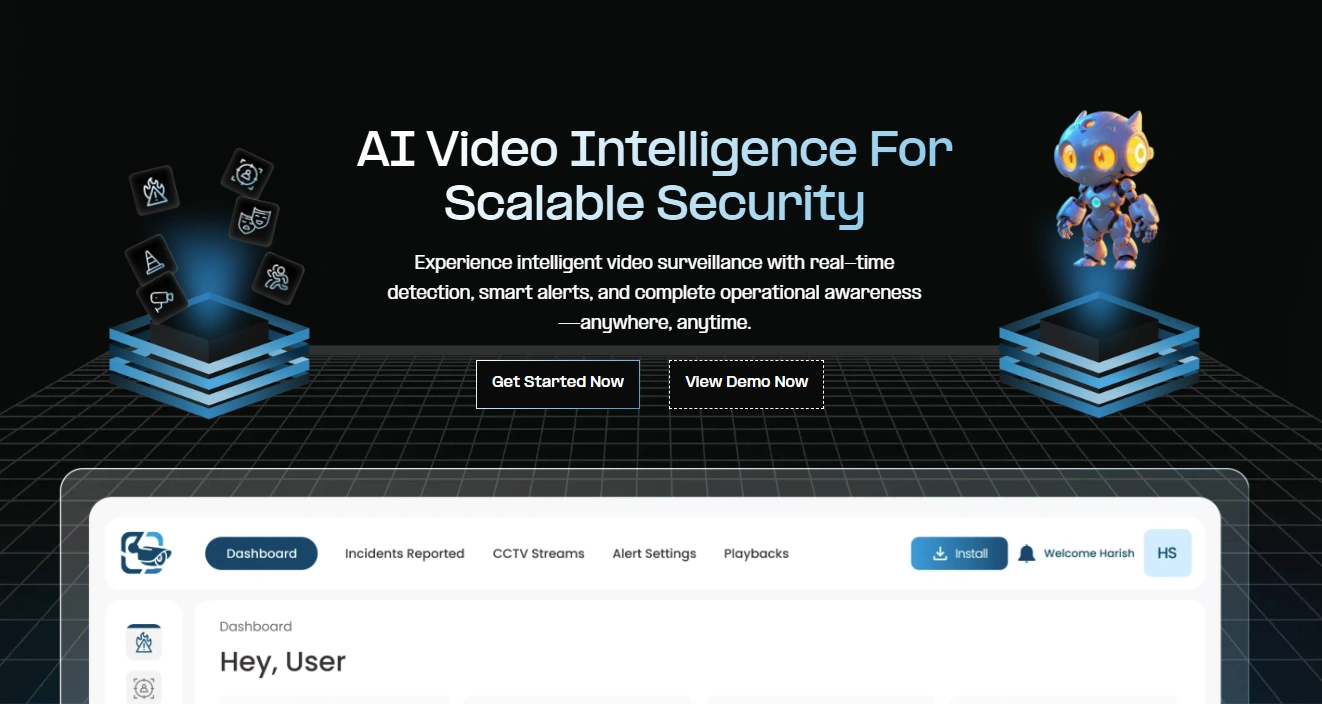 Most AI video management systems offer one or two features that earn the AI label. VideoraIQ runs nine simultaneous AI detection capabilities on your existing cameras, no new hardware, no infrastructure overhaul, no complicated setup. Every camera connected to VideoraIQ becomes an active, intelligent detector from day one.
Here is exactly what VideoraIQ brings to your security operation:
Face Recognition: VideoraIQ identifies known and unknown individuals instantly even through masks, glasses, caps, or facial hair. It tracks multiple faces simultaneously in crowded areas and logs every detection with a timestamp, location, and snapshot automatically.
Intrusion Detection: The moment anyone enters a restricted zone, VideoraIQ fires an instant alert with visual evidence. Custom virtual boundaries let you define exactly which areas need protection: server rooms, storage facilities, executive floors, or loading docks.
Object Detection: VideoraIQ spots suspicious or unattended items in live footage automatically. It tracks flagged objects across multiple camera zones, generates activity heatmaps, and filters out irrelevant items, so your team focuses only on genuine threats.
Unauthorized Access Alerts: When someone attempts to breach a controlled entry point, VideoraIQ notifies your security team immediately with a snapshot, camera location, and exact time of the attempt.
Fire and Smoke Detection: VideoraIQ catches the earliest visible signs of fire or smoke before heat sensors register a change, triggering emergency alerts instantly and logging footage automatically for every affected zone.
Line Cross Detection: Draw a virtual boundary across any corridor, doorway, or perimeter, and VideoraIQ alerts your team the instant anyone crosses it in either direction, around the clock.
Unattended Baggage Detection: VideoraIQ identifies abandoned items in airports, transit hubs, event venues, and public spaces within seconds, alerting your team before situations escalate into genuine safety threats.
Everything runs through one centralized dashboard that scales from a single site to hundreds of locations. Remote access delivers live feeds and alerts to any authorized device anywhere. Every alert carries a timestamp, camera location, and visual snapshot so your team always acts with full context, never guesswork.
No competitor bundles nine simultaneous AI detection capabilities into one cloud-based platform that works on cameras you already own. VideoraIQ delivers all nine together, always on, across every location simultaneously.
Who Benefits Most From An AI Video Management System?
Every organization that runs surveillance cameras benefits from AI video management systems. Some environments make the upgrade absolutely critical.
Industries Where a Video Management System Is Non-Negotiable
Healthcare — Sensitive zones, restricted medication storage, and patient safety all require constant, accurate monitoring that human teams cannot sustain alone.
Education — Campus entry points, after-hours monitoring, and intruder detection demand a system that never takes a break and never misses a face.
Retail — Theft prevention, cashier zone monitoring, and customer behavior analysis all benefit directly from AI video management systems running in real time.
Manufacturing — Hazardous zone access control, fire detection, and equipment area monitoring require detection accuracy that basic cameras cannot provide.
Corporate — Server rooms, executive floors, and access-controlled zones need layered detection that combines face recognition with intrusion alerts automatically.
Public Safety — Transit hubs, city spaces, and government facilities depend on AI video management systems to maintain real-time awareness across enormous coverage areas.
Also Read
How Remote Video Monitoring Enhances Security and Reduces Costs
How To Choose The Right AI Video Management System for Your Needs?
The right AI video management system fits your existing infrastructure, scales with your growth, and delivers accurate detection without requiring a dedicated IT team to maintain it.
Questions to Ask Before You Invest in Any VMS System
Before committing to any VMS system, get clear answers to these questions. Does it work with your existing cameras or force new hardware purchases? How many AI detection types does it run simultaneously? How fast does it deliver alerts after a detection event? Does it support multi-site management from a single dashboard? What storage options does it offer cloud, edge, or hybrid? Does it integrate with your access control and alarm systems? Can it scale without a full infrastructure rebuild?
Any vendor that cannot answer these questions confidently does not deserve your investment.
Is Your Current Video Management System Secretly Failing You?
The most dangerous security failures are the ones nobody notices until it is too late. A video management system that records without intelligence creates a false sense of protection. Your team believes the system works. The cameras are on. The feeds are live. But nobody detects the threat in Zone 4 at 2 AM because no alert fired, and no human was watching that feed at that moment.
Warning Signs Your VMS System Is Leaving You Exposed
Your VMS system leaves you exposed when alert fatigue sets in, and your team stops responding to notifications. It fails you when footage exists, but nobody can find the relevant clip quickly after an incident. It betrays your trust when cameras cover entry points, but nobody monitors them in real time. And it costs you money when you discover a threat on recorded footage two days after the damage was already done.
AI video management systems eliminate each of these failure points at the source.
Conclusion
Security that only records is not security it is documentation. Real protection requires a system that detects, identifies, alerts, and supports response in real time, around the clock, across every location you operate.
AI video management systems deliver that protection when they are built correctly, deployed thoughtfully, and maintained consistently. VideoraIQ brings all nine AI detection capabilities together on one platform, on your existing cameras, through one centralized dashboard that never sleeps and never misses a threat.
Stop settling for a video management system that watches threats happen. Demand one that stops them.
FAQs
Q1. What is the difference between an AI video management system and a standard VMS system?
A standard VMS system records and stores footage. An AI video management system analyzes every feed in real time, detects threats automatically, and sends instant alerts with full visual context. The core difference is that intelligence one stores what happened, the other prevents it from happening.
Q2. How many cameras can an AI video management system manage at once?
Enterprise-grade AI video management systems handle hundreds of cameras across multiple locations simultaneously. Cloud-based platforms like VideoraIQ scale without hardware limitations, add cameras and locations without rebuilding any infrastructure.
Q3. Do AI video management systems work with existing cameras?
Yes. Most quality AI video management systems, including VideoraIQ, work with existing IP camera infrastructure. No new hardware purchase is required. The AI layer connects to your current cameras and delivers intelligence immediately.
Q4. What are the best practices for AI video content management systems?
The best practices for AI video content management systems include defining precise detection zones, keeping watchlists current, setting alert thresholds per zone, reviewing system performance regularly, and testing remote monitoring access and failover protocols before incidents require them.
Q5. How does VideoraIQ improve on a standard AI video management system?
VideoraIQ runs nine simultaneous AI detection capabilities: face recognition, intrusion detection, object detection, unauthorized access alerts, fire and smoke detection, line cross detection, unattended baggage detection, cashier absence detection, and number plate recognition all on existing cameras through one centralized dashboard. No competitor matches that level of simultaneous AI capability on a single cloud-based platform.

