

Businesses record hours of video every day, but most of it is never actually used. Without AI video analysis, no one has the time to go through endless footage, which means important details get missed, problems surface too late, and decisions are often made without seeing what really happened.
That gap quietly costs businesses time, money, and opportunities.
AI turns raw video into useful insights, helping you spot issues early, understand what’s happening, and make smarter decisions without manual effort.
Here are seven ways AI video analysis can transform your business.
Read Aloud
Why AI Video Analysis Matters for Businesses Today
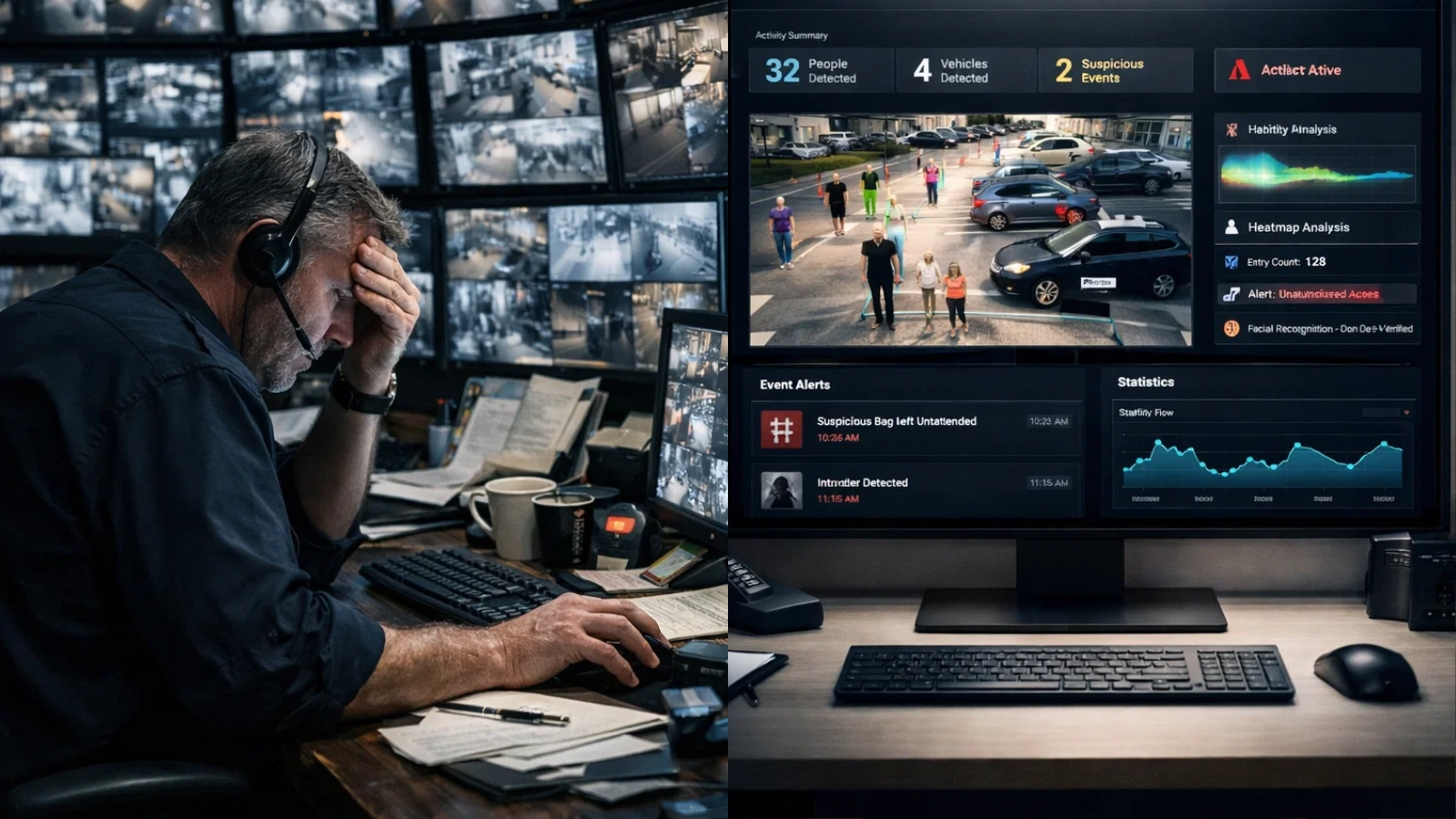
The volume of video data keeps growing, but human capacity to review it does not.
This is why video analysis is evolving to be essential. It allows businesses to process massive amounts of visual data without adding more staff or slowing down operations.
More importantly, AI video analysis enables faster responses. Instead of reacting after something happens, businesses can act immediately when an issue is detected.
This shift toward real-time insight gives companies a clear advantage in making better decisions, reducing risks, and more efficient operations.
7 Ways AI Video Analysis Can Transform Your Business
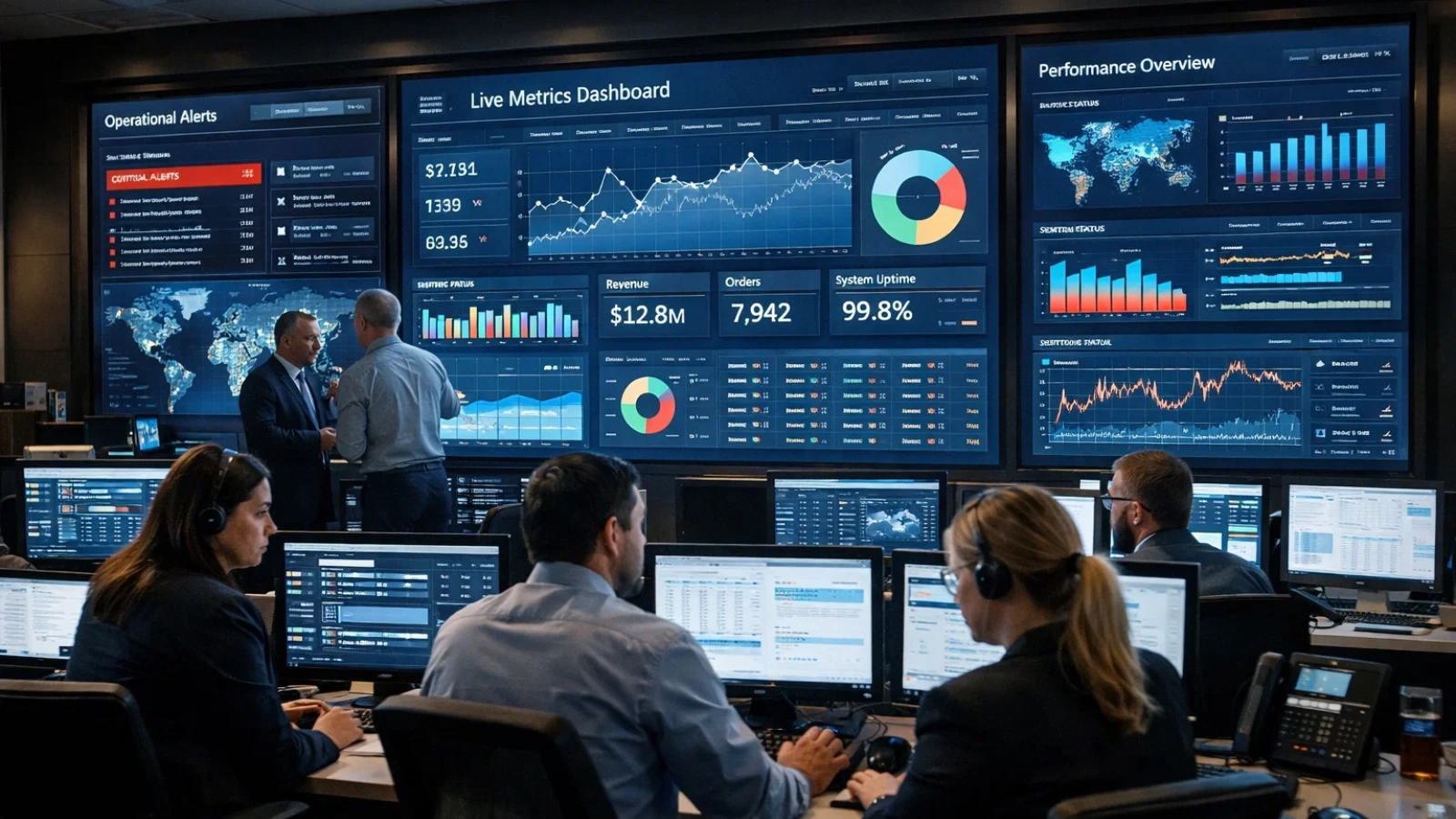
Most businesses already have the data; they’re just not using it effectively.
AI analysis turns everyday video into practical business advantages. It’s not just about monitoring anymore; it’s about understanding what’s happening and acting on it.
Here are seven ways it can directly improve how your business operates.
1. Strengthen Security with Real-Time Threat Detection
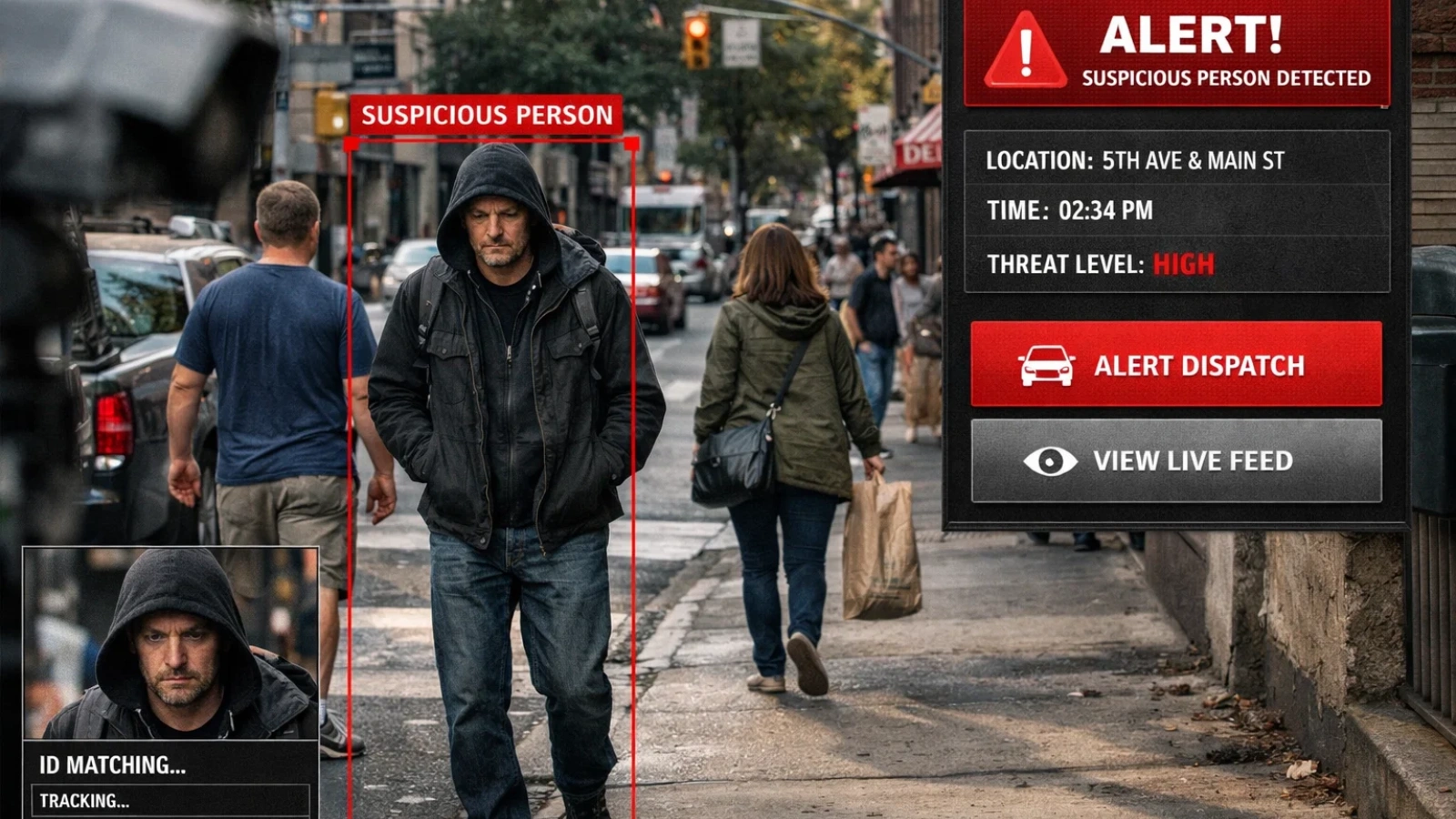
Traditional surveillance often works after the fact. Someone reviews footage only after an incident has already occurred.
With AI video analysis, security becomes proactive.
Systems can detect unusual behavior as it happens, like someone entering a restricted area or leaving an object unattended. Alerts are triggered instantly, allowing teams to respond before situations escalate.
Facial recognition can also be integrated into AI, helping businesses identify known risks or manage access control more effectively.
The result is faster response times and stronger protection across your operations.
2. Understand Customer Behavior Like Never Before
Knowing what customers buy is helpful. Understanding how they behave before buying is even more valuable.
It tracks how people move through a space, where they stop, and what captures their attention. Businesses can see which displays attract interest and which areas get ignored.
For example, a retail store might discover that customers walk past a high-value product without engaging. With insights from AI, they can adjust placement and improve performance.
This leads to smarter layouts, better customer experiences, and higher conversion rates.
3. Automate Quality Control in Operations
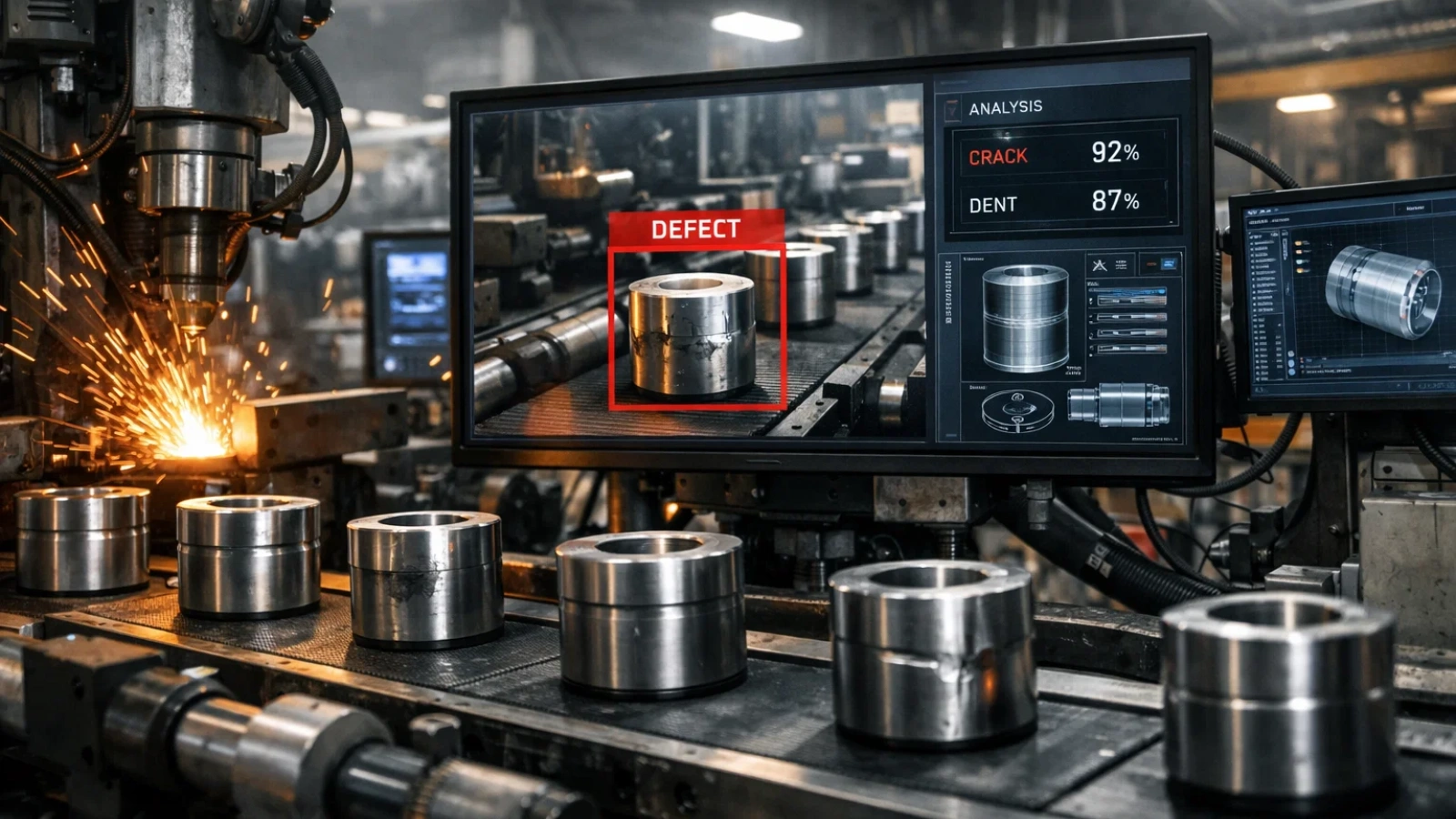
Manual inspection can slow down production and still miss defects.
By using video analysis, businesses can monitor production lines continuously and accurately. Systems can detect issues like misalignment, surface defects, or packaging errors in real time.
Because AI video analysis doesn’t get tired or distracted, it maintains consistent performance even in high-speed environments.
Over time, this reduces waste, improves product quality, and lowers operational costs.
4. Boost Workforce Efficiency and Safety
Managing large teams across facilities is challenging. Supervisors can’t be everywhere at once.
With AI video analysis, businesses gain continuous visibility into operations.
It can monitor whether employees follow safety protocols, detect risky behavior, and identify inefficiencies in workflows. For example, AI video analysis can highlight stoppages or areas where productivity drops.
This creates a safer workplace while helping teams operate more efficiently.
5. Improve Marketing with Video Intelligence

Marketing teams often rely on surface-level metrics like views and clicks. These numbers don’t always explain audience behavior.
AI video analysis adds deeper insight.
It can evaluate engagement patterns, track viewer attention, and even analyze emotional responses in controlled environments. This helps businesses understand what actually resonates with their audience.
Brands using AI video analysis can refine campaigns, improve messaging, and allocate budgets more effectively.
6. Enable Faster, Data-Driven Decisions
In many businesses, decisions based on video data come too late.
With AI video analysis, insights are available instantly.
Real-time dashboards provide live updates, while alerts notify teams the moment something important happens. For example, AI video analysis can detect crowd buildup, traffic congestion, or operational delays as they occur.
This allows businesses to act quickly and avoid larger problems.
Over time, AI video analysis also supports predictive insights, helping organizations anticipate issues before they happen.
7. Reduce Costs Through Automation
One of the most practical benefits of AI video analysis is cost reduction.
Manual video monitoring requires time, effort, and large teams. With automation, businesses can scale operations without increasing labor costs.
AI video analysis handles continuous monitoring without fatigue, making it far more efficient than human review.
As businesses grow, the cost advantage becomes even more significant. Adding more cameras doesn’t require proportional increases in staffing.
This makes AI video analysis a scalable and cost-effective solution.
Also Read
How to Get Started with AI Video Analysis
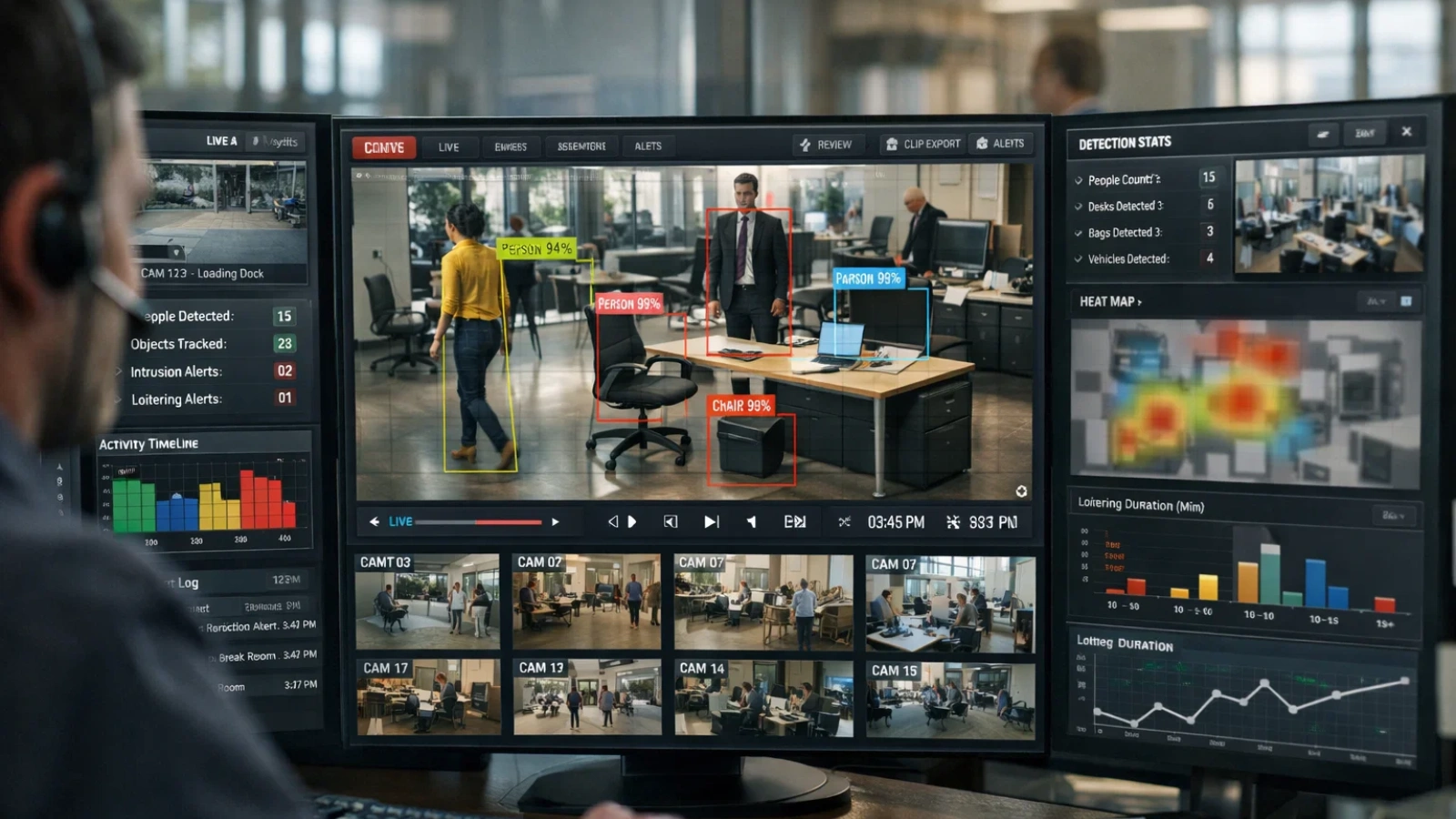
Getting started with AI video analysis doesn’t have to be complicated, but it does require a clear plan.
1. Define Your Goal
Start by identifying what you want to improve—whether it’s security, customer insights, or operational efficiency. Focus on one clear use case instead of trying to solve everything at once. This helps you stay focused and makes implementation easier. It’s also important to set measurable outcomes so you can track success and understand the real impact.
2. Review Your Current Setup
Take a close look at your existing cameras and infrastructure. Check the quality of your video, how well your spaces are covered, and how your data is stored. This step helps you understand what’s already working and where there may be gaps that could affect performance.
3. Choose the Right Tools
Look for solutions that work with your current systems rather than requiring a complete overhaul. Ease of use should be a priority, so choose tools that provide clear insights instead of overwhelming data. Compare different AI video analysis tools based on your specific needs, and explore some of the best AI tools for video analysis as well as newer ai tools for video analysis 2026, to stay informed.
4. Start with a Pilot
Instead of rolling it out everywhere, begin with a small pilot. Test the system in one location or for a single use case. Keeping the scope limited allows you to manage risk while clearly measuring results and understanding how it performs in a real environment.
5. Focus on Usable Insights
Choose tools that provide insights you can actually act on. Avoid systems that only deliver complex or raw data without context. The goal is to make sure your team can easily understand the output and use it to make better decisions.
6. Integrate with Existing Systems
Connect your video analysis system with tools like CRM platforms, analytics software, or operational systems. Combining video data with other business data gives you a more complete picture and helps improve decision-making across the organization.
7. Align and Train Your Team
Make sure your team understands how to use the system so the insights don’t go to waste. Sharing insights across departments helps different teams benefit from the same data, while encouraging adoption ensures it becomes part of everyday workflows rather than a separate process.
8. Monitor and Improve
Treat this as an ongoing process. Regularly review performance, make adjustments based on what you learn, and continue refining how the system is used. Once you see consistent results, you can confidently expand into other areas.
How VideoraIQ Can Help You Get Started
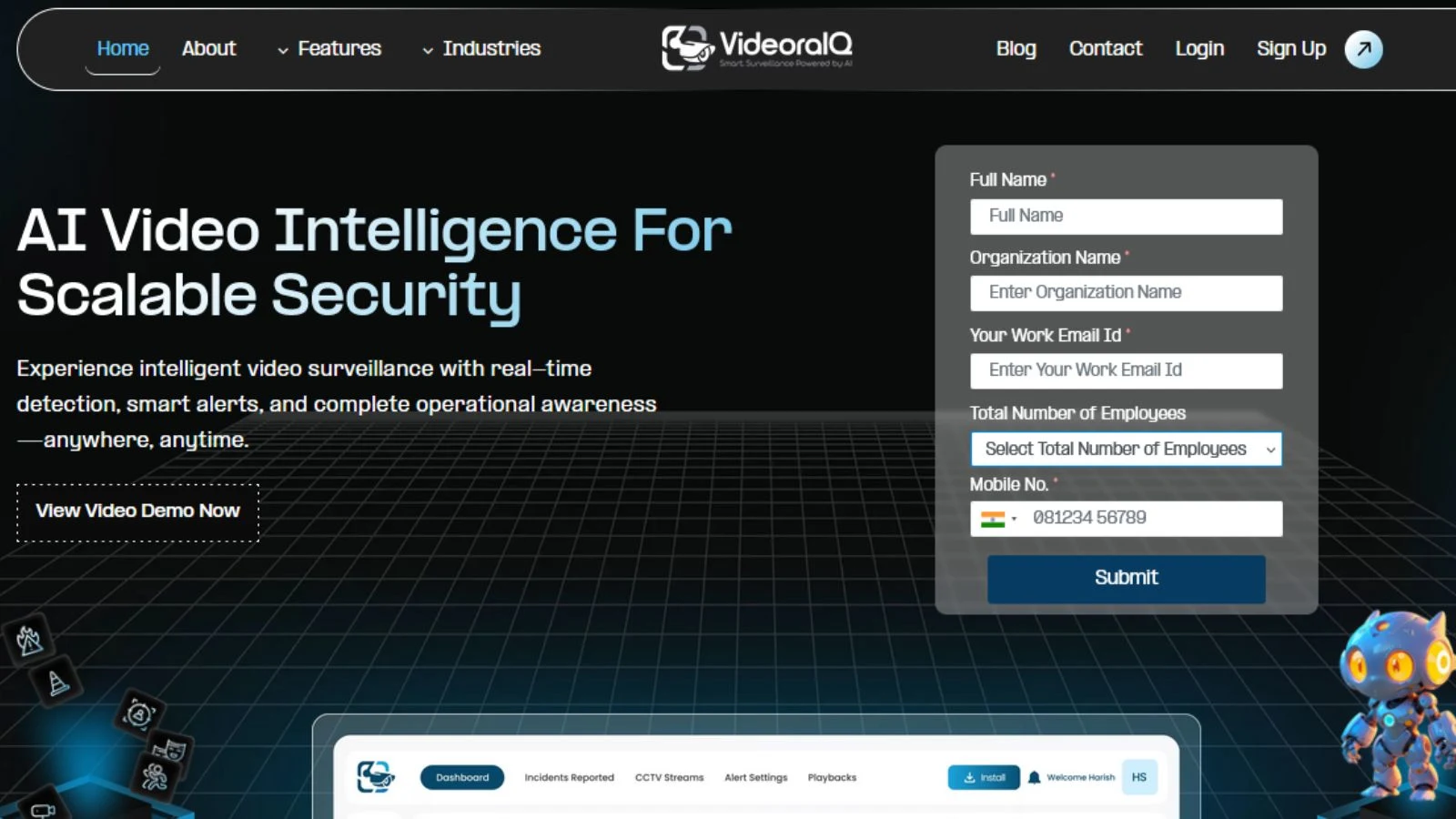
If you’re looking for a practical way to start using AI video analysis, tools like VideoraIQ make the process much simpler.
Instead of building everything from scratch, VideoraIQ helps you turn your existing video data into actionable insights without heavy setup. It works with your current systems and focuses on real use cases, whether that’s improving security, understanding customer behavior, or optimizing operations.
What makes VideoraIQ reasonable is its focus on clarity. You don’t just get data, you get insights you can actually act on. This makes it easier to test, learn, and scale your use of video analysis without unnecessary complexity.
For businesses just starting out, it’s a practical way to move from raw footage to real results faster.
Conclusion
Most businesses already have the data; they’re just not using it fully.
That’s what makes this shift so important. Instead of letting the video sit unused, you can turn it into something that actually helps you run your business better. Whether it’s improving security, understanding customers, or making faster decisions, the impact is practical and immediate.
The best approach is simple: start small, test it in one area, and build from there.
Once you see the results, it stops feeling like just another tool and starts becoming a core part of how your business operates and grows.
FAQs
1. What is AI video analysis?
AI video analysis is the process of using artificial intelligence to automatically analyze video footage and extract useful insights, such as detecting objects, behaviors, or patterns without manual review.
2. How does AI video analysis work?
It uses technologies like computer vision and machine learning to scan video frames, identify what’s happening, and provide real-time or recorded insights that businesses can act on.
3. Which businesses can benefit from AI video analysis?
Almost any business that uses video can benefit, including retail, manufacturing, logistics, healthcare, and security operations. It’s especially useful where monitoring and decision-making are critical.
4. Is AI video analysis expensive to implement?
Not necessarily. Many solutions work with existing camera systems, and businesses can start small with a pilot project before scaling based on results.
5. How accurate is AI video analysis?
Modern systems are highly accurate, especially when trained for specific use cases. Accuracy improves over time as the system learns from more data and real-world scenarios.

