

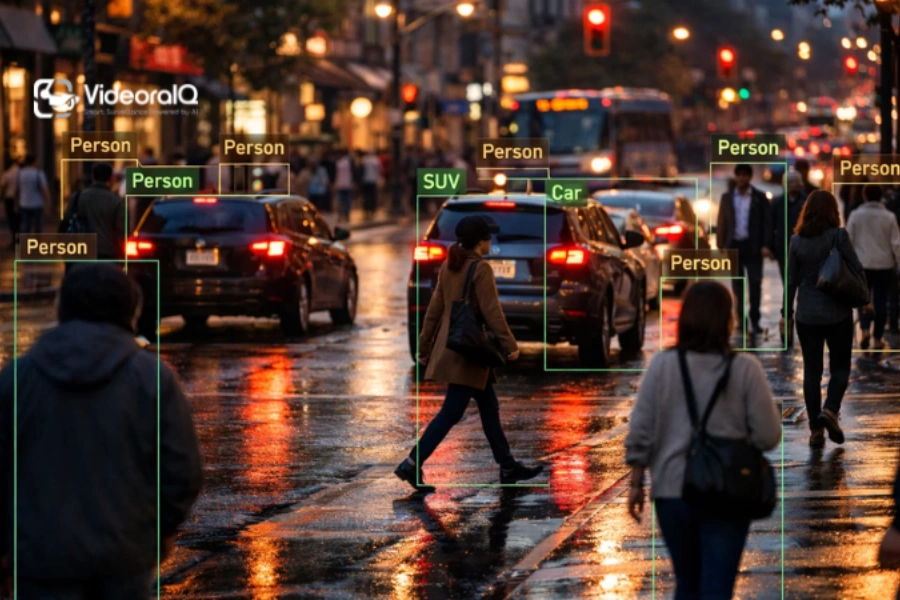
There are hundreds of tools claiming to be the “best” video analytics platform, and almost all of them promise AI-powered intelligence. But when everything sounds advanced, it becomes harder to tell what actually delivers value.
If you’ve tried comparing options, you’ve probably noticed how similar every video analytics platform looks on paper. Feature lists blur together. Demos feel polished. Real differences stay hidden.
That’s where most buyers get stuck.
Instead of chasing, the goal is simple: find a video analytics platform that actually works in real-world conditions and solves your specific problems.
Listen To The Podcast Now!
What Makes a Good Video Analytics Platform?
A good video analytics platform isn’t just there to watch footage; it should actually help you understand what’s going on and respond faster. It should pick up important events as they happen, cut down on unnecessary alerts, and work smoothly with the systems you already use.
Key things to look for:
- Real-time detection → Spots events instantly
- High accuracy → Avoids constant false alerts.
- Smart search → Find footage quickly without scrolling for hours.
- Easy integration → Fits into your current setup.
- Scalability → Handles growth without slowing down.
10 Features That Actually Matter in a Video Analytics Platform
When you start comparing tools, most options look similar. Every vendor talks about AI, automation, and smart insights, but only a few features actually make a difference in day-to-day use.
The goal isn’t to pick the platform with the longest feature list. It’s to choose something that helps you respond faster, reduce manual effort, and make better decisions without adding complexity.
Here’s what really matters:
1. Real-Time Alerts
Speed is one of the main reasons businesses invest in a video analytics platform.
If you’re only reviewing footage after something happens, you’re always reacting too late. A reliable system processes events as they happen and sends alerts instantly.
For example, if someone enters a restricted area or a vehicle moves in the wrong direction, your team knows right away. That quick response can make a big difference in preventing issues.
2. Object & Person Detection
Everything depends on accurate detection.
The system should clearly identify people, vehicles, and objects even in low light or crowded environments. This might seem basic, but it’s where many tools struggle outside controlled demos.
If detection isn’t reliable, everything built on top of it becomes less useful.
3. Behavior & Anomaly Detection
Detection shows what’s there. Behavior analysis shows what’s happening.
A strong system can flag unusual patterns like loitering, sudden crowding, or movement in restricted areas. These are the situations that often need attention before they escalate.
For example, someone standing near an exit for too long might not seem important at first—but it can signal a potential issue.
4. Smart Video Search
Finding one moment in hours of footage shouldn’t take hours.
A good platform allows you to search for videos using filters like time, location, or object type. Instead of scrolling endlessly, you can jump straight to the relevant clips.
This is especially useful during investigations, where speed matters.
5. High Accuracy (Low False Alerts)
Too many alerts can quickly become a problem.
If the system constantly flags irrelevant activity like shadows or minor movements, teams start ignoring it. Over time, that defeats the purpose entirely.
A well-built solution focuses on accuracy, so alerts are fewer but more meaningful.
6. Easy Integration With Existing Systems
Most organizations already have cameras and a setup in place.
The right solution should work smoothly with your current infrastructure, including VMS software or an intelligent video management system, without requiring a full replacement.
It should feel like an upgrade, not a disruption.
7. Cloud / Edge Flexibility
Different environments have different needs.
Some locations require on-site processing, while others benefit from centralized cloud control. A flexible setup allows you to choose what works best or combine both.
For example, remote sites may rely on edge processing, while multi-location businesses often prefer cloud-based management.
8. Analytics Beyond Security
Security is only part of the value.
Modern systems can also provide insights into movement patterns, busy areas, and overall activity trends. This helps improve operations, not just monitoring.
Retail stores, for instance, use this data to understand customer behavior and optimize layouts.
9. Access Control & Data Security
Video data is sensitive, so access should be controlled carefully.
A good system allows role-based access, so different users only see what they need. It should also support privacy features and maintain logs of who accessed what.
This becomes especially important for compliance and internal accountability.
10. Scalability
Your needs won’t stay the same.
A solution that works for one location should also support multiple sites, more cameras, and higher data volumes as you grow.
Scaling should be simple, not something that forces you to rethink the entire setup.
How to Choose the Right Platform (Simple Framework)
Choosing the right video analytics platform doesn’t have to be complicated. Instead of getting stuck comparing long feature lists, focus on what actually impacts your day-to-day use.
Start with your goal.
Before anything else, define what you need:
- Security and monitoring
- Operational insights
- Or both
Being clear here helps you avoid unnecessary features and keeps your decision focused.
Check compatibility early
Make sure the platform fits your existing setup:
- Works with your current cameras
- Integrates with your systems (like VMS)
- Doesn’t require a full replacement
If it doesn’t fit your environment, it’s not the right choice, no matter how good it looks.
Test in real conditions
Demos often show ideal scenarios, not real ones:
- Try it with your actual camera feeds
- Check alert accuracy
- Watch for false alerts.
A short real-world test will give you a much clearer picture than any demo.
Look at usability
Even the most advanced system won’t help if it’s hard to use. Your team should be able to navigate the dashboard, find footage quickly, and understand alerts without constant support.
Plan for growth
Your needs won’t stay the same:
- Can it handle more cameras?
- Does it support multiple locations?
- Will performance stay consistent?
The best video analytics platform is one that grows with you, not one you outgrow.
Understand the full cost.
Pricing isn’t just the upfront number:
- Setup and integration costs
- Ongoing fees
- Cost of scaling later
Looking at the full picture helps you avoid surprises later.
Also Read
How Remote Video Monitoring Enhances Security and Reduces Costs
Why Fearless Businesses Choose AI Video Management Systems?
What Makes VideoraIQ a Smart Choice
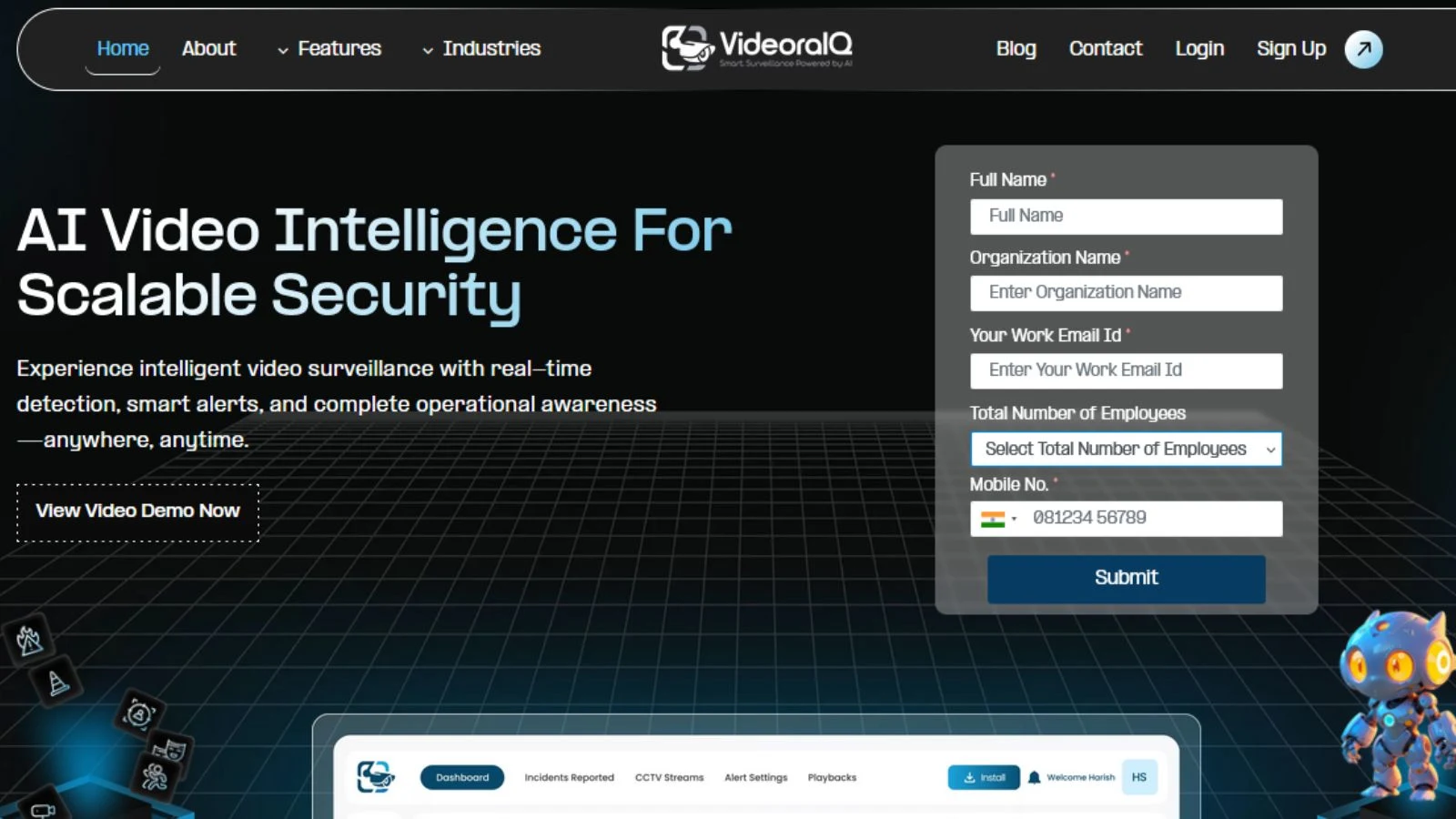
If you’re looking for something that balances performance with ease of use, VideoraIQ is worth a closer look. It’s built to handle real-world monitoring without overcomplicating things, making it easier for teams to stay on top of what matters.
It delivers real-time alerts with minimal delay, so you can respond quickly when something happens. Investigations are also simpler thanks to smart search, which helps you find specific moments without going through hours of footage. The platform fits smoothly into your existing setup, so you don’t have to rebuild everything from scratch. As your needs grow, it scales with you, whether that means adding more cameras or expanding across locations.
Key highlights:
- Real-time alerts for faster response
- Smart video search for quick investigations
- Easy integration with existing systems
- Scalable setup for growing operations
- Clean, user-friendly dashboard
Overall, it’s a practical choice for teams that want better visibility and control without dealing with unnecessary complexity.
Conclusion
Choosing the right video analytics platform isn’t about picking the one with the most features, it’s about finding one that actually fits your needs. The right system should help you respond faster, reduce manual work, and give you clear, reliable insights without adding complexity.
As you compare options, focus on how well the platform performs in real situations, how easily it integrates with your existing setup, and whether it can scale as your requirements grow. These are the factors that truly impact long-term value.
In the end, the best choice is simple: a platform your team can trust, use with confidence, and rely on every day.
FAQ
- How do AI models power a video analytics platform?
AI models are the core engine behind a video analytics platform. They analyze video feeds to detect objects, recognize patterns, and identify unusual behavior. This allows the system to move beyond simple recording and provide meaningful, real-time insights.
- What role do search engines play in video analytics?
Search capabilities help users quickly find specific moments in large volumes of video data. Instead of manually reviewing footage, users can search by time, object, or activity, making investigations faster and more efficient.
- Can a video analytics platform combine multiple data sources?
Yes, advanced platforms can integrate video data with external sources like social media or other data streams. This provides additional context, helping teams make better decisions and respond more effectively to situations.
- Why is data integration important in video analytics?
A platform that connects AI insights with searchable data and external inputs becomes far more useful. It allows users to not only detect events but also understand patterns, trends, and broader context across different environments.
- How does a video analytics platform turn data into actionable insights?
By combining AI processing, searchable video data, and external inputs, the platform transforms raw footage into clear, actionable information. This helps organizations respond faster, improve operations, and make more informed decisions.
- What is VMS software for CCTV?
VMS (Video Management System) software for CCTV is a platform that helps you manage, monitor, and store video footage from multiple cameras. It allows users to view live feeds, record video, and access recordings from a central system.

