

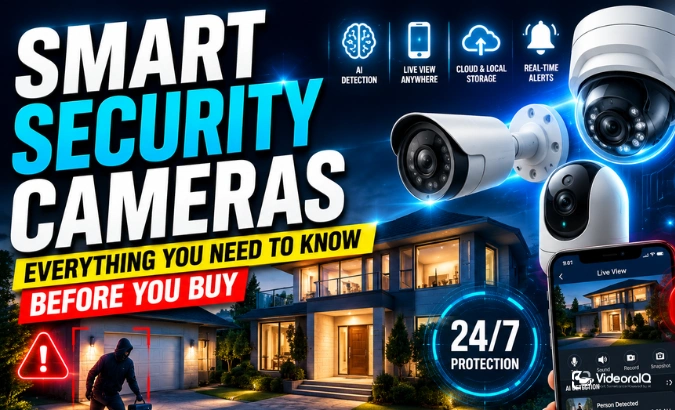
Security threats don’t wait. They happen at 2 AM, on a Tuesday, when no one is watching. That is exactly why more homes and businesses are switching to smart security cameras today.
But here is the problem: most people buy cameras without really understanding what they need. They end up with blurry footage, constant false alerts, or a system that goes down the moment the Wi-Fi cuts out. This guide changes that.
Whether you are protecting a home, a warehouse, or a retail chain, this is the most practical breakdown you will find on smart security camera systems in 2026.
In a hurry? Listen to the blog instead!
Why Smart Security Cameras Are Different
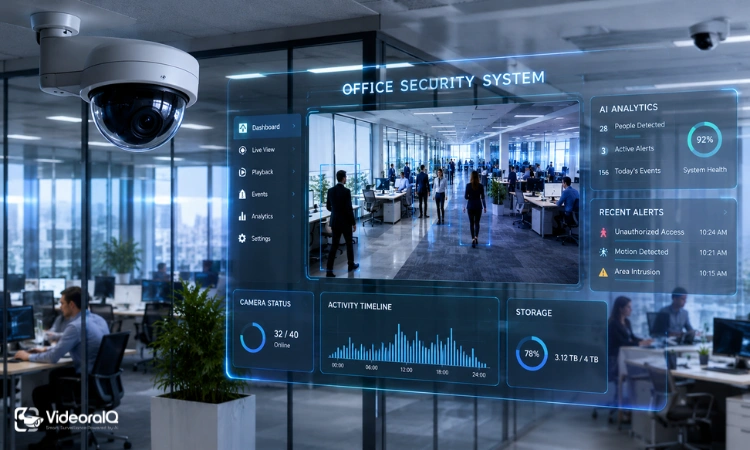
A traditional CCTV camera records. That is all it does. It captures hours of footage that nobody ever reviews until something goes wrong.
A smart security camera actually thinks. It detects motion, recognizes faces, reads license plates, and sends you an alert before the threat escalates. The difference is not just convenience. It is the difference between reacting to a crime and preventing one.
Here is what makes modern smart cameras genuinely smarter:
- AI-powered detection: Identifies people, vehicles, and objects, not just pixel changes
- Real-time alerts: Notifies you within seconds of a detection event
- Remote access: View live feeds from your phone, tablet, or laptop, anywhere in the world
- Smart home integration: Works with Alexa, Google Assistant, and Apple HomeKit
- Cloud and local storage: Footage stored securely, accessible anytime
The global video surveillance market was valued at $35 billion in 2022. It is projected to reach $54 billion by 2026. That growth is being driven by exactly this shift from passive recording to active intelligence.
What Should Your Cameras Actually Cover?
Before you buy a single camera, decide what you need to protect. Coverage strategy matters more than camera count.
Start with these locations:
- Front doors and entry points
- Driveways, garages, and vehicle approach paths
- Gates, walkways, and package drop zones
- Back doors, side paths, and fence lines
- Reception areas, lobbies, and server rooms (for businesses)
Every critical location needs two types of views. First, a context view, which is a wider angle that shows the full scene and approach path. Second, an identification view, which is a tighter angle placed closer to where a face or license plate will actually appear.
A wide camera covering your whole front yard looks impressive. But if a thief walks up to your door and their face is just a tiny speck in the corner of the frame, that footage is nearly useless. Plan for identification, not just coverage.
Choosing the Right Lens for Each Location
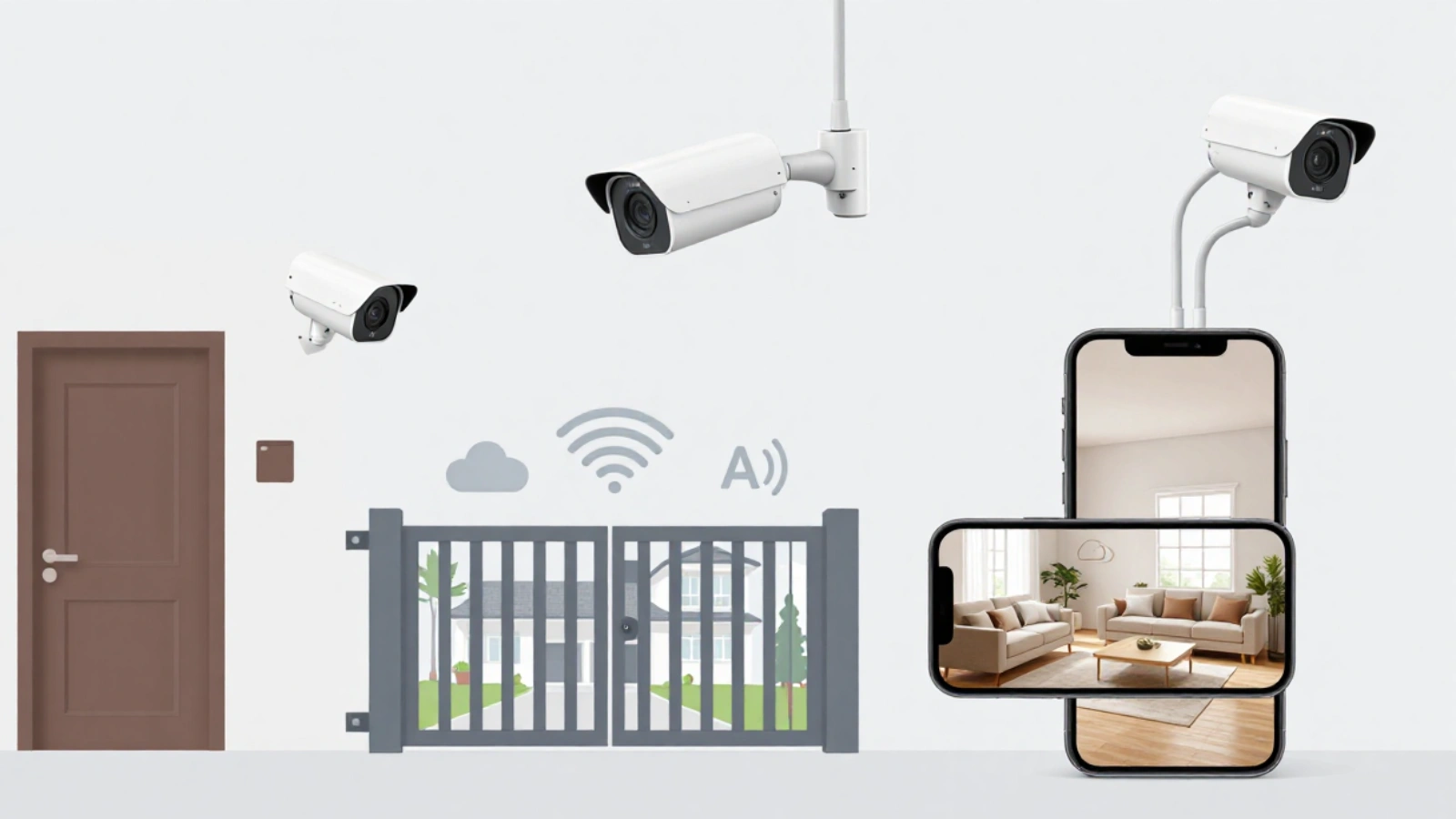
Lens size determines how much detail your camera captures at a given distance. This is one of the most overlooked decisions when buying a smart home security camera.
Here is a simple way to think about it:
- 2.8mm lens: Best for porches, lobbies, and close-range entry points. Face identification up to around 12 feet
- 4mm lens: A strong default for walkways, garage aprons, and entry doors. Identification up to around 20 feet
- 8mm lens: Ideal for gates, driveway choke points, and longer perimeter views. Identification up to around 40 feet
- 12mm lens: Works for dedicated lanes and narrow long-distance views. Identification up to around 60 feet
The rule is simple: match the lens to the distance where the subject will actually appear, not to how wide you want the frame to look.
Wired vs Wireless: Which Should You Choose?
This question comes up in every installation. The honest answer depends on your situation, but wired PoE (Power over Ethernet) cameras win on reliability in almost every case.
Why wired PoE cameras are stronger:
- One cable carries both power and data, no outlet needed at the mounting point
- No dependence on Wi-Fi signal strength or congestion
- Continuous recording is much more consistent
- Better night performance and fewer connection drops
- Easier to troubleshoot when something goes wrong
A smart wireless security camera still has its place. For renters, temporary setups, or locations where running cable is not practical, wireless is a reasonable choice. Just understand the tradeoffs: battery maintenance, potential recording gaps, and heavier reliance on cloud subscriptions.
For homes and businesses where camera security actually matters, hardwired PoE with local storage is the standard recommendation in 2026.
How Much Storage Do You Actually Need?
Most people guess at storage and end up either running out of space or paying for far more than they need. There is a simple formula that fixes this.
Storage per day (GB) = average bitrate (Mbps) × 10.8
So a camera running at 4 Mbps uses about 43 GB per day. Four cameras at that bitrate use roughly 172 GB per day. Over 14 days, that is around 2.4 TB of storage.
A few things that affect how much storage you actually use:
- H.265 compression cuts file sizes significantly compared to older H.264
- Motion-only recording reduces storage but creates gaps in continuous coverage
- Higher resolution cameras produce higher bitrates
- Scenes with lots of movement (trees, traffic) push bitrates higher
The smart approach: use continuous recording on your most critical identification views, and switch wider context cameras to motion or smart-detection recording. You get complete evidence where it counts, without wasting storage on hours of empty sky.
Read More:
What Is Security Camera Cloud Storage & Why Use It?
Best Cameras Security Systems: Complete Guide To Features, Benefits, Costs, And Installation (2026)
AI Alerts That Are Actually Useful

One of the biggest complaints about security cameras is notification fatigue. Your phone buzzes 40 times a day because a tree moved, a shadow crossed the frame, or a car drove by on the public road.
The solution is smarter detection settings, not fewer cameras.
Start with these AI detection priorities:
- Person detection: alerts when a human is present, not just any motion
- Vehicle detection: useful for driveways, parking areas, and loading docks
- Line crossing: triggers when someone crosses a specific boundary you define
- Activity zones: excludes roads, trees, and reflective surfaces from triggering alerts
Advanced features like license plate recognition (LPR) and face recognition are genuinely powerful, but they need the right camera angle, lighting, and distance to work well. Treat them as precision tools for specific use cases, not as default settings for every camera.
The goal of notifications is simple: every alert should be something a real person would actually act on.
Meet VideoraIQ: AI That Watches So You Don’t Have To
Here is the honest reality of most smart home security camera systems in 2026: the cameras are getting smarter, but the software behind them often is not keeping up.
VideoraIQ changes that.
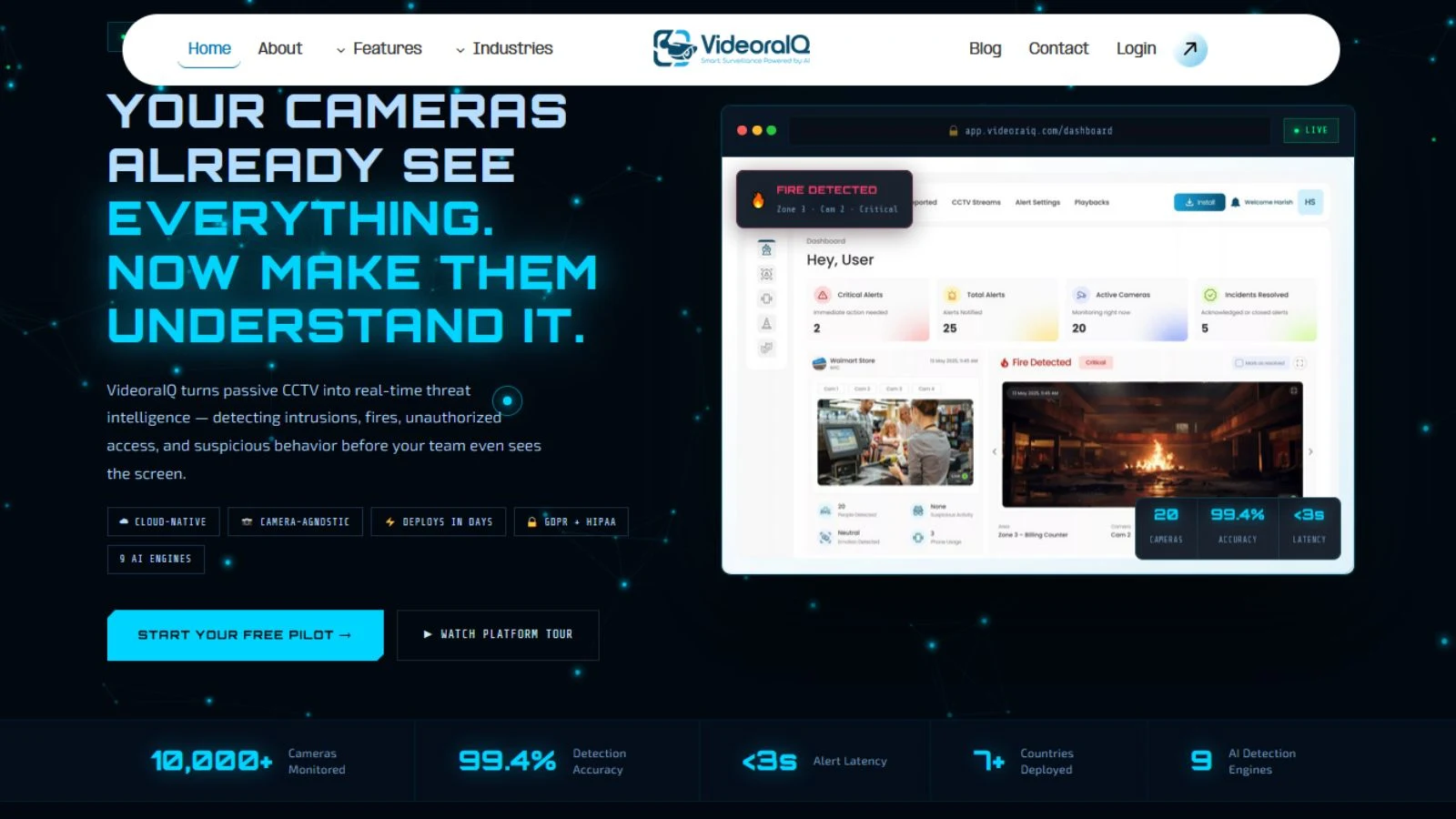
VideoraIQ is an AI video intelligence platform that connects to your existing cameras, including Hikvision, Dahua, Axis, Bosch, and 200+ other brands, without any hardware swap. It deploys in under 72 hours and starts watching every frame immediately.
What VideoraIQ’s 9 AI engines detect in real time:
- Intrusion into restricted zones
- Fire and smoke, up to 60 seconds before traditional sensors
- Unattended baggage in public areas
- Unauthorized access to sensitive locations
- Face recognition against watchlists
- License plate recognition and vehicle logging
- Crowd anomaly and density monitoring
- Cashier absence at retail counters
- Line crossing at any boundary you define
Every alert arrives in under 3 seconds, with a timestamped video clip and the exact camera location attached. Not just a ping. Actual context.
VideoraIQ is already live across 7+ countries, monitoring 10,000+ cameras with 99.4% detection accuracy and under 5% false alarm rate. It is GDPR and HIPAA compliant, fully cloud-native, and built for businesses that genuinely cannot afford to miss a moment.
A manufacturing facility customer saw fire detected 52 seconds before their traditional smoke alarm triggered. A retail chain discovered internal theft within 3 weeks of deployment. A corporate campus reduced incident response time from 12 minutes to 45 seconds.
This is what a smart security camera system looks like when the AI actually works.
Start your free pilot at VideoraIQ
Night Vision: What the Spec Sheet Won’t Tell You
Camera brands love to advertise night vision range. The number on the box rarely matches what you get in real-world conditions.
The reason is simple: infrared night vision breaks down when it hits reflective surfaces like glass, polished trim, wet driveways, or vehicle headlights. The IR light bounces back into the lens and washes out the image.
What actually produces usable night footage:
- Gentle ambient lighting near doors and walkways, around 2700K to 3000K color temperature
- Mounting the camera closer to eye level, not high up on a soffit where it only sees the tops of heads
- Warm fill light aimed away from the lens, not shining directly toward it
- Testing after dark with a real walk-through before considering the installation complete
The best night footage comes from controlling the light in the scene, not from trusting a camera’s maximum IR range claim.
What Does a Smart Security Camera System Actually Cost?
Costs in 2026 range widely depending on whether you are doing it yourself or hiring a professional, and whether you want basic coverage or identification-grade security.
DIY consumer setups: $600 to $3,000. Covers a small number of wireless or basic PoE cameras with cloud storage. Works for apartments, small homes, and temporary needs.
Prosumer 4-camera PoE with local storage: $1,500 to $4,500. Includes hardwired cameras, a PoE switch, a local recorder, and a basic retention plan. The right fit for most homeowners and small businesses.
Professional 4-camera PoE with NVR: $3,000 to $8,000. Adds clean cable runs, proper documentation, tuned notifications, and professional commissioning. The right choice when identification-grade footage and long retention matter.
Commercial 8+ camera systems: $8,000 and up. Required for multi-door environments, longer retention, access control integration, or license plate recognition.
As a hardware reference point, current Ubiquiti equipment runs around $129 for a G5 Turret Ultra, $199 for a G6 Turret, and $299 for a UNVR recorder. Those are equipment prices, not installed project totals.
Before You Buy: A Quick Checklist
Use this before spending anything on a smart camera security system:
- Map every entry point, approach path, and area where people or vehicles slow down
- Decide which locations need continuous recording versus motion-only
- Match lens size to the distance where identification actually needs to happen
- Confirm your network can support PoE cameras if going wired
- Calculate storage from bitrate math, not guesswork
- Set up smart detection zones before going live
- Test everything after dark before signing off
The Bottom Line
A smart security camera is only as good as the system it is part of. The camera hardware matters. The lens choice matters. The storage planning matters. But the intelligence layer, the AI that watches every frame and tells you what is actually important, is what separates a passive recording system from real security.
Whether you are protecting a home with a smart home security camera or managing dozens of locations with a full smart home security camera system, the principles are the same: cover the right places, capture identification-grade footage, store it reliably, and use AI to surface what actually matters.
If you want your existing cameras to start thinking, VideoraIQ is where to start.

