

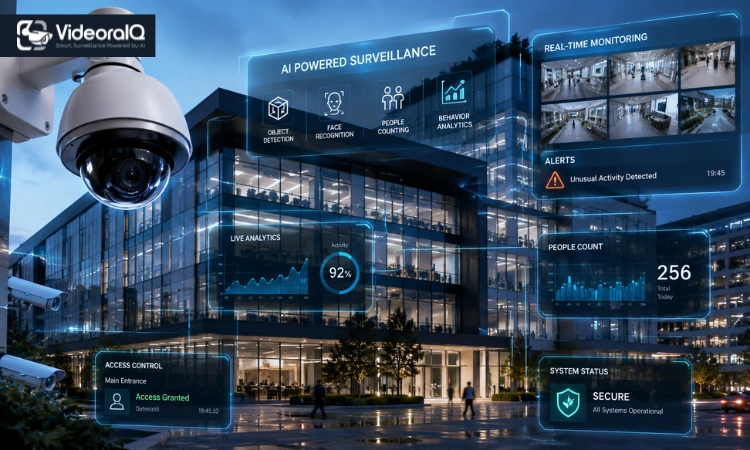
Most businesses discover their security gaps only after a costly incident. A stolen shipment, a disputed insurance claim, a workplace injury with no footage to review. Commercial surveillance systems exist to close those gaps before damage happens, not after. This guide covers how these systems work, what features actually matter, where they deliver real value, and how to choose one that fits your business.
Read Aloud!
Commercial Surveillance Systems at a Glance
Commercial surveillance systems are business-grade camera networks built to monitor, record, and analyze activity across a facility or multiple locations. Unlike residential setups, they are designed for scale, with robust hardware, extended storage, AI-powered analytics, and centralized management of dozens of cameras from one interface. Businesses rely on them for consistent, reliable visibility over people, assets, and daily operations around the clock.
Why Businesses Are Investing in Commercial Surveillance Systems
Security is the obvious driver. But the case for surveillance reaches well beyond cameras pointed at entry doors.
Protect People and Property: A visible system reduces opportunistic theft and de-escalates tense situations before they turn serious. It signals to everyone who enters that the space is monitored professionally.
Reduce Theft and Fraud: Retail shrinkage, internal fraud, and supply chain theft cost businesses billions each year. Strategic camera placement across stockrooms, loading docks, and checkout areas makes commercial surveillance systems an effective deterrent that is far less expensive than the losses they help prevent.
Strengthen Incident Investigation: Recorded footage is often the fastest path to resolution when something goes wrong. A disputed insurance claim, a workplace accident, or a break-in—clear video removes ambiguity and speeds up legal processes considerably.
Support Operations with AI Insights: Modern commercial video surveillance systems do more than record. AI analytics track foot traffic, monitor occupancy levels, and flag unusual activity in real time, turning what was purely a security tool into operational intelligence.
Key Components of a Commercial Surveillance System
Security Cameras: Business-grade cameras are built for continuous 24/7 operation. Resolution, field of view, weatherproofing, and low-light performance all vary by placement need.
Network Video Recorders (NVR): An NVR processes and stores footage from IP cameras over a network. Higher-end NVRs support larger camera counts, longer retention windows, and faster search functionality.
Cloud Storage vs. Local Storage: Local storage keeps footage on-site, avoiding subscription costs but limiting remote access. Cloud storage allows access from anywhere and protects recordings if on-site hardware is stolen or damaged. Hybrid setups are increasingly common for both redundancy and flexibility.
AI Video Analytics: Analytics engines detect specific objects or behaviors, distinguish real threats from false triggers, and eliminate the need to manually review hours of footage.
Remote Monitoring and Mobile Access: Managers can view live or recorded footage from any device, regardless of location. For multi-site businesses, this centralized visibility is often the most valuable feature of a commercial surveillance system.
Integration with Access Control: When commercial surveillance systems connect to door access logs or alarm systems, the combined data becomes far more actionable. You can cross-reference an access event with footage in seconds while improving overall security response.
Types of Commercial Surveillance Camera Systems
| Camera Type | Best For | Limitation |
| Dome | Indoor areas, retail ceilings | Shorter outdoor range |
| Bullet | Outdoor perimeters, parking | More visually obvious |
| PTZ | Large open spaces, warehouses | Higher cost, more maintenance |
| IP | Smart monitoring over networks | Requires stable infrastructure |
Dome cameras blend into indoor environments and provide wide-angle coverage for retail aisles, corridors, and reception areas.
Bullet cameras are built for distance, covering specific entry points, driveways, or perimeter lines from a fixed outdoor position.
PTZ cameras pan, tilt, and zoom remotely, ideal in large open spaces where operators need flexible coverage from a single unit.
IP cameras transmit footage digitally over a network, enabling smart features, remote access, and analytics integration. Nearly every modern commercial system uses IP architecture.
Where Commercial Surveillance Systems Deliver the Most Value
Every environment carries unique risks, and effective surveillance reflects that.
Retail stores face constant exposure to shoplifting and internal theft. Cameras near high-value merchandise and checkout areas reduce shrinkage without requiring additional floor staff.
Warehouses deal with inventory movement across large footprints. High-mounted PTZ cameras and AI analytics help track goods, monitor loading docks, and catch discrepancies between recorded inventory and physical stock.
Healthcare facilities balance security with patient privacy, focusing cameras on hallways and waiting areas. Footage resolves patient fall claims and medication disputes quickly.
Offices and educational institutions need reliable coverage across entries, parking structures, and common areas, particularly after hours when buildings are most vulnerable.
How to Choose the Right Commercial Surveillance System
Most buyers focus too quickly on camera specifications when evaluating commercial surveillance systems. The better starting point is your actual risk profile.
Assess Your Business Risks First: Walk through your facility and identify where incidents are most likely to occur. High-traffic entries, cash handling areas, server rooms, and parking structures typically top the list. That risk map should drive camera placement.
Choose the Right Resolution: 4K cameras capture detail useful for license plate or facial recognition. For most general areas, 1080p provides sufficient clarity at a lower storage cost. Match resolution to actual need.
Decide Between Cloud and Local Storage: Small businesses often benefit from vendor-managed cloud storage. Larger organizations may prefer on-premise NVRs for tighter data control. Hybrid setups offer the best of both.
Plan for Future Expansion: A system handling 20 cameras today should scale to 60 in three years without a full replacement. Confirm scalability before committing to any platform.
Consider Cybersecurity: Security cameras are network-connected devices. Default passwords and unpatched firmware are known vulnerabilities. Every commercial surveillance system deployment should include a cybersecurity hardening plan.
Common Mistakes Businesses Make
- Too few cameras. Most facilities need significantly more coverage than owners initially estimate.
- Ignoring storage requirements. A 30-day retention policy across 40 HD cameras requires substantial capacity. Calculate storage needs before purchasing hardware.
- Consumer-grade equipment. Residential cameras fail faster, perform worse in variable lighting, and lack commercial management features.
- Poor camera placement. Wide coverage is useless if cameras are aimed at the wrong angles or washed out by backlighting.
How VideoraIQ Simplifies Commercial Surveillance
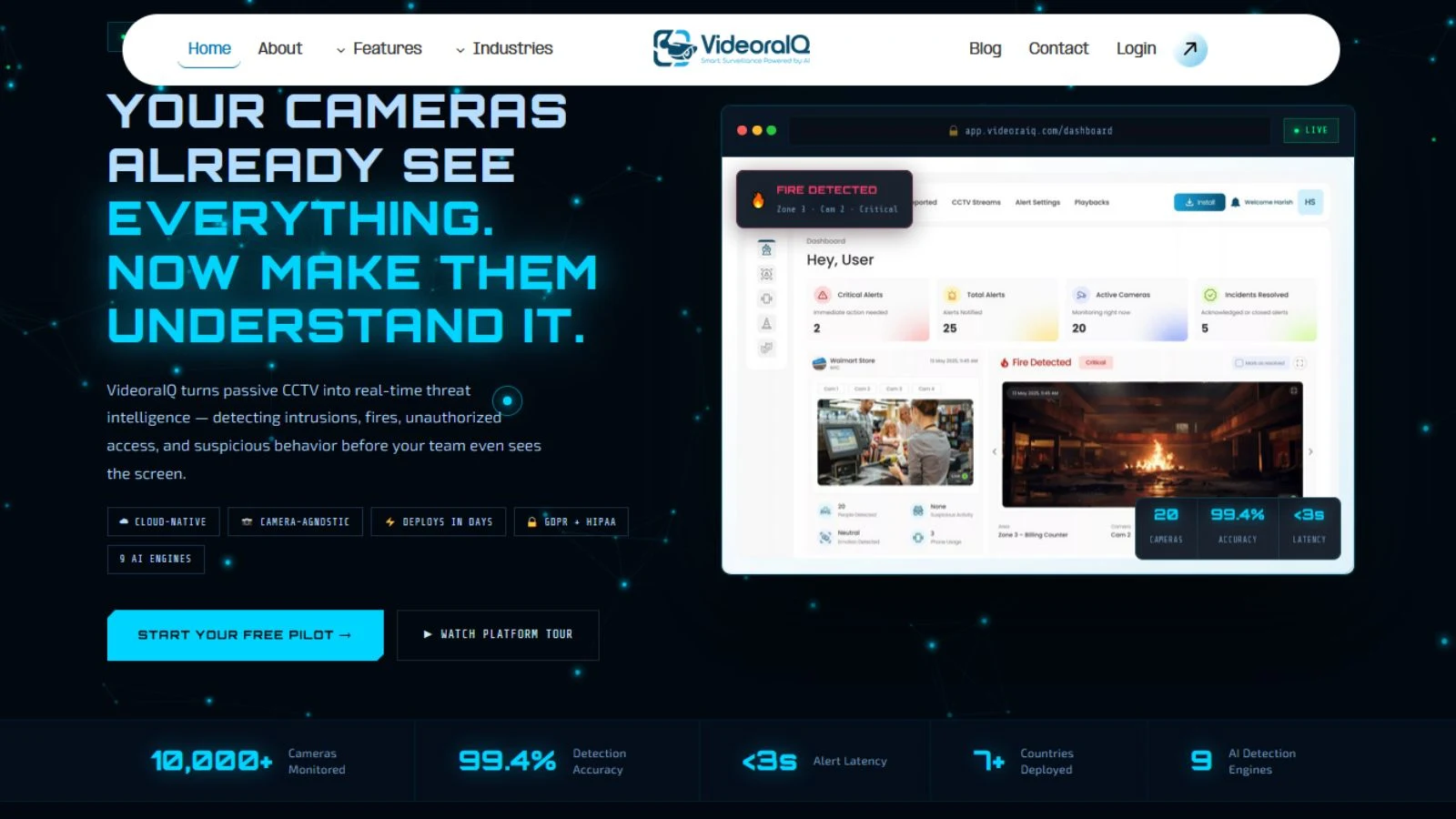
VideoraIQ is an AI-powered video analytics platform that transforms commercial surveillance systems into proactive security solutions. It helps businesses monitor critical events in real time, automate threat detection, and improve response times across multiple locations.
Key Features of VideoraIQ
- AI-Powered Object & Intrusion Detection – Detects people, vehicles, and unauthorized intrusions in real time with intelligent alerts.
- Face & License Plate Recognition – Identifies known individuals and vehicle number plates to strengthen access control and investigations.
- Real-Time Event Alerts – Instantly notifies security teams of suspicious activities such as line crossing, unattended baggage, or unauthorized access.
- Centralized Multi-Site Monitoring – Monitor live feeds and recorded footage from multiple business locations through a single dashboard.
- Advanced Video Analytics – Uses AI to analyze surveillance footage, reduce false alarms, and generate actionable security insights.
The Future of Commercial Surveillance Systems
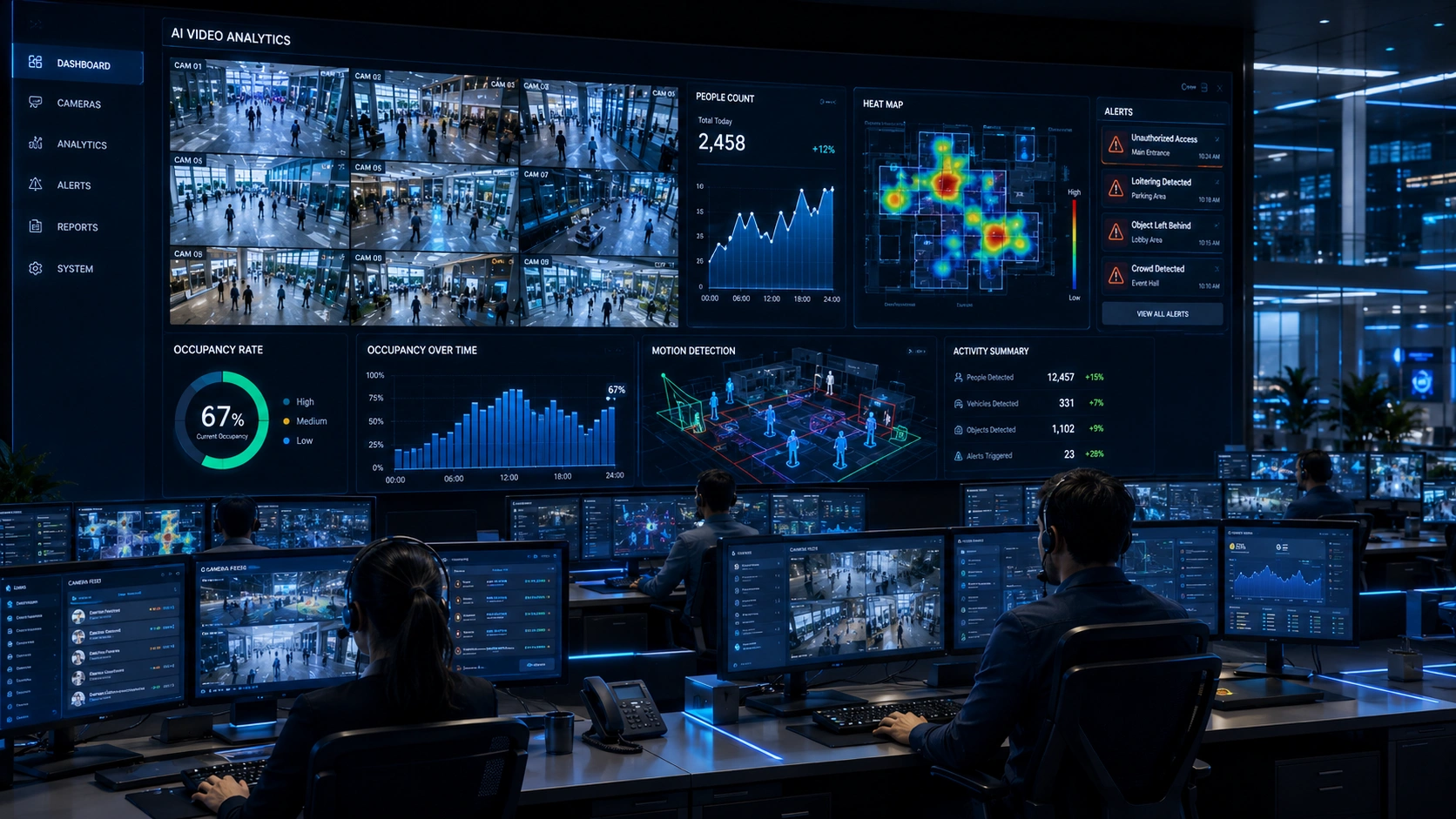
Surveillance is shifting from passive recording to active analysis. Edge AI processing now allows cameras to analyze footage locally rather than sending everything to a central server, reducing bandwidth demands and speeding up response times. Predictive analytics are beginning to flag behavioral patterns that precede incidents rather than simply documenting them afterward.
Integration with smart building infrastructure is also accelerating. Systems that link surveillance with access control, lighting, and building management create connected environments where security data flows across platforms rather than sitting in isolated silos.
Conclusion
Choosing commercial surveillance systems is a strategic decision, not just a hardware purchase. The businesses that get the most from their investment plan around actual risks, build for scalability, and treat footage as operational data. Start with an honest assessment of your vulnerabilities, match the technology to those needs, and build a system that grows with your operation.
Frequently Asked Questions
What are commercial surveillance systems?
Commercial surveillance systems are integrated networks of business-grade cameras, recorders, and software designed to monitor and analyze activity across a facility. They are built for continuous operation, larger scale, and advanced features that residential alternatives cannot match.
How many cameras does a business need?
It depends on facility size and risk areas. A small retail store may need 6 to 10. A large warehouse may require 40 or more. A professional site assessment gives the most accurate answer.
Are cloud-based surveillance systems secure?
Yes, when properly configured. Reputable vendors encrypt data in transit and at rest, support multi-factor authentication, and provide audit logs. Always verify vendor security certifications before signing on.
Can surveillance systems integrate with access control?
Most modern IP-based systems do. Linking footage with badge logs and alarm triggers creates a unified picture that speeds up investigations and improves overall response accuracy.

