

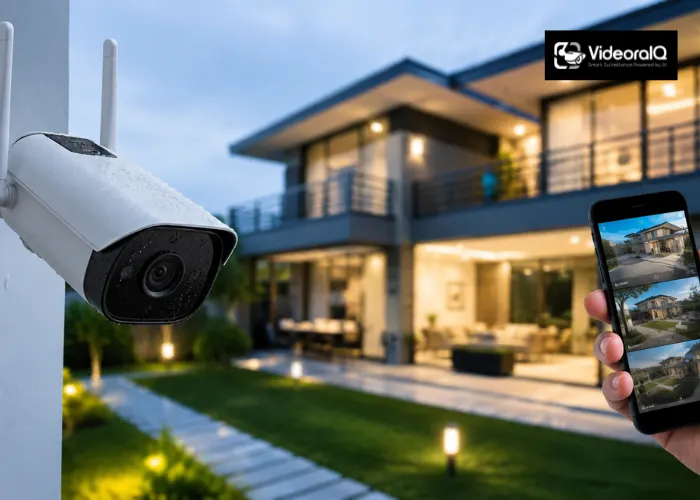
A Wi-Fi camera for your property is no longer as simple as picking the one with the best image quality. Today’s buyers have to think about resolution, night vision, storage options, smart alerts, and whether the camera actually integrates with the rest of their security setup. Whether you are securing a home, a small business, or a large commercial facility, the wrong choice can leave serious gaps that feel invisible until something goes wrong. A good wifi camera should do more than record; it should give you confidence that your property is being watched intelligently, not just passively. This guide covers every key factor you need to evaluate before investing, from hardware specifications to the AI intelligence layer that separates modern security from outdated recording systems.
Listen to the podcast!
Indoor vs. Outdoor: Start With Placement
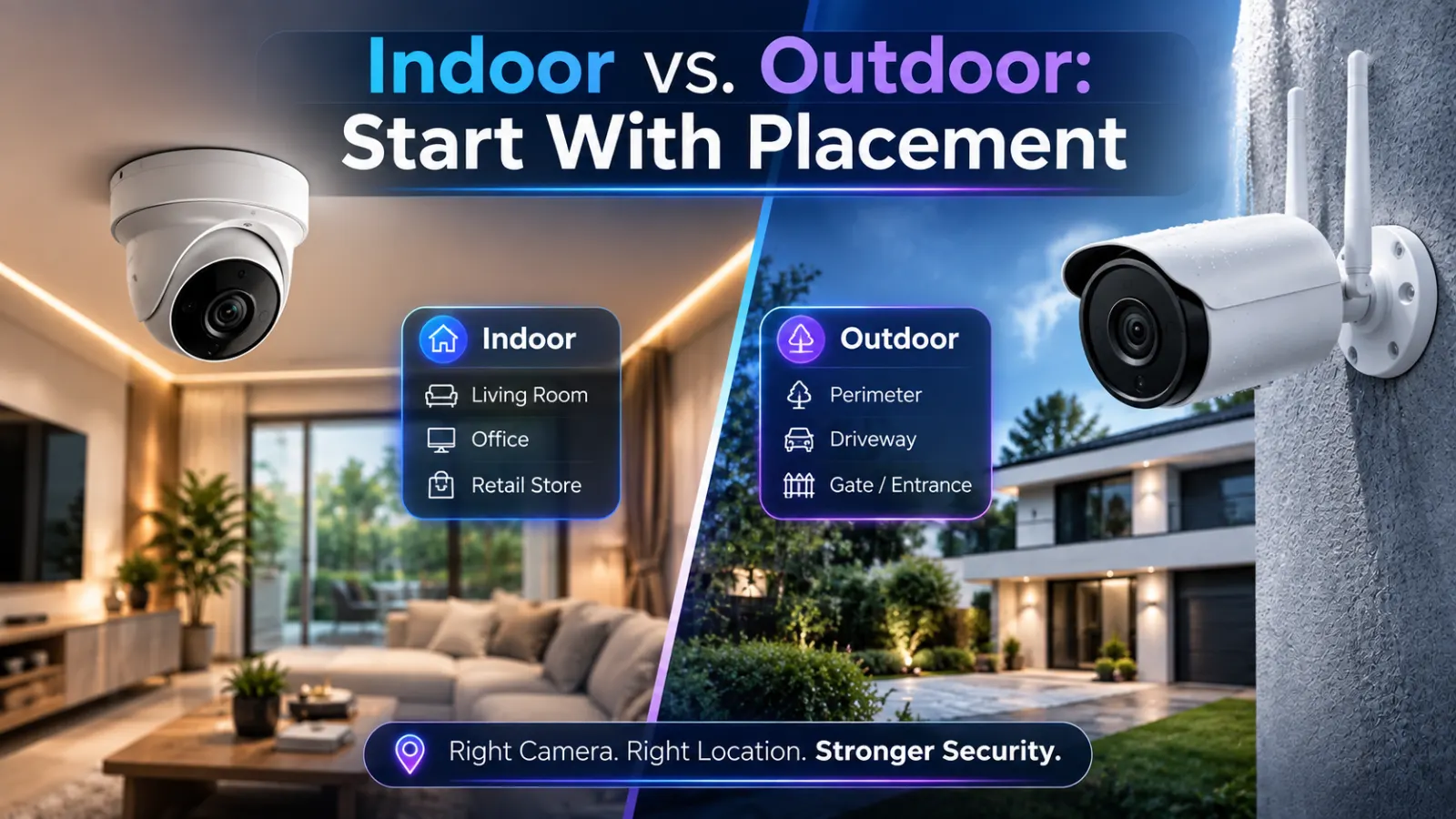
Before comparing specifications, the first decision is simple: where does the camera go?
Indoor cameras are typically smaller, less weatherproofed, and designed for lower-light interior environments. They work well for monitoring entrances, reception areas, stockrooms, and corridors inside a building.
Outdoor cameras need an IP65 or IP67 weatherproofing rating to handle rain, dust, and temperature swings. They also need wider fields of view to cover driveways, perimeters, parking areas, and building exteriors where threats are more likely to approach from unpredictable angles.
Many buyers make the mistake of purchasing an indoor model and placing it near an exterior window. The result is glare, reflections, and degraded night vision performance. Match the camera to its environment first, then compare features.
Resolution and Field of View: What Actually Matters
Most wifi cameras sold today offer 1080p resolution as a baseline, with 2K and 4K options available at higher price points. For general monitoring, identifying whether someone is present, 1080p is usually sufficient. For capturing faces or license plates clearly enough to act on, 2K or 4K resolution makes a meaningful difference.
Field of view determines how much of a space a single camera covers. A 90-degree lens works for focused coverage of a doorway or till area. A 130-degree or wider lens covers larger spaces, such as car parks, open offices, or retail floors. A camera with a narrow field of view placed in a large open space creates blind spots that any competent intruder will find.
Pan-tilt-zoom (PTZ) cameras solve this with motorised rotation, but they cost more and require more configuration to use effectively.
Night Vision and Low-Light Performance
Most incidents—break-ins, unauthorised access, and fire—happen outside business hours. A wifi camera that performs poorly in low light is only half a security tool.
Standard infrared (IR) night vision works well in complete darkness but produces black-and-white footage, which can make identification harder. Full-colour night-vision cameras use additional ambient-light sensors or built-in spotlights to produce colour footage after dark, significantly improving the ability to identify individuals, clothing, and vehicle colours.
Look for cameras that list their minimum illumination rating (measured in lux). Anything below 0.1 lux indicates strong low-light performance. Cameras that rely entirely on IR with no colour output should only be considered for locations where colour detail is genuinely unnecessary.
Wifi Connectivity and Network Stability
A Wi-Fi CCTV camera is only as reliable as its network connection. Before purchasing, map your wifi signal strength at the intended installation location. Camera-quality video streaming requires consistent bandwidth; a weak or inconsistent signal produces dropped frames, buffering, and gaps in recorded footage that defeat the purpose of having a camera there at all.
Key network considerations:
- Dual-band support (2.4 GHz and 5 GHz): 5 GHz offers faster speeds but shorter range; 2.4GHz offers better wall penetration for cameras placed further from the router.
- Signal strength at the installation point: Use a wifi analyser app to confirm signal strength before mounting; anything below -70 dBm will cause reliability problems.
- PoE alternative: For fixed installations where network stability is critical, consider Power-over-Ethernet (PoE) cameras rather than Wi-Fi-only models.
- Upload speed: 4K streaming requires more upload bandwidth; confirm your internet plan supports continuous upload from multiple cameras simultaneously.
Local Storage vs. Cloud Storage
How footage is stored determines how accessible it is, how secure it is, and what it costs you over time.
- Local storage (microSD card or NVR/NAS): keeps footage on-site without a recurring subscription. The risk: if a camera is stolen or damaged, the footage goes with it. Cards also have limited capacity and require manual management or auto-overwrite settings.
- Cloud storage: keeps footage off-site and accessible from anywhere but typically requires a monthly subscription that adds up over time for multi-camera setups. Most cloud plans also only retain footage for 7 to 30 days, which may not be enough for insurance or legal purposes.
- Hybrid storage recording locally while backing up to the cloud is the most resilient approach and is increasingly supported by mid-range wifi camera systems.
Smart Alerts vs. Motion Detection: Why the Difference Matters
Basic motion detection fires an alert every time a leaf blows past your camera or a car drives by. For a single-camera home setup, that is manageable. For a multi-camera business property, alert fatigue sets in quickly, and important notifications start getting ignored.
Smart alert systems use AI to distinguish between humans, animals, vehicles, and irrelevant motion before sending a notification. Higher-end systems go further, identifying whether a person is in an area they should not be in, whether a vehicle matches a known plate, or whether an object has been left unattended for too long.
The best Wi-Fi-based CCTV camera for home or business use is not necessarily the one with the most megapixels. It is the one that sends you accurate, relevant alerts without burying them in noise, so when a real threat occurs, your team acts on it rather than dismissing another false positive.
Read More!
How To Choose The Right WiFi Security Cameras
6 Secrets You Need To Consider Before Surveillance Camera Installation
How VideoraIQ Makes Your Wifi Cameras Dramatically Smarter

Here is the gap most Wi-Fi camera buyers discover too late: the camera captures the footage, but nobody is analysing it in real time.
VideoraIQ is a cloud-native AI video intelligence platform that connects to your existing IP cameras, including wifi cameras from Hikvision, Dahua, Axis, Bosch, and 200+ brands, and deploys 9 AI detection engines across every feed, 24/7, without replacing a single piece of hardware.
What VideoraIQ adds to your wifi camera setup:
- 👤 Face Recognition: Matches faces against watchlists in real time, flags unknown visitors in restricted zones, and generates automatic access logs with name, department, timestamp, and camera zero manual checks
- 🚨 Intrusion Detection: The moment someone enters a restricted zone, VideoraIQ sends an alert with a video clip, camera location, and timestamp in under 3 seconds
- 🔥 Fire & Smoke Detection: Detects smoke and flames 40–60 seconds faster than traditional heat sensors, notifying safety teams with a live feed before alarms sound
- ⛔ Unauthorised Access Alerts: Define sensitive zones (server rooms, pharmacies, stock areas) and receive instant alerts the moment an unauthorised person enters
- 🚗 Number Plate Recognition (ANPR): Automatic vehicle entry/exit logging and blacklist matching across all sites no barriers, no manual checks
- 📦 Unattended Baggage Detection: Flags abandoned objects in public areas within seconds, with clip and camera location sent immediately
- ☁️ Camera-Agnostic, Cloud-Native: Deploys across 200+ camera brands via RTSP; live in under 72 hours with no on-premise servers required
VideoraIQ turns passive wifi cameras into proactive security with 99.4% detection accuracy, under-3-second alert latency, and GDPR and HIPAA-compliant end-to-end encryption built in from day one.
👉 See what your cameras are missing → videoraiq.com
Key Specs Checklist Before You Buy
Use this checklist before purchasing any wifi camera for residential or commercial use:
- Resolution: 1080p minimum; 2K or 4K for identification-critical locations
- Field of view: Match to the size of the space; 130°+ for open areas
- Night vision: Colour night vision preferred over IR-only for identification
- Weatherproofing: IP65 or IP67 for any outdoor placement
- Connectivity: Dual-band wifi; test signal strength at the installation location first
- Storage: Hybrid (local + cloud) preferred for resilience
- Smart alerts: AI-based person/vehicle detection over basic motion triggers
- Integration: RTSP-compatible cameras pair with AI platforms like VideoraIQ
- Privacy compliance: Check GDPR and data residency requirements for commercial use
- Warranty and support: Minimum 12-month hardware warranty; verified support availability
Commercial Properties: Additional Considerations
The best Wi-Fi CCTV camera for home use and the right camera for a commercial property are not always the same product. Commercial installations typically involve more cameras, larger spaces, higher traffic volumes, and stricter compliance requirements.
For commercial settings, prioritise:
- Multi-camera management from a centralised dashboard rather than individual app control
- Role-based access control so security staff, managers, and IT teams each see only what they need
- Audit trails for regulatory compliance in healthcare, education, banking, and government environments
- Scalability from a handful of cameras to hundreds across multiple sites without switching platforms
- Integration with access control systems so entry events and camera alerts are linked automatically
A single wifi camera is a tool. A connected network of cameras monitored by AI is a security system.
Conclusion
Choosing the right wifi camera comes down to matching the hardware to the environment, the resolution to the use case, the storage to the risk profile, and critically, adding an AI intelligence layer that makes the footage actionable in real time rather than just archived for later review.
FAQs
1. What is the best wifi camera for outdoor use?
Look for IP65 or IP67 weatherproofing, colour night vision, a wide field of view, and dual-band wifi. For commercial outdoor use, RTSP-compatible cameras that integrate with AI analytics platforms will give you significantly more value than standalone models.
2. What is the difference between Wi-Fi CCTV and wired CCTV?
Wifi cameras transmit footage wirelessly and are easier to install without cable runs, but they depend on network stability. Wired cameras use PoE or coaxial cable for a more stable connection, better suited for fixed commercial installations.
3. How many wifi cameras do I need for my property?
It depends on entry points, blind spots, and the size of the space. A professional security assessment like VideoraIQ’s free pilot will map your coverage gaps before you spend on hardware.
4. Can AI tools like VideoraIQ work with my existing cameras?
Yes. VideoraIQ is compatible with 200+ camera brands, including Hikvision, Dahua, Axis, and Bosch, connecting via RTSP without any hardware replacement.

