

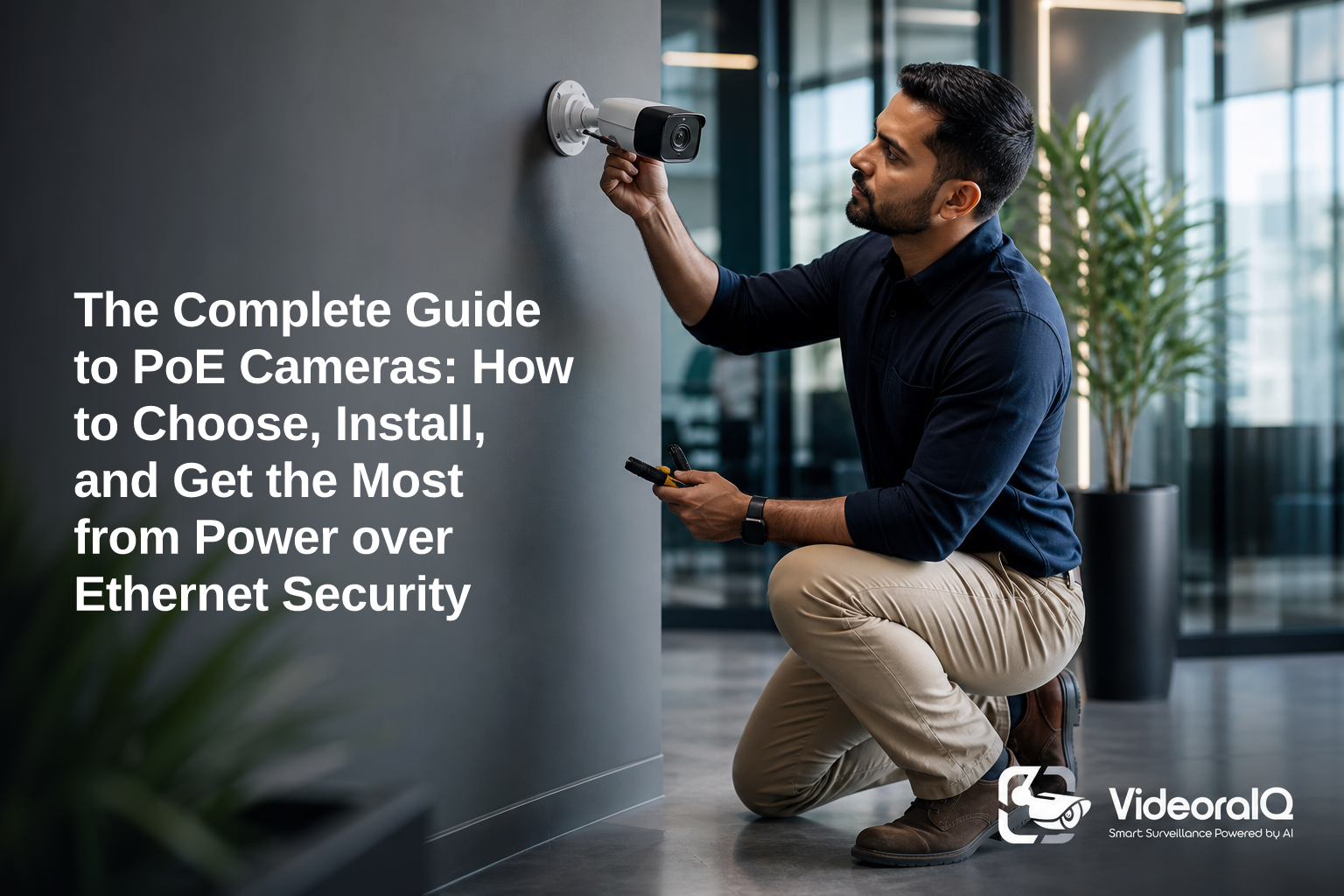
Here’s the short answer you came for in this complete guide poe cameras: PoE cameras send both data and power over the same cable, so you get stable video, fewer failure points, and cleaner installs than Wi‑Fi. As a result, you spend less time chasing dropouts and more time getting useful alerts.
Easier installs beat fancy gear. This complete guide poe cameras shows you how to choose, wire, and tune a system that’s reliable and simple to run. You’ll see how one Ethernet cable can power and connect each camera, and why that matters in 2026.
However, the gear is only half the story. Good planning, where you place cameras, how you size your PoE switch, and what software you run, decides whether you catch an intruder tonight or review grainy clips next week. For an offline approach, this related primer pairs well with PoE planning: Security Cameras Without WiFi: A Complete Guide to Offline Surveillance.
What Is a PoE Camera and Why Does It Matter for Modern Security?
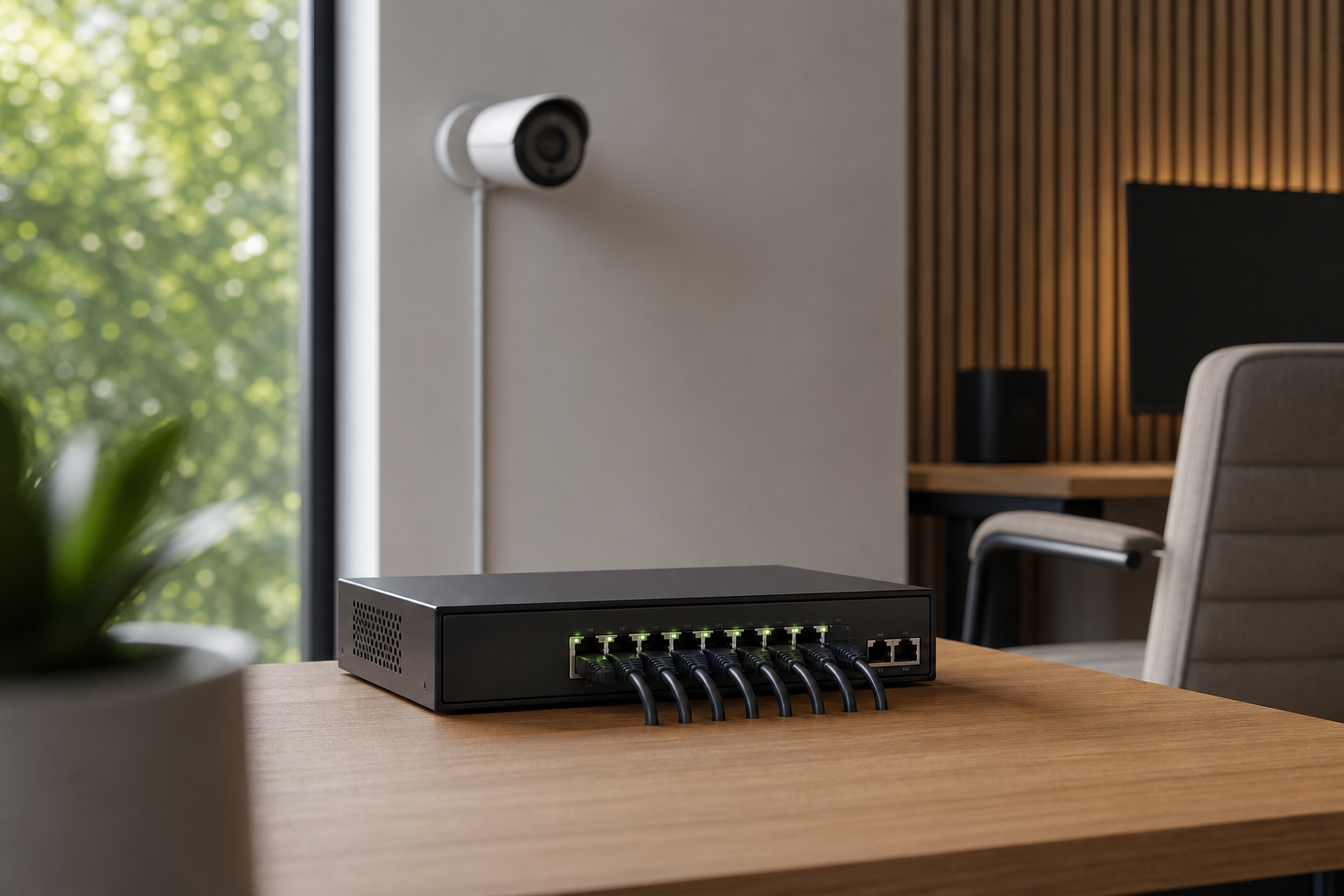
A PoE (Power over Ethernet) camera is an IP camera that receives power and network data through one Ethernet cable. So, you don’t need a separate power outlet or a wall wart at the camera. One clean run. Less to fail.
Compared with Wi‑Fi cameras, PoE is steadier. Wi‑Fi can drop frames when the signal dips, walls block radio, or neighbors crowd the channel. PoE rides on a shielded cable, so video is consistent. Compared with old analog CCTV, IP PoE gives higher resolution, easier scaling, and remote access without coax or separate power runs.
For standards, two matter most: IEEE 802.3af (PoE) and 802.3at (PoE+). The “+” adds more wattage for features like PTZ motors, heaters, and IR arrays. Both follow the Ethernet limit of 100 meters per run (Source: Power over Ethernet).
In practice, you size the switch so each port can feed enough watts for the camera’s peak draw.
Moreover, PoE helps you scale. You can add cameras in stages, hang them where Wi‑Fi would be weak, and pull the cable through conduit for a tidy, code‑friendly job. In addition, modern AI layers work with existing cameras across 200+ brands and fit with most existing surveillance infrastructure, so you can add “smarts” without ripping and replacing your fleet.
PoE vs Wi‑Fi vs Separate Power — Quick View
| Approach | Cable/Power | Reliability | When It Shines |
|---|---|---|---|
| PoE IP | One Ethernet for power+data | High | New installs, pro sites, 24/7 uptime |
| Wi‑Fi IP | Power outlet + wireless data | Medium | Rentals, no-cable areas |
| Separate Power (IP) | Ethernet + local power | Medium‑High | Mixed legacy buildings, short runs |
Therefore, if you want clean installs, predictable uptime, and easy growth, PoE is the default pick. You can still mix in Wi‑Fi where cabling is not possible, but run PoE wherever you can.
How to Choose and Install a PoE Camera System: Step-by-Step
You don’t need a truck full of tools to build a solid PoE setup. Follow this 7‑step path to go from plan to proof.
First, map what you must see, then size gear and cable runs to match. Finally, set software alerts so you act in seconds, not after a shift ends. This is the heart of a complete guide poe cameras you can put to work today.
Plan It Right, Then Wire It Tight
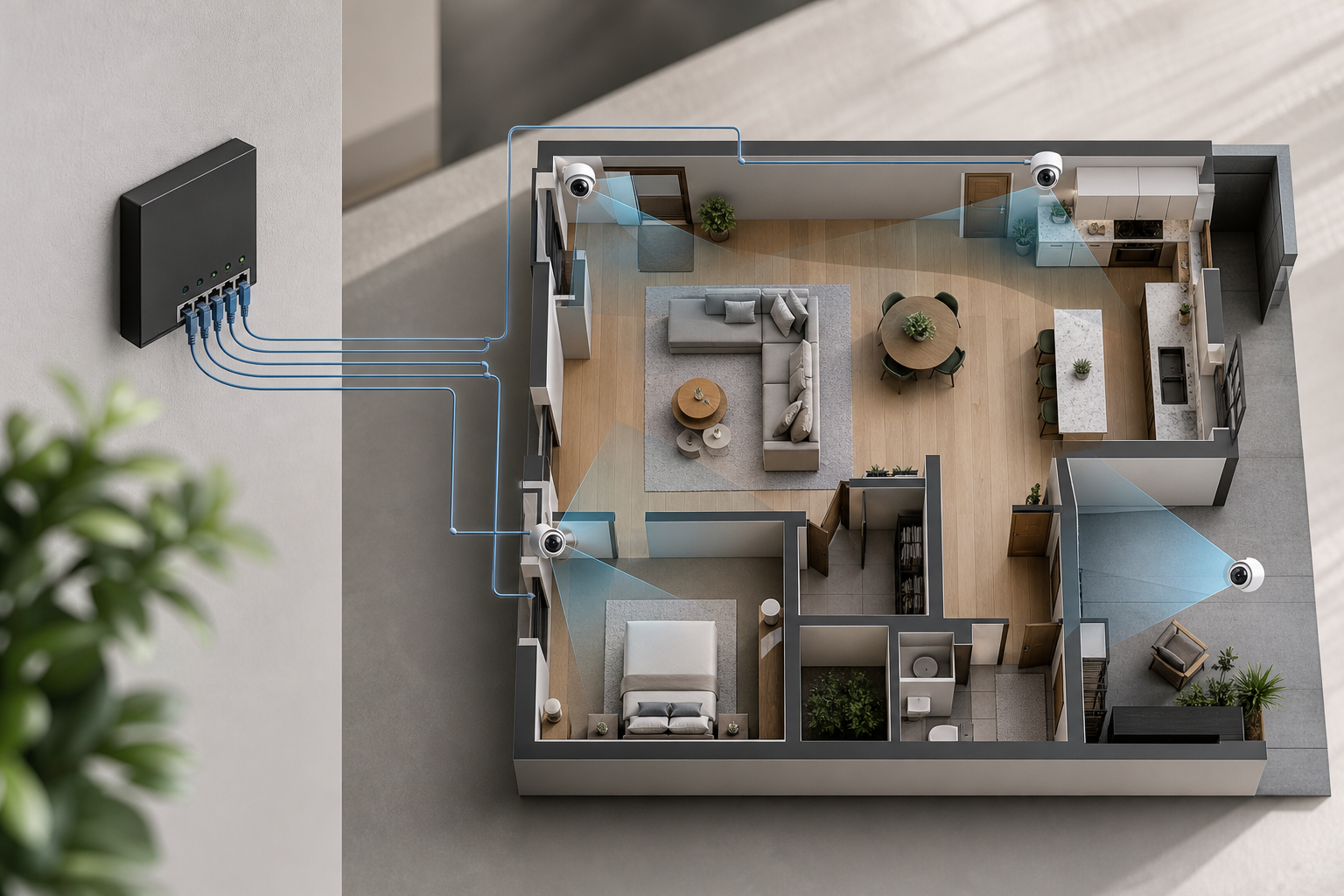
- Assess coverage areas
- Walk the site at day and night. Note doors, gates, cash points, and blind corners. Mark where light drops and where you need plates or faces.
- Calculate camera count
- Use field of view and distance. For faces, keep key paths within 15–20 feet of a lens. For plates, align low and across, not at steep angles.
- Choose resolution and features
- Pick 4K for wide zones; 4MP–8MP for most entries. Add IR for dark spots and audio where policy allows. Consider AI analytics to reduce noise.
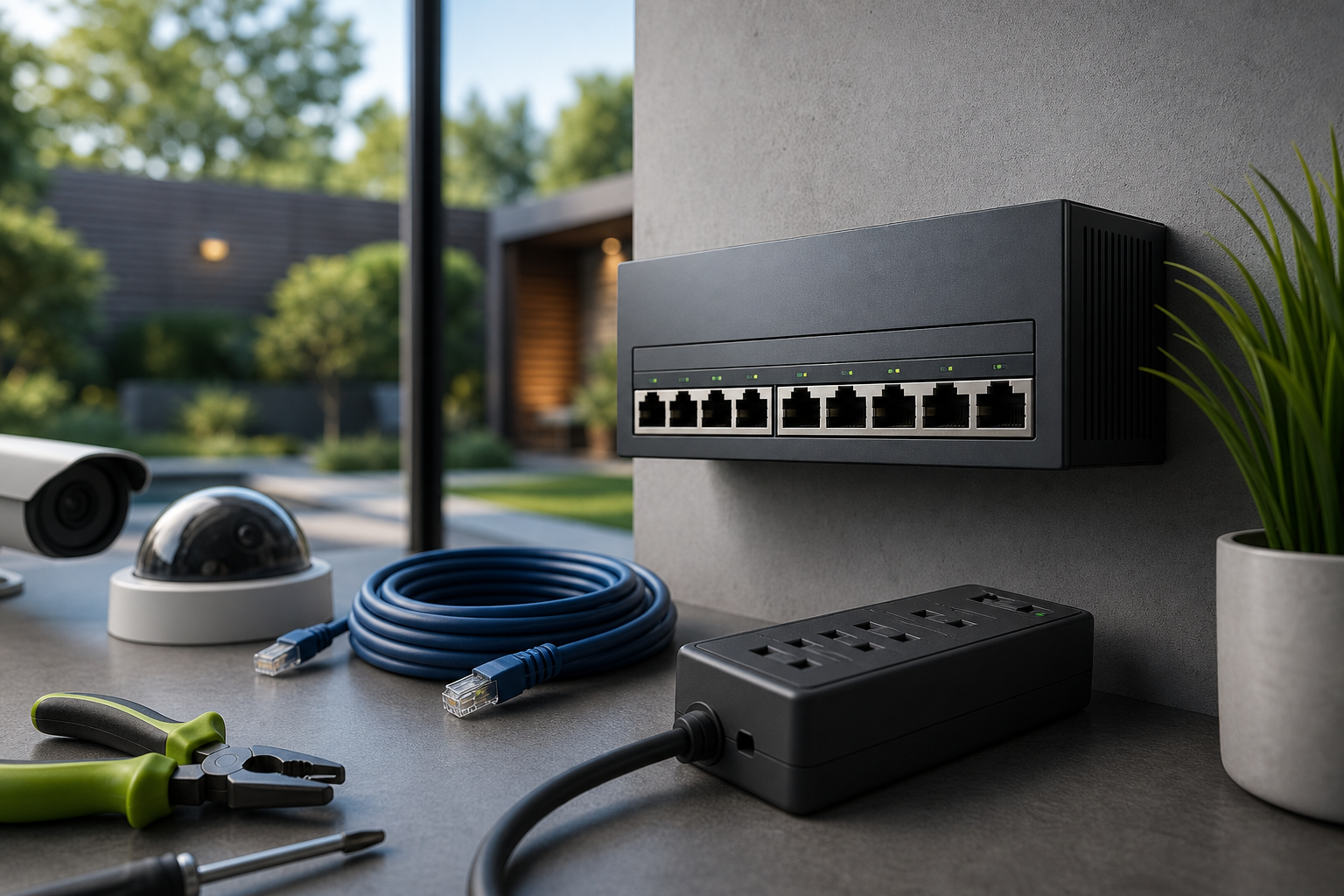
- Select a PoE switch or NVR
- Add each camera’s max watts to size your PoE budget. Choose fanless for quiet rooms. If you want less hardware, pick a cloud-based VMS with no need for on‑premise servers.
- Plan cable runs
- Route Cat6 or Cat6a away from high‑voltage lines. Use outdoor‑rated cable and drip loops outside. Label both ends. Keep bends gentle.
- Mount and connect
- Use solid anchors. Aim for test views, then tighten. Plug into the PoE switch; check link lights. Protect exterior RJ45 ends with weather boots.
- Configure software and alerts
- Add cameras to your VMS/NVR. Create Zone-Based Monitoring around doors, fences, or pallets. Set push or email alerts for people, vehicles, and line‑cross events.
“Installation was quick, and it worked with our current CCTV—no downtime, no extra investment.” — Sana Ibrahim, Hotel Security Lead
As a result, you end with a wired system that sends useful alerts and records clean video. If you’re planning a hybrid or offline setup, keep this resource handy: Security Cameras Without WiFi: A Complete Guide to Offline Surveillance.
Also Read!
How to Choose Fire and Smoke Detection Security Cameras for Airports and Transit Stations
How to Choose a Fire and Smoke Detection Security Camera for Manufacturing Plants and Warehouses
5 Common PoE Camera Mistakes That Waste Your Money
Small oversights turn into daily pain. Avoid these five money‑wasters before you buy the first camera.
First, don’t ignore the PoE budget. Each camera has a peak draw. A switch that “should be fine” on paper can brown out at night when heaters and IR kick in. Size for worst case, not average use.
Second, skip non‑rated cable on long or outdoor runs. Cheap indoor Cat5 will wick water, crack in UV, and cause random drops. Use outdoor or direct‑burial rated cable and proper grounding where needed.
Third, don’t skip surge protection. One storm can fry a switch and half your cameras. Add surge arrestors on exterior lines and ground your infrastructure.
Fourth, plan for growth. Leave 25–30% free PoE power and spare ports. Pull extra cable to far poles while the lift is on site. It’s cheaper now than in six months.
Fifth, avoid cameras without usable AI analytics. Most footage goes unwatched, so smart detection cuts review time and false alerts. Choose software that filters motion by people, vehicles, and set zones.
Quick Mistake Checklist
- Under‑sizing PoE power draw across all ports
- Using non‑rated cable for long or outdoor runs
- Skipping surge/lightning protection on exterior lines
- Forgetting spare ports, watts, and conduit for growth
- Buying cameras without AI that reduces false alerts
Therefore, a few smart picks up front save you hours later and real money on call‑outs and replacements.
Tools and Software That Make PoE Cameras Smarter
Great hardware is quiet. Smart software is loud when it should be.
You can record with an on‑site NVR like Blue Iris or Milestone, or use a cloud VMS that streams and analyzes off‑site
Both paths work; your choice depends on bandwidth, IT policy, and how fast you need alerts.
Where AI Fits
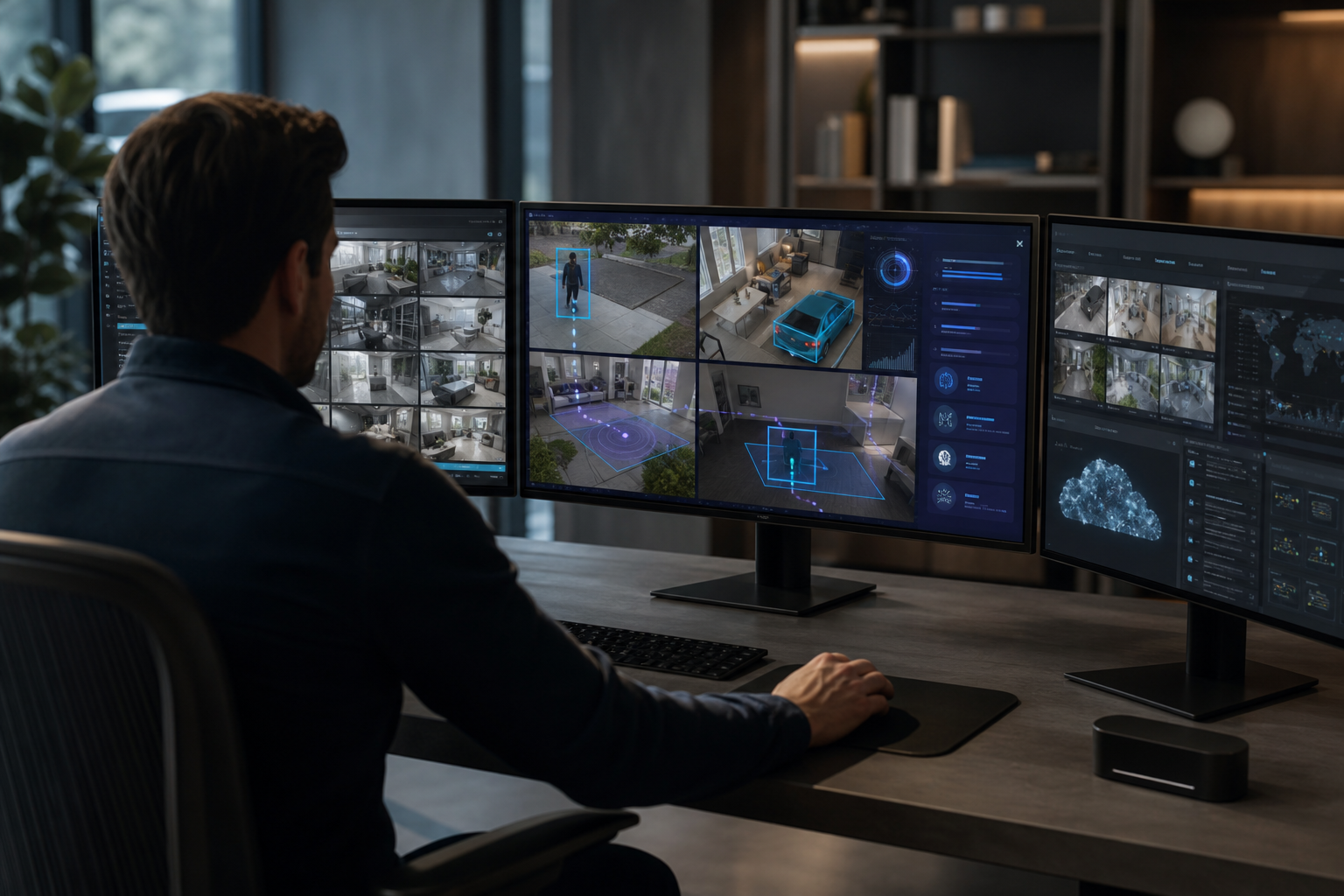
AI sits atop your existing IP cameras and turns motion into meaning, “person in Zone A,” “vehicle crossed Line 1,” or “object left behind for 2 minutes.” That means fewer false pings and fast action.
As one option, tools like VideoraIQ integrate with existing IP-based CCTV systems without additional hardware and are cloud-based with no need for on‑premise servers.
In 2026 deployments, VideoraIQ reports 9 AI detection engines, <3 seconds alert latency, and 99.4% detection accuracy, with 10,000+ cameras monitored across 7+ countries.
It works with existing cameras across 200+ brands, supports Zone-Based Monitoring, and sends real-time alerts with video proof, a location tag, and a timestamp. For sensitive sites, VideoraIQ is GDPR compliant and HIPAA compliant, which helps with privacy reviews.
“We went from finding out about incidents in the morning briefing to being notified in real time. That one event alone justified the entire platform cost.” — Ananya Mehta, Head of Facilities, 200‑Camera Corporate Campus
Furthermore, AI doesn’t replace recording. Keep your NVR or cloud archive, and use analytics to make live monitoring smarter. Specifically, tie alerts to a playbook: who gets pinged, how they respond, and how you log outcomes for audits.
**Get instant AI camera alerts →
What to Do Next: Your First Week with a PoE Camera System
- Day 1–2: Walk every scene at night. Check IR washout, glare, and backlight. Adjust angles to capture faces at entry height and plates near exits. Save snapshots of “good” views for reference.
- Day 3: Draw motion zones. Exclude waving trees and roads. Use Zone-Based Monitoring to protect gates, docks, and cash wrap. Set line‑cross rules on fence lines and door thresholds.
- Day 4: Tune alerts. Start wide, then raise the bar. Set Customizable Time Thresholds for unattended objects so staff bags don’t trigger alarms during breaks.
- Day 5: Test remote viewing. Confirm live view and alerts on your phone over LTE and guest Wi‑Fi. Ensure time sync is correct across all devices.
- Day 6: Document everything. Record camera names, IPs, switch ports, PoE wattage, and passwords in a secure doc. Map each camera to its zone and alert rules.
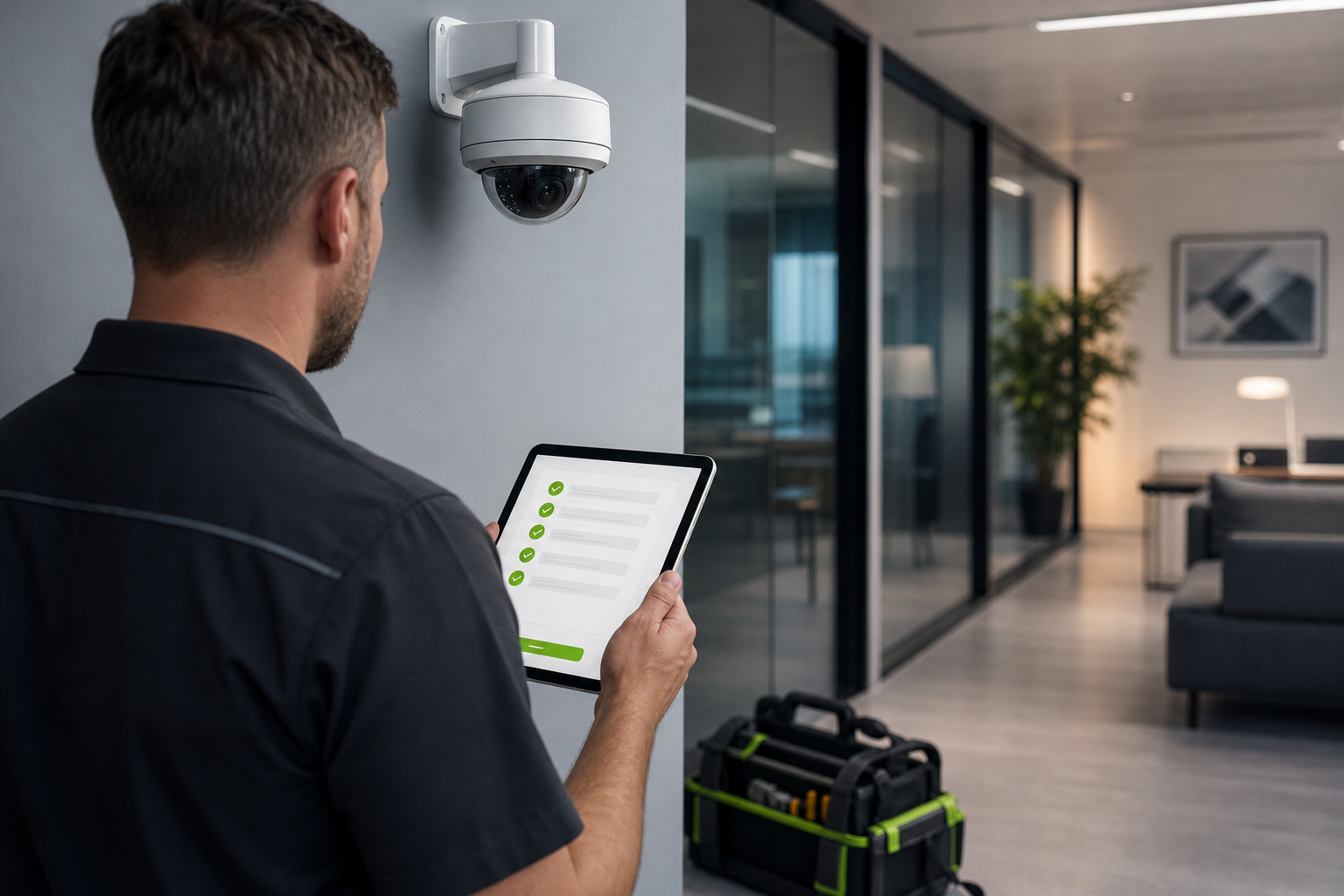
- Day 7: Schedule care. Set monthly lens cleaning and quarterly firmware updates. Enable real-time alerts with video proof, location tag, and timestamp so reports include what happened, where, and when.
Key Takeaways
- PoE sends power and data over one cable for stable, scalable installs.
- Size your PoE switch for peak watts and leave 25–30% headroom.
- Use rated cable, surge protection, and documented IP/port maps.
- Add AI to cut noise and act faster; test alerts on mobile in real use.
- This complete guide poe cameras helps you plan, wire, and tune for results in 2026.
What to Do This Week
Start small, finish strong. Pick one high‑risk entrance, run a PoE drop, mount a 4–8MP camera, and set two alert rules with zones and line‑cross. Then review three days of clips, note every false alert, and tweak. Repeat for the next door until you trust the system under real load.