

**Schedule a free demo today →
Per VideoraIQ data, 85% of CCTV footage is never reviewed. That gap is why traffic monitoring cameras pair smart sensors with AI to detect events as they happen, not hours later. This beginner guide traffic monitoring cameras shows you what the tech is, how it works in 2026, and how to choose a system you won’t regret.
Here’s the short answer you can act on: traffic cameras are networked imaging devices that watch roads and sites in real time, while software detects vehicles, plates, and incidents, then sends alerts with video proof in under a few seconds. With clear goals, the right sensors, and an AI layer, you can move from “constant recording” to “instant response.
Moreover, you’ll learn the key pitfalls to avoid, the tools that stack well together, and a step-by-step path from a pilot to scale. As a result, you can plan a system that fits your site, your rules, and your budget for 2026 and beyond.
What Are Traffic Monitoring Cameras and How Do They Work?
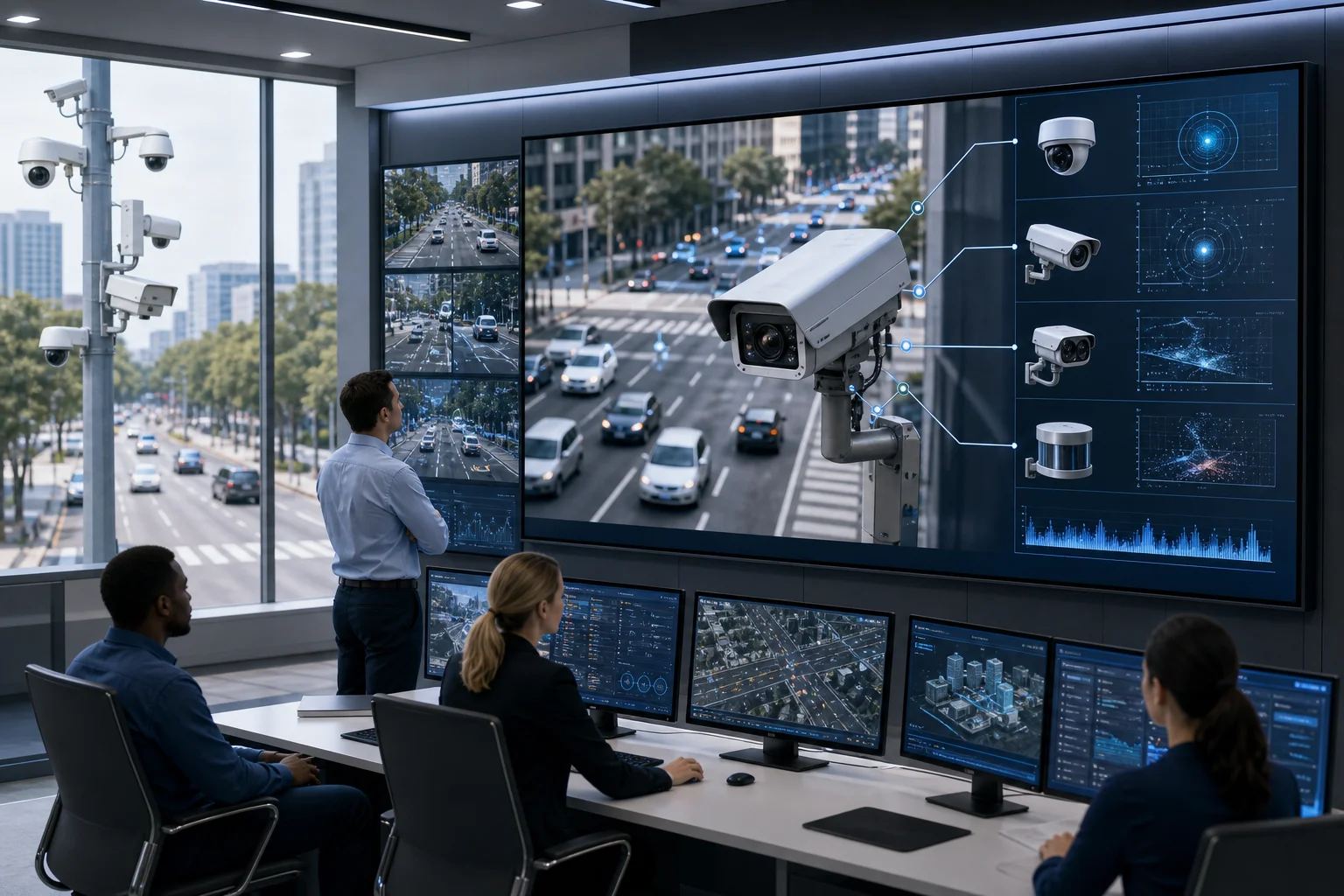
Traffic monitoring cameras are fixed or movable cameras that watch lanes, junctions, car parks, or campuses and turn video into real-time signals you can act on. They capture frames, compress them, send them over the network, and run detection models that spot vehicles, people, plates, and events. Then they log the event and alert your team with a clip, a timestamp, and the camera location. For clarity, this process takes seconds when the pipeline is tuned well.
At the sensor level, three families matter. First, optical (visible-light) sensors give sharp detail in daylight and under street lighting. Second, infrared (near-IR) helps in low light with IR illuminators, so you see at night without blinding drivers. Third, thermal sensors measure heat, which helps in fog, glare, or total darkness since they don’t rely on light at all. Therefore, the right mix depends on your lanes, lighting, and risk profile.
Sensors at a glance
- Optical: Color detail and plate clarity in good light; needs decent illumination at night.
- Infrared: Works with IR LEDs; adds night reach without visible light spill.
- Thermal: Reads heat patterns; strong for detection in rain/fog and no-light scenes.
Under the hood, cameras encode video (H.264/H.265), then send it to a video management system (VMS), a cloud service, or an edge device. Next, AI models (computer vision) detect motion, classify objects, and track movement across zones. For background on the science, see this primer on computer vision.
Modern analytics don’t just draw boxes. Instead, they learn patterns to cut noise, like ignoring tree shadows or reflections on wet asphalt. Furthermore, they fuse context: if a car crosses a virtual line into a bus-only lane and then stops for 20 seconds, that chain can trigger a specific alert. As a result, you get fewer false pings and clearer evidence.
To use this beginner guide traffic monitoring cameras well, think of the system as layers: sensors for raw sight, networking for transport, AI for meaning, and alerting for action. Each layer can live on the camera, on an edge box, or in the cloud. Your design goal is simple: detect the right events, fast, with proof your team trusts.
How to Evaluate and Choose a Traffic Monitoring Camera System: A Step-by-Step Framework
Choosing well starts with clarity, not catalogs. Therefore, define what you must detect, where, and how fast you need to act. The framework below keeps you from chase-the-spec traps.
1.
State top use cases in one line each. For example: “Flag vehicles stopping on the hard shoulder,” “Count cars by lane from 6–10am,” or “Catch wrong-way entries at Gate 3 with alerts in under 3 seconds.” Moreover, set success metrics: alert precision, recall, and max alert latency.
2.
Map light levels (day/night), headlight glare zones, weather (rain/fog/snow), mounting height, and distances. As a result, you can pick optical, infrared, or thermal thoughtfully. Note streetlight timing and any IR-friendly surfaces.
3.
- Fixed: Great for stable frames and analytics accuracy.
- PTZ: Good for manual follow-up but adds motion blur risk for AI.
- ANPR/ALPR units: Tuned optics and shutters for plate reads; pair with scene cameras for context.
Therefore, blend types: fixed for analytics zones, ANPR for plates, PTZ for investigation.
4.
List detections you need: line-crossing, stopped vehicle, wrong-way, people near tracks, fire/smoke, and plate reads. Furthermore, favor platforms with low false alarm rate through pattern recognition and proven accuracy (e.g., 99.4% detection accuracy reported in production). In addition, ask if the service is cloud-based with no need for on-premise servers and if it works with existing cameras across 200+ brands to avoid forklift upgrades.
5.
Confirm ONVIF or RTSP ingest, SSO, alert webhooks, and VMS passthrough. Specifically, look for “Integrates with existing IP-based CCTV systems without additional hardware” so you can start fast and scale. Moreover, test how alerts appear in your current workflows (email, dashboard, or dispatch tools).
6.
Decide days of video you must keep and at what quality. Then size cloud vs. local storage and note costs per TB per month. Importantly, align retention with policy and zones; not all cameras need 30+ days.

Finally, run a tiny proof: one junction, one lot, or a single gate. Therefore, you can validate “Customizable Time Thresholds” for events like stopped vehicles and tune zones before you scale. Use this section of the beginner guide traffic monitoring cameras as your checklist during vendor calls.
**Start a pilot with a free consult →
Also Read!
The Complete Guide to Dome CCTV Cameras: How to Choose, Install, and Get the Most From Them
What Is Genetec? A Beginner’s Guide to Unified Security Platforms
5 Common Mistakes People Make When Choosing Traffic Monitoring Cameras
Even smart teams trip on the same traps. Learn these, and you’ll save months.
Mistake 1: Ignoring night and weather performance
Day tests look great; 2am in fog does not. Instead, test at night, in rain, and with headlight glare. Moreover, compare infrared vs. thermal views on the same scene. As a result, you’ll pick sensors that hold plate clarity and detection range when it matters.
Mistake 2: Overlooking storage and bandwidth costs
Raw 4K looks crisp, but it eats storage. Therefore, model cost per camera for 7, 30, and 90 days at your chosen bitrate. Furthermore, consider event-based clip retention for low-risk zones. Cloud can help, but plan egress fees and retention tiers before you sign.
Mistake 3: Buying without integration checks
Great analytics that don’t plug into your VMS or dispatch flow will sit idle. So, verify ingest formats, alert delivery, and identity integrations. In addition, insist on a live demo that shows an alert landing inside your tools in under <3 seconds.
Mistake 4: Neglecting AI false-alarm rates
Motion-only rules flood your inbox. Instead, seek platforms with a low false alarm rate through pattern recognition and field-proven accuracy such as 99.4% detection accuracy (source: VideoraIQ production benchmarks). Then, review 100+ real alerts from your site to judge signal vs. noise.
Mistake 5: Skipping privacy and compliance from day one
If you process plates or faces, your legal base, retention, and access logs must be tight. Therefore, map your policy to GDPR principles like data minimization and purpose limitation. For primary text, see GDPR on eur-lex. In addition, prefer solutions that are GDPR compliant and support audit trails. This beginner guide traffic monitoring cameras urges you to involve legal early; retrofits cost more.
Tools and Platforms That Enhance Traffic Camera Systems
You don’t need to rip and replace your cameras to get smart results. Instead, stack the right layers: a VMS to manage streams, an AI analytics layer to detect events, storage that fits your retention, and light edge hardware if the scene demands it. As a result, you convert “always recording” into “act now” alerts with video proof.
VMS software
A VMS handles camera onboarding, user roles, and archived playback. Moreover, it tags clips with time and location, which makes audits fast. Ensure it supports ONVIF, RTSP, and webhooks so AI alerts land where your team works.
AI analytics layers
This is where detection lives. Tools like VideoraIQ add a cloud-based AI layer that integrates with existing IP-based CCTV systems without additional hardware. In fact, it offers 9 AI detection engines with object and license plate recognition, and delivers alerts in <3 seconds with video proof. Furthermore, it works with existing cameras across 200+ brands and supports Customizable Time Thresholds for events like “stopped vehicle for 90 seconds.
Cloud storage providers
Cloud storage simplifies backups and scales with your fleet. Therefore, tie retention to policy: 7-day for low-risk lanes, 30-day for junctions, 90-day for incidents under review. In addition, set lifecycle rules to cut costs while keeping evidence clips.
Edge computing devices
Edge boxes help when bandwidth is tight or privacy rules limit cloud video. They can pre-filter events, run ANPR locally, and send only alerts or short clips upstream. Moreover, they reduce backhaul load at remote gates.
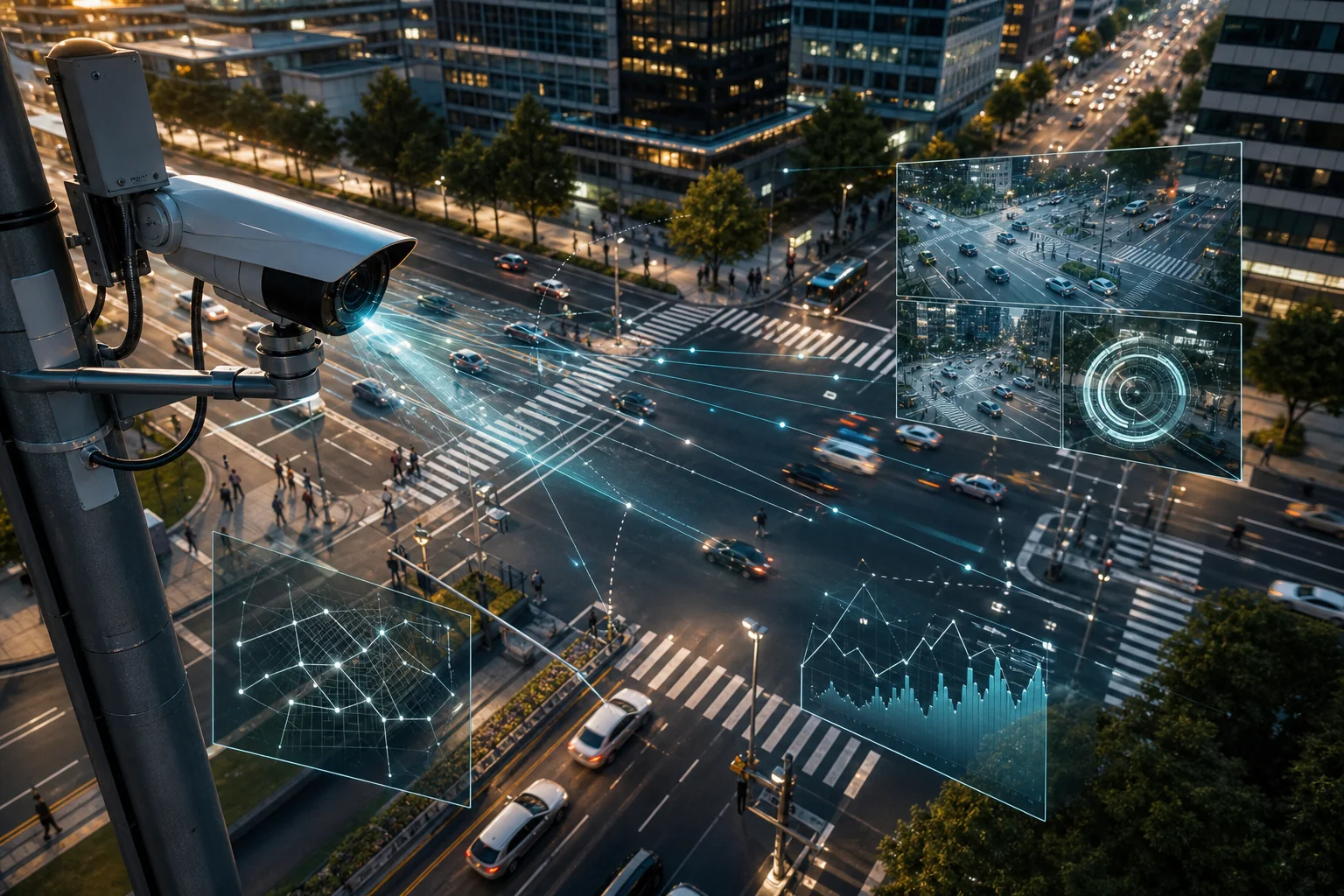
Finally, look for security and scale signals, such as GDPR compliant handling, 10,000+ cameras monitored, and deployments in 7+ countries (source: VideoraIQ). This beginner guide traffic monitoring cameras recommends short, realistic SLAs: test for alert latency, accuracy, and uptime on your own scenes before you expand.
**Get integration guidance in a free call →
What to Do Next: Putting Your Traffic Camera Knowledge Into Action
Turn insight into action while risks stay low. Start small, prove value, then scale.
-
Audit your current setup
List camera locations, types, network paths, and current storage. Moreover, note pain points like false alerts or blind zones at junctions and gates. -
Create a clear requirements checklist
Define scenes, target events, alert speed, and retention by zone. As a result, you’ll compare vendors on the same yardstick rather than on glossy demos. -
Request demos from 2–3 vendors
Share a sample scene from your site. Then ask each to run live for one week and export 50–100 alerts with clips. Furthermore, verify “works with existing cameras across 200+ brands” and cloud-based with no need for on-premise servers to cut rollout time. -
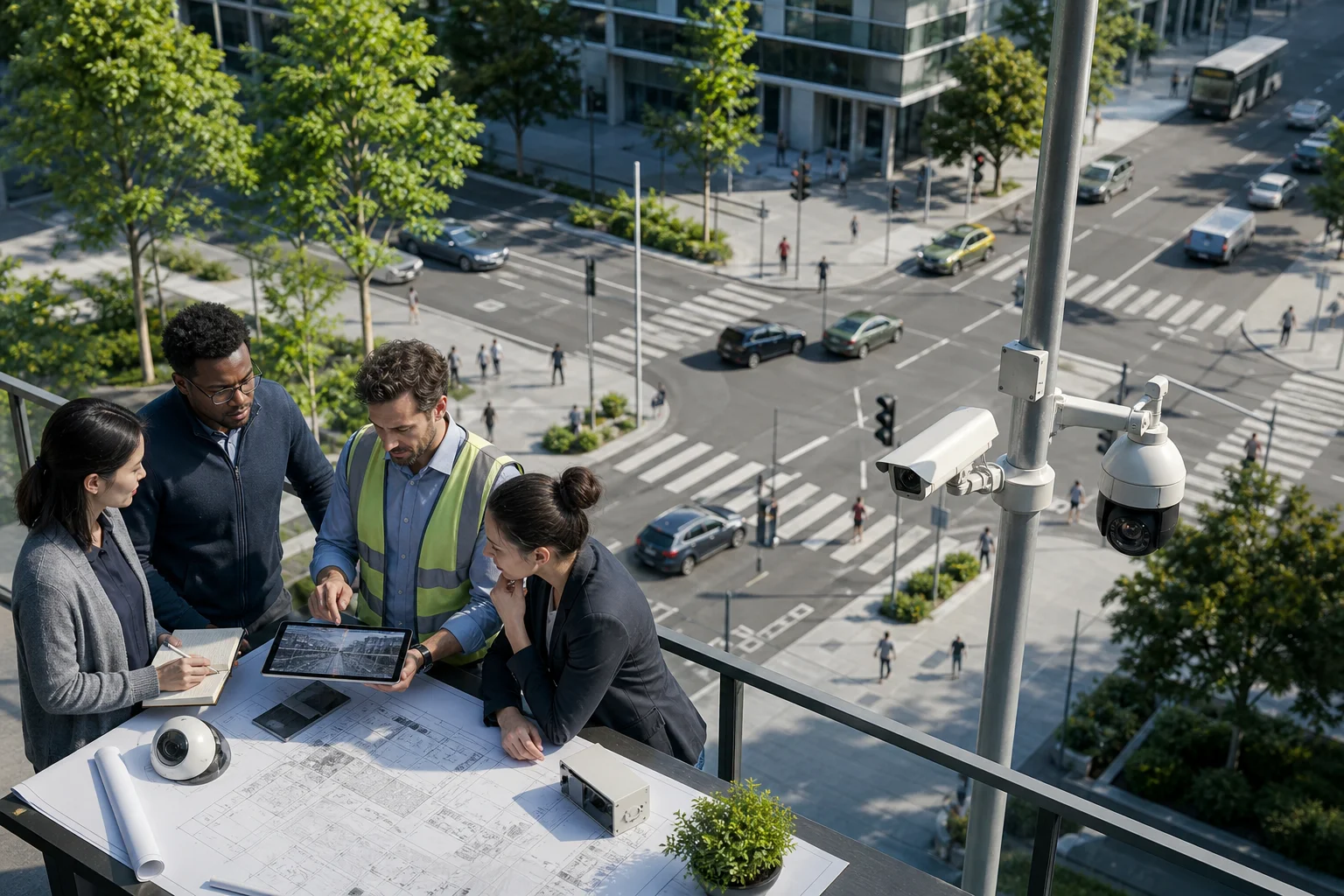
Run a pilot in one location before scaling
Pick a site with known issues, like a busy junction or a car park exit. Therefore, you’ll measure change in real incidents and false alerts. In addition, test “Customizable Time Thresholds” for stopped vehicles or restricted-zone loitering to fit your flow.
As your pilot matures, track three numbers weekly: alert precision, mean alert latency, and review time saved. With a tight loop, you can hit 99.4% detection accuracy territories on your scenes and move to broader rollout. Keep this beginner guide traffic monitoring cameras handy as your pilot playbook.
Key Takeaways
- Cameras see; AI interprets; alerts drive action. Stack sensors, analytics, and storage to fit your site and rules.
- Night, weather, and glare can break plate reads. Therefore, test after dark, in rain, and under headlight beams before you buy.
- Favor platforms that integrate with your current cameras and tools, deliver alerts in <3 seconds, and support Customizable Time Thresholds.
- Treat privacy as a design input. Moreover, map use cases to GDPR principles and set retention per zone from day one.
- Start with a pilot. As a result, you get real numbers on accuracy, false alarms, and the time your team saves.
What to Do This Week
Pick one junction or gate. Write three must-catch events and the max alert delay you’ll accept. Then invite two vendors to run a one-week live test on that scene and export 50 verified alerts with clips. If the results show low false alarms and fast alerts you trust, schedule your rollout plan for Q1 2026.