

**Book a security consult today →
Genetec is a Canadian-founded unified security platform that brings video, access control, and license plate recognition into one console. This genetec beginner guide unified explains how its parts fit together in 2026 and what to check before you commit.
Unified platforms promise one place to see and act on events. The practical value is clear: you reduce alt-tabbing between apps, cut alert fatigue, and speed up response.
However, you still need to plan hardware, licensing, and training. You also need to decide where the system runs, your servers, the cloud, or a hybrid.
Answer first: Genetec Security Center is the hub. Omnicast handles video (VMS). Synergis manages access control.
AutoVu adds automatic number-plate recognition (ANPR). Together they integrate data across cameras, doors, sensors, and vehicles. As a result, your team can search video linked to a badge swipe, or tie a door-forced alarm to nearby cameras in seconds.
Open Architecture at a Glance
Moreover, the platform follows an “open architecture” model. That means it aims to work with many brands of cameras, readers, and sensors rather than forcing one stack. In practice, you still need to check device support lists and driver versions. But the core idea is flexibility, not lock-in.
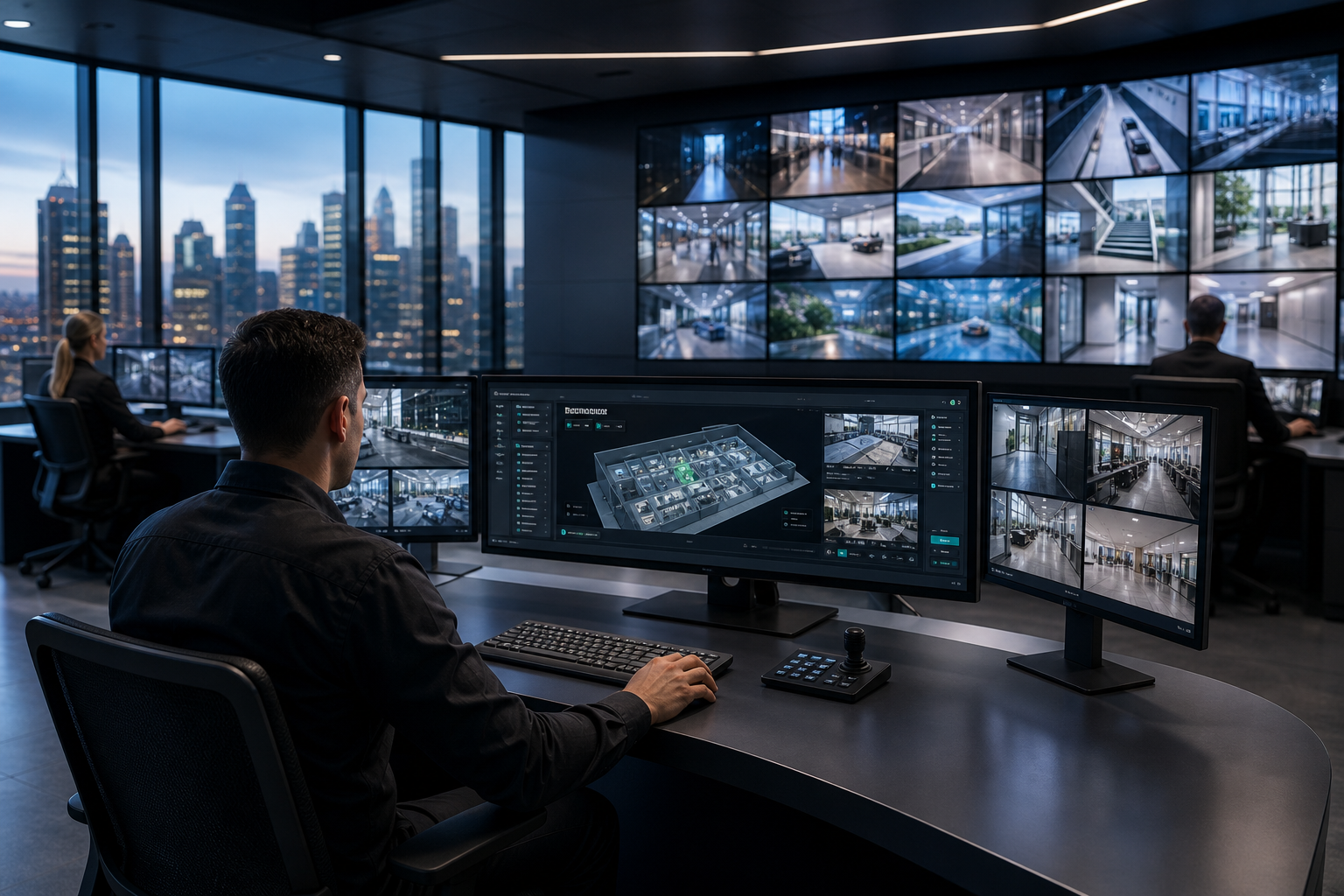 , Synergis (Access Control), AutoVu (ANPR), and third-party devices; light background, blue/gray palette, labeled arrows, 2026 styling)
What Is Genetec and What Does It Actually Do?
At its core, Genetec unifies security operations under Security Center, a single interface for alarms, video, maps, and reports. In this genetec beginner guide unified, think of Security Center as the command console that ties modules and data together, regardless of where they run.
- Security Center: This is the operator workspace. It centralizes live monitoring, incident workflows, and cross-system search.
- Omnicast (VMS): This is the video layer for live view, recording, playback, and evidence export. For background, see Video management system (VMS).
- Synergis (Access Control): This manages doors, credentials, schedules, and events like forced entry or door held open.
- AutoVu (ANPR): This handles plate reads, hotlists, and vehicle analytics. Learn more via Automatic number-plate recognition.
Security Center links these modules so one event triggers context across all. For example, a denied badge at a data center door can auto-pop a nearby camera, log the event with a map pin, and notify your on-call queue.
Furthermore, Genetec’s open-architecture approach means you can connect third-party cameras, encoders, door controllers, intercoms, and analytics. You avoid a hardware dead-end. However, you still need to confirm supported models, firmware, and drivers. Integration works best when your hardware follows open standards and is on the vendor’s device list.
Open Architecture, Explained Simply
Open architecture means:
- You can mix devices from different brands without ripping out your estate.
- You can add new modules later (e.g., ANPR) without redoing your video stack.
- You can integrate external data sources (e.g., alarms, visitor systems) through SDKs and APIs.
That flexibility is powerful, but it adds planning steps. You will match features and versions, test edge cases, and train operators on cross-system workflows. The payoff is one pane of glass with traceable events and faster response.
How Genetec Works: Key Modules and Architecture Explained
To make the architecture concrete, here is a step-by-step view. Use this as a blueprint as you read this genetec beginner guide unified and map it to your site.
- Security Center as the hub — Security Center is your event brain. It ingests alarms, video, access events, and ANPR hits. It drives dashboards, maps, and incident tasks so you can see, decide, and act fast.
- Video management layer (Omnicast) — Omnicast connects to IP cameras and encoders, sets recording rules, and handles retention. It supports live view walls, multi-camera playback, and evidence exports. Storage can be on-prem, in the cloud, or split.
- Access control integration (Synergis) — Synergis links doors, readers, credentials, and schedules. Badge events and alarm states become data points you can search, report on, and correlate with video for audits or investigations.
- ANPR and analytics (AutoVu and partners) — AutoVu reads plates, checks hotlists, and logs vehicle movement. You can also add third-party analytics for detection or insights. That data flows back to Security Center, where you build alerts and workflows.
- Cloud vs on‑prem deployment — You can run fully on-prem for tight control, push parts to the cloud for scale or redundancy, or choose a hybrid. Your final design depends on bandwidth, IT policy, storage costs, and regional data rules.
Moreover, think of the data path: devices → ingestion → normalization → correlation → action. The platform normalizes events so operators act on what matters. Therefore, your SOPs can trigger based on rules, not gut feel.
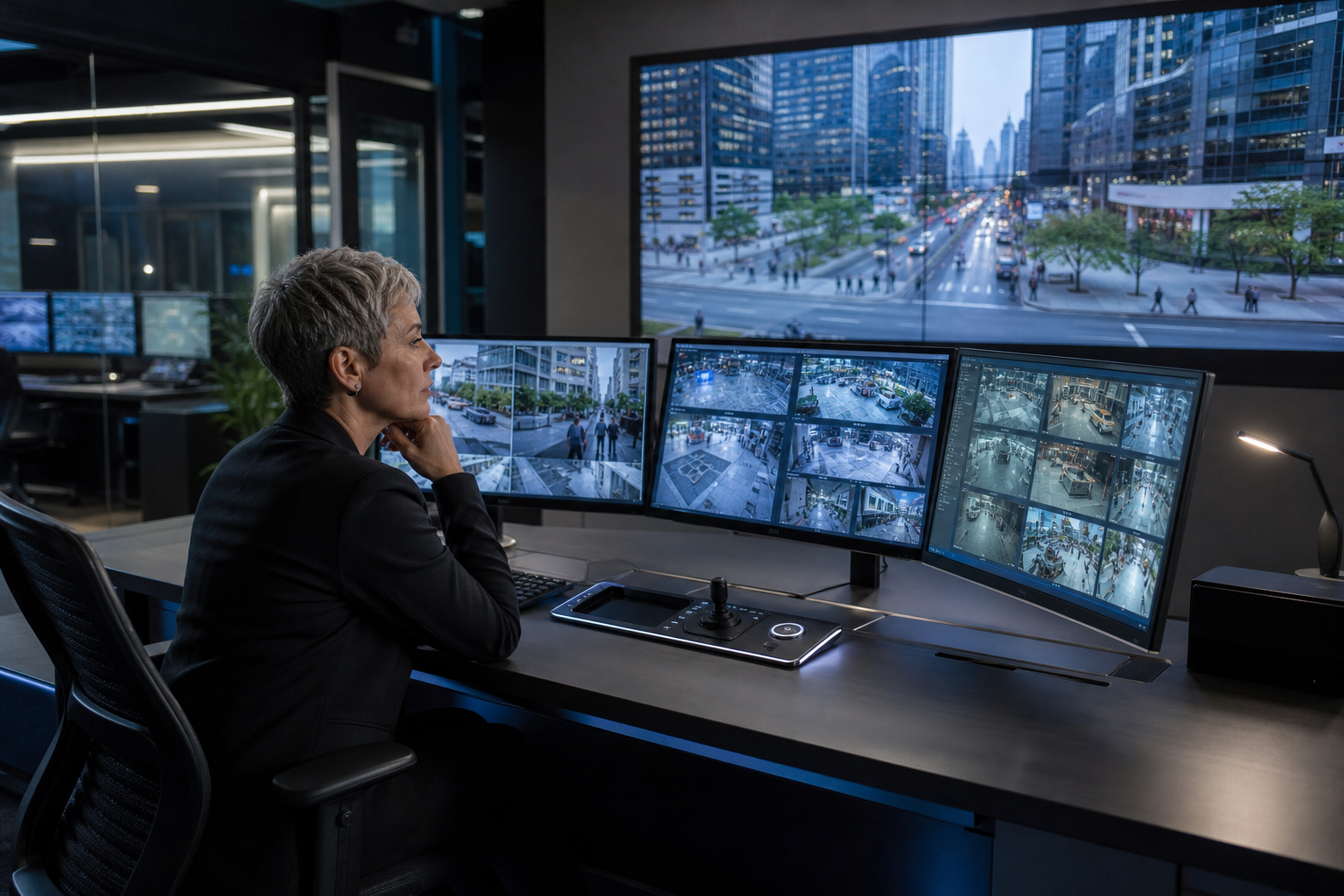 Security Center hub, 2) VMS ingestion and storage, 3) Access control events, 4) ANPR/analytics, 5) Cloud vs on-prem paths; clear labels, minimalist icons)
Practical Design Tips
- Start with one site and 25–50 devices to prove your map, alerts, and reports.
- Build “cause-and-effect” rules (e.g., “forced door” opens camera wall + alerts mobile).
- Set storage tiers by risk zone, not by a flat rule, to control costs.
- Document who can export video, how, and where it goes.
Also Read!
A Beginner’s Guide to 4K Resolution: What It Is, When You Need It, and How to Choose
The Complete Guide to Dome Security Cameras: How to Choose, Install, and Get the Most From Them
Common Misconceptions About Genetec and Unified Security
Misconception 1: “It’s only a VMS.
Genetec sells a VMS, but the point of Security Center is unification. In a genetec beginner guide unified view, video, access, ANPR, and maps are peers that enrich each other.
Misconception 2: “Unified means simple by default.
Unification cuts swivel-chair work for operators. However, design and rollout take care. You still need device maps, storage plans, user roles, SOPs, and training. Without that, you trade one kind of pain for another.
Misconception 3: “Licensing is plug-and-play.
Licensing spans modules, features, and counts (devices, users, analytics). Under-scoping licenses leads to surprise gaps.
Over-scoping wastes budget. You should model realistic growth, e.g., seasonal cameras, temp readers, or pilot analytics.
Misconception 4: “Any camera works.
Open architecture is not a blank check. Devices need supported drivers and versions. Edge features like on-camera analytics or dual streams may need specific firmware. Always check the supported device list before you order.
Misconception 5: “Training is optional.
A unified console can overwhelm new users. Short, role-based sessions with hands-on drills beat a single, long lecture. For example, teach guards incident triage and evidence export; teach admins storage rules and role rights.
- Quick checklist to avoid these traps:
- Confirm device support and firmware before purchase.
- Map SOPs to alerts and views before go-live.
- Pilot with a small site and iterate monthly.
- Budget for training refreshers every 6 months.
**Get tailored rollout advice today →
Tools and Alternatives to Consider Alongside Genetec
You have a healthy market to compare. Milestone XProtect is a strong VMS with a wide plugin ecosystem. Avigilon focuses on tight hardware–software ties with strong search.
Verkada offers a cloud-first, appliance-lite path. Axis Camera Station pairs well with Axis hardware for simpler sites. As of 2026, all of them aim to reduce operator load while keeping evidence easy to find.
For analytics and outcomes, you can add specialized layers to existing cameras. For instance, tools like VideoraIQ can sit on top of your current IP-based CCTV estate and add real-time AI detections without extra on-prem servers. It works with cameras across 200+ brands and integrates with existing IP systems without additional hardware.
Its 9 AI detection engines include face recognition, intrusion detection, fire & smoke detection, number plate (ANPR), and unattended baggage. It is cloud-based with no need for on-premise servers, reaches 99.4% detection accuracy with <3 seconds alert latency, and monitors 10,000+ cameras deployed in 7+ countries while remaining GDPR and HIPAA compliant.
Moreover, analytics layers change the cost curve. Instead of swapping cameras, you keep your infrastructure and add software for fast wins. Therefore, you can pilot high-impact use cases, like fire and smoke alerts in loading bays or ANPR at gates, before a platform overhaul.
Choosing an Alternative Strategy
- If you need open integrations and scale, shortlist unified platforms plus add-on analytics.
- If you want cloud-first and low on-site gear, compare appliance-lite vendors.
- If you already standardize on one camera brand, vendor suites may simplify support.
- If budgets are tight, add analytics on top of your current cameras and phase the platform later.
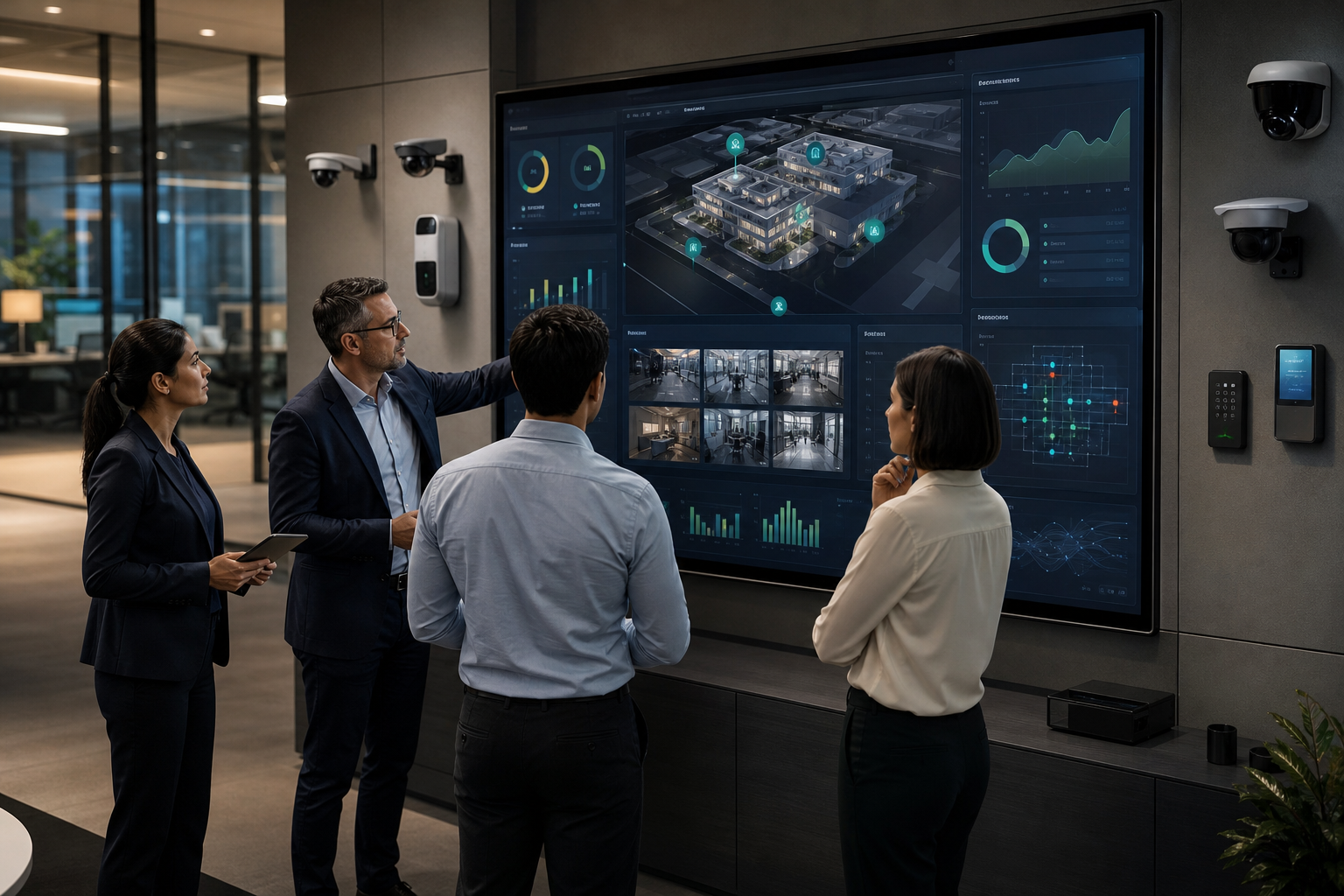
In a genetec beginner guide unified perspective, think “platform for control, analytics for results,” then blend both to fit your risk profile, sites, and teams.
How to Decide If Genetec Is Right for Your Organization
A good fit starts with plain questions. Use this genetec beginner guide unified lens to sort signal from noise before you buy.
-
Organization size and spread
Small, single-site teams may be fine with lighter tools. Multi-site or campus settings gain more from unified maps, role controls, and shared storage plans. -
Budget range and phasing
Scope modules and growth over 12–24 months. Plan for licenses, storage, failover, and training. Phase rollout by site or risk zone to de-risk spend. -
Existing infrastructure
List cameras, controllers, intercoms, and their firmware. Check each against support lists. Flag high-risk devices that need replacement. -
Integration needs
Note must-have links (e.g., visitor systems, identity providers, dispatch). Confirm APIs, SDKs, and partner integrations up front. -
In-house IT capacity
Align with your team’s patch, backup, and monitoring habits. If you run lean, consider managed services or cloud for parts like storage or analytics.
Readiness checklist:
- Inventory and firmware list complete.
- Support and driver checks done.
- SOP-to-alert mapping drafted.
- Pilot site and success metrics picked.
- Training plan and admin runbook ready.
Key Takeaways
- Genetec is a unified platform: Security Center ties video, access, and ANPR into one console for faster, clearer response.
- Open architecture adds choice: You can mix hardware brands, but confirm supported models and firmware in advance.
- Design beats guesswork: Map SOPs to alerts and views, then pilot on a small site before you scale up.
- Analytics add outcomes fast: You can layer AI detections on current cameras to reduce risk without a full rip-and-replace.
- Deployment is flexible: Choose on-prem, cloud, or hybrid to match bandwidth, policy, and storage needs.
- Licensing needs care: Model modules, counts, and growth to avoid gaps or waste.
- Training is not optional: Short, role-based sessions create real-world speed and fewer mistakes.
- In 2026, blend platform and analytics: Pair unified control with AI events for the best balance of cost and impact.
 , deployment models, and an analytics add-on layer; modern 2026 design, high contrast)
What to Do This Week
Start with a fast, practical plan. First, pick one site and 25–50 devices as your pilot. Second, list every camera, door, and intercom with current firmware versions. Third, mark must-keep devices and those due for swap. Fourth, draft three cause-and-effect rules, for example, “forced door” opens cameras, pins a map, and alerts mobile.
Fifth, define evidence export rules, approvers, and retention. Sixth, sketch a storage plan that sets higher retention for high-risk zones and shorter for low-risk areas. Seventh, book two short training blocks: one for operators on alerts and exports, one for admins on storage and roles. Eighth, align your pilot success metrics: response times, false alerts, and time-to-evidence.
Finally, schedule a design review with stakeholders to lock scope, budget, and a 90-day rollout path. Then move.
**Schedule a secure rollout consult now →
Sources for further reading:
- Video management system (VMS)
- Automatic number-plate recognition