

Here’s something worth understanding: cloud based VMs already power most of the software businesses rely on daily, forming the backbone of modern Cloud Based servers and VMs infrastructure.
Your security systems depend on them. Payroll software runs on them. Collaboration and remote work tools operate through them. You don’t see them because they exist in large-scale data centers rather than inside office server rooms.
That invisibility is intentional. Cloud Based VMs handle compute-heavy workloads behind the scenes so applications remain fast, reliable, and scalable without requiring businesses to manage physical hardware. This guide explains how cloud based VMs work, why they matter, and how platforms like VideoraIQ are built on this infrastructure by design rather than as an afterthought.
Read Aloud!
What Is a Cloud Based VM?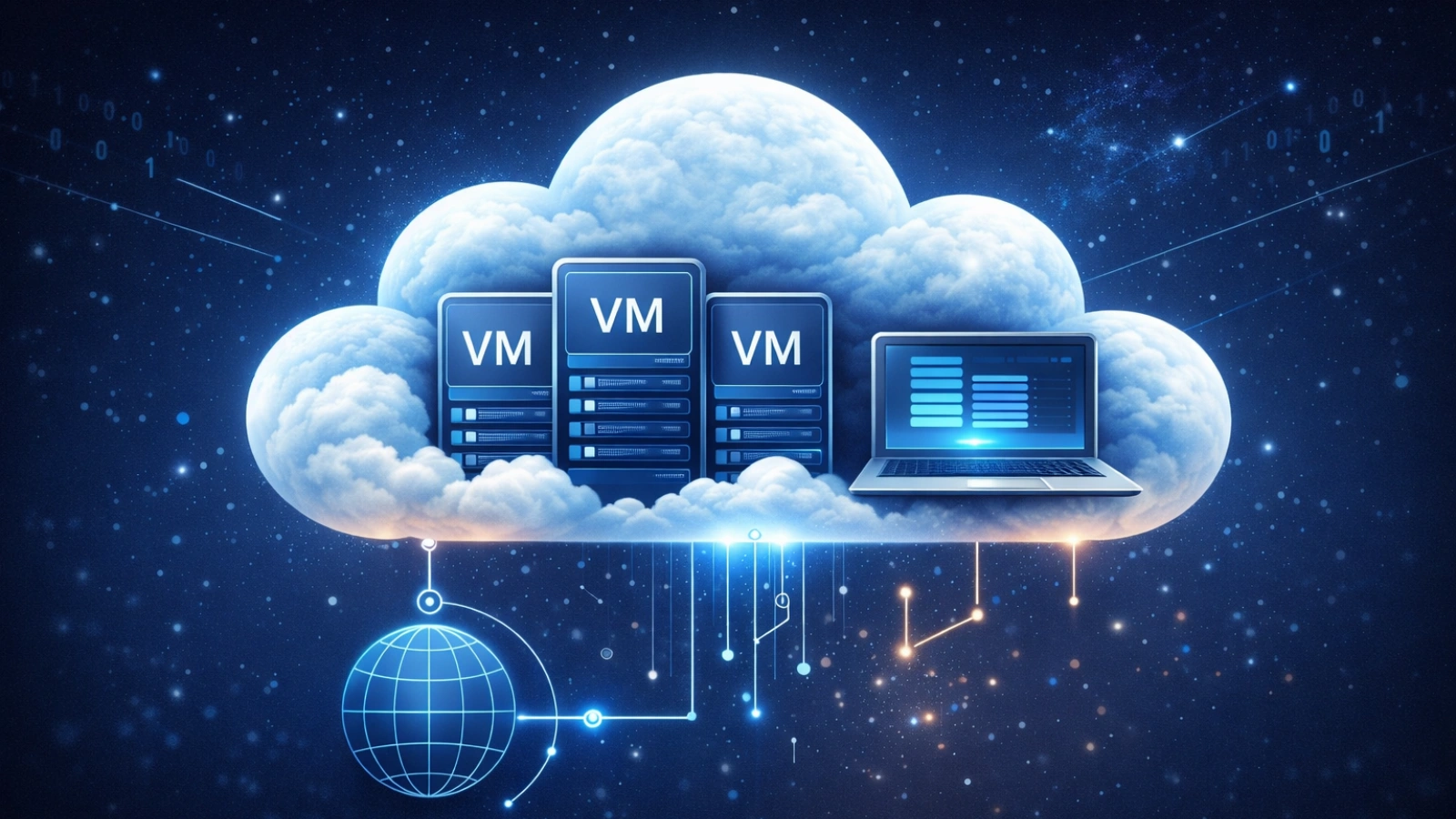
A cloud based VM is essentially a computer that exists in the cloud.
It includes everything you would expect from a physical machine – CPU power, memory, storage, and an operating system. The difference is that it does not exist on-site. Instead, it runs on hardware located in a data center and is managed by a cloud provider. Access happens through a browser or application rather than direct physical interaction.
A useful way to think about it is this: instead of purchasing and maintaining your own workspace, you rent one that can expand or shrink depending on your needs. When demand increases, you scale up resources. When demand drops, you scale down. You only pay for what you use.
Cloud Based Servers and VMs: How They Work Together
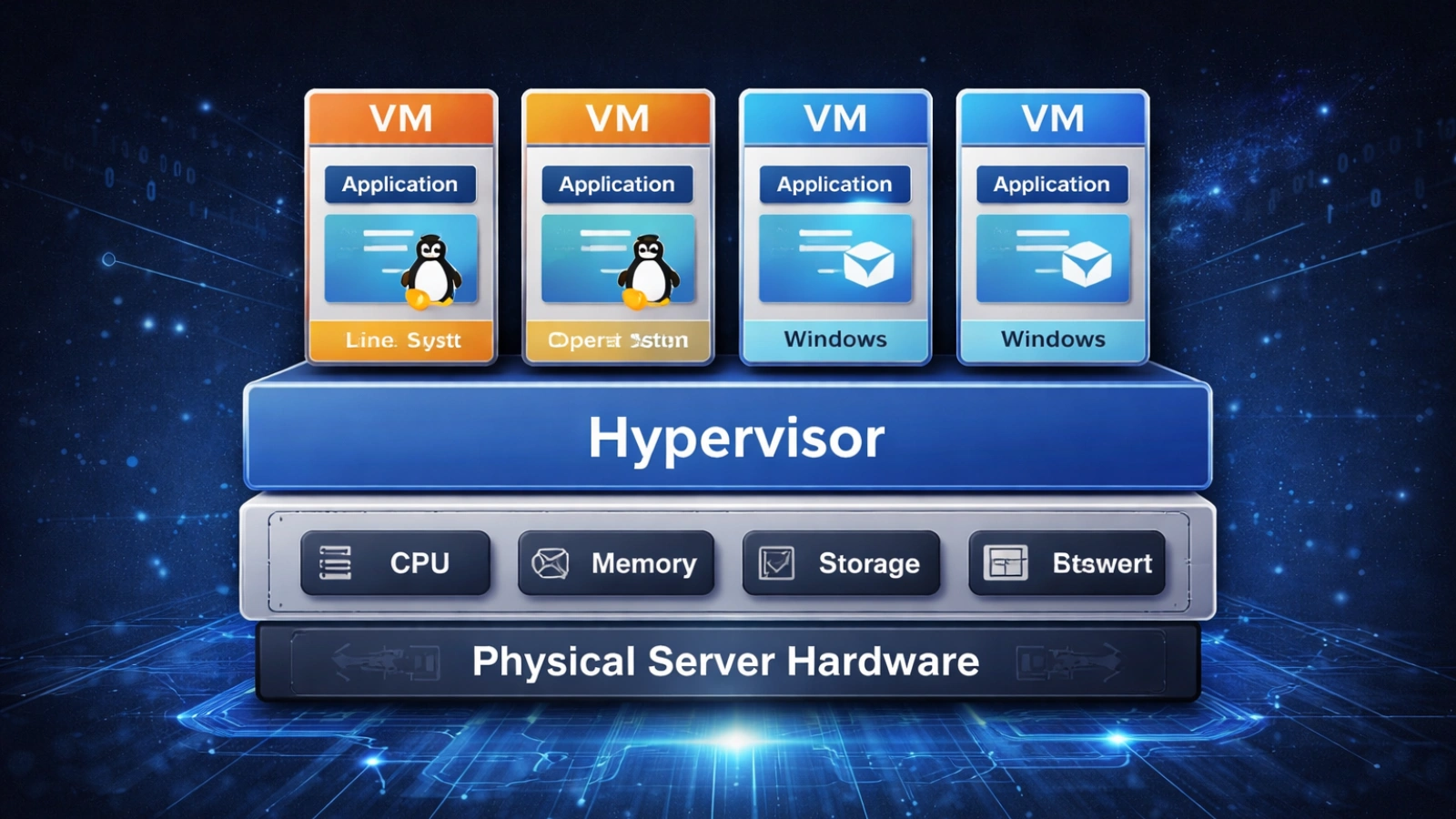
Cloud Based servers and VMs function as two layers of the same system. The server represents the physical machine located in a data center, while VMs are the virtual environments created on top of that hardware.
Through virtualization, one physical server can host multiple independent VMs, each running its own operating system and applications. This structure allows businesses to maximize efficiency while maintaining isolation between workloads. Together, Cloud Based servers and VMs create a flexible, scalable infrastructure that supports modern applications.
Who Actually Uses This?
In reality, almost everyone uses a serious cloud application, whether they are aware of it or not.
Security teams rely on cloud-hosted surveillance platforms. HR departments use cloud-based employee management systems. Operations teams coordinate distributed workforces through virtual desktop environments. Behind all of these tools is a network of cloud based VMs running continuously in remote data centers.
This model is not limited to large enterprises. Cloud providers offer access to infrastructure in scalable increments, meaning startups and global corporations draw from the same resource pool. The only difference is the volume of resources consumed.
How Cloud Based VMs Actually Work
When a cloud based VM is created, it is allocated a portion of the resources from a physical server inside a data center. A layer of software called a hypervisor is responsible for dividing that server into multiple isolated environments.
Each VM operates independently, with no awareness of others sharing the same hardware.
The apartment-building analogy illustrates this well. A single building contains multiple units, each functioning as a separate living space. Issues in one unit do not affect the others. The hypervisor enforces a similar level of isolation between virtual machines.
The Building Blocks of Every Cloud VM
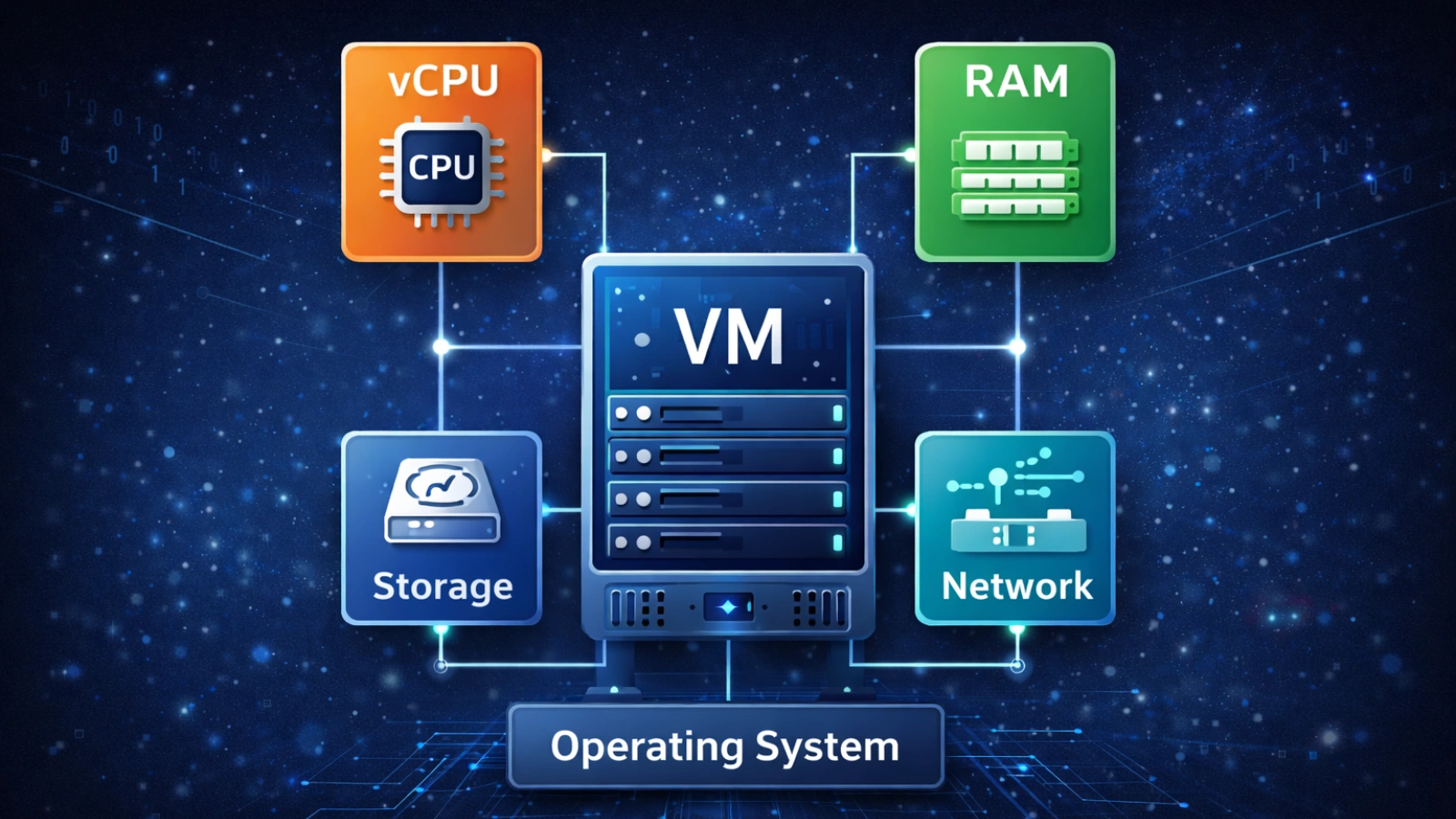
Every cloud based VM is composed of the same foundational elements:
- vCPU (virtual CPU): Determines processing power and how quickly tasks are completed
- RAM: Provides working memory for applications
- Storage: Virtual disk space, often SSD-backed for performance
- Network interface: Enables communication with other systems and the internet
- Operating system: Windows, Linux, or other environments running within the VM
The Hypervisor: Where the Work Actually Happens
There are two primary types of hypervisors, and the distinction matters.
Type 1 hypervisors run directly on physical hardware without an underlying operating system. This makes them faster and more efficient, which is why they are used in production cloud environments.
Type 2 hypervisors operate on top of an existing operating system. While useful for testing and development, they introduce additional overhead and are not suitable for large-scale cloud workloads.
The Business Case: Why Cloud Based VMs Have the Edge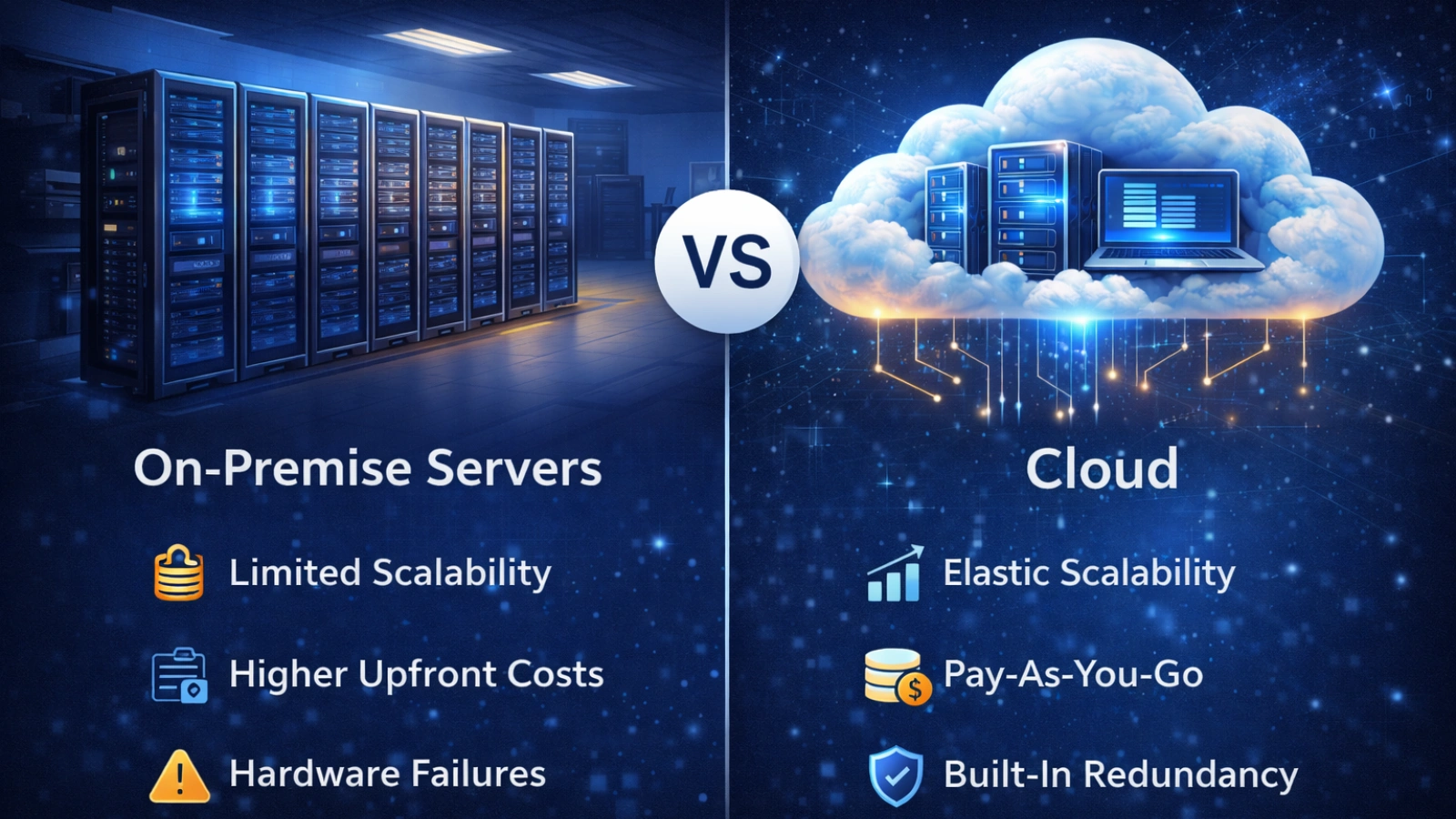
The technical advantages of cloud based VMs are important, but business decisions are typically driven by financial and operational impact.
The Cost Structure Works Differently
Traditional infrastructure requires organizations to invest in hardware based on peak demand expectations. This often results in underutilized resources during normal operations.
Average server utilization in on-premise environments is often estimated between 5% and 20%, meaning most purchased capacity remains unused while still incurring full cost.
Cloud based VM solutions follow a different model:
- On-demand pricing: Pay only for active usage
- Reserved instances: Lower costs (typically 30–60% savings) for predictable workloads
- Spot/preemptible VMs: Deep discounts (up to 90%) for interruptible workloads
Scaling in Minutes Rather Than Weeks
Expanding physical infrastructure involves procurement, delivery, installation, and configuration, often taking weeks.
With a Cloud Based VM solution, scaling resources can be done in minutes through dashboards or automated policies that respond to demand in real time.
For systems handling dynamic workloads, such as surveillance during high-traffic events, this responsiveness is critical.
Reliability That Hardware Can’t Replicate
Cloud infrastructure is built with redundancy across multiple layers.
If a physical server fails, workloads are automatically transferred to another machine. Data centers are geographically distributed, reducing the impact of localized disruptions. Most providers offer uptime guarantees of 99.9% or higher.
This level of reliability is essential for systems that must operate continuously, regardless of time or conditions.
Where Cloud Based VMs Show Up in Real Business Operations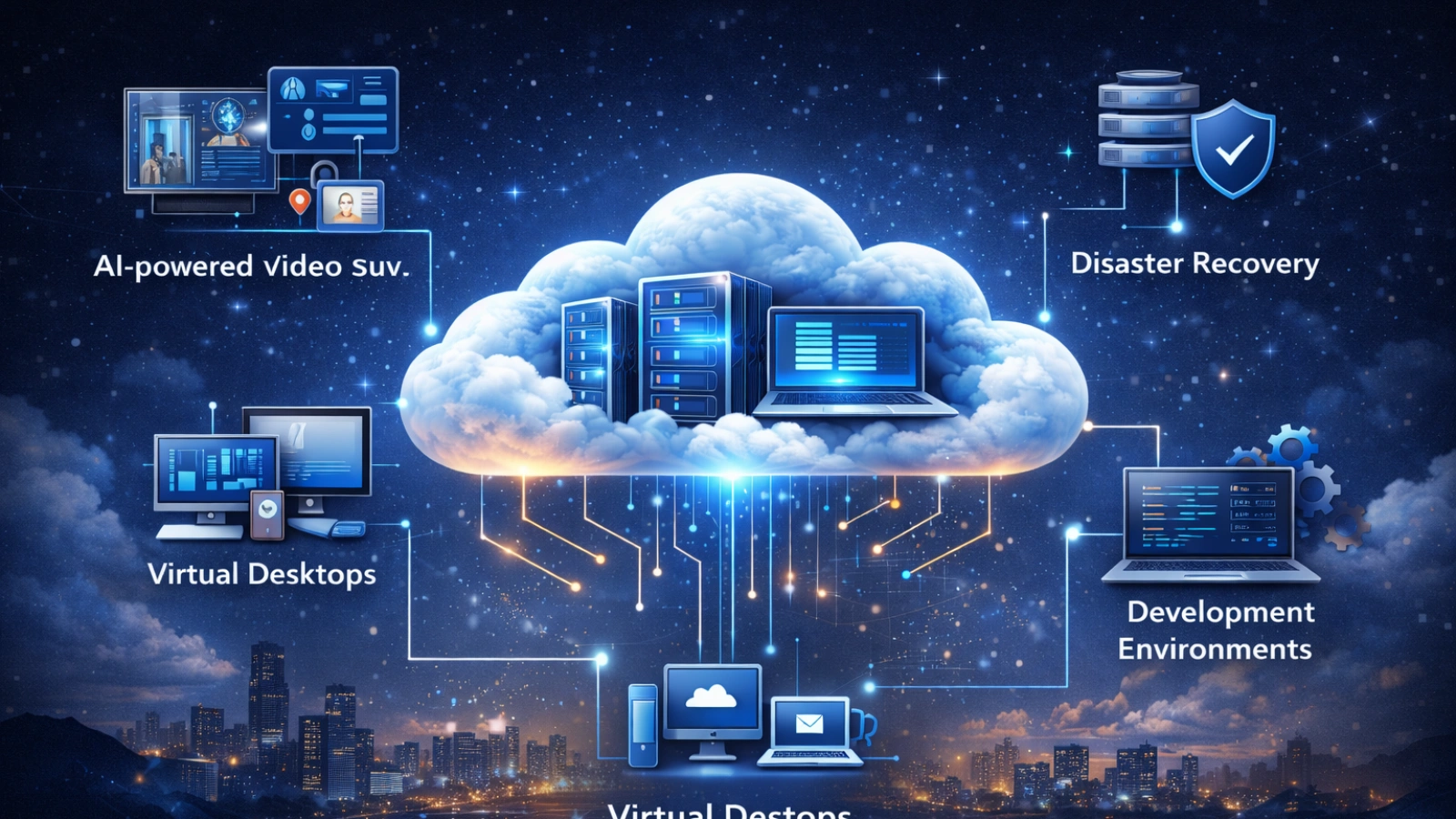
Cloud based VMs are already embedded in everyday business and real-world operations:
- AI-powered video surveillance: Processing multiple live feeds requires scalable compute resources
- Remote work environments: Virtual desktops provide secure access from any location
- Disaster recovery: Backup systems can be restored quickly through cloud infrastructure
- Development and testing: Isolated environments can be created and removed without conflict
- Legacy systems: Older applications run more reliably on cloud VMs than on aging hardware
E-commerce scaling example:
During peak events such as seasonal sales, e-commerce platforms automatically scale cloud based VMs to handle traffic surges. Once demand decreases, resources scale down, preventing unnecessary costs while maintaining performance during critical periods.
How VideoraIQ Uses Cloud Infrastructure to Deliver Smarter Security
Traditional surveillance systems are reactive. VideoraIQ is designed to be proactive.
As a cloud-based AI video intelligence platform, VideoraIQ transforms standard CCTV systems into real-time monitoring solutions. This capability is enabled by the scalability and performance of cloud based VMs.
Key capabilities include:
- Real-time threat detection with immediate alerts
- Intrusion and zone breach monitoring
- Facial recognition across multiple feeds
- Fire and smoke detection
- Unattended object identification
- License plate recognition and tracking
This creates a system that not only records events but actively analyzes and responds to them.
Best Platforms for Creating Cloud Based VMs in 2026
Choosing the best platforms for creating Cloud Based VMs in 2026 requires aligning infrastructure with workload needs rather than simply selecting a provider.
Also Read!
How To Protect Your Dealership Using AI VMS Software?
How To Choose The Right VMS Software For Your Security Needs?
How to Evaluate the Best Platforms for Creating Cloud Based VMs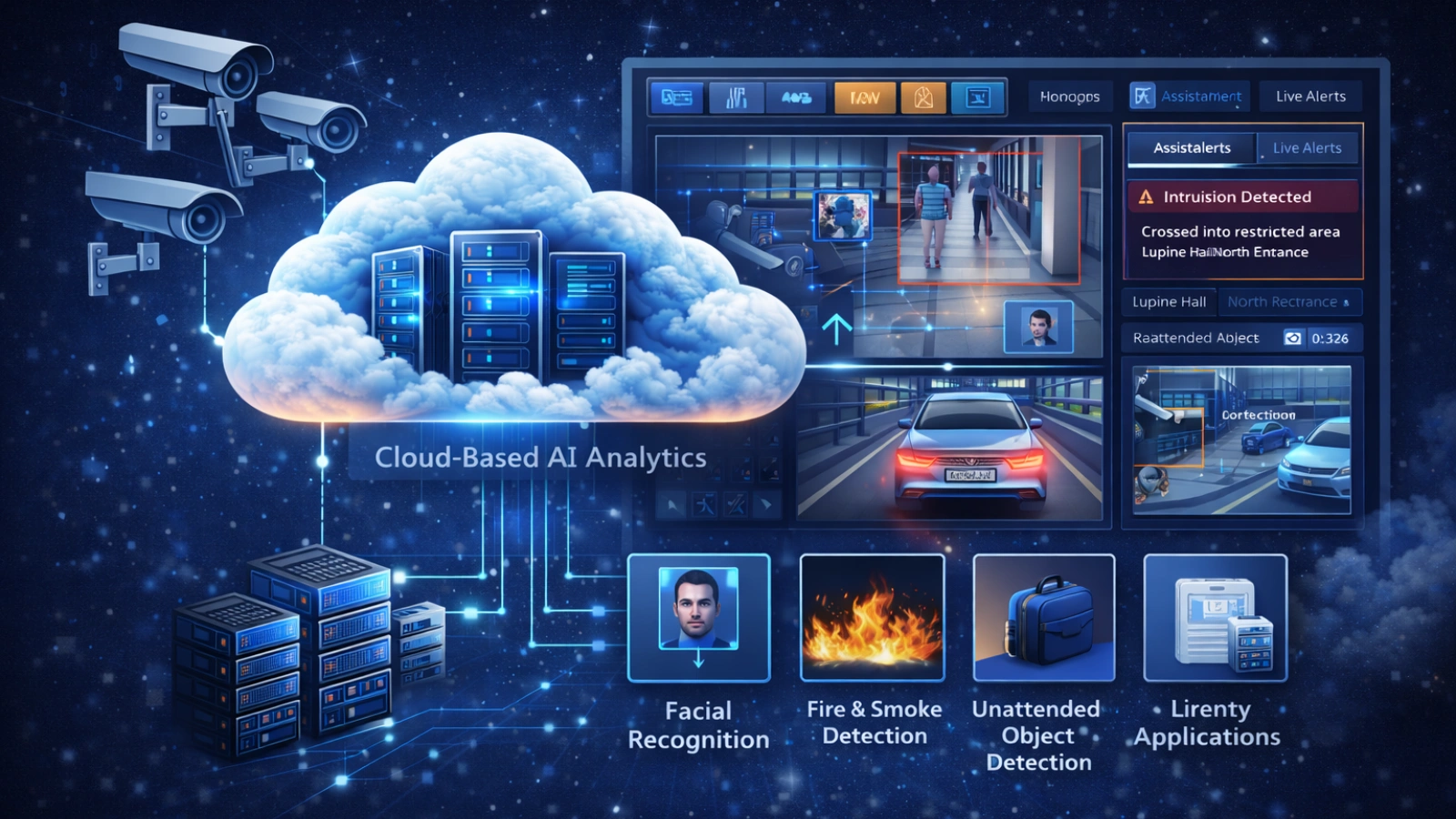
Step 1: Understand Your Workload
Different VM configurations are optimized for different tasks. AI workloads may require GPU acceleration, while databases depend on high memory capacity.
Step 2: Analyze Pricing Models
Organizations often combine pricing options to balance flexibility and cost efficiency depending on workload patterns.
Step 3: Confirm Compliance Requirements
Industries dealing with sensitive data must ensure that platforms meet regulatory and geographic data requirements before adoption.
Step 4: Evaluate Management Complexity
Platforms vary in the level of management required. Some offer fully managed services, while others require deeper technical expertise.
Step 5: Test with Real Workloads
Trial environments should be used to evaluate performance under actual operating conditions rather than relying on theoretical benchmarks.
Common Misconceptions Worth Clearing Up
Several misconceptions continue to affect cloud adoption decisions:
- Cloud VMs are not limited to large enterprises
- Cloud environments can be highly secure
- Migration does not always require rebuilding applications
- Cost overruns are usually due to misconfiguration
- VMs and containers serve different purposes
Where Cloud VM Strategy Is Heading
Cloud infrastructure continues to evolve rapidly.
Migration away from legacy virtualization platforms is accelerating across industries. AI workloads are increasing demand for GPU-enabled cloud based VMs. Hybrid and multi-cloud strategies are becoming standard.
Experimental projects such as Microsoft’s Hyperlight are exploring VM startup times in the millisecond range, indicating a future where cloud workloads can launch almost instantly.
Bringing It Together
Cloud based VMs represent a fundamental shift in how businesses access and manage computing resources.
They enable scalable, reliable, and cost-efficient infrastructure without the burden of hardware ownership. For platforms like VideoraIQ, this foundation is essential to delivering real-time intelligence and continuous availability.
Frequently Asked Questions
What is the difference between a cloud VM and a traditional server?
A traditional server is a physical machine you own and maintain on-site. A cloud VM is a virtual computer that runs on a provider’s hardware and is accessible over the internet. The computing capabilities are similar: CPU, memory, storage, and operating system, but there’s no hardware to purchase, and you pay only for actual usage.
Are Cloud Based VMs suitable for AI and video surveillance workloads?
Yes. GPU-accelerated cloud VMs handle AI and video intelligence workloads well because they provide elastic compute that scales with demand. VideoraIQ runs on cloud infrastructure for exactly this reason: continuous, high-performance AI processing across multiple live video feeds requires resources that scale dynamically, not fixed hardware.
How secure are Cloud Based virtual machines?
Enterprise cloud VMs include encryption at rest and in transit, network isolation, identity and access management, and compliance certifications covering SOC 2, ISO 27001, and GDPR. They typically exceed the security posture that mid-size organizations can achieve with self-managed on-premise infrastructure, where dedicated security engineering resources are rarely available.
What should I prioritize when evaluating cloud VM platforms?
Four things: a pricing model that matches your workload patterns, VM families sized for your actual compute requirements, compliance support relevant to your industry, and management tooling your team can realistically operate. Run your real workloads on a trial environment before committing to anything long-term.
Can I use a Cloud Based AI surveillance platform without managing VMs myself?
With a managed platform like VideoraIQ, the infrastructure layer is entirely abstracted. You interact with the surveillance features, alerts, dashboards, live feeds, and recorded footage without provisioning or maintaining any virtual machines. The cloud complexity stays invisible.
How do cloud VM costs compare to running on-premise servers?
On-premise servers require upfront hardware investment, ongoing maintenance, power, cooling, and physical space. Cloud VMs convert those costs into a variable monthly expense. Over a three-to-five-year horizon, the total cost for most small-to-mid-size businesses tends to favor the cloud, especially for workloads that don’t sustain maximum capacity continuously.

