

85% of CCTV footage is never reviewed (Source: VideoraIQ Stats). This complete guide cctv systems shows you how to pick cameras, store video, and add smart alerts so you act fast, not after the fact.
Here’s the short answer: match your risk zones to camera views, choose the right resolution, store footage securely, and add AI so important events trigger alerts with proof. In 2026, the best setups mix simple gear choices with smart software. You don’t need more cameras. You need the right ones, in the right spots, with the right brains.
For clarity, we’ll start with how CCTV works. Then you’ll get a step-by-step selection plan, the top mistakes to avoid, and tools that make basic recording smarter. Finally, you’ll get a one-week action plan you can use today.
What Is CCTV and How Does Modern Video Surveillance Actually Work?
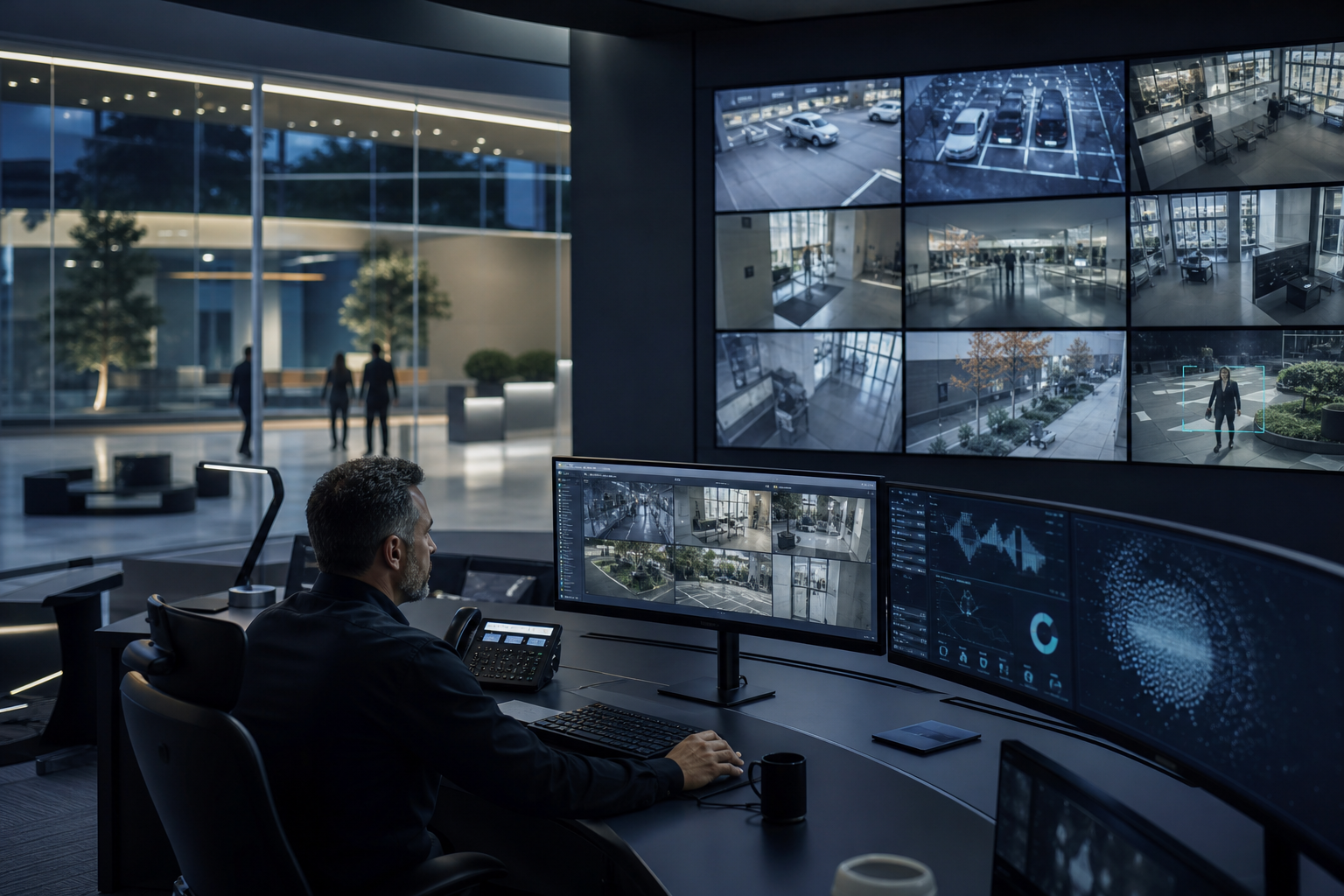
CCTV stands for closed‑circuit television, which means cameras send video to a private system, not to public broadcast. In practice, cameras watch areas you choose, record video, and let you review or export clips as needed. For background on the term and history, see this Closed‑circuit television overview from Wikipedia.
There are two broad camera types. Analog cameras send video over coax cables to a DVR (digital video recorder). IP cameras are network-based, send digital streams over Ethernet or Wi‑Fi, and connect to an NVR (network video recorder) or the cloud. IP has won most new installs because it’s easier to scale, supports higher resolution, and works with modern software.
Storage is the second piece. A DVR stores analog feeds on local hard drives. An NVR records IP feeds the same way.
Cloud storage moves video to secure data centers, so you can view and manage it from anywhere. Each option has trade-offs in cost, uptime, and access. However, cloud options now add features like secure sharing and AI search without extra boxes on-site.
Here’s the big gap: per VideoraIQ data, 85% of CCTV footage is never reviewed. That’s a lot of cost for video no one watches. Therefore, AI analytics matter.
Instead of sifting hours of clips, you get real-time alerts with proof when a defined event occurs. As a result, your team acts in minutes, not next morning. This complete guide cctv systems will help you choose the right path for your site.
Storage in Plain Terms
- DVR (local): For analog cameras; simple, lower cost, local-only unless you add remote access.
- NVR (local): For IP cameras; higher resolution, local control, remote access with porting or apps.
- Cloud: For IP cameras; remote by default, off-site backups, updates and AI features without on-prem servers.
How to Choose the Right CCTV System: A Step-by-Step Framework
You don’t need to be an engineer to pick a solid setup. You need a simple, repeatable method. Start with your risks and space. Then select cameras, resolution, storage, and smart features that fit the job. In addition, confirm your new software works with your current cameras, so you don’t waste good hardware.
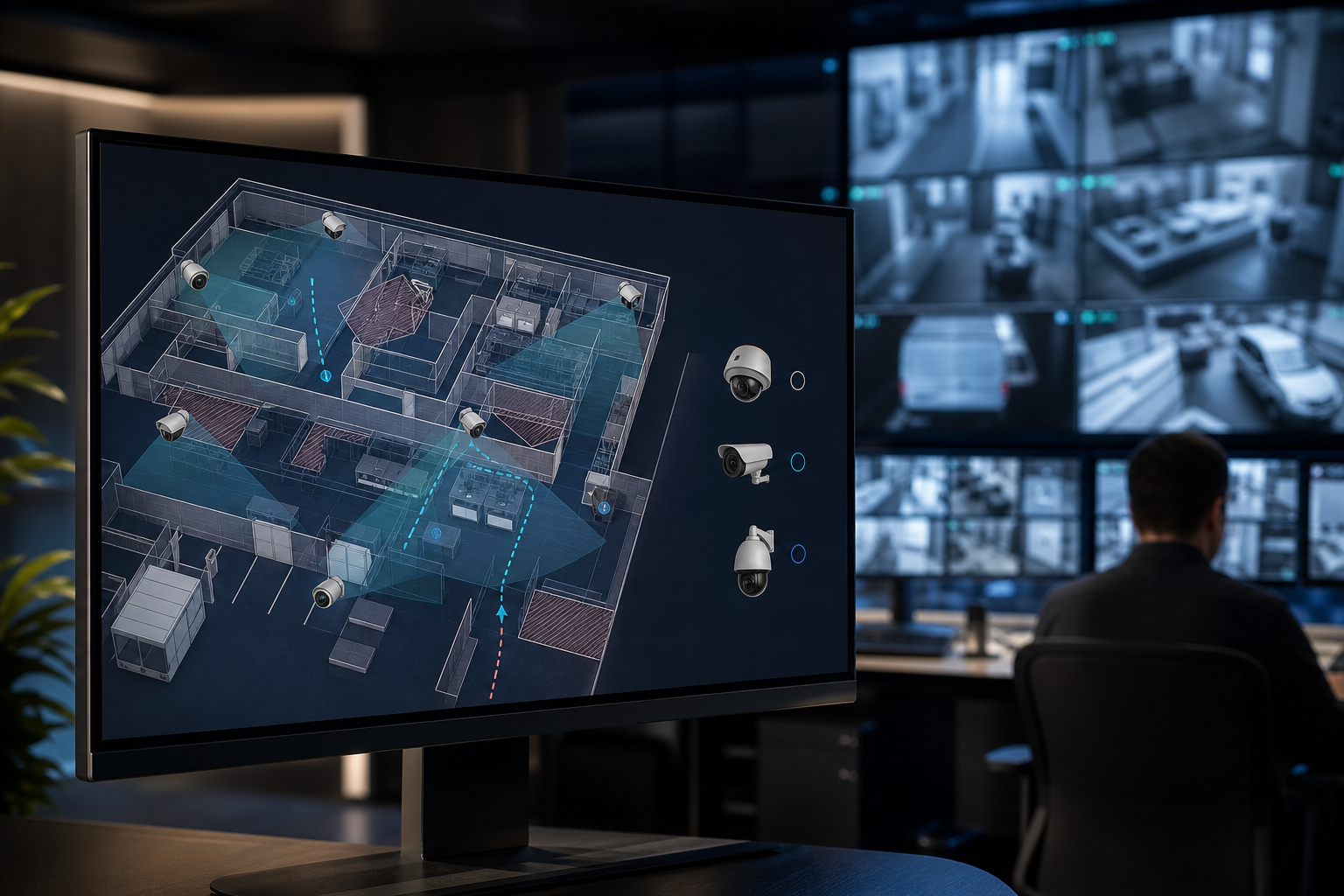
Specifically, map where incidents can occur, how far faces and plates are from the lens, and what light you have at night. Next, decide how long you must keep video, and who needs to view it from outside the building. Finally, add analytics to filter noise and send you proof with each alert. Use this complete guide cctv systems framework to avoid trial-and-error buying.
Your 6‑Step Checklist
- Assess property size and risk zones: List entries, exits, cash points, and parking. Note distances (e.g., 10 m to door).
- Dome for discreet indoor views.
- Bullet for longer outdoor runs.
- PTZ for wide areas you need to zoom.
- Thermal for smoke, fog, or zero-light scenes.
3.
- 1080p for general coverage.
- 4MP–4K for face/plate ID at 10–20 m. Higher pixels need more storage.
4.
- Local (DVR/NVR) for simple setups.
- Cloud for remote access and AI without on‑premise servers.
- Evaluate smart features: Motion detection, intrusion lines, object and face detection, fire/smoke detection, and heatmaps for traffic zones.
- Check camera support: Confirm your platform works with existing cameras across 200+ brands to avoid rip‑and‑replace.
For small sites with 4–8 cameras, an NVR with a cloud add‑on can be perfect. For multi-site teams, cloud-first management saves travel and speeds incident response. Moreover, cloud reduces on-site maintenance and keeps features fresh with updates.
Therefore, document your choices now: camera type per zone, target resolution, storage days, and which alerts you need on your phone. This complete guide cctv systems method locks in a system that fits your risks, not just your budget.
Also Read!
The Complete Guide to Dome Security Cameras: How to Choose, Install, and Get the Most From Them
5 Common CCTV Mistakes That Leave You Less Protected Than You Think
Most gaps come from planning, not hardware. A great camera in the wrong place still misses the key moment. Likewise, footage no one can reach from home won’t help at 2 a.m. However, you can fix these issues with small, clear changes.
First, align each lens to a job. For example, a wide lobby shot won’t catch badge tailgating at the turnstile. Second, plan for night. Good infrared or added light can turn a blur into a clear face. Third, pick resolution for the real distance to subjects, not the spec sheet.
The Top 5 Slip‑Ups (and Fixes)
- Poor placement creates coverage gaps: Stand where incidents happen and check the frame. Fix with test shots and a simple walk‑through.
- Ignoring night vision and lighting: Add IR‑capable cameras or low‑glare lights. Test after sunset before sign‑off.
- Resolution too low for ID: Use 4MP–4K for face/plate ID beyond 8–10 m. Validate with a printout test at target distance.
- No remote access or alerts: Ensure secure remote viewing and real-time alerts with video proof, a location tag, and a timestamp. Test on Wi‑Fi and mobile data.
- Passive recording only: Add AI so defined events wake you up. Look for under <3 seconds alert latency so you can act while it’s live.
As a result, you’ll fix the biggest weak points without buying dozens of new cameras. Use this complete guide cctv systems checklist before you add more gear. It’s cheaper to adjust placement and alerts than to double your camera count.
Tools and Platforms That Make CCTV Smarter in 2026
Picking tools is easier if you split them into three buckets: VMS (video management software), storage (local or cloud), and AI analytics. A VMS lets you view, search, and share clips. Storage keeps footage available for days or months. AI turns video into alerts you can act on. Moreover, smart home bridges can link door sensors and locks to camera events for homes and small shops.
For policy guidance, confirm how you’ll handle privacy and retention. If you process personal data in the EU, align your setup with GDPR (EU Regulation 2016/679). In addition, train staff on who can access live feeds and exports. Good tools make access control simple, but you still set the rules.
Tool Categories in 2026
- VMS software: Commercial suites and open-source options let you view multi‑camera layouts, tag clips, and manage user roles. Some pair with NVRs; others are cloud-first.
- Cloud storage providers: These add off‑site backups, sharing links, and software updates without racks. Therefore, you skip on‑prem servers and gain remote control.
- AI video analytics: Tools like VideoraIQ add 9 AI detection engines (face recognition, intrusion detection, fire & smoke detection, object detection, number plate/ANPR, line‑cross, unauthorized access, unattended baggage, and cashier absence) to existing IP‑based CCTV without new hardware. The cloud platform works with 200+ camera brands, delivers real-time alerts with video proof, location tag, and timestamp at <3 seconds latency, and reports 99.4% detection accuracy across 10,000+ cameras in 7+ countries. It’s also GDPR compliant and HIPAA compliant.
Therefore, you can keep your current cameras and still gain smart alerts. This complete guide cctv systems approach saves capital now and adds features you can test in hours, not weeks.
**Get instant AI CCTV advice →
What to Do Next: Your CCTV Action Plan
You don’t need to overhaul everything this month. Start with a focused, one‑week sprint. The goal is to make one real zone safer and prove faster response with alerts you trust. Then you can scale what works.
First, write down your top two risks. For example, “after‑hours entry at the rear gate” and “cash drawer access.” Second, pick the one zone where catching an event would save the most money or stress. Third, test remote viewing and alerts there before you expand.
Your First‑Week Plan
- Day 1: Audit current gaps. Walk the site and mark coverage on a simple map. Note distances and light at night.
- Day 2: Define outcomes. Decide what must trigger an alert (e.g., line‑cross at back gate).
- Day 3: Placement trial. Mount or reposition one camera. Record a 2‑minute test at night and day.
- Day 4: Storage choice. Set 7–30 days retention as needed. Try cloud if you want no on‑prem servers.
- Day 5: Shortlist tools. Request quotes from 2–3 vendors. Confirm they work with your current brand list (200+ brands support is ideal).
- Day 6: App test. Install the remote app on two phones. Trigger a test alert and confirm video proof, location, and timestamp arrive cleanly.
- Day 7: Review results. Count false alerts, time to first response, and clip clarity. Decide to scale or tweak.
As a result, you’ll have proof your setup works before you roll it out everywhere. This complete guide cctv systems plan keeps costs low and focuses on results, not specs.
Key Takeaways
- Map risks to camera views, not the other way around.
- Choose IP cameras and cloud if you want remote access without on‑prem servers.
- Set resolution for real face/plate distances; test at night.
- Add AI so you get real-time alerts with video proof you can act on.
- Confirm your platform works with 200+ camera brands to keep hardware you already own.
What to Do This Week
Pick one high‑value zone. Re‑aim one camera, set one smart alert, and test remote viewing from two phones. Then measure: did you get the right alert, fast, with clear video proof? If yes, scale to the next zone. If no, adjust placement, light, or the alert rule and retest.