



A loader idles at 2:03 a.m., and by sunrise, the copper reels are gone. The fence camera recorded it all, but no one watched live or got an alert. This complete guide construction site monitoring shows you how to move from “record and hope” to “detect and act” in 2027, without guesswork.
Here’s the short answer you came for: site monitoring means watching people, assets, and hazards in real time so you can respond fast, prove what happened, and keep work moving. You’ll use cameras, sensors, and alerts tied to tasks. You’ll also define who responds, how, and when. Done right, you stop night theft, reduce delays, and protect your crew and company.
Moreover, you’ll see how to map zones, pick the right cameras, and set alerts that fire in under three seconds. In addition, you’ll get a 7-step setup you can run this week and a one-page checklist to keep you on track through your first 30 days.
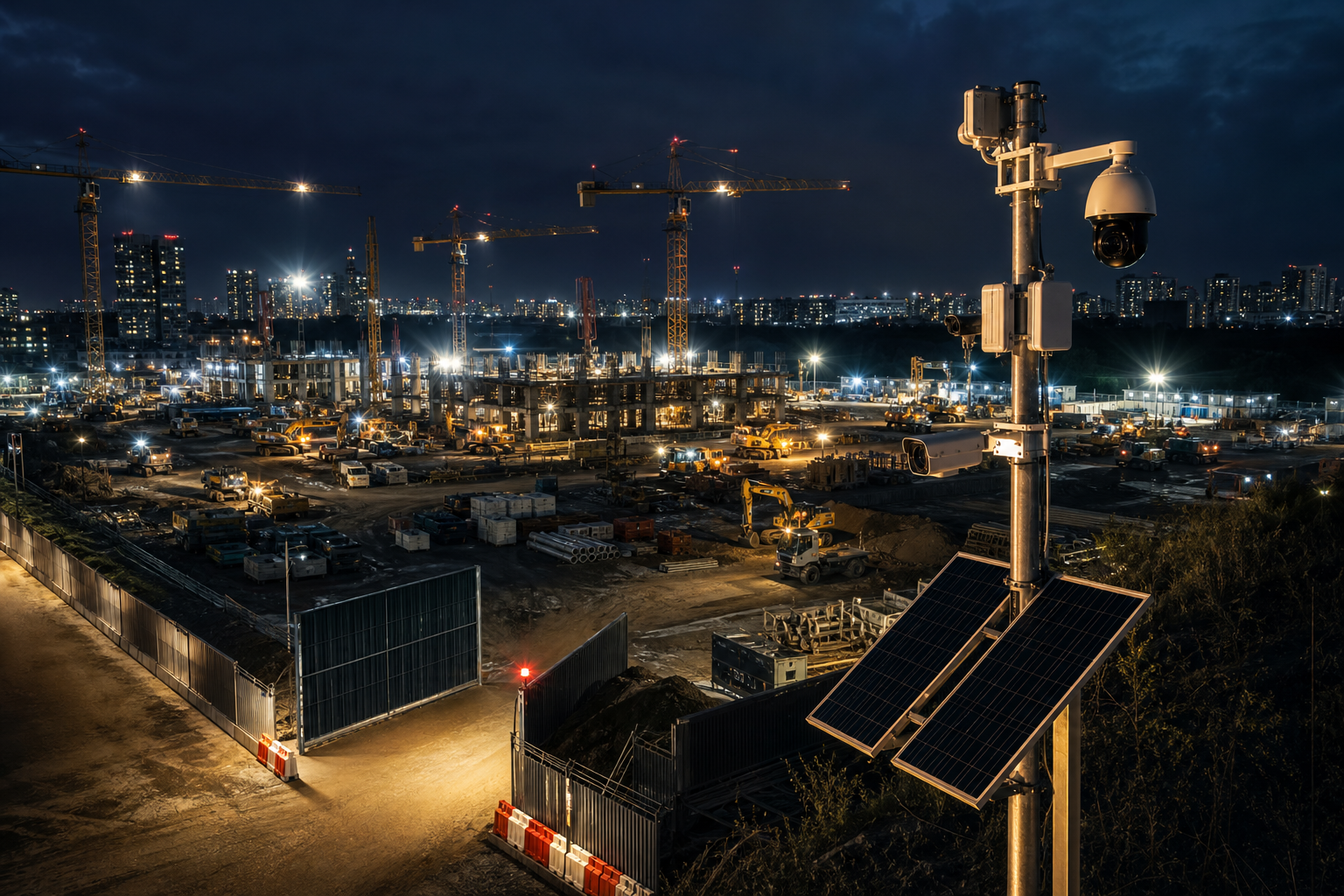
What Is Construction Site Monitoring and Why Does It Matter?
Construction site monitoring is the live and recorded oversight of a jobsite using cameras, sensors, and software to detect threats, safety risks, and progress. You’ll set rules that alert the right person in seconds, not hours. With this complete guide construction site monitoring, the goal is active response, not passive storage.
Theft and vandalism hit jobs hardest after dark and on weekends. For example, crews return Monday to find spools missing, diesel siphoned, or a container pried open. However, active monitoring can trigger a phone alert with video proof the moment someone crosses a fence line or lingers by a materials rack at 1:47 a.m. That early notice lets a guard or local police intervene before damage escalates.
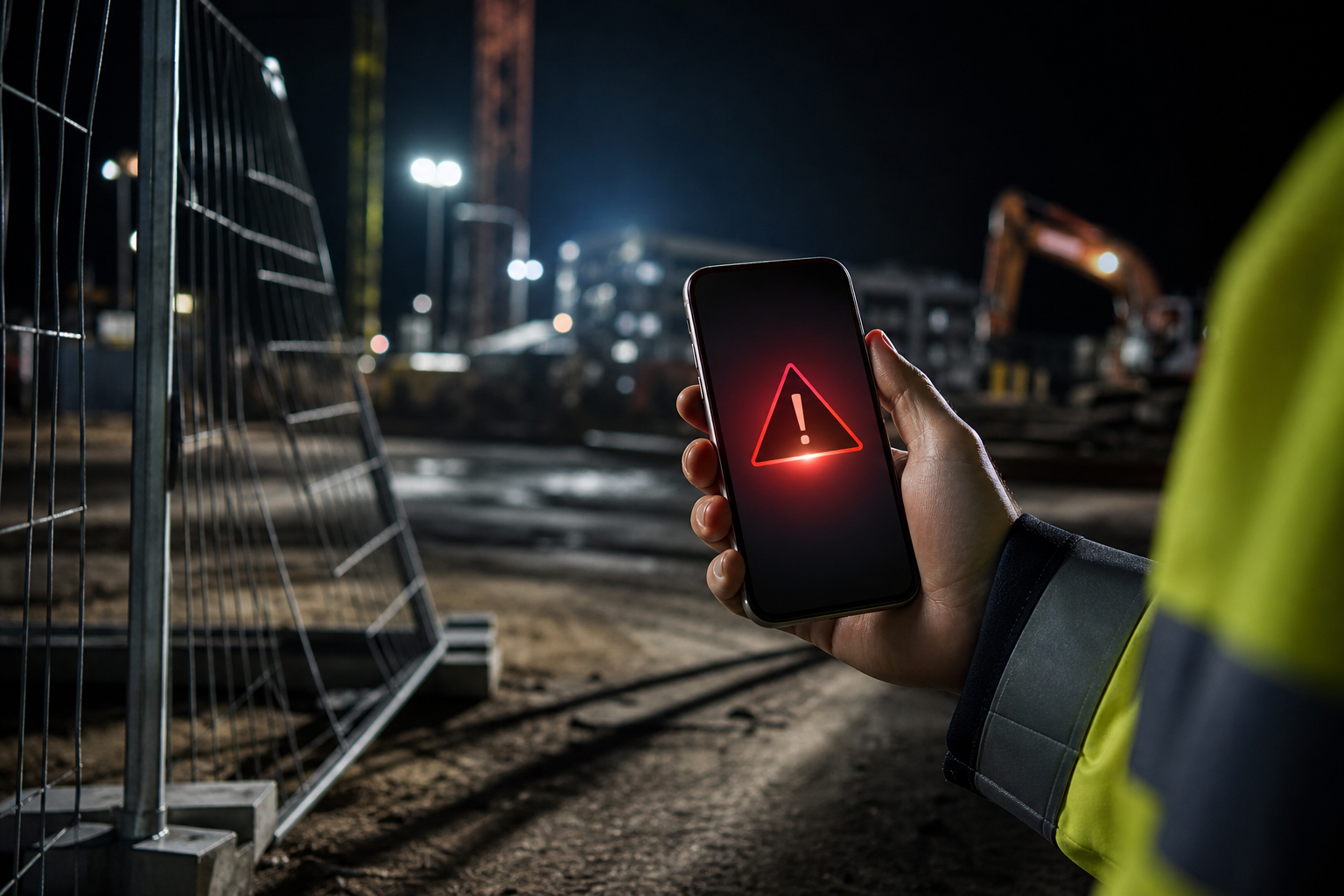 , and a guard route overlay; clean, simple infographic style)
Safety and Compliance
Safety compliance also benefits. For instance, you can flag entry into a confined space after hours, or detect smoke near a timber stack before a heat alarm trips. Furthermore, a visual record supports toolbox talks and helps you coach safe behavior. For formal rules and expectations, review OSHA construction standards for guidance on hazard recognition and control.
In addition, monitoring supports progress tracking. Time-lapse views show slab pours, steel erection, and façade progress day by day. Therefore, you can settle schedule debates with clips, not opinions. As a result, stakeholders get clear updates, and subs know where they stand.
Liability and Insurance
Finally, there’s liability and insurance. Video with a timestamp and camera location can show whether a delivery arrived on time, who left a gate open, or how a vehicle struck a bollard. Consequently, insurers may look more favorably on sites with documented controls, which can help during claims review. Real-time systems capture that proof as incidents unfold, so you’re not digging through days of footage.
The Core Benefits At-A-Glance
- Deter and detect off-hours theft with instant alerts and clips you can forward.
- Support OSHA compliance through smarter oversight of high-risk zones.
- Track progress with time-lapse and verified milestones.
- Reduce disputes with video evidence tied to date, time, and location.
Also Read!
The Complete Guide to DIN Rail Mounting: What It Is, How It Works, and When to Use It
How to Set Up Construction Site Monitoring: A Step-by-Step Framework
You don’t need to guess your way through setup. This framework tells you what to do, in order, and what “good” looks like. Use it as your complete guide construction site monitoring checklist for 2027, and review it weekly as the site changes.
First, remember your site evolves every few days. Cranes swing, stacks move, and new hazards appear. Therefore, bake in a quick review rhythm. In addition, assign clear roles so alerts never linger without action. Moreover, use zone-based rules so the system watches the right areas at the right times.
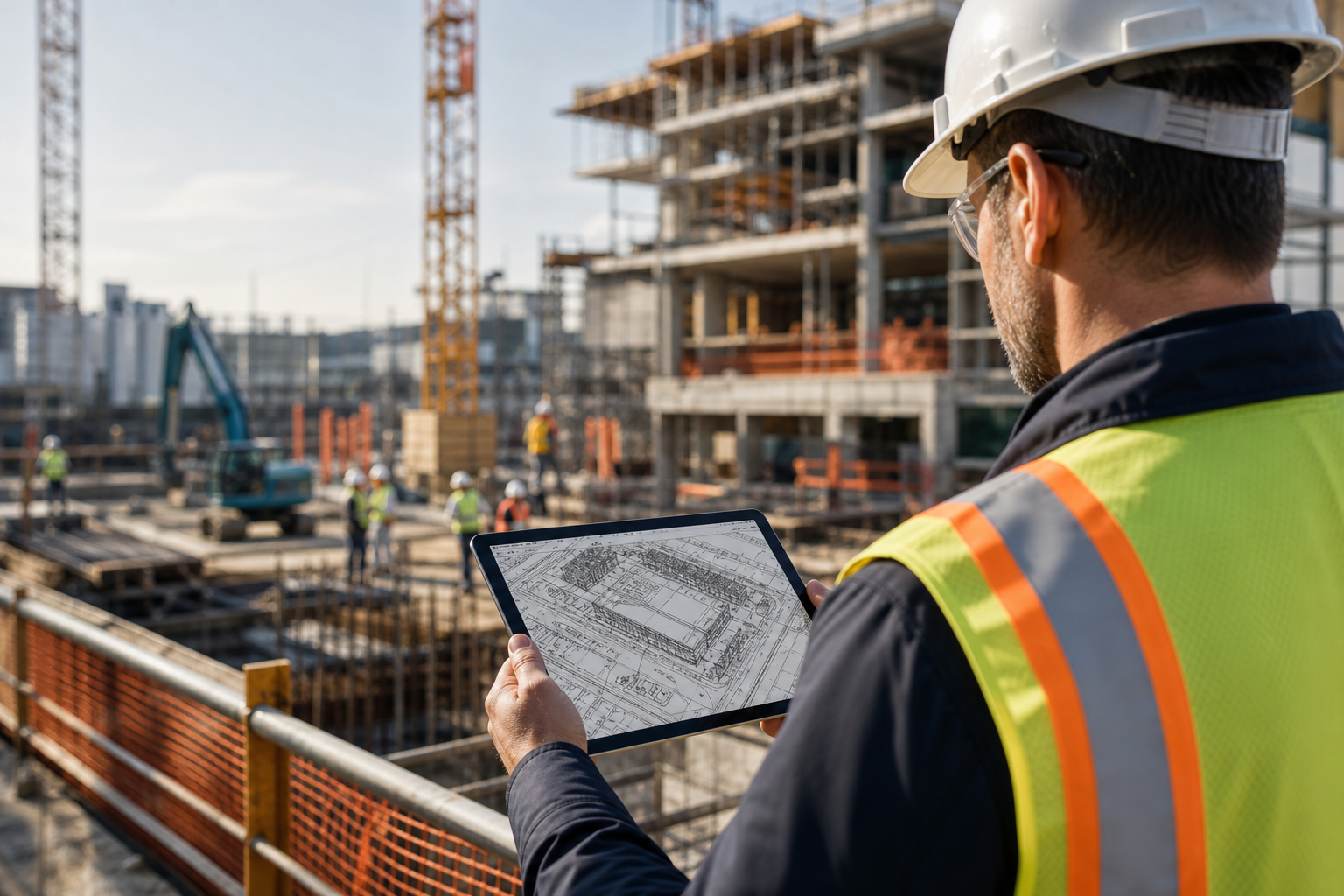 , alert rules with time thresholds, roles & escalation tree, weekly review dashboard; modern, clear labels)
- Assess site risks
- Walk the site. List top threats: perimeter cuts, copper theft, fuel theft, arson, weekend trespass. Note night lines of sight and lighting gaps.
- Map camera placement zones
- Draw a simple plan with zones: perimeter, gates, materials yard, fuel tanks, tool cribs, crane base, laydown, office trailers. Prioritize high-value areas.
- Choose camera types (PTZ, fixed, mobile)
- Use PTZ for large yards and long perimeters. Use fixed domes for gates and choke points. Add solar-powered mobile units for pop-up areas without power.
- Select connectivity
- Mix wired, site Wi‑Fi, and LTE. For remote edges, LTE on mobile towers reduces trenching. Ensure each critical camera has a backup path if feasible.
- Set alert rules
- Use zone-based monitoring to focus detection on critical areas. Set customizable time thresholds (e.g., alert if a person lingers >15 seconds near copper reels from 7 p.m.–5 a.m.).
- Assign monitoring roles
- Define who gets which alert type. For example, site manager gets intrusion alerts; safety lead gets fire/smoke. Add an escalation path if no one acks in 60 seconds.
- Review and adjust weekly
- Every Friday, review alerts, false positives, and missed events. Move cameras as the site changes. Tighten rules before long weekends or material deliveries.
Practical Examples to Model
- Perimeter line-cross alert after 6 p.m.; if unacknowledged in 60 seconds, escalate to the on-call guard supervisor.
- Materials zone “loiter” rule: alert if a person is present for more than 20 seconds near metal stock.
- Gate camera: vehicle detection with a log of license plates for after-hours access checks.
5 Common Construction Site Monitoring Mistakes to Avoid
Even a strong plan can miss key details. Here are the pitfalls you should avoid as you apply this complete guide construction site monitoring on your next build.
First, relying only on guards without tech backup. A single guard cannot watch every angle at 3 a.m. However, real-time alerts with video proof, a location tag, and a timestamp can cut the scan burden. As a result, the guard knows exactly where to go and what to look for, instead of patrolling at random.
Second, poor camera placement that leaves critical areas unobserved. Gates, copper reels, fuel tanks, and office trailers need clear, overlapping views. In addition, avoid glare from site lights and headlamps. Therefore, test night scenes and adjust tilt and zoom until targets are crisp.
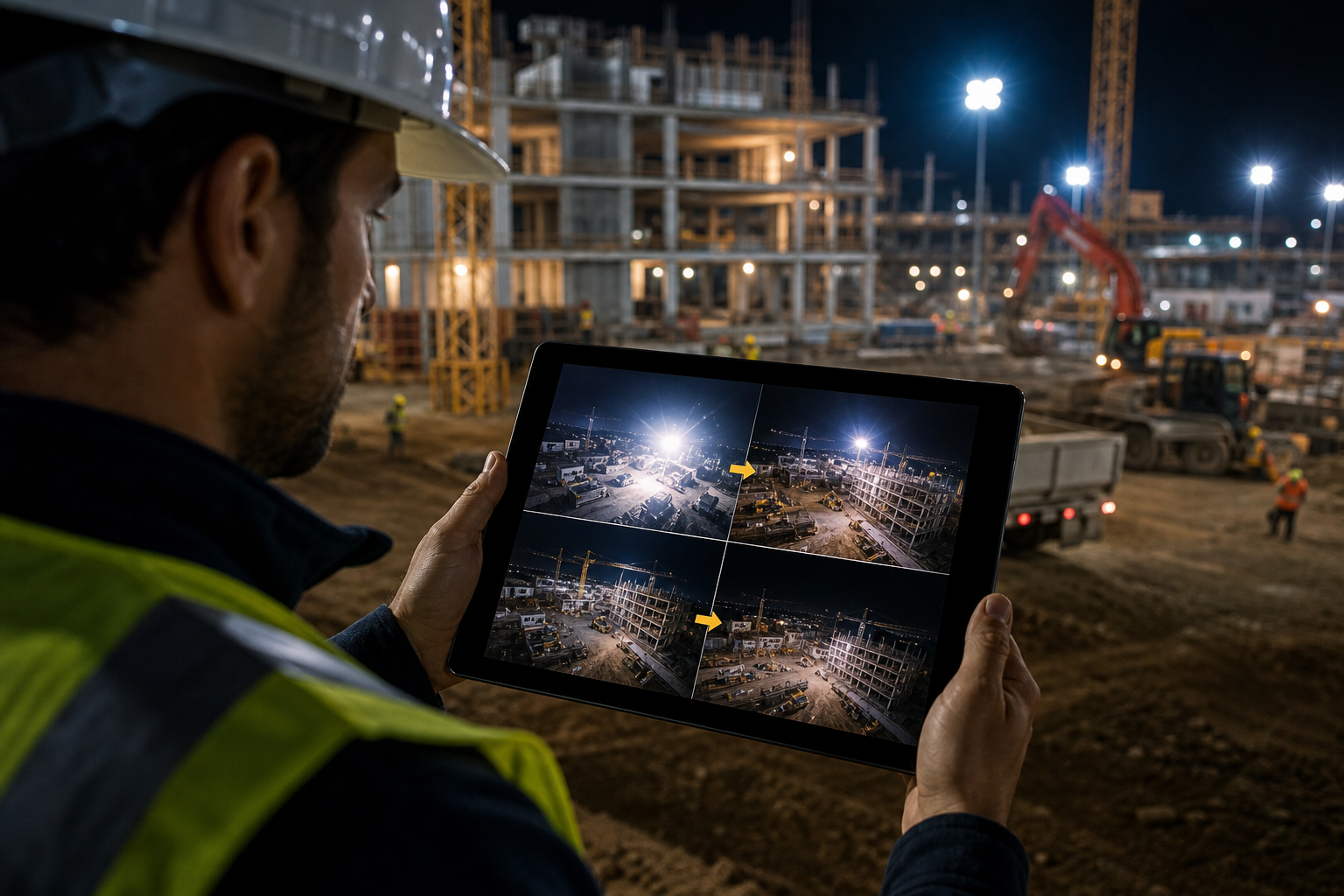
Coverage, Backup, Workflow
Third, no cloud backup of footage.
Drives fail. Power drops.
Moreover, a storm or a break-in can damage on-site recorders. Cloud recording protects key events and lets you share clips from a phone. Consequently, claims and police reports move faster.
Fourth, ignoring nighttime and off-hours coverage. Threats spike after 6 p.m. and on Sundays. So, schedule stronger detection rules for those windows, and reduce noise during work shifts. Furthermore, increase sensitivity before long weekends and deliveries.
Fifth, failing to integrate alerts with project workflows. For example, if a gate opens after hours, the on-call schedule should show who’s up. In addition, alerts should link to tasks: “Secure north gate, add lock, confirm by 7:00 a.m.” This drives action, not just awareness.
“We went from finding out about incidents in the morning briefing to being notified in real time. VideoraIQ caught an intruder at 2AM that our overnight guard missed. That one event alone justified the entire platform cost.” — Ananya Mehta, Head of Facilities
Quick Fixes You Can Apply Today
- Walk the site at night and view live feeds on a phone. Adjust angles until assets fill the frame.
- Turn on cloud backup for your top five risk zones first.
- Add an escalation ladder so no alert stalls for more than 60 seconds.
Also Read!
Tools and Technologies for Construction Site Monitoring
You don’t need a clean slate to upgrade your stack. In 2027, strong monitoring layers onto hardware you already own and adds smart analysis in the cloud. As you evaluate tools, keep this complete guide construction site monitoring in mind and focus on speed, accuracy, and fit with your site power and network.
Start with IP cameras. Fixed domes hold gates and doors. PTZ units sweep large yards.
Mobile, Access, and Sensors
Then add solar-powered mobile towers for new laydown zones without power. In addition, drones can document façades or vast sites, while access control systems track who enters and when. IoT sensors add door-open, vibration, and smoke signals that pair with video for context.
On top of video, AI analytics do the heavy lifting. Tools like VideoraIQ add 9 AI detection engines including intrusion detection, fire & smoke detection, and object detection. The platform works with existing cameras across 200+ brands and is cloud-based with no need for on-premise servers. Alerts arrive with <3 seconds alert latency and reach 99.4% detection accuracy. Real-time alerts include video proof, a camera location, and a timestamp so you can act fast and document decisions.
Zone Tuning
Moreover, zone-based monitoring lets you define virtual areas to watch closely, like the materials yard, while ignoring the public sidewalk. In addition, customizable time thresholds help you tune sensitivity by zone and time of day. Therefore, you get fewer false alarms and faster responses.
| Use Case | Best-Fit Tools |
|---|---|
| After-hours perimeter | PTZ + line-cross AI + LTE backup |
| Materials theft risk | Fixed cams + object detection + loiter timer |
| Fire near timber stock | Smoke detection AI + alert to safety lead |
| Progress tracking | Time-lapse camera + weekly exports |
| Access verification | Gate cam + license plate recognition |
**Book a free security review →
Compliance and Data Security Notes
- Cloud systems with GDPR compliant and HIPAA compliant practices protect personal data where applicable.
- Heatmaps and analytics can show hotspots. Use them to plan better lighting and camera coverage.
- Keep on-site signage clear. Inform workers and visitors that video monitoring is active.
What to Do Next: Your First Week of Construction Site Monitoring
You can make real progress in five workdays. Use this plan as a capstone to the complete guide construction site monitoring, and set a 30-day review now while it’s fresh.
Day 1: Audit your current security gaps
- Walk the site with your phone open to live feeds. Note poor angles, low light, and noisy alerts. Pick five must-fix issues.
Day 2: Identify your top 3 risk zones
- Choose the spots with the most loss or risk: perimeter breach points, copper reels, fuel tanks. Add them as named zones on your site map.
Day 3: Request demos from 2–3 monitoring vendors
- Ask each vendor to show intrusion, smoke, and object detection on your real footage. Verify <3 seconds latency and cloud backup during the call.
Day 4: Establish an alert escalation protocol
- Define who gets an alert first, who is second, and the time limit for acknowledgment. Add a 24/7 rotation for after-hours.
Day 5: Set rules and run a night test
- Turn on zone-based alerts after 6 p.m. Use customizable time thresholds to reduce noise. Trigger a test event and confirm the clip, location tag, and timestamp arrive.
Week 2–4: Adjust and prove value
- Move cameras as the site changes. Track one saved incident with clear video. Share the clip with leadership to support budget and next steps.
A Simple Tracking Template
- Incident type: (intrusion/smoke/loiter)
- Zone: (materials yard/gate/office)
- Time to alert: (seconds)
- Time to action: (minutes)
- Outcome:

Key Takeaways
- Active beats passive. Real-time alerts with video proof, a location tag, and a timestamp turn cameras into an action system, not just a record.
- Zones matter. Zone-based monitoring narrows focus to high-risk areas and time windows, which cuts noise and speeds response.
- Tune time, not just pixels. Customizable time thresholds (like “alert if a person is present >15 seconds after hours”) catch real threats and ignore normal work.
- Cloud-first is resilient. Cloud-based recording protects evidence if a recorder fails and makes sharing clips easy from a phone.
- People close the loop. Assign roles and escalations so no alert lingers. Review weekly and move cameras as the site evolves.
As you apply this complete guide construction site monitoring, remember that sites change hourly. Therefore, your rules and views should change with them. In 2027 and beyond, the winners are the teams who review fast, act fast, and prove it with clear video.