

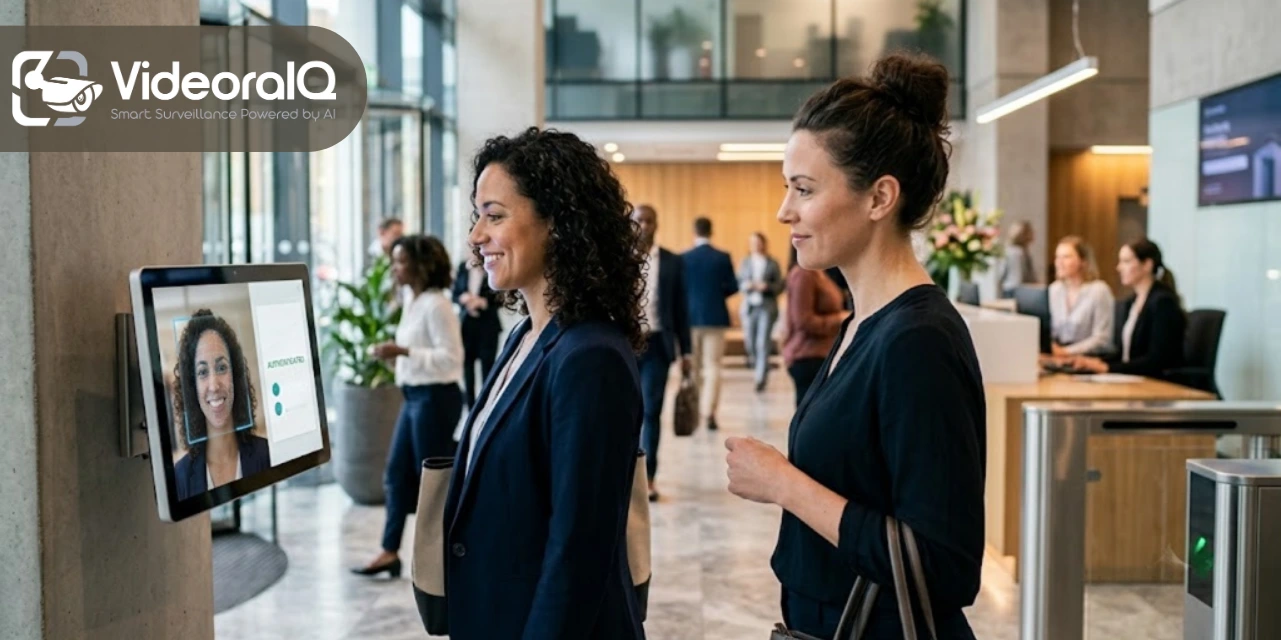
Long check-in queues, paper-based visitor logs, forgotten visitor records, and difficulty identifying unauthorized guests. Managing visitors manually can quickly become a challenge for organizations.
AI facial recognition offers a smarter solution by automating visitor identification and verification at the point of entry.
Instead of relying only on ID cards, sign-in sheets, or reception staff, facial recognition technology can quickly match a visitor’s face with their registered information and help security teams identify approved, restricted, or unfamiliar individuals.
This makes the check-in process faster while giving organizations greater visibility and control over who enters their premises.
In this blog, we’ll explore 7 simple ways AI facial recognition can improve visitor management and create a more secure, efficient experience for both visitors and organizations.
What is AI Facial Recognition?
AI facial recognition is an AI-powered technology that detects, analyzes, and identifies human faces from images or video footage. It studies unique facial features such as the distance between the eyes, nose shape, and facial structure to create a digital facial pattern. This pattern can then be compared with stored profiles to verify a person’s identity.
Businesses use facial recognition, especially for visitor management, providing secure access and safe AI visitor check-in. Real-time surveillance is made possible via these detectors, as they immediately send alerts when a banned or unauthorized person is detected.
What Does it Do?
An AI face detection system can be a great asset for organizations; here are some of its unique features that –
- Face Detection: AI facial recognition can automatically detect and locate faces from live camera feeds, photos, or video footage, even when multiple people are present.
- Face Identification: It compares detected facial features with stored profiles to identify known individuals quickly and accurately.
- Identity Verification: The system can verify whether a person matches their registered identity, making it useful for secure entry and visitor authentication.
- Real-Time Recognition: Faces can be analyzed in real time as people enter a building or move through monitored areas, reducing the need for manual checks.
- Watchlist Alerts: If a detected face matches someone on a watchlist, such as a banned or unauthorized visitor, the system can immediately send an alert to security personnel.
- Automated Visitor Check-In: Facial recognition can simplify guest visits by recognizing registered visitors and reducing manual registration and paperwork.
- Access Control: Businesses can use facial recognition to grant or deny access to restricted areas based on a person’s identity and permissions.
- Attendance Tracking: It can automatically record when employees or visitors arrive and leave, helping organizations maintain accurate attendance records.
- AI-Powered Analytics: The technology can analyze recognition data and provide useful insights for security monitoring, visitor patterns, and access management.
Why is an AI Visitor Check-in System Better Than Regular Face Scanning Software?
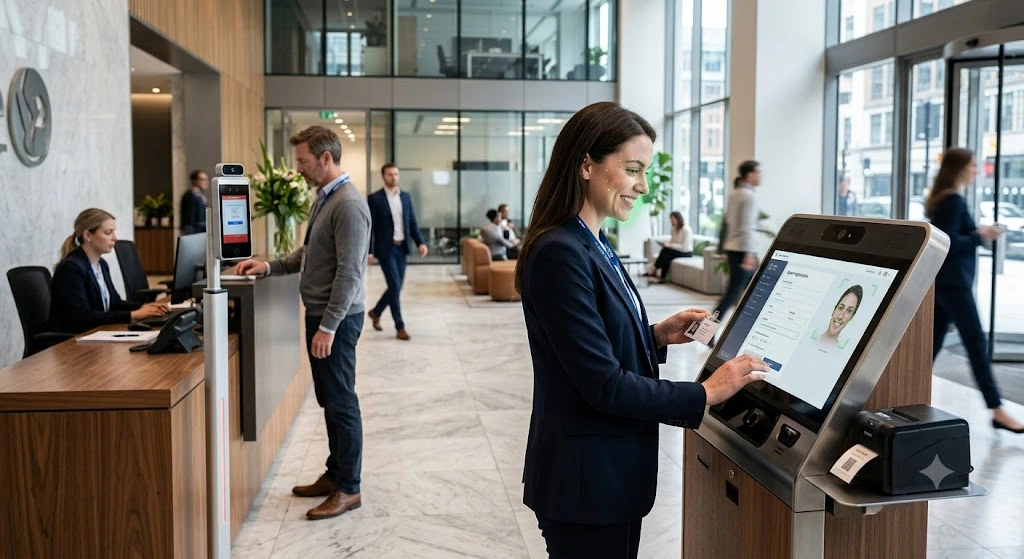
- Basic Face Matching: A normal face scanner mainly captures a face and compares it with a stored image. AI recognition software can analyze multiple facial features and identify a person more intelligently.
- Visitor Check-In: Traditional scanners usually focus only on face verification. AI visitor systems can automatically recognize visitors, complete check-in, and update visitor records.
- Real-Time Alerts: Basic scanners may not provide advanced alerts. AI systems can instantly notify security teams when a banned, unauthorized, or flagged visitor is detected.
- Better Security: A regular scanner primarily answers, “Does this face match?” AI recognition can go further by checking whether the person is authorized to enter and what action should be taken.
- Automated Guest Management: AI systems can connect facial recognition with visitor registration, access control, notifications, and digital records, reducing manual work.
- Handling Real-World Conditions: AI-powered systems can be designed to recognize faces under varying lighting, angles, and other common environmental conditions, whereas basic scanners may be more limited.
- Data & Analytics: Traditional scanners generally provide basic verification results. AI visitor management systems can maintain visitor histories, entry and exit records, and security-related data for better monitoring.
- Overall Difference: A normal face scanner mainly recognizes a face, while AI facial recognition software can recognize, verify, analyze, alert, and automate actions around that identity.
7 Ways Visitor Management Can Benefit the Organisation.
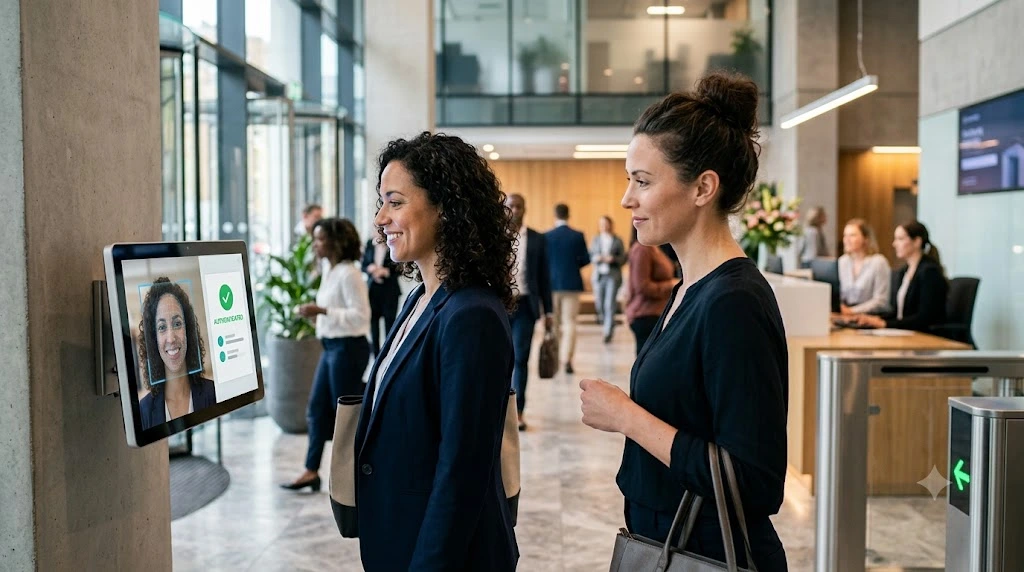
- Improves Workplace Security
AI facial recognition can help organisations strengthen security by identifying people entering their premises. Instead of relying entirely on ID cards, passwords, or manual verification, the system can verify a visitor or employee through their facial features and help prevent unauthorized access. - Makes Visitor Check-In Faster
AI-powered guest management can automate much of the check-in process. Returning visitors can be recognized quickly, while their details can be matched with existing records. This reduces queues, paperwork, and the time reception staff spend manually registering every visitor. - Detects Banned or Unauthorized Visitors
One of the biggest advantages is the ability to compare detected faces against a watchlist. If the system recognizes a banned or unauthorized individual, it can immediately alert the relevant security personnel, allowing them to take appropriate action. - Reduces Manual Work for Reception Teams
Traditional guest management often requires receptionists to collect information, verify identities, issue passes, and maintain visitor logs. AI facial recognition can automate several of these repetitive tasks, allowing employees to focus on more important responsibilities. - Provides Accurate Visitor Records
AI visitor systems can automatically maintain digital records of visitor entries and exits. Organisations can use these records to know who entered the premises, when they arrived, when they left, and whether they were authorized, making visitor tracking easier. - Strengthens Access Control
Facial recognition can work alongside access-control systems to determine whether an individual should be allowed into specific areas. This is particularly useful for organisations with restricted rooms, offices, laboratories, warehouses, or other sensitive locations. - Creates a More Convenient Visitor Experience
Security does not have to come at the cost of convenience. AI facial recognition can make check-in quicker and more seamless for employees, guests, contractors, and other visitors. A smoother entry process can also create a more professional first impression of the organisation.
How to Choose the Best AI Facial Recognition Software?
Choosing the right AI facial recognition software requires looking beyond basic face-scanning capabilities. The best solution should match your organisation’s security requirements, visitor management needs, accuracy expectations, privacy requirements, and existing technology infrastructure. Here are the key factors to consider:
- Check Recognition Accuracy
Accuracy should be one of your first considerations. Look at how well the software performs in real-world conditions, including different lighting, camera angles, and crowded entrances. Don’t rely only on a vendor’s advertised accuracy percentage—testing the system in your actual environment is much more useful. - Look for Real-Time Recognition
Choose software that can recognize faces quickly through live camera feeds. Real-time recognition is particularly important for visitor check-ins, access control, and detecting unauthorized or banned individuals, where delayed identification can reduce the system’s security value. - Prioritize Liveness Detection
A good facial recognition system should have liveness detection or anti-spoofing technology to distinguish a real person from a photograph, video, or phone screen. This is especially important when facial recognition is being used to control physical access. - Check Watchlist and Alert Features
If security is a major concern, look for software that can compare visitors against a watchlist and immediately alert security personnel when a flagged individual is detected. This turns facial recognition from a simple identification tool into a more proactive security solution. - Consider Visitor Management Features
For organisations using facial recognition at reception, choose a system that also supports visitor registration, pre-registration, digital visitor logs, host notifications, badge management, and check-in/check-out tracking. This avoids having to use separate systems for face recognition and guest visits.
About VideoraIQ.
VideoraIQ is a cloud-based, AI-powered video intelligence platform that transforms traditional CCTV cameras into proactive security and monitoring systems. Instead of simply recording footage for someone to review later, it uses AI to analyze camera feeds in real time and detect events that require attention. The platform currently highlights 16 AI detection engines, covering areas such as face recognition, intrusion detection, crowd detection, person and vehicle counting, number-plate recognition, loitering detection, PPE compliance, and mobile-phone usage detection.
Why Choose VideoraIQ?
- AI Facial Recognition: Detects and recognizes faces, matches identities, and can generate access or attendance events. It can also provide alerts when unidentified individuals are detected in sensitive areas.
- Watchlist & Identity Matching: The platform can match faces against watchlists and help organizations identify known, unknown, or restricted individuals in real time.
- Intrusion Detection: Organizations can define restricted zones and receive alerts when an unauthorized person enters those areas.
- Number Plate Recognition: Its ANPR capability can detect and read vehicle number plates, helping with vehicle access logging and monitoring.
- Crowd & People Detection: The system can count people in configured areas and generate alerts when occupancy exceeds predefined limits.
- PPE Compliance: For workplaces where safety equipment is mandatory, VideoraIQ can detect missing helmets, safety vests, gloves, masks, aprons, and hair nets.
- Loitering & Zone Monitoring: It can identify people who remain in monitored areas longer than an allowed duration and detect movement into restricted zones.
- Real-Time Alerts: According to its website, VideoraIQ delivers alerts with relevant video, location, and timestamp information, helping security teams respond faster instead of manually searching through hours of CCTV footage.
- Centralized Monitoring: Facial-recognition logs and other detection events can be brought together through a centralized dashboard, which is particularly useful for organizations managing multiple locations.
In Simple Terms
Traditional CCTV mainly records what happens; VideoraIQ is designed to understand what is happening and alert the organization when something important occurs. This makes it useful for offices, healthcare facilities, educational institutions, manufacturing sites, event venues, and other environments where organizations need continuous security and operational monitoring.
Conclusion
AI facial recognition is making visitor management faster, safer, and more efficient for modern organisations. From automated check-ins and identity verification to real-time watchlist alerts and accurate visitor records, it can reduce manual work while strengthening overall security. However, choosing the right solution is equally important. Organisations should look for software that offers reliable recognition, strong data security, easy integration, and practical guest management features. With the right AI facial recognition system in place, businesses can create a smoother visitor experience while maintaining better control over who enters their premises.
Frequently Asked Questions
1. What is AI facial recognition in visitor management?
AI facial recognition uses a visitor’s face to verify their identity and make the check-in process faster and more secure.
2. How does facial recognition improve visitor check-in?
It can reduce manual data entry and long queues by quickly identifying and verifying registered visitors.
3. Can AI facial recognition help identify unauthorized visitors?
Yes. It can compare faces against approved or restricted visitor lists and alert security teams when there is a potential match.
4. Is AI facial recognition better than traditional visitor logs?
It can make visitor management more efficient by automating identification and providing more accurate, easily accessible visitor records.
5. How does facial recognition improve workplace security?
It helps organizations monitor who enters their premises, verify visitors quickly, and give security teams better visibility over building access.

