

**Get a free campus security assessment →
Eighty-five percent of CCTV footage is never reviewed (Source: VideoraIQ stats). For reliable intrusion and perimeter breach detection in 2026, the most effective approach is to add an AI layer that sits on your existing IP cameras, filters out weather and wildlife, and delivers actionable alerts in seconds.
You don’t need to rip out cameras to get better security.
You need faster, smarter detection
Specifically, your team needs sub-5-second alerts with video proof, accurate human/vehicle classification, and zone-based rules around the places you actually secure each night: parking lots, loading docks, exterior fences, and restricted floors. Otherwise, incidents still turn up at morning briefings, not in real time.
In this guide, you’ll get a clear buying framework, a side-by-side comparison of approaches, and a detailed walkthrough of how an AI platform designed for corporate campuses turns hundreds of passive feeds into live, directed response. You'll also learn how AI-driven intrusion detection can help security teams reduce false alarms, improve response times, and scale monitoring across large corporate campuses.
For background on retail sites with large perimeters, you can also scan our short retail perimeter guide. Although the setting differs, the principles for patrol routes and false alarm control carry over to corporate campuses.
Why Corporate Campuses Still Struggle with Perimeter Intrusion Detection
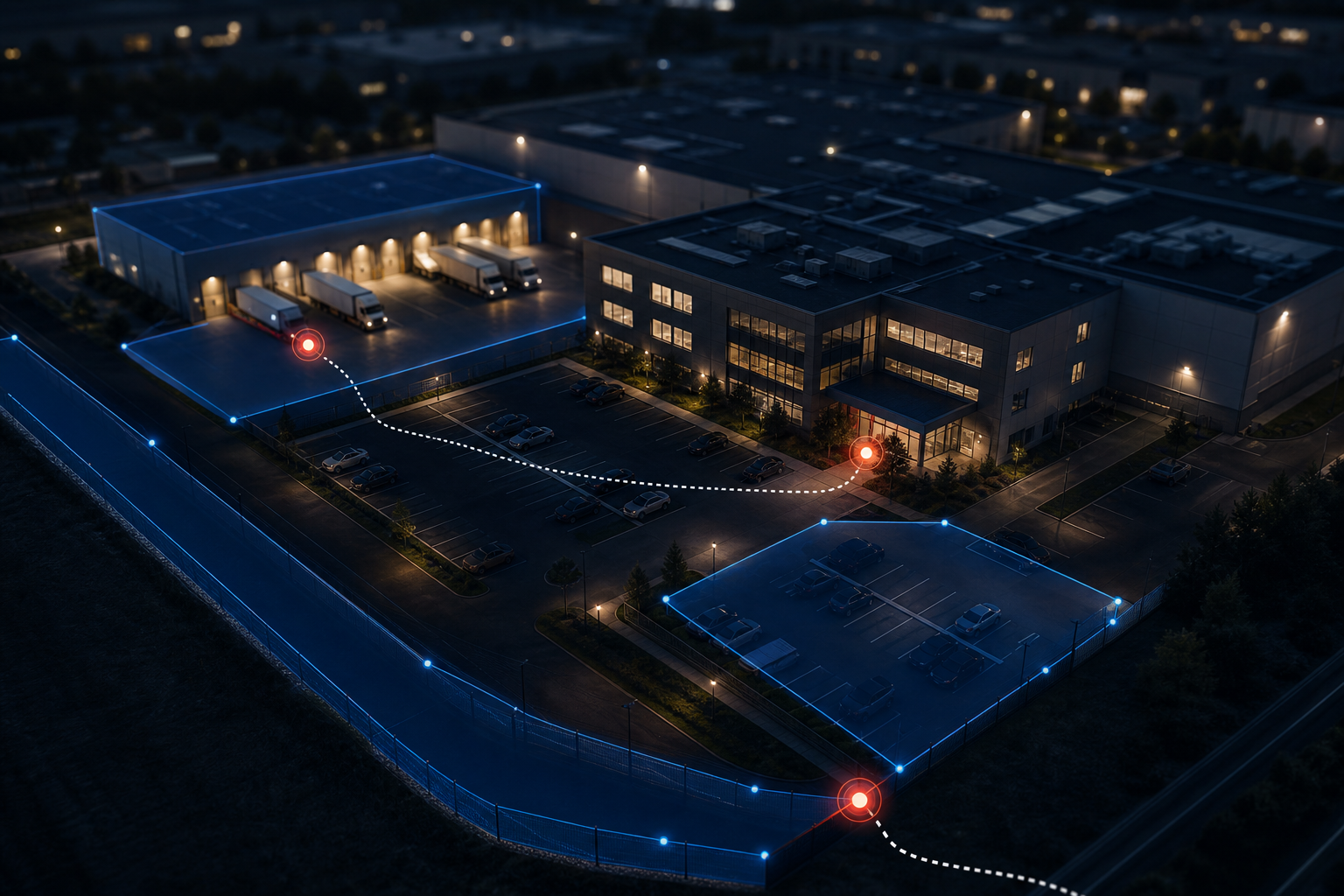
On a 200-camera corporate campus, the gap between having cameras and having security is wide. Per VideoraIQ stats, Security teams often struggle to manually review large volumes of recorded video footage. Night-shift guards cannot watch dozens of feeds at once. As a result, unlogged fence line entries, untracked after-hours door props, and missed tailgates come up in the morning briefing.
The core issue is signal versus noise. Traditional motion detection keys off pixel changes. However, wind in trees, blowing rain, moths near infrared illuminators, and shifting shadows all look like “motion.” For large outdoor perimeters, this translates into hundreds of pings per night. Therefore, guards mute alerts, and true intrusions hide in the flood.
Signal vs. noise in outdoor environments
Multi-building layouts add blind areas between structures, in plaza walkways, and along service roads. Cameras may not be aimed for detection; they were placed years ago for wide coverage. Additionally, forklift lanes, shuttle routes, and cleaning crews produce constant non-threat motion that drowns out the one frame you needed to see.
Moreover, most campuses lack zone-based rules that match how sites run after hours. For example, a north parking deck is empty by 8:30 PM, while the main lobby stays active until 11 PM. Without time-based virtual perimeters, a single sensitivity setting forces a trade-off, either you get too many alerts in busy zones or you miss quiet, off-angle entries near the fence.
- Shifting light and shadows produce motion events that look human but aren’t.
- Small animals near perimeter fences trigger alerts that build alarm fatigue.
- Rain, fog, and snow create pixel noise that crowds out real intrusion events.
- Vehicle headlights and reflections cause spikes in motion-only systems.
Finally, response depends on latency. If it takes 60–90 seconds to push an alert to your guard’s phone, the person who jumped the fence is already off the camera and around the corner. In practice, that means your team writes incident reports from recordings instead of intercepting threats on scene. For corporate offices, true intrusion and perimeter breach detection starts with speed, precise human/vehicle identification, and zone logic that fits the site’s timetable, not with more cameras.
Also Read!
How to Choose an Intrusion Detection Security Camera System for Corporate Campuses
How to Add AI to Existing Security Cameras at Airports and Transit Stations
What to Look for in an Intrusion Detection Camera System for Corporate Campuses
Buying in 2026 is not about megapixels alone. It’s about pairing your current IP cameras with AI detection that cuts noise and accelerates response. The seven criteria below reflect day-to-day campus security work, patrol routes, loading dock checks, and restricted floor access, rather than lab demos.
1) AI-powered detection vs. simple motion
Pixel-change motion sees everything and understands nothing. By contrast, AI pattern recognition distinguishes a person from a raccoon, a delivery truck from a shifting cloud, and a crosswalk approach from a fence climb. In addition, modern models can track partial occlusions and poor lighting, which is common near hedges and under canopies. For true intrusion and perimeter breach detection, insist on human/vehicle classification, not just “motion.
2) Alert latency under five seconds
Speed drives outcomes. Sub-5-second delivery lets an officer glance at video proof and move to intercept while a subject is still in frame. However, delays push you into after-action review mode. Therefore, measure real-world latency on your network, not just a quoted average.
3) Works with existing cameras
Corporate sites rarely get budget to rip and replace. Your next layer should connect to ONVIF/RTSP feeds across mixed camera brands. Moreover, it should honor current camera names and locations so guards aren’t re-learning the site map. As further reference on large-site trade-offs, see our airport comparison article, which weighs AI detection styles and infrastructure choices.
4) Zone-based monitoring and virtual perimeters
You secure spaces, not pixels. Zone rules let you draw areas around fence lines, parking decks, loading docks, server rooms, and lobby thresholds. Then you set time windows and sensitivity by zone. For example, “Alert on any human in the west yard from 7 PM to 6 AM” while letting the lobby run at a higher threshold until midnight. This mirrors real patrol routes and staffing.
5) Cloud vs. on-prem architecture trade-offs
On-premise servers keep video local and can appeal for strict data sovereignty requirements. However, they add hardware, patching, and failover planning. Cloud deployment removes local server maintenance and scales with camera count and users. In addition, multi-site teams gain a shared dashboard without backhauling video. If you choose cloud, ask about encryption, regional data centers, uptime SLAs, and export controls.
6) False alarm rate and fatigue control
Alarm fatigue is a safety issue. AI that filters weather, shadows, insects, and small animals reduces alert volume and improves response quality. Specifically, ask vendors for a tested precision/recall on human detection and for examples from night shifts in parking lots and fence lines.
7) Compliance and privacy certifications
Corporate campuses may host healthcare tenants, process HR biometrics, or run R&D labs. As a result, GDPR and HIPAA compliance matter. For context on GDPR terms and scope, review the General Data Protection Regulation. Then verify how the platform handles retention windows, access logs, encryption, and subject rights requests.
Scalability for growth
Many campuses start with 50 cameras and end the year with 200+. Therefore, confirm that your plan tiers can expand without new hardware and without per-server limits. In addition, check that search, alerts, and analytics still perform when you triple feeds and users. True intrusion and perimeter breach detection at enterprise scale depends on both speed and sustained accuracy as you grow.
How VideoraIQ Solves Intrusion Detection for Corporate Campuses
VideoraIQ brings nine AI detection engines together to support campus operations: intrusion detection, face recognition, fire and smoke detection, object detection, number plate recognition (ANPR), line-cross detection, unauthorized access, unattended baggage detection, and cashier absence detection. For perimeter work, the intrusion engine leads, with face recognition and ANPR adding who and which vehicle.
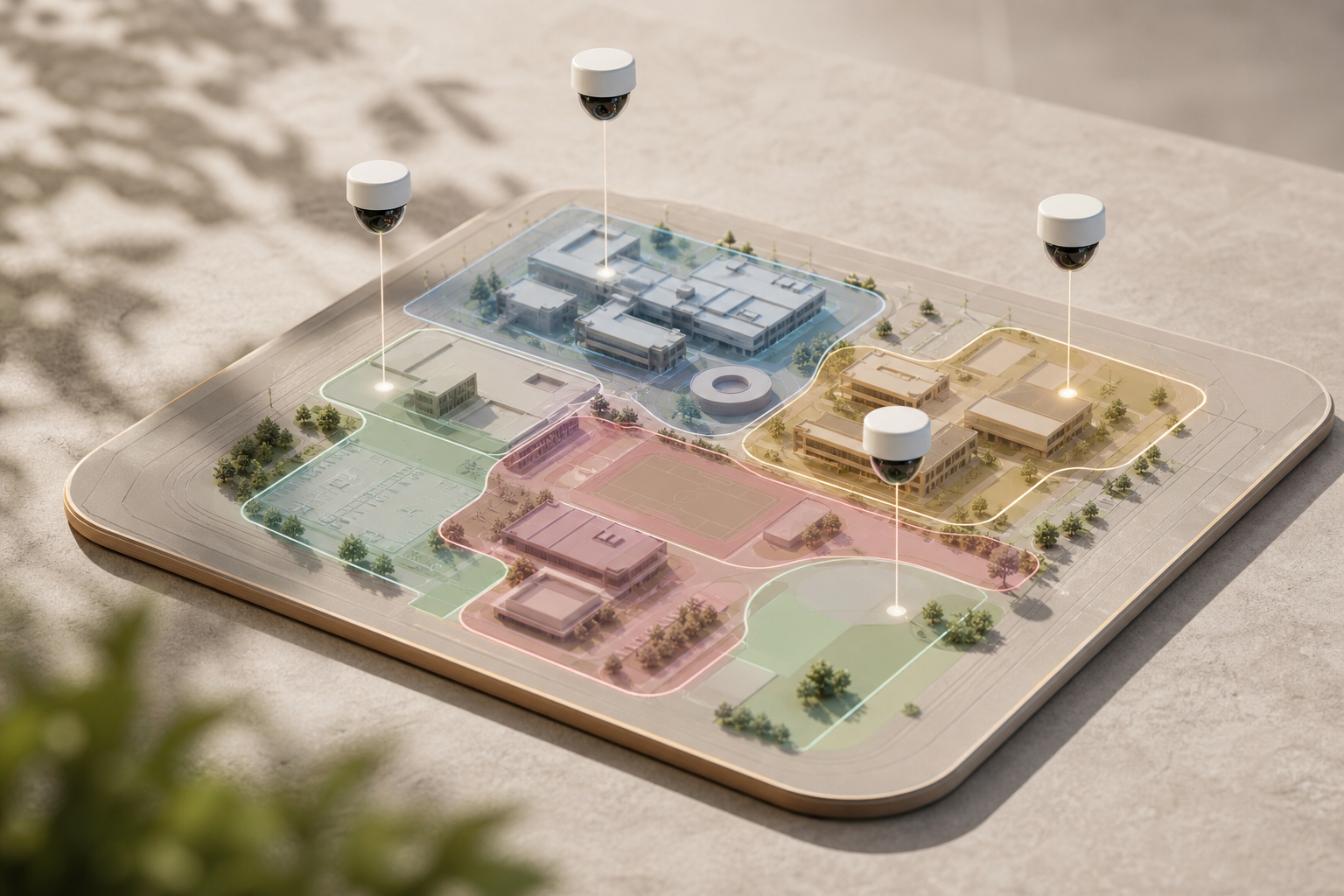
First, VideoraIQ’s Zone-Based Monitoring lets you draw virtual perimeters around parking lots, loading docks, restricted wings, and building entrances.
You can set time windows per zone, quiet hours on the south loading dock, stricter rules on the research floor, and lighter thresholds near a late-night lobby. As a result, the system mirrors patrol routes and actual site risk rather than a one-size-fits-all sensitivity slider.
Second, alert speed drives action.
VideoraIQ delivers alerts in under 3 seconds with video proof, a location tag, and a timestamp. Therefore, your team gets context, not just a ping. On a 200-camera office park, this means the rover sees the clip, identifies the door, and turns left instead of right.
Integration and Scale
Moreover, VideoraIQ works with existing cameras across 200+ brands, preserving your current infrastructure. There is no need for on-premise servers; the cloud-based architecture removes hardware costs and maintenance. In addition, the platform is designed to support large-scale deployments while leveraging existing camera infrastructure.
Campus-Mapped Detection and Actionable Evidence
Beyond real-time alerts, heatmaps and analytics expose repeat hotspots: a service gate that draws late-night foot traffic, a stairwell landing used for roof access, or a delivery bay with frequent after-hours activity. Security managers then adjust patrol routes, move a camera by 15 degrees, or tighten a zone rule at the fence line. Over time, the campus becomes easier to secure because alerts reflect patterns, not just motion.
Organizations often report that AI-assisted monitoring reduces the time required to identify and respond to security events.
In addition, continuous 24/7 monitoring matters for long perimeters and multi-building sites.
Identity and Vehicle Linkage
Face recognition and ANPR complement perimeter intrusion alerts by linking a person and plate to an event. For example, a fence climb triggers an intrusion alert, while ANPR captures the exit vehicle at the east gate five minutes later. This strengthens evidence and supports access audits and HR follow-up where policy allows.
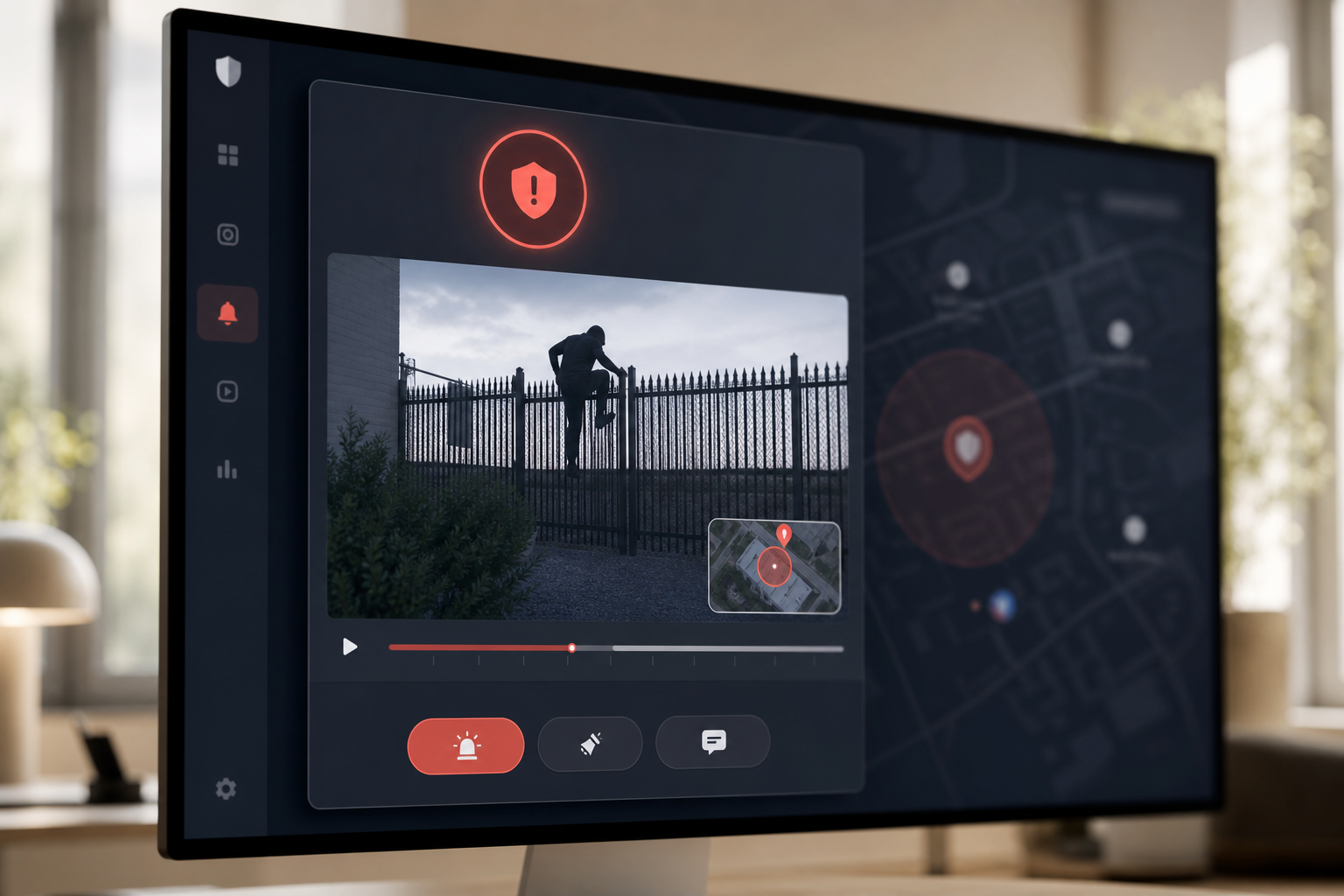
VideoraIQ is designed to help organizations standardize intrusion detection workflows across large campuses : draw zones that match your grounds, receive fast, accurate alerts, and adjust patrols with analytics rather than guesswork.
**Get instant demo access, no hardware needed →
Also Read!
VideoraIQ vs. Traditional Motion-Based Intrusion Detection Systems
Security leaders compare three approaches on corporate campuses: AI pattern recognition (VideoraIQ), motion-only DVR/NVR setups, and legacy VMS platforms that run on dedicated on-premise servers with proprietary cameras. The differences shape both workload and risk.
- Unlike motion-only systems that trigger on every shadow, VideoraIQ’s AI focuses on human and vehicle patterns. That cuts noise and gives guards fewer but higher-value alerts.
- Compared to legacy VMS that demand server stacks and vendor-locked cameras, VideoraIQ runs in the cloud and works with 200+ brands, so you keep your current infrastructure and avoid new hardware.
| Dimension | VideoraIQ (AI Pattern Recognition) | Motion-Only Systems (Pixel Change) | Legacy VMS (On-Prem + Proprietary) |
|---|---|---|---|
| Detection Method | Human/vehicle AI recognition (9 engines) | Pixel-change motion | Varies; often add-on analytics |
| False Alarms | Low through pattern recognition | High; triggers on shadows/weather/animals | Varies; dependent on hardware |
| Alert Speed | <3 seconds with video proof, location, timestamp | Minutes or post-event review | Varies; may add delay via storage hops |
| Infrastructure | Cloud-based; no on-prem servers | DVR/NVR per site | Dedicated on-prem servers, proprietary cameras |
| Scalability | Enterprise tier: unlimited cameras | Hardware-limited by NVR/DVR | Hardware and license-limited |
| Compliance | GDPR and HIPAA compliant | Varies | Varies |
However, on-premise systems can fit strict data sovereignty policies. If you must keep all processing on site due to regulation or risk posture, legacy VMS may align with that choice. On the other hand, VideoraIQ’s cloud approach removes server maintenance, patching, and redundancy planning, which lowers total cost and shortens rollout.
"Installation was quick, and it worked with our current CCTV—no downtime, no extra investment." — Sana Ibrahim, Hotel Security Lead
For teams judged on real outcomes, intercepts at the fence, not clip exports, the AI approach provides faster, more accurate intrusion and perimeter breach detection without adding racks to the IDF.

Trust, Compliance, and Performance Credentials
Organizations evaluating intrusion detection platforms should assess performance using pilot deployments in their own environments. Detection quality can vary based on camera placement, lighting conditions, weather, network configuration, and scene complexity.
Security isn’t only about speed. It’s also about privacy and regulation. VideoraIQ is GDPR compliant and HIPAA compliant, which supports campuses with healthcare tenants, HR biometrics, and regulated R&D spaces. Moreover, cloud delivery means no on-premise servers to maintain, while encryption and access controls protect video and alerts in transit and at rest.
Pricing and scale
Pricing aligns to campus growth. The Starter tier covers up to 20 cameras with real-time alerts and 7-day cloud retention. The Professional tier supports up to 200 cameras and includes all nine AI engines with 30-day retention. The Enterprise tier removes camera limits, adds custom AI models, and extends retention to 90 days. Therefore, you can begin with one building and scale to an entire business park without changing platforms.
Real-world results span beyond perimeter threats:
"Our fire was detected 52 seconds before our smoke alarm triggered. The VideoraIQ alert came with a live camera link — my team was already on their way before the alarm sounded. That system saved the building." — Nilesh Kapoor, Plant Safety Supervisor, Manufacturing Facility (480 cameras)
For security directors, this means one platform for intrusion and perimeter breach detection that also flags fire/smoke and unauthorized access, multiple risks, one alerting system, consistent operations.
Getting Started: Deploying Intrusion Detection on Your Corporate Campus
Rolling out campus-wide detection shouldn’t require new racks or a six-week outage. Because VideoraIQ is cloud-based, you can start with your current IP cameras and move from pilot to production on your schedule. In addition, zone templates for common areas, parking structures, loading docks, restricted floors, and exterior fences, let you tune detection to your actual patrol plans.
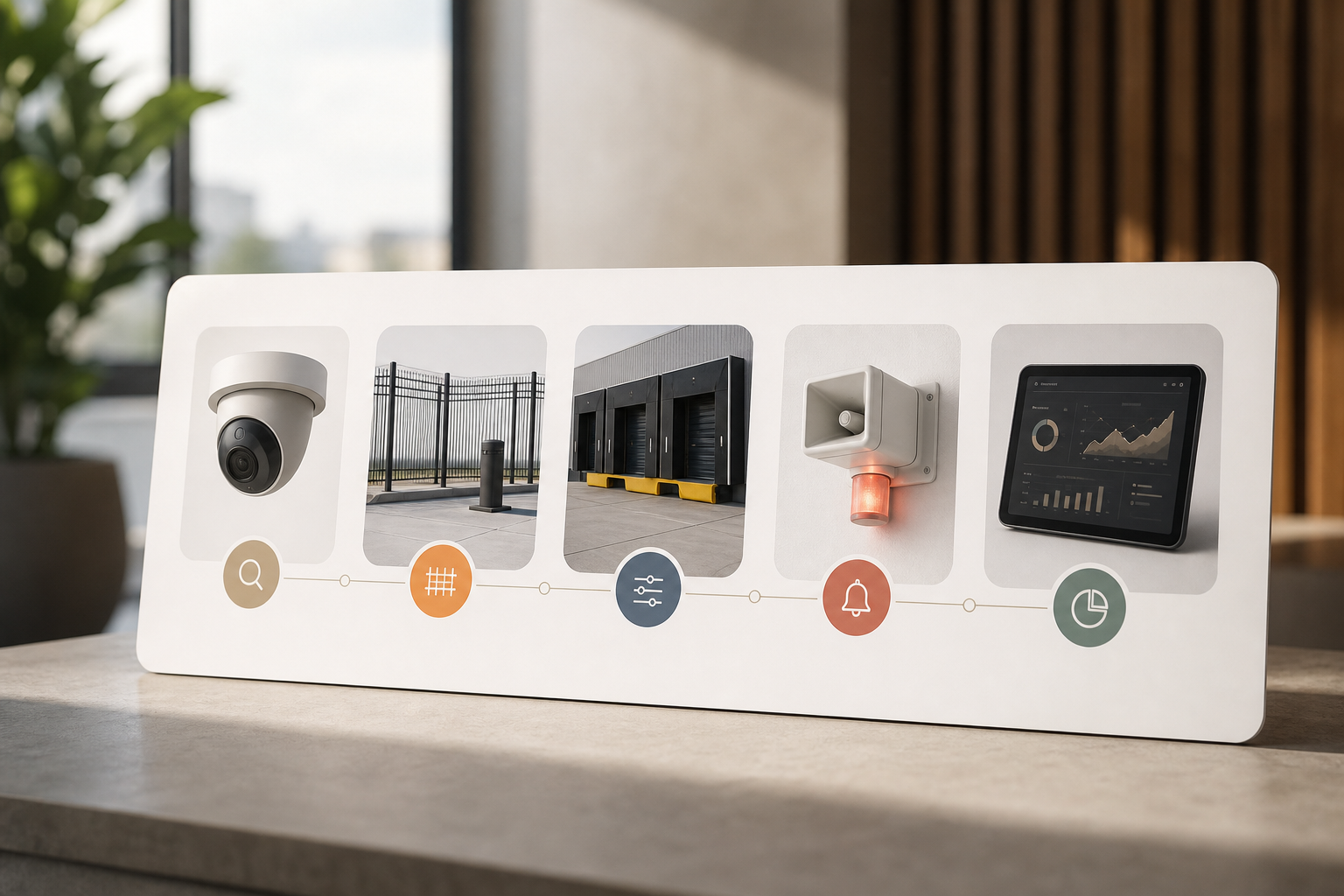
Here’s a practical five-step sequence that mirrors how corporate teams work:
-
Step 1: Audit your existing cameras. Confirm RTSP/ONVIF access and note each feed’s name and location. VideoraIQ works with 200+ camera brands, so most IP cameras will connect without adapters.
-
Step 2: Map your perimeter zones. Draw virtual perimeters around high-risk areas: parking decks, loading docks, campus fence lines, and restricted floors. Set initial time windows based on shift changes and cleaning schedules.
-
Step 3: Set detection parameters. Use customizable time thresholds and sensitivity per zone. For example, permit lobby traffic until 11 PM but flag any human near the server room door after 7 PM.
-
Step 4: Configure alert routing. Route real-time alerts and notifications to on-site security, your remote SOC, and facilities duty phones. Use the dashboard for live triage and email for audit trails.
-
Step 5: Review analytics after two weeks. Use heatmaps and alert history to refine camera angles, adjust zone boundaries, and update patrol routes. Then lock in the new SOP for night shifts.
Because there are no on-premise servers to provision, integration can begin immediately after access is set. Therefore, your team moves from testing clips to live coverage in days, not months. For a tailored rollout plan and zone map for your site, contact our team.
**Book a free deployment plan review →
Also Read!
Best AI Add-On for Existing Security Cameras at Airports and Transit Stations in 2026
How to Choose Fire and Smoke Detection Security Cameras for Airports and Transit Stations
Frequently Asked Questions
How much does an AI intrusion detection system cost for a corporate campus?
VideoraIQ offers three tiers. Starter covers up to 20 cameras with real-time alerts and 7-day cloud retention. Professional supports up to 200 cameras with all nine AI engines and 30-day retention. Enterprise includes unlimited cameras with custom AI models and 90-day retention. Most campuses with 50–200 cameras fit the Professional tier. No on-premise servers are required, which eliminates significant infrastructure costs.
Can AI intrusion detection cameras work with our existing CCTV system?
Yes. VideoraIQ integrates with existing IP-based CCTV systems across 200+ camera brands without additional hardware. The cloud-based architecture means there are no on-premise servers to install or maintain. As one corporate user reported, installation completed with zero downtime and no extra hardware investment. Therefore, you preserve sunk costs and speed up rollout.
What is the false alarm rate for AI-based intrusion detection vs. motion detection?
Traditional motion detection triggers on any pixel change, shadows, animals, rain, which creates alarm fatigue. VideoraIQ uses pattern recognition to separate genuine human intrusion from environmental noise and posts 99.4% detection accuracy. This reduces false alarms and focuses your team on real threats. As a result, your night shift responds faster and with more confidence.
How fast are intrusion alerts delivered?
VideoraIQ delivers alerts in under 3 seconds and includes video proof, a location tag, and a timestamp. This speed lets officers act while an intrusion is still in progress rather than after incident review. In addition, the alert payload removes guesswork, guards know what happened, where, and when. For perimeter incidents, seconds matter.
Is AI video surveillance GDPR and HIPAA compliant for corporate environments?
VideoraIQ is both GDPR compliant and HIPAA compliant. This suits corporate campuses that handle employee biometric data, host healthcare tenants, or operate in regulated industries. Compliance should be non-negotiable while you evaluate any AI surveillance platform. In addition, confirm retention controls, access logs, and data subject request workflows.
How many cameras can be monitored on a single corporate campus?
VideoraIQ’s Enterprise tier supports unlimited cameras with custom AI models and 90-day cloud retention. The platform currently monitors over 10,000 cameras across deployments in 7+ countries. The Professional tier handles up to 200 cameras, which covers most mid-size corporate campuses. Therefore, you can scale coverage without changing systems.
What other security threats can AI cameras detect beyond intrusion?
VideoraIQ includes nine AI detection engines: intrusion detection, face recognition, fire and smoke detection, object detection, license plate recognition (ANPR), line-cross detection, unauthorized access, unattended baggage detection, and cashier absence detection. For corporate grounds, intrusion, face recognition, ANPR, and fire detection create perimeter-to-interior coverage. In addition, unattended baggage rules help in shared atriums and transit-adjacent lobbies.
Are there alternatives to VideoraIQ for corporate campus intrusion detection?
Alternatives include legacy VMS platforms with bolt-on analytics and proprietary camera systems with built-in motion detection. However, those usually require dedicated on-premise servers, lock you into specific camera hardware, and rely on pixel-based motion with higher false alarm rates. VideoraIQ differentiates by working with existing cameras, requiring no on-premise infrastructure, and delivering AI pattern recognition with sub-3-second alerts.
Final Takeaways
- Speed wins. Sub-3-second alerts with video proof shift your team from morning catch-up to live response during fence jumps and door props.
- Reducing false alarms can help minimize operator fatigue.
- Scale without rewire. A cloud platform that works with 200+ camera brands, is GDPR and HIPAA compliant, and grows from 50 to 200+ feeds lets you improve security posture in 2026 without a hardware overhaul.
If you want a site-specific plan with zones drawn around your parking decks, docks, and restricted floors, our team can help map it out and validate alert latency on your network.

