

**Book a free 15‑minute assessment →
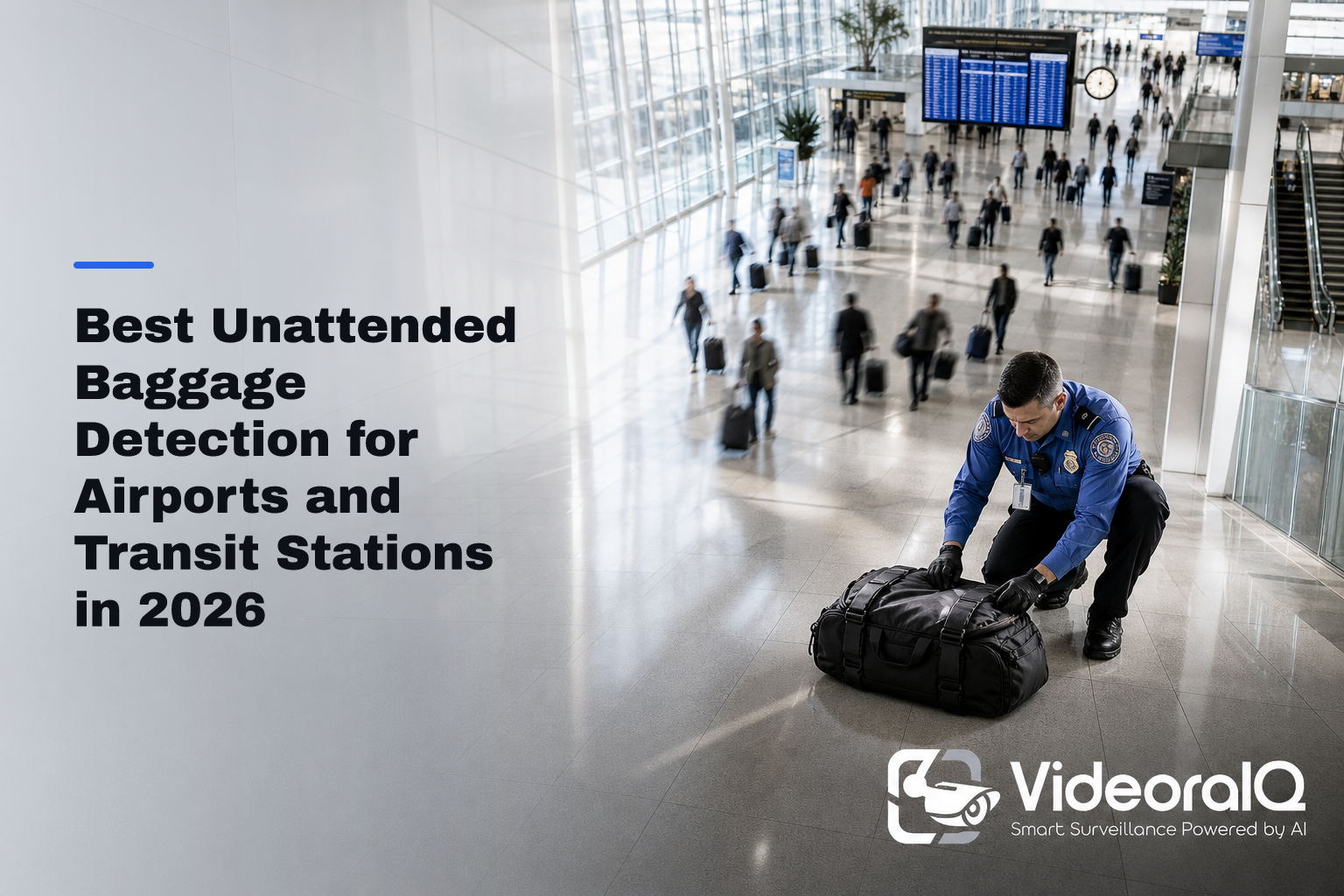
Eighty-five percent of CCTV footage is never reviewed, which means real threats can sit on tape unseen. Unattended baggage detection fills that gap by watching every frame and flagging risk in time to act. The short answer for 2026 buyers: demand sub‑5‑second alerts, 99%+ accuracy with documented false alarms, and proof it runs on your current IP cameras without new hardware.
Airports and transit stations move fast. You deal with platform evacuations, baggage carousel clogs, and checkpoint bottlenecks that can ripple into delays across a whole day’s schedule. In this guide, you’ll see the criteria that matter, learn how systems perform in high‑density spaces, and get a clear view of how to pilot and scale safely.
Moreover, you’ll find plain talk on trade‑offs: sensitivity vs. noise, speed vs. context, and cloud vs. on‑prem. And because this is a 2026 guide, we stick to hard numbers and current practices, not buzzwords.
Why Airports and Transit Stations Still Struggle with Unattended Baggage
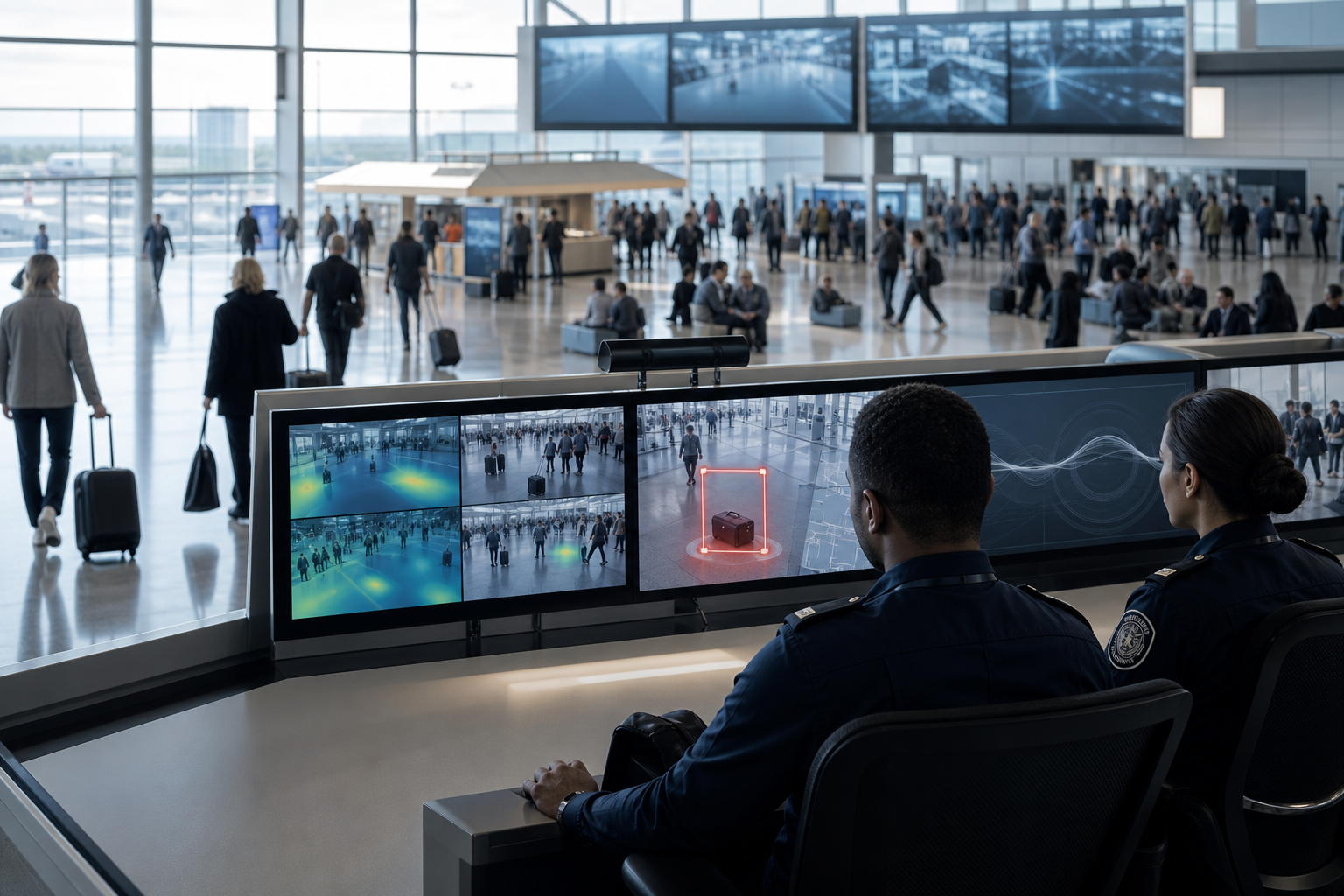
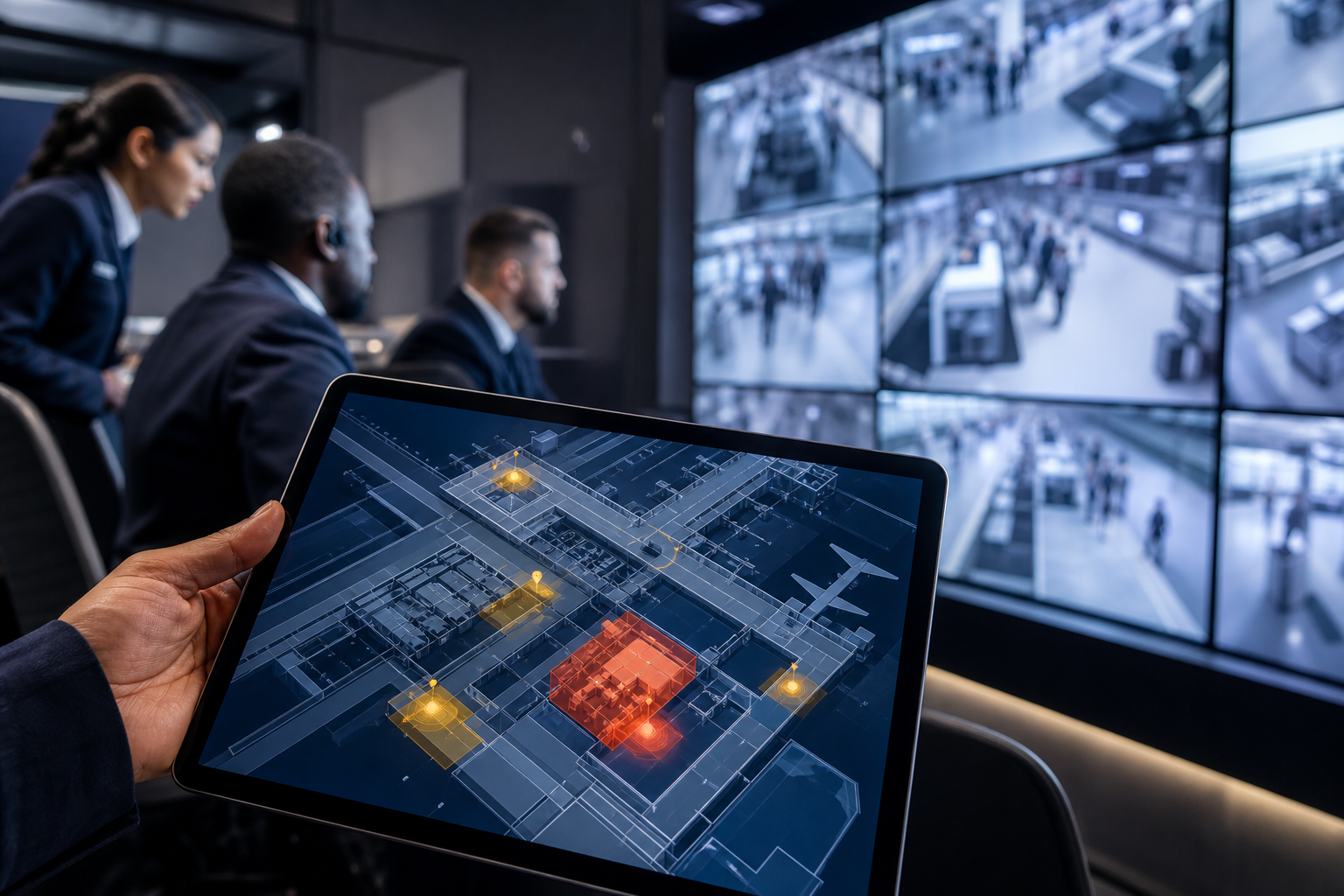
Security teams face a math problem. One operator may watch 24 or more feeds. After an hour, attention drops.
By the end of a 12‑hour shift, it is not a fair fight. Across deployments, VideoraIQ data shows 85% of CCTV footage is never reviewed. That leaves gaps in coverage exactly where risk peaks, at gates, platforms, carousels, and check‑in halls.
Regulatory timelines and response pressure
Regulatory pressure adds a timer. For example, TSA guidance expects rapid assessment of unattended items and swift action when needed, which cascades into airport SOPs and SLAs for response time. See TSA security rules for context on screening and incident handling.
In Europe, local authorities align with ECAC practices that push for fast detection and documented response. Those rules do not care about your camera mix or staff headcount, the clock starts the second a bag sits still.
However, false alarms are costly. One evacuation of a busy terminal can cause missed flights, overtime, and media fallout. On the other hand, ignoring a real threat is not an option. The sweet spot is early, accurate alerts that let your team intervene before a crowd forms around the item.
High‑density, visually cluttered zones make this harder. Baggage carousels fill with suitcases. Platform edges are packed at rush hour.
Check‑in halls have trolleys, strollers, and signage that create visual noise. Simple motion detection cannot tell a parent setting down a stroller from a truly abandoned briefcase. That is why dwell time, zone logic, and context matter more than raw pixels.
Where manual monitoring breaks down
- Operators viewing 20–40 feeds cannot track dwell time precisely.
- Overnight shifts see the sharpest drop in attention.
- Low‑value alerts train teams to ignore the console.
“Before VideoraIQ, we relied on manual spotting. Now we’re alerted immediately, with clear footage to act on.” — Karen Liu, Event Venue Manager
What to Look for in an Unattended Baggage Detection System
A good buyer’s checklist saves you months. Below are eight criteria that airport and transit buyers say decide outcomes. Use this as a scoring grid in RFPs and pilots.
First, measure detection accuracy and false alarms. In these environments, you should expect 99%+ accuracy with a documented, low false‑alarm rate. Otherwise, each false alert risks a stoppage or evacuation. Ask vendors for confusion matrices, not a single top‑line number. Also, request logs from dense zones like baggage claim to see how models behave under clutter.
Second, demand speed. Sub‑5‑second alert latency is the benchmark for incident response. If an alert lands in 10–15 seconds, your officer may already have walked past the bag. Latency compounds across hops, camera → analytics → network → dispatch, so end‑to‑end timing is the only metric that counts.
Third, tune dwell time per zone. A curbside may allow a longer grace period than a gate area, while a platform edge during peak hour needs a shorter threshold. Customizable dwell‑time thresholds let you set, for example, 30 seconds near a jet bridge and 3 minutes in a waiting area. This reduces noise without losing real risk.
Zone-based monitoring and evidence
Fourth, insist on zone‑based monitoring. Virtual zones focus detection on high‑risk areas and ignore irrelevant space. For instance, watch the first two meters from a platform edge, skip the bench area if it causes noise, and include bag drops at ticket counters.
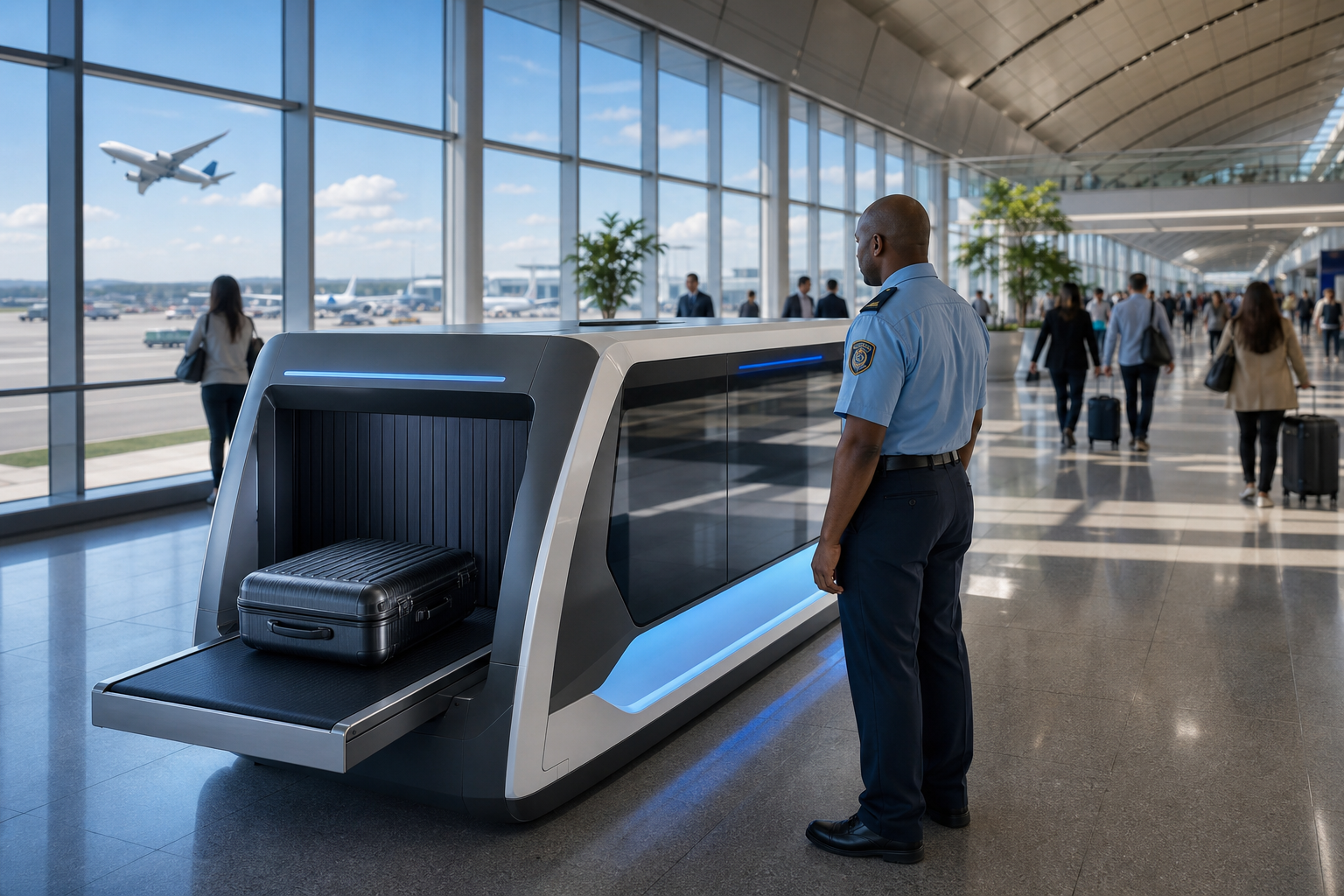
Fifth, verify integration with your current hardware. The right system works with current IP camera brands and RTSP streams. You should not need proprietary cameras or on‑prem servers. This point matters at scale, where rip‑and‑replace projects stall for years.
Sixth, require evidence capture. Every alert should include a timestamp, the camera location, and a short video clip to speed triage. Good evidence reduces radio chatter and helps your incident command decide fast.
Compliance, scalability, and real-world fit
Seventh, check compliance. Airports and transit hubs film thousands of people per day. GDPR and HIPAA compliance matters if your oversight body or tenants require it. Clear retention periods and access controls show maturity.
Eighth, test scalability. Large airports run hundreds or thousands of cameras. Ask for references above 10,000 cameras monitored or multi‑country deployments. For broader security planning, it also helps if the platform provides heatmaps to reveal hotspots where items tend to be left behind.
For a deeper view on adjacent risk signals and how alerts support response workflows, you can also read intruder detection. The logic for alert speed, evidence, and operator load applies across threat types.
- Quick recap:
- Accuracy ≥99% with low false‑alarm rate
- Sub‑5‑second alert delivery
- Zone logic plus per‑zone dwell time
- Works with your IP cameras; no new hardware
- Timestamped video evidence and location data
- GDPR/HIPAA compliance and clear retention
- Proven scale across thousands of cameras
Also Read!
How to Choose Face Recognition and License Plate Camera Software for Retail Stores and Chains
How VideoraIQ Solves Unattended Baggage Detection at Scale
VideoraIQ uses AI‑powered object recognition to detect static or unattended objects in live video. It learns patterns in crowded scenes and maintains context around people and items. As a result, the system reaches 99.4% detection accuracy with a low false‑alarm rate through pattern recognition, a sharp contrast to basic motion detection.
Speed matters. VideoraIQ delivers alerts in under 3 seconds end‑to‑end, with real‑time notifications via dashboard or email. Each alert includes auto‑captured video evidence, timestamps, and camera locations to speed action and documentation. That means your dispatcher can see the clip, radio the closest officer, and log the event without pausing the line.
Moreover, you decide sensitivity by place and time. With customizable time thresholds, operators set how long an object can remain unattended before the alert fires, for example, 30 seconds near a gate during boarding, 90 seconds at platform edges, and 3 minutes in a waiting area. Zone‑based monitoring lets you draw virtual zones around boarding gates, platform edges, ticket counters, and baggage claim to reduce noise outside the risk area.
Built for existing infrastructure and global scale
VideoraIQ works with existing cameras across 200+ brands. It is cloud‑based with no need for on‑premise servers, so you avoid hardware installs and long IT projects. Today, the platform monitors 10,000+ cameras and is deployed in 7+ countries, which shows it can handle airport‑level scale and network variety.
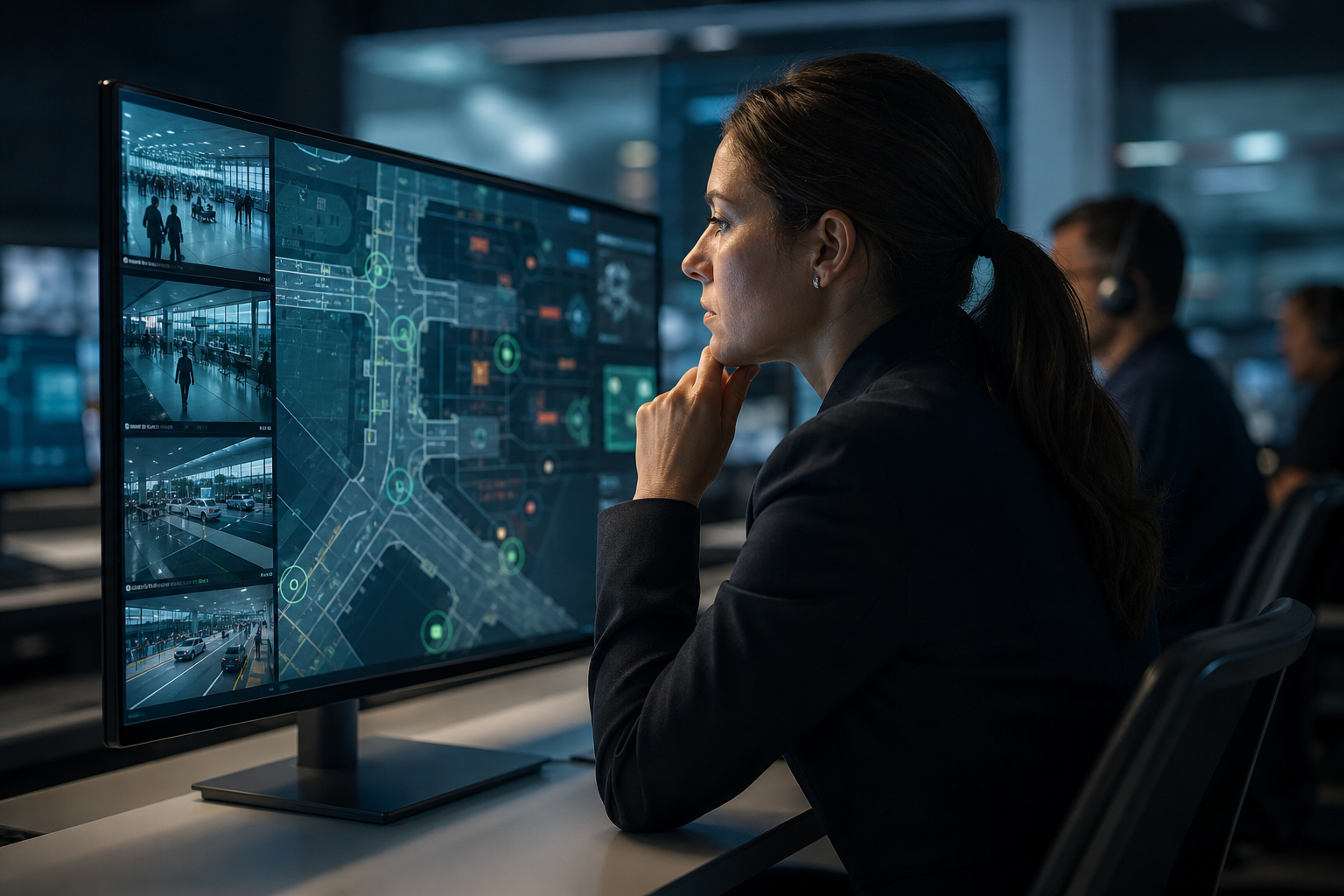
Operations teams also get heatmaps and analytics to identify hotspots and improve patrol routes or signage. Over time, that helps trim the source of unattended items, not just the alerts.
“Unattended bag alerts help us catch potential threats instantly in crowded platforms. It buys us time and improves passenger safety.” — Rakesh Mehra, Transit Operations Head
“The system handles surveillance 24/7. No more missed alerts or relying solely on camera operators.” — Jason Rodriguez, Security Manager
Compared to alternatives that need proprietary cameras or edge appliances, VideoraIQ integrates into your current IP‑based CCTV and keeps alerts under 3 seconds without new boxes. That reduces both deployment time and risk.
VideoraIQ vs. Traditional and Competing Baggage Detection Approaches
Security leaders compare four routes: manual watch, legacy on‑prem VMS with motion rules, other cloud AI analytics, and VideoraIQ. Here is the honest take.
Manual monitoring cannot scale to hundreds of feeds. Operators fatigue, overnight coverage dips, and 85% of CCTV footage goes unwatched. Legacy on‑prem VMS platforms that rely on basic motion rules fare no better. They cannot tell a stroller from a suitcase and spike false alarms in busy halls, which pushes teams to mute alerts. They also need servers, racks, and a dedicated IT footprint.
Other cloud‑based AI analytics exist and may work well for certain sites. However, you will want to compare on four axes: detection accuracy, alert speed, how many camera brands they work with, and whether they require proprietary hardware or gateways. Where other tools fall short is the need for extra boxes or alerts that lag under load.
Side‑by‑side comparison
| Criterion | Manual Operators | Legacy On‑Prem VMS (Motion) | Other Cloud AI Analytics | VideoraIQ |
|---|---|---|---|---|
| Detection accuracy | Human‑dependent; drops over time | High false alarms in clutter | Varies by vendor; request proofs | 99.4% detection accuracy |
| Alert latency | Human reaction time | Seconds to minutes; noisy | Varies; check end‑to‑end | <3 seconds alert latency |
| Hardware needs | N/A | On‑prem servers, IT upkeep | Sometimes proprietary gateways | Cloud-based; no on‑prem servers |
| Camera support | Any, but manual | Tied to VMS support list | Varies; confirm before buy | Works with 200+ camera brands |
| Zone customization | Manual watch | Crude motion zones | Varies | Virtual zones + dwell thresholds |
| Evidence capture | Manual clip export | Basic logs; clip export | Varies | Timestamps, camera location, video clip |
| Compliance | Policy‑based | Depends on setup | Varies | GDPR and HIPAA compliant |
“Installation was quick, and it worked with our current CCTV—no downtime, no extra investment.” — Sana Ibrahim, Hotel Security Lead
“We went from finding out about incidents in the morning briefing to being notified in real time. VideoraIQ caught an intruder at 2AM that our overnight guard missed. That one event alone justified the entire platform cost.” — Ananya Mehta, Head of Facilities, 200-Camera Corporate Campus
Unlike manual watch or motion rules, VideoraIQ does not require extra hardware, works across 200+ brands, delivers sub‑3‑second alerts, and provides customizable dwell thresholds tuned per zone. That is the core value for crowded terminals and platforms.
**Get instant site-fit guidance →
Trust, Compliance, and Proven Deployment Scale
Public‑space video means privacy, policy, and proof. VideoraIQ is GDPR compliant and HIPAA compliant, so data handling and retention align with strict rules for passenger footage and incident records. Clear tiers with 7‑, 30‑, and 90‑day retention support data minimization and audit needs.
Scale matters, too. VideoraIQ monitors 10,000+ cameras and is deployed in 7+ countries. That footprint shows the platform’s ability to handle the volume and network diversity that airports and regional transit networks demand. The Enterprise tier supports unlimited cameras and custom AI models with 90‑day cloud retention, which fits multi‑terminal or multi‑station operations.
For decision makers who review legal texts, you can consult GDPR principles on processing and storage limits to align your SOPs with retention policies. VideoraIQ’s retention settings map cleanly to those rules.
“Before VideoraIQ, we relied on manual spotting. Now we’re alerted immediately, with clear footage to act on.” — Karen Liu, Event Venue Manager
“Our fire was detected 52 seconds before our smoke alarm triggered. The VideoraIQ alert came with a live camera link — my team was already on their way before the alarm sounded. That system saved the building.” — Nilesh Kapoor, Plant Safety Supervisor, Manufacturing Facility (480 cameras)
VideoraIQ serves high‑security areas like airports, metros, and event venues as a core segment, so features like evidence capture and per‑zone dwell time align with your audit trails and post‑event reviews.
Also Read!
Best Fire Smoke Detection Security Camera for Corporate Offices and Campuses in 2026
How to Set Up Fire and Smoke Detection Using Security Cameras on Corporate Campuses
Getting Started: Deploying Unattended Baggage Detection at Your Facility
A clear rollout plan reduces risk and builds trust with operations, safety, and IT. Here is a six‑step path that has worked at scale.
- Step 1: Audit your current camera setup. VideoraIQ works with existing cameras across 200+ brands, so your IP‑based CCTV likely qualifies without new hardware. Gather RTSP/HTTP stream details and a list of critical cameras at gates, platforms, and carousels.
- Step 2: Identify high‑priority detection zones. Map checkpoint queues, platform edges, baggage claim, ticketing halls, and curbside drop‑offs. Start with 6–12 zones where an unattended item would trigger immediate action. This speeds your pilot and shows value fast.
- Step 3: Configure dwell‑time thresholds per zone. For example, set 60 seconds at a boarding gate, 45–60 seconds at platform edges, 3 minutes in waiting areas, and 10 minutes in long‑term parking. These thresholds balance alert noise with risk.
- Step 4: Set up alert routing. Decide who gets dashboard vs. email alerts. Define escalation rules, for instance, if an alert is unacknowledged in 30 seconds, notify the duty manager. Include timestamped clips in dispatch so responders know what to look for.
- Step 5: Run a pilot with the Professional tier. It supports up to 200 cameras, includes all AI engines, and offers 30‑day retention. Use a 30–60 day pilot to test during different load patterns, then expand to Enterprise for unlimited cameras and 90‑day retention.
- Step 6: Review heatmap analytics weekly. Move or resize zones based on hotspots. Tune dwell time per area until false alarms drop and response speed improves. This loop builds confidence with your incident command team.
For a broader privacy and accuracy primer you can share with stakeholders, see Can Corporate Campuses Trust Unattended Baggage Detection? Accuracy, Privacy, and Compliance Explained. The same guardrails apply in public transit.
- Pilot checklist:
- Confirm camera streams and priority zones
- Set per‑zone dwell times
- Route alerts and define escalation
- Review heatmaps weekly and adjust
**Book a free 15‑minute assessment →
Frequently Asked Questions
How accurate is AI-based unattended baggage detection compared to manual monitoring?
Manual monitoring leaves oversights because operators tire, and 85% of CCTV footage goes unwatched in practice. VideoraIQ reaches 99.4% detection accuracy and uses pattern recognition to cut false alarms that plague simple motion detection. In addition, AI does not fatigue over 12‑hour shifts. That consistency keeps alert quality steady at 2PM and 2AM alike.
How fast are alerts delivered when an unattended bag is detected?
VideoraIQ delivers alerts in under 3 seconds. Sub‑5‑second latency matters because your responders need to assess the scene before a crowd forms or a platform fills. Faster alerts mean fewer platform holds and smoother rechecks. Speed also shortens radio time because clips arrive with the alert.
Does unattended baggage detection work with our existing airport or station CCTV cameras?
Yes. VideoraIQ integrates with existing IP‑based CCTV systems across 200+ camera brands. You do not need to add on‑premise servers or proprietary cameras. This avoids rip‑and‑replace projects and reduces downtime during rollout. Most facilities can start with current RTSP streams.
What does unattended baggage detection cost for a large airport or transit network?
VideoraIQ offers three tiers: Starter (up to 20 cameras, 7‑day retention), Professional (up to 200 cameras, 30‑day retention, all AI engines), and Enterprise (unlimited cameras, custom AI models, 90‑day retention). Professional is ideal for a pilot across key zones. Enterprise is the fit for full‑facility rollouts and multi‑terminal networks. Contact VideoraIQ for custom enterprise pricing and procurement terms.
How do you reduce false alarms in crowded areas like airport terminals?
VideoraIQ uses two core controls. First, customizable dwell‑time thresholds ensure a bag set down for 20 seconds does not trigger an alert. Second, pattern recognition AI distinguishes between temporarily placed items and truly abandoned objects. Furthermore, zone‑based monitoring limits detection to high‑risk areas like platform edges and gates, trimming noise from low‑risk zones.
Is the system compliant with GDPR and other data privacy regulations?
Yes. VideoraIQ is both GDPR compliant and HIPAA compliant. Clear retention periods by tier (7, 30, or 90 days) support data minimization. Access controls and audit trails protect who can view and export clips. This is key for public‑facing surveillance that spans multiple jurisdictions.
Can the system scale from a single terminal to an entire airport network?
Yes. VideoraIQ currently monitors 10,000+ cameras and is deployed in 7+ countries. The Enterprise tier supports unlimited cameras with custom AI models, which suits multi‑terminal airports and regional transit networks. This lets you standardize alerts and evidence across sites.
What alternatives to VideoraIQ should we consider for airport baggage detection?
You should evaluate on‑premise VMS platforms with AI add‑ons and other cloud‑based video analytics providers. Compare detection accuracy, alert latency, false‑alarm rates, camera brand support, and whether proprietary hardware is required. VideoraIQ’s strengths are sub‑3‑second alerts, 99.4% accuracy, support for 200+ camera brands, and no extra hardware.
Closing Takeaways
Airports and transit stations need more than motion rules. They need fast, precise alerts that fit existing cameras and reduce evacuations, not cause them.
- Demand sub‑5‑second alerts with video evidence to speed response.
- Use zone logic and per‑zone dwell time to keep noise low and accuracy high.
- Plan a short pilot on Professional, then scale to Enterprise for unlimited cameras and 90‑day retention.
If you want a site‑specific plan and a risk‑aware rollout, our team can help you scope it in one short call.

