

**Book a free security consult →
Eighty-five percent of CCTV footage is never reviewed (Source: VideoraIQ Stats). To make a smart choice in 2026, list your risks, decide on monitoring, and test gear before you pay. Use this guide to choose home security system that fits your space, time, and budget without buying more than you need.
Here’s the short answer you came for: start with your entry points, pick sensors to match them, add cameras only where evidence matters, choose monitored if you want a fast call to police or fire, and insist on a mobile app you can use with one hand. Then, trial AI alerts for what you care about (people, vehicles, smoke) and only lock into a long contract after a week of real use. That’s the most reliable way to avoid regret and stay within budget in 2026.
However, gear lists on boxes can hide tradeoffs. For example, a “2K” camera without decent night vision will still miss faces at 10 feet. Moreover, cheap contact sensors may drain coin batteries every few months. As a result, the smartest setup is the one you’ll maintain, not the one with the longest spec sheet.
What Does a Modern Home Security System Actually Include?
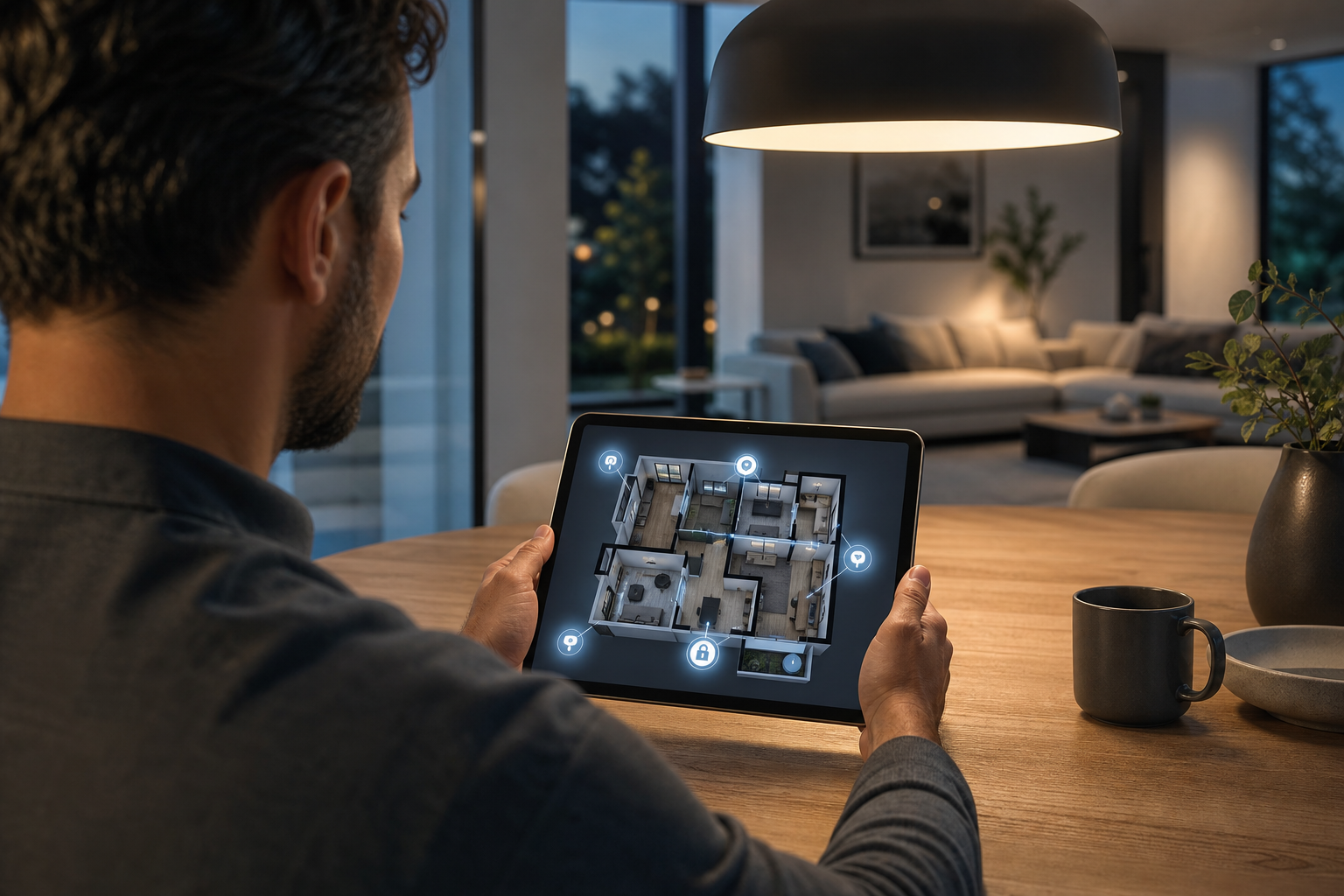
A modern setup has six core parts: cameras, door/window sensors, a control panel or hub, a monitoring service, smart locks, and AI analytics. Each part plays a clear role. Together, they spot a problem, prove it with video, and alert you or a trained agent fast.
Cameras and Sensors
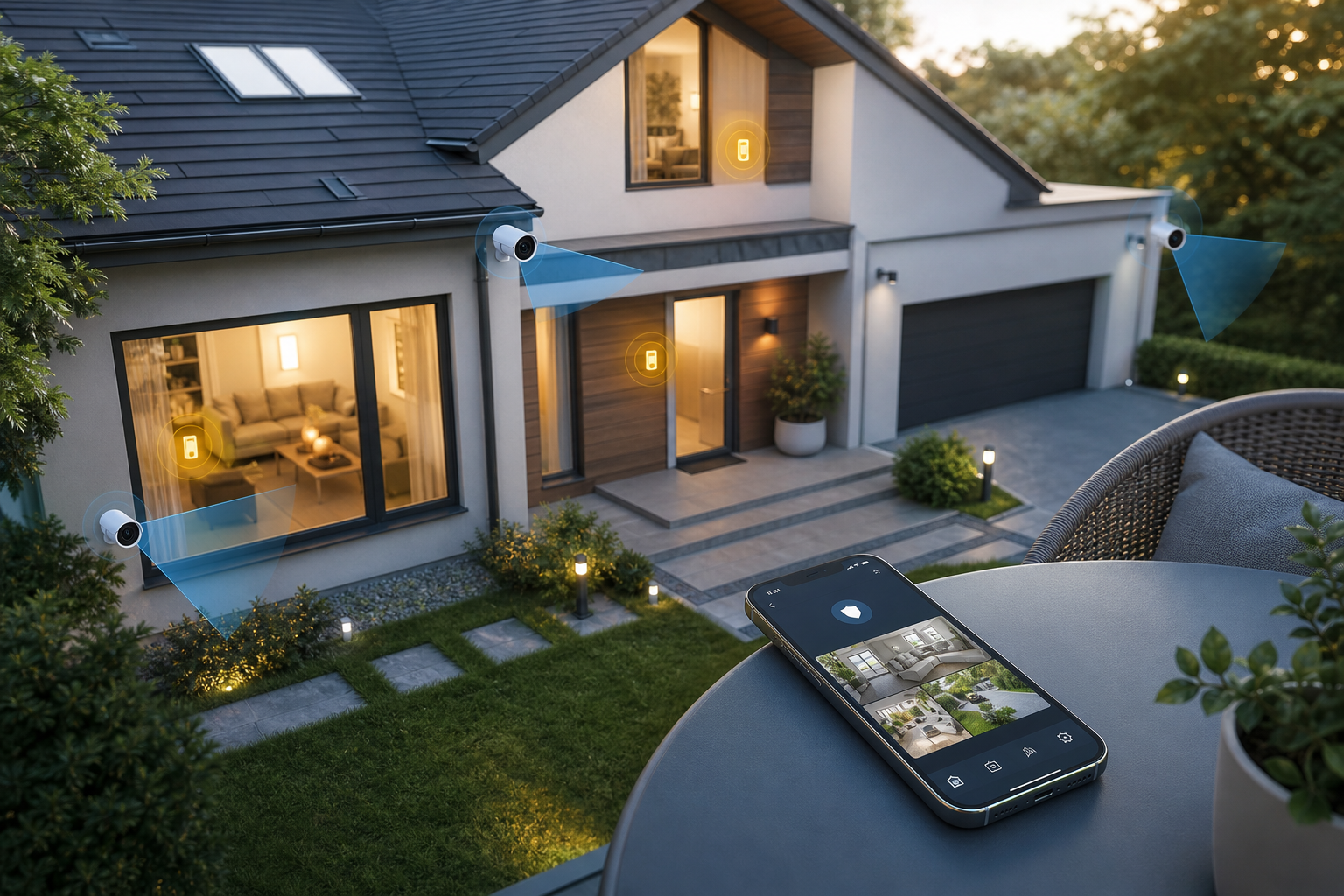
Cameras capture proof. For example, a front-door camera with high dynamic range shows faces even in bright sun. On the other hand, a backyard camera needs strong night vision and motion zones to avoid pet alerts. In addition, an indoor camera in a shared space (like a hallway) can settle “was the door closed?” debates with clips, not guesses.
Sensors create reliable triggers. Door and window contacts tell you if a seal is broken. Motion sensors watch whole rooms. Glass-break sensors “hear” sharp shatters that mics can learn to spot. Therefore, even if a camera view is blocked, a sensor can still flag the event.
Control Panel and App
The control panel ties it together. It arms or disarms the system and talks to the cloud. Some panels double as smart speakers. However, you don’t need a fancy screen if the mobile app is rock solid. The app is where you’ll change modes, check clips, and share access.
Monitoring Options for Home Security
Monitoring services call first responders for you. Monitored systems route alarms to a 24/7 center that verifies and escalates. Unmonitored setups alert you and your trusted contacts directly. If you travel or can’t always answer your phone, monitored brings peace of mind. If you prefer full control and no monthly bill, unmonitored can work, but you must be reachable.
Wired vs. Wireless Security
Wired gear is stable and doesn’t need battery swaps. It shines for new builds or major renos. Wireless saves on install time and is easy to move.
Battery-powered sensors now last a year or more, and PoE cameras solve two needs with one cable: power and data. However, thick walls and long runs can hurt Wi‑Fi. Therefore, place your hub and mesh nodes with care.
| Choice | Pros | Cons | Best For |
|---|---|---|---|
| Monitored | Pro escalation, fewer misses | Monthly fee | Busy households, frequent travel |
| Unmonitored | No fees, full control | You must respond | Budget builds, small spaces |
| Wired | Stable, no batteries | Harder install | New builds, long-term homes |
| Wireless | Fast install, flexible | Battery swaps, RF limits | Renters, quick upgrades |
Finally, AI analytics turn raw video into useful alerts. Person, vehicle, line-cross, fire, and smoke detection reduce noise and add speed. If you plan to choose home security system that must “catch the right events and ignore the rest,” AI is the feature that moves the needle.
Also Read!
How to Choose an Intrusion Detection Security Camera System for Corporate Campuses
How to Choose an Intrusion Detection Security Camera System for Manufacturing Plants and Warehouses
Step-by-Step: How to Choose the Right Home Security System
You don’t need to be an engineer. Follow these seven steps, and you’ll make a clear, confident pick in 2026.
- Assess vulnerabilities
Start outside. List all doors, ground-floor windows, and garage entries. For example, if your side gate is hidden from the street, that’s a natural path for a break-in.
Inside, look at hallways that most people must cross. Therefore, one well-placed motion sensor can cover more ground than three contacts. If you manage a larger site, this deeper guide helps: How to Choose an Intrusion Detection Security Camera System for Corporate Campuses.
-
Set budget
Decide your ceiling for gear and for ongoing service. However, don’t cut the small, boring line items. Extra door magnets, longer Ethernet cables, and a few spare batteries save weekends later. In addition, plan for storage: cloud video beyond a few days usually costs extra. -
Choose DIY vs.
DIY is fine for small homes, townhouses, or rentals. Peel-and-stick sensors and PoE cameras have made home installs much easier. On the other hand, if you want clean wire runs, attic pulls, or many cams, get a quote. A pro can finish in a day and harden weak spots you missed. -
Pick monitoring type
Monitored brings a 24/7 team that can dispatch when you can’t. Unmonitored alerts go to you and your circle. If you live in a town with false-alarm fines, ask how the provider handles verification. In short, match response to your lifestyle. -
Evaluate AI features
Ask for real clips, not just a feature list. You should see person-only alerts at your door, ignored tree sway in the yard, and clear smoke or fire detection clips. For deeper reading on perimeter alerts, see How to Choose an Intrusion Detection Security Camera System for Manufacturing Plants and Warehouses. As a result, you’ll filter noise and keep alerts you’ll act on. -
Check camera and storage fit
Make sure the app supports your brand of camera and planned resolution. Moreover, confirm night vision range in feet, not vague claims. If fire safety matters, compare approaches in how to choose a smoke detector camera for your home or business. In addition, confirm how long clips are kept and how easy it is to share with police. -
Test the mobile app
Install the app before you buy the whole kit. Arm and disarm fast. Review the last event in two taps. Share access with a family member.
Then, walk-test: open a door, cross a hall, and confirm you get the alert in under a few seconds. If the app annoys you now, it will annoy you more later. Choose home security system vendors whose apps feel simple on day one.
5 Common Mistakes People Make When Setting Up Home Security
Smart buyers still trip on the same five mistakes. Avoid these, and your setup will do real work for you.
Skipping entry point coverage in your security system
It’s tempting to spend on the “cool” camera and leave a side door bare. However, a $20 contact sensor at a quiet entry can be your first and best alert. Therefore, cover every ground-level door first, then add cameras for evidence.
Buying cheap cameras with weak night vision
Spec sheets love big resolution numbers. But faces at 10 feet at night are what you need. In fact, a 1080p cam with strong IR can beat a hazy 4K unit in the dark. Ask for night clips, not only daytime demos, before you buy.
Skipping cloud storage or any backup
Local-only storage feels safe until a thief takes the NVR with them. As a result, your proof is gone. Cloud backup doesn’t need to be 30 days for every cam. For example, front door and driveway cams could have 15–30 days, while low-risk areas keep short clips.
Relying on passive recording and never reviewing
Motion-detected clips are great, but alerts drive action. If your system records to a drive and no one gets notified, you’ll miss the moment that matters. Moreover, build a habit: check last night’s alerts with breakfast. The point is to make review as easy as reading a text.
Overlooking privacy compliance and consent
Homes aren’t law-free zones. If your cameras catch sidewalks or shared halls, you still need to respect privacy laws. For instance, map your retention to GDPR Article 5 principles if you live in the EU or host guests. In addition, post a simple notice for cleaners or contractors and use guest modes. Choose home security system providers that publish clear data policies and let you trim what’s stored.
- Quick fixes:
- Put sensors on every exterior door first.
- Ask for night clips before buying any camera.
- Keep cloud backups for evidence-critical views.
- Turn on smart alerts you’ll act on.
- Set retention that respects local laws.
Also Read!
How to Choose an Intrusion Detection Security Camera System for Airports and Transit Stations
How to Choose an Intrusion Detection Security Camera System for Retail Stores and Chains
Tools and Platforms Worth Exploring
Traditional alarm companies
You have three broad paths. Traditional alarm companies, like ADT and SimpliSafe, focus on monitored alarms with fast phone trees and tidy installs. They shine if you want one vendor and a pro crew to set it all up. However, read the contract length and know how service transfers if you move.
Smart home ecosystems
Smart home ecosystems, like Ring and Google Nest, bundle friendly apps, doorbells, and floodlights. They’re great if you already use their speakers or displays. In addition, they make sharing access with family or guests simple. On the other hand, mixing brands can lead to odd gaps, so check that your “must-have” features exist across all your planned devices.
AI analytics platforms
AI-powered video analytics tools, like VideoraIQ, add detection brains to cameras you may already own. The platform offers 9 AI detection engines, including intrusion detection, fire and smoke detection, and object detection, plus real-time alerts with video proof. It works with existing cameras across 200+ brands and is cloud-based with no need for on-premise servers.
In fact, alerts land in under 3 seconds with 99.4% detection accuracy (Source: VideoraIQ Features and Stats). For teams that care about data handling, it’s GDPR compliant and HIPAA compliant, monitors 10,000+ cameras, and is deployed in 7+ countries. If you’re upgrading, that “use what you have” model can save time and cost while lifting results.
"We went from finding out about incidents in the morning briefing to being notified in real time. VideoraIQ caught an intruder at 2AM that our overnight guard missed. That one event alone justified the entire platform cost." — Ananya Mehta, Head of Facilities, 200-Camera Corporate Campus
Moreover, plans can match scale: Starter tiers keep 7-day cloud retention, Professional extends to 30 days and unlocks all engines for mid-sized estates, and Enterprise supports custom AI and 90-day retention for complex, multi-building properties. If you need a neutral stack that grows with you, this route is worth a trial. Choose home security system layers that blend alarms, cameras, and AI, not one that forces a rip-and-replace.
Key Takeaways and What to Do This Week
You don’t need the flashiest kit. You need the right coverage, fast proof, and alerts you’ll act on.
- Cover doors first, then add cameras where video proof matters.
- Match monitoring to your lifestyle; don’t pay for calls you’ll ignore.
- Demand clear night clips and try the app before you commit.
- Use AI to filter noise and keep only alerts you’ll act on.
- Set storage and privacy rules that fit your home and guests in 2026.
Your 7‑Day Action Plan to choose home security system
- Day 1: Walk your home. List every entry point and top two risks (e.g., porch theft, side gate).
- Day 2: Sketch a simple map. Place one sensor per door and mark 2–3 camera spots.
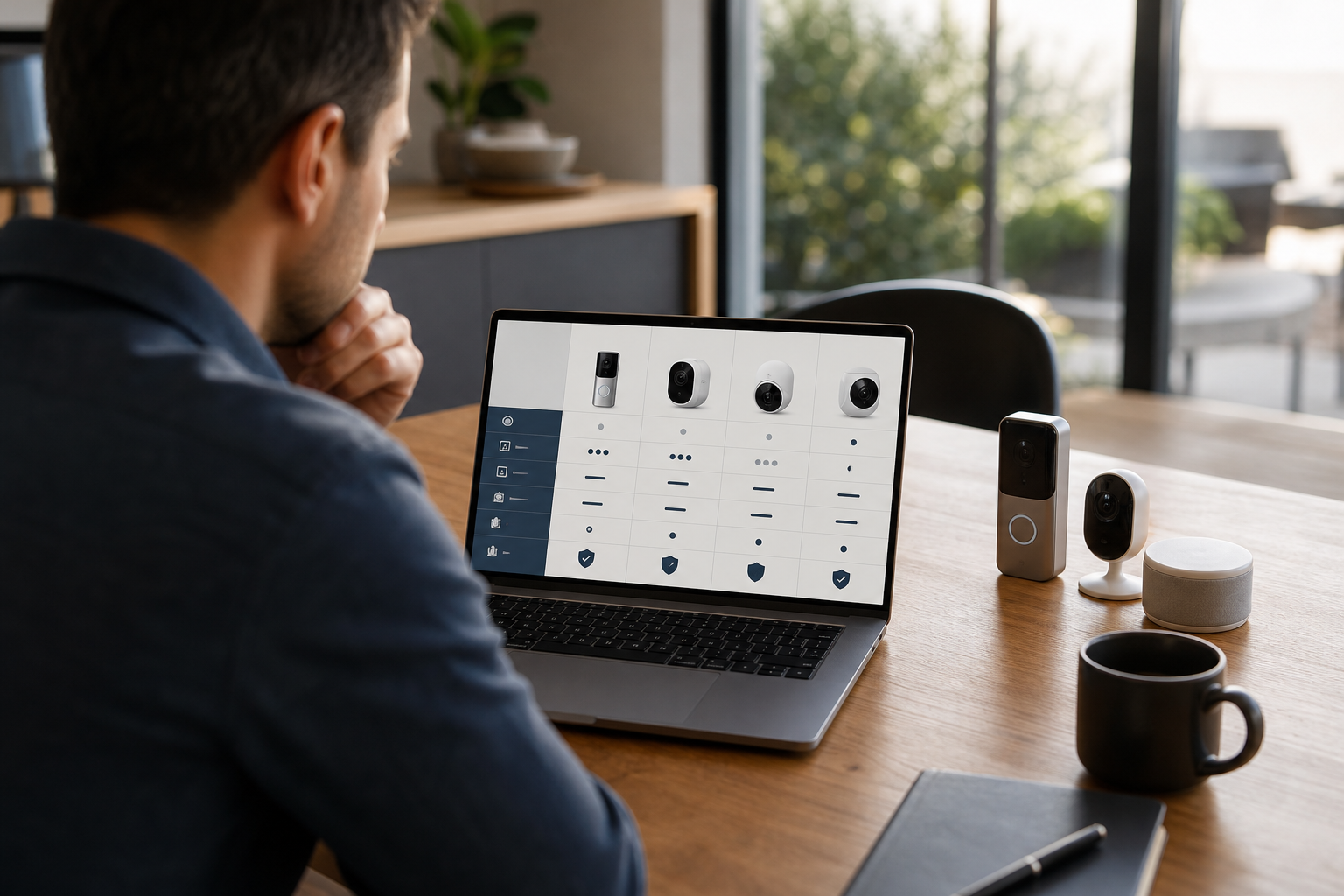
- Day 3: Shortlist 2–3 systems (alarm-centric, smart home, AI add-on). Note monthly fees and retention.
- Day 4: Install the mobile apps. Create accounts, invite a family member, and explore settings.
- Day 5: Request demos or trials. Ask for night clips and test person-only alerts on your porch.
- Day 6: Run a live test. Arm, open a door, cross a hall, light a match outdoors to see if smoke alerts respond, and time notifications.
- Day 7: Decide. Buy only what worked in your tests. If you still have doubts, book a call with a pro and refine the plan.
As a result, you’ll avoid buyer’s remorse and get a system you trust. If you want a hand matching AI features to your layout, reach out and bring your sketch along.
**Ask our experts, free today →