

**Book a free security consult →
In this complete guide commercial access, we explain how a commercial access control system links credentials, readers, controllers, and locks to grant or deny entry based on your policies. Done well, it reduces the risk of tailgating, stolen keys, and audit gaps, and it gives you clean logs for every door and user.
85% of CCTV footage is never reviewed. That gap is where breaches hide and losses grow. This complete guide commercial access gives you a clear, practical plan to control who can go where, when, and under what rules in 2026.
By the end of this guide, you’ll know how to assess your doors, size the system, pick credentials, choose between on‑prem and cloud, connect video and alarms, and scale without rework. You’ll also see where most teams waste spend, and how to avoid it.
What Is a Commercial Access Control System and How Does It Work?
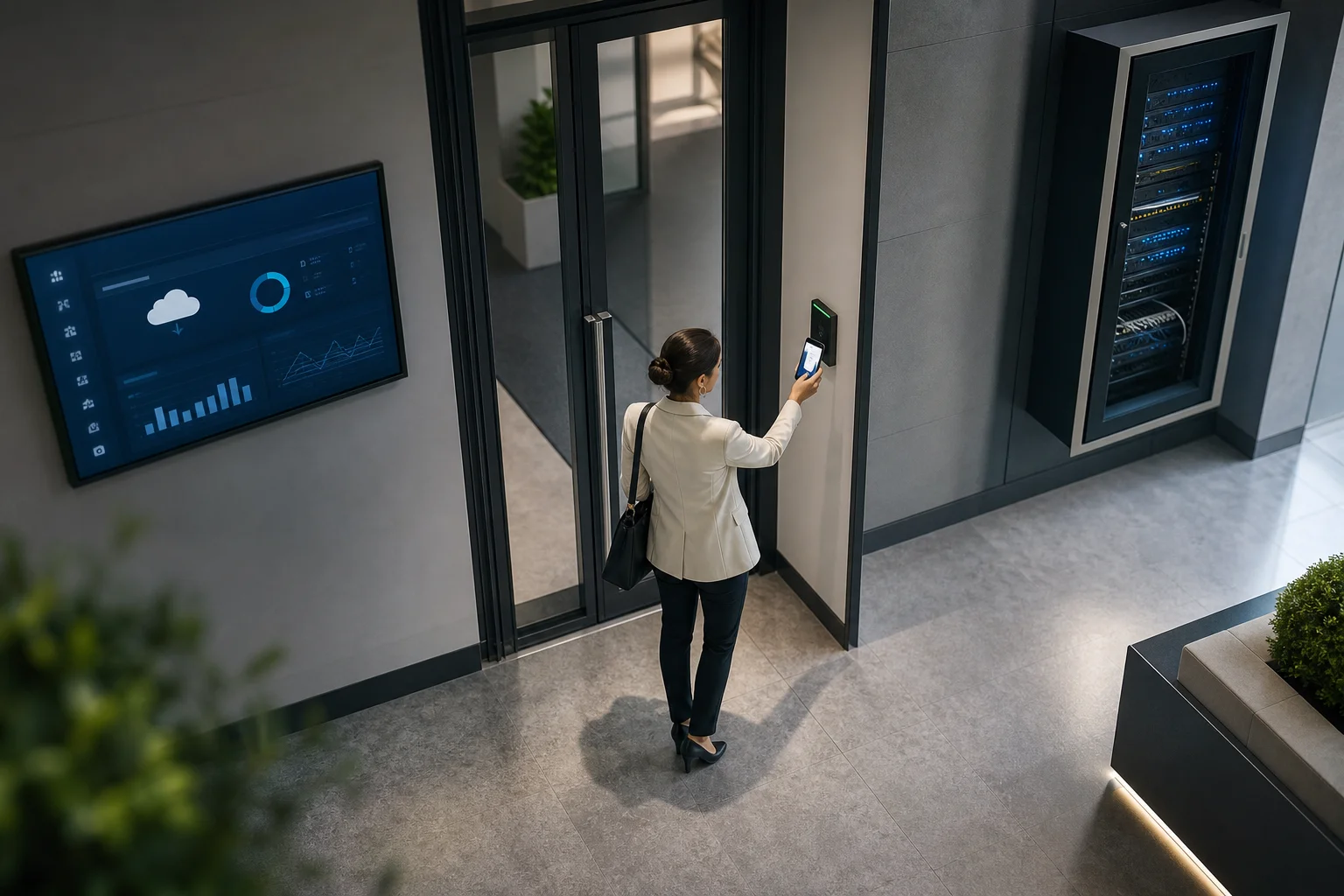
A commercial access control system is more than a lock and a badge printer. It is a set of hardware and software that decides, in real time, who may enter a space and logs that decision. For background on the concept, see this clear overview of access control basics.
At its core, every door follows the same chain:
- Credential: what a user has or is (card, fob, PIN, phone, or biometric).
- Reader: the device that reads the credential at the door.
- Controller: the panel or edge device that checks rules and makes the decision.
- Lock: the hardware (electric strike, maglock, or smart lock) that opens or stays shut.
In most sites, a credential pings a reader, the reader sends data to a controller, the controller checks schedules and roles, and then the lock releases. The system also writes a time-stamped entry to your audit log.
Architectures: Electronic, Networked, and Cloud
- Electronic (standalone): Readers and locks operate at the door with local rules. Cost is low, install is quick, but management is manual and audit trails are thin.
- Networked (on‑prem): Doors connect back to a local server or controller panels on your LAN. You get central control, richer logs, and integrations, but you manage servers and patches.
- Cloud-based: Door decisions run at the edge, while admin, updates, and data live in the cloud. You cut server costs, gain remote management, and scale faster across sites.
In 2026, cloud systems have reached parity for most use cases. However, labs with air‑gapped networks or strict data zones still favor on‑prem. The right answer depends on your risk profile and IT policies. As you move through this complete guide commercial access, keep your constraints in view: compliance, bandwidth, and change control.
How to Choose the Right Access Control System: A Step-by-Step Framework
Choosing door tech can feel messy. This six‑step path keeps you honest on scope, risk, and cost, and helps you avoid lock‑in. Use it as your working checklist for a complete guide commercial access decision.
Step 1: Audit Entry Points
Walk your site. Count exterior and interior doors, gates, and elevators. Note door hardware (strike vs maglock), fire/life‑safety ties, power, and cabling paths. Mark special zones (server rooms, pharmacies, labs). Photograph tricky doors. A two‑hour walk now saves days later.
Step 2: Assess User Volume and Patterns
List groups (staff, contractors, visitors). Estimate peak hourly entries per door. Note shift overlaps, loading dock spikes, and school bell rushes. Higher volume doors may need faster readers and anti‑passback rules.
Step 3: Choose Credential Type
Cards and fobs are cheap and fast to issue. Mobile credentials cut plastic waste and are hard to share. PINs are fine for low‑risk areas but lack identity proof. Biometrics gate high‑security zones but need strong privacy controls. Pick one primary and one backup for resilience.
Step 4: Decide Cloud vs. On‑Prem
Cloud removes server care-and-feeding and scales well across sites. On‑prem keeps data local and may suit air‑gapped networks. If your IT team wants fewer boxes, note that cloud video analytics today are “cloud-based with no need for on‑premise servers,” which reduces overhead beyond doors.
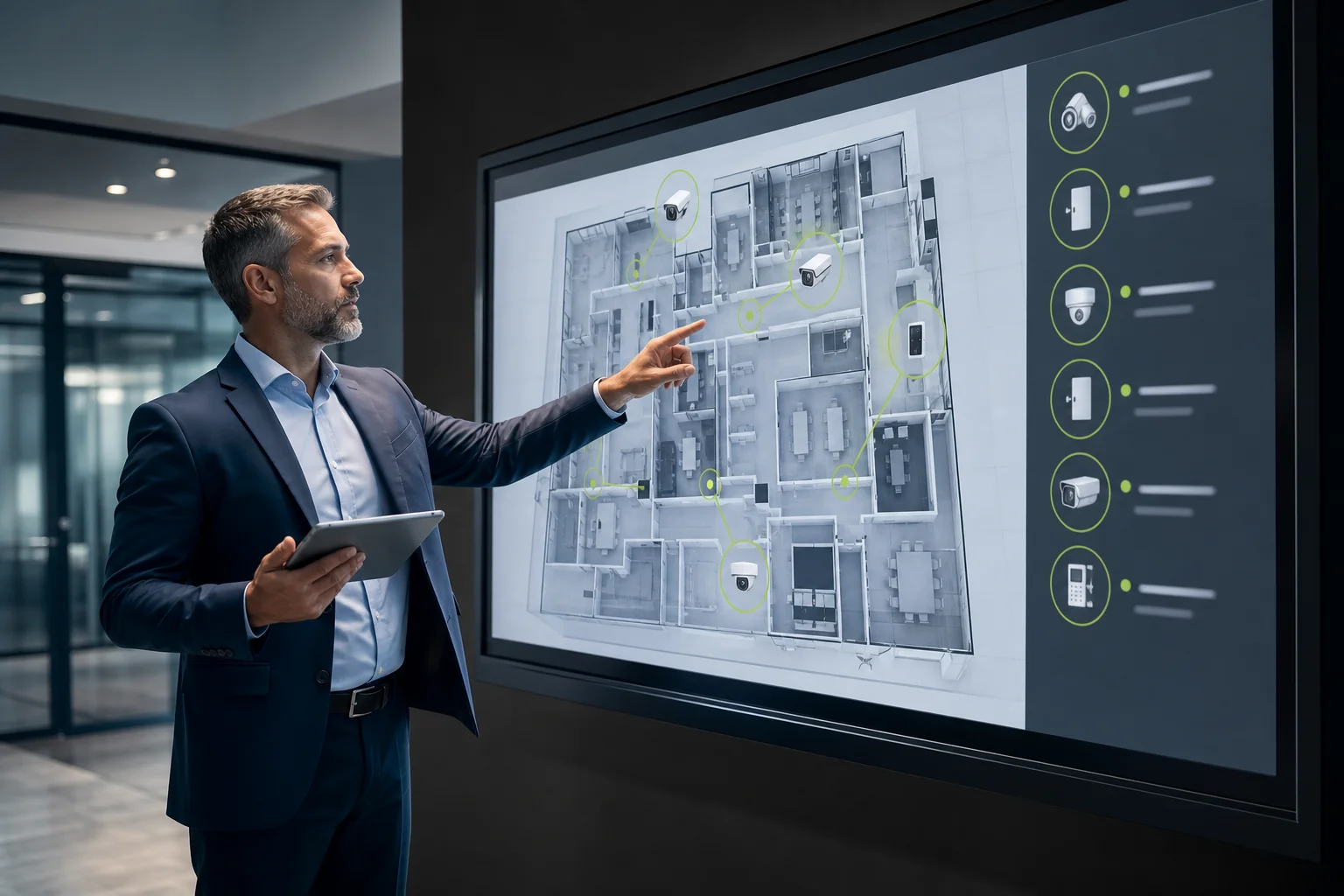
Step 5: Map Needed Integrations
Plan ties to:
- VMS (video management) for click‑through video on events
- HR/IDP for auto‑provisioning and offboarding
- Intrusion panels for arming/disarming by role
- Elevators and parking for end‑to‑end flow
If you already have cameras, favor tools that “work with existing cameras across 200+ brands” and offer deep integration with most existing surveillance infrastructure. That lowers retrofit cost and speeds go‑live.
Step 6: Plan for Scalability and Resilience
Sketch year‑2 and year‑3 growth. Will you add sites or double headcount? Choose gear that adds doors in clean increments, supports offline rules at the edge, and offers easy failover. Build in spare power and network paths at main panels.
**Get instant vendor-neutral advice →
Also Read!
5 Costly Mistakes Businesses Make with Access Control
You can buy good hardware and still create risk. Here are the traps I see in post‑incident reviews, plus how to avoid each. Keep these close as you apply this complete guide commercial access to your site.
- Ignoring video integration: Without linked video, 85% of CCTV footage goes unseen, and door events lack context. Tie door events to camera clips to speed response and audits.
- Choosing systems that don’t scale: Picking panel SKUs that max out at 4–8 doors forces forklift upgrades. Start with a controller line that can grow in place.
- Skipping audit trails: Doors with local-only logs kill investigations. Centralize logs, store them per your retention policy, and test exports quarterly.
- Underestimating credential management: Manual adds/changes create errors and delay offboarding. Connect to HR or your identity provider so roles sync in minutes, not days.
- Neglecting cybersecurity for networked locks: Unpatched controllers and flat VLANs widen the blast radius. Segment door gear, enforce strong creds, and patch on a set cadence.
Moreover, add smart alerts for context. Real-time alerts for events such as unauthorized access, unattended objects, and boundary breaches cut response time and turn raw video into action.
Tools and Technologies That Complement Access Control
Access control is stronger with the right partners at its side. Four categories do the most work for 2026 rollouts: VMS, visitor management, intrusion detection, and AI video analytics. Together, they give you context, flow, and speed.
The Core Add‑Ons
- VMS platforms: Correlate door events with nearby cameras for one‑click video review.
- Visitor management: Issue QR or mobile guest passes that expire on time.
- Intrusion detection: Arm zones by role and schedule; tie alarms to door events.
- AI video analytics: Detect issues your team can’t watch for 24/7, then alert with proof.
For AI video analytics, tools like VideoraIQ add unauthorized access and intrusion detection “on top of” your existing IP cameras, no extra hardware. The platform offers 9 AI detection engines, including face recognition, intrusion detection, unauthorized access, fire and smoke detection, number plate (ANPR), line‑cross, unattended baggage, object detection, and cashier absence detection. It “integrates with existing IP-based CCTV systems without additional hardware,” delivers alerts in under 3 seconds (“<3 seconds alert latency”), and sends real‑time alerts with video proof, location tag, and timestamp.
In addition, data protection matters. VideoraIQ is GDPR compliant and HIPAA compliant, and it already monitors 10,000+ cameras with 99.4% detection accuracy across 7+ countries. That blend of reach and rigor makes it a strong overlay for most access projects.
“We went from finding out about incidents in the morning briefing to being notified in real time. VideoraIQ caught an intruder at 2AM that our overnight guard missed. That one event alone justified the entire platform cost.” — Ananya Mehta, Head of Facilities, 200‑Camera Corporate Campus
Furthermore, pairing doors with analytics fixes that “silent majority” of footage that nobody watches. Real‑time alerts for unauthorized entries, unattended objects, and boundary breaches land with video evidence, so your team can act, not hunt.
Key Takeaways
- Map the full chain — credential, reader, controller, lock — before buying parts.
- Choose cloud for fast scale in 2026; use on‑prem for air‑gapped or strict data zones.
- Link doors to cameras and analytics to cut review time and speed response.
- Avoid lock‑in: prefer systems that work with 200+ camera brands and existing gear.
- Build for growth: plan edge rules, offline modes, and clean controller expansion.
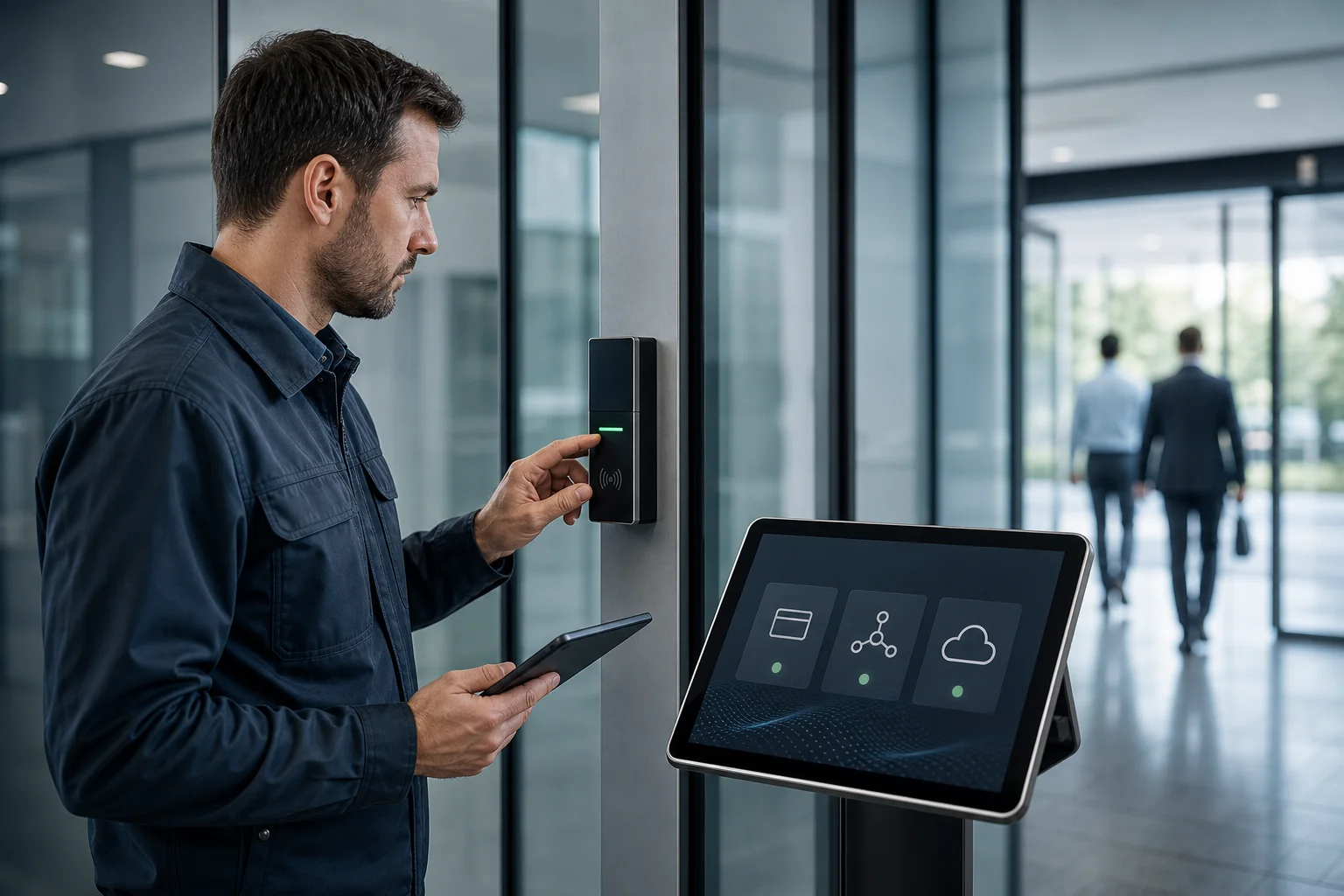 , credential types, and integration map with icons; modern flat style with clear labels)
What to Do This Week: Your Access Control Action Plan
You don’t need six months to start. Here’s a one‑week plan that moves the needle and keeps momentum. Use this as your live checklist as you apply the complete guide commercial access to your site.
- Walk your facility and count doors
- Day 1–2: Log every controlled opening, note hardware, power, and cable paths. Flag special zones and must‑hold doors (life‑safety).
- Request three vendor demos
- Day 3: Book demos with two access vendors and one AI video analytics overlay that works with your current cameras across 200+ brands. Bring your door list and use cases.
- Check IT readiness
- Day 4: Confirm network segments for controllers, PoE switch capacity, VPN needs, and whether cloud is allowed. If cloud is green‑lit, note that cloud-based tools need no on‑premise servers.
- Review compliance needs
- Day 5: List data rules (e.g., GDPR/HIPAA) and retention goals for logs and video. Make sure vendors support export, encryption, and role‑based access.
- Set a realistic budget range
- Day 6: Price per‑door hardware, licenses, and install. Add 10–15% for cabling and power surprises. Plan pilot doors first, then roll in waves.
- Decide your pilot
- Day 7: Pick 3–5 doors that hit varied use cases (front entry, interior secure room, loading dock). Define success: faster audits, fewer tailgates, better after‑hours control.
As a result, you’ll have a clear scope, real quotes, and a pilot plan that your team can approve. If you want a second set of eyes on your plan or need fast answers on integrations, reach out.
**Schedule a free 15‑minute consult →
Moreover, if you already have a shortlist and need to validate assumptions against your CCTV stack, we can sanity‑check cloud vs. on‑prem trade‑offs, retention, and alert routing for 2026 deployments.