

**Schedule a security review today →
85% of CCTV footage is never reviewed (Source: VideoraIQ Stats). That gap weakens incident response unless doors, identities, and video work as one system. LenelS2’s OnGuard addresses this by tying readers, controllers, and servers into a single access platform, so you can grant or deny entry in real time and get a usable audit trail. This complete guide lenel access explains how it works, where it fits, and how to roll it out in 2026 with fewer surprises.
You’ll get a clear view of the OnGuard platform, credential choices, core hardware, and NDAA basics. Then you’ll see a step-by-step plan to audit doors and zones, choose between OnGuard and NetBox, select LNL controllers and readers, plan integrations, set up credentials, and commission the system. Finally, you’ll learn the common mistakes to avoid and the tools that add real value.
What Is Lenel Access Control and How Does It Work?
LenelS2 is a Carrier brand focused on enterprise access control. OnGuard is its flagship platform for multi-site, multi-controller deployments. At its core, OnGuard runs as a server-based application with a database, connects to LNL-series controllers over IP, and manages readers, inputs, relays, and doors. As a result, you get central control of who can go where, when, with detailed logs.
Credentials, Readers, and Decision Logic
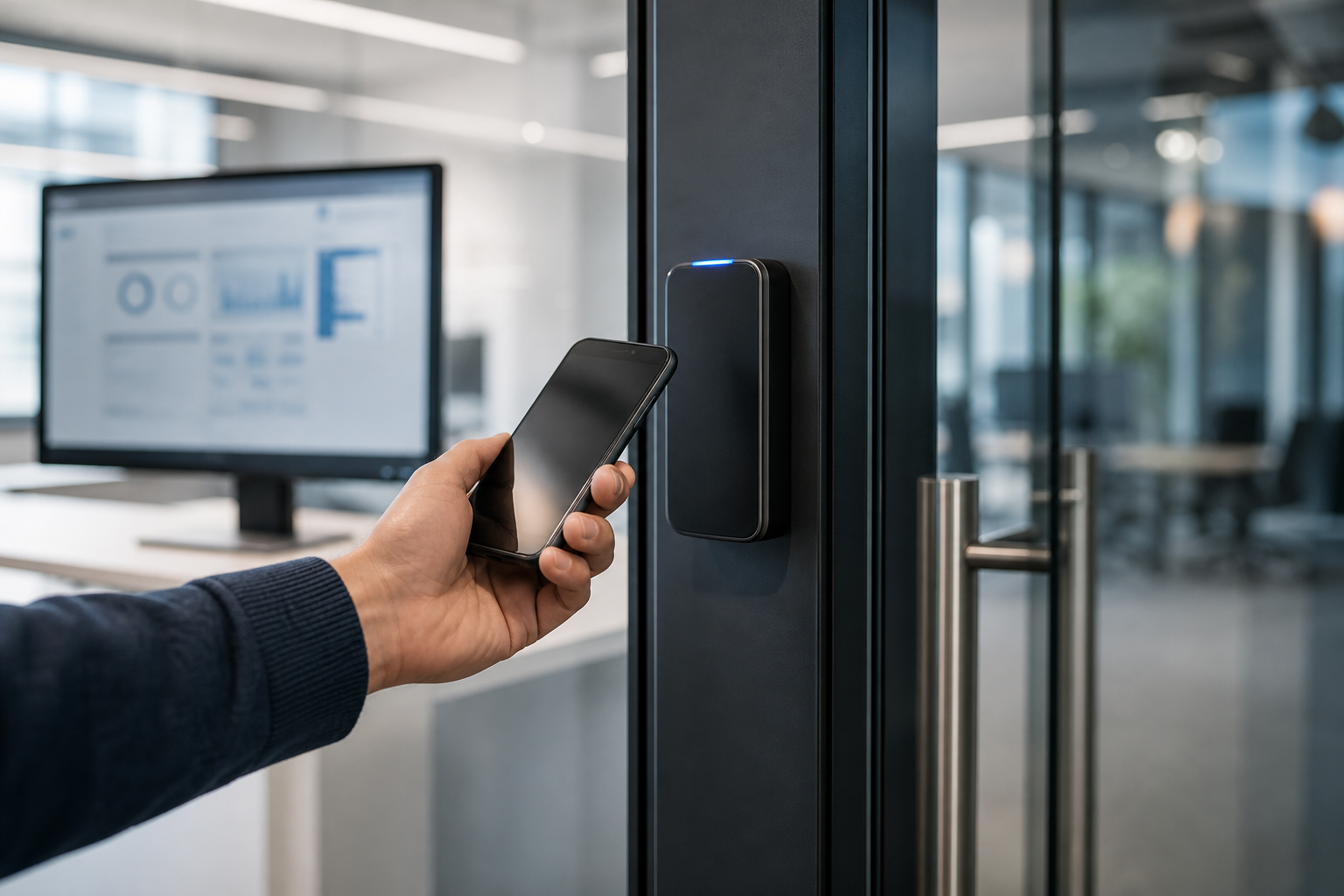
In a standard build, users hold credentials: proximity badges, smart cards (for example, MIFARE DESFire), mobile credentials (Bluetooth/NFC), PINs, or biometrics via third-party devices. Readers at each door pass credential data to a door controller. The controller checks rights locally or with the OnGuard server, then drives the lock, logs the event, and sends alarms as needed.
OnGuard supports a layered model:
- Identities and badges stored in the server database.
- Readers wired to LNL controllers (or sub-controllers).
- Door hardware (locks, REX, contacts) tied to controller I/O.
- Clients for operators, plus web/mobile options for admins.
Architecture and Compliance Basics
From a security design view, readers and controllers live on segmented networks, ideally with OSDP for reader-to-controller comms and Secure Channel for encrypted reader traffic. Controllers talk to the OnGuard server over TCP/IP. Moreover, time schedules and access levels live centrally, while controllers can make decisions if the server is offline.
Regarding NDAA, the key point is hardware selection. The National Defense Authorization Act for Fiscal Year 2019 restricts federal use of certain telecom and video vendors. Therefore, you can build an NDAA-conscious Lenel system if you choose compliant components (controllers, readers, and cameras) and avoid blocked vendors.
The platform alone doesn’t make you compliant; your bill of materials and network posture do.
In practice, this complete guide lenel access treats Lenel as the access control “brain,” with careful selection of the “senses” (readers, cameras) and “muscles” (locks, relays). That view helps you weigh risk and lifecycle cost, not just line-item price.
Step-by-Step: How to Evaluate and Deploy a Lenel System
Before you buy licenses or hardware, build a clear door plan and a small pilot. The steps below help you reduce rework and hit go-live dates in 2026.
-
Audit doors and zones
List every opening: door type, traffic level, lock style, life-safety needs, and risk rating. Note power, cabling paths, and any special rules (mantraps, interlocks, anti-passback). -
Choose OnGuard vs NetBox
Pick OnGuard for larger, complex sites that need advanced integrations and enterprise databases. Consider NetBox for simpler footprints. Map your choice to growth for 3–5 years. -
Select hardware (LNL controllers, readers)
Match LNL controllers to door counts, I/O, and network layout. Standardize on readers that support OSDP, can read your current cards, and allow a path to mobile credentials later. -
Plan integrations
List required links: VMS (for example, Milestone or Genetec), identity providers (Okta or Azure AD), visitor management, alarms, and elevators. Confirm license needs and data flow. -
Configure credentials
Define card formats, PIN rules, and mobile options. Assign access levels by role and site. Set time zones, holidays, and temporary badges. Document badge issuance and revocation. -
Test and commission
Run device-level tests (inputs, relays, readers), then functional tests (access levels, schedules), and finally failover tests (server offline, network cut). Capture evidence and sign-off.

Practical Checks Before Go-Live
- Validate door direction and contact polarity with your electrician.
- Confirm reader height and ADA clearances with Facilities.
- Export a test access log and verify retention policies with Legal/IT.
By keeping this list tight, you align scope and install details early. This approach reinforces your goals from the start and keeps the complete guide lenel access plan on track.
Also Read!
The Complete Guide to Door Access Control Systems
The Complete Guide to CCTV Systems: How to Choose, Install, and Get the Most from Video Surveillance
Common Mistakes When Implementing Lenel Access Control
Even strong teams trip on the same handful of issues. Fortunately, each pitfall is easy to spot and fix with a short checklist.
First, ignoring firmware updates creates avoidable risk. Controllers and readers get security patches and performance fixes. Without a cadence, you stall features like OSDP Secure Channel and leave exploitable bugs in place. Set a quarterly window to stage and apply updates.
Second, skipping video-access integration limits your incident view. When a door forces open, operators need the matching camera clip and a map location at once. Without it, investigations stretch from minutes to hours. Tie OnGuard events to your VMS so alerts include video context.
-
Over-licensing features you won’t use
Buy only the modules you need for year one. Add more once adoption proves out and training sticks. -
Not planning for mobile credentials
If corporate policy expects phones-as-badges in the next 12–24 months, choose readers and formats that support BLE/NFC now to avoid rework later. -
Neglecting cybersecurity hardening of controllers
Change defaults, use strong admin roles, segment VLANs, and limit inbound rules. If your readers support secure OSDP, enable it and document keys.
A Quick Hardening Starter
- Place controllers on a dedicated VLAN with ACLs.
- Disable unused services and ports.
- Enforce strong passwords and rotate keys.
- Log to a central SIEM and review weekly.
By building these basics into your commissioning plan, you reduce attack surface and keep the complete guide lenel access rollout resilient.
Tools and Integrations That Strengthen Access Control
Access works best when it shares data with video, identities, and visitors.
As a result, you speed response, reduce tailgating, and spot policy drift faster.
Video, visitors, and identity integrations
For video, Milestone and Genetec are common choices in large estates. Tie door events to live and recorded streams, and push “door forced” alarms to the video wall with camera links. For visitors, connect a visitor management system so pre-registered guests receive timed badges and entry rules without front-desk delays. For identities, link to your IdP (for example, Okta or Azure AD) so terminations and role changes flow to access levels within minutes, not days.
Analytics and real-time detection
AI video analytics can add a real-time “detection layer” to your access estate. Tools like VideoraIQ are one option to flag intrusion and unauthorized access events using your existing IP-based CCTV, without extra hardware.
- Intrusion detection and unauthorized access detection engines
- Integrates with existing IP-based CCTV systems without additional hardware
- Real-time alerts with video proof, location tag, and timestamp
- Works with existing cameras across 200+ brands
Moreover, VideoraIQ reports 99.4% detection accuracy with under 3 seconds alert latency across 10,000+ cameras monitored in 7+ countries (Source: VideoraIQ Stats).
For compliance-minded teams, it is GDPR compliant and HIPAA compliant. Use it to send a clip and map pin to your operators the moment a door forces open or someone slips through on a single swipe.
By pairing access events with smart video, you raise signal quality and cut operator workload. That’s the spirit of this complete guide lenel access: make each door log actionable in the control room.
**Get expert integration advice today →
What to Do Next: Planning Your Lenel Access Control Project
Start with a real request: line up a Lenel demo focused on your risk profile. Ask to see an alarm-to-video workflow, an identity sync, and a mobile credential issuance. Then, engage a certified integrator with references in your sector. Verify they can stage a pilot on two to four high-risk doors within 30 days.
Phased rollout and change control
Next, define access levels by job role, site, and time. Keep levels lean to reduce admin sprawl. Plan a phased rollout: begin with loading docks, data rooms, or pharmacy doors.
Then, expand to lobbies and back-of-house areas. During each phase, run a change window for firmware, reader configs, and failover tests. Finally, put a 2026 roadmap on paper that includes mobile credentials, NDAA-conscious camera choices, and quarterly reviews.
This phased plan keeps scope realistic and aligns teams on a shared, complete guide lenel access outcome.
Key Takeaways
- LenelS2 OnGuard is a server-based access platform that ties readers, LNL controllers, and door hardware into one control point.
- NDAA awareness is about component choices, not the platform alone; pick compliant cameras, readers, and controllers.
- A six-step plan—audit, choose platform, select hardware, integrate, configure, test—reduces rework and speeds go-live in 2026.
- Video plus access beats access alone; tools like VideoraIQ can add real-time alerts with video proof on your current cameras.
- Cyber hardening, firmware cadence, and a phased rollout keep the complete guide lenel access plan stable over time.
What to Do This Week
Block two hours to inventory your top 10 risk doors and sketch your integrations list (VMS, IdP, visitors). Book a focused OnGuard demo that mirrors those needs, then line up a small pilot with a certified integrator. Ask for a commissioning checklist, firmware plan, and an NDAA-conscious bill of materials. You’ll move from intent to a working, testable build before quarter-end.