

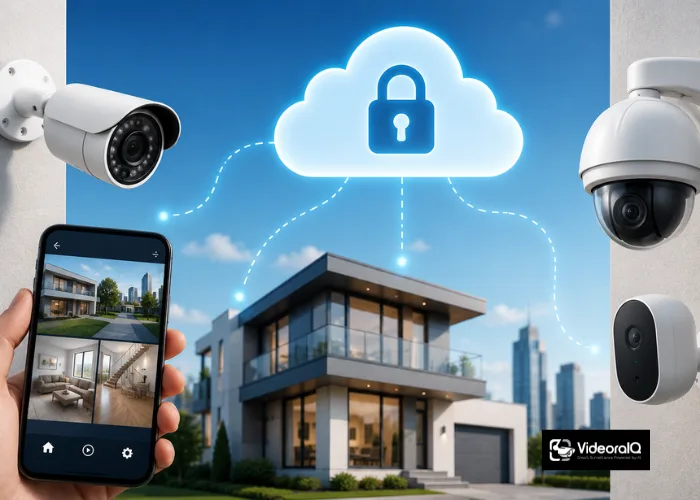
Security has changed dramatically over the last few years, and cloud security cameras sit at the centre of that change. Businesses, schools, hospitals, and homes are all moving away from traditional DVR setups toward smarter, more flexible cloud-based systems that store footage off-site, send real-time alerts, and scale without expensive hardware upgrades. The appeal is straightforward: your footage is safe even if a camera is damaged or stolen, and you can access live and recorded video from anywhere in the world. But with so many options available, choosing the right system can feel overwhelming.
This guide breaks down what cloud security cameras are, what features actually matter, how cloud video storage works, and what to look for when deciding for your home or business. By the end, you will have everything you need to choose with confidence.
Listen to this podcast!
What Are Cloud Security Cameras?
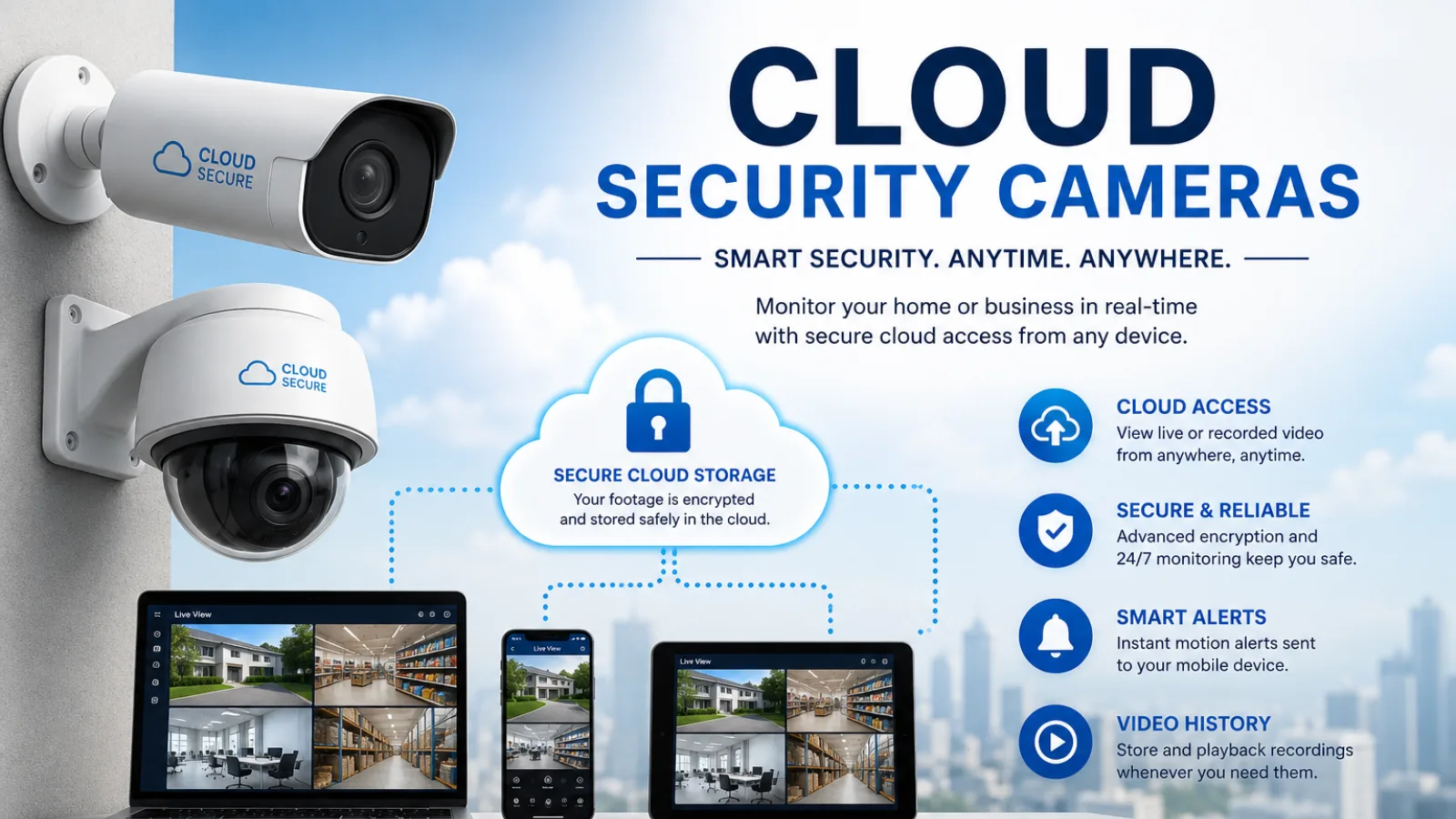
Cloud security cameras are internet-connected surveillance devices that upload recorded video footage directly to remote servers instead of storing it on a local DVR or NVR device. Unlike traditional security cameras that depend on on-site hardware, cloud security cameras stream and store footage over the internet, making it accessible from any device at any time. The shift matters because local storage has real vulnerabilities hard drives fail, DVRs get stolen, and on-site servers require constant maintenance.
Cloud security cameras remove all of that. Most modern systems work by connecting your IP cameras to a secure cloud platform, where footage is encrypted, retained for a set period, and retrievable on demand. They also support real-time alerts, remote access, and multi-site management from a single dashboard, making them ideal for businesses managing multiple locations simultaneously. The shift from local to cloud-based storage has fundamentally changed what security teams can do with their footage, turning reactive review into proactive monitoring.
Why Cloud Storage for Security Cameras Matters
If you have ever had a camera record an incident only to find the footage missing or corrupted, you already understand why cloud video storage is such a game-changer. Local storage is fragile. A hard drive failure, power cut, or physical theft of the recorder can wipe out weeks of footage in seconds. Cloud storage eliminates that single point of failure by keeping your video safe on redundant remote servers, automatically backed up and protected. Beyond reliability, cloud storage makes retrieval far faster. Instead of physically accessing a recorder on-site, you search footage remotely through a dashboard and download the clip you need in minutes.
For multi-site organisations, this is invaluable: a manager in one city can review footage from a branch in another without travel or delay. Cloud storage is also scalable, so you only pay for the retention period and camera count you actually need. As your organisation grows, storage expands with it: no hardware procurement delays and no upfront capital expenditure on additional drives or servers.
Key Features to Look for in Cloud Security Cameras
Choosing cloud-based security cameras means evaluating more than just image resolution. Here are the features that truly determine system quality:
- Cloud retention period: look for at least 7 to 30 days of cloud storage, with options to extend for compliance or forensic needs
- End-to-end encryption: all footage in transit and at rest should be encrypted to prevent unauthorised access
- Real-time alerts: instant notifications via app, SMS, or email the moment an event is detected
- AI-powered detection: basic motion detection triggers far too many false alarms; AI-based detection filters out irrelevant movement and only alerts on genuine threats
- Camera compatibility: the best platforms work with your existing cameras rather than forcing a full hardware replacement
- Multi-site dashboard: essential for businesses managing multiple locations from one central view
- GDPR and HIPAA compliance: critical for regulated industries including healthcare, education, and finance
How Cloud Managed Security Cameras Work
Understanding how these systems function helps you make a smarter purchasing decision. The process is simpler than most people assume. Your IP cameras connect to the internet via your existing network. Video streams are sent in real time to a secure cloud platform, where they are processed, analysed, and stored. If AI analytics are active, the platform analyses each frame for specific events, intrusions, recognised faces, vehicle plates, fire signatures, and more and triggers alerts when thresholds are crossed.
Administrators manage everything through a browser or mobile app: configuring detection zones, setting alert rules, reviewing footage, and downloading clips. Most modern cloud platforms also support role-based access control, so different team members only see the cameras and data relevant to their role. Integration with access control systems, HR tools, and incident reporting platforms is increasingly standard, making the cloud platform the central nervous system of an organisation’s security operation.
Top Benefits of Cloud Security Cameras for Businesses
The business case for cloud security cameras is strong and growing stronger every year. Here is why organisations across every sector are making the switch:
- No hardware dependency: If a camera is damaged or stolen, your footage is still safe in the cloud
- Remote access from anywhere: Review live or recorded footage from any device, at any time
- Automatic software updates: No manual patching of on-site servers; the platform updates itself
- Lower total cost of ownership: No NVR hardware, no server maintenance, no dedicated IT team for storage management
- Scalability on demand: Add cameras and extend retention without buying new equipment
- Faster incident response: Real-time alerts with video clips mean security teams act in seconds, not hours
- Centralised multi-site management: One dashboard covers all locations, whether five offices or five hundred
- Compliance-ready: Cloud platforms built for regulated industries handle encryption, retention, and audit trails out of the box
For any organisation, cloud security cameras provide a scalable foundation that expands without ongoing hardware investment.
Industries That Rely on Cloud Security Cameras
Cloud security cameras are not a one-size-fits-all solution; different industries lean on them for different reasons, but the common thread is the need for reliable, always-on, remotely accessible surveillance. In healthcare, cloud systems ensure patient-area monitoring is available around the clock while meeting strict data privacy requirements. In manufacturing, they provide round-the-clock visibility into factory floors and restricted zones without requiring on-site security personnel at every location.
Education campuses use these systems to monitor perimeters, entrances, and common areas in real time, enabling faster lockdown responses when needed. Retailers rely on cloud systems to manage loss prevention across multiple stores from a single operations centre. Even corporate offices and event venues benefit from cloud-connected surveillance that allows real-time crowd monitoring, access control verification, and rapid incident review long after an event has ended.
Common Challenges and How to Overcome Them
Every technology has trade-offs, and cloud surveillance systems are no different. Understanding the common challenges helps you plan more effectively. Bandwidth is the most frequently cited concern; streaming multiple cameras continuously does consume network capacity. The solution is to choose a platform that uses edge processing, where AI analysis happens closer to the camera before only relevant clips or metadata are uploaded, significantly reducing bandwidth demand. Data privacy is another concern, especially for organisations handling sensitive information.
This is resolved by selecting platforms that are certified compliant with GDPR and HIPAA and that offer end-to-end encryption with clear data residency policies. Latency, the delay between an event and receiving an alert matters greatly in high-risk environments. The best cloud security cameras paired with a strong AI analytics platform deliver alerts in under three seconds, which is fast enough for most real-world security responses. Choosing a platform with a proven track record and published accuracy benchmarks will save you costly surprises after deployment.
Bandwidth is where Spot AI takes a different route. Its hybrid edge-to-cloud design keeps full-resolution footage inside your facility. Only metadata crosses the network, which holds upload demand down.
Also Read This:
Best Business Surveillance Cameras HD Security Solutions
How To Choose The Right WiFi Security Cameras
Upgrade Your Surveillance with VideoraIQ
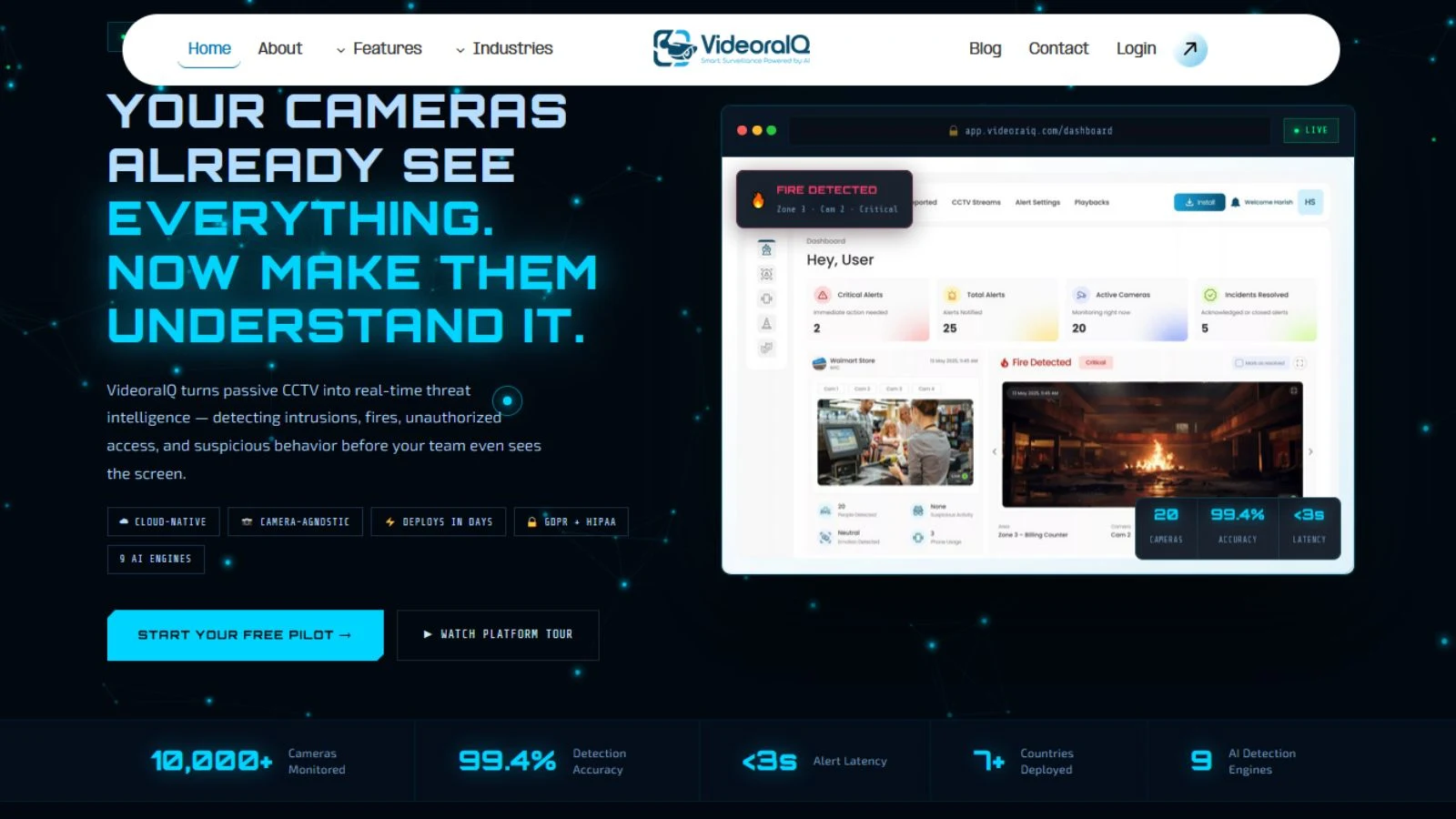
The right cloud security cameras give you storage and remote access. VideoraIQ adds the AI intelligence layer on top. It is a cloud-native platform that connects to 200+ camera brands via RTSP, with no hardware swaps and deployment in under 72 hours. Here is what it delivers:
- 9 AI detection engines: intrusion, fire and smoke, face recognition, ANPR, line-cross, unauthorised access, unattended baggage, object detection, and cashier absence
- Real-time alerts in under 3 seconds with a timestamped video clip, camera location, and event type
- Cloud-native, zero on-premise servers scales from 5 to 5,000+ cameras across sites
- 99.4% detection accuracy filters false alarms so teams only act on genuine threats
- GDPR and HIPAA compliant end-to-end encryption, role-based access, and full audit trails
Tips for Getting the Most from Your Cloud Security Setup
Having the right cloud security cameras installed is only half the equation. These practical steps will help you maximise the value of your investment.
Define detection zones carefully: Configure your platform to focus on the areas that matter most: entry points, restricted zones, and parking areas. This reduces false alerts and keeps your team’s attention where it counts.
Set tiered alert rules: Not every event needs to wake someone up at 2 AM. Create escalation levels: low-priority alerts go to email, high-priority ones trigger SMS to the right people immediately.
Review footage retention policies regularly: Compliance requirements vary by industry. Make sure your cloud storage retention period covers your legal obligations and audit your settings quarterly.
Test your alerts monthly: Staff changes and device upgrades often cause notification routing to fail silently. Confirm alerts reach the right people every month.

