

**Schedule a free security consult →
Eighty-five percent of CCTV footage is never reviewed. To choose commercial security solutions that actually reduce risk, you need systems that detect, decide, and act in real time, not just record. Start with a clear risk audit, map your entry and high-value zones, and pilot a cloud-first layer that works with your existing cameras before you scale. In 2027, that’s the fastest way to turn video into action instead of archives. (Source: VideoraIQ stats)
Moreover, you should test alert speed and false alarms before you buy. Therefore, pick tools that plug into what you already run, prove sub-3-second alerts, and meet your compliance needs from day one.
What Are Commercial Security Solutions and Why Do They Matter Now?
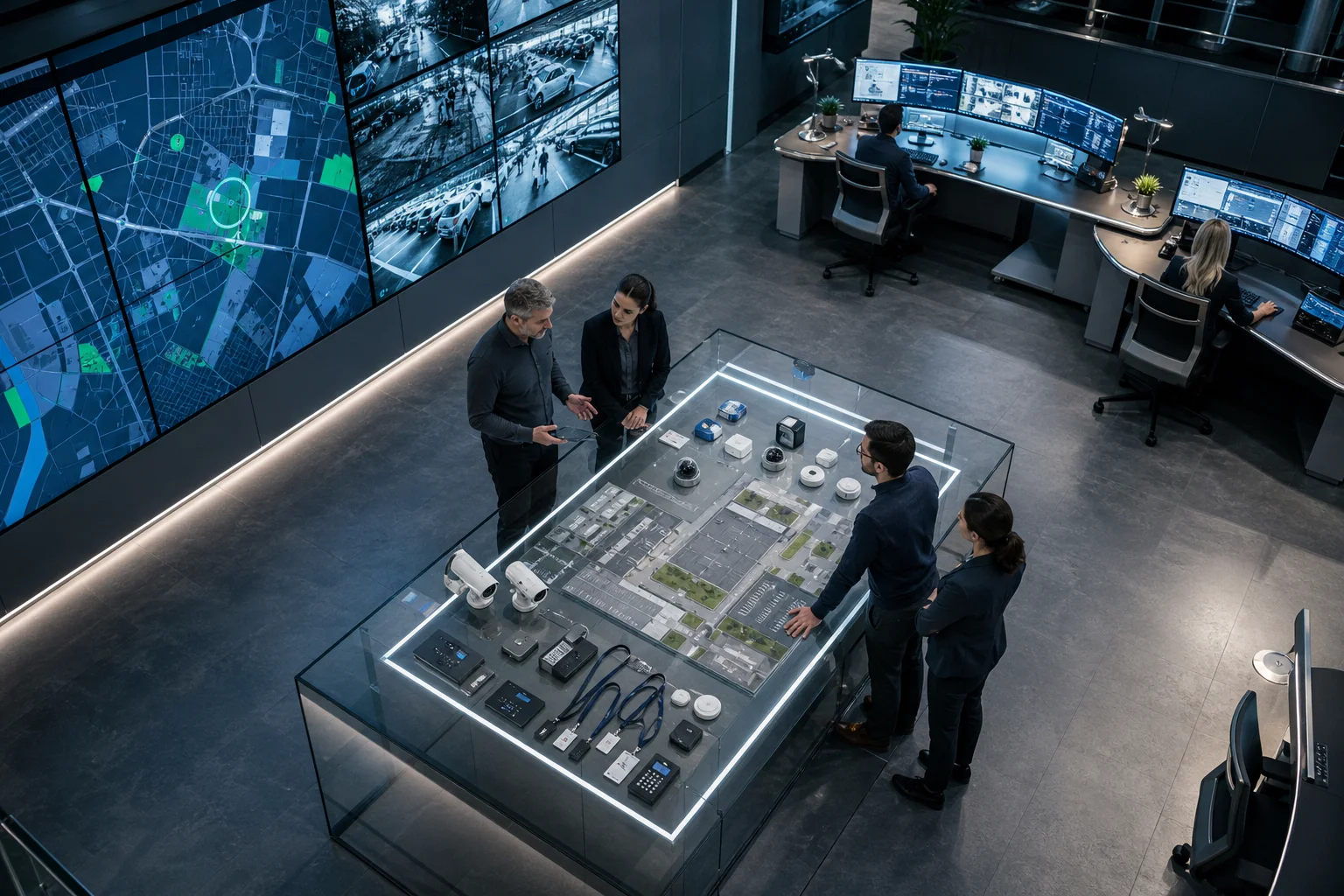
Commercial security covers five core layers: video surveillance, access control, intrusion detection, AI analytics, and fire/smoke detection. Together, they protect doors, assets, and people. In practice, most sites start with closed-circuit television (CCTV) and add access control and alarms. However, with 85% of footage never reviewed (Source: VideoraIQ stats), recorded video alone is a weak deterrent. You need systems that can detect, verify, and alert in real time.
Specifically, AI analytics closes that gap. It can watch every feed at once and flag true incidents: boundary breaches, unauthorized access, unattended objects, or smoke. In fact, modern platforms ship with 9 AI detection engines, including face recognition, intrusion, fire and smoke, object and number plate recognition (ANPR), line-cross, unauthorized access, unattended baggage, and cashier absence detection. As a result, your team sees fewer, higher-quality alerts.
Moreover, risk is not uniform across your site. High-security zone monitoring, server rooms, cashier zones, loading bays, or pharma storage, needs tighter rules than public lobbies. Therefore, zone-based monitoring and customizable thresholds matter. They let you set different alert rules by area and by time.
From Passive Video to Intelligent Response
- Recording proves what happened. AI turns that stream into live signals you can act on.
- Real-time alerts with video proof, location tag, and timestamp reduce guesswork and false dispatch.
- <3 seconds alert latency and 99.4% detection accuracy are practical benchmarks to demand during trials.
Furthermore, 2027 buyers have a choice: add intelligence to the cameras you already own or rip-and-replace. If you aim to choose commercial security solutions with speed and ROI, layering AI on your current IP-based CCTV is the fast path.
Step-by-Step Framework for Evaluating Commercial Security Systems
You can choose commercial security solutions with confidence if you follow a clear, testable method. Use these seven steps to turn a long wish list into a short, data-backed plan.
1.
List real incidents from the last 12–24 months, by type and time. Then rate impact and likelihood. For example, after-hours intrusion at the rear dock might score higher than daytime tailgating in reception.
2.
Draw doors, docks, gates, cashier areas, server rooms, and storage. Moreover, assign zone-based monitoring rules. For instance, “No person in cashier zone 11 p.m.–6 a.m.” or “Alert on bag left >120 seconds in lobby.
3.
On-premise gives local control but needs servers and upkeep. Cloud-based systems need no on-premise servers and scale fast across sites. Therefore, multi-location teams usually gain more with cloud video analytics and a browser dashboard.
4.
Ask vendors to show 9 AI detection engines in action on your footage. Specifically, test fire and smoke detection, ANPR, line-cross, unauthorized access, and unattended baggage with customizable time thresholds. Then log precision, recall, and <3 seconds latency.
5.
Insist it works with existing cameras across 200+ brands and integrates with existing IP-based CCTV systems without additional hardware. Furthermore, confirm RTSP, ONVIF, and stream limits per site so you don’t hit a hidden ceiling later.
6.
Document data flows, retention, and access rights. For EU sites, align with the General Data Protection Regulation (GDPR). For healthcare, validate HIPAA Security Rule controls. Therefore, ask for “GDPR compliant” and “HIPAA compliant” attestations and log them in your risk register.
7.
Start with a pilot, then scale to tiers that match growth: Starter for small sites, Professional for mid-size, Enterprise for custom AI or large fleets. In addition, ensure multi-tenant dashboards, SSO, audit logs, and 24/7 support as you expand.
Pilot Checklist: What to Measure
- Alert latency target: under 3 seconds on real incidents.
- Detection quality: 99.4% detection accuracy on your test set.
- False alerts: under a clear per-camera-per-day threshold you set.
- Evidence pack: video proof with location tag and timestamp for every alert.
- Admin tasks: time to add a camera, set a zone, and change a threshold.
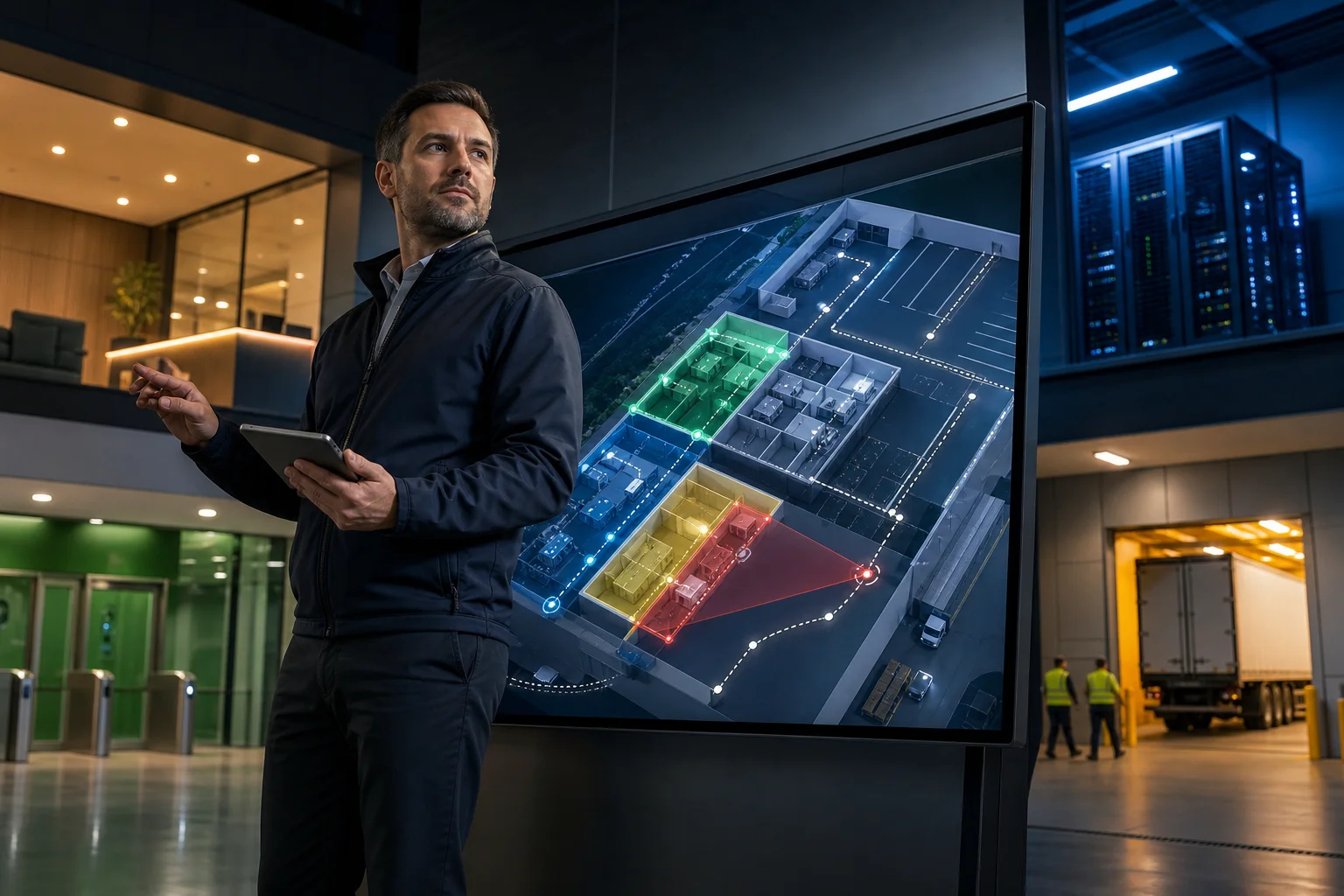
As a result, you’ll choose commercial security solutions based on measured results, not vendor slides. Moreover, your pilot artifacts become your rollout SOP.
Also Read!
How to Choose Wired Security Cameras for Your Home or Business
How to Choose a Video Intercom System for Your Home or Business
5 Common Mistakes Businesses Make with Commercial Security
First, over-investing in cameras but skipping analytics. A site adds 60 new cameras and still learns about incidents the next morning. However, AI video analytics can watch all feeds and send real-time alerts with video proof, location tag, and timestamp. Therefore, fund analytics in the same phase as cameras.
Second, ignoring integration with existing infrastructure. Teams buy a system that needs new servers or encoders. Instead, pick a platform that integrates with existing IP-based CCTV systems without additional hardware. In addition, confirm it works across 200+ brands, so you can standardize alerts without a rip-and-replace.
Third, no real-time alert strategy. Alerts go to a group inbox no one watches at 2 a.m. Fix this by routing critical events to on-call staff with escalation. Moreover, define who acknowledges, who responds, and how you review false alerts weekly.
"The system handles surveillance 24/7. No more missed alerts or relying solely on camera operators." — Jason Rodriguez, Security Manager
Fourth, choosing systems that can’t scale. A single-site setup breaks at 50+ cameras or a second location. Therefore, pick clear tiers. Starter/Professional/Enterprise, and test multi-site views, user roles, and SSO in your pilot.
Fifth, neglecting compliance. A retail chain records cashier zones without proper signage or retention controls. As a result, audits become a fire drill. Instead, document GDPR and HIPAA boundaries up front, and store approvals in your policy hub.
Consequently, you’ll choose commercial security solutions that avoid rework and budget waste, and your team will thank you.
Tools and Platforms Worth Evaluating
You have three broad categories to compare. Traditional NVR/DVR systems record and sometimes run simple rules, but they require on-site hardware and manual reviews. Cloud VMS platforms centralize viewing and storage across sites in a browser, which helps multi-location teams. Finally, AI video analytics layers add detection and alerting on top of your existing cameras, turning passive video into live intelligence.
For AI analytics that layers onto existing IP cameras, tools like VideoraIQ are one option to trial alongside your current CCTV. It works with existing cameras across 200+ brands, runs 9 AI detection engines, delivers alerts in <3 seconds, and shows video proof with location and timestamp. Moreover, the platform reports 99.4% detection accuracy, monitors 10,000+ cameras, and is deployed in 7+ countries, which offers social proof for 2027 buyers assessing scale. In addition, it’s cloud-based with no need for on-premise servers, so you can pilot fast.
Furthermore, shortlist leaders in adjacent layers. For access control, compare systems known for enterprise scale such as Genetec Security Center, LenelS2, or HID (mention only; evaluate in your RFP). For traditional CCTV, review brands with strong IP camera lines like Axis or Hanwha Vision, and balance them against your analytics layer to avoid vendor lock-in.

As a result, you’ll choose commercial security solutions by role, record, manage, analyze, and pick the mix that fits your site, not the other way around.
Key Takeaways
- Start with a risk and zone map, then test AI on your actual footage to verify <3 seconds alerts and 99.4% detection accuracy claims.
- Favor cloud analytics that work with existing IP cameras across 200+ brands to avoid new hardware and speed rollout.
- Set zone-based monitoring and customizable time thresholds so high-security areas get tighter rules than public lobbies.
- Document GDPR and HIPAA controls early; ask vendors for “GDPR compliant” and “HIPAA compliant” proofs in writing.
- Scale in tiers (Starter/Professional/Enterprise), and define alert routing, on-call, and weekly false alert reviews before go-live.
What to Do This Week to Strengthen Your Security Posture
You can choose commercial security solutions this week by running a focused, on-site sprint.
-
First, walk your facility with a simple risk checklist: list critical zones, doors, docks, cashier areas, and server rooms. Then, capture the last 12 months of incidents with timestamps and locations.
-
Second, request demos from two to three vendors and use your own camera streams for trials. Moreover, set three must-pass tests: under 3 seconds alert latency, video proof with location and timestamp for each event, and zone-based monitoring with customizable time thresholds. As a result, you’ll see how each platform performs on your real risks.
-
Third, verify compliance. Ask for “GDPR compliant” and “HIPAA compliant” statements, retention options (7/30/90 days), and audit logs. Furthermore, document who has access, how alerts are stored, and how long you keep clips.
-
Fourth, start with a pilot zone before full deployment. Pick one high-security area, such as a cashier zone or server room. Run it for two weeks. Therefore, measure false alerts per camera per day, response times, and after-hours coverage gaps.
- Pilot zone: 1–3 cameras, 2 weeks, nightly report
- Pass/fail gates: latency, accuracy, false alert rate
- Decision: expand to second zone or adjust rules
Finally, book a quick review with stakeholders, lock your rollout plan (Starter/Professional/Enterprise tiers), and schedule training for the on-call team.
"Unattended bag alerts help us catch potential threats instantly in crowded platforms. It buys us time and improves passenger safety." — Rakesh Mehra, Transit Operations Head
By taking these concrete steps now, you move from passive recording to active, high-confidence protection in 2027, with proof that your system works before you scale.