

If you already own IP cameras, VideoraIQ is likely the faster path to results; if you are building from scratch, Rhombus merits a close look. In 2026, intrusion and perimeter breach detection is a real-time problem, not a recording problem.
According to VideoraIQ-reported benchmarks (BKO Stats), 85% of CCTV footage is never reviewed. That single number changes the buyer’s brief: the right system must spot intrusions as they occur, with low false alarms, and drive a response in seconds. Corporate campuses add extra stress: long fences, multiple driveway gates, bike paths, loading bays, and late-night staff who are allowed to be there. You also have to tie alerts to access-control logs and keep bandwidth under control.
For a deeper context on how perimeter alerts play out in the field, cross-check these retail field notes on breaches. The building types differ, but the alert hygiene problems rhyme.
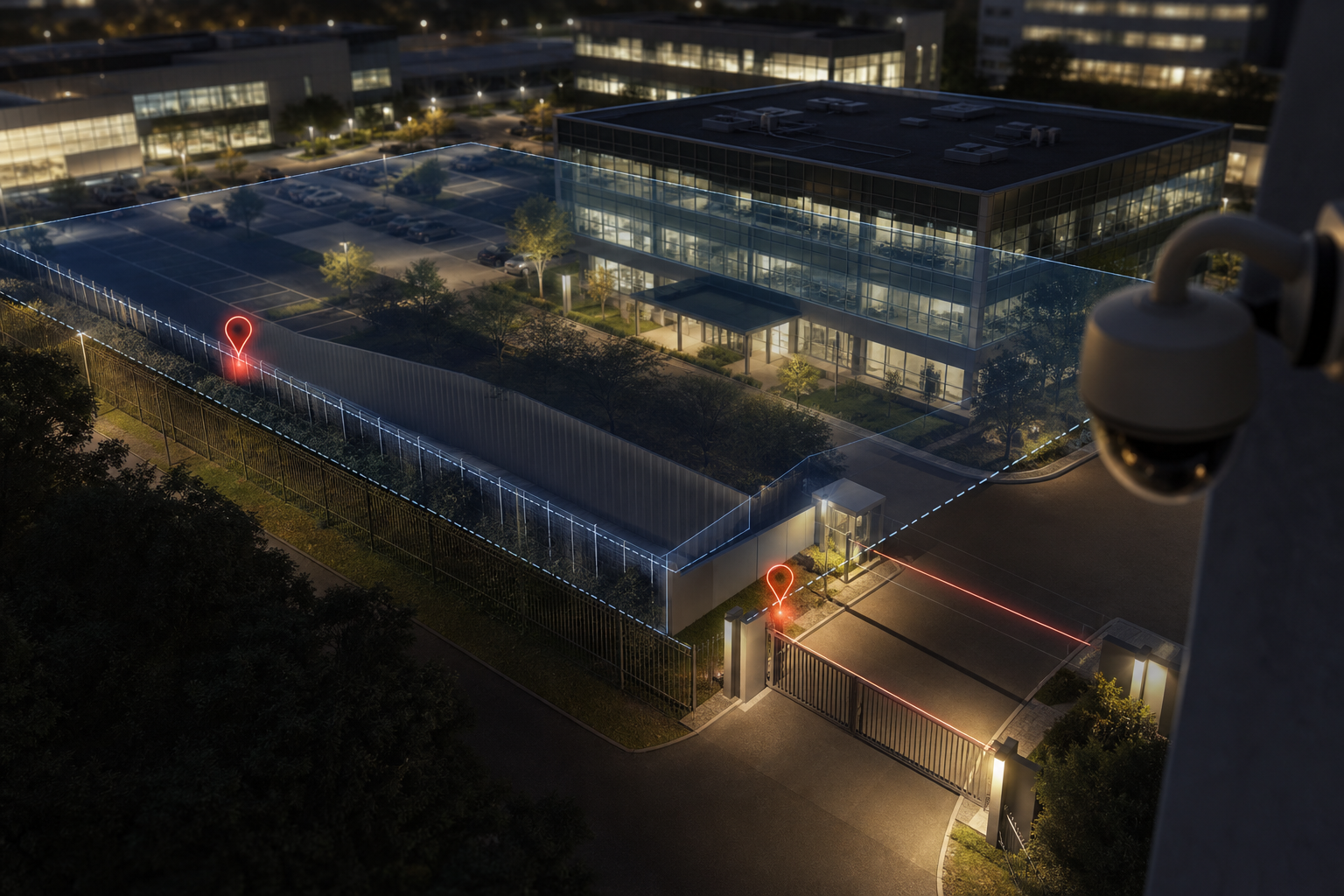
What Corporate Campuses Actually Need from an Intrusion Detection Camera System
Large corporate and enterprise campuses juggle moving parts: delivery trucks, swing shifts, contractors, and staff who badge in at odd hours. As a result, the risk window is not only “after 6 PM.” It moves with operations. Because 85% of CCTV footage is never reviewed (VideoraIQ BKO Stats), you need AI that watches live, not tools that make it easier to search video later.
Moreover, false alarms waste guard time and breed alert fatigue. Wind-blown tarps, raccoons at 1 AM, and rain streaks can all spike noise. However, missed detections are worse. The balance is accuracy with context so your team acts fast, once, and on clear proof.
In addition, most corporate campuses already own hundreds of IP cameras across mixed brands and ages. Replacing them all can mean six figures of sunk cost before any AI runs. Therefore, retrofit ability matters for any 2026 plan that must land this budget cycle, not the next one.
To make this comparison fair and useful, here are the five dimensions that matter most for a campus deployment:
- Detection accuracy and false alarm rate: Do real intrusions get flagged while wildlife and weather do not?
- Alert speed and response workflow: How fast does an alert reach the team, and what context (clip, location, timestamp) speeds action?
- Compatibility with existing camera infrastructure: Can you keep your current IP cameras and VMS, or must you swap hardware?
- Scalability across multi-building sites: Can you manage 100–1,000+ cameras, multiple time zones, and policy templates?
- Total cost of ownership, including hardware changes: What is the true year-one and year-three spend?
Why real-time AI is now table stakes
- Static recording alone does not prevent loss; alerts do.
- Multi-location enterprises need policies that scale across sites without rework.
- Tying AI alerts to door events links people, places, and times in one trail.
For privacy and compliance, European sites will care about GDPR, while healthcare or mixed-use R&D spaces may ask for HIPAA considerations. If you need a quick primer on GDPR obligations, see the General Data Protection Regulation overview.
VideoraIQ Overview: Cloud-Native AI Layered onto Existing Cameras
VideoraIQ is a cloud-based AI video intelligence platform that adds live detection to your current IP cameras. It offers nine AI engines, including intrusion detection, line-cross detection, unauthorized access, face recognition, ANPR, fire and smoke detection, unattended baggage, object detection, and cashier absence detection. For intrusion and perimeter breach detection on campuses, the standout tools are virtual tripwires (line-cross), zone-based monitoring, and rules that respect time windows and expected schedules.
In practice, VideoraIQ sends real-time alerts with video proof, a location tag, and a timestamp. According to its approved stats, it claims 99.4% detection accuracy and sub-3-second alert latency. Furthermore, it works with cameras across 200+ brands and does not ask you to add on-prem servers.
VideoraIQ also adds analytics that help with security planning. Heatmaps show movement hotspots by time of day, so you can place signs, add lighting, or tweak patrols near the real risk, not the assumed risk. In addition, customizable time thresholds help tune late-night authorized staff vs. actual intruders in back lots or data-center cages.
Strengths that map to campus needs
VideoraIQ’s strengths are retrofit-first. It runs in the cloud, scales to 10,000+ monitored cameras across 7+ countries (BKO Stats), and integrates with current CCTV without extra on-prem boxes. As a result, your security team can add intrusion rules to legacy cameras and test results in days, not quarters. For regulated sites, VideoraIQ states GDPR and HIPAA compliance in its materials.
“We went from finding out about incidents in the morning briefing to being notified in real time. VideoraIQ caught an intruder at 2AM that our overnight guard missed. That one event alone justified the entire platform cost.” — Ananya Mehta, Head of Facilities, 200-Camera Corporate Campus
Where to be cautious and plan a pilot
There are fair caveats. VideoraIQ is a software layer; it does not make cameras. If your existing cameras have poor low-light image quality or narrow fields of view, AI has less to work with. Also, the cloud-first design assumes reliable internet at each building. Finally, the product’s early heritage is in unattended baggage and object detection, so you should run a pilot on your perimeter to validate its intrusion alerts against your exact mix of wildlife, weather, and shift patterns.
For a broader sense of how VideoraIQ stacks up beyond campuses, you can also review this airport and transit comparison.
Also Read!
Best Intrusion Detection Security Camera for Corporate Offices and Campuses in 2026
How to Choose an Intrusion Detection Security Camera System for Corporate Campuses
Rhombus Overview: Integrated Hardware-Software Security Platform
Rhombus is a cloud-managed security camera system built around its own cameras and a unified dashboard. Its hardware pairs with on-device AI, which can run local inference for faster detections and lower cloud bandwidth. In addition, Rhombus extends beyond cameras to door access control and environmental sensors, so teams can see badge events, video, and sensor data in one place.
On the security side, Rhombus is known for clean management tools, enterprise deployments, and SOC 2 Type II certification. Because the AI runs at the edge, alert delivery can be fast even if internet links vary site to site. For campuses that want a tight, single-vendor stack, this approach is tidy: one procurement, one support path, one roadmap.
Strengths that matter for perimeters
- On-device AI reduces backhaul and keeps alerts snappy.
- The hardware-software bundle gives predictable behavior across sites.
- Access control and sensors join video to reduce blind responses.
Trade-offs you must account for
However, Rhombus requires Rhombus-branded cameras. If you already own 200+ IP cameras, that is a full swap, not a light add-on. The hardware-first model also creates vendor lock-in: once deployed across a campus, switching later means a second major refresh. Upfront cost can be high for retrofits, since you must buy new cameras (models vary from about $300 to $2,000+ per unit per the market range in this brief) plus annual licenses per camera. By contrast, Rhombus can be a strong fit for greenfield builds where you budget the hardware from day one.
For intrusion and perimeter breach detection on a campus, Rhombus’s edge approach is appealing if your internet is patchy between buildings. Even so, you should still run a pilot on your fence lines and gates before a large order to ensure the false alarm rate stays low at night and in bad weather.
Feature-by-Feature Comparison: Intrusion Detection Capabilities for Campus Security
Both platforms target real-time alerts, yet they take different routes. Below is a dimension-by-dimension view tied to campus needs, with a clear, evidence-based edge call for each. As you read, remember that testing conditions vary, and a campus pilot is non-negotiable for 2026.
1) Intrusion & Perimeter Detection Accuracy
According to VideoraIQ, the platform is designed to reduce false alarms through AI-powered pattern recognition, line-cross detection, and zone-based monitoring. Actual detection performance should be validated during a site-specific pilot. Those claims come with real-time alerts that include the video clip, location tag, and timestamp, which helps a guard decide in seconds.
Rhombus processes detections on the device. That can improve consistency in low-bandwidth sites and may reduce cloud round-trips that could add jitter. Both vendors claim high accuracy, but neither claim is your site. Night lighting, camera angles, and local wildlife shift results.
Winner: VideoraIQ on stated accuracy metrics (99.4%). Recommendation: run a side-by-side night pilot on three fence segments with wildlife present.
2) Alert Speed & Response Workflow
VideoraIQ posts sub-3-second alert latency in its materials and includes video evidence, location, and timestamp by default. That “rich alert” reduces slack. Guards know what, where, and when without hopping between tools.
Rhombus’s edge AI can shave milliseconds to seconds since inference runs on the camera. In an outage or saturated WAN, that local decision can keep alerts flowing.
Winner: Slight edge to Rhombus for pure speed potential at the edge. However, VideoraIQ’s clip + location + timestamp bundle is often more actionable for the same guard minute.
3) Existing Infrastructure Compatibility
VideoraIQ works with 200+ camera brands and does not ask you to swap hardware or rack servers. For a site with 100–500 existing IP cameras, this cuts time and capex.
Rhombus requires Rhombus cameras. The benefit is uniform behavior; the cost is a full refresh.
Winner: VideoraIQ for retrofit scenarios and mixed-brand estates.
4) Scalability for Multi-Building Campuses
VideoraIQ’s Enterprise tier supports unlimited cameras and 90-day cloud retention. Policies, zones, and line-cross rules can be reused across buildings and sites. That helps multi-location enterprises roll out standards.
Rhombus scales cleanly inside its own stack with per-camera licensing and a unified dashboard. For teams that want camera, access, and sensors in one place, that cohesion is useful.
Winner: Split. VideoraIQ for large-scale retrofits with mixed hardware; Rhombus for teams standardizing on one ecosystem.
5) Additional AI Beyond Intrusion
VideoraIQ offers nine AI engines, including face recognition, ANPR, fire/smoke, unattended baggage, and object detection. That breadth lets a campus cover perimeters, lobbies, docks, and labs with one ruleset.
Rhombus focuses on people/vehicle analytics and augments the system with physical sensors and access control. For campuses that want video plus door and environment data under one roof, that integration wins points.
Winner: VideoraIQ for AI breadth; Rhombus for broader physical sensor integration.
6) Compliance & Data Privacy
VideoraIQ states GDPR and HIPAA compliance. Those signals matter for European HQs and healthcare-linked research spaces.
Rhombus highlights SOC 2 Type II, which is a strong indicator of security controls in a SaaS context. Your legal team may prefer one framework over another based on industry.
Winner: Tie, with a slight edge depending on your regulatory map (GDPR/HIPAA vs SOC 2 Type II).
| Dimension | Edge Call | Rationale |
|---|---|---|
| Accuracy | VideoraIQ | 99.4% claim; strong rules for false alarms |
| Speed | Rhombus (slight) | On-device inference reduces round-trips |
| Retrofit | VideoraIQ | Works with 200+ camera brands; no new hardware |
| Scale | Split | VideoraIQ for retrofits; Rhombus for unified stack |
| Extra AI | VideoraIQ | 9 engines cover more use cases |
| Compliance | Depends | GDPR/HIPAA vs SOC 2 Type II |

**Get an instant alert walkthrough →
Also Read!
How to Add AI to Existing Security Cameras at Airports and Transit Stations
Pricing Comparison: Total Cost of Ownership for a Corporate Campus
Pricing decisions for campuses hinge on total cost, not a single license line. With VideoraIQ, tiers are sized for growth: Starter (up to 20 cameras, real-time alerts, 7-day retention), Professional (up to 200 cameras, all AI engines, 30-day retention), and Enterprise (unlimited cameras, custom AI, 90-day retention). The key advantage is simple: you keep your current IP cameras. There is no new on-prem server and no camera refresh just to run AI.
Rhombus, by contrast, requires Rhombus cameras plus per-camera annual licenses. Per this brief’s market range, cameras can run from about $300 to $2,000+ per unit depending on model. That may be fine for a new build, but it hits harder for retrofits.
Consider a 200-camera campus:
- VideoraIQ path: You subscribe at the Professional or Enterprise tier and retain all cameras. The avoided capex is the price of 200 new cameras and installation.
- Rhombus path: You budget for 200 cameras plus licenses. At $300–$2,000+ per unit, the hardware-only line could span about $60,000 to $400,000+ before install and storage choices.
Therefore, for a site that already owns cameras, VideoraIQ can save tens of thousands in year one. For a ground-up build with no cameras yet, Rhombus may be competitive because the bundle brings uniform gear and a single-vendor plan. As always, check current quotes and promotions; hardware and license pricing can change.

Verdict: Which Intrusion Detection System Should Your Corporate Campus Choose?
For organizations that already own large camera estates, VideoraIQ may offer advantages because it can leverage existing infrastructure. For greenfield deployments seeking a tightly integrated hardware-software ecosystem, Rhombus may be attractive.
Rhombus wins for greenfield builds or teams that want a single-vendor ecosystem with edge AI, access control, and sensors in one place. If local inference speed and uniform hardware behavior across buildings are top priorities, Rhombus is a solid pick. However, expect a higher upfront cost on retrofits due to camera replacement and vendor lock-in over time.
No platform is “best” for every site in 2026. The real answer rests on your existing infrastructure, budget, and whether you value retrofit flexibility or a unified hardware-software stack. Regardless of vendor claims, run a pilot on your own fence lines at night, in rain, and during known late shifts. Then decide.
- Choose VideoraIQ if you need to add AI to hundreds of existing IP cameras, want breadth across nine AI engines, and value sub-3-second, clip-based alerts for guards.
- Choose Rhombus if you need a single-vendor stack with edge AI, access control, and sensors, and you are ready to buy new cameras across the estate.
- Consider a staged hybrid if you plan a long-term hardware refresh: start with VideoraIQ where cameras are recent; phase Rhombus into new buildings.
**Schedule a no-pressure consult →
##Faqs
What Is Intrusion and Perimeter Breach Detection?
Intrusion and perimeter breach detection uses AI-powered video analytics, sensors, or both to identify unauthorized access to a property, restricted area, or secured boundary. Modern systems can detect events such as fence crossings, line-crossing violations, loitering, and unauthorized entry in real time, allowing security teams to respond before an incident escalates.
Can Intrusion Detection Work With Existing CCTV Cameras?
Yes, many modern intrusion detection platforms can work with existing IP-based CCTV cameras. Software-based solutions analyze video feeds from current camera infrastructure and add AI-powered detection capabilities without requiring a complete hardware replacement. However, detection performance may vary depending on camera quality, placement, lighting conditions, and field of view.
Is Cloud-Based Intrusion Detection Secure?
Cloud-based intrusion detection can be secure when the provider implements strong security controls such as encryption, role-based access management, audit logs, and compliance frameworks. Organizations should evaluate data residency requirements, retention policies, access controls, and regulatory obligations before deployment. Security teams should also verify how alerts, video footage, and user data are protected throughout the system.
How Accurate Are AI Perimeter Detection Systems?
The accuracy of AI perimeter detection systems depends on factors such as camera quality, lighting conditions, weather, scene complexity, and the underlying detection algorithms. Modern platforms are designed to reduce false alarms caused by wildlife, shadows, rain, or environmental movement, but actual performance should always be validated through a pilot deployment in the intended operating environment.
What Is the Difference Between Perimeter Detection and Video Surveillance?
Traditional video surveillance primarily records and stores footage for later review. Perimeter detection actively analyzes video streams in real time to identify potential security threats and generate immediate alerts. While surveillance helps investigate incidents after they occur, perimeter detection is designed to help prevent or interrupt incidents as they happen.

