

**Schedule a fast deployment consult →
Airports and metro systems need face recognition and license plate reading that stays accurate under load and delivers alerts in seconds. In 2026, the most effective deployments use a unified, cloud-based AI platform with sub-3-second alerts, 99%+ accuracy, and native support for existing IP cameras.
Most security teams know the pain already. Shift changes roll by, incident reports pile up, and video stacks grow. In fact, 85% of CCTV footage is never reviewed. Meanwhile, your SOC still has to track threats across airside, landside, parking, and perimeter roads without adding headcount. It’s a hard ask.
This guide explains how to evaluate solutions for airport and transit use, where every false alert wastes minutes and every second of delay adds risk. You’ll get a practical checklist, a clear view of trade-offs, and a detailed walkthrough of a unified platform that meets airport-scale requirements. You’ll also see real quotes, real numbers, and real differences that matter on the ground in 2026.
Why Airports and Transit Stations Still Struggle with Face and Plate Recognition
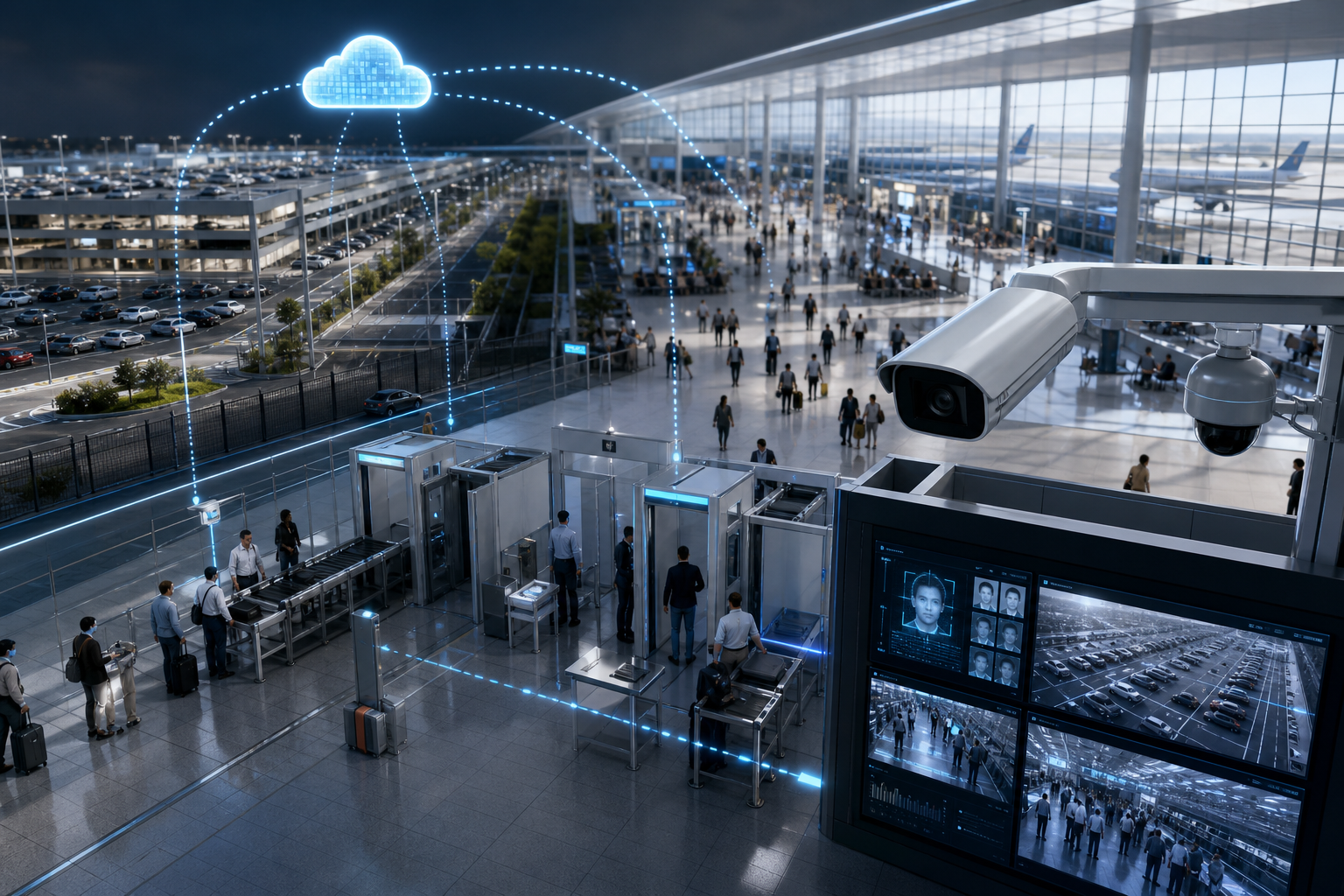
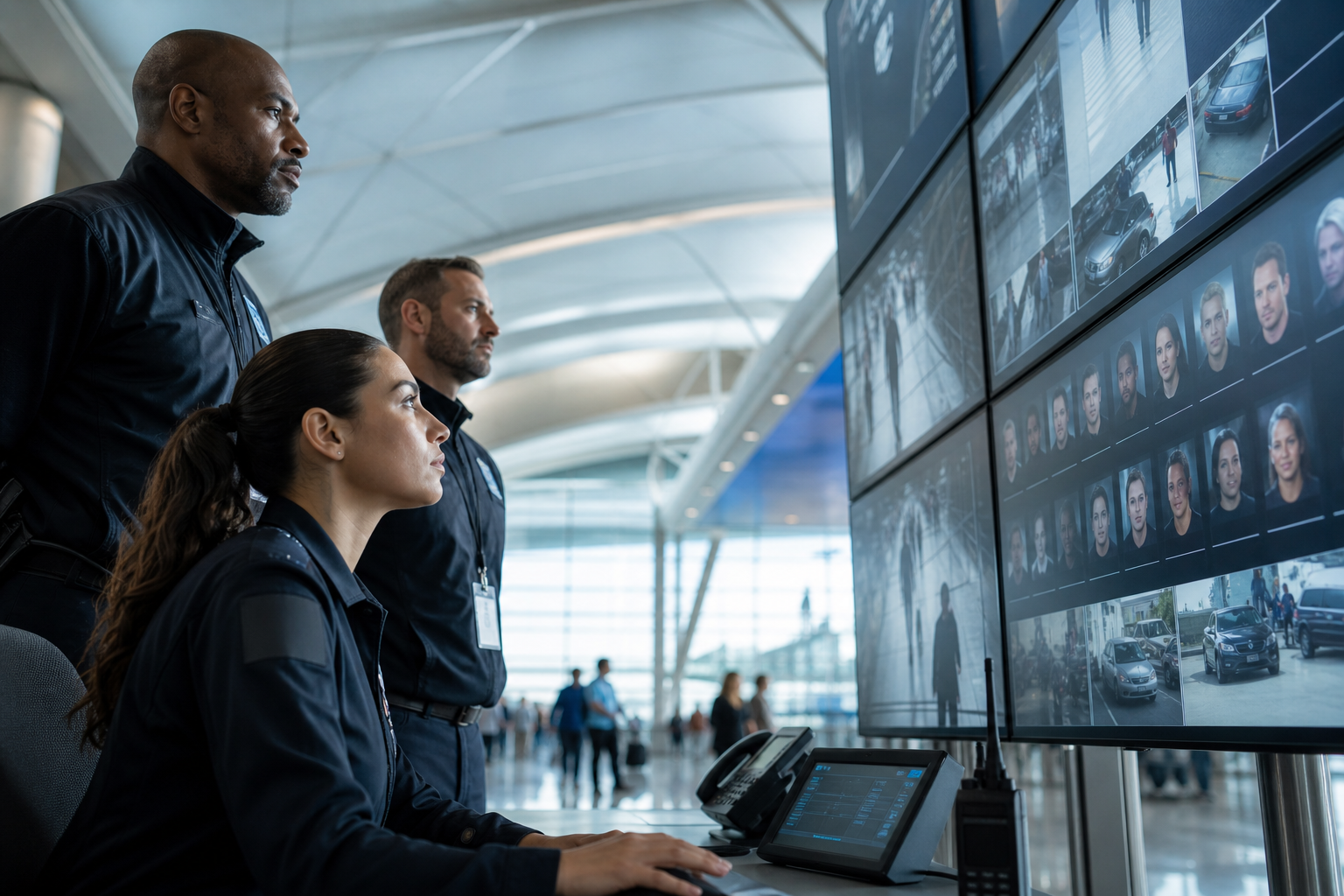
Airport and transit environments never sleep. You process tens of thousands of passengers and vehicles per hour, across peak waves and night banks, with cameras that were installed a decade apart. Yet 85% of CCTV footage is never reviewed. That single stat explains the gap your team fights daily: massive volume, limited eyes, and no time to rewind.
However, volume is not the only blocker. Many hubs run face recognition on one analytics stack and automatic number-plate recognition on a different system. That split creates gaps between people and vehicles, especially across the choke points where risk is highest: security queues, curbside, staff parking, and airside service roads. If your SOC has to alt-tab between dashboards, time-to-response suffers.
Moreover, legacy VMS setups were built for recording, not AI analytics. CPU-bound servers choke when you add real-time detection on top of 24/7 streams. As a result, teams throttle channels, shrink retention, or accept latency that makes alerts more forensic than live. None of those options help when you need an officer at Gate B12 in under a minute.
Regulation adds pressure. TSA directives, ICAO guidance, and local transit authority rules all push for faster identification, better audit trails, and privacy-by-design. That means you need consistent logs with video proof, timestamps, and camera locations for each alert. It also means you must process biometric data with privacy controls that pass audits, not just internal reviews.
Staffing is the last squeeze. SOC operators already juggle perimeter alarms, airside access control, and radio traffic. If your analytics chart lights up with false hits, your team tunes it out. In high-throughput hubs, even 97% accuracy can trigger thousands of daily false events. At that point, your “smart” system becomes noise.
The hidden impact of fragmented tools
- Two dashboards mean two alert queues and two training tracks.
- Integration projects drag, especially with mixed camera brands.
- Delayed alerts lead to after-action reviews instead of interventions.
As a result, you don’t just need higher accuracy. You need a unified approach that links faces, plates, and unattended objects across zones, on the cameras you already have, with alerts your SOC trusts. That is the bar for face recognition and license plate reading in 2026, not a “nice to have.
Also Read!
How to Implement Unattended Baggage Detection at Airports and Transit Stations
What to Look for in Face Recognition and License Plate Software for Transit Environments
Choosing software for airport or metro sites calls for a strict checklist. Below are the criteria that matter most where throughput is high and response time is short. You can use this list with any vendor to stress-test claims and reduce integration risk.
1) Detection accuracy at scale
In a terminal that sees 80,000 passengers a day, a 1% dip in accuracy can flood your SOC. Anything below 99% produces thousands of false alerts per day across hundreds of live feeds. Therefore, demand proven accuracy numbers and airport-scale references. In fact, ask for logs that show true positives, false positives, and how the model handles similar faces, masks, and crowd density.
2) Alert latency under five seconds
Every second counts between a match and a dispatch. For airport and transit use, alerts that arrive in over five seconds are too late for live intercepts. As a result, you should test for sub-3-second end-to-end delivery, including video clip, location tag, and timestamp. Then verify across peak loads, not just a single camera demo.
3) Unified AI engine vs. bolt-ons
A single platform that runs face recognition, ANPR, unattended baggage detection, intrusion, line-cross, and fire/smoke cuts project risk. Compared to bolt-on modules, a unified engine reduces data handoffs, lowers maintenance, and gives your SOC one alert queue. For transit operations, one screen beats three every time.
4) Camera compatibility
Airports run thousands of IP cameras across brands and generations. Replacing hardware is a non-starter. So, insist on software that works with 200+ camera brands and the ONVIF profiles in your estate. In addition, verify ingestion for standard RTSP streams and mixed resolutions. If a vendor asks you to rip and replace, move on.
5) Cloud vs. on-premise architecture
On-prem servers add cost, heat, and maintenance. Cloud reduces that burden and scales fast. However, your cloud choice must meet data sovereignty and privacy needs. For European deployments, align biometric processing with GDPR requirements. For background reading on vehicle analytics, see this overview of automatic number-plate recognition.
6) Zone-based monitoring
Transit hubs need different rules per area. For example, you may want ANPR at vehicle entries, face recognition at checkpoints, and unattended baggage detection in departure halls. Zone-based monitoring lets you define these rules cleanly, set thresholds by zone, and avoid noise from low-risk areas.
7) Compliance certifications and audit trails
Finally, ask for GDPR and HIPAA compliance where relevant, plus built-in audit logs. The system should auto-capture video evidence with timestamps and camera locations, so you can satisfy regulator reviews without manual clip hunts. If a vendor cannot show these trails, your SOC will do that work instead.
Checklist tip: Map each criterion to a live camera during the trial. If it does not meet your target in the test zone, it will not meet it at scale.
For sector-specific comparisons and pitfalls to avoid, see this airport-focused analysis: VideoraIQ vs Briefcam for Airports and Transit Stations: Which Is Better for Face Recognition and License Plate Camera Software?
How VideoraIQ Delivers Unified Face Recognition and License Plate Detection for Transit Hubs
VideoraIQ addresses airport and metro requirements with one unified, cloud-based platform that runs nine AI detection engines in parallel. Face recognition and ANPR work alongside intrusion detection, unattended baggage detection, fire & smoke detection, line-cross detection, unauthorized access detection, object detection, and cashier absence detection. For a single SOC view, that breadth matters more than any single feature.
Speed is the next factor. VideoraIQ delivers alerts in under 3 seconds, including video proof, a location tag, and a timestamp. In practice, that means your team can radio an officer while a person of interest is still in frame. For busy concourses and parking ramps, those seconds create real intercept windows.
Accuracy holds up under load. The platform reports 99.4% detection accuracy across its engines, which reduces noise in high-volume sites. In addition, the system already monitors 10,000+ cameras, so the pipeline has been proven at scale. That track record matters when you plan a rollout across terminals, rail platforms, and multi-level garages.
Compatibility avoids project drag. VideoraIQ works with existing cameras across 200+ brands and ingests standard IP feeds, so you do not need new hardware. Because it is cloud-based, you also avoid new server clusters and late-night firmware hunts. For multi-agency setups, that saves months.
Zone-based monitoring for airport operations
VideoraIQ’s zone-based monitoring lets you assign different engines to different areas without separate tools.
- Run ANPR on the parking garage entrance and staff lots.
- Use face recognition at security checkpoints and boarding gates.
- Activate unattended baggage detection in terminal waiting areas.
As a result, your SOC sees one alert queue with the right context per zone, not a patchwork of pop-ups.
"Unattended bag alerts help us catch potential threats instantly in crowded platforms. It buys us time and improves passenger safety." — Rakesh Mehra, Transit Operations Head
"The system handles surveillance 24/7. No more missed alerts or relying solely on camera operators." — Jason Rodriguez, Security Manager
Security teams also need audit trails. VideoraIQ auto-captures video evidence with timestamps and camera locations for every alert. Therefore, your post-incident reports align with aviation security reviews without manual clip stitching. And because the platform is cloud-based with no on-premise servers, upgrades happen without downtime.
For transit buyers who want deeper cross-industry notes on deployments, this campus guide offers useful camera-placement lessons that carry over to terminal halls: Best Face Recognition & License Plate Camera Software for Corporate Offices and Campuses in 2026.
Also Read!
Best Face Recognition & License Plate Camera Software for Retail Stores and Chains in 2026
How to Add AI to Existing Security Cameras for Corporate Offices and Campuses
VideoraIQ vs. Alternatives: How It Compares for Airport and Transit Deployments
Airport and transit teams usually consider two alternative paths. First, enterprise VMS platforms with add-on AI modules, such as Genetec or Milestone using third-party plugins. Second, point-solution vendors that focus on one use case, like standalone face recognition or standalone LPR. Each approach has strengths, but both add complexity that matters at scale.
Compared to enterprise VMS with bolt-on analytics, VideoraIQ’s cloud-native design means no on-premise servers. That single change removes procurement cycles for GPU boxes, rack space, and HVAC. It also shortens deployment time.
In addition, VideoraIQ works with existing cameras across 200+ brands, so you do not need camera-specific hardware. Enterprise VMS stacks can be powerful, and for Tier 1 airports with deep IT benches, they may offer more customization. However, that depth can come with higher integration costs and longer timelines.
Point solutions are the other fork. A standalone facial recognition tool or a dedicated ANPR vendor may go deep in one function. Some LPR providers maintain larger vehicle database libraries. On the flip side, transit teams then juggle multiple vendors, separate dashboards, and disjointed alert workflows. VideoraIQ puts nine detection engines on one platform, which removes that overhead for mid-size airports, regional transit authorities, and metro systems that prefer one vendor, one SLA, one queue.
"We went from finding out about incidents in the morning briefing to being notified in real time. VideoraIQ caught an intruder at 2AM that our overnight guard missed. That one event alone justified the entire platform cost." — Ananya Mehta, Head of Facilities, 200-Camera Corporate Campus
"Installation was quick, and it worked with our current CCTV—no downtime, no extra investment." — Sana Ibrahim, Hotel Security Lead
For many hubs, the trade-off is clear. If you need high customization and already run a heavy on-prem stack with a full-time video engineering team, a VMS-first route can fit. Otherwise, a unified, cloud-based platform that integrates with your IP cameras and delivers <3-second, high-accuracy alerts is the faster, lower-risk path for 2026.
Compliance, Certifications, and Proven Scale
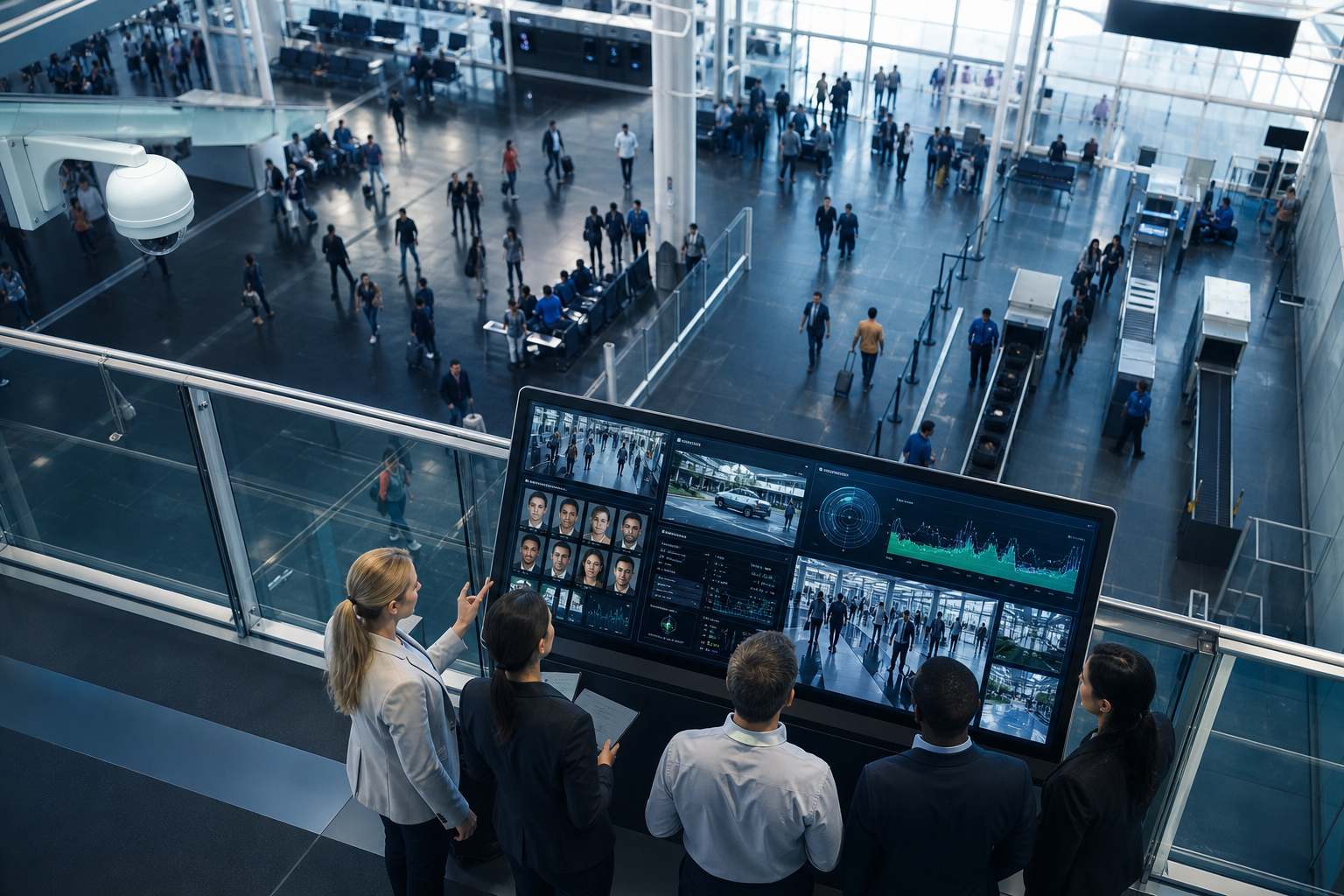
Airports and transit operators process sensitive data. So, privacy and audit readiness are not box checks; they are go/no-go. VideoraIQ is GDPR compliant and HIPAA compliant, which matters for European airports, international hubs, and medical screening areas within terminals. For context on EU privacy rules, review the EU’s GDPR primer at europa.eu.
Beyond certifications, scale reduces risk. VideoraIQ is deployed in 7+ countries and already monitors 10,000+ cameras. Those numbers show the platform runs at airport scale, not just lab tests. In addition, 99.4% detection accuracy helps your SOC avoid alert fatigue and speeds up triage during peak flows.
Audit trails are built in. The platform auto-captures video evidence with timestamps and camera locations, so your incident packets meet regulator expectations without extra steps. Furthermore, heatmaps and analytics help your planners spot security hotspots, adjust staffing by hour, and plan camera placements for new gates or platforms.
"Our fire was detected 52 seconds before our smoke alarm triggered. The VideoraIQ alert came with a live camera link — my team was already on their way before the alarm sounded. That system saved the building." — Nilesh Kapoor, Plant Safety Supervisor, Manufacturing Facility (480 cameras)
For transit, life-safety detections like fire and smoke shorten the path from detection to response. As a result, your metrics improve where it counts: seconds saved and incidents contained.
Getting Started: Deploying Face Recognition and ANPR at Your Airport or Transit Station
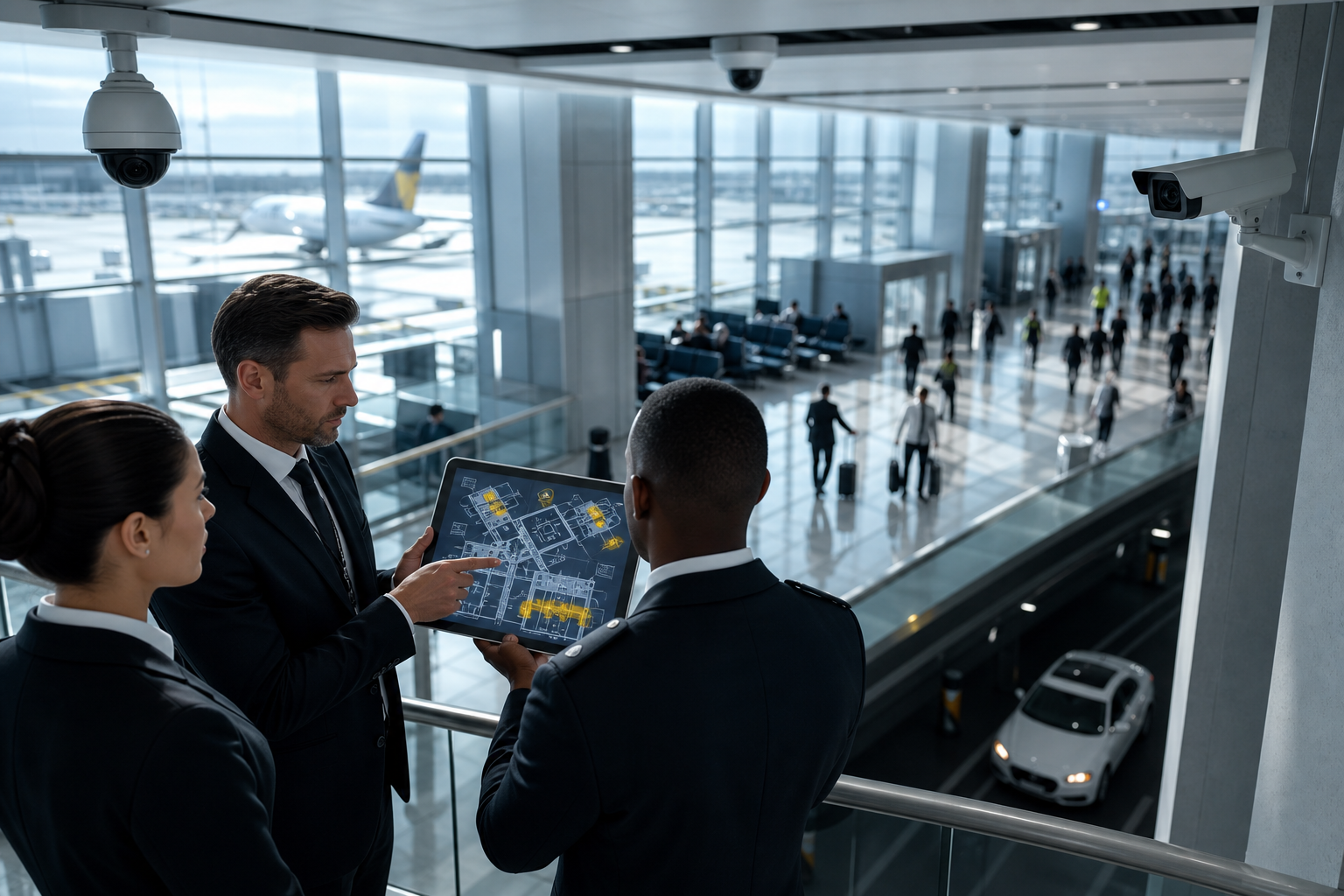
Rolling out at an airport or metro site does not have to disrupt operations. The steps below keep risk low and progress fast, while using the cameras you already own.
Step 1: Audit existing cameras and streams
Start with a camera inventory and network map. VideoraIQ works with existing cameras across 200+ brands and ingests standard IP feeds, so replacements are rare. Therefore, focus on view angles, lighting, and coverage gaps. Then tag cameras by zone for the next step.
Step 2: Define zones and assign engines
Map terminal areas, parking structures, perimeter roads, staff entries, and boarding gates. Assign engines by zone: face recognition at checkpoints and gates, ANPR at vehicle entries, unattended baggage detection in waiting areas, and intrusion around the perimeter. This ensures face recognition and license plate reading serve real operational needs from day one.
Step 3: Set time thresholds and alert rules
Different areas need different timers. For example, you may allow a longer unattended bag threshold in a high-traffic departure hall than in a restricted airside corridor. Use Customizable Time Thresholds to fine-tune alerts per zone and shift.
Step 4: Choose the right tier
Pick a plan that fits your size and data needs:
- Starter: up to 20 cameras, real-time alerts, and 7-day cloud retention for small transit sites.
- Professional: up to 200 cameras, all nine AI engines, and 30-day retention for mid-size airports.
- Enterprise: unlimited cameras, custom AI models, and 90-day cloud retention for large hubs.
Step 5: Integrate alerts into SOC workflows
Connect real-time alerts to your SOC dashboard and dispatch protocols. VideoraIQ integrates with existing IP-based CCTV systems without additional hardware, and installation requires no downtime. As a result, your team keeps eyes on live ops while the system comes online.
 → engine assignment (face, ANPR, unattended baggage) → alert rules → SOC dashboard integration; clear labels and airport icons)
**Start your security assessment →
Also Read!
How to Add AI to Existing Security Cameras for Retail Stores and Chains
Best AI Add-On for Existing Security Cameras for Retail Stores and Chains in 2026
Frequently Asked Questions
How accurate is VideoraIQ's face recognition in crowded airport terminals?
VideoraIQ reports 99.4% detection accuracy across its AI engines. The platform uses pattern recognition to keep false alarms low even with heavy footfall and variable lighting. However, lighting, camera angle, and crowd density still affect any system. Therefore, we recommend proper camera placement during the zone configuration phase to sustain accuracy at scale.
Can VideoraIQ work with our existing airport CCTV cameras or do we need new hardware?
Yes. VideoraIQ integrates with existing IP-based CCTV systems across 200+ camera brands without additional hardware or on-premise servers. The cloud-based setup means no server room expansion and faster rollouts. As Sana Ibrahim put it, "Installation was quick, and it worked with our current CCTV, no downtime, no extra investment.".
How much does face recognition and ANPR software cost for a transit station?
Pricing follows a clear tiered model. The Starter tier covers up to 20 cameras with real-time alerts and 7-day cloud retention for small sites. The Professional tier supports up to 200 cameras with all nine AI engines and 30-day retention, which fits mid-size airports. The Enterprise tier includes unlimited cameras, custom AI models, and 90-day retention for large hubs. Because cost depends on camera count and retention needs, contact VideoraIQ for a custom quote.
Is VideoraIQ GDPR compliant for biometric data processing at European airports?
Yes. VideoraIQ is GDPR compliant and HIPAA compliant. This is essential for any airport or transit system processing facial recognition data, especially within the EU or for international hubs. In addition, auto-captured video evidence with timestamps and camera locations provides the audit trail regulators expect.
How fast are alerts delivered when a face match or license plate is detected?
VideoraIQ delivers alerts in under 3 seconds. Each alert includes video proof, a location tag, and a timestamp. In airport and transit contexts, this enables intercepts while a person or vehicle is still in view, instead of forcing your team to review clips after the fact.
Can VideoraIQ run face recognition and license plate detection on the same camera simultaneously?
VideoraIQ’s nine detection engines run on the same cloud platform and can be assigned to different cameras or zones. A single dashboard manages all detection types. For example, a parking camera can run ANPR while a terminal camera runs face recognition and unattended baggage detection. This eliminates the need for separate systems and dashboards.
What alternatives to VideoraIQ should airports consider for face and plate recognition?
Enterprise VMS platforms like Genetec or Milestone with third-party AI plugins are strong options, especially for Tier 1 airports with large IT teams and deep VMS investments. Standalone ANPR vendors may also offer larger vehicle database libraries. However, VideoraIQ’s advantage is its unified nine-engine approach on a cloud-native platform that requires no additional hardware or on-premise servers, which is practical for mid-size airports and regional transit systems aiming to avoid integration complexity.
How many cameras can VideoraIQ support at a large airport?
The Enterprise tier supports unlimited cameras with custom AI models and 90-day cloud retention. VideoraIQ already monitors 10,000+ cameras across deployments in 7+ countries. That track record shows the platform can handle airport-scale infrastructure. For large rollouts, VideoraIQ offers custom configurations tied to your operational plan and zones.
Final Takeaways for Airport and Transit Leaders
Airports and metro systems need results, not buzzwords. First, insist on sub-3-second alerts and 99%+ accuracy, or noise will bury your SOC. Second, pick a unified platform so face recognition and license plate reading work together across zones on your existing IP cameras. Third, make compliance and audit trails a hard requirement to satisfy TSA, ICAO, and local rules without extra manual work.
If you want a practical path to faster response and fewer false alarms in 2026, a unified, cloud-based system proven on 10,000+ cameras is the low-risk way to get there.
**Book a compliance-ready demo now →
For cross-sector lessons on camera strategy and analytics rollout, you may also find this guide helpful: How to Choose Face Recognition and License Plate Camera Software for Corporate Campuses.

