

85% of CCTV footage is never reviewed (Source: platform telemetry across 10,000+ cameras). That is why real-time video analytics, including face recognition and license plate reading, matter more than your DVR stack. In 2026, your guards need instant, useful alerts, not another archive of unviewed clips.
The short answer: pick software that can read plates accurately at gates, verify faces at doors, and link people to vehicles across time and space with sub-5‑second alerts. Then make sure it works with the cameras you already own, fits your legal posture, and improves your guard response time by minutes, not seconds. Everything else is secondary.
For a deeper comparative angle on deployment in transport environments, see this practical review: VideoraIQ vs Briefcam for Airports and Transit Stations: Which Is Better for Face Recognition and License Plate Camera Software?
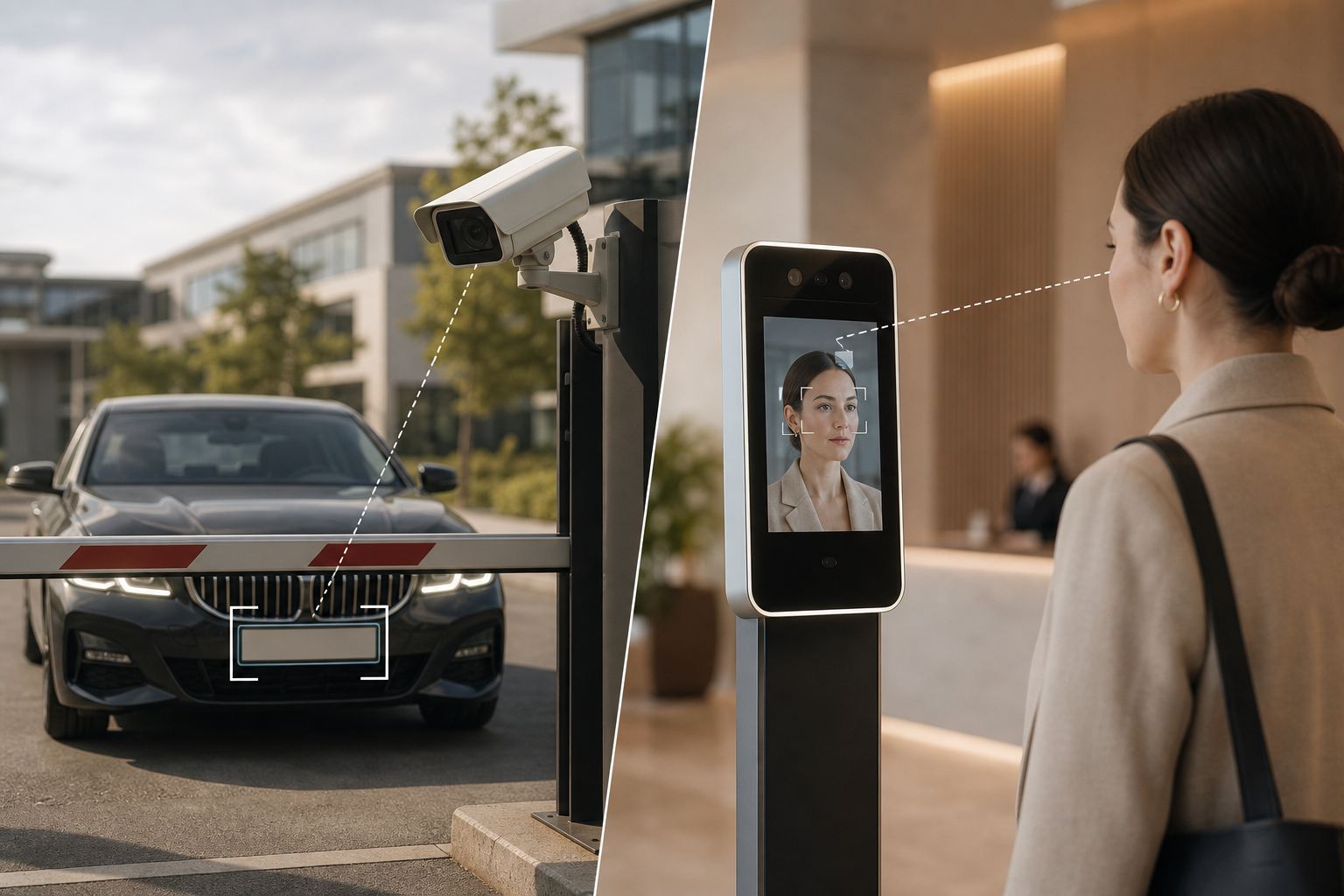 , lighting values (200+ lux), and alert latency <3 seconds; clean professional style)
What Face Recognition and License Plate Software Actually Does on a Corporate Campus
On a campus, these systems do three things well: they automate vehicle entry, verify people at doors, and correlate incidents across cameras. Automatic Number Plate Recognition (ANPR) reads plates at gates and logs entries with timestamps and camera IDs. Facial recognition verifies that a person at a lobby turnstile or server room door matches an enrolled profile.
There are two approaches. Standalone tools do only plates or only faces. Unified platforms process both streams and fuse results. With fusion, you can link a person of interest to the car they arrived in and follow that thread across zones.
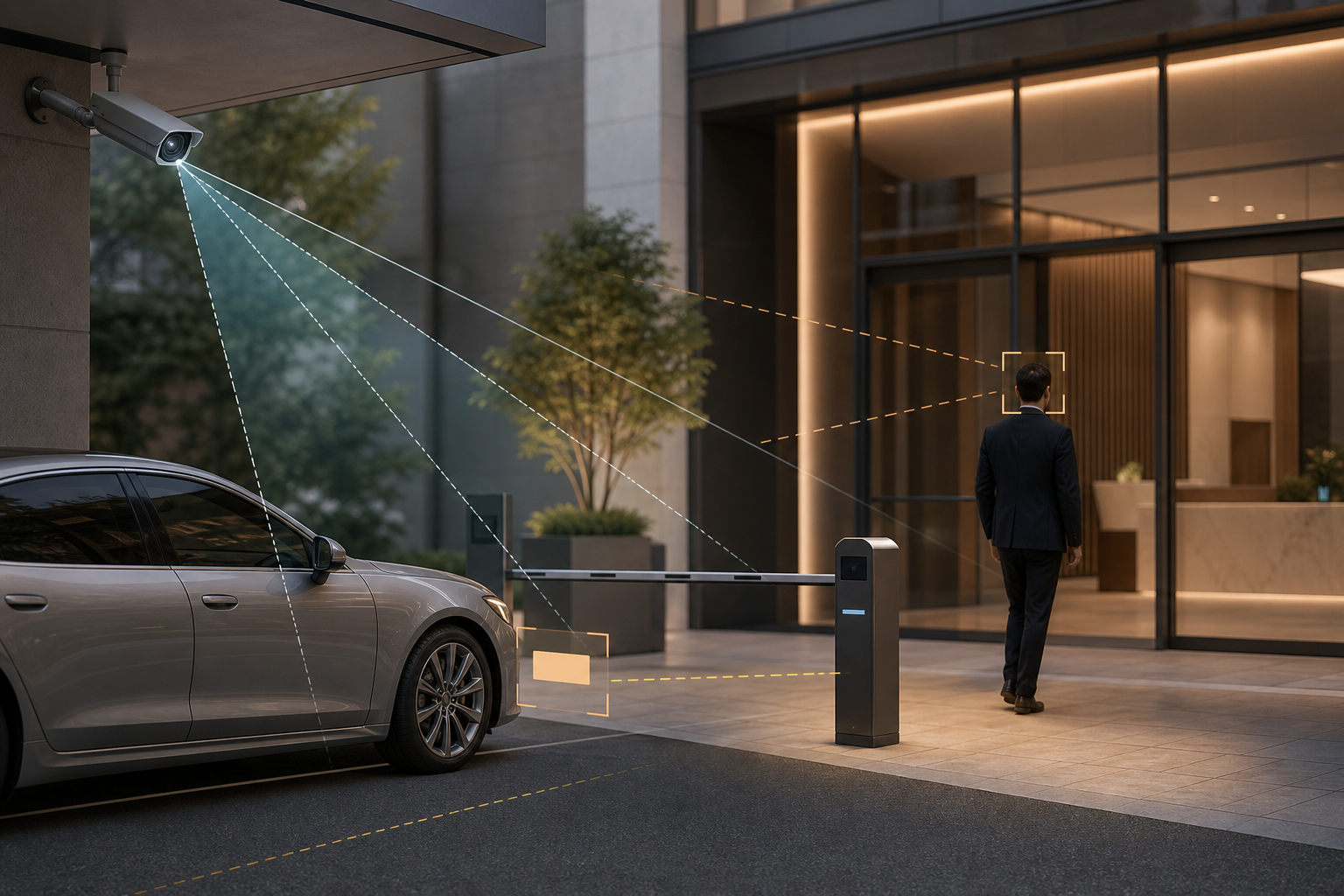
Here is a concrete scenario. At 11 PM, an unknown sedan enters your north lot. ANPR logs the plate and location.
At 11:17 PM, face recognition flags the same individual near a server room with a match above your confidence threshold. Incident correlation ties the two events, creating one case with video proof, location tags, and timestamps. Because alerts fire in real time and with <3 seconds latency, your SOC can dispatch before damage is done.
In addition, the software should support watchlists and enrollment databases. Enrollment is the set of faces you are allowed to verify (staff, contractors, long-term visitors). A watchlist is a blocklist/allowlist that triggers alerts when a face or plate appears. Confidence thresholds control how sure the match must be to alert. Too low increases false positives; too high risks misses.
Moreover, vendors quote error trade-offs using False Acceptance Rate (FAR) and False Rejection Rate (FRR). FAR is the chance the system accepts the wrong person; FRR is the chance it rejects the right person. You tune thresholds to balance these based on risk and zone type.
- Key terms at a glance:
- ANPR: software that detects and reads license plates; see Automatic number-plate recognition.
- Facial enrollment database: images and metadata you are allowed to verify against.
- Watchlist: a list that triggers alerts on match or no‑match, by face or plate.
- Confidence threshold: the minimum match score needed to alert.
- FAR vs FRR: acceptance of the wrong person vs rejection of the right one.
Real-time alerts matter because 85% of footage goes unreviewed. You need decisions now, not a report tomorrow.
Also Read!
Best Face Recognition & License Plate Camera Software for Corporate Offices and Campuses in 2026
Step-by-Step Framework for Evaluating and Deploying Campus Security Camera Software
You do not need to be a computer vision engineer to run a sound process. Use this seven-step framework and score each step in a simple tracker.
Step 1: Audit cameras for face recognition and license plate reading
Walk the site and log every camera: brand, model, resolution, frame rate, lens, mount height, and angle. For faces, aim for 80+ pixels inter‑pupillary distance (the distance between the eyes). For plates, target 100+ pixels across the plate. Note day and night lighting, backlight risks, and if IR is present.
Step 2: Map access control zones for face recognition and license plate reading
Classify zones into:
- Vehicle entry points (gates, docks, perimeter).
- Pedestrian checkpoints (lobbies, turnstiles).
- Restricted areas (labs, server rooms).
- General monitoring (corridors, break rooms).
Then define which zones need detection vs verification vs audit logs. Use virtual “Zone-Based Monitoring” where available to cut noise and focus on choke points.
Step 3: Set enrollment and watchlist policies
Decide who you will enroll, where consent sits, and how long you retain data. Write down retention in days by data type (raw video vs embeddings). Document how you handle opt‑out, access requests, and watchlist approval. Involve HR and Legal early.
Step 4: Evaluate software for face recognition and license plate reading against five non‑negotiables
- Works with the cameras you have. Look for published support across 200+ brands.
- Deployment options. Cloud-based with no need for on‑prem servers cuts lead time; on‑prem may be required in some regions.
- Speed. Demand alert latency under 5 seconds end‑to‑end.
- Integrations. Tie into access control and visitor tools you already run.
- Compliance. Ask for GDPR compliant and HIPAA compliant attestations where relevant.
In addition, ask for published accuracy numbers (e.g., 99.4% detection accuracy when documented), and test with your data.
Step 5: Run a face recognition and license plate reading proof‑of‑concept
Pick one vehicle gate and one lobby. Measure plate read rate, face match rate, false alarms, and the change in guard response time. Track at least one week of mixed weather and lighting.
Step 6: Plan a phased rollout
Start with ANPR at gates. It has less privacy friction and fastest ROI. Then add face verification at building entries and, later, at high‑risk zones.
Step 7: Establish ongoing governance
Schedule quarterly accuracy audits and bias tests. Clean your databases monthly to remove departed staff. Review thresholds and “Customizable Time Thresholds” for unattended objects if you use those features.
- Mini decision matrix to adapt:
- Must‑have: <5 s alerts, supports 200+ brands, access control integration
- Nice‑to‑have: Zone-Based Monitoring, analytics, heatmaps
- Risk flags: proprietary cameras only, no data export, no audit logs
**Get an accuracy audit today →
5 Mistakes Corporate Campuses Make with Face Recognition and ANPR Software
Mistake 1: Turning on faces before you set policy
Deploying face recognition without a clear consent and retention policy creates legal exposure under BIPA, GDPR, and state privacy laws. Employees will ask where their images live, for how long, and who can see them. Draft policy with HR and Legal first, publish notices, and create an opt‑out path where lawful.
Mistake 2: Buying software that locks you into proprietary cameras
Platforms that only work with their own cameras force a rip‑and‑replace that inflates costs 3–5× and delays rollout by months. Choose software that integrates with existing IP‑based CCTV systems without additional hardware. Ask for a brand support list and a live test on your least common camera.
Mistake 3: Setting thresholds too low and drowning in alerts
A 70% face match threshold will flood your SOC with false positives. Start at 85%+ for face matches, watch your false acceptance rate, then tune down by zone. Use watchlists with clear scope and a review cadence to keep the low false alarm rate promised by pattern recognition engines.
Mistake 4: Ignoring lighting and angles
Angles and light make or break accuracy. Mount ANPR cameras at a 15–30° horizontal angle, avoid opposing headlight glare, and keep shutter speed high enough to freeze motion. For faces, set consistent light at 200+ lux and reduce harsh shadows. Avoid backlit lobbies and set camera height around eye level to preserve 80+ pixels between eyes.
Mistake 5: Treating rollout as a one‑time IT project
Accuracy drifts if you don’t maintain the system. Clean lenses, update software, remove departed employees from databases, and review detection zones. Assign a named owner and publish SLAs for alert review. Use customizable time thresholds for unattended objects and boundary rules to keep alerts relevant.
- Quick remediation checklist:
- Publish consent and retention policy before go‑live.
- Verify open camera support and RTSP/ONVIF ingest.
- Start at 85% face threshold; review FAR/FRR weekly for a month.
- Check 15–30° ANPR angle and 200+ lux at face points.
- Name an owner; schedule quarterly audits.
Also Read!
Best Intrusion Detection Security Camera for Corporate Offices and Campuses in 2026
How to Choose an Intrusion Detection Security Camera System for Corporate Campuses
Tools and Platforms Worth Evaluating for Campus Face Recognition and ANPR
You have four practical paths. Pick based on total cost, speed, and how much you want bundled.
1) Enterprise VMS with built‑in AI
Genetec Security Center, Milestone XProtect (with plugins), and Avigilon Alta are full VMS platforms with AI features. They replace or dominate your video stack. They are powerful but take longer to deploy and may require re‑training your team. Budget higher for licenses and integration.
2) AI overlay on existing cameras
AI overlay platforms add face and plate analytics on top of what you already have. Tools like VideoraIQ sit in this lane, providing cloud-based AI-powered video intelligence with <3 seconds alert latency, 9 AI detection engines, and no on‑prem servers required. This route is faster on campuses that already run 100+ IP cameras, works with existing cameras across 200+ brands, and integrates with most surveillance infrastructure without extra hardware. Look for tiers that scale from a starter set (up to 20 cameras) to 200 and then to enterprise‑wide, plus proof of scale (10,000+ cameras monitored, deployed in 7+ countries).
3) Specialized ANPR‑only
OpenALPR / Rekor and PlateSmart focus on plates. Choose this if your phase one is vehicle automation and you do not need faces this year. Ensure they can export events to your VMS or SOC tools to avoid a silo.
4) Access control–integrated bundles
Verkada and Rhombus offer cameras plus software in one stack. This reduces vendor count but increases hardware lock‑in. Check the upgrade path if you outgrow built‑in analytics or need non‑standard cameras.
| Category | Hardware Lock‑In | Deployment Speed | Scale Target | Extra Detections (beyond face/plate) |
|---|---|---|---|---|
| Enterprise VMS | Low–Medium | Medium–Slow | 20–500+ cameras | Varies by module |
| AI Overlay | BYOC (Low) | Fast | Starter/Pro/Enterprise | Intrusion, fire/smoke, objects |
| ANPR‑Only | Low | Fast | 1–100+ gates | Vehicle‑focused |
| Access Control Bundles | High | Medium | 20–300 cameras | Tied to vendor |
For a focused comparison in transit settings, you can also read this field guide: VideoraIQ vs Briefcam for Airports and Transit Stations: Which Is Better for Face Recognition and License Plate Camera Software?
**Schedule a pilot in 15 minutes →
What to Do This Week: Your 5-Day Campus Security Software Action Plan
Day 1. Walk the site and document. Photograph every camera.
Note brand, model, lens, height, angle, and lighting. Mark which views could yield 80+ pixel inter‑pupillary distance for faces and 100+ pixels across plates. Flag backlight risks and motion blur at gates.
Day 2. Draft a one‑page policy with HR and Legal. Cover consent, enrollment scope, watchlists, retention windows, and access rights. Align it to your jurisdiction’s privacy laws and your works council norms where applicable.
Day 3. Contact 2–3 vendors for a pilot. Scope one gate and one lobby. Ask for camera brand support, alert latency SLAs, and compliance documents. Confirm you will get real-time alerts with video proof, location tag, and timestamp.
Day 4. Train the SOC for real-time response. Update SOPs from “review after the fact” to “dispatch on alert.” Define who clears false alerts, who raises incidents, and how you will log outcomes.
Day 5. Set pilot success metrics. Define targets for false alarm rate, average response time improvement, and guard satisfaction. Decide your go/no‑go based on data and a post‑pilot review.
- Pilot metrics to track:
- Plate read rate per gate per hour.
- Face match rate at the lobby during rush and off‑peak.
- Mean alert latency under 5 seconds.
- Guard response time change vs last month.
Key Takeaways
- Real value comes from real-time alerts, not recordings. That matters because 85% of footage goes unreviewed.
- Start with gates (ANPR), then add lobby face checks, and link events to correlate people to vehicles.
- Tune thresholds by zone to manage FAR/FRR. Begin at 85%+ for face matches and adjust with data.
- Demand support for 200+ camera brands, cloud options, <5 s alerts, and GDPR/HIPAA posture.
- Treat face recognition and license plate reading as an ongoing program with audits, updates, and database hygiene.
Most campuses see measurable gains within 30 days when they roll out in phases, test thresholds, and train the SOC to act on alerts. You can do the same with a tight pilot and a bias toward speed.
**Book your free campus pilot consult →
Additionally, keep one authoritative reference handy as you educate your team: the Automatic number-plate recognition overview is a clear primer on how plate reading works at the image level.

