

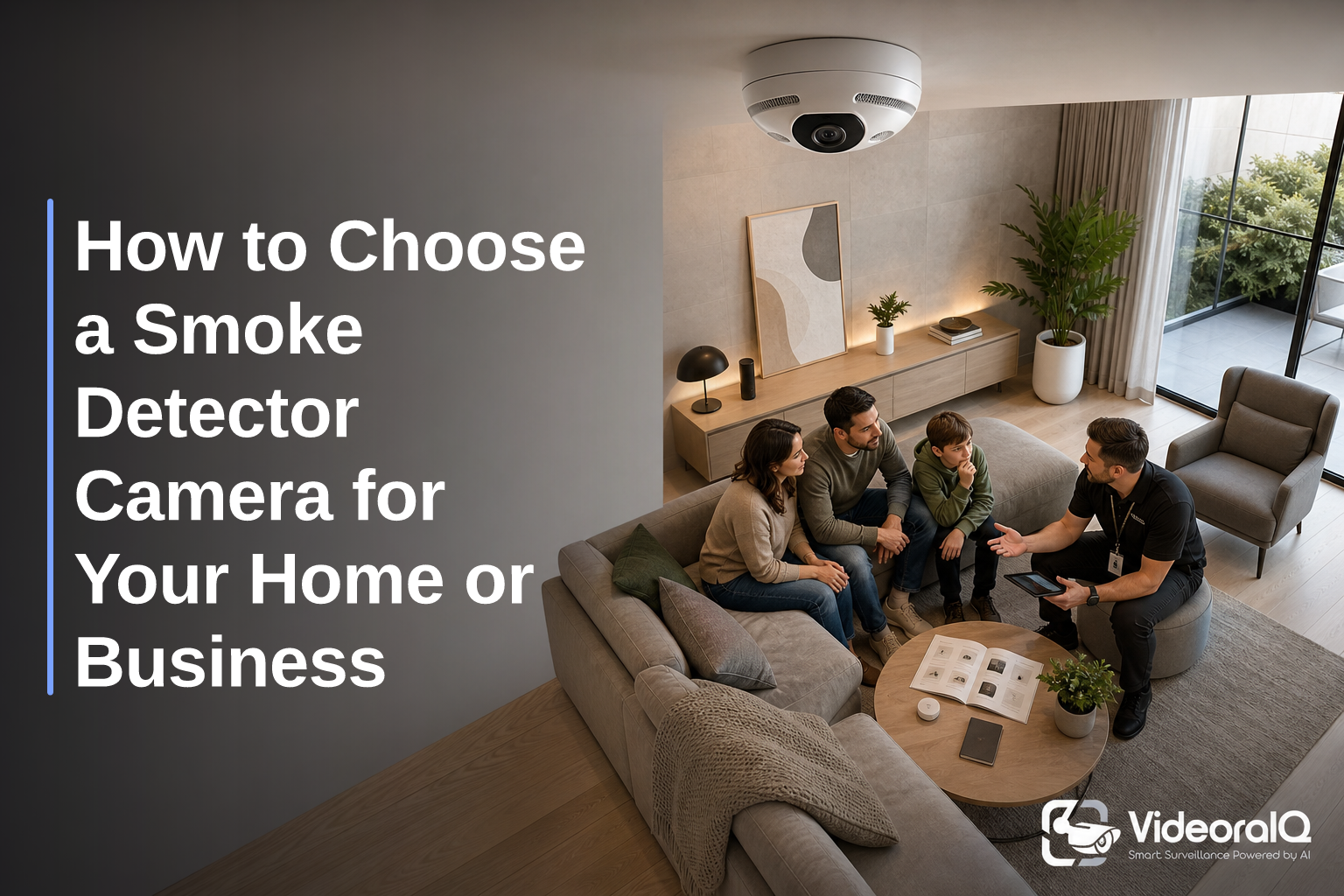
To choose smoke detector camera gear that’s actually useful in 2026, pick 1080p or better, decide between real smoke sensing (dual-purpose) or camera-only with AI fire/smoke detection, enable fast alerts with video proof, and stay within the law. Also compare night vision, storage (cloud vs. SD), and Wi‑Fi/network fit to ensure clear footage and reliable delivery. 85% of CCTV footage is never reviewed, so the right device must flag the right moments.
This guide treats you like a neighbor who wants straight talk. Yes, “smoke detector cameras” can sound a bit spy-like. But there are valid, ethical reasons to use them: verifying alarms, deterring theft, keeping staff safe, and protecting property.
You’ll see how to compare image quality, night vision, storage, network needs, and alert types. You’ll also learn where the laws draw the line, so you avoid costly mistakes.
For factory floors and loading bays, see this focused explainer: How to Choose a Fire and Smoke Detection Security Camera for Manufacturing Plants and Warehouses.
What Is a Smoke Detector Camera and Why Would You Need One?
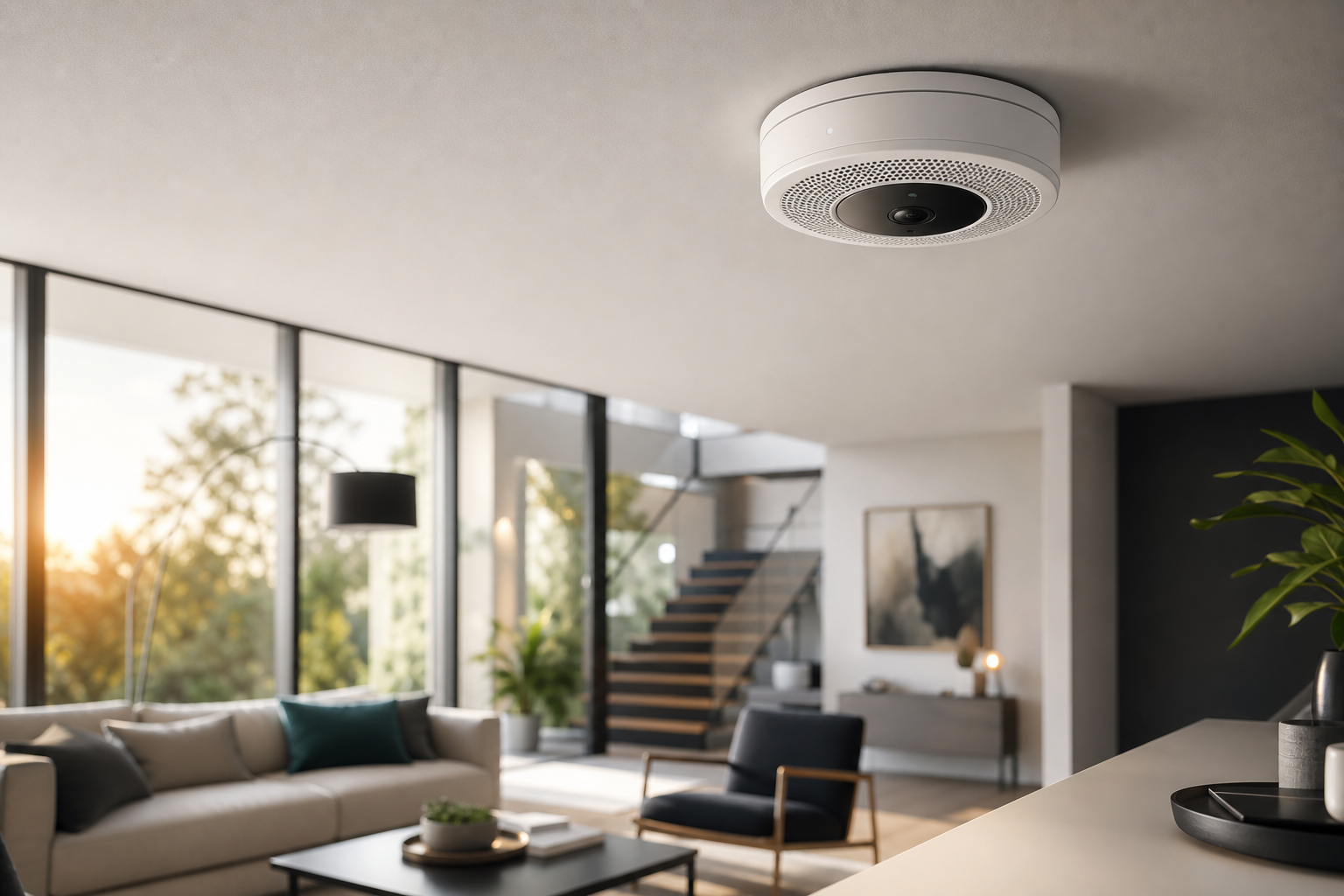
A smoke detector camera is a device that looks like a standard detector mounted on a ceiling, but it includes a hidden or discreet video camera. Some are dual-purpose units that also detect smoke or heat, while others are “camera-only” devices that mimic the look of a detector but do not trigger a fire alarm. If you need to choose smoke detector camera hardware, start by deciding whether you want life-safety detection built in, or you only want covert video.
Dual-purpose devices tie into fire safety. They may include real smoke sensing and even AI fire and smoke detection on the video stream. That means you can get real-time alerts with video proof, a location tag, and a timestamp when a risky event starts. In many cases, that gives responders key context before they walk into a hot zone.
Camera-only “disguised” units aim for discreet observation. They’re used when you don’t want a visible camera in the room, but you still need a clear view. These units should never replace code-compliant smoke alarms. They are for video, not life safety.
Use cases include:
- Home security: confirm break-ins, front-room entries, and who disarmed the alarm.
- Retail loss prevention: watch point-of-sale zones without a camera dome staring at staff.
- Office monitoring: keep an eye on server rooms, copy rooms, and supply closets.
- Nanny cams: check on care providers while you’re away, within consent laws.
“Discreet video is fine. But don’t skip real detection where code needs it.” — A mantra safety officers repeat for a reason
In addition, consider integrations. Some platforms add AI to your existing cameras, spotting smoke, intrusions, or abandoned objects. That can give you real-time alerts without changing ceiling hardware.
To ground the basics of actual smoke sensing, here’s a primer on how detectors work: Smoke detector (Wikipedia).
Also Read!
How to Choose a Fire and Smoke Detection Security Camera for Manufacturing Plants and Warehouses
How to Choose Face Recognition and License Plate Camera Software for Retail Stores and Chains
How to Evaluate a Smoke Detector Camera: 7 Features That Matter
You have options. To choose smoke detector camera gear with the fewest regrets, work through this 7-part checklist. Each point has a clear spec to aim for and a reason it matters.
1) Resolution (1080p minimum) and optics
Aim for 1080p (Full HD) or higher. At 1080p, faces and text at 10–15 feet stay legible in most indoor lighting. If your ceiling is high (12+ feet), consider 1440p or 4K. Check the lens field of view: 90–120° is a good target for most rooms. Wider can warp edges and shrink people, which hurts ID.
2) Real smoke detection vs. camera-only lookalike
Decide if you need actual smoke/CO detection. If yes, buy a unit that is code-compliant in your area and integrates with your alarm system. If no, choose a camera-only device but keep code-approved smoke alarms installed. Alternatively, pair standard cameras with AI that provides fire and smoke detection on the video feed.
3) Night vision and low light
Look for IR night vision rated to at least 20 feet in offices and 30 feet in larger rooms. Check the minimum illumination spec (0.01–0.1 lux helps in dim halls). Make sure “no-glow” IR is used if discretion matters, since bright red LEDs can draw attention at night.
4) Storage: cloud vs. SD card
Cloud storage is safer if theft is a risk. A cloud-based service means no on-premise servers to maintain and footage still exists if a device is damaged. If you choose SD cards, use high-endurance cards, rotate them on a schedule, and plan off-site backups. For many small sites, 7–30 days of retention covers investigations.
5) Wi‑Fi reliability and network fit
Use devices that support 2.4 GHz (better range) and 5 GHz (less interference). For offices, WPA2/WPA3 support is table stakes. If you’re on a guest network, segment camera traffic. For high-density sites, wired Ethernet or PoE cams plus a disguised housing can beat spotty Wi‑Fi.
6) Motion alerts you’ll actually read
Set alerts you can act on: push notifications, email, or a central dashboard. Real-time alerts & notifications via dashboard or email are more useful if they include a short video clip, a location tag, and a timestamp. That way, you know what happened and where within seconds.
7) Legal compliance and consent
Know your local recording consent and privacy rules. If you record in homes or offices, get written consent from residents, staff, or visitors where required.
Bathrooms, changing rooms, and private areas are off-limits. If you operate in the EU/UK, align retention, access, and disclosure with GDPR principles. Post signage where surveillance occurs and document who can view footage.
For a deep dive into industrial environments, this guide covers fire/smoke video choices in detail: How to Choose a Fire and Smoke Detection Security Camera for Manufacturing Plants and Warehouses.
**Get tailored device advice, today →
5 Common Mistakes People Make When Buying Smoke Detector Cameras
A smart buy can fail in the real world if setup or policy is off. Before you choose smoke detector camera hardware, avoid these traps.
1) Ignoring local recording consent laws
Skipping consent invites fines and lawsuits. In many places, audio needs one- or two-party consent. Staff should know where cameras are and what you record. Keep a policy on file, train your team, and post clear signs where required.
2) Choosing low-res units that can’t ID faces
A 720p clip might show motion, but not identity. If you can’t tell who took the tablet from the conference room, the camera failed its job. Stick to 1080p or better, and confirm you can read a visitor badge at 10–15 feet before you deploy more units.
3) Skipping devices with actual smoke detection
If life safety is in scope, don’t rely on video alone. A disguised cam won’t replace code-approved detectors. Where code applies, pick a detector with approved smoke sensing and tie it into your alarm panel. Then add video context with a nearby cam.
4) No cloud backup plan
SD cards get stolen, overwritten, or corrupted. Without cloud clips, you lose the proof that matters. If you must use local storage, back it up off-site daily. Better yet, use a cloud-based system with no need for on-premise servers and set retention to match your policy.
5) Poor placement that limits field of view
Mounting too close to a wall or at a steep angle shrinks what you can see. Test at chair height and doorway height. Check glare from lights and windows. Then mark your mount point so the camera sees faces entering, not the tops of heads.
Tools and Platforms Worth Considering in 2026
You can solve this a few ways in 2026. The right pick depends on whether you need life safety, discreet video, or smarter alerts. Here’s how the main categories stack up as you choose smoke detector camera options for a home or a business.
Standalone smoke detector cameras (dual-purpose)
These look like regular detectors and also sense smoke or CO. They can tie into alarm systems and send mobile alerts. They’re good where code-approved detection and video context both matter. Confirm they meet local fire codes, and make sure alerts include short clips with location and timestamp so you can verify fast.
Disguised “camera-only” units
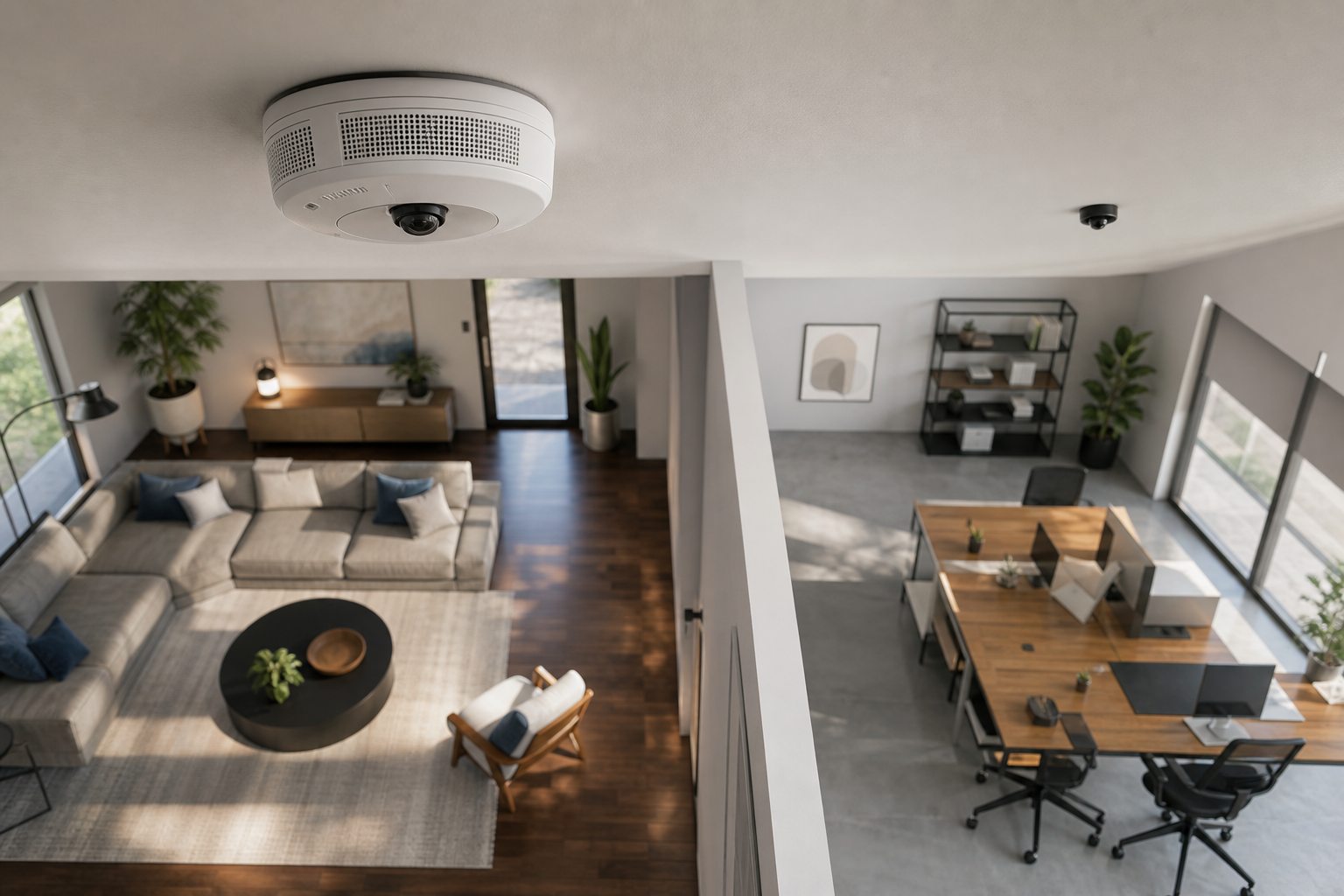
These mimic detectors but only record video. They work in reception, retail floors, or offices where a dome camera might change behavior. They’re simple to install but must live alongside real smoke alarms. Use them to watch entrances, checkout zones, or supply closets without drawing attention.
AI video analytics platforms for your existing cameras
Tools like VideoraIQ add cloud-based AI to the cameras you already own, across 200+ brands. You can get 9 AI detection engines including fire & smoke detection, intrusion, and even unattended baggage, with real-time alerts with video proof, a location tag, and a timestamp.
There’s no extra on-premise server to buy, and alerts arrive in under 3 seconds with <3 seconds alert latency.
If you manage many feeds, this model scales well. The platform is GDPR compliant and HIPAA compliant, and it monitors 10,000+ cameras across 7+ countries.
Accuracy matters here: it reports 99.4% detection accuracy, which reduces noise and speeds response.
“We were notified in real time and caught an intruder at 2AM. That one event justified the cost.” — Ananya Mehta, Head of Facilities
As you compare, weigh cost of new hardware vs. adding AI to what you already have. For homes or single shops, one or two dual-purpose devices may be enough. For multi-site operations, analytics over existing IP-based CCTV systems without additional hardware is usually faster to deploy.
Also Read!
How to Choose Face Recognition and License Plate Camera Software for Corporate Campuses
What to Do Next: Your Setup Checklist
It’s easy to plan, test, and go live in a week. Use this to choose smoke detector camera gear and set it up right the first time.
Step 1: Audit your rooms and goals
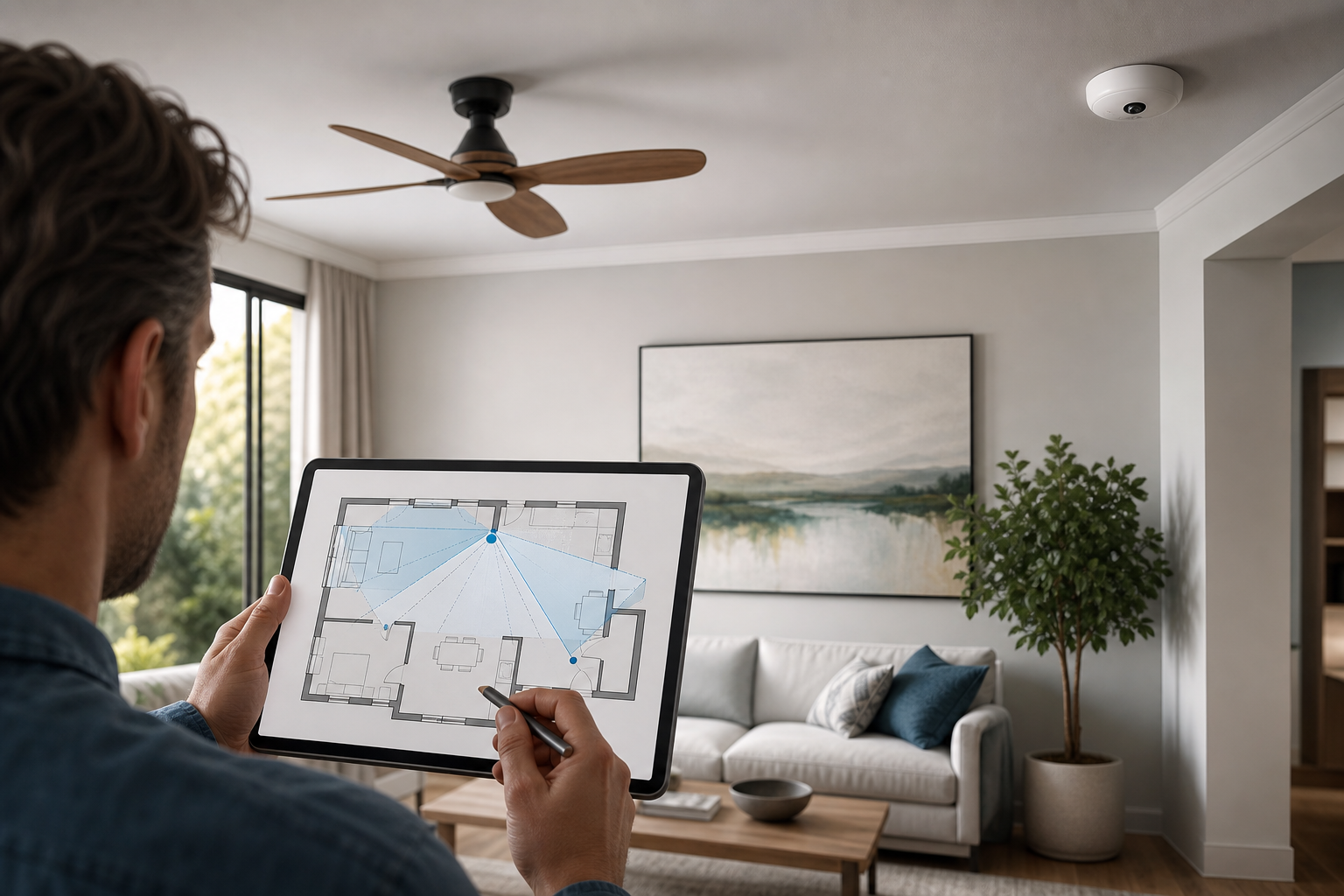
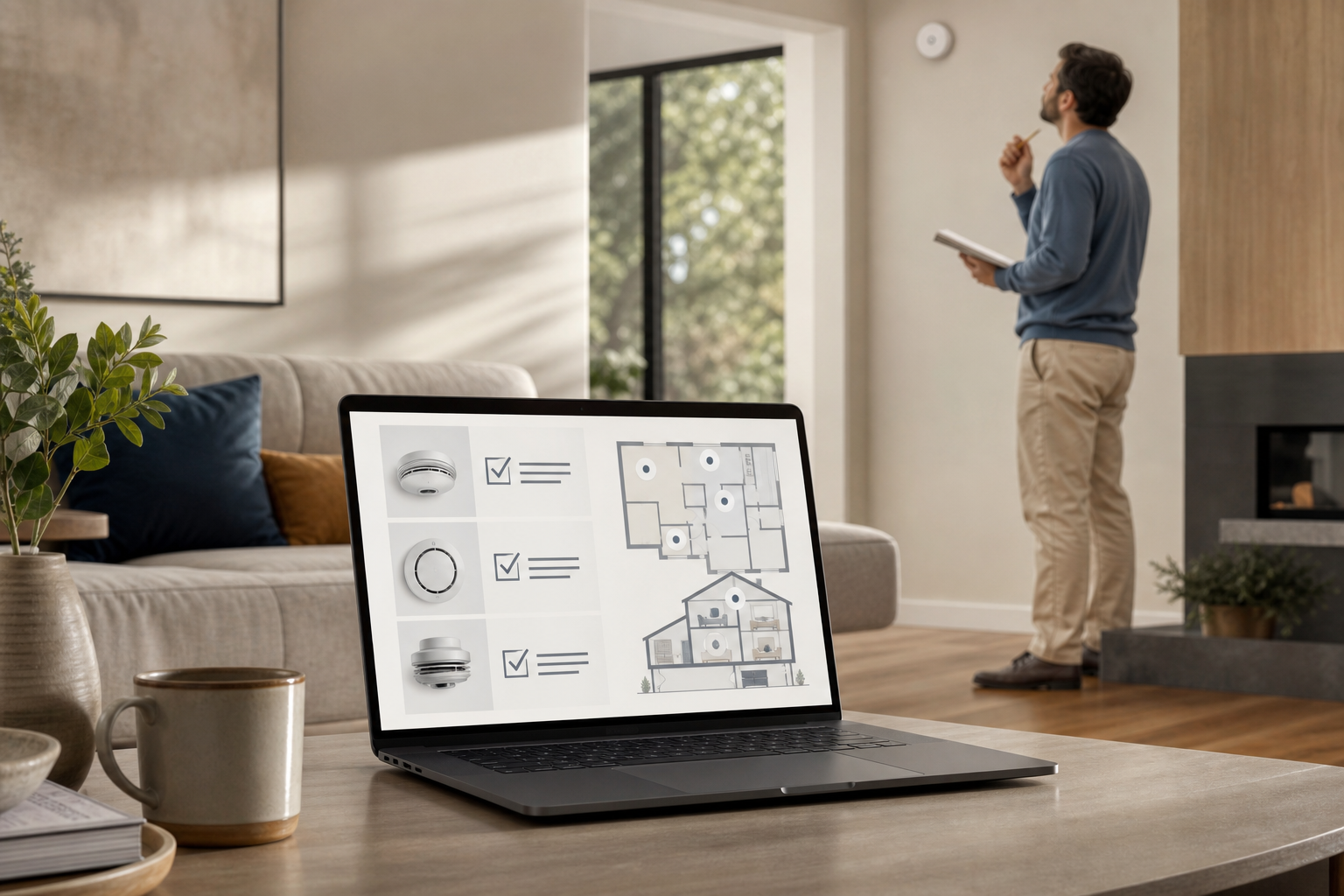
Walk each space and list what matters: face ID at the door, a view of the register, or early smoke visual confirmation. Note ceiling height, light sources, and where people enter. Sketch the field of view you need over doors and key assets.
Step 2: Check local laws and write a short policy
Look up consent rules where you operate. Decide who can view clips, how long you keep them, and how you’ll handle requests. Post signs where needed. If you record audio, confirm one- vs. two-party consent.
Step 3: Decide standalone vs. integrated
If you need life safety plus video, pick dual-purpose devices that meet code. If you want discreet video only, use camera-only units plus your standard smoke alarms. If you already have cameras, consider an AI platform that works with existing cameras across 200+ brands.
Step 4: Test placement and angles
Tape-mount the device and record a trial clip. Can you read a name badge? Are faces clear at door height? Fix glare and aim. Keep at least 2 feet from vents and lights to cut false triggers and hot spots.
Step 5: Set alerts, zones, and storage
Turn on push and email alerts with short clips. Use Zone-Based Monitoring to define virtual zones around doors, safes, or cashier lanes. Set cloud retention to 7–30 days based on your risk and policy. Name cameras by room and address, not “Cam1.
**Book a quick consult, no pressure →
Key Takeaways on How to Choose a Smoke Detector Camera (2026)
Choosing the right device saves time, reduces false alarms, and gives you proof you can act on. Here are the core points to keep handy as you choose smoke detector camera options for your site.
- Pick the right category for your goal. Dual-purpose units add code-compliant smoke sensing; disguised cams add discreet video; AI analytics upgrade what you already own.
- Lock in useful specs. Aim for 1080p+ resolution, solid night vision, motion alerts with video, and cloud storage when theft risk is real.
- Keep it legal and ethical. Post signs, get consent where required, avoid private areas, and set a clear retention policy you can share with staff.
- Test before you buy at scale. Trial a single unit, record clips at door height, and fix angles and glare before you roll out more devices.
- Plan alerts you’ll read. Real-time alerts via dashboard or email with timestamped video proof and location help you act in seconds, not hours.
As a last tip, write down what “success” looks like. For a home, it might be a clear face clip from the front room. For a store, it might be a week without unexplained cash drawer opens. If the device helps you hit that target, you picked well.
What to Do This Week
- Day 1–2: Walk your space and list shots you need. Note ceiling height and light. Read your local consent rules and draft a one-page policy.
- Day 3: Decide on dual-purpose vs. disguised vs. analytics. If you run multiple locations, short-list an AI platform that integrates with existing IP-based CCTV systems without additional hardware.
- Day 4: Order one device or start a trial. Mount it with tape for a dry run. Record clips at the entry and main work area. Fix aim and check night vision.
- Day 5: Set alerts and zones. Turn on real-time notifications with short video and timestamp. Choose cloud retention that matches your policy.
- Day 6–7: Share the policy with everyone, post signs if needed, and add a second device only after the first passes your tests. If you still need help to choose smoke detector camera gear, bring in a pro to review your layout.
If you want a human to pressure-test your plan, a quick chat can save you a mis-buy.