

**Get a campus AI assessment →
For 2026 corporate campuses, the most effective path is to add cloud AI to your current IP cameras rather than replace hardware. An ai add-on for existing security cameras delivers fast, accurate alerts without a rip-and-replace project.
Security leaders tell the same story: you have 100–500+ cameras, but your team can watch only a few live feeds at once. As a result, real incidents get missed until morning. Industry data shows that 85% of CCTV footage is never reviewed (VideoraIQ Stats). That gap leads to late responses, higher liability, and weak documentation for HR or insurance.
However, the cameras are not the issue. The missing layer is intelligent processing that can watch every stream 24/7 and flag only what matters. The right AI system analyzes each frame, triggers sub-5-second alerts, and packages video proof with precise time and location. That’s how you modernize surveillance in 2026 without a full infrastructure overhaul.
Why Corporate Campuses Are Drowning in Unwatched Footage
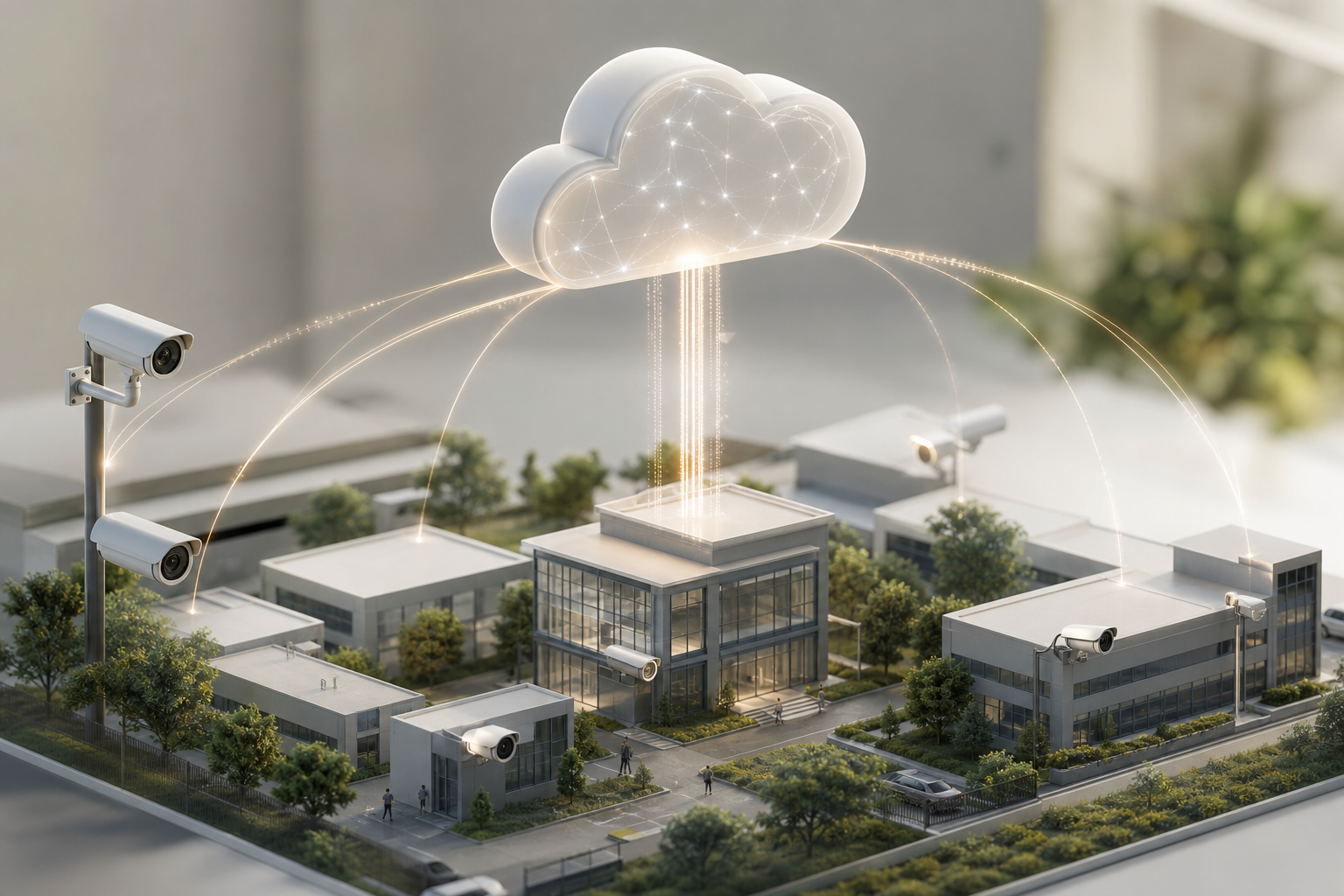
Across corporate offices, parking structures, perimeters, and loading docks, you might run 100–500+ cameras. Yet the operations desk can only view a handful in real time. Per VideoraIQ Stats, 85% of CCTV footage is never reviewed. That means most useful evidence is either seen too late or not at all.
As a result, response lags. After-hours intrusions get noticed at 8:00 a.m., not 2:03 a.m. Parking disputes lack clear plate reads. HR investigations stall due to missing timestamped clips. Insurance teams push back when you can’t pull video proof fast.
However, your cameras still have years of life. The real problem is the lack of always-on analysis. Motion-only alerts from NVRs trigger too many false alarms, so teams silence them. What you need is targeted detection that knows the difference between a stray shadow and a person crossing a restricted line at 1:17 a.m.
In addition, most campuses spread across buildings and remote parking lots. Centralizing feeds without intelligent triage turns into a wall of screens. Events slip through. A smarter layer that scans every pixel and routes only high-confidence alerts gives your team time back.
What delays incident response
- Alerts that arrive minutes late or not at all
- Motion-only detections that swamp operators
- No automatic clip capture with timestamps and locations
- No cross-site view to compare incidents across buildings
Therefore, the goal is simple: keep your existing cameras and add a system that watches every feed, in real time, with clear, fast, and legally useful alerts. The right ai add-on for existing security cameras closes the 2 a.m. gap without adding headcount.
What to Look for in an AI Add-On for Corporate Security Cameras
Choosing the right platform is a CFO-level decision. You’ll need a checklist that maps to risk, IT constraints, and growth. The seven criteria below will help you compare vendors on results, not hype.
First, make sure it works with what you already own. The platform should accept RTSP/ONVIF streams and support major IP brands so you don’t have to swap cameras. Second, confirm that the detection engines match corporate risks, from intrusion to fire and smoke. Third, focus on speed; anything slower than five seconds can miss a fast-moving event.
Buyer’s checklist (7 must-haves)
- Camera brand compatibility: Works with existing IP-based CCTV across many manufacturers, not just one vendor.
- Detection engines: Intrusion, face recognition, ANPR, fire/smoke, unattended objects, unauthorized access, line-cross, plus object detection.
- Alert latency: Sub-5-second delivery so guards can act while the event is live.
- Deployment model: Cloud-based vs. on-prem servers; weigh hardware costs, maintenance, and IT effort.
- Compliance: GDPR and HIPAA readiness for employee and visitor data, especially if you use face recognition.
- Scalability: Grows from one building to multi-campus without re-architecture.
- Evidence capture: Alerts must include video proof with timestamps and camera location tags for HR and legal.
Moreover, you’ll want granular controls. Zone-based monitoring helps you draw virtual lines around doors, docks, and perimeters. Customizable time thresholds reduce false positives in busy lobbies.
For background on cloud video strategy, this overview of Cloud based security cameras explains how central hosting affects bandwidth, IT workload, and failover. And if you’re weighing broader analytics needs, this guide to an ai camera system outlines what’s possible beyond basic motion alerts.
Speed, scale, and proof
- Target under 5 seconds from event to alert
- Look for 30–90 days of cloud retention options
- Require timestamped clips and audit trails per alert
- Confirm multi-site dashboards for campuses and remote offices
Also Read!
Best AI Add-On for Existing Security Cameras for Manufacturing Plants and Warehouses in 2026
How VideoraIQ Adds AI to Your Existing Corporate Campus Cameras
VideoraIQ starts with your current infrastructure. It works with existing cameras across 200+ brands and runs as a cloud-based service, so you don’t add on-premise servers or swap hardware. That zero-hardware-change path lets you move fast and keep costs tight.
Detection engines mapped to campus risks
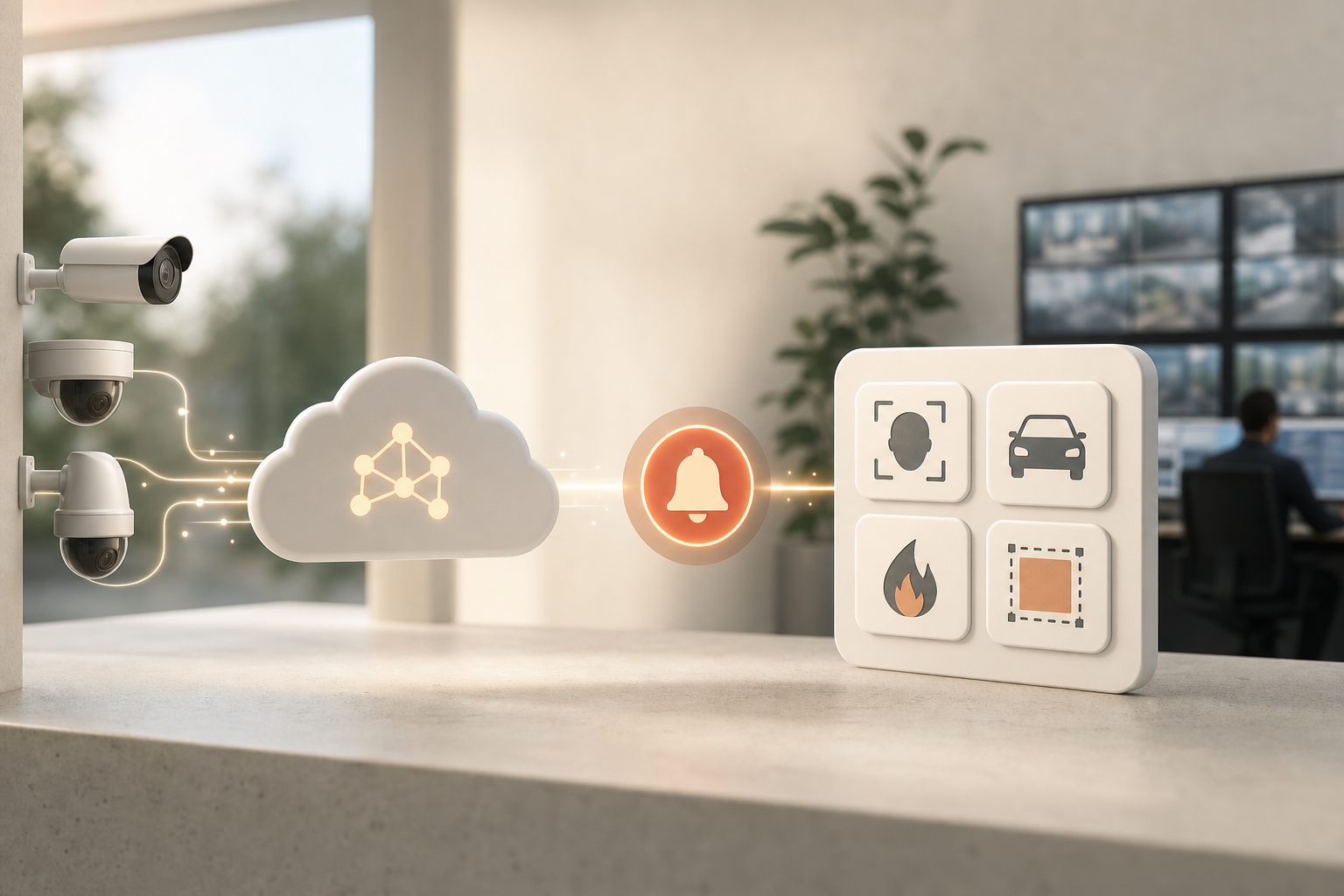
VideoraIQ includes nine AI detection engines: face recognition, intrusion detection, fire and smoke detection, object detection, number plate (ANPR), line-cross detection, unauthorized access, unattended baggage, and cashier absence detection. For corporate campuses, that translates into clear use cases. Face recognition supports visitor management and access workflows. Intrusion and line-cross detections guard perimeters after hours. Unauthorized access flags breaches in server rooms and executive floors. Unattended baggage monitors lobbies and common areas. Fire and smoke detection provides early evacuation triggers. ANPR simplifies parking gates and incident lookups.
Specifically, the platform delivers <3 seconds alert latency with 99.4% detection accuracy (VideoraIQ Stats). That speed and precision change outcomes. Your team can intercept an intruder before a door is forced, not 20 minutes later. And with real-time alerts that include video proof, a location tag, and a timestamp, you have instant evidence for dispatch, HR, or insurance.
Granular control for busy buildings
Corporate environments are dynamic. VideoraIQ’s Zone-Based Monitoring lets you draw virtual zones around loading docks, entrances, and parking garages. You can set Customizable Time Thresholds to define how long an object must remain before it’s flagged as unattended. Heatmaps & Analytics show footfall patterns to plan staffing, lighting, and camera placement.
"We went from finding out about incidents in the morning briefing to being notified in real time. VideoraIQ caught an intruder at 2AM that our overnight guard missed. That one event alone justified the entire platform cost." — Ananya Mehta, Head of Facilities, 200-Camera Corporate Campus
In addition, the system is built for continuity. VideoraIQ already monitors 10,000+ cameras and is deployed in 7+ countries (VideoraIQ Stats). Alerts include auto-captured video evidence with timestamps and camera locations, which speeds internal reviews and closes insurance gaps.
"The system handles surveillance 24/7. No more missed alerts or relying solely on camera operators." — Jason Rodriguez, Security Manager
Pricing tiers that match campus size
- Starter: Up to 20 cameras with real-time alerts and 7-day cloud retention.
- Professional: Up to 200 cameras with all nine AI engines and 30-day retention. This is the sweet spot for most single-campus corporate offices.
- Enterprise: Unlimited cameras, custom AI models, and 90-day retention for multi-campus deployments.
If you want a primer on the broader market trends, see this neutral overview of an ai security camera. It pairs well with VideoraIQ’s cloud model because you can adopt AI now and replace hardware only as cameras age out.
VideoraIQ vs. Other AI Camera Add-Ons: An Honest Comparison
Corporate buyers usually consider two alternate paths. First, NVR/VMS-native analytics like basic motion detection built into Milestone, Genetec, or Hikvision NVRs. Second, full camera replacement with AI-native cameras from brands like Verkada or Rhombus. Each approach has trade-offs.
NVR-native analytics are cheaper because you already own them. However, they tend to raise false alarms and lack engines like face recognition, unattended object detection, and fire/smoke detection. They also don’t offer a cloud dashboard that unifies multiple campuses.
On the other hand, full-replacement AI cameras can work well because hardware and software are tightly integrated. But for sites with 100+ cameras already deployed, ripping and replacing is a major capital hit and creates downtime. It also locks you into a single camera ecosystem.
VideoraIQ takes the middle path: advanced AI without hardware replacement. It integrates with existing IP-based CCTV systems without additional hardware and runs in the cloud, delivering <3 seconds alert latency and 99.4% detection accuracy (VideoraIQ Stats). That blend of speed, breadth, and retrofit is hard to match.
"Installation was quick, and it worked with our current CCTV—no downtime, no extra investment." — Sana Ibrahim, Hotel Security Lead
"Our fire was detected 52 seconds before our smoke alarm triggered. The VideoraIQ alert came with a live camera link — my team was already on their way before the alarm sounded. That system saved the building." — Nilesh Kapoor, Plant Safety Supervisor, Manufacturing Facility (480 cameras)
Snapshot comparison
| Factor | NVR/VMS-Native Motion | Full Replacement AI Cameras | VideoraIQ AI Add-On |
|---|---|---|---|
| Number of AI engines | 1–3 basic | 6–10+ | 9 (incl. face, ANPR, fire/smoke, unattended) |
| Camera brand reuse | Yes | No (new cameras) | Yes (200+ brands) |
| Deployment model | On-prem NVR | New cameras + cloud | Cloud; no on-prem servers |
| Alert latency | Variable, often >5s | 3–5s typical | <3 seconds (VideoraIQ Stats) |
| Cloud retention | Limited or add-on | Tiered by vendor | 7/30/90-day tiers |
| Compliance | Varies | Varies | GDPR and HIPAA compliant |
| Reuse existing cameras | Yes | No | Yes |
In short, compared to alternatives, VideoraIQ offers the breadth and speed of AI-native platforms while keeping your current infrastructure intact.
Trust, Compliance, and Proven Scale
Large enterprises care about privacy and data security first. VideoraIQ is GDPR compliant and HIPAA compliant, which sets a strong baseline for handling employee and visitor data, including face recognition. For a deeper dive on principles, see the official GDPR regulation text.
In practice, cloud-based analysis reduces your on-prem attack surface by removing local servers. Central management also standardizes updates and audit trails across sites. VideoraIQ monitors 10,000+ cameras and is deployed in 7+ countries, with 99.4% detection accuracy (VideoraIQ Stats). That scale matters when you expand from a single HQ to multiple campuses.
Furthermore, Zone-Based Monitoring and Customizable Time Thresholds show the level of control enterprise teams expect. You can tune alerts per area, for example, longer thresholds in a busy cafeteria and tighter rules for a badge-only lab.
"Within 3 weeks VideoraIQ identified a recurring pattern of after-hours cashier zone access. We discovered internal theft we had no idea was happening. It paid for 6 months of subscription in the first incident." — Sujata Rao, Regional Operations Manager, 14-Location Retail Chain
Finally, the tiered pricing model scales with you. Starter covers targeted pilots, Professional fits 200-camera campuses with 30-day retention, and Enterprise supports unlimited cameras with custom models and 90-day retention. In 2026, that flexibility helps you budget and expand without forcing a one-size-fits-all contract.
Also Read!
How to Choose Face Recognition and License Plate Camera Software for Corporate Campuses
Getting Started: Adding AI to Your Campus Cameras in 3 Steps
Rolling out AI can be fast and low-risk when you keep existing cameras. Because VideoraIQ is cloud-based and needs no on-premise servers, you avoid site downtime and long IT projects. Here’s a simple plan to prove value in weeks, not quarters.
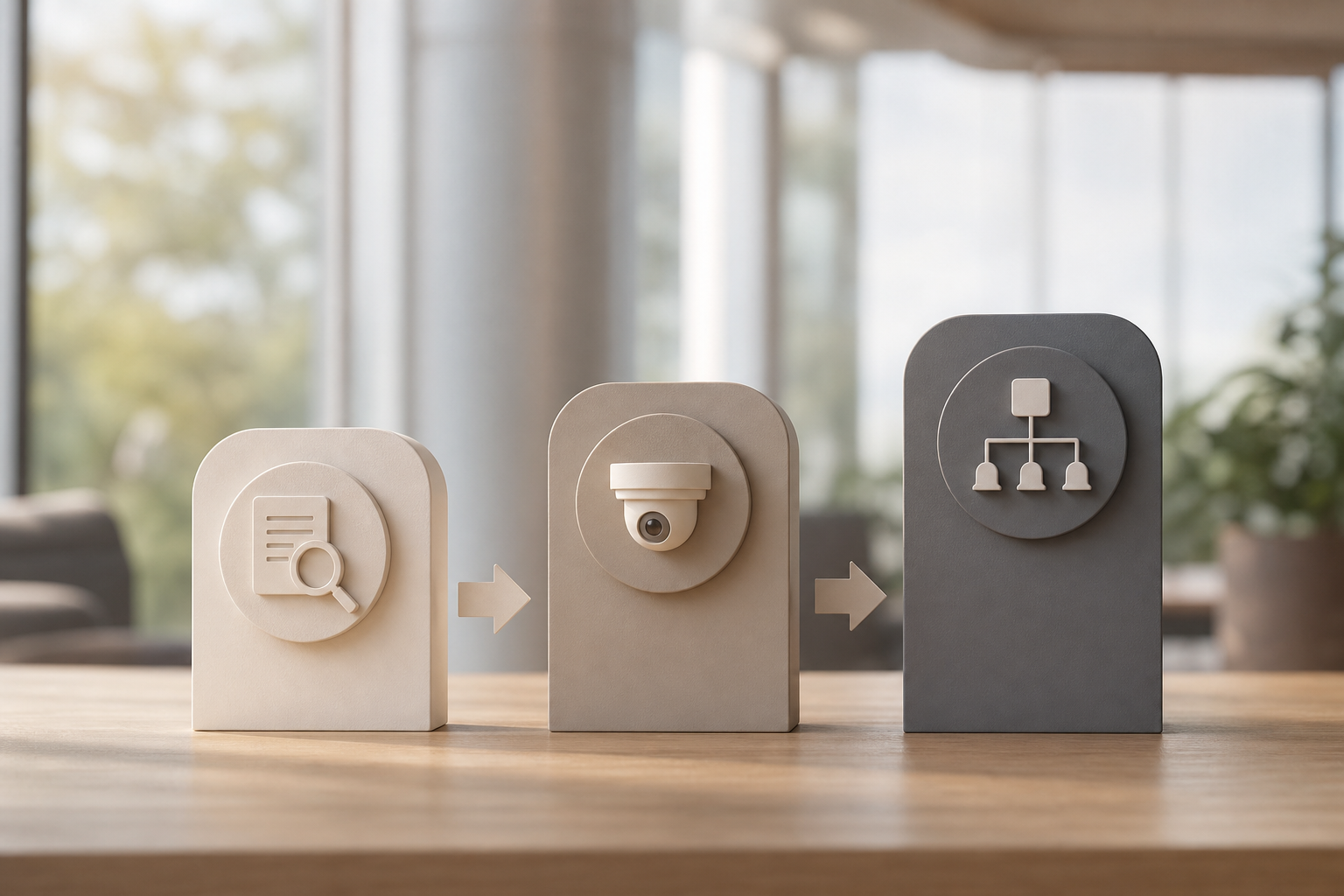
Step 1: Camera audit
- Inventory how many IP cameras you have, with brands, models, and IP/RTSP details.
- Note key areas: lobbies, perimeters, loading docks, parking lots, server rooms.
- Confirm network paths; VideoraIQ supports 200+ brands.
Step 2: Pilot deployment
- Start in one high-priority zone with 20–50 cameras on the Professional tier.
- Validate <3s alerts, 99.4% accuracy, and guard workflows.
- Measure outcomes: number of actionable alerts, response times, and evidence pulled.
Step 3: Roll out and configure
- Define virtual zones, set customizable time thresholds by area and schedule.
- Configure alert routing to the dashboard or email, and train staff.
- Expand building by building; no additional hardware means zero downtime on feeds.
For related tactics used in complex sites, this playbook on How to Add AI to Existing Security Cameras at Airports and Transit Stations shows how large venues stage pilots and scale.
Frequently Asked Questions
How much does it cost to add AI to existing corporate security cameras?
VideoraIQ offers three tiers. Starter supports up to 20 cameras with real-time alerts and 7-day cloud retention. Professional covers up to 200 cameras with all 9 AI engines and 30-day retention; this is the best fit for single-campus corporate offices. Enterprise provides unlimited cameras, custom AI models, and 90-day retention for multi-campus deployments. No additional hardware or server costs are required.
Will AI video analytics work with my existing camera brands?
Yes. VideoraIQ supports 200+ IP camera brands and integrates with existing IP-based CCTV systems without camera replacement or extra hardware. For certainty, schedule a pilot assessment to confirm specific model support in your environment. This retrofit-first model keeps your capital plan intact.
How accurate is AI detection compared to human security guards?
VideoraIQ delivers 99.4% detection accuracy with <3 seconds alert latency (VideoraIQ Stats). By contrast, 85% of CCTV footage is never reviewed by human operators, which means live events go unseen. AI augments guards by analyzing every feed 24/7 and surfacing only actionable events. Your team still makes the call and responds on site.
Is cloud-based AI video analysis secure enough for corporate environments?
Yes. VideoraIQ is GDPR compliant and HIPAA compliant, meeting strict enterprise standards for personal data. Cloud deployment removes the need for on-premise servers, which can reduce attack surface and centralize security controls. During evaluation, review VideoraIQ’s data handling policies with your corporate IT team and align on retention and access controls.
Can AI detect threats other than intruders on a corporate campus?
Absolutely. VideoraIQ’s nine detection engines include face recognition, intrusion detection, fire and smoke detection, unattended baggage, unauthorized access, line-cross detection, ANPR for parking, object detection, and heatmap analytics for space planning. This spans safety, physical security, and operational insights in one platform. One system means one dashboard and consistent alerting.
How long does it take to deploy AI on an existing campus camera system?
Deployment can start as soon as cameras are connected because the platform is cloud-based and needs no on-premise servers. Many sites begin with a 20–50 camera pilot and expand in phases. As Sana Ibrahim noted, "Installation was quick, and it worked with our current CCTV, no downtime, no extra investment.", which reflects the retrofit advantage.
What happens if the AI generates too many false alarms?
VideoraIQ’s pattern recognition keeps false alarms low. You can fine-tune alerts with Customizable Time Thresholds, for example, how long an object must sit unattended before an alert, and focus on critical areas with Zone-Based Monitoring. These controls are ideal for busy lobbies, cafeterias, and garages where constant motion would otherwise flood your team.
Do I still need security guards if I add AI to my cameras?
Yes. AI is a force multiplier, not a replacement. It ensures no camera feed goes unwatched and flags only events that need a response. Guards still manage visitor interactions, access decisions, and on-site action. As Ananya Mehta shared, AI caught an intruder at 2AM that the overnight guard missed, and the guard was essential for the response.
Final Takeaways
- Keep your cameras. In 2026, the smart move is an ai add-on for existing security cameras that watches every feed with <3s alerts and 99.4% accuracy.
- Aim for breadth and control. Look for nine core engines, GDPR/HIPAA readiness, zone-based rules, and timestamped video evidence.
- Prove value, then scale. Run a 20–50 camera pilot on a high-risk zone, refine thresholds, and roll out across buildings with no downtime.
**Schedule a campus security assessment →
For a sector-specific look at retrofit AI in large venues, this neutral comparison of the Best AI Add-On for Existing Security Cameras at Airports and Transit Stations in 2026 highlights deployment patterns you can adapt to corporate campuses.

