

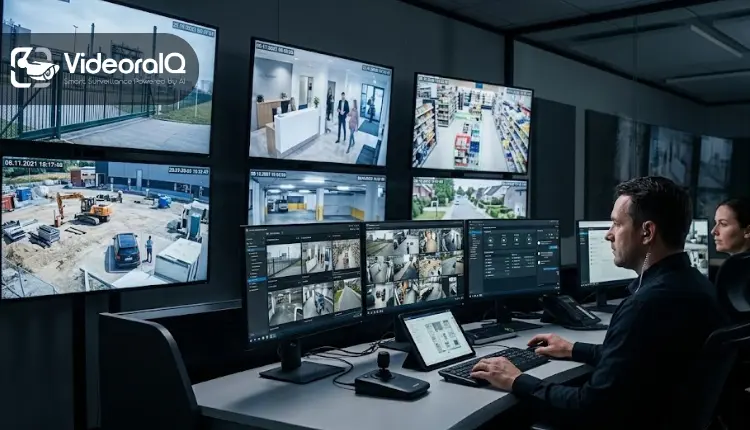
Security threats don’t wait for business hours, and neither should your ability to respond to them. More property owners and businesses are turning to remote monitoring to keep watch when they can’t be physically present. This guide covers what remote video monitoring is, how it works, what it typically costs, and why it’s become essential to modern security.
What Is Remote Video Monitoring?
Remote video monitoring is the practice of viewing live or recorded camera footage from a location away from the property being watched, typically through an internet-connected smartphone, tablet, or computer. Unlike traditional CCTV, which only records footage for later review, remote monitoring gives you real-time visibility into what’s happening on your property, no matter where you are.
How Remote Video Monitoring Works
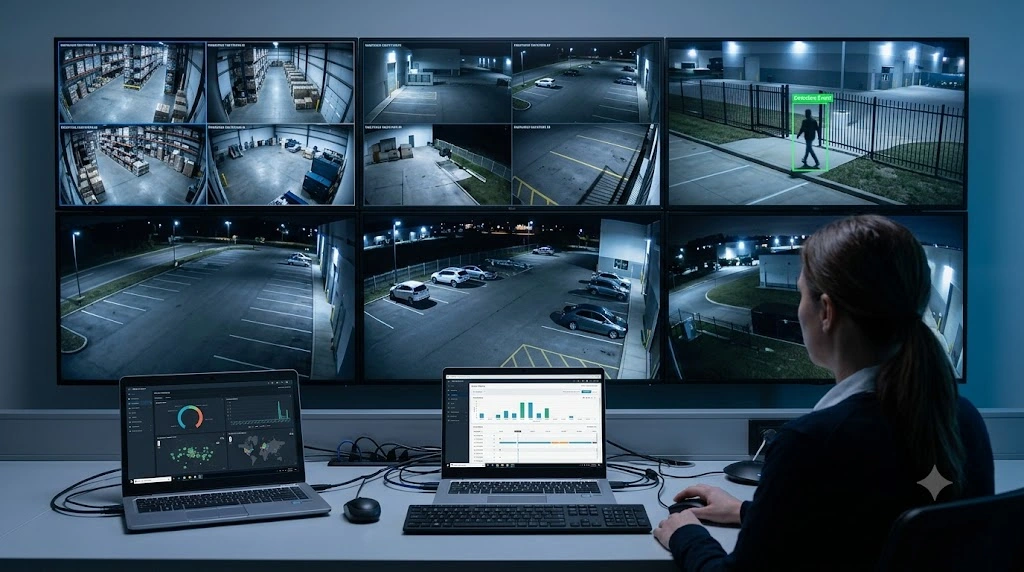
A monitoring setup relies on a few core components:
- Cameras: IP-based cameras capture footage and transmit it over your network, ranging from fixed-lens units to remotely controllable pan-tilt-zoom cameras.
- Network connectivity: Cameras connect via your router or a cellular connection, streaming footage to the cloud or a local recorder.
- Storage: Cloud storage has become the preferred choice for remote monitoring since it protects footage even if hardware is stolen or damaged.
- Monitoring app: A dedicated app lets you view live feeds, review recordings, and receive alerts from anywhere.
- Smart alerts: Motion sensors and AI-based detection trigger notifications the moment something unusual happens.
Why Remote Video Monitoring Matters
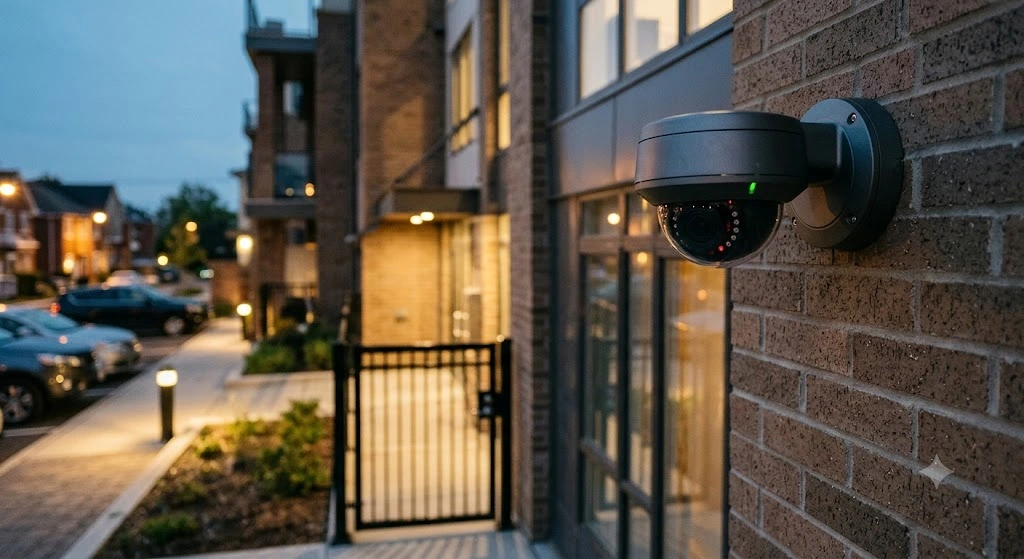
Real-time awareness: Instead of discovering a break-in after the fact, remote monitoring lets you watch incidents happen live and respond immediately.
Deterrence: Visible cameras paired with active monitoring discourage criminal activity before it starts.
Cost-effective coverage: Monitoring lets one person or team oversee multiple properties at once, cutting the cost of on-site security staff.
Evidence and accountability: Timestamped footage from a monitoring system provides clear evidence for insurance claims and police reports.
Peace of mind: Checking in on a property from anywhere, at any hour, removes the uncertainty of being away.
Common Applications
Remote monitoring is used across residential properties, retail stores, warehouses, construction sites, parking facilities, and corporate offices — anywhere continuous, real-time oversight matters more than passive recording.
Remote Video Monitoring Cost and Virtual Guarding
One of the biggest reasons businesses adopt monitoring is the cost gap between it and traditional guarding. A single on-site security guard, factoring in wages, benefits, shift coverage, and overtime for nights and weekends, commonly runs into six figures annually per post once you account for round-the-clock coverage. Multiply that across several entrances, parking areas, or sites, and the number climbs fast.
Virtual guarding cost works differently. Instead of paying for a person to stand at a single location, you pay for a monitoring service or platform that can watch multiple cameras and multiple properties simultaneously. Pricing typically scales with camera count and the level of service you choose — basic self-monitoring with app alerts, a professionally staffed virtual guard service that responds to events in real time, or an AI-driven platform that filters footage automatically and only escalates genuine threats. Even at the higher end, ongoing monitoring cost tends to fall well below the cost of even a single full-time guard position, while covering far more ground.
This is where the AI monitoring vs. security guards comparison becomes relevant. A guard can only watch what’s directly in front of them and is subject to fatigue, distraction, and blind spots during long shifts. AI-driven monitoring doesn’t get tired, doesn’t miss a frame, and can flag an event across dozens of cameras at once. Guards still bring value where physical presence and judgment matter — de-escalating a confrontation, checking IDs, walking a perimeter — so many businesses land on a hybrid model: AI-powered remote monitoring handling continuous surveillance and triage, with guards or professional monitoring agents dispatched only when the system confirms something worth acting on. That combination typically delivers stronger coverage at a lower total remote video monitoring cost than staffing guards alone.
Key Features to Look For
- HD video quality — 1080p minimum, with 4K increasingly standard
- Night vision — reliable infrared or color performance after dark
- Smart motion detection — AI that distinguishes people and vehicles from false triggers
- Cloud storage — encrypted, with flexible retention periods
- Mobile app quality — live streaming, instant playback, and custom alerts
- Two-way audio — for warning off intruders or greeting visitors
- System integrations — with alarms, smart locks, and access control
- Professional monitoring — trained agents who can dispatch emergency services on your behalf
Also Read –
Choosing the Right Provider
Assess your camera count, budget, and whether you need professional monitoring or self-monitoring alone. Get a clear breakdown of monitoring cost upfront, including any per-camera fees, storage tiers, and monitoring add-ons, so there are no surprises once you scale up. Prioritize reliability above all else — a remote monitoring system that disconnects or lags during a critical moment defeats its own purpose. Choose a platform that can scale as your needs grow, ideally one where adding cameras or sites doesn’t mean renegotiating your entire contract.
The Future of Remote Video Monitoring
AI is making monitoring smarter and more proactive, with facial recognition, license plate reading, and predictive analytics increasingly built in. As the AI monitoring vs. security guards conversation continues to shift, more organizations are treating AI as the first line of detection and guards as the response layer, rather than choosing one over the other entirely. Integration with smart locks, lighting, and alarms is turning monitoring from a passive recording tool into an active security partner.
Final Thoughts
Remote monitoring has changed how homes and businesses approach security, offering real-time visibility, deterrence, and reliable evidence without requiring someone on-site around the clock. Weighed against the ongoing cost of guard staffing, virtual guarding costs and AI-driven monitoring increasingly come out ahead on both price and coverage. As threats evolve, monitoring will keep growing more central to a well-rounded security strategy.
See What VideoraIQ Adds to Remote Video Monitoring
Standard remote monitoring tells you that something happened on camera. VideoraIQ tells you what it is, in real time, before it becomes a problem:
- 16 AI detection engines running on every frame — intrusion and perimeter breach detection, fire and smoke, face recognition, license plate recognition, loitering, PPE compliance, crowd density, and more, all in one platform.
- Sub-3-second alerts delivered with a timestamped video clip, camera location, and event type, so your team gets context instead of just a ping.
- Works with cameras you already own — camera-agnostic across 200+ brands, including Hikvision, Dahua, Axis, and Bosch, with no hardware swap needed.
- Cloud-native deployment — no on-premises servers or NVR appliances, scaling from 5 cameras to 5,000+ across unlimited sites.
- Live in under 72 hours — a fraction of the months-long rollout typical of enterprise surveillance platforms.
- Built-in compliance — GDPR and HIPAA-aligned with end-to-end encryption, role-based access, and full audit trails.
- Under 5% false alarm rate, cutting the notification fatigue that makes teams start ignoring alerts.
- Industry-specific detection — from pharmacy monitoring in healthcare to hazardous-zone intrusion alerts in manufacturing to crowd anomaly detection for public safety.
For organizations weighing AI monitoring vs. security guards and looking to bring down their overall virtual guarding cost, VideoraIQ turns remote monitoring into active threat intelligence.
Start a free pilot at VideoraIQ →

